FSD stays only when it is an included package
A used Tesla keeps paid FSD when the car’s Software screen shows Full Self-Driving Capability as an Included package. If the screen merely indicates that the vehicle is capable of FSD, that does not prove the paid software is part of the sale. A subscription is also different: Recharged has seen active subscriptions displayed with an expiration date rather than as an included package. That distinction matters because you should not pay an FSD premium for hardware capability or short-term access.
The wording on the screen is the clearest way to separate the three situations a used-Tesla buyer may encounter. Check it in the car rather than relying only on an advertisement, window sticker, or salesperson’s description. If you are still comparing vehicles, start with our used Tesla buying guide and then confirm the software status on each specific car.
What each Tesla software status means
Use the vehicle’s Software screen to identify what is actually included.
| Screen status | What you receive | What to check |
|---|---|---|
| Included package | FSD included | Exact package wording |
| Subscription with date | Temporary access | Expiration date |
| FSD capable only | Compatible hardware | No paid package shown |
The exact screen wording matters more than a general claim that a Tesla “has FSD.”
“FSD capable” is not the same as “FSD included”
What Recharged saw on used Teslas
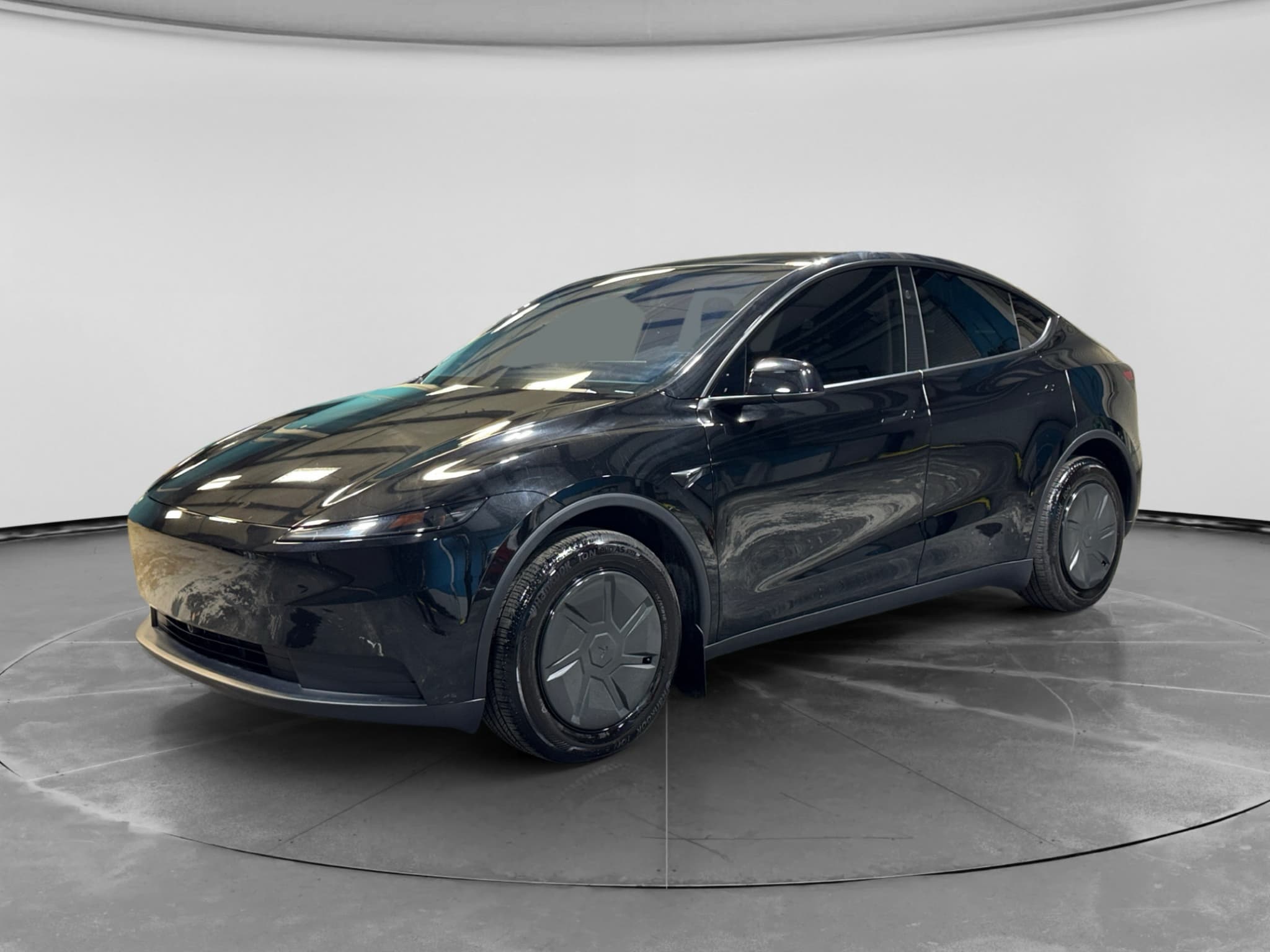
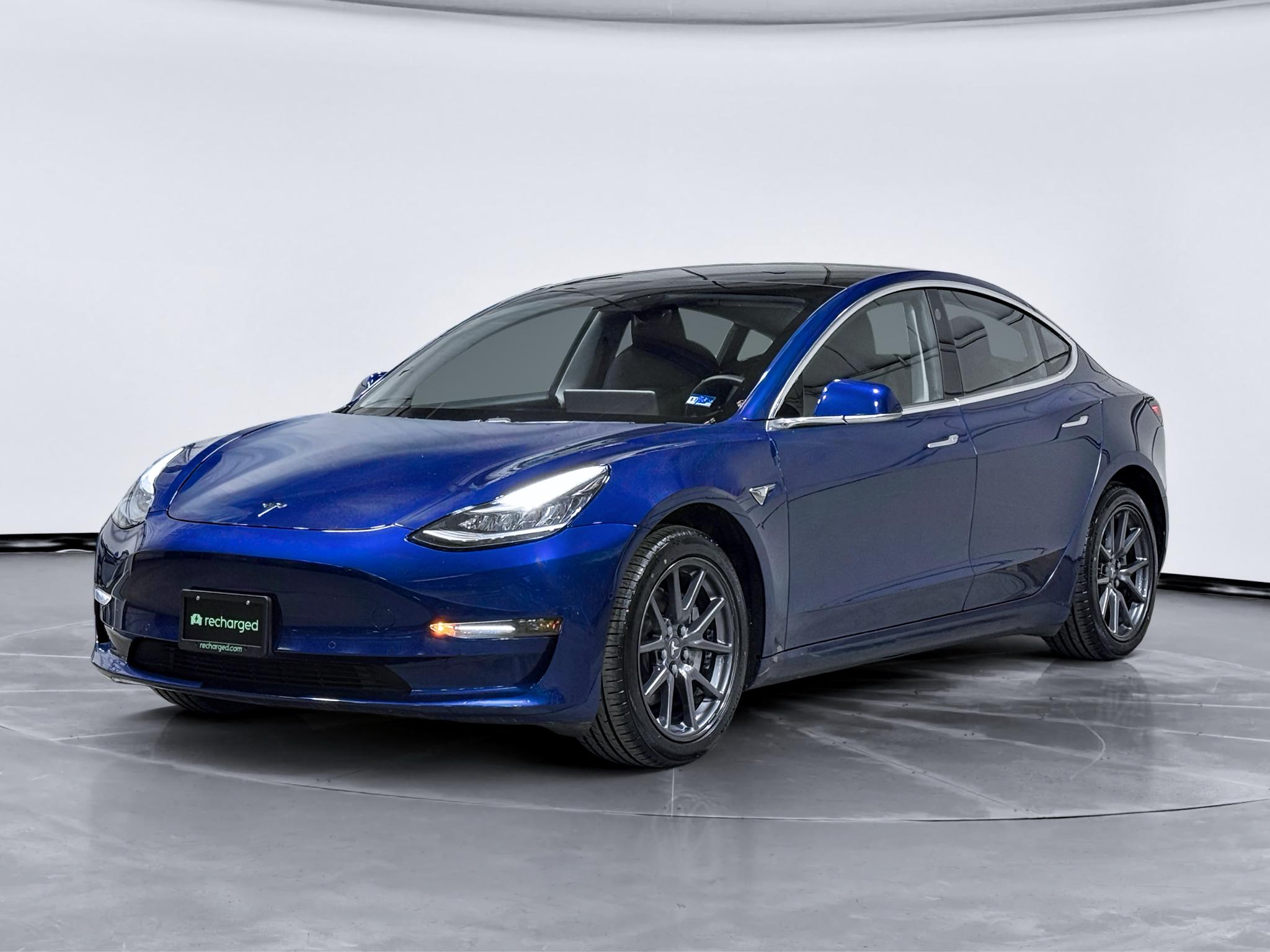
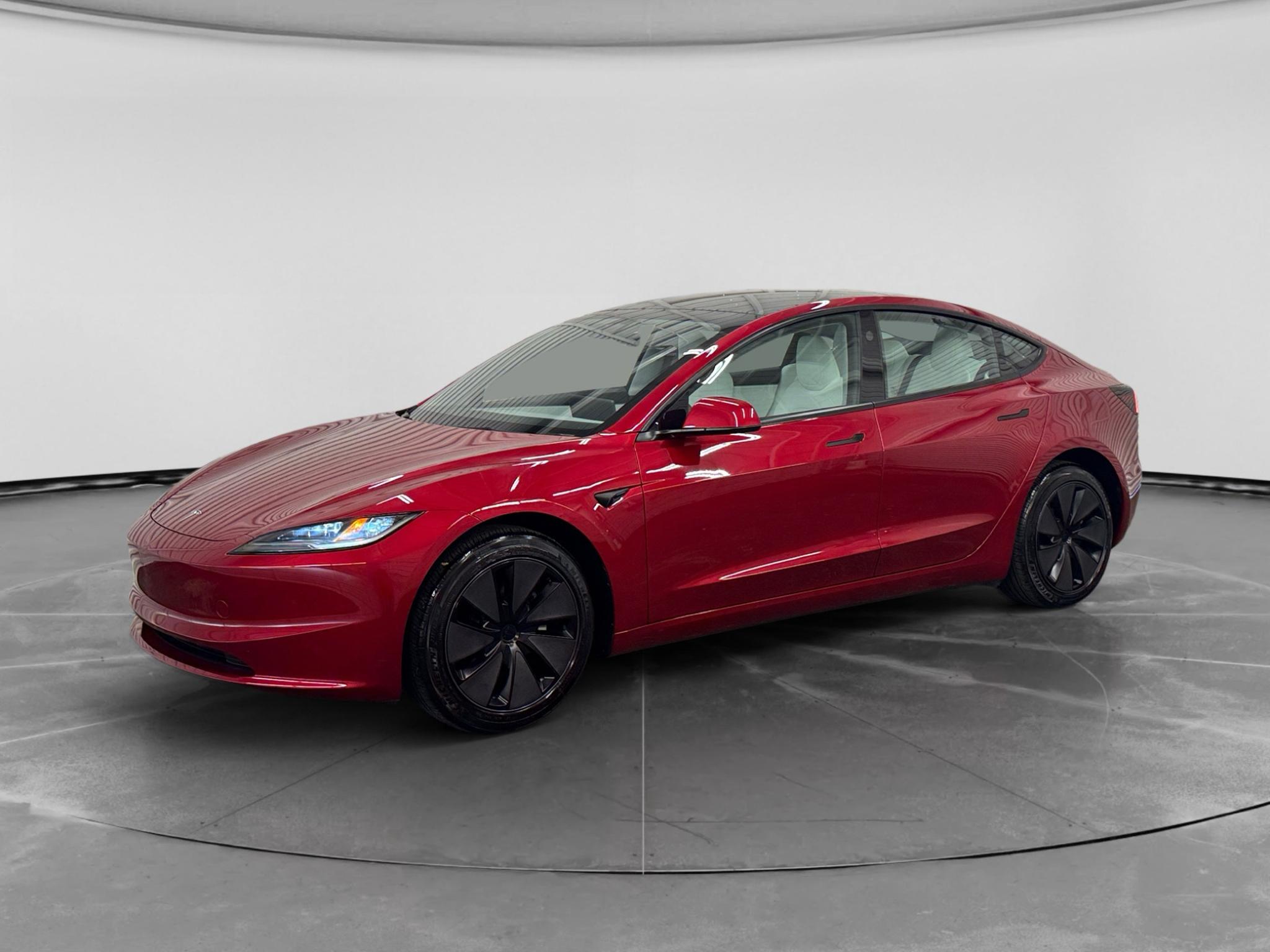
Recharged saw real variation among the used Teslas it handled: some displayed FSD as an included package, while others had different software upgrades or no included FSD. In one documented example, a 2020 Model 3 with 39,000 miles showed Full Self-Driving as included directly on its touchscreen. Recharged’s Model Y inventory also included a mix of cars, some with FSD and some with other software features, so model name and model year alone did not settle the question. Buyers had to check the individual vehicle.
If it does not say “Included package,” it is not going to transfer to you.
That firsthand lesson is straightforward: verify the car, not the category. Two used Teslas that otherwise look similar may not include the same software. The same vehicle-specific approach applies to physical condition and battery diagnostics, which is why a used-EV inspection checklist and a verified battery-health report are useful alongside the software check.

What Recharged’s market data can, and cannot, tell you
Recharged’s fleet-wide data shows a broad used-EV market, but it does not isolate a specific price premium for Tesla FSD. Among 417 EVs listed on Recharged at the snapshot date, the median asking price was $30,997 and the average was $34,803, with current listing prices ranging from $12,996 to $146,998. Across 1,796 EVs buyers purchased from Recharged during the trailing 12 months, the median retail sold price was $27,297 and the average was $29,901. These figures provide market context, but they should not be used to calculate what FSD is worth on a particular Tesla.
The practical takeaway is to compare otherwise similar Teslas and confirm the included software on each one. Price differences may also reflect mileage, condition, battery health, configuration, accident history, and other equipment. Recharged’s used Tesla battery-health guide explains another vehicle-specific factor that deserves separate verification.
Recharged data
Used EV prices at Recharged
$30,997
median list price
Current list prices for matching inventory at Recharged.
- Lowest
- $12,996
- Average
- $34,803
- Highest
- $146,998
Average Recharged Score on these listings
4.8 / 5
Range
3.7 – 5.0
Based on available listings
Recharged data
Recent EV sold prices
$27,297
median sold price
What buyers actually paid through Recharged, not list price.
- Lowest
- $500
- Average
- $29,901
- Highest
- $129,998
Monthly median sold price
Based on Recharged sales in the last 12 months
Every EV is battery-tested with a Recharged Score. Nationwide delivery.
How do you verify FSD before buying?
You can verify FSD by opening the vehicle controls, selecting Software, and reading the section that lists included packages. Complete this check on the actual car you are buying and repeat it near delivery if there is any delay between inspection and purchase. Save a photo of the screen and make sure the purchase documents describe the software consistently.
Used Tesla FSD verification checklist
Open the Software screen
Use the touchscreen in the specific vehicle rather than relying on a listing description.
Find the package wording
Look for Full Self-Driving Capability identified specifically as an “Included package.”
Check for an expiration date
A displayed date indicates time-limited subscription access, not the same status as an included package.
Match the advertisement
Ask the seller to correct any listing that conflicts with what the vehicle’s screen shows.
Document it before delivery
Photograph the screen and retain the listing and purchase documents for your records.
Check again at handoff
Instant offer, trade-in, or consignment. Pickup available.
Used Tesla FSD questions
The bottom line
A used Tesla can keep FSD, but the decisive evidence is the vehicle’s own Software screen. Look for “Included package,” treat a dated subscription as temporary, and do not confuse FSD capability with paid software. Recharged saw these differences firsthand, making an in-car verification one of the most important checks before you buy.