If you own or are shopping for a Nissan Leaf, the battery price is the single biggest factor in your long‑term cost of ownership. In 2025, a Nissan Leaf battery can cost anywhere from around $2,000 for a used pack installed to well over $14,000 for a brand‑new, high‑capacity upgrade. Understanding those numbers, and when it makes sense to pay them, is critical before you commit to a repair or a used Leaf purchase.
At a glance
Nissan Leaf battery sizes and what they cost in 2025
To talk about Nissan Leaf battery price, you first have to know which pack you have. Across its life, the Leaf has used several different pack sizes, and they don’t all cost the same to replace or upgrade.
Nissan Leaf battery packs by model year
Common pack sizes found in U.S.-market Nissan Leafs and the model years they’re associated with.
| Model years (U.S.) | Trim / version | Pack size (usable kWh) | Typical EPA range when new |
|---|---|---|---|
| 2011–2015 | Leaf (early ZE0/AZE0) | 24 kWh | 73–84 miles |
| 2016–2017 | Leaf (late first gen) | 30 kWh | 107 miles |
| 2018–2022 | Leaf (2nd gen standard) | 40 kWh | 149–150 miles |
| 2019–2022 | Leaf Plus | 62 kWh | 215–226 miles |
| 2023–2025* | Leaf / Leaf Plus refresh | 40 kWh / 60–62 kWh | 149–215+ miles |
| 2026+ (announced) | 3rd‑gen Leaf | ~75 kWh | 200+ miles (projected) |
Knowing your pack size is the first step to estimating your Leaf battery price.
How to check your pack size
Typical Nissan Leaf battery pack price ranges (2025, U.S.)
Specialist EV shops and independent guides now peg Leaf 40 kWh replacement costs in roughly the $6,000–$7,500 range installed, with 62 kWh Leaf Plus packs often quoted around $8,500–$10,000 including labor. Smaller 24 kWh and 30 kWh packs are sometimes cheaper, but scarcity and the limited range they provide can keep pricing surprisingly high relative to their usefulness.
Nissan Leaf battery price overview by option
There isn’t just one Nissan Leaf battery price, there are several, depending on whether you choose new OEM, used, refurbished, aftermarket upgrade, or a warranty replacement. Here’s how those options stack up in 2025.
Nissan Leaf battery price by replacement option (2025 est., U.S.)
Approximate price ranges compiled from recent market data, EV battery specialists, and owner reports. All prices include typical labor where noted.
| Option type | What you’re getting | Parts price (typical) | Installed cost (typical) | Pros | Cons |
|---|---|---|---|---|---|
| New OEM pack via Nissan dealer | Brand‑new Nissan pack, same size as original | $5,500–$13,000+ | $6,000–$14,500+ | Factory parts, warranty support, simple path | Often exceeds car value; dealer markup; limited flexibility |
| Refurbished Leaf pack | Reconditioned pack, similar capacity to original | $3,000–$7,000 | $3,500–$8,000 | Cheaper than new, some warranty, decent range | Condition varies; smaller capacity than modern packs |
| Used/salvage pack | Pulled from a wrecked Leaf, health varies | $1,500–$4,000 | $2,000–$5,000 | Lowest upfront cost, good for budget builds | Short warranties, unknown history, may already be degraded |
| Aftermarket upgrade (40–60+ kWh) | Custom or semi‑custom higher‑capacity pack | $4,500–$12,000+ | $4,500–$18,500+ | More range than stock, often 3‑year warranties | High cost, limited installer network, long‑term support risk |
| Warranty replacement | OEM pack paid by Nissan under traction battery warranty | $0 to owner | $0 to owner | Best‑case scenario, brand‑new pack for free | Only for cars still under warranty and below capacity threshold |
These are ballpark numbers, always get real quotes for your VIN and location.
Don’t forget state of health (SOH)
Labor, installation, and hidden costs
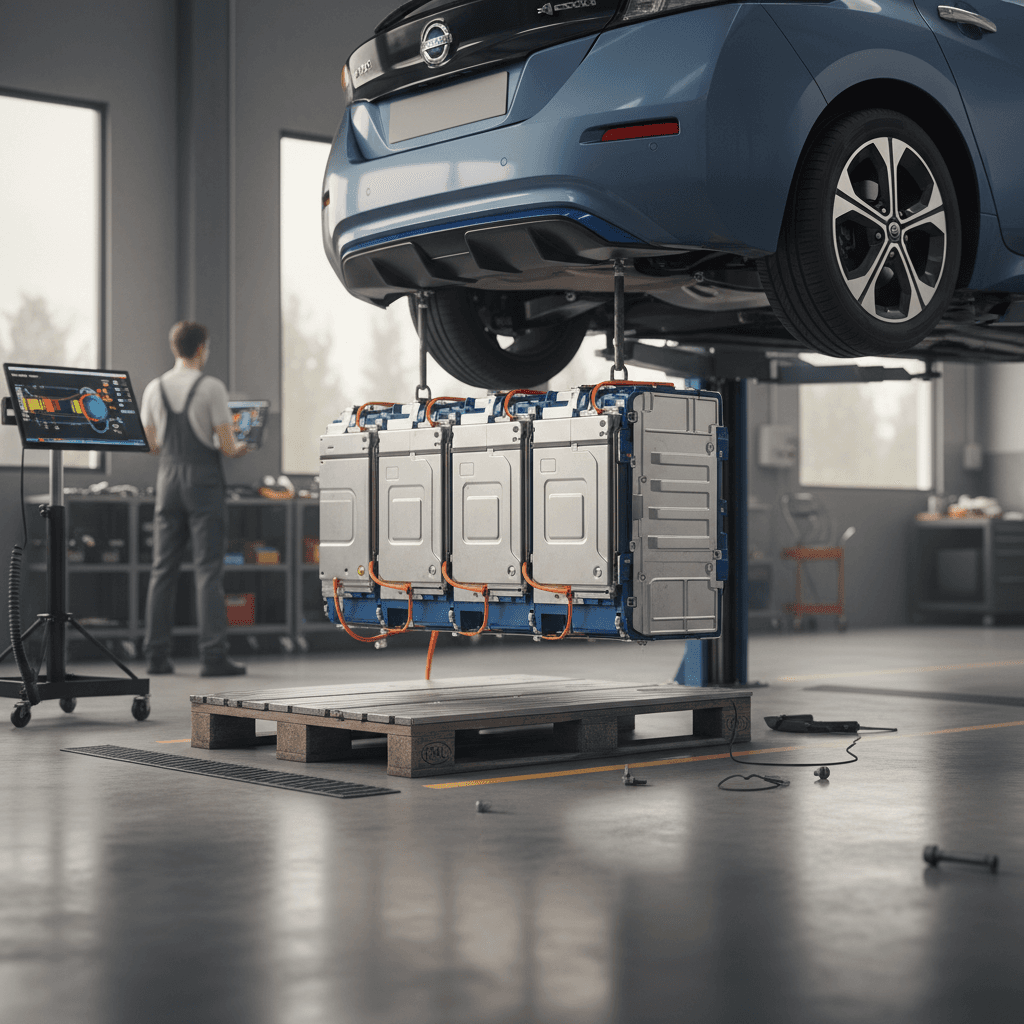
Battery parts are only half the story. Dropping a 600‑plus‑pound high‑voltage pack out of a Leaf requires special equipment and training, and the labor side of a Nissan Leaf battery replacement can easily add $500–$1,500 to the bill.
- Most EV shops quote 5–7 hours of labor for a straightforward swap.
- Typical shop rates cluster around $100–$150 per hour, depending on region and shop specialization.
- Complex upgrades (like fitting a newer 40 or 62 kWh pack into an early 24 kWh Leaf) can take longer due to wiring, CAN‑bridge modules, and software configuration.
- Some shops add fees for coolant, fastener replacement, shop supplies, and battery disposal or shipping.
Dealer installation
- Generally the simplest path if you want a new OEM pack.
- Labor is often at the high end of the range (or above), and parts are rarely discounted.
- You’ll usually get stronger documentation for future resale, but may pay more than the car is worth.
Independent EV specialist
- More likely to offer used, refurbished, or upgraded packs.
- Labor costs can be lower, and they tend to be more flexible about upgrades.
- Warranties and long‑term support can vary widely, vet the shop carefully.
Get at least two quotes
Warranty, recalls, and when you might pay $0
Every U.S.‑market Leaf came with a 8‑year / 100,000‑mile battery warranty covering defects and excessive capacity loss. For many 2017–2022 Leafs, that coverage is still active in 2025, which can turn a potential five‑figure repair into a free replacement.
How to tell if your Leaf battery might be covered
1. Check model year and in‑service date
Warranty is measured from the original in‑service date, not the model year. A 2017 Leaf first sold in 2018 could be covered into 2026.
2. Confirm mileage
Most Leaf battery warranties end at 100,000 miles. If you’re close, get the car evaluated sooner rather than later.
3. Count the capacity bars
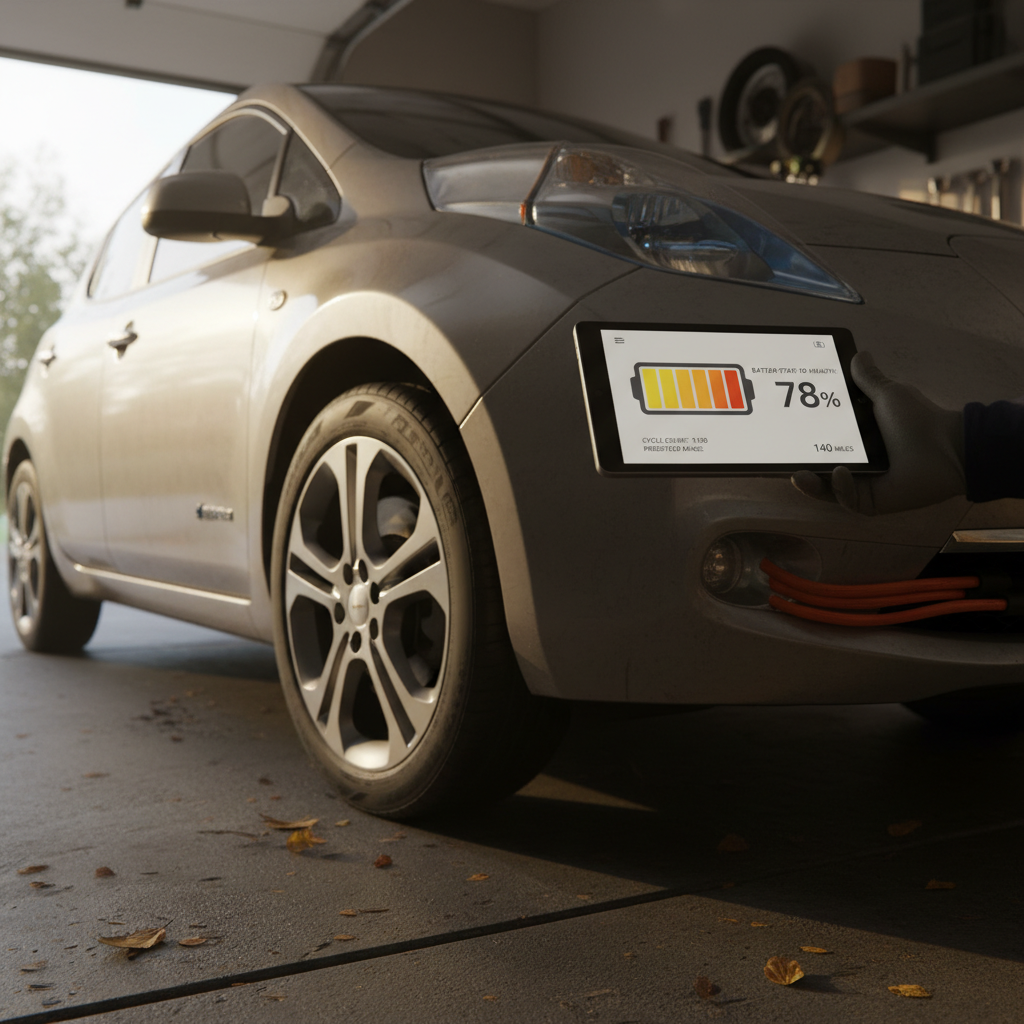
On the Leaf’s dash, 12 bars indicates full capacity. If you’re at 8 bars or fewer, you may qualify for a warranty replacement depending on model year and market rules.
4. Call a Nissan dealer with your VIN
A Nissan service department can check open recalls and battery warranty eligibility for your specific car. Ask them to document what they find.
5. Ask specifically about battery recall campaigns
Recent recalls on certain 2019–2022 Leafs related to fast‑charging fire risks have led to software updates and, in rare cases, pack replacement, usually at no cost to owners.
Fast‑charging recall? Follow the instructions
On a 2017 Leaf we bought used in 2025, the pack was still under warranty and down to seven bars. Nissan replaced it with a 40 kWh pack in under two weeks. Our effective all‑in cost for a “new‑battery Leaf” was about five grand.
Replace the battery or the whole Leaf?
This is the uncomfortable reality: in 2025, a full‑price Nissan Leaf battery replacement can easily cost more than a comparable used Leaf, or more than stepping up to a newer, longer‑range EV. From a pure economics standpoint, you should compare battery price vs. vehicle value before signing any repair order.
When a Leaf battery replacement makes sense, and when it doesn’t
Use this as a decision shortcut before spending thousands on a pack.
Good case for replacing the battery
- Car is still under battery warranty, so your cost is $0.
- You love the car, and a new pack will cover your range needs for years.
- The body and interior are in excellent shape with no major rust or crash history.
- You have access to a reasonably priced specialist and a clear written warranty on the new pack.
Borderline case (run the numbers)
- Installed battery quote is 50–80% of the car’s current market value.
- You only drive short distances and can live with slightly less range.
- You’re attached to the car, or you’ve invested in other recent repairs.
- You can’t easily replace the car with something similarly practical.
Probably better to replace the car
- Installed battery quote is equal to or more than the car’s value.
- The car also needs other expensive work (HVAC, rust, crash repairs).
- You’d like more range, newer safety tech, or DC fast‑charging capability.
- You can buy a newer EV with good battery health for similar money.
Where Recharged fits in
Recharged data
Used Nissan Leaf battery health
91%
avg remaining capacity
From Recharged battery inspections, not manufacturer estimates.
- Lowest
- 78%
- Median
- 92%
- Highest
- 97%
- Est. range
- 179 mi avg
- Cell balance pass
- 96%
- Quick charges
- 8 avg
- Slow charges
- 92 avg
Average cell imbalance: 13.3 mV
Based on vehicles Recharged tested as of Jul 23, 2026
Recharged data
Used Nissan Leaf prices at Recharged
$23,992
median list price
Current list prices for matching inventory at Recharged.
- Lowest
- $11,998
- Average
- $22,096
- Highest
- $24,998
Average Recharged Score on these listings
4.6 / 5
Range
4.5 – 4.7
Based on available listings as of Jul 23, 2026
Ready to find your next EV?
Browse VehiclesBuying a used Leaf: avoiding a surprise battery bill
If you’re shopping for a used Nissan Leaf today, the smartest way to manage battery price risk is to avoid a bad pack in the first place. The difference between a healthy and a tired Leaf battery can be tens of hundreds of dollars in future costs, and the market is beginning to reflect that.
Used Leaf battery checklist for shoppers
1. Get a real SOH number, not just bar count
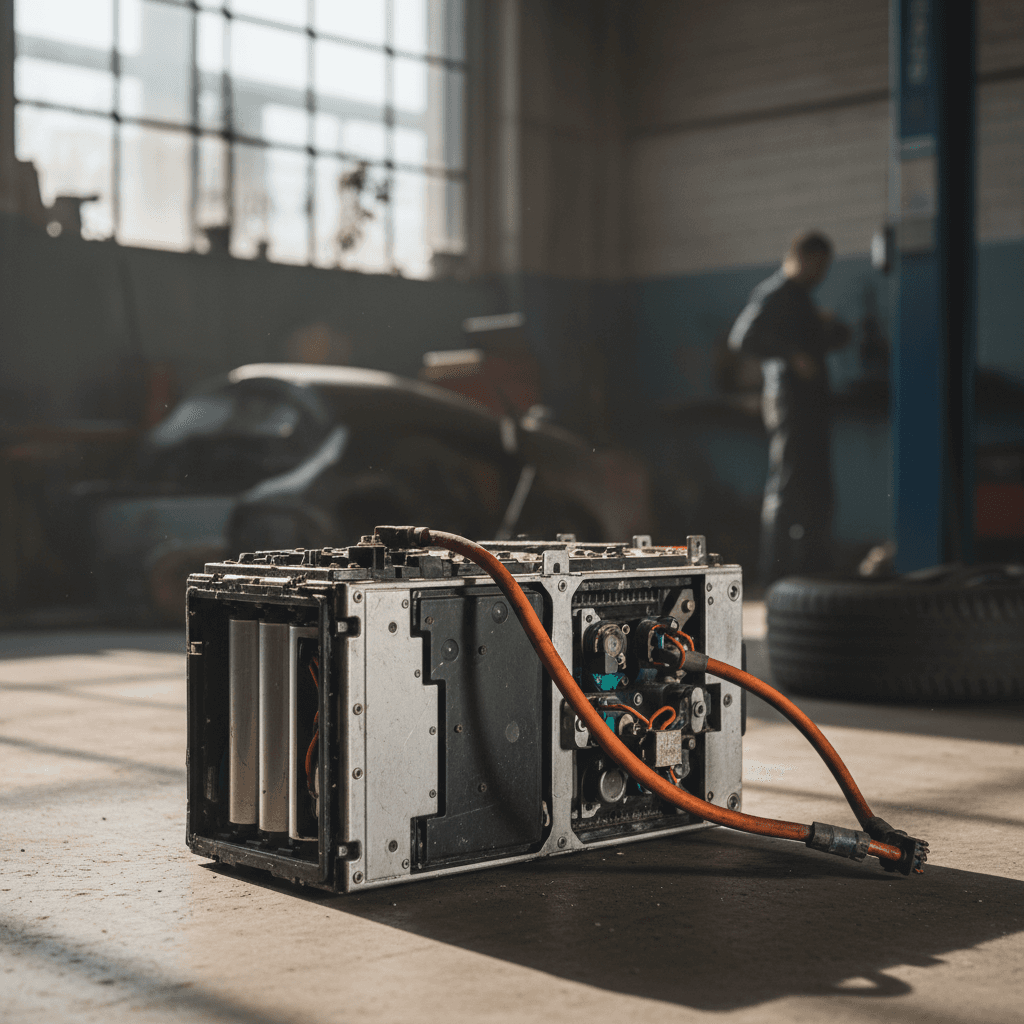
The dash shows capacity bars, but tools like LeafSpy or professional diagnostics can give you a state‑of‑health percentage. A Leaf at 85–90% SOH is a very different proposition from one at 65–70%.
2. Prefer cars still within battery warranty
A 2018 or newer Leaf may still be within the 8‑year/100k‑mile window. That coverage can easily be worth several thousand dollars to you.
3. Factor replacement cost into the price
If a car is down to 8 bars with no warranty left, negotiate as if you’ll eventually need a $6k–$10k battery. If the seller won’t budge, be ready to walk.
4. Watch out for climate history
Leaf batteries tend to degrade faster in very hot climates. Ask where the car has lived and look for signs of long‑term hot‑weather use, like sun‑baked interiors.
5. Use EV‑savvy retailers
Platforms that specialize in used EVs, like Recharged, build battery diagnostics into the buying process so you’re not rolling the dice on pack health.
How Recharged helps with Leaf battery health
From a shopper’s perspective, Nissan Leaf battery price is really shorthand for a bigger question: how much usable battery life am I getting for my money? That’s exactly what Recharged is designed to make transparent.
Verified battery health with Recharged Score
Every EV sold through Recharged comes with a Recharged Score report that includes independently verified battery health data, not just a dash photo. You’ll see how the pack stacks up against similar vehicles and how much real‑world range you can expect.
That’s especially important with Leafs, where pack chemistry and climate history can make two same‑year cars feel completely different on the road.
Fair pricing, financing, and trade‑in options
Because we price vehicles against current battery replacement costs and market data, you’re less likely to overpay for a Leaf that’s nearing the end of its pack’s useful life. If you’re moving out of an aging Leaf, Recharged can also help with trade‑in, instant offers, or consignment, plus financing and nationwide delivery.
That way, instead of sinking five figures into a pack, you can often step into a newer EV with stronger range and warranty coverage.
Nissan Leaf battery price: FAQ
Frequently asked questions about Nissan Leaf battery price
Key takeaways on Nissan Leaf battery prices
If you strip away the emotion, Nissan Leaf battery price is mostly a math problem. In 2025, you’re usually looking at $6,000–$10,000 for a quality replacement, less if you’re comfortable with used packs and more if you’re chasing big upgrades. The key is to view that number in the context of vehicle value, warranty status, and your real‑world range needs.
For current Leaf owners, that means checking warranty eligibility, getting credible quotes, and resisting pressure to rush into a repair that doesn’t pencil out. For shoppers, it means prioritizing battery health and documentation over paint color and wheel design, especially when you’re comparing an older Leaf to a newer used EV.
If you’d rather not become a battery‑pricing expert, working with an EV‑specialist retailer like Recharged can simplify the whole equation. With verified battery diagnostics, transparent pricing, financing, and nationwide delivery, you can focus on finding an EV that fits your life, without wondering if a five‑figure battery bill is hiding just over the horizon.