If you’re new to Tesla, the idea that your car can change overnight might feel a little strange. Tesla is famous for its over‑the‑air (OTA) software updates, which quietly add features, tweak driving behavior, and even fix recalls without a service visit. In this guide, we’ll get Tesla over the air updates explained in plain English, how they work, what they change, and what that means if you own or are shopping for a new or used Tesla.
Why this matters
What are Tesla over‑the‑air updates?
Over‑the‑air updates are wireless software updates that Tesla sends to your car using Wi‑Fi or the built‑in cellular connection. Instead of visiting a dealership for new features or bug fixes, your Tesla downloads the update in the background and installs it when you approve it. It’s the same idea as updating your phone or laptop, just applied to an electric vehicle that controls everything from entertainment to driver‑assist systems.
- No dealer visit required, the update comes to your driveway.
- Updates are scheduled and installed by you from the touchscreen or Tesla app.
- Many recalls and safety fixes are now handled via software instead of physical repairs.
- New features can show up years after you bought the car, effectively making it “feel newer.”
How Tesla over‑the‑air updates work, step by step
From your side as an owner, a Tesla OTA update has two main phases: download and install. Understanding the difference helps you avoid surprises, especially if you rely on the car early in the morning or you’re shopping used and want to confirm the car’s software is current.
The two phases of a Tesla software update
You can drive through one phase, but not the other.
1. Download phase
Your Tesla downloads the update over Wi‑Fi (most common) or cellular.
- A green or orange arrow appears on the top of the touchscreen when a download is in progress.
- You can drive during download, but losing Wi‑Fi can pause it.
- You’ll also see a notification in the Tesla mobile app.
2. Install phase
Once the update is fully downloaded, a yellow clock icon appears.
- You choose when to install, now or scheduled later.
- During installation the car must be in Park and cannot be driven.
- Most installs take around 15–30 minutes, but some can run longer.
Don’t plan to drive mid‑install
How often Tesla updates and how long they take
The main types of Tesla software updates
Not every update is a headline‑grabber. Tesla’s over‑the‑air updates fall loosely into three buckets, and what you see as an owner depends on your car’s hardware, region, and options like Full Self‑Driving (FSD).
Common categories of Tesla OTA updates
Most releases mix items from more than one of these categories.
| Update type | What it usually includes | Owner impact |
|---|---|---|
| Feature updates | New apps, visual changes, new driving or charging features, changes to FSD behavior | Car can feel meaningfully different, new capabilities, refreshed UI, improved convenience |
| Maintenance & bug fixes | Crash fixes, connectivity improvements, better Bluetooth or Wi‑Fi, minor interface tweaks | Day‑to‑day reliability improves; you may not notice details but the car behaves more consistently |
| Safety & recall updates | Adjustments to braking behavior, driver‑monitoring rules, warning timing, lighting, etc. | Satisfies recall requirements and improves safety; may change how strict the car feels |
Actual content depends on your model, hardware generation, region, and which paid features you’ve enabled.
“Advanced” vs. “Standard” update preferences
What Tesla updates actually change in your car
If you scroll through Tesla’s release notes, you’ll see everything from flashy features to tiny quality‑of‑life tweaks. Here are the areas most owners notice over time.
Key systems Tesla can change with OTA updates
Driving behavior and driver‑assist
Updates regularly tweak Autopilot and <strong>FSD (Supervised)</strong>: lane selection, acceleration, braking smoothness, and how aggressively the car responds to other traffic. Tesla’s later FSD releases focus heavily on end‑to‑end neural networks that can change how the car drives on both city streets and highways.
Navigation, maps, and trip planning
Updates may add richer 3D buildings, smarter routing, better Supercharger routing, and new options for arrival or parking behavior. Recent releases have improved lane guidance, detour handling, and route planning for long EV road trips.
Charging experience
Tesla can adjust how the car preconditions the battery before fast charging, tweak charging curves, and improve how your car talks to Superchargers and third‑party chargers. This can shorten stop times or make charging more predictable on road trips.
Infotainment, apps, and voice features
Expect new streaming apps, UI redesigns, customization options, and voice‑command improvements. Recent updates have added more advanced voice assistants and visual polish, like 3D icons, ambient lighting modes, and improved dashcam viewers.
Comfort, convenience & security
Updates often refine climate control, seat and wheel heating logic, dog mode, phone‑key behavior, and camera‑based security (Sentry Mode). Tesla has also added things like live interior camera checks in Dog Mode and better phone‑as‑key security options.
Energy use & efficiency
Software can adjust how range is estimated, how HVAC behaves, and how the battery is managed. Over time this can influence how confident you feel about your remaining range, even if the hardware hasn’t changed.
Good news for used‑Tesla shoppers
How often Tesla releases software updates
There’s no fixed calendar, but most owners see major feature updates roughly every month or so, with smaller patches in between. New vehicles, or cars on newer hardware, may get more visible changes than older ones, but almost every Tesla on the road still gets periodic updates.
- Big bundles of features a few times a year (new UI elements, major FSD changes, new apps).
- Incremental tweaks in between for bug fixes, safety improvements, or minor options.
- Occasional one‑off safety or recall updates that prioritize specific regions or VIN ranges.
- Some features, especially graphics‑heavy ones, may only roll out to newer hardware (for example, newer AMD‑based infotainment systems).
Want updates as early as possible?
Managing download vs. install: avoiding surprises
The biggest practical risk with OTA updates is timing, waking up for work and realizing the car is still installing an update. A few small habits make that unlikely.
1. Control when installs happen
You choose when the install starts. When the yellow clock icon appears, tap it on the touchscreen or in the app and either:
- Install now if you won’t need the car for ~30 minutes, or
- Schedule for overnight or another off‑peak time.
If you’re driving at the scheduled time, the install is canceled and you’ll need to reschedule it.
2. Use Wi‑Fi for downloads
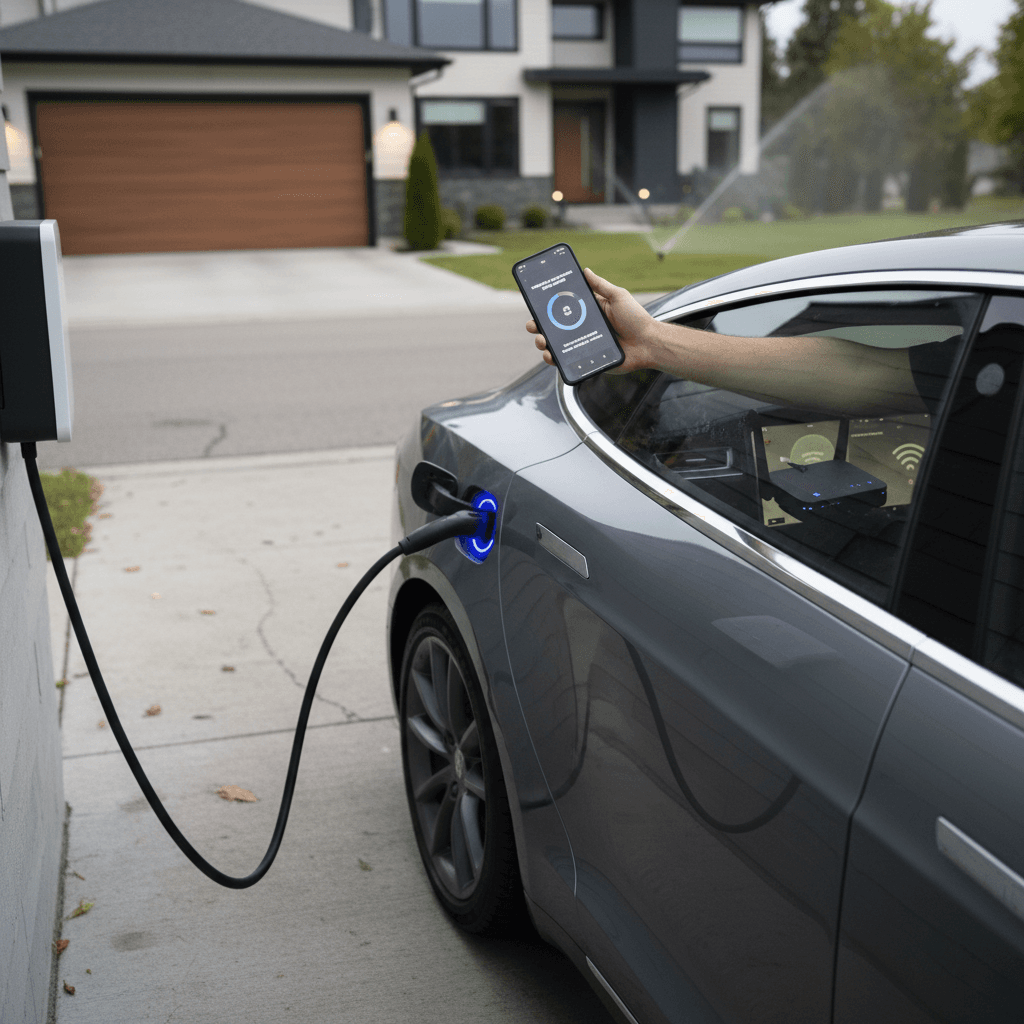
Tesla strongly recommends leaving Wi‑Fi on and connected whenever the car is parked at home.
- Downloads are faster and more reliable on Wi‑Fi than on cellular.
- Some larger software packages may be delayed or throttled on cellular.
- If your car struggles to complete a download, unstable connectivity is often the culprit.
Avoid installs when using special modes
Pros and cons of Tesla OTA updates
Most owners see OTA updates as a major Tesla advantage, but it’s not all upside. Because so much changes in software, the car you own today can drive differently a year from now, for better or for worse.
Tesla’s OTA approach: benefits and trade‑offs
What you gain, and what to watch for as an owner.
Key benefits
- New features over time without buying a new car.
- Faster fixes for bugs and certain recalls via software.
- Improved resale appeal when a used Tesla is on current software.
- Better trip and charging experience as navigation and charging logic evolve.
Potential downsides
- Driving feel can change after an update, especially with FSD tweaks.
- Occasional new bugs or regressions, just like any software.
- You must plan around install time.
- Some features depend on newer hardware, so older cars may see less dramatic improvements.
Modern EVs live or die by their software. Tesla’s OTA updates are the clearest example of that: they keep the car competitive years after it leaves the factory.
Tesla updates and used EVs: what shoppers should know
If you’re looking at a used Tesla, OTA updates are part of its value story. You’re not just buying today’s feature set, you’re buying into a software roadmap that continues to evolve. But you also want to be sure the previous owner kept things current and that the hardware can actually support the latest features.
Used Tesla checklist: software & updates
Confirm the current software version
On a test drive, go to <strong>Controls > Software</strong> and look at the version number and the “Your car software is up to date as of…” message. A car that hasn’t updated in many months may have been sitting offline or neglected.
Check for connectivity and Wi‑Fi issues
If the car can’t connect to Wi‑Fi or cellular, it may struggle to receive updates. That’s fixable, but it’s worth noting as a potential service item.
Understand hardware limitations
Earlier Model S/X and some older Model 3/Y vehicles may lack newer infotainment or driver‑assist hardware, which can limit certain features in newer software releases. Ask whether the car has had any infotainment or Autopilot hardware retrofits.
Review driver‑assist behavior
Take time on the test drive to try Autopilot or FSD (if equipped). Because the software evolves, you want to be sure the current behavior matches your comfort level.
Ask about account transfer and subscriptions
Some features, like Full Self‑Driving or premium connectivity, are tied to the car, while others now use subscription models. Clarify what’s included with the vehicle and what you’d need to pay for monthly.
How Recharged helps with used Teslas
Best practices so you get the most from updates
Whether you just took delivery or you’re several years into ownership, a few habits will keep your Tesla feeling fresh while minimizing headaches from poorly timed installs or unexpected behavior changes.
Simple habits for smooth Tesla OTA updates
1. Keep home Wi‑Fi connected
Treat your Tesla like a laptop that lives in the garage, strong home Wi‑Fi means faster downloads, fewer failed attempts, and earlier access to new features.
2. Use scheduled installs
When you see a new update, schedule it for a time you rarely need the car, late evening or overnight works well. That way you don’t wake up to an undrivable car mid‑install.
3. Skim the release notes
Before you hit Install, open the release notes on the touchscreen. They summarize what’s changing so you’re not surprised by a different interface or new driving behavior the next day.
4. Test critical features after big updates
After a major update, test the things you rely on most: charging routine, Autopilot or FSD behavior, Bluetooth, navigation routes. Better to notice quirks in your neighborhood than mid‑road‑trip.
5. Pair updates with good charging habits
If your car is plugged in overnight, you can schedule both charging and software installs during off‑peak hours. That way you wake up with a full battery and fresh software.
6. Document issues promptly
If something feels off after an update, strange noises, new warning messages, or odd driver‑assist behavior, use the voice command to "report" the issue and follow up with Tesla Service if it persists.
Tesla over‑the‑air updates: FAQ
Common questions about Tesla OTA updates
The bottom line: software is a core Tesla feature
Tesla’s over‑the‑air updates are more than a tech gimmick, they’re a core part of how the company delivers value. Your car’s capabilities today aren’t frozen the day you buy it; they keep evolving through new features, safety improvements, and refinements to how the car drives and charges. That’s a big reason Teslas stay competitive longer and why used Teslas remain attractive choices in the EV market.
If you already own a Tesla, treating updates with the same respect you give to charging or tire care will keep the car performing at its best. And if you’re shopping used, pay attention to software history and hardware capability alongside battery health and price. At Recharged, we combine verified battery diagnostics, transparent pricing, and EV‑specialist guidance so you can choose a Tesla that fits your life today, and keeps getting better with each over‑the‑air update tomorrow.