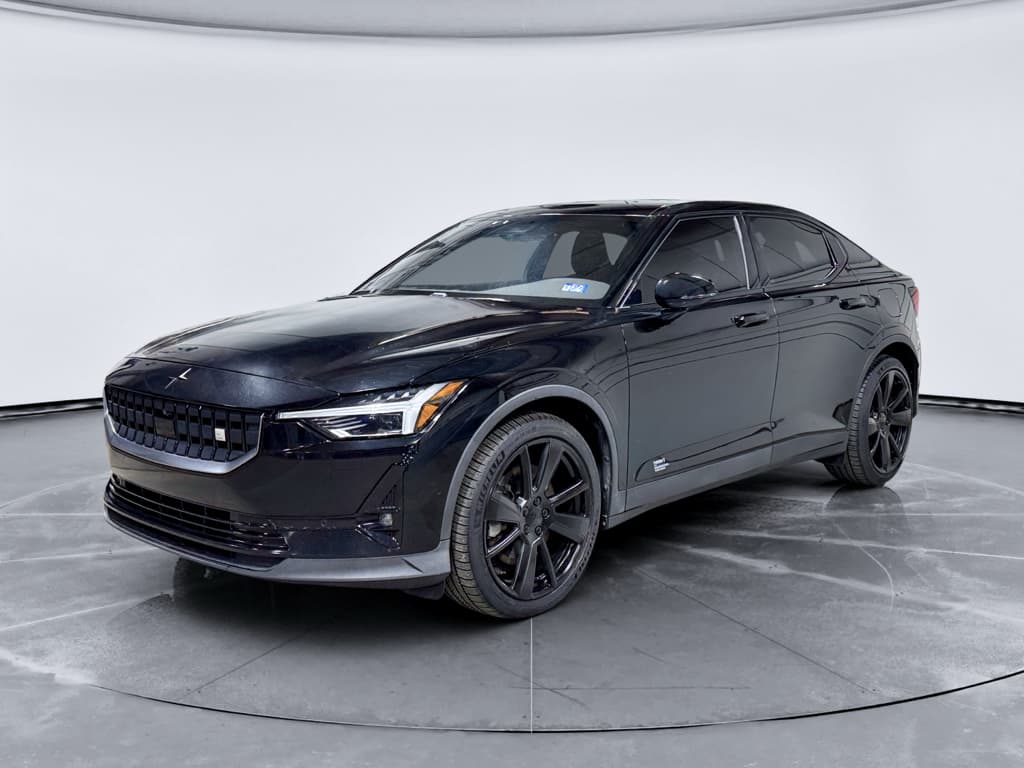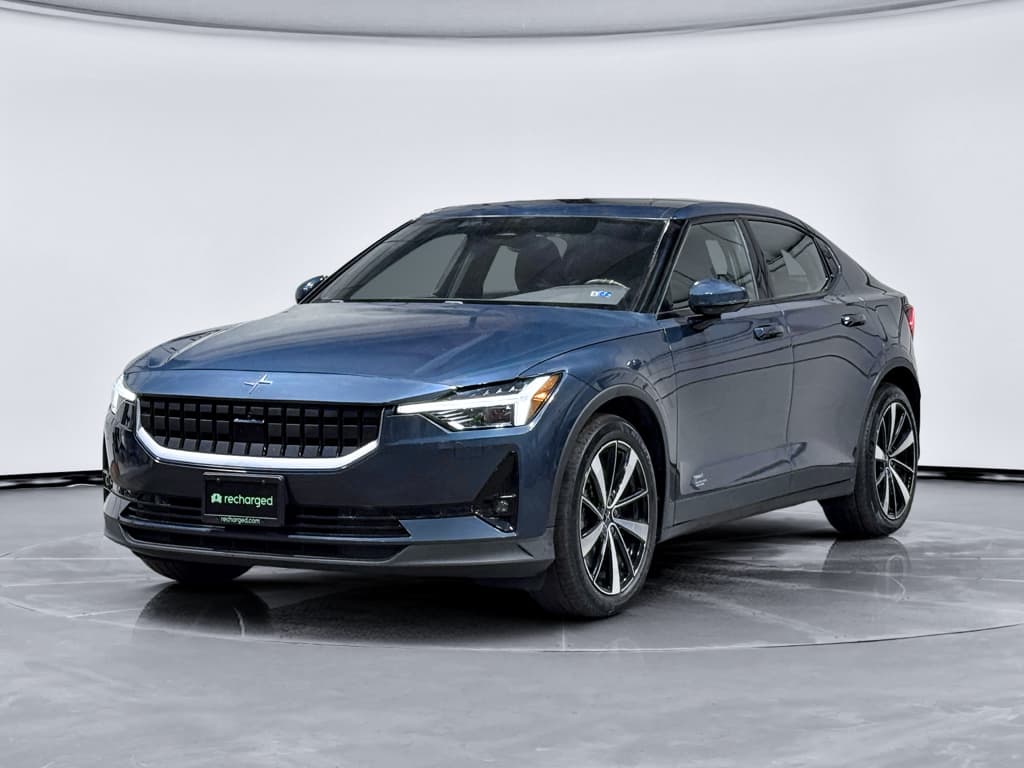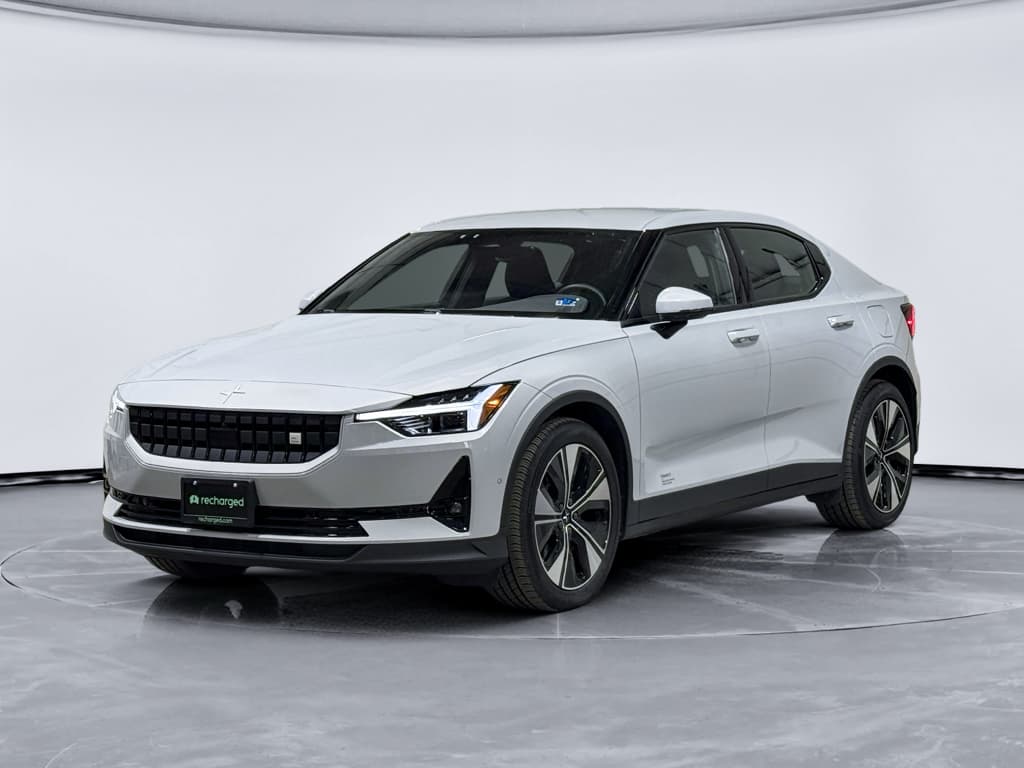
If you’re shopping for a used Polestar 2 or already own one, you’ve probably heard about 12V battery issues, software bugs and the odd recall. The Polestar 2 is fun to drive and generally well-liked, but like any first-generation EV, it has some recurring pain points. This guide walks through the most common Polestar 2 problems and fixes, what’s normal for an EV, and what deserves a trip to the service bay, especially if you’re considering a used example.
Model years covered
Overview: Polestar 2 reliability in the real world
On paper, the Polestar 2 holds up well: modern battery tech, proven Volvo safety DNA and over-the-air updates. In the wild, owners report a mix of electrical and software niggles rather than catastrophic drivetrain failures. The biggest themes are 12V battery behavior, infotainment glitches, occasional charging frustration and a high-profile rear camera recall. Mechanical failures of the drive units or high‑voltage pack are comparatively rare.
What’s "normal" for an EV
- Fewer moving parts than a gas car
- No oil changes, timing belts or exhaust issues
- Most problems are software or electronics
- Range loss over time, mostly gradual
What’s typical for Polestar 2
- 12V battery and app warnings
- Occasional infotainment freezes or reboots
- Connectivity and telematics (TCAM) hiccups
- Rear camera recall impacting 2021–2025 builds
Tip for used shoppers
Quick glance: Most common Polestar 2 issues
Most reported Polestar 2 problems
What owners and technicians see most often
12V battery failures
Infotainment glitches
Connectivity & TCAM
Rear camera recall
Charging quirks
Range & tires
1. 12V battery failures and warning messages
The 12V battery is a small lead‑acid or AGM unit that runs control electronics, locks, and safety systems. In the Polestar 2, it’s also the weak link behind many “car won’t wake up” stories. Owners report low‑12V warnings in the app, random “energy‑saving shutdown” messages, and in some cases a completely dead car that won’t shift into gear or even open the rear hatch.
- App shows “12V battery low” while the car itself appears fine
- Car is slow to recognize key fobs or remote functions stop working
- Infotainment boots slowly, reboots, or shows energy‑saving messages
- Car is totally dead after being parked, no lights, no dash, no unlock
- Issues appear after long infotainment use while parked or after cold snaps
Don’t ignore repeated 12V warnings
- Rule out app glitches. If the low‑12V warning only appears in the app and the car behaves normally, log out and back in, or reinstall the app. If the warning vanishes and doesn’t return, it may have been a false flag.
- Check behavior in the car. Slow start‑up, dim lights, or multiple random error messages when you open the door are classic low‑12V symptoms.
- Avoid long "accessory mode" sessions. Watching video or streaming with the car "on" but not driving can tax the 12V system. If you need to sit for a long time, put the car in Drive briefly so the DC‑DC converter tops the 12V up from the main pack.
- Use a quality jump starter if needed. A dead 12V can usually be revived with a high‑amp booster pack long enough to get to a service center. Follow the procedure in the owner’s manual, 12V connections are under the front panels, not at the charge port.
- Have the 12V load‑tested and replaced under warranty if applicable. Many failures happen around the 3–4‑year mark or on cars that sat on a lot for months. Dealers can test the 12V and often replace it free if you’re still within coverage.
- Consider a preventative replacement on older cars. If you’re buying a 2021 or 2022 Polestar 2 and the 12V is original, budgeting for a fresh AGM battery is cheap insurance against a surprise no‑start.
Used‑car shortcut
2. High-voltage battery, range and charging concerns
The main high‑voltage pack in the Polestar 2 has generally been solid, but owners still worry about range drop and charging issues. Most complaints cluster around real‑world range being below the EPA rating and the car being picky with certain DC fast chargers, not cells failing outright.
- Noticeable range loss in cold weather or at highway speeds
- Car slows DC fast‑charge rate sooner than expected
- Charging session fails to start or stops after a few minutes
- Battery or charging system warning messages on the dash
Range reality check
- Baseline your range. Drive a familiar route at 65–70 mph and note energy consumption (kWh/100 miles). Compare across seasons. Gradual, small changes are normal; sudden, large drops deserve attention.
- Update software before chasing hardware fixes. Polestar regularly tweaks thermal management and charging curves via OTA updates. A dealer can verify you’re on the latest version if you’re buying a used car or if OTA has stalled.
- Test multiple chargers. If DC fast charging is flaky, try a different brand or station first, public chargers are often the culprit. If the car misbehaves on multiple, different networks, schedule a diagnostic visit.
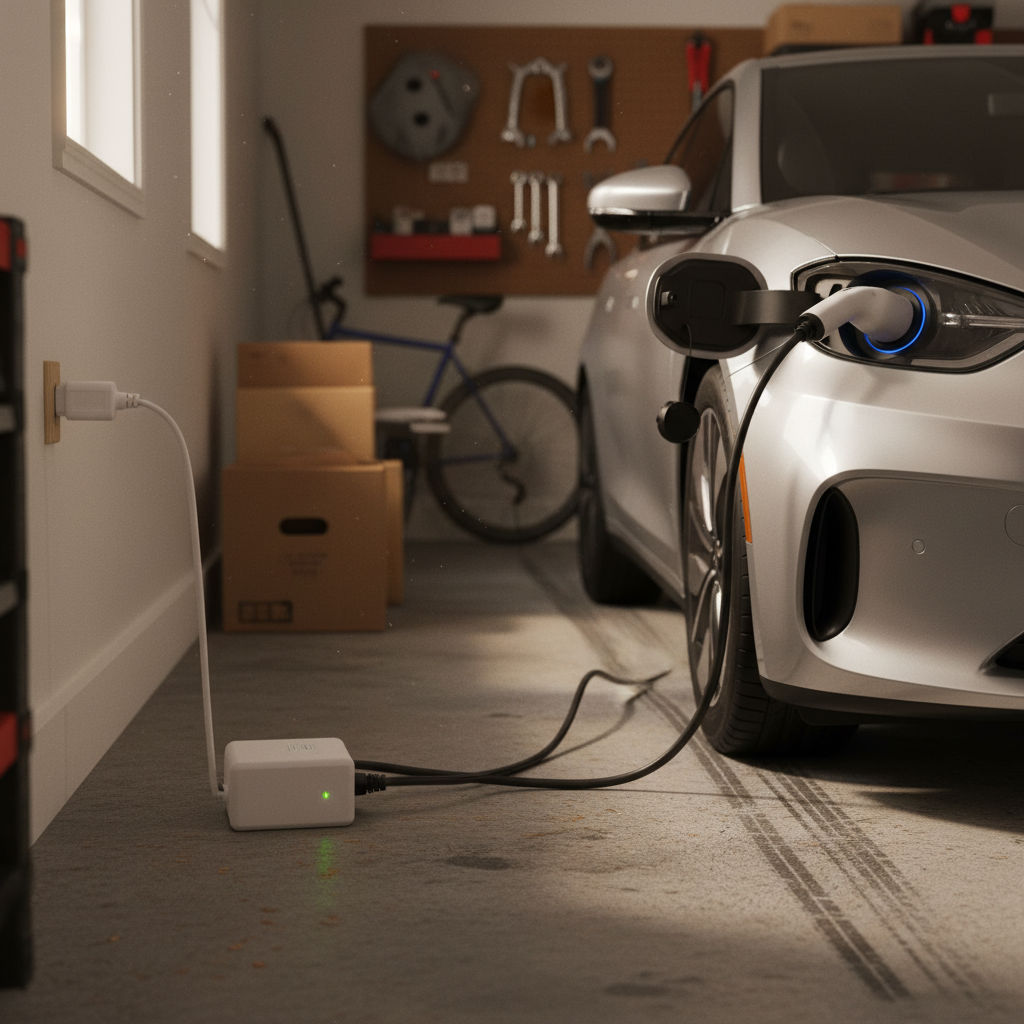
- Use AC Level 2 at home when you can. Routine charging at 32–40 amps overnight is easier on the battery than living on DC fast charging. Keeping daily charge targets around 70–80% also helps long‑term pack health.
- Document any persistent warnings. If you see repeated high‑voltage or charging errors, snap photos or screenshots and bring them to the dealer. It’s helpful for warranty claims and pattern recognition.
Where Recharged fits in
Ready to find your next EV?
Browse Vehicles3. Software glitches, Google infotainment and app issues
Early Polestar 2s helped pioneer Google Android Automotive, which means they also absorbed some teething pains. Owners report the main screen freezing, random reboots, stuck Bluetooth connections and “ghost” errors that disappear on restart. The Polestar app can lag behind the car’s actual state, mis‑report 12V warnings, or show delayed charge status.
- Infotainment goes black, then reboots while driving
- Google Maps lagging or refusing to load data
- Bluetooth devices disappearing or dropping calls
- Polestar app showing incorrect charge or lock status
- Rear camera feed delayed when shifting into reverse
Simple infotainment and app fixes to try first
1. Soft reboot the infotainment
Hold the home button on the center display until it restarts. This clears many temporary glitches without affecting driving systems.
2. Power cycle the car fully
After parking, lock the car and walk away for several minutes until it goes to sleep, then return and restart. This forces more modules to reset.
3. Re‑pair your phone and app
Delete the Polestar from your phone’s Bluetooth list, remove your phone profile in the car, then set it up again. Also log out and back into the Polestar app.
4. Check for pending OTA updates
Under settings, look for software update status. If the car hasn’t installed recent updates, or failed an update, schedule a visit to have the dealer push or re‑flash it.
5. Record patterns before visiting service
Note when the issue happens (temperature, trip length, charging state). Intermittent bugs are easier to fix when you give the technician a pattern to chase.
When a glitch becomes a safety issue
4. Telematics (TCAM) and connectivity problems
Another Polestar 2 trouble spot is the TCAM module, the telematics “brain” responsible for cellular data, SOS calling and app connectivity. When it misbehaves, the car can lose LTE, the app may stop updating, or you might see warnings about emergency call systems being unavailable.
- Polestar app can’t connect, car status stuck for hours
- No LTE symbol on the center screen despite good coverage
- SOS or emergency call malfunction warnings
- Navigation and live traffic data not loading
- Try a TCAM reset. Polestar includes a procedure in the owner’s manual to reset the connectivity module (consult your manual for exact button sequence and location). This often restores LTE and app communication.
- Check physical location and water exposure. On some cars, moisture intrusion around the roof antenna can cause TCAM trouble. If you notice roof leaks or unexplained dampness, mention it to the service adviser.
- Confirm software level. TCAM issues often track to specific software versions. A dealer can check if your car needs a targeted update or replacement module under warranty.
- Document downtime. If connectivity has been out for days and impacts emergency features, keep a log. In some states, repeat failures of safety‑related systems can strengthen warranty or lemon‑law claims.
Connectivity vs. driveability
5. Rear-view camera and other safety recalls
In 2025, Polestar announced a recall of roughly 27,800 Polestar 2s in the U.S. covering model years 2021–2025 for a rear‑view camera defect. Drivers could see a “camera temporarily unavailable” message instead of a live image when reversing, increasing crash risk. The fix is a software update that keeps the signal between the camera and the infotainment head unit alive and adds automatic reset logic.
Key Polestar 2 safety issues to check
Always verify recall completion by VIN before buying or after noticing unusual behavior.
| Issue | Model years typically affected | Symptoms | Typical remedy |
|---|---|---|---|
| Rear-view camera image may not display | 2021–2025 | Camera unavailable when reversing, black screen or warning message | Software update via dealer or OTA |
| Various software & safety campaigns | 2021–2024 | Warning lights, drivability safeguards, or incorrect messages | Dealer‑performed software updates and module checks |
| 12V system updates (region-specific) | Select early builds | Unexpected low‑12V behavior, no‑start scenarios | Reprogramming DC‑DC logic, 12V replacement where needed |
Recall coverage can vary by build date and market; your dealer or the NHTSA site will have the final word.
How to check recall status
6. Charging port and public charger quirks
Some Polestar 2 owners report frustrating experiences at public chargers: sessions that refuse to start, cut out early, or stall at low power. In many cases the charger is at fault, but software handshakes between the car and station also play a role. A small number of cars have had charge‑port hardware or latch issues that require parts replacement.
- Fast charger reports an error as soon as you plug in
- Charging stops at a low state of charge without reason
- Locking pin sticks, cable hard to remove
- Charge door not closing cleanly or icing up in winter
Getting more reliable public charging with a Polestar 2
1. Start with a known-good station
If a site has multiple stalls, test at least two. If only one works, odds are it’s the station, not your car.
2. Plug in before starting the session
Many DC networks prefer you plug in first, then start the session in the app or on the screen. Reverse the order and you can confuse the handshake.
3. Keep the port clean and dry
In snowy or salty climates, gently brush the port and seal. Avoid pressure‑washing directly into the charge port area.
4. Don’t yank a stuck connector
If the cable won’t release, stop the session in the app, unlock the car again, and wait a few seconds. If that fails, call the network operator before using force.
5. Ask a dealer to scan for charge faults
If you have repeated problems across multiple networks, a diagnostic scan can reveal charge‑port or onboard‑charger faults that may be covered under warranty.
7. Suspension, tires and ride-related complaints
The Polestar 2 leans sporty, especially in dual‑motor or Performance Pack trims. Owners sometimes describe the ride as firm or noisy, particularly on rough pavement or with 20‑inch wheels. That’s more of a comfort concern than a defect, but it shows up frequently in owner reviews.
Common comfort-related complaints
Most are tunable with tires and alignment, not major repairs
Firm, busy ride
Road noise
Fast tire wear
Pulling or vibration
When ride issues are safety issues
Checklist: What to inspect on a used Polestar 2
If you’re evaluating a used Polestar 2, whether from a private seller, a franchised dealer, or a marketplace like Recharged, a focused inspection will tell you if the car is a solid buy or a future service headache.
Pre-purchase checks for a used Polestar 2
1. Software and update history
Confirm that major software updates and the rear camera recall have been completed. Ask for service records or have a dealer run the VIN.
2. 12V battery age and health
Look for documentation of a 12V replacement. If none exists on a 3–4‑year‑old car, consider budgeting for a proactive swap.
3. High-voltage battery and charging behavior
Verify DC fast charging works at a reputable network and that the car charges normally on Level 2. Look for any battery or charging warnings in the history.
4. Connectivity and app function
Pair your phone, test remote lock/unlock, pre‑conditioning, and live status. Persistent connectivity failures may point to TCAM issues.
5. Suspension, tires, and brakes
Check for even tire wear, smooth braking, and a straight tracking steering wheel. Excessive cupping or vibration can signal alignment problems or curb damage.
6. Interior electronics and cameras
Test the rear camera, parking sensors, driver displays, all windows, locks, seats and climate controls. Small glitches can point to bigger electrical headaches.
How Recharged simplifies this
When to let a dealer or specialist handle it
Some Polestar 2 issues are owner‑fixable, re‑pairing a phone, soft‑rebooting the screen, or replacing worn tires. Others are tied to proprietary software, high‑voltage safety systems or recall campaigns, and those should go straight to a qualified shop.
- High‑voltage battery or charging‑system warning lights
- Repeated rear‑view camera failures after the recall fix
- Persistent TCAM or SOS malfunctions
- Any no‑start condition that isn’t clearly a weak 12V battery
- Airbag, ABS or traction‑control warning lamps
- Suspension noises that developed after a pothole or curb hit
High-voltage safety first
FAQ: Polestar 2 common questions
Frequently asked questions about Polestar 2 problems
Bottom line: Is a Polestar 2 a safe used bet?
The Polestar 2 isn’t trouble‑free, but its most common problems, 12V batteries, software quirks, connectivity stumbles and camera recalls, are manageable when you know what to look for. The core electric platform has proved robust, and Polestar’s ability to push updates means many early teething issues have already been ironed out. If you focus your due diligence on software history, recall status and battery health, a used Polestar 2 can deliver sharp Scandinavian design and enjoyable performance without surprise drama.
If you’d rather not decode all of this alone, Recharged is built for exactly this moment in the EV market, helping buyers navigate used EV risks with transparent pricing, battery‑health reporting and EV‑savvy support from first click through delivery. Whether you end up in a Polestar 2 or another electric model, the right prep turns common problems into simple checkboxes instead of deal‑breakers.