If you own a Ford F-150 Lightning, the battery is the single most valuable component in your truck. Learning how to maximize F-150 Lightning battery life isn’t just about squeezing out a few extra miles of range, it’s about protecting performance, avoiding unexpected degradation, and preserving resale value for years to come.
Quick takeaway
Why battery care matters for your F-150 Lightning
The F-150 Lightning’s lithium-ion pack is engineered to last, but it’s not indestructible. Heat, high voltages, deep discharges, and heavy loads (like towing or constant fast charging) all accelerate battery degradation over time. That shows up as reduced range, slower DC fast-charging speeds, and, eventually, lower resale value.
What long-term EV battery data shows
The good news: Ford’s battery management system hides the top and bottom slivers of the pack from everyday use, and it actively manages temperature and charging limits in the background. That “buffer” and software oversight give you a margin of safety. Your habits can’t turn a good pack into a bad one overnight, but over 8–10 years, they absolutely influence how much capacity you have left.
How the F-150 Lightning battery and warranty work
Before you tweak settings, it helps to understand what’s under the floor. Every F-150 Lightning uses a large lithium-ion pack (standard- and extended-range) with active liquid cooling and a sophisticated Battery Management System (BMS). Ford has also built in software buffers so that “0%” and “100%” on your screen are not the true chemical extremes of the cells.
- Ford typically covers the Lightning’s high-voltage battery for 8 years or 100,000 miles, whichever comes first, with language around minimum capacity retention.
- The BMS manages cell balancing, temperature, and current flow to keep the pack within safe limits.
- The truck may reduce fast-charging speeds or power output if the pack is hot, cold, or at a very high state of charge (SoC) to protect itself.
Warranty vs. wear
Even though Ford has announced it will end production of the current all‑electric Lightning, existing trucks on the road keep their battery coverage and support. That makes smart battery care a long game, especially if you plan to keep the truck or eventually trade it in or sell it through a marketplace like Recharged, where verified battery health and fair pricing are front and center.
Daily charging habits to maximize battery life
Most long-term battery damage, or preservation, happens in your daily routine, not on the occasional road trip. The way you plug in at home or work has a bigger impact than a few fast-charging sessions each year.
Core principles for Lightning battery-friendly charging
If you remember just five rules, make them these.
1. Aim for 20–90% for daily use
For day-to-day driving, set your charge limit around 80–90% instead of 100%.
- High SoC stresses lithium-ion cells.
- Keeping a buffer at the top slows degradation.
- Charge to 100% only when you actually need the full range.
2. Prefer Level 2 at home
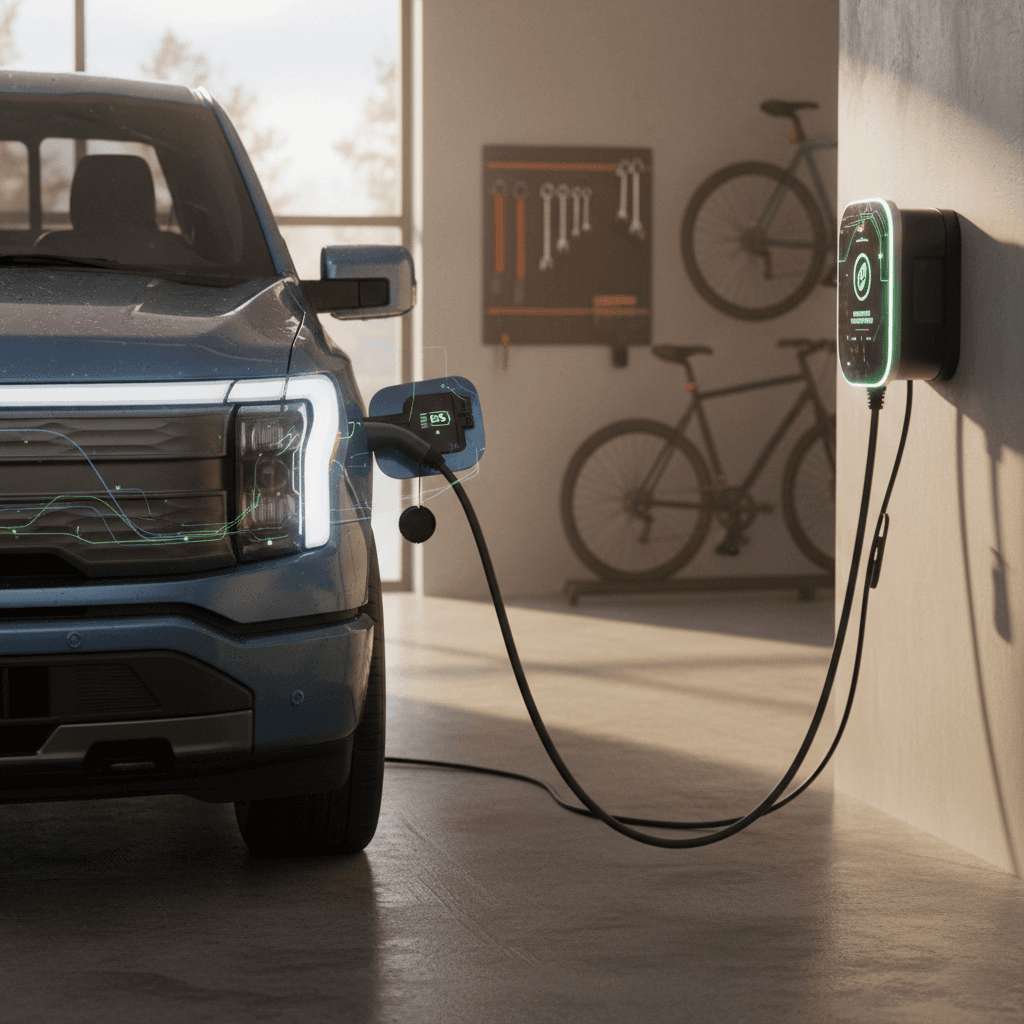
Use a 240V Level 2 charger, Ford Charge Station Pro or a quality third-party unit, for routine charging.
- It’s gentler on the battery than constant DC fast charging.
- Overnight charging lets the pack fill slowly and stay cool.
3. Don’t top off constantly
Avoid plugging in for tiny top-ups multiple times a day.
- Let the SoC swing naturally between, say, 30–80%.
- Fewer, longer sessions are kinder than many micro charges.
4. Time 100% charges with departure
When you do need 100% (a trip or long tow day), schedule charging so it finishes close to departure time.
- Minimize how long the pack sits at full.
5. Watch heat
High temperature plus high SoC is the worst combo.
- If your garage gets hot, consider a fan or ventilation.
- Avoid repeated hard driving immediately after fast charging on very hot days.
6. Don’t fear 20–30%
Occasionally running down to 10–20% is fine.
- Just don’t leave it parked near 0% for days.
- Think: avoid extreme ends for long periods.
A simple daily target
Using Ford charging settings smartly
Ford built several tools into the F-150 Lightning specifically to manage charging, protect the pack, and lower your energy bill. Tweaking these settings once can improve battery health years down the road.
Set-and-forget settings that help your battery
1. Configure home charge locations
In the truck’s Charging app or FordPass app, set your home (and work, if applicable) as Preferred Charge Locations. This lets you define custom charge limits and schedules for the places you plug in most often.
2. Set a daily charge limit
Choose a daily limit (for example, 85% or 90%) for home. The truck will automatically stop charging there, even if you leave it plugged in. You can raise the limit manually before a trip when you need maximum range.
3. Use preferred charge times
Take advantage of off-peak electric rates by enabling Preferred Charge Times. The Lightning will wait to charge until your cheaper time window, then fill to the set limit before your departure time, reducing both cost and battery heat.
4. Enable departure preconditioning
Schedule departure times so the truck preheats or precools the cabin and conditions the battery while plugged in. That draws energy from the grid instead of the pack and delivers better efficiency, especially in very hot or cold weather.
5. Monitor charging speeds and temps
If you notice unusually high charge rates at home, very hot ambient temps, or the fan running constantly, consider dialing the current down a bit in your charger’s settings to keep long overnight sessions cooler.
6. Keep software updated
Battery and charging behavior often improve with over-the-air updates. Make sure automatic updates are enabled so you benefit from Ford’s latest refinements to thermal management and charging curves.
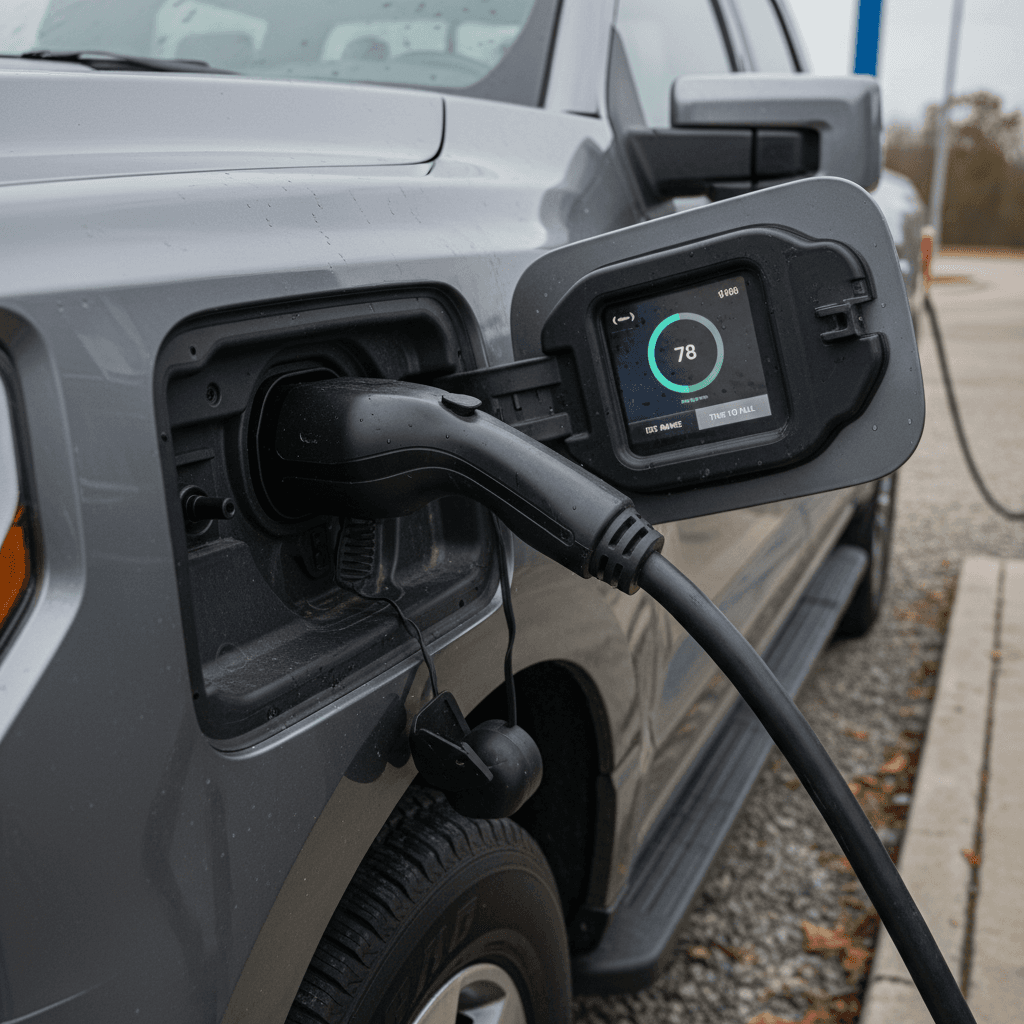
DC fast charging: how much is too much?
DC fast charging (DCFC) is one of the F-150 Lightning’s superpowers, letting you add a huge amount of energy in under an hour. The tradeoff is that repeatedly pushing large currents into a big pack, especially when it’s hot or nearly full, adds extra wear compared with Level 2.
When DC fast charging is fine
- Road trips and towing days: You’re covering serious miles and need the speed.
- Occasional convenience: A quick top-up while shopping or on a busy day is okay.
- Emergency situations: Low on range with no Level 2 nearby.
Modern packs and BMSs are designed to handle regular, but not constant, fast charging.
When DCFC can accelerate wear
- Using DC fast charging as your primary charging strategy several times a week.
- Frequently charging from a very low SoC straight to a high SoC (for example, 5% to 100%).
- Fast charging repeatedly in extreme heat or cold, where the system has to work harder to manage cell temps.
Think of DCFC as a powerful tool: great when you need it, unnecessary punishment if you don’t.
Mind the 80–90% fast-charge ceiling
If life or work requires frequent fast charging, say, you’re towing heavy loads or running a mobile business with limited downtime, try to keep your average state of charge a bit lower, precondition the truck when possible, and park in shade or cooler areas after charging to help thermal management.
Driving and usage habits that protect the pack
Charging is only half the story. How you use your Lightning day to day affects heat, current draw, and depth of discharge, all of which show up in long-term battery health.
Driving behaviors that support long battery life
You don’t have to baby the truck, but a few tweaks help.
Smooth acceleration
Frequent full-throttle launches spike current draw and pack temps.
- Use the Lightning’s torque, but avoid drag-race starts every stoplight.
- Smoother driving reduces peaks that age cells faster.
Moderate top speeds
High-speed highway runs burn through energy quickly.
- Staying closer to the flow of traffic reduces discharge rates.
- That means fewer deep discharges and less heat per mile.
Use regen intelligently
Regenerative braking recovers energy but also moves current in and out of the pack.
- Normal or one-pedal modes are fine; just avoid repeated hard stops from high speed.
- Look ahead and coast when possible to keep things smooth.
Precondition in extremes
In very hot or cold weather, precondition the cabin and battery while plugged in.
- That keeps the pack in its preferred temperature window.
- Less time spent cold-soaked or heat-soaked equals less stress.
Plan around heavy loads
Towing and hauling pull more power from the pack.
- Expect deeper discharges and higher temps.
- Offset that with gentler charging and speed choices on tow days.
Daily route planning
If your commute is predictable, size your daily charge limit around it.
- There’s no need to charge to 100% for a 25-mile round trip.
- Leaving room at the top helps the pack age gracefully.
Cold weather and towing: managing extra stress
The Lightning was built to work, plowing through snow, hauling gear, and towing trailers. Those use cases are also the ones that stress the battery the most, because they combine heavy loads, temperature extremes, and sometimes fast charging.
Cold-weather battery care
- Precondition while plugged in: On winter mornings, schedule a departure so the truck warms the pack and cabin using grid power.
- Expect slower fast charging: A cold battery won’t accept high power until it warms up.
- Avoid hard driving on a cold pack: For the first few miles, take it easy so the BMS can bring temps up gradually.
These habits reduce mechanical and chemical stress when the cells are most fragile.
Towing and heavy hauling
- Plan conservative SoC bands: Start tow days at 90–100%, but try not to run all the way to near-zero repeatedly.
- Cool-down after DCFC: If you fast charge mid‑tow, give the truck a short, easy drive afterward instead of immediately hammering up a grade.
- Speed is your friend, or enemy: Keeping speeds moderate when towing goes a long way toward reducing pack temperatures and discharge rates.
Work the truck hard when you need to, then balance that with gentler charging and smart planning on off days.
Think in weeks, not days
Long-term storage and parking best practices
If your F-150 Lightning will sit for weeks at a time, snowbird season, deployment, extended work travel, how you leave the battery can make the difference between happy cells and unnecessary degradation.
How to store your Lightning without hurting the battery
1. Avoid storing full or empty
For storage longer than a week or two, aim to leave the pack around <strong>40–60%</strong> SoC. Don’t park it for long stretches at 100% or near 0%.
2. Use charge limits and timers
Set a lower charge limit (for example, 60%) and let the truck hold around that level. If you’re leaving it plugged in, your charger and BMS will keep the pack topped without hitting the full high-voltage ceiling.
3. Park in a temperate spot
Whenever possible, store the Lightning in a garage or shaded area. Avoid long-term parking in full sun in very hot climates, especially combined with a high state of charge.
4. Check in periodically
If you’re away for months, have someone you trust check the SoC every few weeks. A short drive and small recharge can prevent the truck from sitting near the extremes.
5. Limit vehicle-to-home use during storage
If you use your Lightning for home backup power, avoid leaving it in a very low SoC state for days after an outage. Recharge to a comfortable mid-range once the grid is back.
6. Watch for software notices
If Ford issues an update related to charging, thermal management, or battery longevity, install it before you park the truck for long stretches.
Battery health and resale value
When you eventually sell or trade your F-150 Lightning, the first question savvy buyers ask is, “How’s the battery?” Unlike a gas truck, where miles and maintenance records tell most of the story, an electric truck’s usable battery capacity and charging history are front and center.
How your habits today affect tomorrow’s resale
Key battery factors used EV buyers look at, and how your behavior impacts each one.
| Factor | What buyers look for | Habits that help | Habits that hurt |
|---|---|---|---|
| Displayed range / capacity | Real-world range at common SoC levels, especially 80–90%. | Daily charging to ~80–90%, limited fast charging, moderate driving. | Years of 100% charging, heavy fast-charging use, lots of deep discharges. |
| Charging history | Mix of home Level 2 vs DC fast charging. | Mostly Level 2 at home or work, occasional DCFC for trips. | DCFC multiple times per week, minimal home charging. |
| Thermal history | How often the pack hit very high or low temps. | Parking in shade/garage, preconditioning while plugged in in winter. | Sitting for days at 100% in summer heat or near 0% in the cold. |
| Warranty status | Remaining months/miles on high-voltage battery warranty. | Staying within mileage and time limits, documented maintenance. | Exceeding warranty mileage quickly, lack of software updates. |
| Independent health reports | Third-party or marketplace battery diagnostics. | Documented health check, like a Recharged Score report, at sale time. | No data, just “feels fine,” or unexplained range loss. |
A healthy battery doesn’t just deliver range; it helps your Lightning hold its value on the used market.
How Recharged can help
Ready to find your next EV?
Browse VehiclesFAQ: Ford F-150 Lightning battery life
Frequently asked questions about maximizing Lightning battery life
Your Ford F-150 Lightning’s battery was engineered to go the distance. You don’t need to baby it, but a handful of smart habits around charging, driving, and storage will pay off in range, reliability, and resale value. Set conservative daily charge limits, lean on home Level 2 charging, avoid parking at the extremes of 0% or 100% for long periods, and use Ford’s built-in tools to keep the pack in its comfort zone. If you eventually decide to move on from your Lightning, a healthy battery, and objective data from a marketplace like Recharged, will make your truck stand out in a used EV market that’s only getting more sophisticated.