If you own or are shopping for a used Ford F-150 Lightning, understanding how to check battery health is just as important as checking miles or accident history. The battery pack is the heart (and the most expensive component) of your truck, so a clear, repeatable F-150 Lightning battery health check gives you confidence about real‑world range, resale value, and long‑term reliability.
Good news for Lightning owners
Why battery health matters on the F-150 Lightning
- The F-150 Lightning’s battery pack is a five‑figure component if it ever needed replacement out of warranty.
- Battery health directly determines usable range, especially when towing or in cold weather.
- Range and fast‑charging speed strongly influence resale value. A healthy pack makes a used Lightning much easier to sell or trade.
- Ford’s software estimates state of charge and range, but it doesn’t show a simple “battery state of health” percentage in the dash, so you need a structured approach.
You don’t need lab equipment to get a meaningful read on your Lightning’s battery. With a mix of in‑truck info screens, the FordPass app, a short drive, and (optionally) an OBD‑II scan tool, you can build a surprisingly clear picture of how the pack is doing.
What Ford’s warranty and specs tell you about battery health
Ford F-150 Lightning battery basics
Ford publishes detailed specs for each model year and states that the F-150 Lightning’s high‑voltage battery is designed to retain at least 70% of its original capacity over 8 years or 100,000 miles. That doesn’t mean every pack will hit that exact number, but it does give you a line in the sand when you’re interpreting your own results.
Use the warranty threshold as a sanity check
Quick Ford F-150 Lightning battery health check in 5 minutes
If you’re test‑driving a Lightning at a dealer or auction and don’t have much time, you can still do a fast, fairly revealing check. This won’t replace a full workup, but it quickly filters out the obvious problem cases.
5‑minute Ford F-150 Lightning battery health spot‑check
1. Check odometer and model year
Note total miles and year. A 2022 Lightning with 20,000 miles and one with 90,000 miles should not look the same from a battery‑health perspective. High miles plus obviously poor range is more concerning than modest degradation at high miles.
2. Look at state of charge and indicated range
On the main instrument cluster, note the <strong>% state of charge</strong> (SoC) and the estimated range. For example, if you see 60% and 120 miles on an extended‑range truck that was originally ~300 miles EPA, that lines up with roughly normal degradation and driving conditions.
3. Sanity‑check range vs SoC
Roughly scale the displayed range to 100%. If 60% charge shows 120 miles, 100% would be about 200 miles. Compare that to the truck’s original EPA rating. If the implied full‑charge range is less than ~65–70% of original, ask why: aggressive driving, heavy accessories, large tires, or real degradation?
4. Look for battery‑related warnings
Check the instrument cluster and the FordPass app (if linked) for any high‑voltage battery warnings, power‑reduction messages, or charging‑system errors. Walk away from trucks showing persistent HV battery faults unless a dealer can document a completed repair.
5. Ask about charging habits
Ask the seller how they charged the truck: mostly home Level 2, or constant DC fast charging to 100%? Regularly charging to 80% and keeping SoC in the 20–80% band is healthier than frequent 0–100% fast‑charge cycles, especially in hot climates.
Don’t judge health from one short drive alone
Step-by-step deep‑dive battery health check
What you’ll need
- Access to the truck for a day or two (or at least several hours)
- Reliable Level 2 charger (preferably 40A+)
- A notebook or notes app to record SoC, miles, and energy
- Optional: a compatible OBD‑II dongle and EV‑aware app
What you’ll learn
- Approximate real‑world usable capacity (kWh)
- Practical full‑charge range in your climate and driving style
- Whether there are any obvious battery management or thermal issues
- How your truck compares to Ford’s warranty expectations
- Charge the truck overnight on Level 2 to 100% while the truck and climate controls are off.
- Note the odometer, SoC (100%), and estimated range in the morning, along with outside temperature.
- Drive a familiar mixed route (city + highway) to use around 40–60% of the battery without fast charging.
- Record miles driven and remaining SoC when you park (for example: 70 miles driven, 55% remaining).
- Use those numbers to estimate full‑pack usable capacity and real‑world range.
- Repeat on another day in different conditions (for example colder weather or towing) to see how consistent the results are.
Back‑of‑the‑envelope usable capacity estimate
Using FordPass and in‑truck menus for battery insights
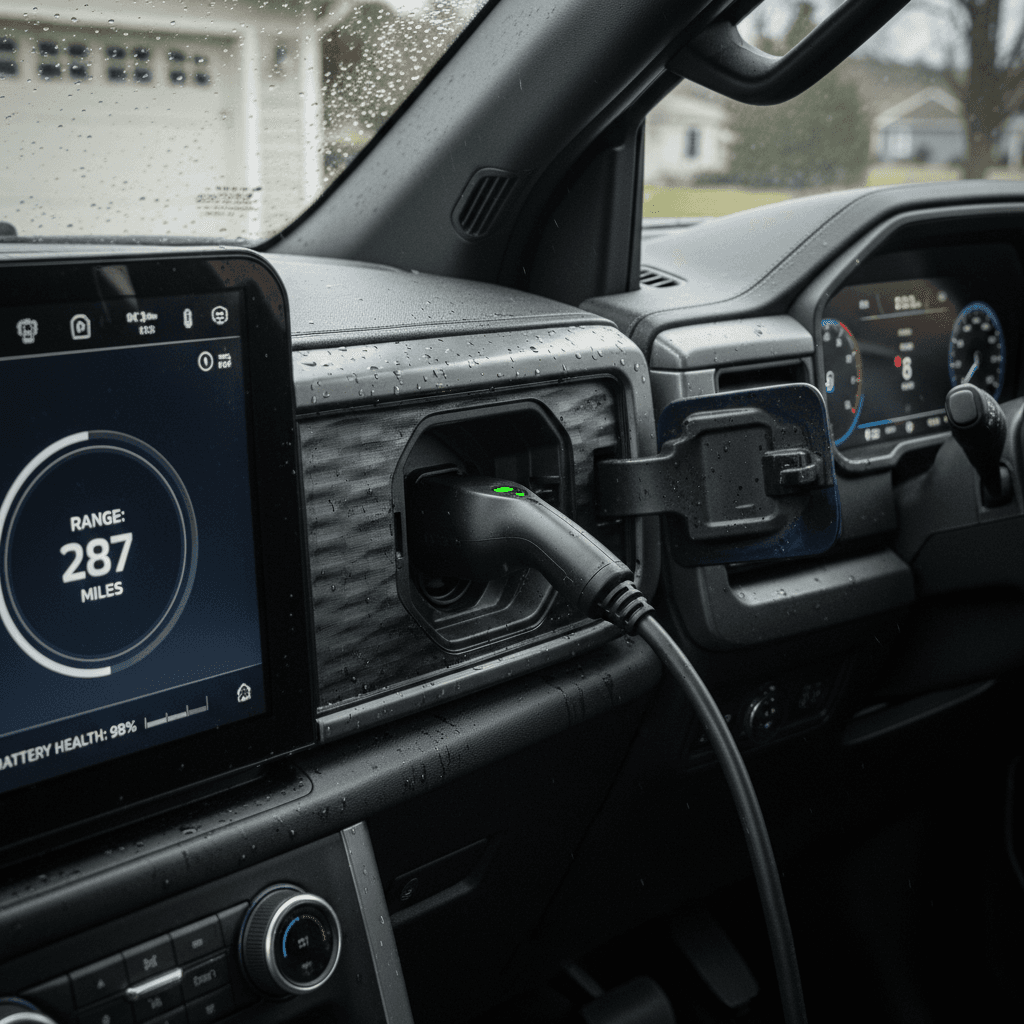
Ford doesn’t expose a simple “battery SOH” readout in consumer‑facing menus, but the F-150 Lightning’s screens and FordPass app still give you valuable clues if you know where to look.
Key places to look for Lightning battery clues
Use both the truck and the FordPass app for a fuller picture
Instrument cluster
- SoC % and range estimate on the main screen
- Trip computer shows mi/kWh efficiency
- Energy use by driving, climate, and accessories
FordPass app
- Remote SoC and estimated range
- Charging session summaries on some chargers
- Battery‑related warnings or alerts
Charging screens
- Charging rate (kW) and time remaining
- SoC vs. time curve as you approach 80–100%
- Unusual slowdowns can hint at thermal limits or pack issues
Use trip meters as your friend
Advanced battery health check with OBD and apps
If you want a more technical view, or you’re evaluating a higher‑mileage used Lightning, adding an OBD‑II Bluetooth dongle and an EV‑aware app can surface detailed battery information that Ford hides from normal users.
Useful OBD‑II battery data points on the F-150 Lightning
These values and exact names vary by app, but most Lightning‑compatible tools expose similar data.
| Data point | What it tells you | Why it matters |
|---|---|---|
| HV battery state of health (%) | Estimated remaining capacity vs. new | Gives a more direct view of degradation than range alone |
| HV battery usable energy (kWh) | Pack energy the BMS sees as usable | Helps confirm your back‑of‑the‑envelope capacity estimate |
| Cell voltage spread | Difference between highest and lowest cell groups | Large spreads can indicate cell imbalance or early issues |
| Battery temperature(s) | Pack and coolant temperatures | Shows whether the thermal system is keeping the pack in a healthy range |
| DC fast charge counters | Number and/or energy of fast‑charge sessions | Heavy fast‑charging history can accelerate degradation in hot climates |
Always read OBD data with the truck safely parked, and avoid writing or changing any settings unless you fully understand the risks.
Be careful with OBD apps
What normal vs. problematic degradation looks like
Interpreting F-150 Lightning battery health results
Use age, miles, and use‑case context, not just one number
Signs of normal, healthy aging
- 2–4 years old, 20k–50k miles: implied capacity down ~5–12% vs new
- Range estimates roughly track original EPA rating once you account for tires, climate, and driving style
- Charging power ramps normally up to ~80% on DC fast chargers
- No history of high‑voltage battery warnings or power‑reduction events
Signs you should dig deeper
- Implied usable capacity appears down 25–30%+ at modest miles
- Truck frequently limits power, especially at moderate SoC and temps
- DC fast charging quickly throttles even at low SoC, without obvious cause
- Large cell‑voltage spreads or abnormal temperatures in OBD data
Remember that batteries don’t live in laboratory conditions. A truck that spent its life towing heavy loads, fast‑charging to 100% in Phoenix heat, or sitting at full charge for long stretches will age faster than a lightly‑used commuter in a mild climate. That doesn’t automatically make it a bad truck, but it should be priced accordingly, and you should go in with eyes open about future range.
Extra considerations: towing, fast charging, and home backup
- Towing and payload: Heavy loads don’t directly damage the battery, but they do increase current flow and heat. Over many years, that can slightly accelerate aging, especially if combined with high temperatures.
- DC fast charging: Occasional road‑trip fast charging is fine. Living on DC fast chargers, especially charging above ~80% SoC in hot weather, is much harder on the pack.
- Home backup power: Using Ford’s Intelligent Backup Power system is essentially deep‑cycling your battery. The system is designed for this, but frequent, prolonged backup use in hot weather is another factor that can add up over the years.
- Cold weather: Cold doesn’t usually harm long‑term health, but it temporarily reduces available power and range. If you’re testing range in winter, expect lower numbers than in mild temps even with a healthy pack.
Watch for thermal‑management red flags
How Recharged checks F-150 Lightning battery health
At Recharged, every used F-150 Lightning we list goes through a structured evaluation that goes well beyond a quick test drive. Because the battery is central to your ownership experience, we treat it as a first‑class citizen in our inspection process.
Inside a Recharged F-150 Lightning battery health evaluation
1. Scan for battery and thermal system faults
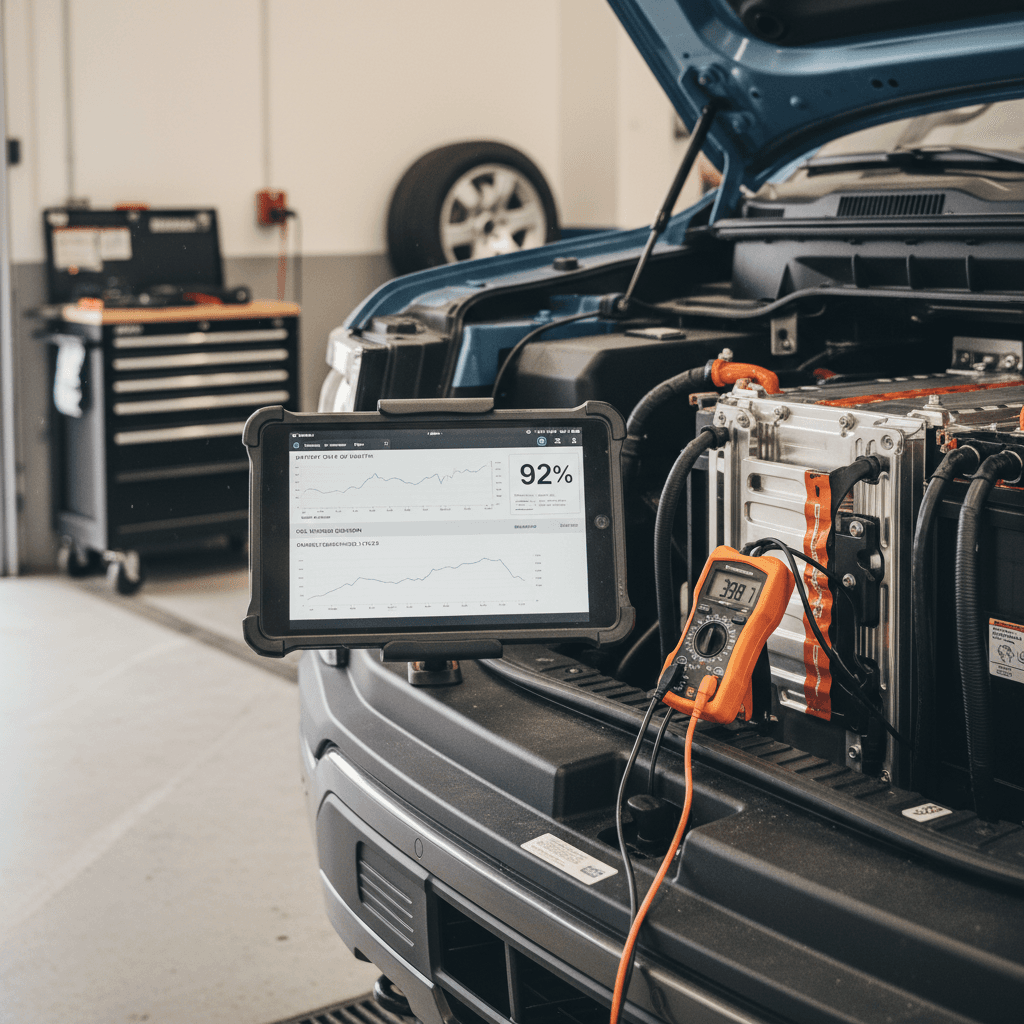
We connect professional‑grade diagnostic tools to check for current and historical trouble codes in the high‑voltage battery, inverters, on‑board charger, and thermal‑management system.
2. Measure real‑world usable capacity
Using logged driving data, charging sessions, and OBD‑level pack information where appropriate, we estimate usable battery capacity relative to when the truck was new.
3. Analyze charging and efficiency history
We look at how the truck has been charged (home vs. DC fast), typical energy consumption (mi/kWh), and how range estimates track actual miles driven in different conditions.
4. Check temperature behavior and cell balance
We verify that the Lightning’s battery temperatures and cell‑balance values stay within normal ranges under both charging and driving loads, and that there are no signs of localized stress.
5. Compile a Recharged Score battery report
All of this rolls up into an easy‑to‑read <strong>Recharged Score Report</strong> that summarizes battery health, expected range, and remaining warranty context so you don’t have to decode raw data yourself.
Buy or sell a Lightning with less guesswork
Ready to find your next EV?
Browse VehiclesFord F-150 Lightning battery health FAQ
Common questions about checking F-150 Lightning battery health
Bottom line on checking F-150 Lightning battery health
You don’t need to be a battery engineer to run a meaningful Ford F-150 Lightning battery health check. By combining what the truck already tells you, a bit of structured testing, and, if you want to go deeper, OBD‑based tools, you can quickly separate healthy trucks from problem children and set realistic expectations for range and longevity.
If you’d rather not build your own spreadsheets or decode raw data, every used Lightning on Recharged comes with a Recharged Score Report that bakes battery diagnostics, warranty context, and real‑world performance into a single, transparent number. Whether you’re buying, selling, or just sanity‑checking the truck in your driveway, taking battery health seriously today pays off in lower total cost of ownership and a lot less range anxiety tomorrow.