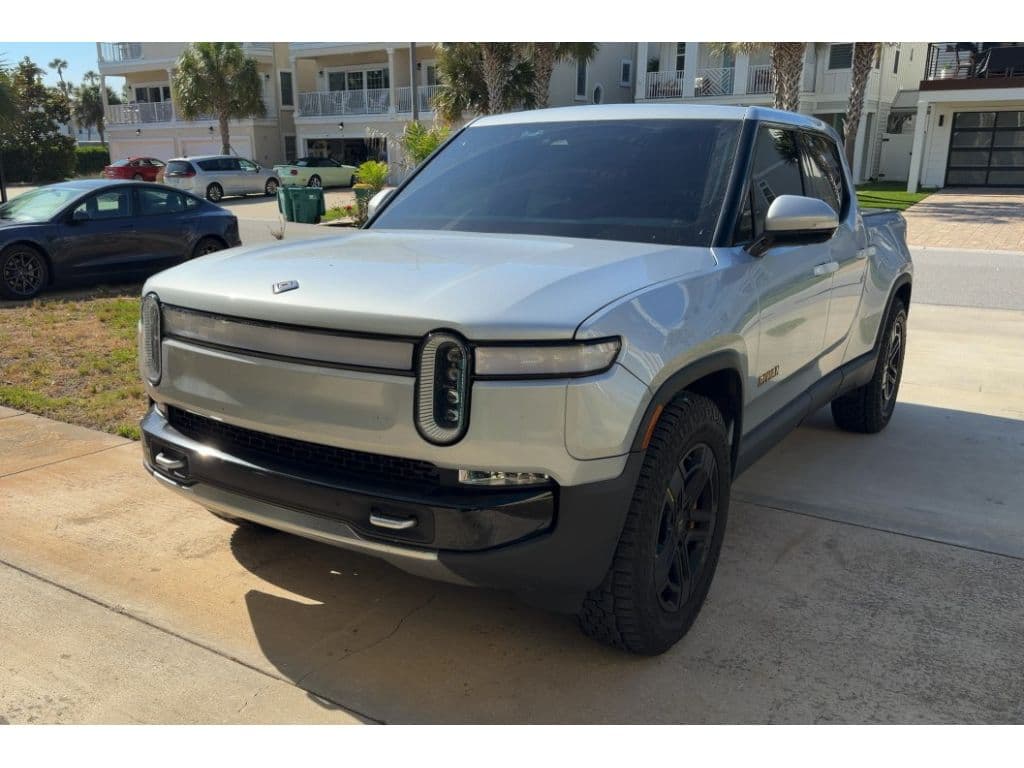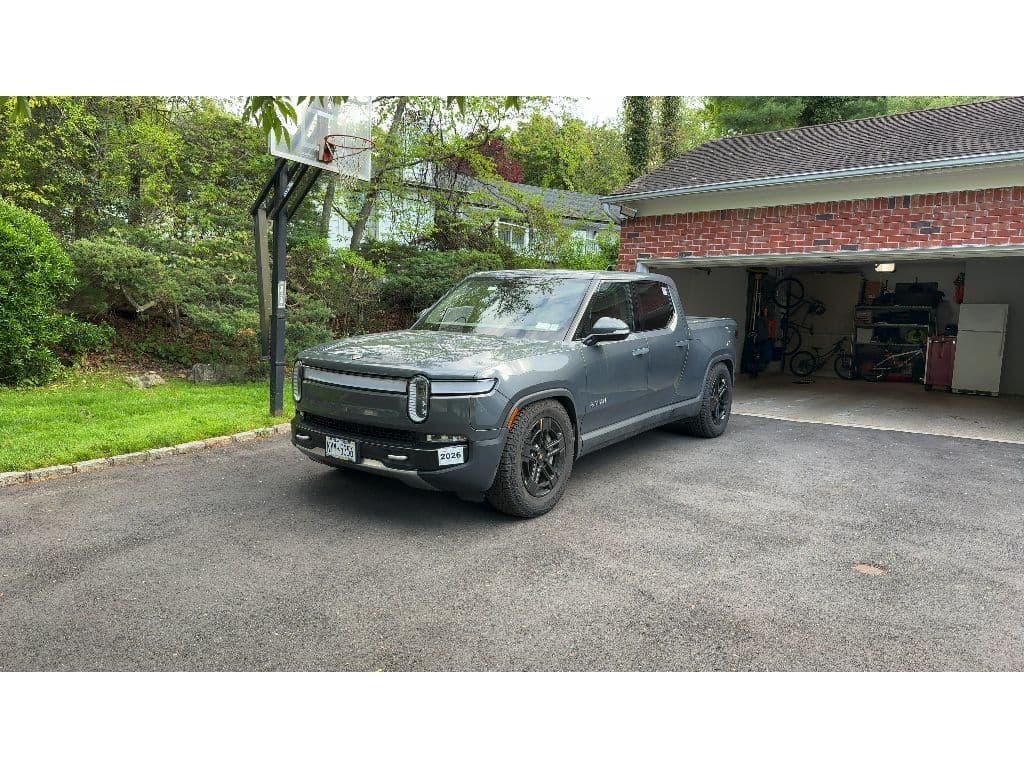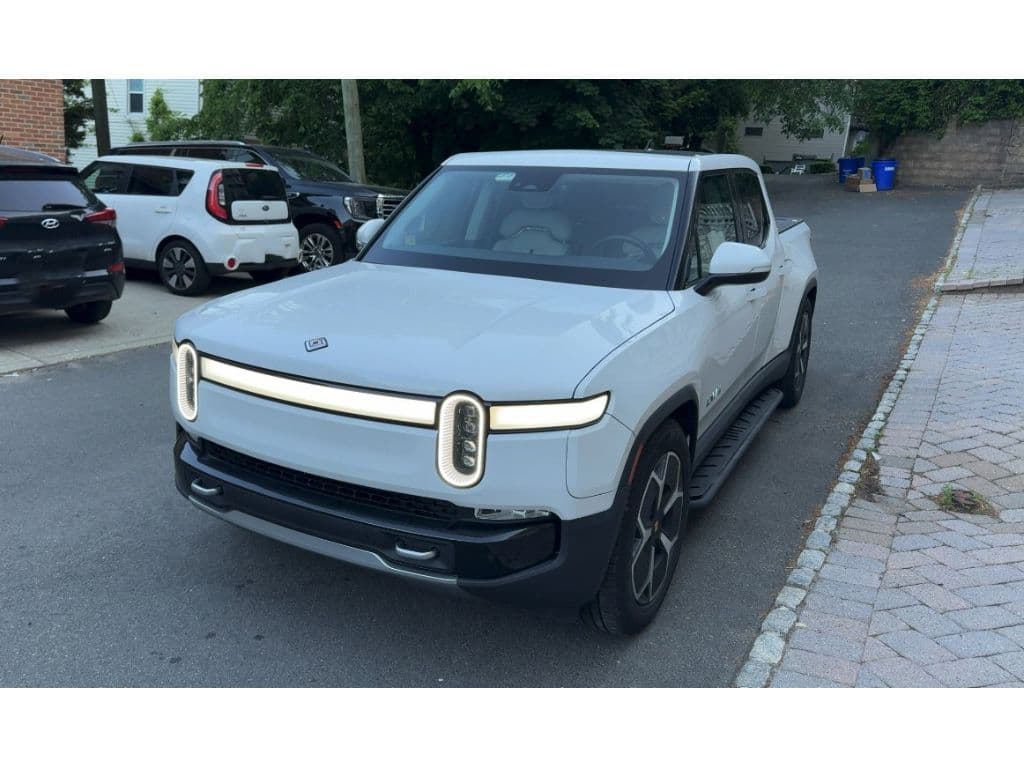
If you’re eyeing a **2025 Rivian R1T**, especially on the used market, you’ve probably heard glowing praise about its performance *and* some worrying stories about reliability, recalls, and service delays. This guide pulls together the most common 2025 Rivian R1T problems and realistic fixes so you can shop, own, or sell one with your eyes wide open.
Model-year reality check
Overview: How Reliable Is the 2025 Rivian R1T?
What owners love
- Brutal performance from dual- and tri-motor setups.
- Quiet EV powertrain vs. gas trucks, especially around town.
- Thoughtful adventure features: gear tunnel, built‑in air compressor, clever storage.
- Constant OTA software updates that add features and tweak range, ride, and driver assistance.
Where 2025 R1T struggles
- Software/ADAS glitches that can disable features until the next update.
- Spotty build quality: wind noise, rattles, misaligned panels.
- Electrical gremlins, including 12V issues and warning lights.
- Young service network that can mean long waits for appointments in some regions.
How to read owner horror stories
High-Level 2025 R1T Issue Snapshot*
Now let’s walk through specific 2025 Rivian R1T problems, how they show up in the real world, and what you can actually do about each one, whether you’re test‑driving a used truck or already have one in your driveway.
Major 2025 R1T Recalls and Safety Fixes
Before you worry about squeaks and rattles, you want to know if a **2025 R1T has had all of its safety recalls addressed**. Rivian leans heavily on OTA updates, but some fixes still require physical inspection or part replacement.
Key Recalls Affecting 2025 Rivian R1T
Always verify recall status by VIN on NHTSA’s website or through Rivian support before purchasing a used truck.
| Recall focus | Model years/build window (approx.) | What can go wrong | How it’s fixed | What buyers should do |
|---|---|---|---|---|
| ADAS misclassification / hands-free system | 2025 R1T built roughly Apr 2024–May 2025 | Advanced driver assistance could misclassify a lead vehicle and fail to respond correctly. | OTA update to software version around 2025.18.30 or later; no hardware change for most owners. | Confirm software is up to date on the truck; screenshot the current version during test drive. |
| High‑voltage distribution / grounding (small population) | Limited 2025 R1T/R1S batch | Poorly grounded connection in the HV distribution box may cause loss of drive power. | Inspection of HV battery distribution box, repair of ground strap, or battery pack replacement on affected units. | Ask for a service history printout; walk away from any truck ignoring an open HV recall. |
| Seat‑belt or restraint campaigns (various Rivian models) | Some campaigns have applied to early R1T/R1S; later 2025 trucks may be unaffected | Improper belt function can increase injury risk in a crash. | Physical inspection and belt replacement if needed; some detection improvements via OTA. | Check VIN against NHTSA; confirm no open restraint recalls before buying. |
This table is not exhaustive, new campaigns may be added. Always check the VIN for the latest status.
Don’t rely on the seller’s word
If a 2025 R1T you’re considering still has open safety recalls, the safest route is to have those completed **before** you take delivery, or choose a different truck that’s already up to date.
Software & ADAS Problems on the 2025 R1T
Software is both the R1T’s secret weapon and its Achilles’ heel. The 2025 trucks arrived with more mature driver‑assistance than early builds, but also with **more features riding on code that’s constantly changing**.
Common 2025 R1T Software & ADAS Issues
What owners report after major OTA releases
Driver-assist faults
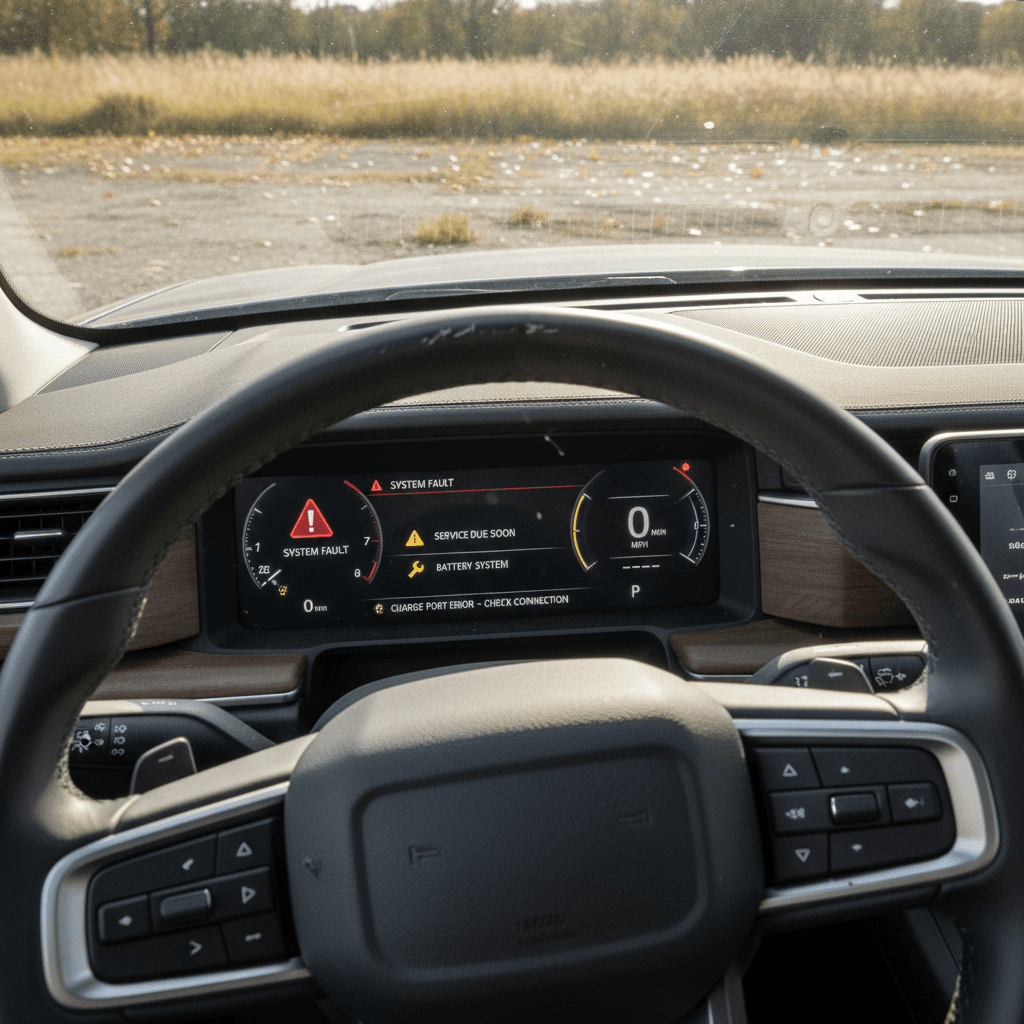
After some updates, owners report “system fault detected” messages that disable adaptive cruise or lane assist mid‑drive.
- Often temporary and resettable.
- Can reappear several times in a single trip.
Camera glitches
Front or surround‑view cameras may go black or fail to load until the system is rebooted.
- Particularly after large UI or “Halloween‑style” feature updates.
- Annoying but usually not a hardware failure.
Phone & app quirks
Phone‑as‑a‑key and app functions (garage integration, profiles, streaming apps) can become unreliable after updates.
- May require re‑pairing phone or clearing app cache.
Fast Fixes for Software & ADAS Weirdness
1. Perform a full infotainment reboot
Use the steering wheel button combo (or follow the manual) to reboot the center screen and instrument cluster. Many camera and UI problems clear after a proper restart.
2. Check for pending OTA updates
On the truck’s settings screen, confirm whether a newer software version is waiting. Installing the latest build often resolves known ADAS and connectivity bugs.
3. Power cycle and re‑calibrate driver-assist
Turn driver‑assistance systems off and back on; in some cases, the truck needs a short, straight‑line drive on a well‑marked road to complete calibration after an update.
4. Re‑pair your phone and key credentials
Delete the Rivian from your phone’s Bluetooth list, uninstall/reinstall the app, and re‑pair. Make sure app permissions (location, Bluetooth) are fully granted.
5. Open a service ticket with detailed logs
When glitches persist, log the time, conditions, and messages. Attach photos or video in the Rivian app so techs can connect your experience to known bugs or TSBs.
When software problems become safety problems
Electrical & 12V Issues: Dead Trucks and Warning Lights
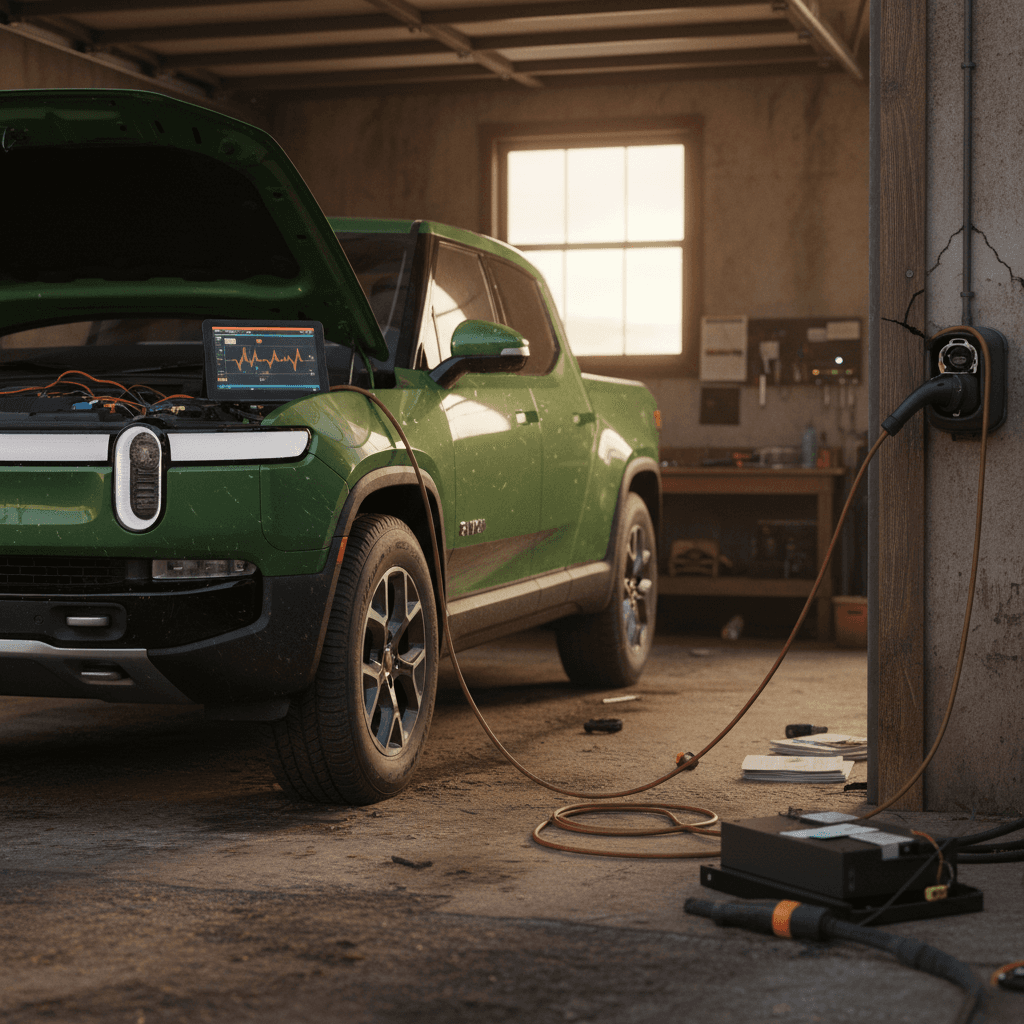
A 2025 R1T can have plenty of charge in the main battery pack and still be completely unresponsive if the **12‑volt low‑voltage system** fails. This isn’t unique to Rivian, but it hits harder when your only way into the truck is electronic locks.
How Electrical Problems Show Up on a 2025 R1T
From nuisance warnings to no‑start situations
12V battery failures
Owners describe coming back from trips to a “dead” truck that won’t unlock or boot, even with 70%+ charge left in the main pack.
- Root cause is often a weak or failed low‑voltage battery.
- Requires mobile service or a tow if you can’t access the 12V terminals.
Persistent warning lights
Random warning messages, charging faults, or battery alerts that appear and disappear can point to wiring or sensor issues.
- Sometimes cleared by software updates.
- Other times traced to harness problems or failing components.
Used‑buyer tip: test the 12V indirectly
What to Do If Your 2025 R1T Goes “Dead”
1. Try the official 12V access procedure
Rivian documents how to access low‑voltage terminals to jump or power the truck enough to unlock and get it into tow mode. Review the steps in the owner’s manual before you actually need them.
2. Call Rivian roadside assistance immediately
If the truck won’t wake up or shift, get it safely towed to a Rivian service center. Document odor, smoke, or any unusual noises, those details help techs zero in on root cause.
3. Ask for a 12V battery health report
Once in service, request that the low‑voltage system be fully tested, not just reset. If the truck is under warranty, a weak 12V battery should be replaced at no charge.
4. For a used truck, review prior electrical repairs
Look through service records for repeated 12V, wiring harness, or HV distribution box visits. A single fix is normal; a pattern of similar repairs is reason to move on to a different R1T.
Build Quality, Wind Noise & Fit-and-Finish Complaints
Rivian’s interior design and materials are impressive, but **panel alignment and wind noise** remain recurring complaints, even on newer 2025 builds. These aren’t usually safety issues, but they can be maddening in a six‑figure truck.
- Wind noise from the driver or passenger front window at highway speeds, often traced to quarter‑window glass or door seals.
- Rattles from the headliner, gear tunnel doors, or door panels, common after glass replacement or off‑road use.
- Inconsistent panel gaps around the hood, tailgate, and doors that don’t line up with the premium price tag.
The good news on build issues
How to Inspect a 2025 R1T for Build-Quality Problems
1. Highway wind-noise test
On your test drive, spend at least 5–10 minutes at 65–75 mph on a smooth highway. Listen carefully near the A‑pillars and top of the doors. Loud “window cracked open” noise is not normal on a good truck.
2. Close‑up panel-gap walkaround
Walk the truck slowly and look straight down panel lines at eye level. Big variations from one side to the other, or doors that sit proud of the body, suggest prior repairs or factory alignment issues.
3. Rattle hunt on rough pavement
Find a patched road or cobblestone surface and drive it twice: once with the stereo off, once with light music. Note any buzzes from the dash, headliner, gear tunnel, or doors that would drive you crazy on a commute.
4. Ask directly about previous body or glass work
A cracked roof panel or accident repair isn’t an automatic deal‑breaker, but you want to know who did the work and whether rattles or leaks followed. Get invoices if possible.
Suspension, Steering Shake & Ride Concerns
The R1T’s adjustable air suspension and off‑road capability are a huge part of its appeal, but they also introduce more ways for things to feel “off.” Owners of both early and newer builds have complained about **steering shake, uneven ride height, or clunks** that are hard to diagnose.
Ride & Handling Problems You Might Notice
What’s normal truck behavior and what’s not
Steering shake or play
Some owners describe a shimmy through the wheel at certain speeds, or a wheel that doesn’t hold its adjusted position under light pressure.
Simple causes include poor wheel balance or alignment; more involved fixes can include column or suspension component replacement.
Uneven stance & clunks
A truck that sits unevenly from one side to the other, or makes clunks over driveways, may have air‑suspension or bushing issues.
Occasional clicks from height changes are normal; repeated thumps or metal‑on‑metal sounds are not.
How to Test a 2025 R1T’s Ride and Steering
1. Straight‑line tracking test
On a flat, lightly traveled road, loosen your grip on the wheel at 45–55 mph. The truck should track straight, not constantly tug to one side or demand corrections.
2. Brake-from-highway-speed test
With nobody behind you, brake firmly from 65–70 mph. Feel for vibration in the pedal or wheel; it can indicate warped rotors or suspension issues that need attention.
3. Low-speed steering feel
In a parking lot, turn the wheel slowly lock‑to‑lock while creeping forward. Grinding, binding, or knocking through the column deserves a trip to the service center.
4. Check height modes and leveling
Cycle through the suspension height settings. The truck should raise and lower smoothly and sit level when parked on flat ground.
Charging, Keys & Access Glitches
By 2025, Rivian’s charging hardware is generally solid, but **software updates and accessory use** can still trip you up, especially if you’re mixing non‑Rivian wall connectors or older adapters into the equation.
Everyday Annoyances 2025 R1T Owners Report
Not catastrophic, but they add up
Home charging faults
Some owners see intermittent errors or throttled charging when using third‑party chargers or legacy Tesla wall connectors plus adapters.
Often tied to temperature, adapter limitations, or post‑update software behavior.
Key card / PAAK misbehavior
Key cards paired to the wrong vehicle at delivery, or phone‑as‑a‑key that suddenly stops unlocking the truck after an update.
Usually fixable through re‑pairing or Rivian remote assistance, but it’s an ugly first impression.
Smart garage integration glitches
Location‑based prompts to open your home garage may become inconsistent after certain updates.
Inconvenient, but seldom a reason to avoid the truck entirely.
Simple charging sanity check
Quick Fixes for Charging & Access Problems
1. Verify adapter and charger ratings
If you’re using a Tesla or third‑party charger, confirm it’s rated for your R1T’s maximum AC current and that the adapter is from a reputable brand. Underspec hardware can overheat or trip faults.
2. Re‑configure home locations and garage controls
If location‑based features stop working, delete and re‑add home locations and linked garage doors in the Rivian app. Updates sometimes break those geofenced profiles.
3. Re‑pair keys and PAAK
Remove all keys from the truck’s settings, then re‑add cards, fobs, and phones one at a time. Confirm each will both lock and unlock the truck and allow it to shift into drive.
4. Open a ticket before it strands you
If charging or key behavior is flaky but not yet catastrophic, open a low‑priority service ticket now so Rivian can document and address it before you’re stuck at a charger or locked out of your own truck.
How to Diagnose a Used 2025 R1T Before You Buy
Shopping used is where knowledge of **2025 Rivian R1T problems and fixes** really pays off. The goal isn’t to find a unicorn with zero issues, that’s unrealistic for any modern EV, but to sort normal teething pains from genuine deal‑breakers.
Four Lenses for Evaluating a 2025 R1T
Use this framework during your inspection and test drive
1. Software & recall status
- Check current software version and confirm OTA updates are enabled.
- Run the VIN through NHTSA and ask Rivian support about open recalls.
- Look for proof that ADAS and HV system recalls have been completed.
2. Driveability and noises
- Perform highway, braking, and rough‑road tests.
- Listen for wind roar, rattles, clunks, and steering noise.
- Make sure air suspension modes and steering feel are consistent.
3. Service history patterns
- One‑off repairs are normal; repeated visits for the same fault are not.
- Watch for multiple 12V, HV, or ADAS repairs on the same truck.
- Confirm body or glass work was done at a qualified facility.
4. Warranty runway
- Confirm remaining bumper‑to‑bumper and battery warranties by in‑service date.
- Higher‑mileage 2025 trucks can still have strong HV battery coverage.
- Budget for **out‑of‑warranty** repairs if coverage is nearly over.
How Recharged helps with used R1Ts
10-Minute Used 2025 R1T Evaluation
1. Scan for warning lights at startup
With the truck in “ready” mode, all major warnings should clear in a few seconds. Persistent battery, ADAS, or drive‑system alerts are reasons to pause.
2. Confirm OTA connectivity
Make sure the truck is online, logged into a Rivian account, and able to check for updates. A truck stuck on a very old build can hint at deeper issues or sloppy prior ownership.
3. Test every exterior opening
Cycle the gear tunnel doors, tailgate, frunk, and charge door. Sticky latches or misaligned panels suggest either poor factory QC or previous damage.
4. Use climate, seats, and accessories
Turn on seat heaters, HVAC, the audio system, and all lighting. Glitchy UI under load can expose software or electrical quirks.
5. Ask for a pre‑purchase inspection (PPI)
If you’re buying privately, consider an independent EV‑savvy inspection or shop through a retailer like <strong>Recharged</strong> that has already done a deep dive for you.
When a 2025 R1T Problem Is a Dealbreaker
Not every problem should scare you off a 2025 R1T. But some patterns and failures are serious enough that the smartest move is to hand the keys back, or never take them in the first place.
Potential Dealbreakers vs. Fixable Flaws
How to separate “needs a service visit” from “needs a lawyer”
Likely Dealbreakers
- History of complete loss of drive or power that repeats after repairs.
- Open high‑voltage or ADAS safety recalls that the seller refuses to address.
- Multiple 12V failures or mysterious “dead truck” incidents in a short period.
- Evidence of flood, major structural damage, or tampering with HV components.
Usually Fixable
- Wind noise, squeaks, rattles, and minor alignment issues.
- One‑time 12V replacement with no repeat failures.
- Software glitches that Rivian acknowledges and patches via OTA.
- Single ADAS or camera repair with a clear resolution.
Know your leverage
FAQ: 2025 Rivian R1T Problems and Fixes
Frequently Asked Questions About 2025 R1T Issues
Bottom Line: Should You Buy a 2025 Rivian R1T Used?
The **2025 Rivian R1T** is one of the most exciting electric trucks you can drive: fast, capable, and genuinely useful for road trips and outdoor life. It’s also a product from a young automaker that’s still sanding down rough edges in software, build quality, and service capacity. That combination demands a more careful eye than you might bring to a used half‑ton from a legacy brand.
If you do your homework, verify recalls, push every button, listen for the weird noises, and take the time to understand **common 2025 Rivian R1T problems and fixes**, you can land a truck that delivers the fun without constant drama. And if you’d rather have help, Recharged exists for exactly this moment: we vet battery health, recall status, and major systems so you can enjoy the R1T’s strengths instead of chasing its weaknesses.
Whether you end up in a Rivian, a rival EV truck, or decide to wait for the next generation, keep this guide handy. The more you know about where these trucks stumble, and how they’re fixed, the easier it is to choose the right used EV and drive it with confidence.