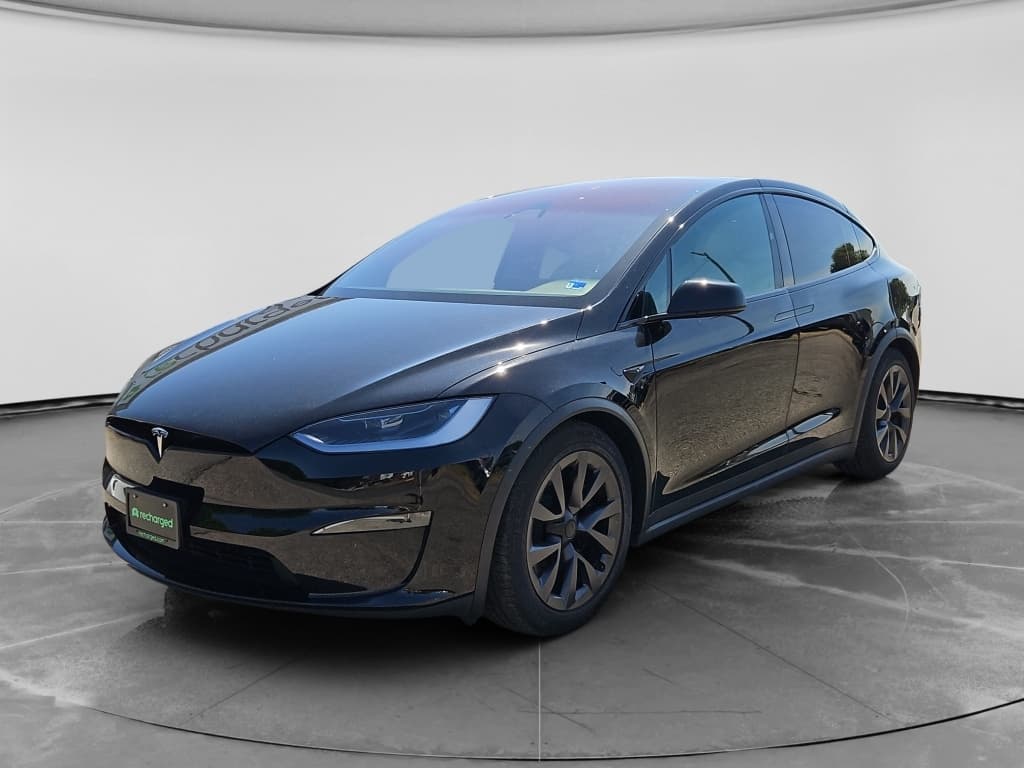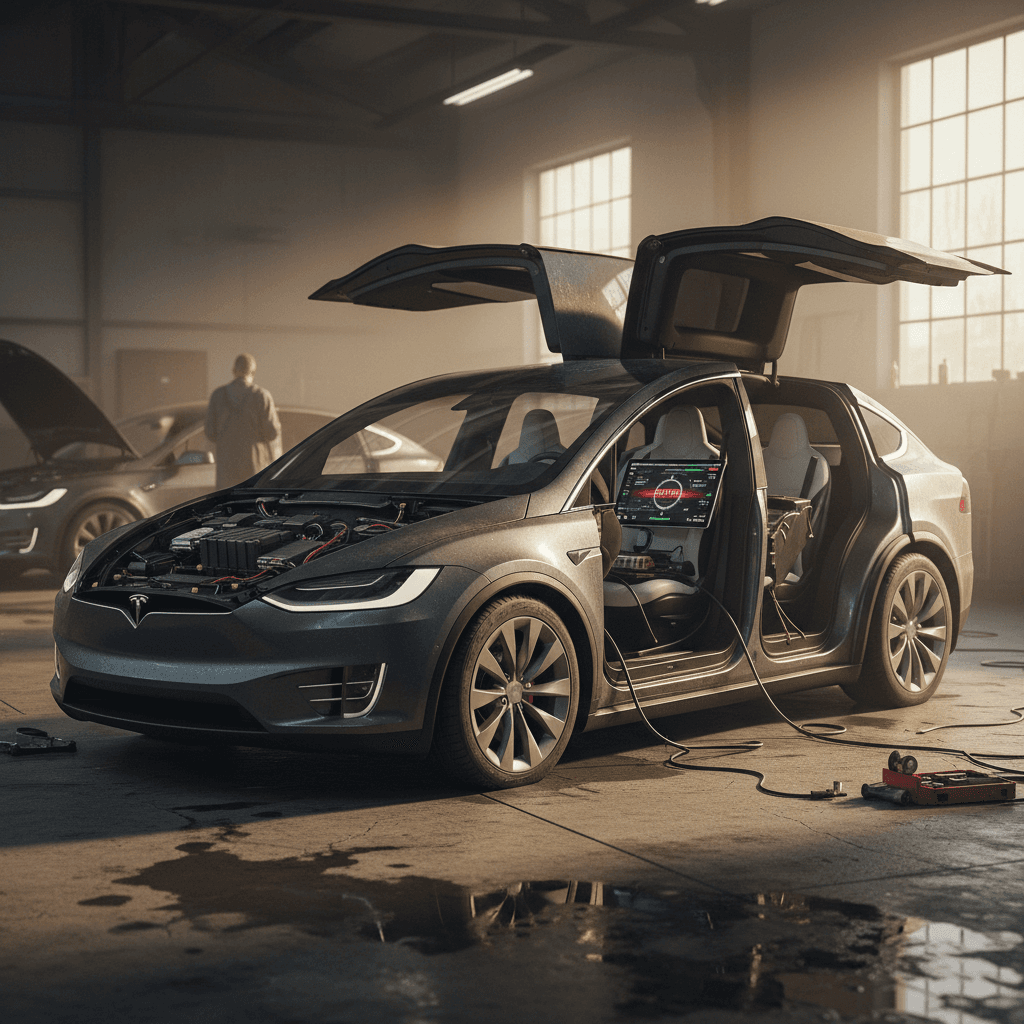
If you’re eyeing a Tesla Model X in 2026, you’ve probably heard two very different stories: owners who swear it’s the best family EV ever built… and owners who’ve memorized the service center’s coffee menu. The truth, as usual, lives in between. The Model X delivers stunning performance and long-range capability, but it also has a handful of **common problems** you need to understand, especially if you’re shopping used.
Who this 2026 guide is for
Tesla Model X reliability in 2026: what’s really going on
Across owner surveys and independent reliability data, the Tesla Model X continues to trail many luxury SUVs on **overall reliability**, even as the powertrain (battery and motors) proves durable. The weakest areas are **body hardware** (especially the falcon wing doors), suspension components and miscellaneous electronics. Later model years (2020+) are improved over the earliest 2016–2018 builds, but complaints about doors, trim and squeaks haven’t disappeared.
How the Model X tends to age
Quick take: most common Tesla Model X problems in 2026
- Falcon wing door problems: misaligned sensors, false obstacle detection, latching issues, wind noise and occasional water leaks.
- Suspension and steering noise: front-end clunks over bumps, premature control arm and link wear, and uneven tire wear on heavy 20–22 inch wheel setups.
- Electronics and infotainment quirks: MCU (center screen) lag or yellowing on early cars, intermittent cameras, and random warning messages that need software or hardware updates.
- Interior build and trim issues: rattles, panel misalignment, seat hardware problems and worn seals, especially on higher-mileage or early-build vehicles.
- Battery and charging concerns: range loss mostly tied to mileage and use patterns, but occasional DC fast-charging throttling on high‑mileage cars.
- Software, Autopilot and FSD behavior: frequent over‑the‑air updates, some of which fix bugs and some of which introduce new quirks; ongoing regulatory attention around driver-assistance behavior.
Use this as a shopping checklist
1. Falcon wing doors: sensors, alignment and leaks
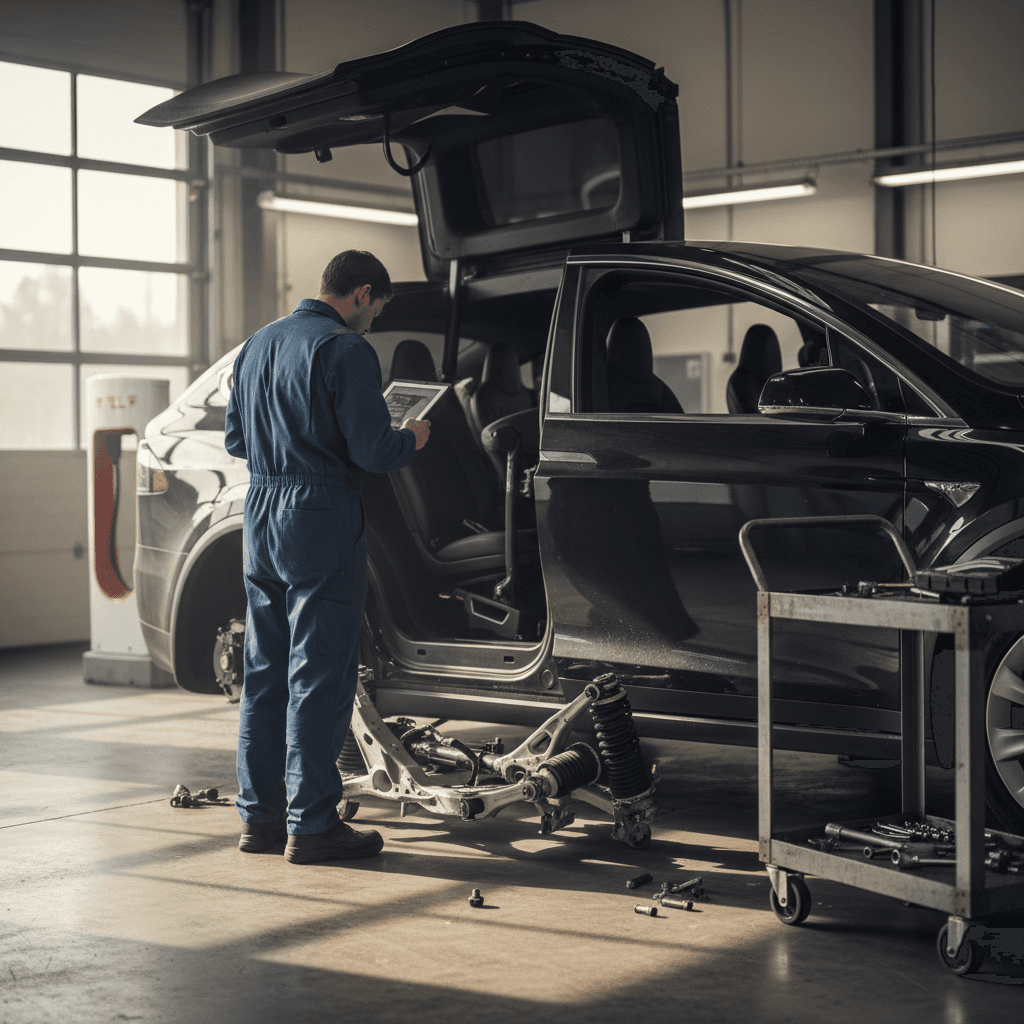
The Model X’s **falcon wing doors** are its party trick, and its biggest long‑term headache. They’re complex, heavy, full of sensors and hinges, and they live where rain, dirt and road salt collect. By 2026, many first‑ and second‑owner Model X SUVs have had at least one door adjustment or repair.
Typical falcon wing door complaints
What owners still report in 2026
False obstacle detection
The door stops halfway and insists something is in the way when nothing’s there. Usually caused by misaligned or dirty sensors in the door edges or roof.
Latching & alignment issues
Door won’t close flush, clicks repeatedly, or rubs the body when opening/closing. This can wear paint, damage seals and create wind noise.
Water leaks & wind noise
On some older Xs, worn seals and misaligned glass can let in water in heavy rain or create a persistent whistle at highway speeds.
Why door issues matter
How to test Model X falcon wing doors on a test drive
1. Open and close each door several times
Use the touchscreen, pillar buttons and exterior handles. Watch for stuttering, unexpected stops, warning chimes or on‑screen door‑obstruction messages.
2. Listen for grinding, clicking or rubbing
Stand outside while someone else operates the doors. Any loud clicking, metal‑on‑metal sound or visible rubbing on trim is a red flag.
3. Check alignment and sealing
With doors closed, sight along the body lines. Gaps around the roof, glass and rear quarter panels should be even; seals should be soft, not cracked.
4. Look for water marks or staining
Inspect headliner and trim around the doors for water stains. On a dry day, a garden hose test can reveal leaks along the top seals.
5. Verify manual override and calibration
Ask the owner to show how to perform a door calibration from the touchscreen and where manual releases are, in case of low‑voltage or sensor failure.
2. Suspension noises, tire wear and ride quality
The Model X is a heavy, high‑performance SUV riding on large wheels and low‑profile tires. That combination looks great and launches like a rocket, but it works the **front suspension and tires** hard. By 2026, we consistently see older Xs with worn control arms, links and bushings, plus inner‑edge tire wear that went unnoticed until the cords were visible.
Common suspension symptoms
- Clunks or knocks over speed bumps or broken pavement.
- Steering that feels loose or wanders on the highway.
- Uneven or rapid tire wear, especially inside edges of the fronts.
- Vibration through the steering wheel at certain speeds.
What’s usually behind it
- Worn front control arm bushings or ball joints.
- Loose or worn sway bar links and tie‑rod ends.
- Alignment issues after curb strikes or potholes.
- Tires under‑inflated or not rotated regularly on heavy 3‑row models.
Test the X like an SUV, not a sports car
3. Electronics, screens and interior build issues
If the Model X has an Achilles’ heel after its doors, it’s **electronics and interior build quality**. Tesla has improved materials and assembly over time, but a used Model X is still more likely than a typical luxury SUV to have quirky trim, rattles or electronic gremlins, especially if it’s lived a hard family‑duty life.
Interior and electronics problems we still see
What to watch for in 2016–2024 Model X SUVs
Center screen (MCU) issues
On older cars, the main screen can yellow, bubble or lag. Some have already had the MCU replaced under warranty; others may be overdue.
Camera & sensor glitches
Side and rear cameras can show intermittent black screens, especially in bad weather. Park assist, lane‑keeping and parking sensors may throw sporadic errors.
Rattles & trim problems
Seat mechanisms, loose panels, buzzing interior trim and sagging front doors pop up regularly in owner reports, particularly on high‑mileage early builds.
Electronics and interior checklist for a test drive
1. Cycle every screen and function
Try navigation, audio, climate, seat heaters, third‑row controls and phone pairing. Note any lag, crashes or features that refuse to load.
2. Test all cameras and sensors
Shift into reverse, enable the 360‑view where applicable, and park near objects to see if sensors and park assist respond properly.
3. Hunt for noises
Drive on both smooth and rough roads with the radio off. Listen for rattles from the dash, falcon wing areas, hatch and seat mounts.
4. Inspect seats and belts
Verify all power adjustments, fold functions and headrests. Check that every belt retracts smoothly and latches securely, especially in the third row.
4. Battery health, charging and range concerns
The good news: despite all the noise about EV batteries, the **Model X battery and drive units are usually the least of your worries**. Tesla’s fleet data and independent analysis show many Model S/X packs retaining roughly 88% of their original capacity around 200,000 miles when reasonably cared for. Range loss is real, but it’s typically gradual, not catastrophic.
What “normal” degradation looks like
Battery & charging issues vs. what they usually mean
Use this table to separate normal aging from problems that need deeper diagnostics.
| What you notice | Likely cause | Is it normal? | What to do |
|---|---|---|---|
| Rated range is 8–15% below original EPA figure | Typical battery aging over years and miles | Usually yes | Confirm with scan data and service records; factor range into your use case. |
| Sudden big drop in available range over a few weeks | Cell imbalance, software estimate change or underlying fault | Not normal | Have the pack professionally evaluated before purchase. |
| Supercharging speed much slower than expected | High‑mileage pack, cold battery or temporary throttling | Sometimes | Test on a warm battery; ask for charging history and previous service visits. |
| Car won’t accept charge from certain stations | Inlet, onboard charger or cable issue | No | Test multiple chargers; budget for diagnosis if problem follows the car. |
Always confirm battery health with data, not just a quick glance at the dash range estimate.
When you’re buying used, the key is to **verify battery health with real data**, not just the number on the dash. At Recharged, every Model X listing includes a Recharged Score Report with independent battery diagnostics, so you know the pack’s state of health and how it compares to similar vehicles.
5. Software updates, Autopilot and FSD behavior
Tesla leans heavily on software to fix problems, add features and refine its driver‑assistance systems. By 2026, most Model X SUVs in the wild have received dozens of over‑the‑air updates. That’s a strength, but it also means **behavior can change overnight**, and regulators are still scrutinizing Autopilot and so‑called Full Self‑Driving (FSD) behavior.
- Updates can quietly improve range estimates, tweak suspension behavior (on adaptive‑air cars) and adjust charging curves.
- The same update can also introduce new bugs, temporary loss of some features, odd lane‑keeping behavior, or fresh warning messages that need follow‑up patches.
- Autopilot/FSD remains a **driver‑assist system**, not autonomous driving. It demands constant supervision, and misuse has been involved in high‑profile crash investigations.
- Older cars may require paid hardware upgrades (cameras, computing hardware) to support the latest software features.
Don’t treat any Model X as self‑driving
Key Tesla Model X recalls to know in 2026
By 2026, the Model X has accumulated a long list of recalls, many handled via software updates. On a used vehicle, you’re not expected to memorize every campaign, but you should confirm that **all open recalls are closed** before you drive it home.
Examples of Model X recall themes over the years
The exact campaigns depend on build year and region; always run a VIN check.
| Recall theme | What was affected | How it’s usually fixed | What you should do |
|---|---|---|---|
| Seat and seat‑back latches | Certain early Model X seats could move or fold unexpectedly in a crash. | Hardware inspection and latch replacement. | Check that the VIN shows recall completed and that all seats feel solid when locked. |
| Power steering or suspension components | Corrosion or wear on steering and suspension parts in specific climates. | Component replacement and alignment. | Ask for service records and look for recent suspension work on older Xs. |
| Software/Autopilot behavior | Braking or lane‑keeping behavior requiring updated logic. | Over‑the‑air software updates. | Verify the car is on current software and that recall campaigns show as completed in the Tesla app. |
| Open‑hood/door detection & camera display issues | Some S/X/Y/3 vehicles needed updates so warnings and rear camera display worked correctly. | Software update, occasionally hardware replacement. | On a test‑drive, ensure all warning lights and cameras behave normally and no recall messages show. |
Most Tesla recalls are fixed free of charge, but only if they’ve actually been performed on the car you’re buying.
Always pull a recall & service history
How to inspect a used Tesla Model X before you buy
Walking around a used Model X with a checklist is the cheapest insurance you’ll ever buy. You’re not just looking for obvious damage, you’re trying to spot patterns that hint at how the SUV has been driven, charged and cared for.
Pre‑purchase Model X inspection game plan
1. Start with VIN, mileage and history
Confirm the model year, battery/drive warranty status, accident history and recall completion. High mileage isn’t a deal‑breaker if the battery and maintenance look good.
2. Doors, hatch and seats
Operate every door, including falcon wings and hatch, multiple times. Fold and unfold all seating rows. Watch for binding, warning messages, misalignment or squeaks.
3. Suspension, steering and brakes
Drive at neighborhood speeds over bumps, then up to freeway pace. Listen for clunks, feel for vibration and test braking in a safe area. Uneven reactions from side to side are a warning sign.
4. Tires and wheels
Check tread depth across the whole tire, not just the outer edge, and look for feathering or cupping. Inspect wheels for curb rash that might hint at hard use.
5. Charging and battery
Plug into Level 2 if possible to confirm the car starts charging normally. Review battery health data if available and compare displayed range to what’s expected for that year and pack.
6. Software & features
Check the software version, Autopilot/FSD package status and that navigation, Bluetooth, phone key and app connectivity all behave as expected.
How Recharged evaluates used Model X SUVs
If you’d rather not become a falcon‑door and suspension expert overnight, that’s where Recharged comes in. Every Tesla Model X we list goes through an **EV‑focused inspection** and gets a detailed Recharged Score Report, so you’re not gambling on guesswork or a five‑minute test‑drive.
What’s different about a Model X from Recharged
Beyond a basic safety check
Battery & charging diagnostics
We pull live battery health data, look at state of health versus similar packs, check fast‑charging behavior, and verify the high‑voltage system against manufacturer specs.
Deep body & hardware review
Our technicians stress‑test falcon wing doors, hatch, seat hardware and seals, looking for alignment problems, leaks and prior repairs that could cause headaches later.
EV‑specialist support
You get expert guidance on real‑world range, charging options at home, and what each Model X’s history and Recharged Score mean for long‑term ownership.
Ready to find your next EV?
Browse VehiclesBuy, finance or sell your Model X with help
FAQ: Tesla Model X common problems in 2026
Frequently asked questions
Bottom line: should you buy a Tesla Model X in 2026?
A used Tesla Model X in 2026 can be a brilliant choice if you want true three‑row space, blistering acceleration and access to Tesla’s charging ecosystem. The trade‑off is that you must go in with open eyes about its **common problems**: falcon wing doors that may need attention, suspension components that live a hard life, and electronics that aren’t always as bulletproof as the battery and motors.
If you’re willing to be choosy, prioritizing clean histories, solid service records and strong battery health, the Model X can make a uniquely capable family EV. If you’d rather have experts do the sorting, consider browsing **used Tesla Model X listings on Recharged**, where every vehicle includes a Recharged Score Report, verified battery diagnostics, fair market pricing, financing options and nationwide delivery. That way, you get the drama from the doors, not from surprise repair bills.