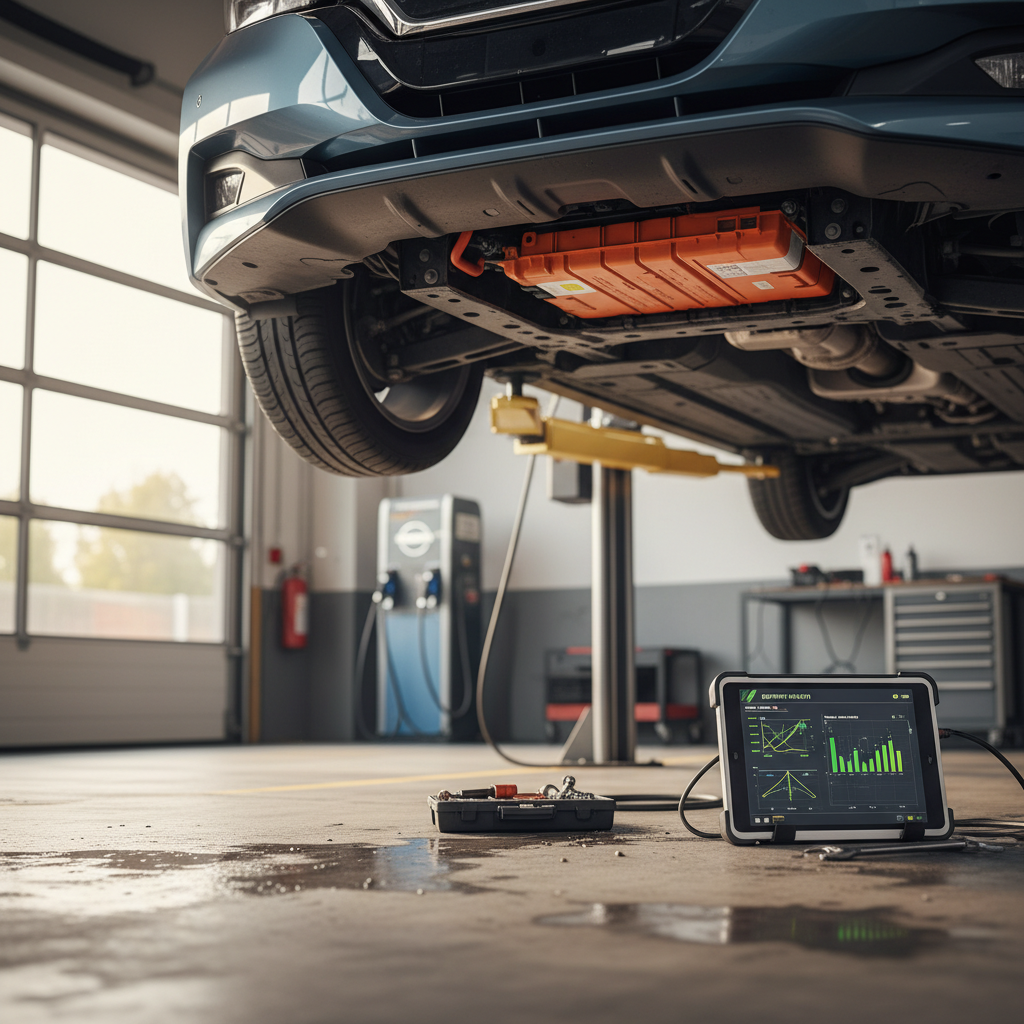
If you own a Tesla Model 3, or you’re eyeing one on the used market, maximizing battery life isn’t just a science project. It’s money, range, and peace of mind. The good news: with a few smart habits, you can keep a Model 3 battery healthy for hundreds of thousands of miles and dramatically slow down long‑term degradation.
How long can a Model 3 battery last?
Why Tesla Model 3 battery care matters
Your Model 3’s high‑voltage battery is its single most expensive component. Protecting it does three things for you: it preserves **daily range**, supports **strong resale value**, and reduces the odds you’ll ever have to think about a costly out‑of‑warranty repair. On the used side of the market, buyers are increasingly savvy about battery health, and that’s already showing up in pricing spreads between similar cars with different degradation profiles.
How battery health affects ownership
Good news for Model 3 owners
How Tesla Model 3 batteries age over time
Cycle aging
Every time you use energy and recharge, you complete part of a **charge cycle**. Over thousands of cycles, a small amount of permanent capacity is lost. Frequent deep cycles (near 0–100%) are harder on the pack than shallow cycles (say 20–70%).
This is why staying away from the extremes of state of charge is one of the most effective long‑term strategies.
Calendar aging
Batteries also age just by **sitting**, especially when stored hot or at high state of charge. A Model 3 parked for months at 95% in a hot climate will age faster than one stored cool at 50–60%.
If you’re leaving the car for a while, how and where you park it matters almost as much as how you drive it.
Heat is your pack’s worst enemy
Daily charging habits to maximize battery life
Tesla does a lot of battery management behind the scenes, but your everyday charging choices still matter. Think of your **charge limit** and **charging schedule** as the two main levers you can control.
Core charging rules for a healthy Model 3 battery
Adjust these based on how much you actually drive
1. Set a sensible daily limit
For most Model 3 drivers, a **50–80% daily charge limit** is enough. Daily commuting rarely needs a full pack, and staying in the middle of the state‑of‑charge window is easier on the cells.
Use higher limits only for road trips or unusually long days.
2. Time charging to finish before departure
If you need 90–100% for a trip, schedule charging so it finishes shortly before you leave. You’ll still get the range, but the battery won’t sit full for hours.
In the app, use Scheduled Departure so the car preconditions and finishes charging just in time.
3. Plug in regularly at home
Tesla actually recommends keeping the car plugged in when parked. The car manages its own battery and minimizes deep discharges, which are harder on the pack.
Just remember: daily limit low, trip limit high and brief.
Home charging checklist for battery longevity
Confirm your daily range needs
Look at your average miles per day in the Tesla app. If you’re under 60–80 miles, you likely don’t need more than a 70–80% daily charge limit.
Set your everyday charge limit
In the car or app, drag the charge slider to **70–80%** for most use cases, or lower (50–60%) if you have a short commute and reliable charging.
Reserve 90–100% for trips
Only push above 90% when you genuinely need the range, and time it so the pack isn’t sitting full in a hot driveway all afternoon.
Avoid running near 0%
Occasional low‑state‑of‑charge events won’t ruin the pack, but regularly dipping close to 0% is hard on the cells and stressful in real‑world driving.
Use lower current when you can
If you have overnight hours, charging at 24–32A instead of maxing out every night is marginally gentler on the pack and charging hardware.
Let the software do its job
Don’t obsessively chase 100% rated range numbers. Focus on consistent habits and let Tesla’s battery management system balance and protect the pack over time.
Level 2 at home beats frequent DC fast charging
Supercharging vs home charging: what’s safest for the battery?
Your Model 3 is built to handle fast charging, and you shouldn’t be afraid to use Superchargers. That said, **how often** you fast‑charge and **to what percentage** have a measurable impact over the life of the pack.
Charging methods and their impact on battery life
Use this as a rule‑of‑thumb guide, not a strict rulebook.
| Charging type | Typical use | Battery impact over time | Best practice |
|---|---|---|---|
| Level 1 (120V) | Occasional, low‑mileage drivers | Gentle but slow; fine for storage | Keep SOC around 50–70% if parked long‑term |
| Level 2 home (240V) | Daily primary charging | Ideal for longevity when SOC limits are used | Set 50–80% daily; higher only before trips |
| Public Level 2 | Workplace, destination charging | Similar to home Level 2 | Treat it the same as home charging |
| DC fast / Supercharger | Road trips, quick top‑ups | More heat and stress, especially above ~70–80% | Use for trips; avoid frequent 0–100% fast charges |
For most owners, home Level 2 charging with occasional Supercharging is the sweet spot.
When fast charging becomes a problem
Driving habits that protect your Model 3 battery
Your right foot has as much to do with long‑term battery health as your charge settings. Hard driving heats the pack and increases wear on tires and brakes, too. You don’t have to baby the car, but a few adjustments pay off over time.
- Use **Chill Mode** if you’re not in a hurry; it softens acceleration and reduces energy spikes.
- Avoid repeated full‑throttle launches and very high sustained speeds, which heat the battery and drive train.
- Take advantage of **regenerative braking** instead of heavy friction braking whenever possible.
- On cold days, allow the car a few minutes to warm the battery (watch for the blue snowflake and dotted regen line) before demanding full power.
- Plan for moderate speeds on the highway; the jump from 70 to 80 mph costs a lot more range than most drivers realize.
Efficiency is a battery‑health signal

Climate and storage best practices
Temperature is the quiet force in the background of every EV battery story. Tesla’s liquid‑cooled pack does a lot of heavy lifting, but where and how you park still influences long‑term health and short‑term range.
Protecting your Model 3 battery in real‑world climates
Cold hurts range; heat speeds up aging. Your strategy should address both.
Cold climates
- Precondition the cabin and battery while plugged in before you drive.
- Expect temporarily reduced regen and range until everything warms up.
- Don’t worry too much about long‑term damage, cold mostly affects short‑term performance.
If the car shows a blue snowflake icon, some energy is temporarily unavailable but typically returns as the pack warms.
Hot climates
- Prioritize shaded or covered parking whenever possible.
- Avoid leaving the car at very high state of charge in direct sun.
- Use Cabin Overheat Protection thoughtfully; it protects the interior but does consume energy.
For long‑term parking, aim for ~50–60% charge and a cooler environment.
Long‑term storage red flags
Software settings that help range and longevity
Tesla packs a surprising amount of battery‑friendly behavior into software. A few menu items can simplify the job of caring for your pack while making day‑to‑day driving easier.
Model 3 settings to review today
Adjust your charge limit
Open the Charging screen and set your everyday limit in the **middle of the bar**, not pinned at the top. Think in terms of what you actually drive in a typical day.
Turn on Scheduled Departure
Use Scheduled Departure instead of Scheduled Charging when possible. It lets the car manage preconditioning and finish charging closer to when you leave, which is kinder to the battery.
Use Trip Planner for Supercharging
When you navigate to a Supercharger, the car preconditions the battery for faster, more efficient DC fast charging. This reduces stress compared with hitting a fast charger with a cold pack.
Check Climate and Overheat Protection
Make sure **Cabin Overheat Protection** and climate settings match your environment. In very hot regions, it can protect trim and electronics, but remember it uses energy when parked.
Review Driving and Acceleration modes
If you’re chasing longevity and comfort over raw performance, enable **Chill** mode. It tames sudden power spikes while still leaving the car perfectly usable on the highway.
Don’t chase the last rated mile
Signs of battery degradation in a used Model 3
Every used EV will show some battery wear, that’s normal. What you care about is whether the degradation is **mild and consistent** with age and mileage, or **early and excessive** compared with similar cars.
- A noticeable drop in rated range at 100% compared with the original spec (for example, 270 miles instead of ~310 on an early Long Range), especially at relatively low mileage.
- Large differences between what the dash claims and what you can realistically drive on the highway at moderate speeds.
- Frequent or unexplained Supercharging throttling compared with other Model 3s at the same site, which can sometimes indicate pack health or thermal limits.
- Owner history that suggests heavy fast‑charging use, rideshare duty with daily DC fast charging, for example, tends to age packs faster.
- Warning messages or error codes related to the high‑voltage system. These are relatively rare, but non‑negotiable red flags on a used car.
Why a real battery health report matters
What battery health means when you’re buying a used Model 3
On the used market, two Model 3s can look identical on the lot but behave very differently on the road. A car with a healthier pack not only carries more range; it can also support better performance, stronger Supercharging speeds, and potentially a higher resale value when you’re ready to move on.
From a shopper’s point of view
- Ask how the previous owner primarily charged, home Level 2, workplace, or DC fast.
- Look for documentation or third‑party reports summarizing battery health over time.
- Consider your own needs: a commuter who drives 30 miles a day can live happily with more degradation than a frequent road‑tripper.
A slightly cheaper car with a tired pack can cost you more in time, hassle, and charging over the next 5–7 years.
Where Recharged fits in
When you buy or sell through Recharged, every EV comes with a **Recharged Score Report** that includes verified battery health, pricing aligned with true capacity, and expert guidance. That means you don’t have to guess whether a specific Model 3’s range loss is normal, or a sign to keep shopping.
You can also trade in or get an instant offer on your current EV, with its battery health factored into the valuation transparently.
FAQ: Tesla Model 3 battery life and care
Frequently asked questions about Tesla Model 3 battery life
Key takeaways: maximizing Model 3 battery life
You don’t need to obsess over every mile to keep a Tesla Model 3 battery healthy. Focus on the big levers: keep daily state of charge in a **moderate window**, lean on **Level 2 home charging** instead of constant fast charging, avoid leaving the car full and baking in the sun, and keep your driving and climate habits reasonable. Those simple patterns do far more for longevity than occasional tweaks or battery myths from internet forums.
If you’re shopping for a used Model 3, battery health is where the value conversation really starts. A transparent, data‑driven report, like the Recharged Score that comes with every vehicle on Recharged, turns an invisible, expensive component into something you can actually compare across cars. Combine that with smart ownership habits, and your Model 3’s battery should be an asset you barely have to think about, not a liability you’re always watching.