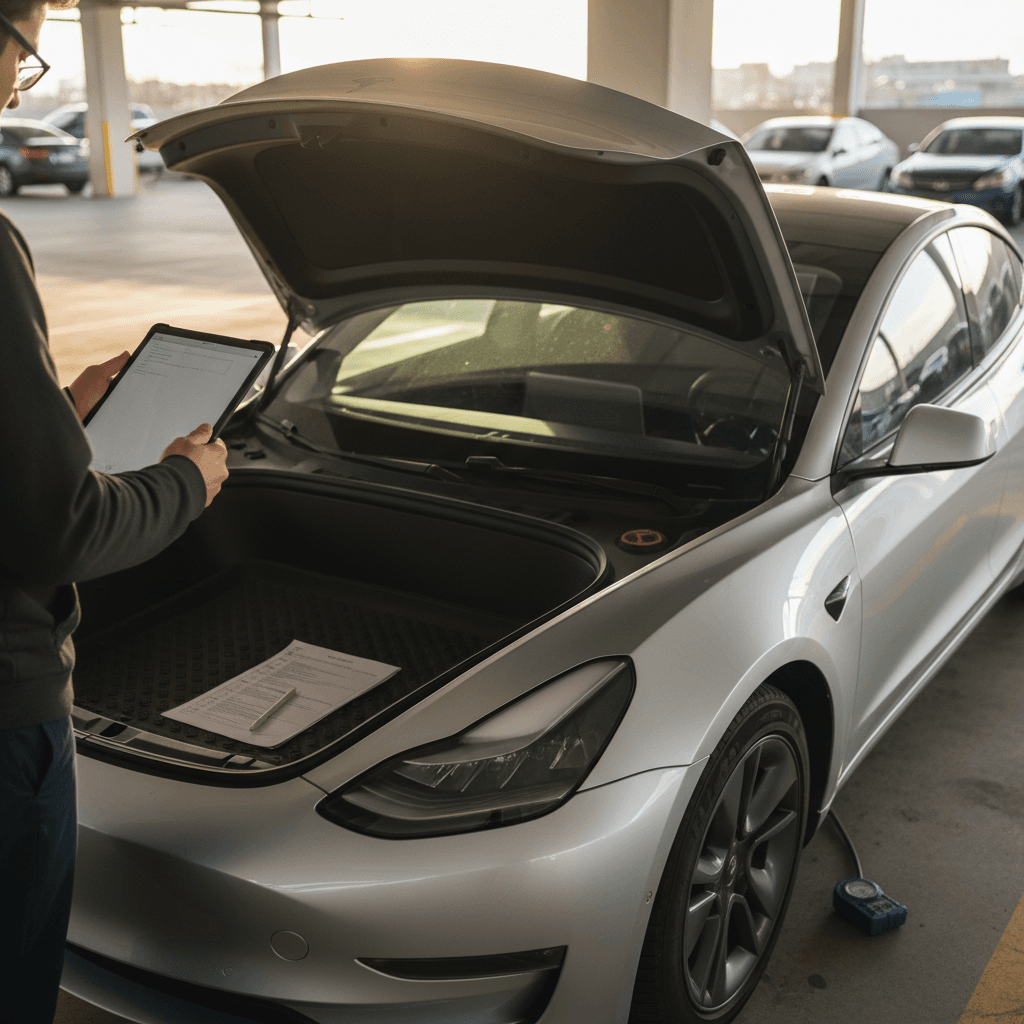
If you’re shopping for a Tesla Model 3, especially a used one, you want more than hype and range numbers. You need a clear, practical Tesla Model 3 buying checklist so you can separate a great car from a future headache. This guide walks you, step by step, through what to check before you sign anything, with special attention to battery health, software, and real-world ownership costs.
Good news for Model 3 shoppers
Why a Tesla Model 3 buying checklist matters
EVs age differently than gas cars. There’s no oil to change and far fewer moving parts, but the high-voltage battery, software configuration, and charging history matter more than on a traditional vehicle. Two Model 3s with the same mileage can have very different battery health and feature sets.
Tesla’s constant updates complicate shopping. Over-the-air software, running changes by model year, and option packages (Autopilot, FSD, premium interior) mean you should never assume a car has a feature just because you saw it on a YouTube review. You need to verify.
Used Model 3s aren’t all equal
Step 1: Choose the right Model 3 year and trim
Before you inspect a specific car, narrow down which Model 3 years and trims fit your needs. That prevents you from overpaying for performance you don’t use, or buying too little range for your lifestyle.
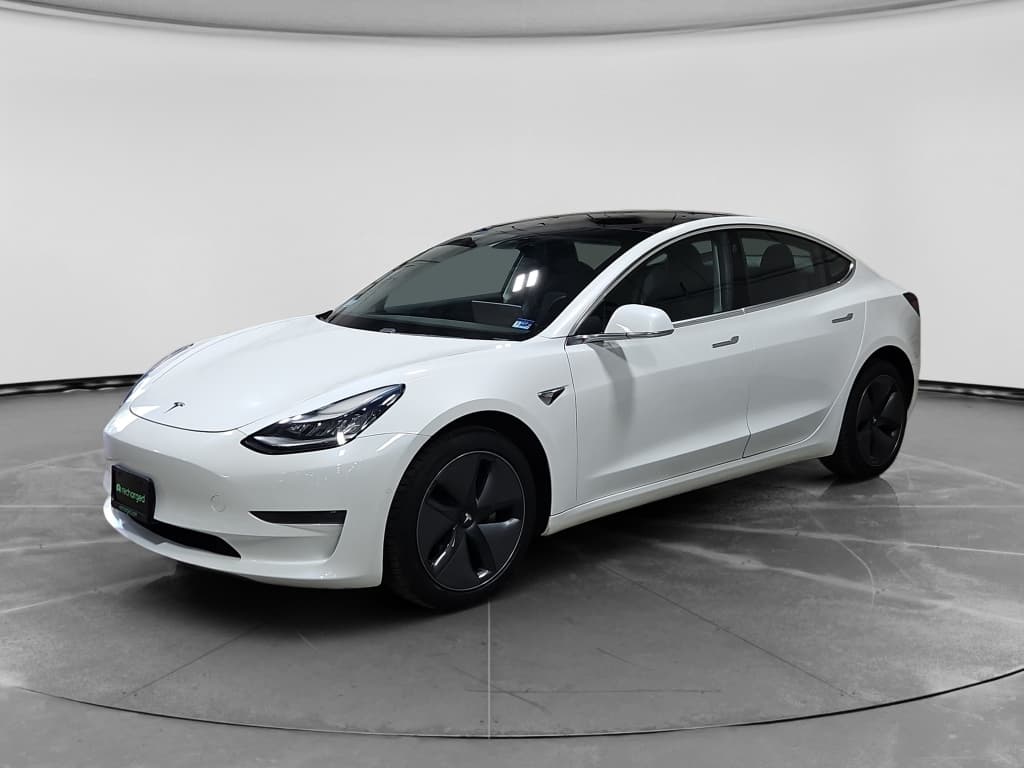
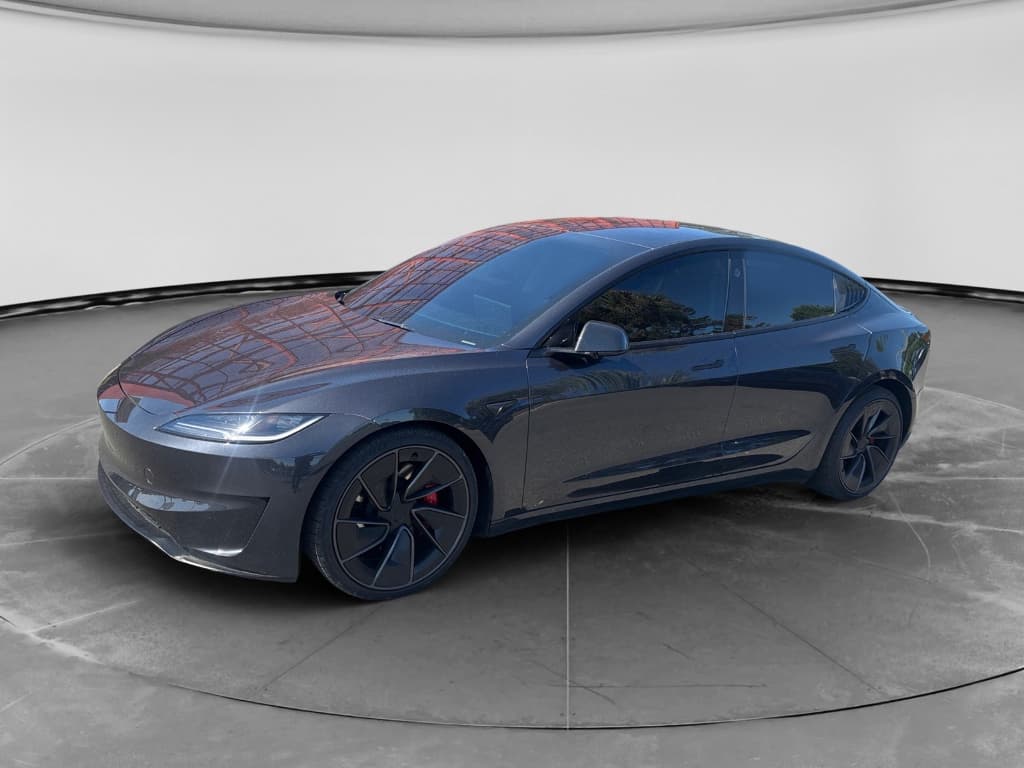
Model 3 trims at a glance
Match performance, range, and budget to your daily driving
Rear-Wheel Drive / Standard Range
Best for: City commuters with reliable home charging.
- Lower price, simpler single-motor setup
- Shortest range in the lineup, but still practical for many drivers
- Usually slower 0–60, but still feels quick vs. gas sedans
Long Range (Dual Motor)
Best for: Mixed city/highway driving and regular road trips.
- Dual-motor all-wheel drive
- Among the longest ranges in its class, recent models can exceed 350 miles
- Strong acceleration plus better traction in bad weather
Performance
Best for: Enthusiasts who prioritize speed over comfort.
- Very quick 0–60 times
- Sportier suspension and wheels (which can reduce ride comfort and range)
- Tires and brakes may be more expensive to replace
Model years to research closely
If you’re considering a new or nearly new Model 3, look at the current EPA range ratings and pricing. For example, recent Long Range models can exceed 360 miles of rated range and start in the low‑to‑mid $40,000s before incentives. Used values depend heavily on mileage, options, and condition.
Step 2: Verify battery health and real-world range
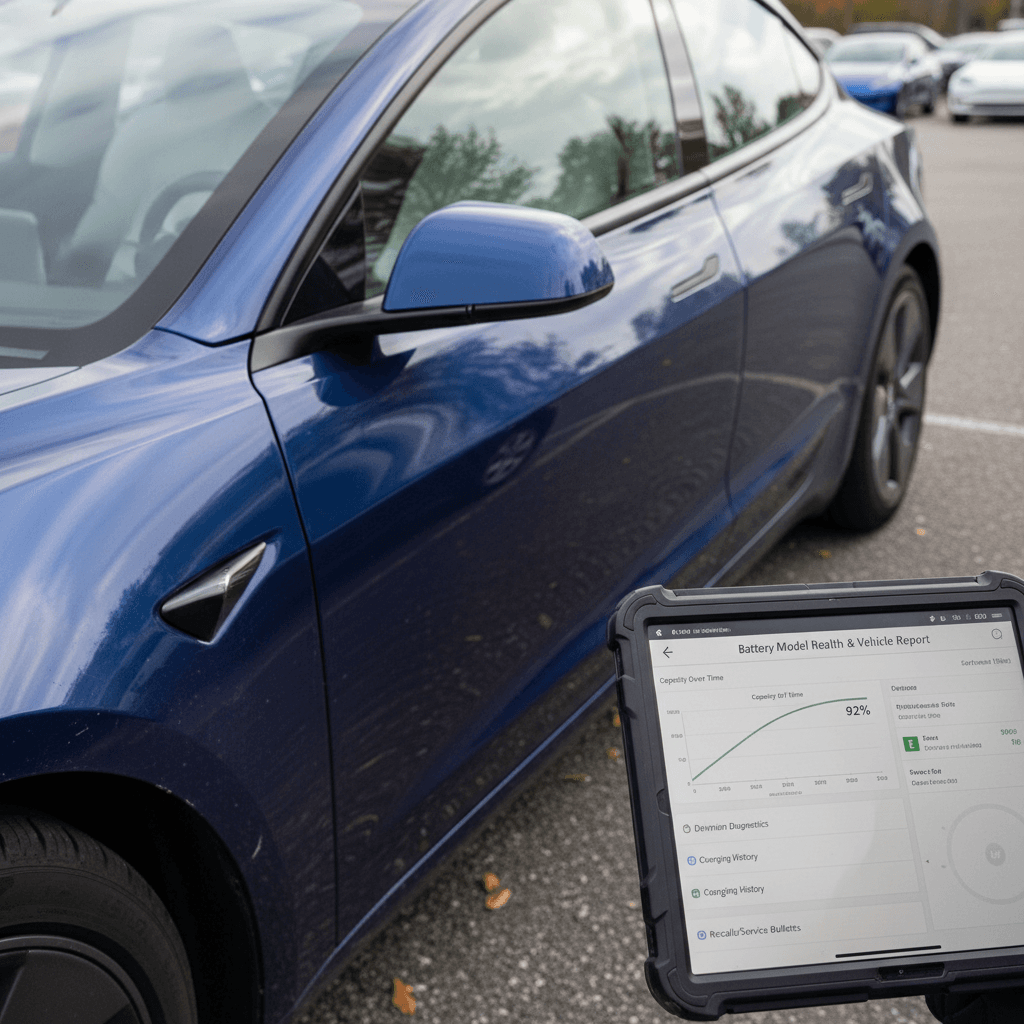
Battery health is the heart of any Tesla Model 3 buying checklist. Tesla warranties the Model 3 battery and drive unit for 8 years and 100,000–120,000 miles (depending on variant) with a guarantee of at least 70% capacity during that period. But two cars with the same age and mileage can still show different real-world range depending on how they were driven and charged.
Battery and range checkpoints
Battery health checklist
1. Check current rated range at 100%
Ask the seller to show the car at or near 100% charge and note the rated miles shown on the screen. Compare this to the original EPA rating for that trim to get a rough idea of degradation.
2. Review charging habits
Ask how the car has been charged: mostly at home to 70–80%, or frequently fast‑charged to 100%? Occasional Supercharger use is fine, but constant high‑power fast charging can accelerate battery wear.
3. Look at mileage vs. age
A high‑mileage Model 3 can still be a good buy if the battery is healthy. What you want to avoid is a car that shows unusually low range for its age and miles compared with similar cars.
4. Ask for a battery health report
If possible, get a third‑party or seller‑provided battery health report that estimates usable capacity. Every vehicle listed on Recharged includes a <strong>Recharged Score Report</strong> with verified battery data, so you’re not guessing.
5. Consider climate history
Cars that have spent their lives in extreme heat or bitter cold can show different battery aging patterns. If the car lived in a harsh climate, the health report matters even more.
Cold‑weather test drive tip
Step 3: Check charging compatibility and costs
Next on your Tesla Model 3 buying checklist: how and where you’ll charge. A Model 3 is easiest to live with if you can charge at home or work, but public charging access and connector types matter too, especially as more networks adopt Tesla’s NACS plug.
Charging questions to answer before you buy
Match your daily driving to a realistic charging plan
Home charging setup
- Do you have, or can you install, a 240V outlet or wall connector?
- Is your panel capacity sufficient? An electrician can confirm.
- Factor installation cost into your total budget.
Public and fast charging
- What fast‑charging networks are near your regular routes?
- Is Supercharging convenient for you?
- Check current pricing, fast charging is usually pricier than home charging.
Don’t forget adapters and cables
If you’re buying used, ask whether the car has any charging limitations, for example, if previous abuse caused Tesla to limit Supercharging speeds. While this is not common, it’s worth asking, especially on older, heavily driven cars.
Step 4: Inspect condition, mileage, and tire wear
Once the specs and charging picture look good, inspect the car itself. The Model 3 has fewer mechanical wear points than a gas car, but you still want to watch for paint, panel, interior, and suspension issues, plus how hard the car has been driven.
Tesla Model 3 physical inspection checklist
Use this table as a quick reference while you walk around the car.
| Area | What to Check | What You Want to See |
|---|---|---|
| Exterior panels & paint | Panel gaps, paint defects, signs of repainting or poorly blended panels | Even gaps, consistent paint color and texture, no overspray around trim |
| Glass & roof | Chips or cracks in windshield, glass roof damage, water leaks | No cracks or chips in your line of sight, no signs of water intrusion |
| Wheels & tires | Curb rash, bent rims, remaining tread depth, even wear across the tire | Minor cosmetic rash is common; avoid bent rims or severely uneven wear |
| Brakes & suspension | Listen for clunks over bumps, check for abnormal tire wear patterns | Quiet over bumps, no vibration at highway speeds, even tire wear |
| Interior wear | Seat bolsters, steering wheel, touchscreen, headliner, odors | Consistent with mileage; no major tears, burns, or deep scratches |
| Lights & safety | Headlights, taillights, turn signals, backup camera, parking sensors (if equipped) | All lights and safety features working without warning messages |
Bring this on your phone or print it so you don’t forget a step.
Mileage vs. condition matters more than the number alone
Step 5: Review Autopilot, software, and keys
Tesla bundles many features in software rather than hardware, so two identical‑looking Model 3s can have very different capabilities. Your Tesla Model 3 buying checklist should always include a software review.
Software, Autopilot, and keys checklist
1. Confirm basic Autopilot or FSD
On the center screen, tap the Tesla "T" (or vehicle icon) and open the software/vehicle details page. It will list whether the car has basic Autopilot, Enhanced Autopilot, or Full Self‑Driving Capability. Don’t rely on the ad description alone.
2. Check software version and update eligibility
Make sure the car is on a reasonably current software version and not blocked from updates. If the car has an outstanding payment or account issue, it can complicate software access for the next owner.
3. Verify included keys
Confirm you’re getting the advertised key cards and/or phone key access. Replacing missing key cards is not expensive, but it’s another negotiation point.
4. Test core features
During your test drive, try adaptive cruise (if equipped), lane keeping, camera views, Bluetooth, HVAC, and infotainment. Any glitches or warnings deserve a closer look before you buy.
Be realistic about FSD value
Step 6: Confirm warranty, title, and recall status
A clean title and remaining warranty coverage can turn a good deal into a great one. EV powertrains are generally robust, but repairs can be expensive if something goes wrong outside of coverage.
Paperwork and protection checklist
Don’t sign anything until these boxes are checked
Title & history
- Confirm clean title (not salvage or rebuilt).
- Review accident history and airbag deployments.
- Check for flood or lemon buyback history.
Warranty coverage
- Note original in‑service date to calculate remaining 4‑year/50,000‑mile basic warranty (if still applicable).
- Check remaining battery and drive unit coverage (8 years with mileage cap).
- Ask for any extended or third‑party protection documents.
Recalls & service
- Ask for Tesla service records if available.
- Check recall status by VIN through official channels.
- Confirm recall work has been completed or scheduled.
How Recharged simplifies this step
Step 7: Take a thorough test drive
Never skip the test drive, even if the car looks perfect online. Teslas feel different from traditional cars, instant torque, heavy regenerative braking, and a very minimal interior, so you want to be sure you like the experience and that everything works as it should.
Test drive checklist for the Tesla Model 3
1. Start with a cold start
If possible, see the car after it’s sat for a while. Listen for unusual noises at startup, check for warning lights, and verify the HVAC heats and cools properly.
2. Low‑speed drive
Drive slowly over speed bumps and rough pavement. Listen for clunks from the suspension or rattles inside the cabin that could indicate loose panels or worn components.
3. Highway run
Take it up to highway speed. The car should track straight with minimal steering correction, and there shouldn’t be excessive wind or road noise compared with other Model 3s you’ve tried.
4. Test regen and braking
Lift off the accelerator to feel regenerative braking. It should be smooth and predictable. Then make a couple of firm but controlled brake applications to check for vibration or pulling.
5. Try driver-assist features
If the car has Autopilot or other driver‑assist systems, test them on a clearly marked road. They should engage smoothly and disengage as expected when you tap the brakes or steering.
6. Live with the interior
Spend a few minutes parked. Adjust the seat and steering wheel, pair your phone, explore the touchscreen menus. Make sure the minimalist layout works for you in everyday use.
Walk away if safety systems misbehave
Quick Tesla Model 3 buying checklist (printable summary)
Use this condensed Tesla Model 3 buying checklist as a one‑page reference when you’re on the lot or talking to a private seller. For a deeper explanation of any item, scroll back to the relevant section above.
One‑page Tesla Model 3 buying checklist
✔ Confirm year, trim, and options
Match the VIN to the advertised year and trim. Verify whether the car is Rear‑Wheel Drive, Long Range, or Performance, and confirm Autopilot/FSD status on the vehicle screen.
✔ Evaluate battery health and range
Check rated miles at full charge, ask about charging habits, and review a battery health report if available (or choose a car with a <strong>Recharged Score</strong> so you don’t have to guess).
✔ Plan home and public charging
Ensure you can install or access Level 2 charging and understand how often you’ll need fast charging based on your weekly driving.
✔ Inspect exterior, interior, wheels, and tires
Look for panel misalignment, paint issues, cracked glass, interior wear, and uneven tire tread that might hint at suspension problems.
✔ Review paperwork and warranty
Verify clean title, check accident history, confirm remaining basic and battery warranty, and check for open recalls or incomplete service bulletins.
✔ Take a complete test drive
Drive at city and highway speeds, test regen and brakes, listen for odd noises, and confirm that driver‑assist and infotainment systems behave normally.
FAQ: Tesla Model 3 buying questions answered
Tesla Model 3 buying FAQ
Final thoughts on buying a Tesla Model 3
A Tesla Model 3 can be a smart, enjoyable way to go electric, but only if you buy with your eyes open. Use this Tesla Model 3 buying checklist to focus on the details that matter: battery health, range, charging, condition, software, and paperwork. When those pieces line up, the Model 3’s blend of performance, efficiency, and tech is hard to beat.
If you’d rather not juggle screenshots, VIN lookups, and guesswork, consider shopping for a Model 3 through Recharged. With expert EV guidance, transparent pricing, and a Recharged Score Report on every vehicle, you can move from research to ownership with confidence instead of anxiety.