If you’re budgeting for ownership and searching for Tesla Cybertruck coolant flush cost, you’re already ahead of most truck shoppers. EVs do use coolant, but they don’t follow the same flush‑every‑few‑years routine you might be used to with gas pickups. Understanding how Cybertruck’s cooling system works, and what service actually costs, will help you plan long‑term and avoid surprises.
Quick takeaway
Why the Cybertruck Uses Coolant at All
It helps to start with what the Cybertruck’s coolant actually does. In a conventional pickup, coolant primarily protects the engine from overheating. In the Cybertruck, there’s no engine, but there is a large battery pack and powerful drive units. Those components generate heat and must stay within a narrow temperature window for performance and longevity.
- Battery pack thermal management – Coolant channels help keep the high‑voltage battery at an ideal temperature so capacity and range last over time.
- Drive unit and power electronics cooling – Motors, inverters, and onboard chargers all produce heat under load.
- Cabin climate support – The heat pump and HVAC system interact with the cooling circuit to help warm or cool the cabin efficiently.
- Fast‑charging control – During DC fast charging, active cooling keeps charge speeds high and helps protect long‑term battery health.
Think "thermal system," not just "radiator"
Does a Tesla Cybertruck Even Need a Coolant Flush?
This is where Cybertruck differs sharply from the trucks you might have owned before. Tesla fills its coolant system at the factory with a specialized long‑life coolant. Under normal conditions, it’s designed to last many years, often the practical life of the vehicle, without regular drain‑and‑fill service like you’d schedule on a traditional pickup.
Cybertruck vs. Gas Truck Coolant Maintenance
How often you can expect to touch the cooling system
Tesla Cybertruck
- No set “every X miles” coolant flush interval published like legacy trucks.
- System is sealed and monitored by software and sensors.
- Coolant service is typically condition‑based or tied to component work (battery, drive unit, etc.).
Conventional Gas Pickup
- Typical recommendation: coolant flush around every 50,000–100,000 miles or certain years.
- More moving parts, gaskets, and corrosion risks in the engine.
- Coolant changes are routine, revenue‑generating services at dealers and shops.
Don’t assume your old truck schedule applies
Tesla Cybertruck Coolant Flush Cost Breakdown
Even if it’s rare, many owners still want a number for Cybertruck coolant flush cost. Because Cybertruck is new and Tesla updates pricing, exact figures can change, but you can work with realistic ballparks based on other Tesla models and typical labor times.
Estimated Cybertruck Coolant Service Cost Range
Where Tesla Cybertruck Coolant Costs Come From
How a potential coolant flush or related service might be itemized on your bill
| Line item | What it includes | Typical estimate |
|---|---|---|
| Coolant fluid | Tesla‑approved long‑life coolant, several liters for battery and drive units | $60–$120 |
| Labor – coolant service | Safely de‑energizing high‑voltage components, draining, refilling, bleeding air, testing | $120–$250 |
| Additional parts (if leak/repair) | Hoses, clamps, fittings, sensors, or valve blocks if failure caused the visit | $50–$400+ |
| Shop fees/taxes | Environmental fees, disposal, local taxes | $20–$40 |
Exact pricing will vary by location, tax, and specific repair scenario.
Why EV coolant service costs what it does
When Should You Service Cybertruck Coolant?
Instead of mileage‑based coolant flushes, Cybertruck relies on condition‑based service and software alerts. In day‑to‑day ownership, that means you typically wait until the vehicle, or Tesla, tells you something needs attention.
Situations Where Cybertruck Coolant Service May Be Needed
1. Tesla service bulletin or campaign
If Tesla issues a service bulletin or recall involving the cooling system, your truck may get updated components and new coolant as part of that procedure.
2. System warnings in the app or on screen
Messages like reduced power, high battery temperature, or cooling system errors are your cue to schedule service, don’t ignore them.
3. After collision or underbody impact
A hard hit off‑road, road debris, or a crash can damage coolant lines, manifolds, or the pack shield. Shops may need to drain and refill coolant after repairs.
4. Visible leaks or strange smells
Puddles under the vehicle, a sweet smell, or persistent damp areas around coolant lines require inspection. Coolant should never be leaving a healthy system.
5. Component replacement
Replacing a drive unit, battery module, valve block, or heater/heat pump often involves partial or full coolant replacement as part of the repair.
Warning Signs of Cybertruck Coolant Problems
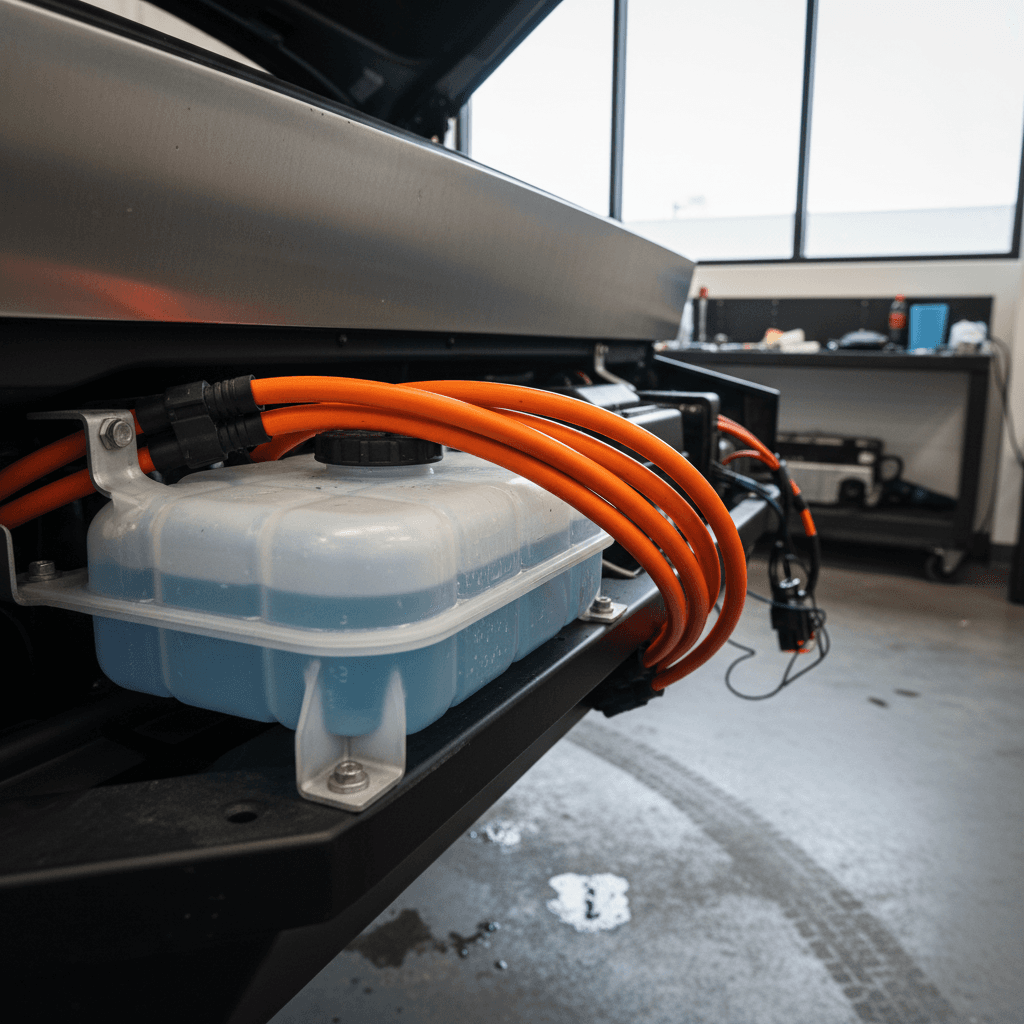
Because EVs are quieter than gas trucks, you may actually notice subtle changes sooner, but you also don’t have a temperature gauge in the traditional sense. Pay attention to these clues that your Cybertruck’s cooling system needs attention.
- Persistent alerts about reduced power, charging limited, or thermal system faults.
- Fast‑charging slows down unusually even in mild temperatures, especially on chargers you’ve used before.
- Cooling fans running hard for long periods after modest driving or short charging sessions.
- Puddles or dampness under the truck, especially near the front or mid‑section, with a slightly sweet odor.
- Repeated early shutdown of Supercharging with messages about battery temperature or system protection.
Act quickly on temperature or coolant warnings
Tesla Service vs. DIY: What’s Realistic?
If you’re used to doing your own coolant flush on a gas truck, you might wonder whether you can treat the Cybertruck the same way. In practice, the answer is almost always no, at least not in the backyard‑mechanic sense.
Tesla Service Center / Certified Shop
- Trained on high‑voltage safety and the specific coolant routing in Tesla vehicles.
- Access to factory procedures, vacuum‑fill tools, and proper bleed routines.
- Can perform software checks and calibrations after work is completed.
- Repairs are tracked in the vehicle’s digital history, which helps resale value.
DIY or Non‑EV‑Specialist Shop
- May not understand Cybertruck’s multi‑loop thermal system and isolation requirements.
- Risk of air pockets, improper coolant type, or contamination if procedures aren’t followed.
- Potential to void coverage on related components if Tesla determines improper service.
- Reasonable for visual checks (looking for leaks, damaged lines), but not full system flushing.
Use EV‑experienced shops
Cybertruck Coolant Costs vs. Gas Truck Maintenance
When you’re evaluating Cybertruck ownership costs, coolant service is just one line item. The bigger picture is how infrequent it is compared with oil changes, transmission fluid services, differential fluid, and cooling‑system work on a gas truck.
Where the Cybertruck Saves You Money
Coolant is only part of the long‑term cost story
No engine oil or filters
No traditional transmission service
Coolant service is rare
EV maintenance often looks “spiky”
Tips to Avoid Expensive Coolant Repairs
You can’t change the way Tesla engineered the Cybertruck, but you can drive and maintain it in ways that reduce the odds of costly thermal‑system repairs. None of these steps require turning a wrench.
Practical Habits to Protect the Cybertruck’s Cooling System
Drive around major road debris, not over it
Those big underbody plates are strong, but repeated hits or sharp objects can still damage coolant lines or fittings around the pack.
Avoid aggressive off‑roading without protection
If you take advantage of Cybertruck’s off‑road capability, consider skid plates and be mindful of deep ruts or rocks that can contact the underside.
Let the truck manage heat after fast charging
If fans run for a bit after a hard drive or DC fast charge, that’s normal. Don’t repeatedly interrupt the process by unplugging power or immediately shutting the vehicle down.
Keep software up to date
Thermal‑management strategies can be refined through over‑the‑air updates. Staying current helps the truck protect itself under extreme conditions.
Respond promptly to alerts
Don’t clear warning messages and hope they go away. Use the Tesla app to schedule service so minor leaks or sensor issues don’t escalate.
Buying a Used Cybertruck? Coolant Checks that Matter
If you’re shopping the used market, especially early‑build Cybertrucks, it’s smart to look beyond paint and panels. The thermal system is a key part of long‑term reliability and battery health, and it’s not something you can fully assess with a quick test drive.
Questions to ask the seller
- Has the truck ever displayed cooling‑system or battery temperature warnings?
- Has Tesla replaced any battery, drive unit, or thermal components under warranty?
- Can you share the service history from the Tesla app or service invoices?
- Has the vehicle seen heavy off‑road use or significant underbody damage?
Checks a good inspection should include
- Visual inspection of coolant lines and underbody for leaks or collision repairs.
- Scan for stored thermal‑system fault codes, not just current warnings.
- Battery health assessment, including fast‑charging behavior and temperature data where available.
- Short fast‑charge test, when possible, to see how quickly the truck tapers charging.
How Recharged approaches used Cybertrucks
Tesla Cybertruck Coolant Flush FAQs
Frequently Asked Questions
Bottom Line: How Much Will Coolant Maintenance Really Cost?
If you’re worried that a Tesla Cybertruck coolant flush will become another frequent, costly service like it is on gas trucks, you can relax. Under normal use, coolant in the Cybertruck is a long‑life, largely hands‑off fluid. You might never pay for a standalone coolant flush at all, and even if you do, it’s likely to be an occasional expense in roughly the low‑hundreds of dollars, not an every‑other‑oil‑change ritual.
The smarter move is to budget for the EV ownership pattern: long stretches of minimal service, punctuated by the occasional repair or component update. If you’re shopping new or used, partner with sellers who can document thermal‑system and battery health clearly. With tools like the Recharged Score Report, you can see beyond the shine and get a realistic view of how a Cybertruck has been treated, and what it’s likely to cost you over the years you own it.