The Tesla Cybertruck is a 6,000‑plus‑pound stainless‑steel monolith with a battery roughly the size of a studio apartment’s annual power bill. That mass of lithium means serious capability, but it also means charging speed matters more than with lighter EVs. This Tesla Cybertruck charging speed guide breaks down what you’ll actually see at home and at Superchargers, how long real-world sessions take, and what to watch if you’re shopping the used market.
The short version
Why Cybertruck charging feels different from other EVs
Owners coming from a Model 3 or even a Rivian often discover the Cybertruck feels like it charges "slower", even when the charger’s power rating is identical. The reason is simple physics. The Cybertruck’s big pack (around 120 kWh usable in most dual‑motor and Cyberbeast trims) needs more energy to move a block of stainless steel and air. The same 10 kWh you’d add in 45 minutes on a Level 2 charger produces fewer miles in a Cybertruck than in a slippery sedan.
- Higher energy use per mile means fewer miles added for each kWh you charge.
- The pack is large enough that low‑power charging (120V) barely nudges the state of charge overnight.
- The Cybertruck uses an 800V‑class architecture, which can accept very high DC fast‑charge rates, on the right hardware, but only for a slice of the session.
Think in % or kWh, not just miles
Cybertruck battery size, voltage, and why it matters for speed
Key Cybertruck charging specs (big picture)
These are ballpark figures; exact numbers vary by trim and year.
Battery capacity
Most dual‑motor and Cyberbeast builds land around 120–125 kWh usable. That’s roughly 50% more energy than a typical compact EV.
800V architecture
The Cybertruck is Tesla’s first 800V‑class vehicle. Higher voltage allows higher DC fast‑charge power, Tesla quotes up to 325 kW at select upgraded V4 Superchargers.
Supercharger compatibility
On standard V3/V4 sites you’ll typically see peaks in the 250–325 kW range, but only at low state of charge and with a warm pack.
Those headline numbers are good for marketing, but your day‑to‑day experience depends more on the type of charger you use and your starting state of charge. Let’s start where most miles are added: at home.
Home charging speeds: 120V vs 240V for Cybertruck
Typical Cybertruck home charging speeds
You can technically live with a 120V outlet, but with a battery this big it feels like bailing out a swimming pool with a coffee mug. The real question is which Level 2 setup makes sense for your home and your driving pattern.
Home charging options for Tesla Cybertruck
Approximate speeds and use cases for U.S. owners.
| Charger / Circuit | Power (approx.) | Typical % per hour | Miles of range per hour | Best for |
|---|---|---|---|---|
| 120V 15A outlet (Level 1) | 1.4 kW | ~1% | ~2 mi/hr | Occasional top‑ups, emergencies |
| 240V 30A (NEMA 14‑30) | 5.7 kW | ~4–5% | ~12–15 mi/hr | Apartment or older home panels |
| 240V 50A (NEMA 14‑50) | 9.6 kW | ~7–8% | ~18–25 mi/hr | Most home Level 2 portable EVSEs |
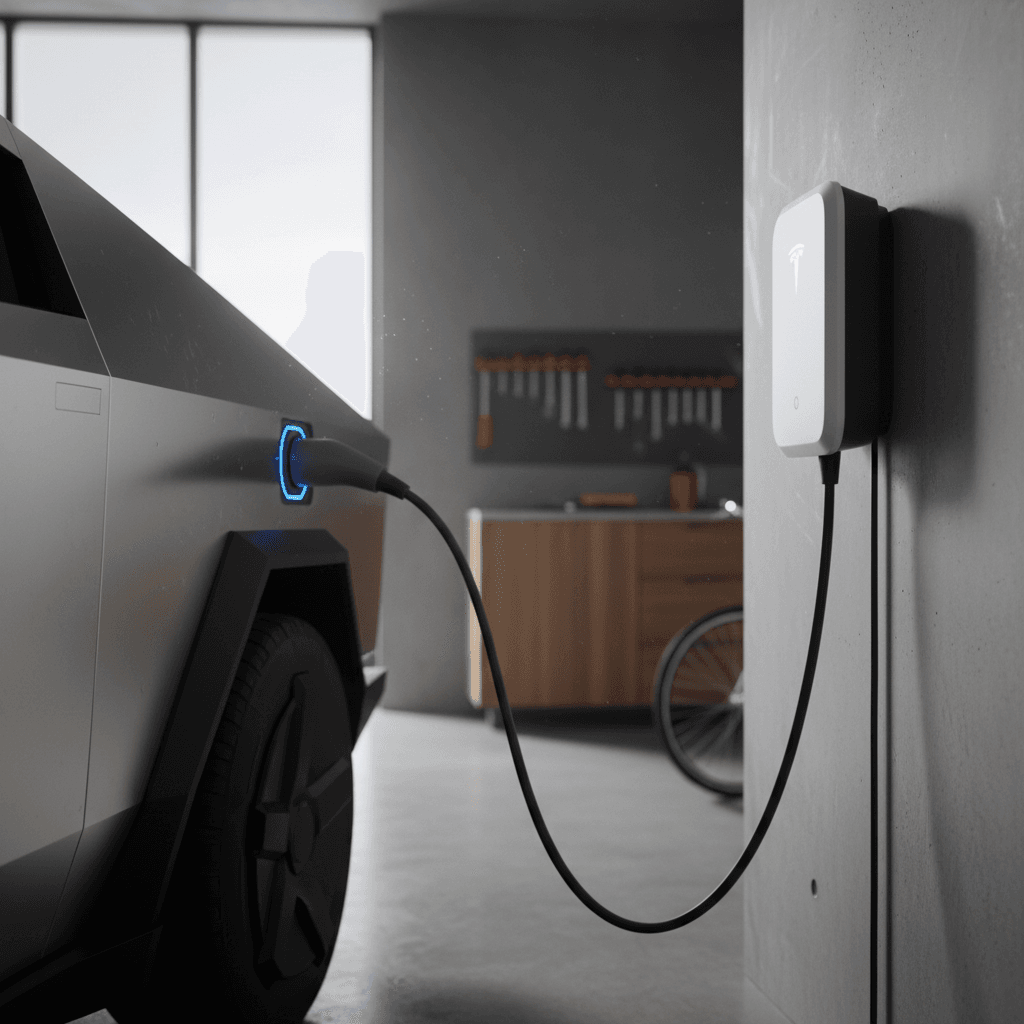
| Tesla Wall Connector 60A breaker | 11.5 kW | ~9–10% | ~22–30 mi/hr | Dedicated home charging for daily drivers |
Miles per hour are rough estimates and depend heavily on driving conditions.
Don’t DIY your 240V circuit
Light‑use owner
If you drive 20–30 miles per day, a 240V 30A circuit or NEMA 14‑30 outlet may be enough. Plug in every night and you’ll easily replace your daily use with a few hours of charging.
Heavy‑use or towing owner
If you tow, commute long distances, or road‑trip often, invest in a hard‑wired 48A Tesla Wall Connector or comparable Level 2 unit. It gives you flexibility to arrive home low and still be ready by morning.
Supercharger speeds and real-world DC fast charging times
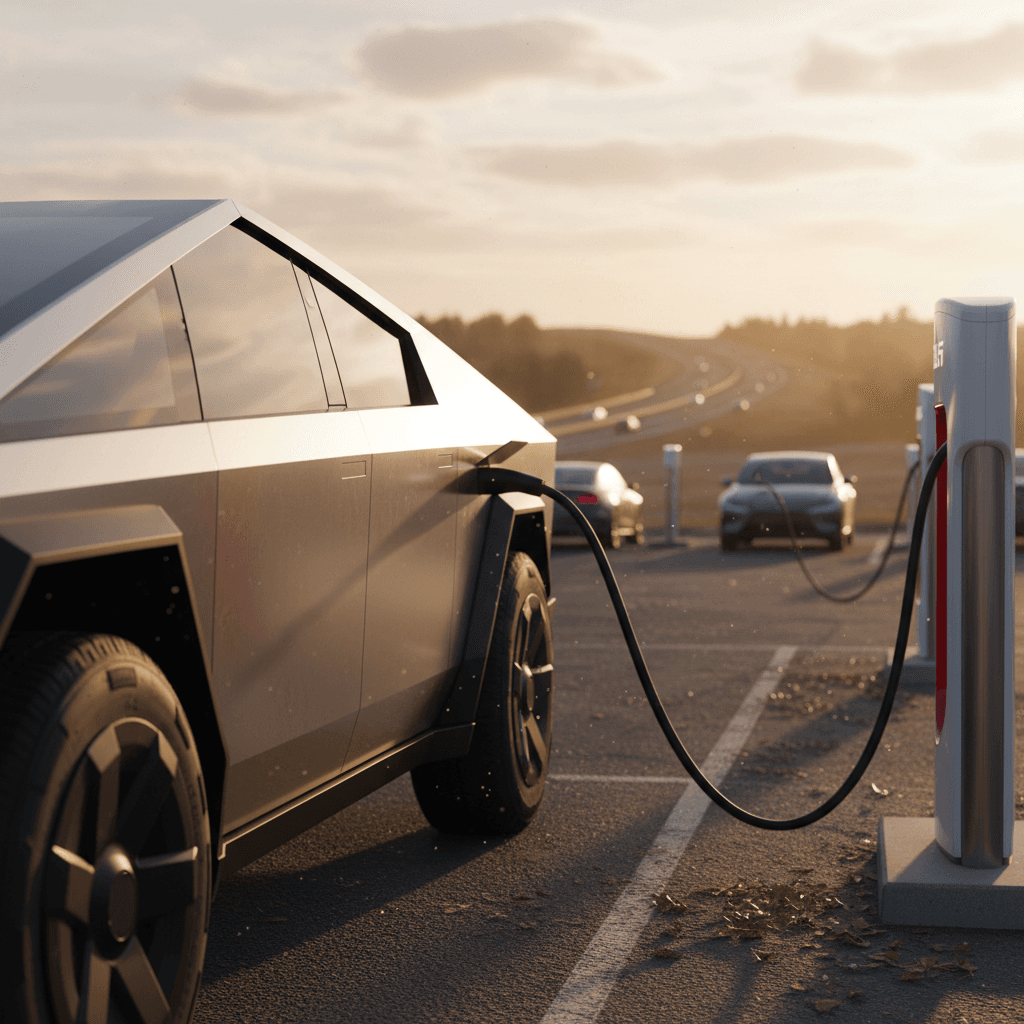
The Cybertruck is built to gulp electrons on road trips. Tesla quotes peak DC fast‑charging rates up to 325 kW on select upgraded V4 Superchargers, with even higher 500 kW cabinets starting to appear in limited locations. In practice, what matters is how long you’re parked between exits, not the biggest number on the charger housing.
DC fast charging: what you can realistically expect
Assuming a warm battery and you’re not sharing power at a busy site.
10–60% session
15–25 minutes at a good V3/V4 site if you plug in around 10–15% and leave around 60%.
Range added
That same 10–60% session adds on the order of 150–200 miles of highway range in a dual‑motor Cybertruck.
0–100% (don’t)
Going all the way to 100% can take an hour or more and is mostly wasted time unless you absolutely need every mile.
Approximate Cybertruck DC fast‑charging times by state of charge
Rough, real‑world times for a healthy battery on a good Supercharger.
| Start → End | What you’d typically do | Approx. time | Why this pattern |
|---|---|---|---|
| 10% → 50% | Quick hop between exits | ~15–18 min | Stays in the high‑power part of the curve. |
| 10% → 70% | Normal road‑trip stop | ~22–30 min | Good balance of speed and range. |
| 20% → 80% | Arrived with a bit more cushion | ~25–35 min | Still reasonable, but slows as you climb. |
| 10% → 90% | Only if gaps are huge | ~40–50 min | Last 20% is significantly slower. |
| 10% → 100% | Almost never ideal | 60+ min | Protects battery by tapering hard at the top. |
Times assume you navigate to the Supercharger so the pack preconditions on the way.
Sweet spot for speed
Charging curves: why “up to 325 kW” can be misleading
The Cybertruck’s spec sheet and Tesla’s social feeds talk about 325 kW peaks (and early pilots of 500 kW cabinets). That’s technically accurate and borderline irrelevant. What you feel as a driver is the shape of the charging curve: how much power the truck accepts at 10%, 30%, 50%, 70%, and so on.
- Peak power usually happens for a few minutes in the low‑teens of state of charge, then begins tapering.
- By the time you’re around 50–60%, you may already be below 200 kW at many sites.
- Above ~80%, the Cybertruck behaves like every other big‑battery EV: it slows dramatically to protect cell longevity.
How to tell if you’re actually charging fast
Peak power (bragging rights)
"My Cybertruck hit 320 kW on a V4!" That’s fun to post, but it’s only part of the picture. Peak is usually a brief moment at low state of charge with a well‑preconditioned pack and a strong stall.
Average power (what you feel)
The average kW over the entire session from 10–60% might be 150–180 kW. That’s the number that translates to how long you’re sitting under the canopy.
Cold battery = slow battery
Road-trip planning: How often and how long you’ll stop
On the open interstate, the Cybertruck turns into a rolling test of your patience and your bladder. The good news is the truck’s nav and Tesla’s Supercharger density do a lot of the thinking for you. But you should still understand the rhythm of a long day behind that faceted windshield.
Road-trip charging patterns for different drivers
Efficiency-minded driver (solo or light load)
Cruises 70 mph, low wind, no trailer.
Can often stretch <strong>180–220 miles</strong> between stops from ~80% down to ~10–15%.
Typical pattern: drive 2.5–3 hours, charge 20–25 minutes, repeat.
Uses nav‑suggested stops but is willing to skip a station if arrival SOC looks healthy.
Family or towing driver
Heavier loads or higher speeds can push consumption toward <strong>500–600 Wh/mi</strong> or more.
Realistic legs may shrink to <strong>120–150 miles</strong> between charges.
Plan on more frequent, slightly longer stops, think every 1.5–2 hours.
Consider ending charges closer to 70–80% when towing to avoid white‑knuckle gaps between stations.
Let the truck do the math
Battery health and ideal daily charging habits
The Cybertruck’s pack is expensive, heavy, and deeply integrated into the structure. You want to treat it like a long‑term asset, not a disposable commodity. Tesla’s own guidance and broad EV battery research converge on a few simple habits that keep charging fast for years.
Daily charging habits that help your Cybertruck age gracefully
1. Live between ~20% and 80%
For daily driving, set your charge limit to around <strong>80%</strong> and avoid regularly running below 10–15% unless you’re road‑tripping. That middle band is gentler on the cells.
2. Save 100% for trips
Charging to 100% is fine when you need the range; just don’t park it full for days. Finish charging close to departure if you’re topping all the way up.
3. Don’t fear Superchargers
Occasional DC fast charging, especially in the 10–60% band, is well within what the pack is designed for. What hurts most is <strong>heat plus high state of charge for long periods</strong>.
4. Precondition in winter
Use the "Navigate" function or precondition from the app so the pack is warm when you plug into DC fast charging. A warm battery charges faster and more consistently.
5. Keep software up to date
Tesla frequently tweaks thermal management and charging curves via over‑the‑air updates. Staying current can slightly improve both speed and longevity.
How Recharged thinks about battery health
Used Cybertruck? What to check about charging performance
The Cybertruck is still young on the market, but early used examples are already surfacing. Because this is an expensive, long‑range workhorse, you want to know whether its charging behavior still matches factory‑fresh expectations, or if a hard early life has dulled its appetite for electrons.
Charging-related items to evaluate on a used Cybertruck
Whether you’re shopping locally or online, these are worth digging into.
1. Peak and average DC charging speed
On a test drive, stop at a Supercharger with a low state of charge (~15–20%). Watch how quickly it ramps up and how it holds above 100 kW. An unusually flat curve can hint at thermal issues or an aging pack.
2. Thermal behavior and warnings
Look for repeated alerts about charging being limited by battery temperature. That can reflect hard use, but it can also indicate problems with coolant loops, pumps, or sensors.
3. History and diagnostics
Ask for service records and any available battery reports. A Recharged Score battery health diagnostic gives you an independent look at capacity and charging performance before you commit.
Buying online? Lean on transparency
Ready to find your next EV?
Browse VehiclesCybertruck charging checklists
Checklist: Dialing in your home charging for Cybertruck
Confirm panel capacity
Have an electrician confirm your main panel can support a <strong>50–60A circuit</strong> for a wall connector or 14‑50 outlet without overloading the system.
Choose outlet vs wall connector
If you like flexibility or you rent, a <strong>NEMA 14‑50 outlet plus portable Level 2 EVSE</strong> works well. If this is your forever truck and home, a hard‑wired Tesla Wall Connector is cleaner and can support higher continuous current.
Plan cable routing
Think about how you’ll park. The Cybertruck is huge; make sure the cable can comfortably reach the charge port without being stretched or tripped over.
Set your charge limit
In the charging settings screen, set a daily limit around <strong>80%</strong>. Bump to 90–100% only before long trips.
Test overnight behavior
Do a full night’s charge from, say, 30% to 80% and check how many miles you gained. This becomes your mental benchmark for future planning.
Checklist: Before your first long Cybertruck road trip
Map your route with charging
Use the in‑car nav and cross‑check with mapping apps. Note the longest gap between Superchargers and decide your minimum comfortable arrival %.
Plan for weather and load
If you’re towing or expecting headwinds and cold, assume <strong>worse efficiency</strong> and tighter spacing between stops. Better to have too much buffer than too little.
Learn the charging UI
Spend a few minutes parked at a local Supercharger just watching how the Cybertruck reports kW, kWh added, and time to complete. It’s easier to learn when you’re not rushed.
Pack charging accessories
Bring any adapters you own, your mobile connector, and basics like gloves or a towel if you’ll be in harsh weather. Big stainless trucks still hate icy cables.
FAQ: Tesla Cybertruck charging speed
Frequently asked questions about Cybertruck charging speed
Bottom line: How fast does the Cybertruck really charge?
Viewed coldly, the Tesla Cybertruck is a giant battery with a truck wrapped around it. At home, that means a 240V Level 2 charger is all but mandatory if you want the ownership experience to feel seamless; 120V is emergency‑only. On the road, the combination of 800V hardware and Tesla’s Supercharger network makes 15–30 minute stops the norm from low state of charge to a comfortable 60–70%, quick enough that the limiting factor is usually your passengers, not your pack.
If you’re shopping the used market, charging is where speculation and reality often collide. Don’t settle for vague assurances, look for hard data. A Recharged Score battery health report, clear transparency about prior use, and a basic understanding of the Cybertruck’s charging curve will tell you whether that stainless‑steel wedge will still charge like a thoroughbred five years from now, or whether it’s already learned some bad habits.