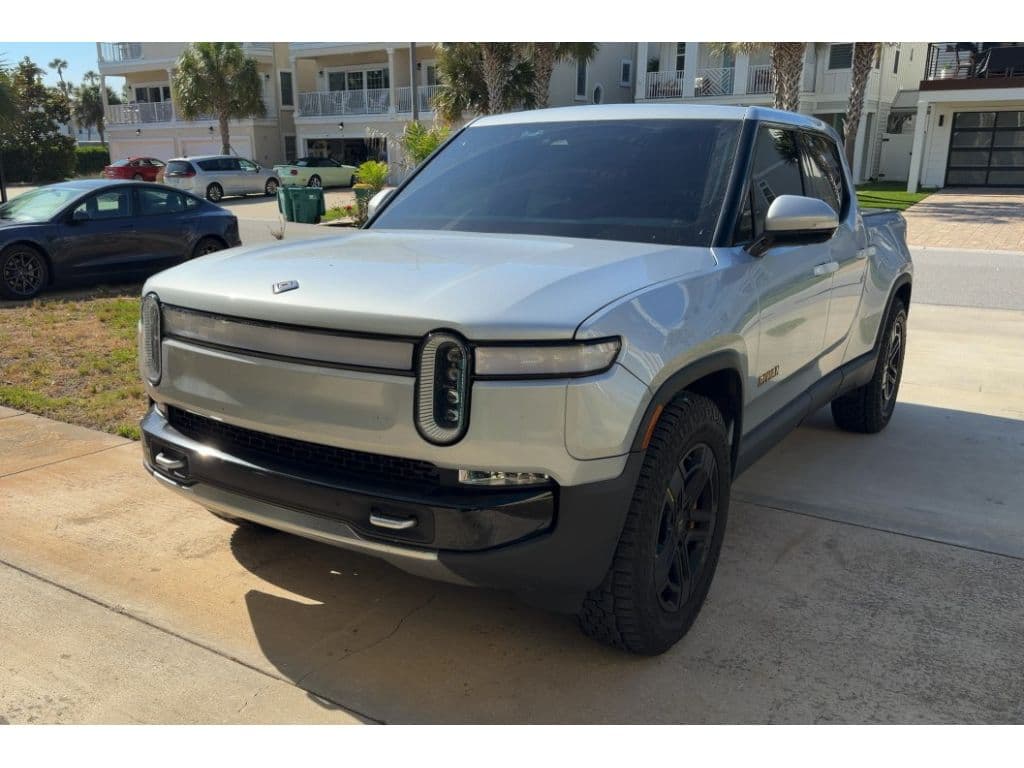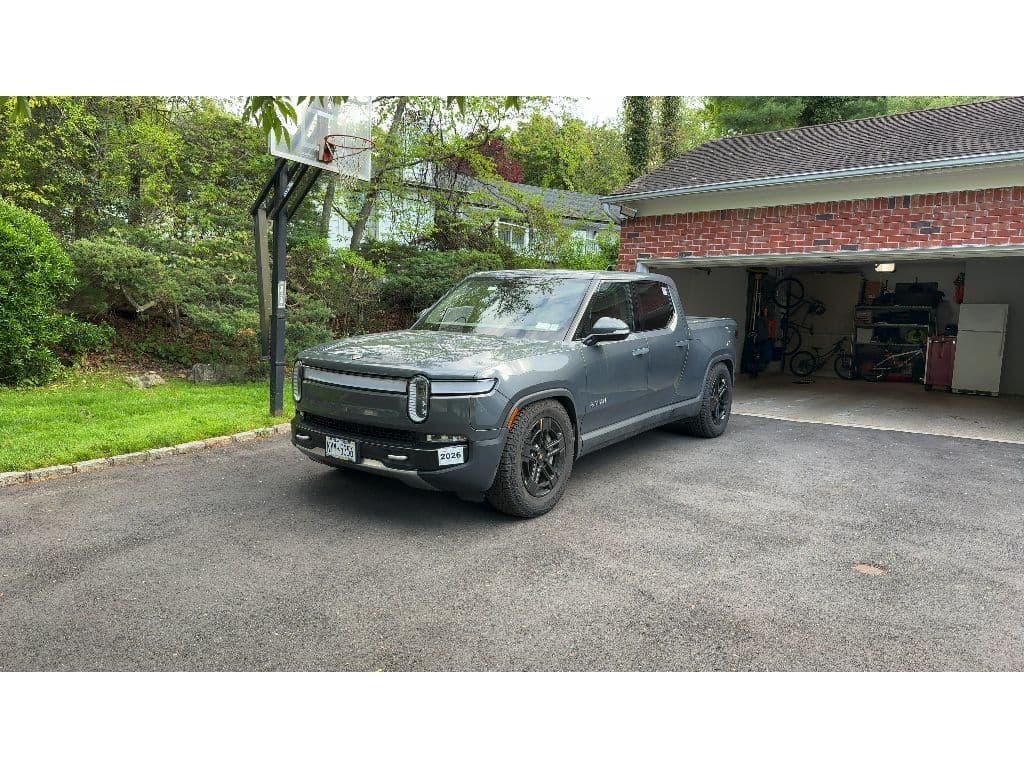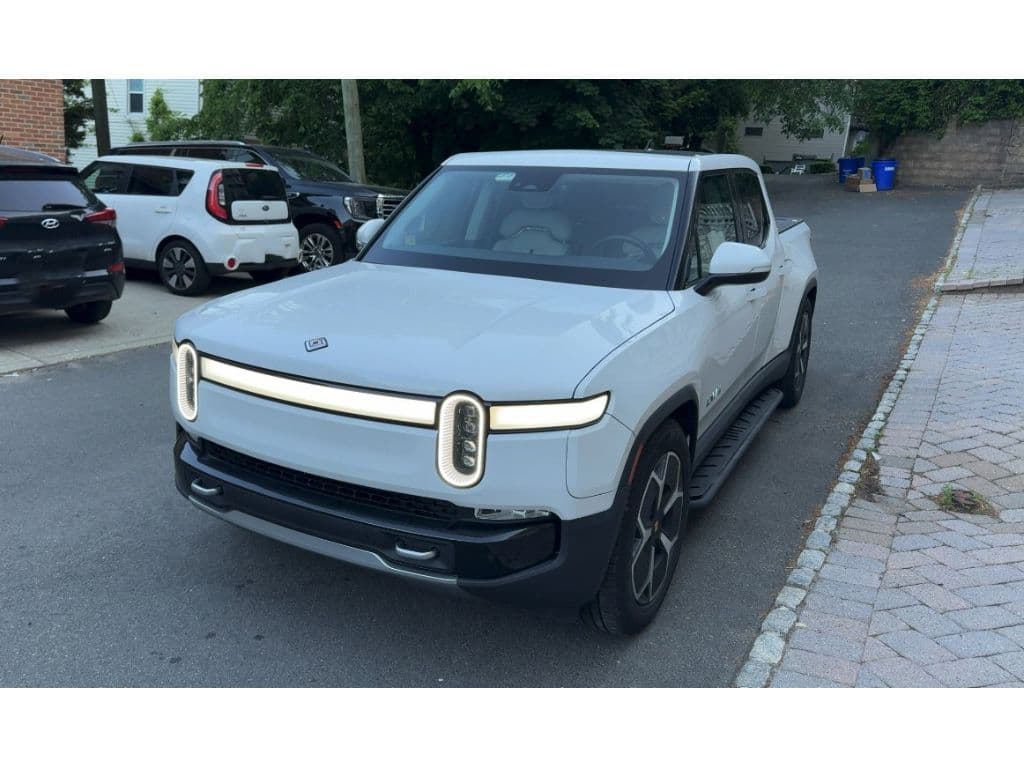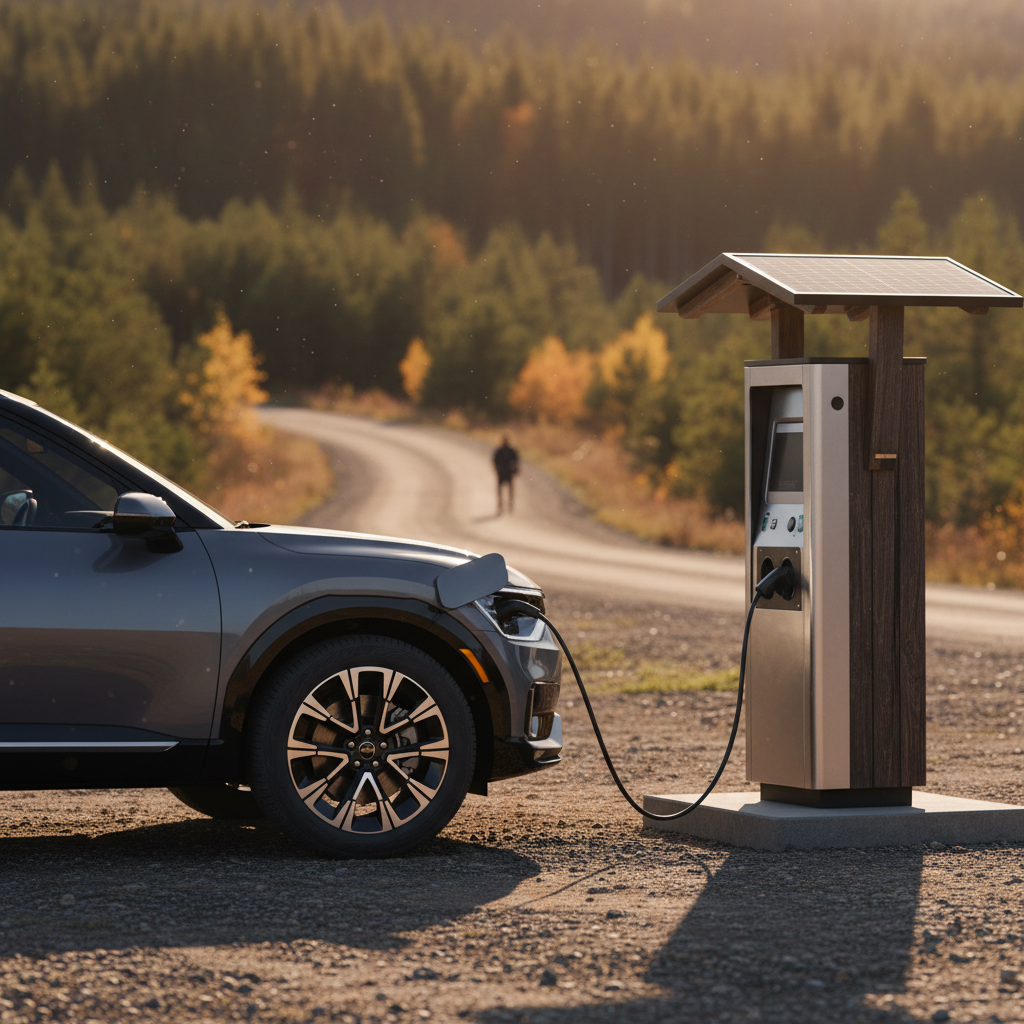
If you’re considering a Rivian pickup, you’ve probably seen the specs: big battery, big power, and up to 220 kW DC fast charging. But what does that look like on a real Rivian R1T charging speed test? How long does 10–80% actually take, and how many miles can you realistically add in a 20‑minute stop?
What this guide covers
Why Rivian R1T charging speed matters
The R1T is an adventure truck with a big battery, 135 kWh for the Large Pack and ~149–150 kWh for the Max Pack. That gives you excellent range, but it also means you move a lot of energy in and out of the pack every time you fast charge. Charging speed isn’t just a spec-sheet bragging right; it shapes how you plan road trips, how long you sit at chargers, and how easy this truck is to live with day to day.
Because Rivian has steadily tuned charging software since launch, early charging reviews from 2022 don’t tell the full story. By 2024–2025, owners were reporting peaks around 200–220 kW and meaningfully better mid‑pack speeds, especially on the Max Pack. At the same time, the hardware still runs on a 400‑volt architecture, so it behaves differently from 800‑volt trucks like an Ioniq 5 or EV6. Understanding those trade‑offs is key to interpreting any R1T charging speed test.
Rivian R1T battery and charging basics
R1T battery packs and charging specs
The basics you need before looking at real‑world tests
Battery packs
- Large Pack: ~135 kWh usable, ~314–341 miles EPA depending on configuration.
- Max Pack: ~149 kWh usable, up to ~400+ miles EPA in efficiency trims.
DC fast charging
- Architecture: 400V class.
- Peak DC power: ~200–220 kW depending on pack and model year.
- Connector: CCS1 historically, NACS port on newer trucks with adapter support in transition.
AC charging
- Onboard charger: 11.5 kW (48A at 240V).
- 0–100% on Level 2: roughly 11.5–13 hours depending on pack size.
- Port location: front left fender.
Quick mental math
Lab specs vs. real-world charging speed
On paper, Rivian lists maximum DC power in the 200–220 kW range depending on pack. Independent testing and owner logs show that’s basically accurate, but only part of the story. What really matters is how long the truck can hold high power and how quickly it tapers as state of charge (SOC) rises.
Rivian R1T fast-charging at a glance
Recent owner data on Max Pack trucks shows peaks close to 200–215 kW even up into the 50–60% SOC range before tapering more aggressively in the 70s. Earlier Large Pack data from independent testers shows peaks around 180–200 kW and a fairly flat curve up to about 55–60% SOC before stepping down more sharply. In other words, R1T charging is quick through the middle of the pack, then slows a lot above ~80%, exactly what you want for road trips.
Don’t chase 100% on a fast charger
DC fast charging speed test results
To make this concrete, let’s walk through what real Rivian R1T charging speed tests look like in the wild, drawing from independent reviews and detailed owner logs. Think of the numbers below as realistic, not marketing‑best.
Sample Rivian R1T DC fast charging sessions
Representative results from independent reviewers and owner logs on 300–350 kW stations.
| Pack / Scenario | Start–End SOC | Time on DCFC | Energy Added (kWh) | Average Power | Notes |
|---|---|---|---|---|---|
| Large Pack, independent test | 0–100% | ~91 min | ~137 kWh | ~90 kW | Peak around 180–190 kW, flat until ~55–60%, very slow above 80%. |
| Large Pack, reviewer winter test | 20–80% | 32 min | 47 kWh | ~88 kW | Peak ~150 kW, cold‑soaked battery slowed the early ramp‑up. |
| Large Pack, same truck warm | ?–75% | 24 min | 54 kWh | ~135 kW | Peak ~188 kW on a 350 kW charger after better preconditioning. |
| Max Pack owner log (350 kW EA/RAN) | 1–80% | 48 min | ~119 kWh | ~149 kW | Peak ~200+ kW, stayed above 130–150 kW into the 60% range. |
| Max Pack owner log | 20–80% | 38 min | ~87 kWh | ~137 kW | Good representation of an efficient road‑trip stop. |
Your exact numbers will vary with temperature, elevation, pack size, and software version, but these samples line up well with Rivian’s own claims.
The pattern is clear: 10–80% on a warm battery is usually in the high‑20‑ to mid‑30‑minute range, depending on pack size and conditions. Cold weather, a non‑preconditioned pack, or a weaker charger can easily double those times.
How much range can you add in 20–30 minutes?
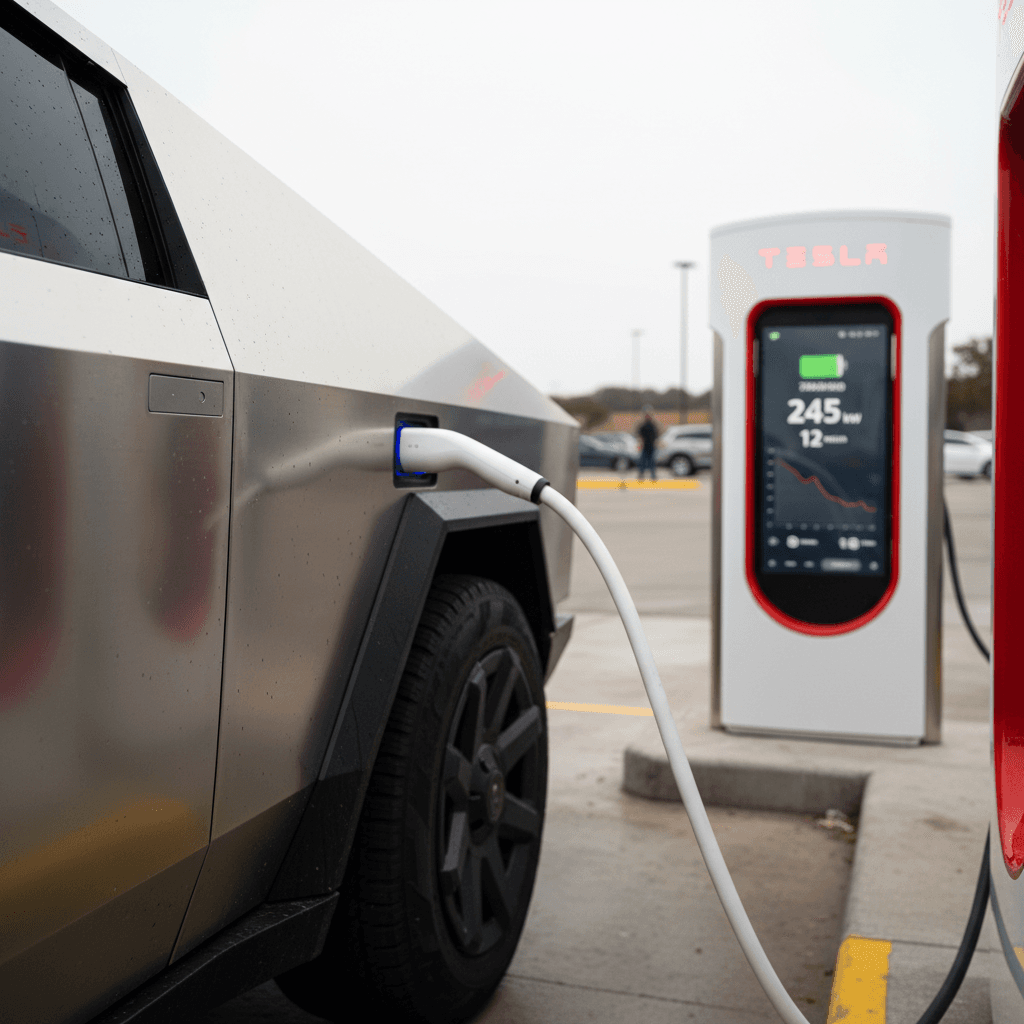
For road trips, you don’t think in kilowatt‑hours; you think in miles. Rivian’s own materials say an R1T can add about 150 miles in 20 minutes on DC fast charging when conditions are right. Owners’ logs and third‑party tests broadly match that claim if you arrive with a low SOC and use a strong charger.
- Warm battery, arrive near 10–20% SOC, 300–350 kW charger: ~130–150 miles in 20 minutes, ~200+ miles in 35–40 minutes, depending on driving efficiency.
- Cool battery, arrive near 30–40% SOC, 150 kW charger: more like 80–110 miles in 20 minutes, and 150–180 miles in 35–40 minutes.
- Charging past 80%: expect diminishing returns, you’re waiting more minutes for fewer miles as power steps down to 60, 40, 30 kW and below.
Rule of thumb for trip planning
Five big factors that slow your R1T’s charging
Why your charging speed test may disappoint
If your numbers don’t match YouTube, these are the usual suspects
1. Battery temperature
2. Weak or busy charger
3. High starting SOC
4. Software & pack variant
5. Towing & heavy loads
Bonus: Session limits & interruptions
How to maximize Rivian R1T charging speed
Checklist: getting the fastest possible R1T charge
1. Use built‑in navigation to the charger
Route to the DC fast charger in your Rivian’s navigation so the truck can <strong>precondition the battery</strong>. That’s the single biggest thing you can do to hit peak power quickly, especially in cold weather.
2. Aim to arrive around 10–20% SOC
Planning your stops so you roll in nearly empty gives the truck room to hold higher power longer. Arriving at 50–60% means you’re already on the downhill side of the curve.
3. Favor strong, well‑reviewed sites
Pick 200–350 kW chargers from reputable networks, Rivian Adventure Network, Electrify America, EVgo, and (with NACS access) many Tesla Superchargers. Apps like PlugShare can reveal which specific sites actually deliver rated power.
4. Avoid back‑to‑back DC fast sessions when possible
Rapid consecutive fast charges can leave the pack hot enough that the car dials back power to protect longevity. On long days, mix in slower legs or slightly longer breaks instead of hammering chargers nonstop.
5. Unplug around 70–80% on road trips
Beyond 80%, charging speed drops sharply. It’s usually quicker to unplug, get back on the road, and plan another 10–60% or 15–70% session down the line than to sit and wait for the last 15–20%.
6. Keep software updated
Rivian frequently tweaks charging behavior. Installing over‑the‑air updates ensures you benefit from the latest optimizations, especially for Max Pack and newer NACS‑equipped trucks.
Pro move: Watch kW, not just percent
Home and Level 2 charging speeds
Most of your charging will happen at home, where outright speed matters less than predictability and cost. The R1T’s 11.5 kW onboard charger is fairly beefy by truck standards, but because the pack is huge, it still takes time to go from empty to full.
Rivian R1T home and Level 2 charging times
Approximate 0–100% times for typical home setups. Real times depend on driving efficiency and exact pack configuration.
| Charging Method | Power | Large Pack (135 kWh) | Max Pack (149 kWh) | Miles of Range per Hour (est.) |
|---|---|---|---|---|
| Level 1 (120V outlet) | ~1.4 kW | 96+ hours | 106+ hours | 2–4 mi/hr |
| Level 2 (32A, 240V) | ~7.7 kW | ~17–18 hours | ~19–20 hours | 10–15 mi/hr |
| Level 2 (48A, 240V – max onboard) | 11.5 kW | ~11.5–12 hours | ~13 hours | 15–25 mi/hr |
In daily use, you’ll rarely charge from 0–100%; think in terms of overnight top‑ups from 30–80% instead.
Home charging and used R1Ts
Smart charging strategy for R1T road trips
For the daily commuter
- Rely primarily on home Level 2 charging; aim to stay between 30–80% SOC.
- Use DC fast only on road trips, fast charging is convenient but harder on the pack than overnight home charging.
- Occasional 10–100% charges won’t kill the pack, but they shouldn’t be your routine.
For frequent road‑trippers
- Plan legs of 120–180 miles where possible, arriving around 10–20% SOC.
- Target 10–70% or 15–80% sessions, which usually fall in the 25–40 minute range.
- Favor sites with food, restrooms, and safe parking so those 30 minutes feel like a normal break, not a chore.
Towing changes everything
What charging speed means when buying a used R1T
When you’re looking at a used Rivian R1T, it’s tempting to fixate on peak charging numbers. In practice, pack health and consistency across the curve matter more than whether your truck briefly touches 210 vs. 220 kW. A healthy pack will hit expected peaks and hold reasonable power into the 50–70% range; a compromised pack may step down earlier or report lower energy added than expected.
This is where buying through a specialist matters. Every EV Recharged sells comes with a Recharged Score Report that includes verified battery health diagnostics, charge‑rate performance relative to peers, and a transparent look at how that truck has been used. That way you’re not guessing whether the R1T you’re buying will still be a strong road‑trip partner five years from now.
Leaning toward a used R1T?
Ready to find your next EV?
Browse VehiclesRivian R1T charging speed FAQ
Frequently asked questions about R1T charging speed
Bottom line: Is the R1T a fast charger?
Viewed through the lens of real‑world data rather than brochure peaks, the Rivian R1T is a genuinely quick‑charging truck. With a warm battery, a strong DC fast charger, and smart SOC management, you can expect 10–80% in roughly half an hour and about 150 miles of range in a 20‑minute stop, impressive numbers for a battery this large.
The flip side is that physics still applies: big packs take time, and once you push past 80%, you’re firmly into the world of diminishing returns. If you treat DC fast charging as a tool for moving quickly between 10–70% rather than topping off to 100%, the R1T rewards you with smooth, predictable trip times, and a battery that should age gracefully.
If you’re exploring a used R1T, understanding these charging curves, and having independent battery health data to back them up, is critical. That’s exactly the gap Recharged aims to close with our Recharged Score Reports, EV‑specialist support, and streamlined digital buying experience. Whether you end up in a Rivian or another used EV, you’ll know exactly what kind of charging performance to expect long after the spec‑sheet glow wears off.