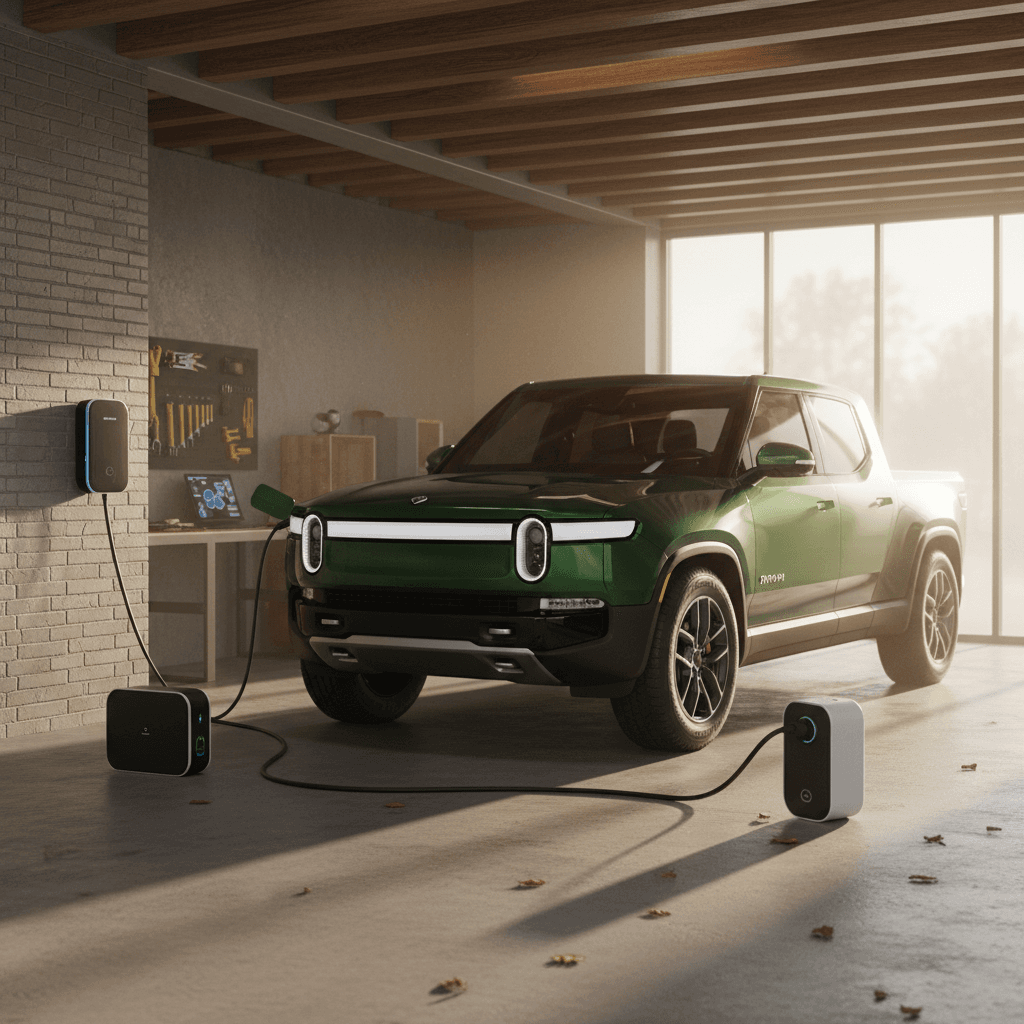
If you own a Rivian R1T, the “best home charger” isn’t just the fastest box you can bolt to the wall. It’s the one that fits your electrical panel, your driving habits, and your budget. In this guide we’ll walk through the best Level 2 home chargers for the Rivian R1T in 2026, from Rivian’s own Wall Charger to proven third‑party units, and help you choose the right setup the first time.
Key takeaway
Why your Rivian R1T needs a good home charger
Rivian built the R1T to go deep into the backcountry and haul like a work truck, but most of your charging will still happen at home. JD Power’s 2025 EVX Home Charging Study shows that satisfaction is highest among owners who use a dedicated Level 2 charger at home, especially those with reliable, easy‑to‑use hardware. A good charger turns your garage into your personal “fuel station,” and that dramatically changes the ownership experience.
- More overnight range: A 40–48 amp Level 2 charger can add roughly 20–30 miles of range per hour of charging for an R1T, easily refilling a big battery pack overnight.
- Less time at public chargers: You can save DC fast charging for road trips instead of weeknight top‑ups.
- Lower cost per mile: When you pair home charging with off‑peak electric rates or time‑of‑use plans, your “fuel” cost per mile often undercuts gasoline by a wide margin.
- Better battery life: Consistent Level 2 charging is generally easier on the battery than constant fast‑charging sessions.
Real‑world perspective
Rivian R1T home charging basics
Before you pick the “best” home charger for your Rivian R1T, it helps to understand what the truck itself can accept and how that interacts with the hardware on your wall.
R1T home charging specs at a glance
What your truck can actually use from a Level 2 charger
Onboard AC charger
All current R1T configurations include an 11.5 kW onboard charger. That’s the electronics inside the truck that convert AC from your home into DC for the battery.
Maximum AC current
The truck is limited to 48 amps on Level 2 AC. Even if you install an 80A unit, the R1T will still pull only up to 48A.
Typical home speeds
On a 40–48A Level 2 charger, you’re usually looking at 20–30 miles of range per hour, depending on wheel size, weather, and driving style.
Put simply, any well‑built 40A or 48A Level 2 charger with a compatible connector will charge a Rivian R1T quickly. Your choice comes down to installation cost, smart features, and brand reputation, not raw speed beyond 11.5 kW.
What to look for in a Rivian R1T home charger
Essential buying checklist for R1T home chargers
1. Amperage that matches your panel
For most homes, a <strong>40A charger on a 50A circuit</strong> is the sweet spot. If your electrical panel has room and capacity, a 48A charger on a 60A circuit gives the R1T its full 11.5 kW capability, but it’s not mandatory for most drivers.
2. Connector type and compatibility
Newer Rivians in North America are shipping with <strong>NACS (Tesla‑style) ports</strong>, while early trucks use CCS. Make sure you choose a charger (or adapter) that matches your specific truck’s inlet and comes from a reputable brand.
3. Hardwired vs. plug‑in
Hardwired chargers are cleaner and often required to reach 48A. Plug‑in units using a NEMA 14‑50 outlet max out at 40A but can be easier to replace later. Either is fine for an R1T if installed correctly.
4. Outdoor rating and cable length
Many R1T owners mount their chargers outdoors or under a carport. Look for a unit with a <strong>NEMA 3R or NEMA 4 weather rating</strong> and at least a 20–24 foot cable so you can reach either side of the truck.
5. Smart features you’ll actually use
Wi‑Fi or Bluetooth apps are useful for <strong>scheduling off‑peak charging</strong>, monitoring energy use, and locking the charger. Don’t pay extra for app features you’ll never open.
6. Rebates, incentives, and utility approval
Many utilities only offer rebates on certain models. Before you buy, check your provider’s “qualified charger” list and make sure the unit you’re eyeing is eligible.
Don’t oversize for bragging rights
Best home chargers for Rivian R1T in 2026
There’s no single “best” charger for every Rivian R1T owner, but several models stand out based on reliability, features, and how well they match the truck’s 11.5 kW capability. Here’s how they shake out for different types of owners.
Rivian R1T home charging: 2026 quick hits
Best home charger picks for the Rivian R1T
Top recommendations by use case
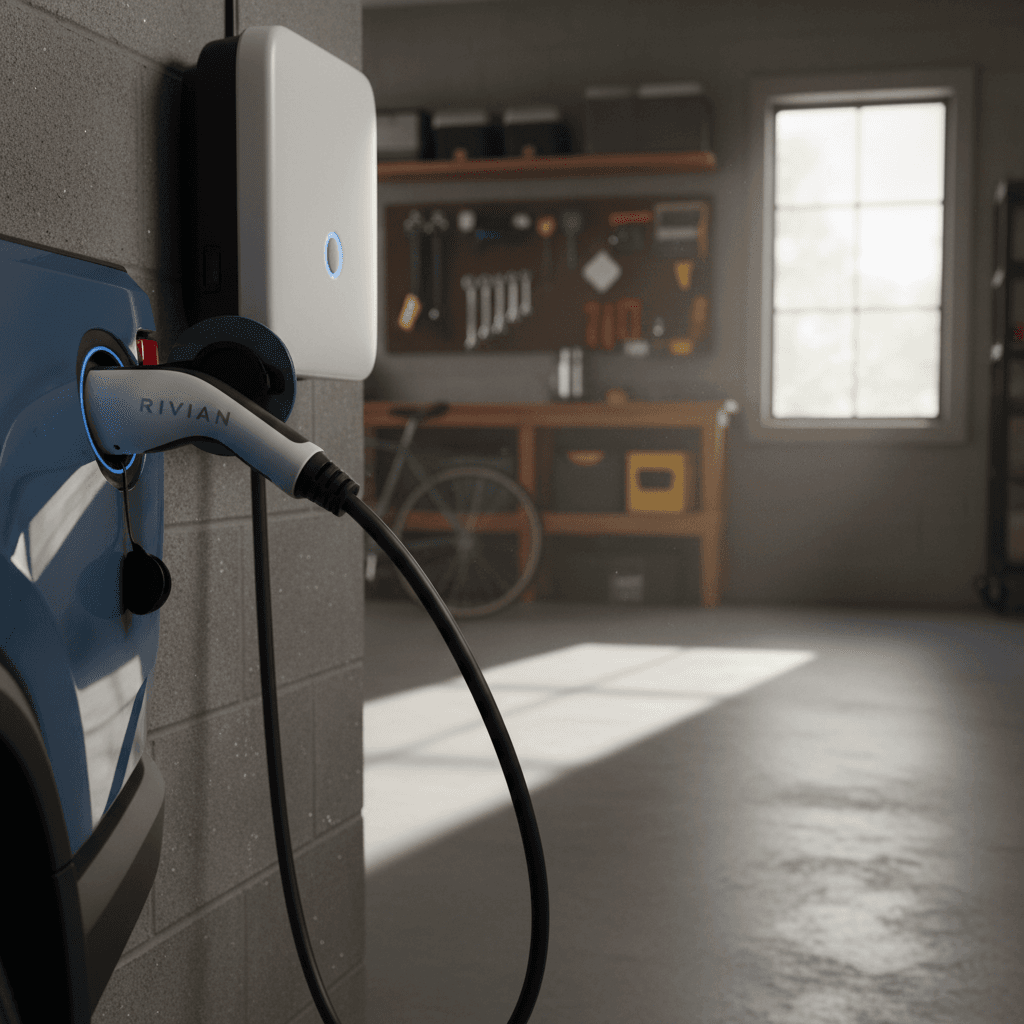
Rivian Wall Charger (NACS) – Best OEM experience
Best for: Owners who want a seamless Rivian‑branded solution and plan to keep the truck long‑term.
- Output: 48A (11.5 kW) on 240V
- Cable: ~24 ft, NACS connector (for 2026+ Rivians)
- Pros: Clean aesthetics, Rivian app integration, ENERGY STAR certified, designed for outdoor use.
- Cons: Hardware costs more than many third‑party options; mainly makes sense if you’re committed to Rivian’s ecosystem.
Emporia Level 2 / Emporia Pro – Best value smart charger
Best for: Budget‑conscious owners who still want great smart features and load management.
- Output: Up to 48A configurable; hardwire or NEMA 14‑50 options.
- Pros: Frequently near the top of utility “approved charger” lists and 2025–2026 comparison tests; excellent app, solar and load‑management features, strong rebate support.
- Cons: App‑driven experience may feel busy if you prefer ultra‑simple controls.
ChargePoint Home Flex – Best for rebate compatibility
Best for: Owners whose utilities steer them toward specific models for maximum rebates.
- Output: Up to 50A adjustable (set to 40–48A for R1T).
- Pros: Widely supported by utilities and installers; mature app; flexible amperage settings.
- Cons: Hardware cost is often higher than Emporia or Grizzl‑E for similar performance.
Grizzl‑E Classic / Smart – Best for durability and cold climates
Best for: Owners who park outdoors, live in harsh climates, or value simplicity.
- Output: 40A (9.6 kW) standard, which is still more than enough overnight for most R1T owners.
- Pros: Heavy‑duty aluminum case, proven reliability, strong showing in owner satisfaction surveys; Smart model adds Wi‑Fi.
- Cons: Industrial look, less polished app experience than Emporia or ChargePoint.
Quick recommendation
Comparison table: Rivian R1T home chargers
Popular home charger options for the Rivian R1T
All of these Level 2 chargers work well with the R1T’s 11.5 kW onboard charger when installed on an appropriate circuit. Specifications and pricing are approximate as of early 2026 and may vary by retailer or promotion.
| Charger | Max Amps / Power | Connector / Compatibility | Smart Features | Approx. Hardware Price | Best For |
|---|---|---|---|---|---|
| Rivian Wall Charger (NACS) | 48A / 11.5 kW | NACS (2026+ Rivians) | Wi‑Fi, Rivian app integration, OTA updates | ≈ $800 | OEM experience, Rivian‑focused homes |
| Emporia Level 2 | Up to 48A / 11.5 kW | J1772 or NACS (adapter as needed) | Wi‑Fi, scheduling, load management, solar integration | ≈ $399–$499 | Best overall value, rebate seekers |
| Emporia Pro | Up to 48A / 11.5 kW | J1772 or NACS (adapter as needed) | Advanced panel‑aware load management, robust analytics | ≈ $549–$649 | Homes with limited electrical capacity |
| ChargePoint Home Flex | Up to 50A (set ≤ 48A) | J1772 or NACS (adapter as needed) | Mature app, TOU scheduling, integration with ChargePoint ecosystem | ≈ $599–$749 | Utility rebate compatibility, app integration |
| Grizzl‑E Classic / Smart | 40A / 9.6 kW | J1772 or NACS (adapter as needed) | Classic: none; Smart: Wi‑Fi & basic app | ≈ $229–$499 | Outdoor durability, simple and tough |
Always verify the latest specs and rebate eligibility with the manufacturer and your local utility before you buy.
About connectors on earlier Rivians
Installation, electrical, and safety considerations
A good charger installed poorly is a bad charger. The Rivian R1T’s 11.5 kW onboard charger can lean hard on your home’s electrical system, so it pays to get the installation right.
Circuit sizing and the 80% rule
- Continuous loads like EV charging are limited to 80% of a breaker’s rating.
- That’s why a 40A charger uses a 50A breaker, and a 48A charger uses a 60A breaker.
- Oversizing the breaker to “avoid nuisance trips” without upgrading wire gauge is unsafe and against code.
When you may need a panel upgrade
- If your main panel is 100A or older and already full, adding a 50–60A EV circuit may require a service upgrade or load‑management solution.
- Products like Emporia Pro can dynamically limit charger draw to avoid overstressing the panel, something worth asking your electrician about.
Safety first
Step‑by‑step: setting up home charging for your R1T
1. Assess your driving and parking
Estimate your typical daily miles and decide whether the charger will live in a garage, carport, or outdoors. This guides cable length and weather‑rating choices.
2. Get a panel assessment
Have a licensed electrician, or a vetted installer your charger brand recommends, inspect your main panel, available breaker spaces, and service size.
3. Choose amperage and hardware
Based on the panel assessment, pick a 40A or 48A charger that fits your budget and smart‑feature preferences. There’s rarely a practical reason to go beyond 48A for an R1T.
4. Confirm rebate eligibility
Before you buy, check your utility’s list of qualified chargers and any local or state incentives. Often, you must apply with a specific model number and proof of professional installation.
5. Schedule professional installation
Have the electrician pull permits if required, run the circuit, mount the unit, and test at full load. Ask for documentation of breaker size, wire gauge, and final settings.
6. Set charging limits and schedules
In both the Rivian app and the charger’s app, configure maximum current and off‑peak charging windows so you’re not paying top dollar for electricity.
Smart charging features that actually matter
The best home charger for a Rivian R1T doesn’t just move electrons, it helps you manage when and how they flow. But not every app feature is worth paying for. Focus on the ones that directly affect convenience and cost.
High‑value vs. nice‑to‑have smart features
What’s worth paying for in a Rivian R1T home charger
Scheduling & TOU support
High value: Being able to set charge windows around your utility’s time‑of‑use (TOU) rates can materially lower your cost per mile, especially with a big R1T battery.
Energy monitoring
High value: Tracking kWh used and cost per session helps you compare electricity costs to public charging and gasoline, and catch any billing surprises.
Access control
Situational value: If your charger is outdoors or in a shared driveway, app‑based locking or RFID access is a good theft‑prevention tool.
App polish
Nice to have: A clean, reliable app is great, but once your schedules are set, you may rarely open it. Don’t overpay for interface gloss alone.
Solar and load control
High value for some: If you have rooftop solar or a constrained panel, features like Emporia’s PowerSmart load management can delay or avoid a costly upgrade.
Connectivity options
Nice to have: Wi‑Fi and Bluetooth are standard on many units. Just make sure the charger works properly even if your garage Wi‑Fi is spotty.
Saving money with utility programs and incentives
The “best” home charger for a Rivian R1T is often the one that is both technically solid and well‑supported by your local utility. Many power companies will only offer the richest rebates on a short list of devices they’ve vetted for safety and smart‑charging capability.
- Check your utility’s qualified products list: Common names include Rivian’s own wall unit, ChargePoint Home Flex, Emporia Level 2/Pro, Wallbox, and Grizzl‑E.
- Look for installation rebates: Some utilities pay a flat amount toward the charger, the installation, or both, sometimes $500 or more for a connected Level 2 unit.
- Ask about special EV rates: Time‑of‑use plans or dedicated EV meters can cut your electricity rate dramatically during overnight hours when you’ll be charging your R1T.
- Keep documentation: Save invoices, serial numbers, and installation photos; most rebate programs ask for detailed proof.
Pro move
How Recharged can help with your Rivian ownership
Choosing the right home charger is only one piece of living happily with a Rivian R1T. At Recharged, our whole mission is to make EV ownership, from shopping to daily charging, as simple and transparent as it ought to be.
- If you’re still shopping for a truck, our used EV marketplace includes detailed listings with a Recharged Score Report, including verified battery health and fair‑market pricing for Rivians and other EVs.
- Our EV specialists can walk you through home charging options when you’re considering a vehicle, so you know up front what it will take to charge at home.
- We offer financing, trade‑in, and nationwide delivery for used EVs, all through a fully digital experience or at our Experience Center in Richmond, VA.
- Every step of the way, you get expert guidance, not just on the vehicle you’re buying, but on how to charge and live with it day to day.
Planning ahead pays off
Ready to find your next EV?
Browse VehiclesRivian R1T home charging FAQ
Frequently asked questions about Rivian R1T home charging
Bottom line: the best home charger for a Rivian R1T
When you cut through the marketing, the best home charger for a Rivian R1T in 2026 is one that delivers 40–48 amps of reliable Level 2 power, plays nicely with your electrical panel, and fits your budget and tech preferences. For a factory‑matched experience and simple ownership, the Rivian Wall Charger is an excellent choice. If you’re focused on value, incentives, and flexible smart features, an Emporia Level 2 or Pro is hard to beat, with ChargePoint and Grizzl‑E strong contenders depending on your priorities.
Get those pieces right, and your R1T will feel like it comes with a private fueling station attached to your home. And if you’re shopping for a used Rivian, or any other EV, Recharged can help you line up the right vehicle, the right financing, and a charging plan that makes living electric feel easy from day one.