If you own a Rivian R1S, or you’re shopping for a used one, the single most important accessory you’ll buy isn’t a roof tent or a set of KO2s. It’s the **home charger** you plug into every night. Pick well and your R1S quietly wakes up every morning with a full battery. Pick poorly and you’re juggling public chargers, extension cords, and regrets. This guide breaks down the **Rivian R1S best home charger** options, from Rivian’s own Wall Charger to smarter third‑party units, so you can match the hardware to your driveway and your life.
Good news for R1S owners
Why home charging matters for your Rivian R1S
Freedom from public chargers
The R1S is a long‑range, three‑row adventure bus, but relying on public DC fast charging for daily juice is like feeding a marathoner only at gas‑station snack bars. It works, but it’s messy and expensive. A proper Level 2 charger at home turns your garage into your primary "fuel station" and turns public chargers into road‑trip tools rather than lifelines.
Predictable costs and less stress
Charging at home on a 240 V Level 2 circuit typically costs a fraction of DC fast charging. You can schedule sessions to off‑peak hours, stack utility discounts, and stop wondering if the charger downtown will be blocked, broken, or busy. The right charger means the R1S simply **works like an appliance**: plug in, wake up full, repeat.
Think in miles per night, not miles per minute
Rivian R1S charging basics: how fast can it really charge at home?
Under the skin, the R1S is pretty simple about AC charging: it has an **11.5 kW onboard charger**. That’s the hardware inside the vehicle that turns AC power from your house into DC power for the battery. On a 240 V circuit that supports 48 amps, you’re looking at roughly 25 miles of range per hour of charge, depending on wheel size, tires, and weather.
Rivian R1S home charging by the numbers
Almost any Level 2 charger will work with the R1S as long as it uses a **J1772 plug or J1772-to-NACS adapter** compatible with Rivian’s inlet. What changes from charger to charger is how close you get to that 11.5 kW ceiling, what installation looks like, and how much software “brain” you want in the box.
Home charging options for R1S owners
Three common paths to charging your R1S at home
All roads lead to electrons, but some are smoother than others.
1. Level 1 (120 V wall outlet)
Using a standard household outlet and a portable charger, you’ll typically see 2–4 miles of range per hour. That’s survival mode, not a long‑term plan for an R1S. Fine for occasional top‑ups or if you drive very little.
2. Level 2 with NEMA 14‑50
A 240 V, 50 A plug, often called an RV or range outlet, paired with a portable or plug‑in Level 2 charger gets you into the 7–9.6 kW zone, or roughly 15–22 miles per hour. Affordable, flexible, and good enough for many owners.
3. Hard‑wired 40–48 A wall charger
This is the full‑fat solution: a dedicated 240 V circuit feeding a wall‑mounted charger at up to 48 A / 11.5 kW. It’s the closest thing to a "gas pump at home" and easily refills a deep‑cycled R1S overnight.
Don’t push your wiring past 80%
Best home chargers for the Rivian R1S in 2026
So what is the **best home charger for a Rivian R1S**? Strictly speaking, there isn’t one universal winner; there’s the charger that best matches your panel, your parking, your climate, and your appetite for tech. But a few options consistently rise to the top for R1S owners.
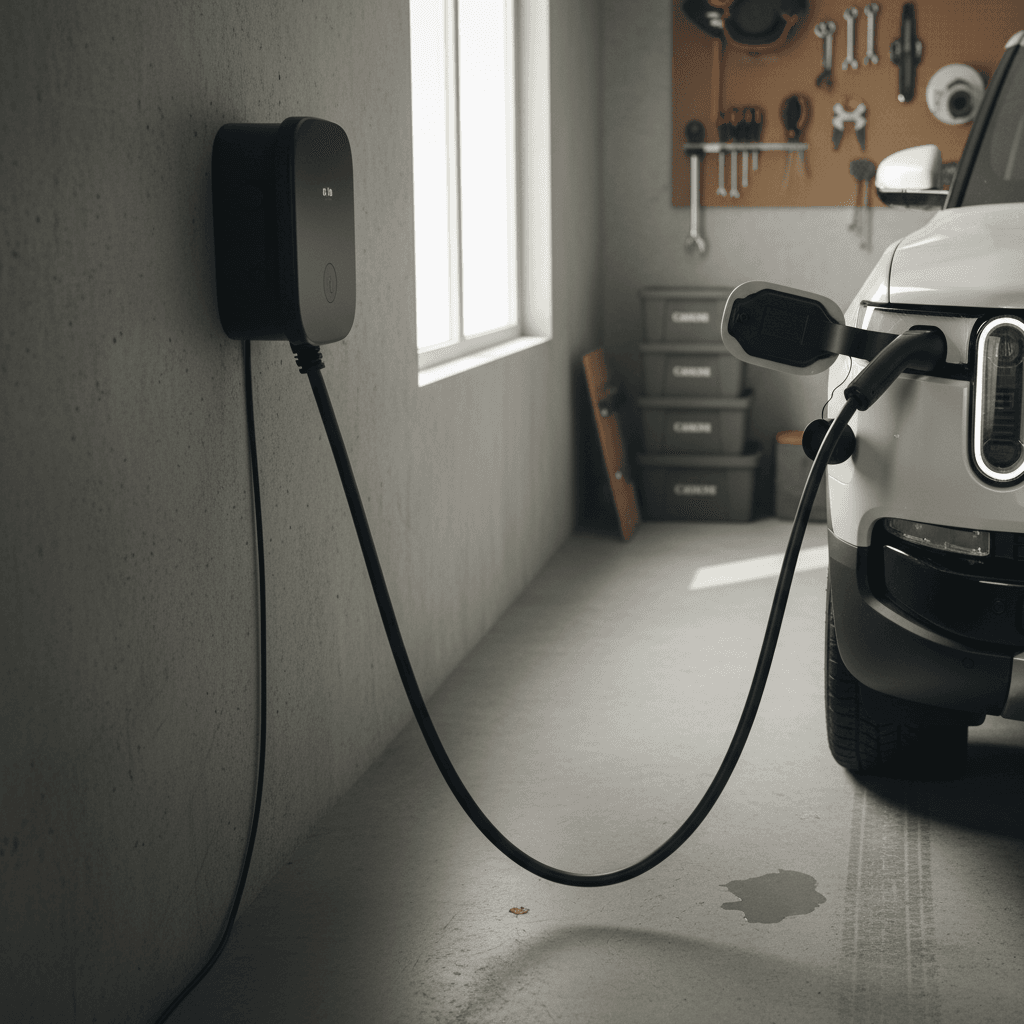
Top home charger picks for Rivian R1S owners
From OEM to overachiever: four strong lanes to choose from.
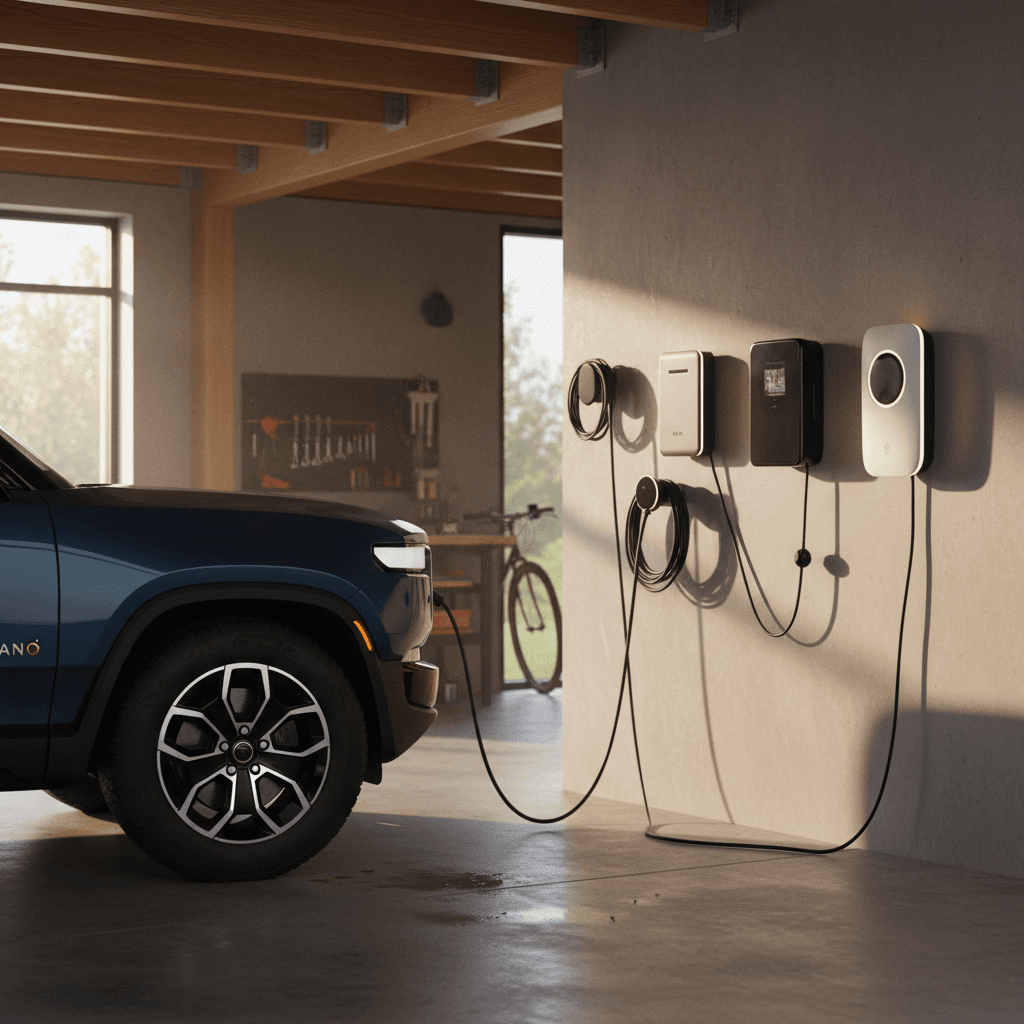
Rivian Wall Charger (up to 48 A)
Best for: R1S owners who want OEM integration and full 11.5 kW
- Hard‑wired Level 2 charger engineered by Rivian, weatherproof for indoor/outdoor use.
- Supports up to 48 A on a 60 A circuit, letting the R1S hit its 11.5 kW ceiling.
- Clean industrial design that visually “matches” the truck and SUV.
Why it’s compelling: If you’re already invested in Rivian’s ecosystem and want a set‑and‑forget solution that just works at full speed, this is the obvious choice. The downside is you’re paying a modest OEM premium, and it’s less flexible if you ever switch to an EV with different software expectations.
High‑quality 40–48 A third‑party smart charger
Best for: Households with mixed‑brand EVs and utility incentives
- Brands like Emporia, ChargePoint, Wallbox, and Grizzl‑E offer 40–48 A J1772 chargers with robust apps.
- Most support Wi‑Fi, scheduled charging, and integration with utility demand‑response or TOU (time‑of‑use) programs.
- Often cheaper than the Rivian unit while matching or nearly matching its charging speed.
Why it’s compelling: If you have a Rivian plus a Tesla plus something else in the driveway, a brand‑agnostic smart charger can be the diplomatic choice that keeps everyone happy and your electric bill lower.
Portable 32–40 A Level 2 EVSE on NEMA 14‑50
Best for: Renters, frequent movers, and RV‑park opportunists
- Portable Level 2 units that plug into a NEMA 14‑50 outlet give you up to 32–40 A (~7.7–9.6 kW).
- You can throw one in the trunk for road trips or temporary setups.
- Cheaper install: your electrician just adds a 240 V outlet instead of hard‑wiring a unit.
Why it’s compelling: Slightly slower than a full‑tilt wall box, but way more flexible. For many R1S owners who drive 50–70 miles a day, this is the best real‑world compromise.
Utility‑rebated smart charger
Best for: Homeowners in areas with generous EV programs
- Many utilities maintain an approved list of 32–48 A Level 2 chargers that qualify for rebates or bill credits.
- These units often allow the utility to throttle or schedule charging in exchange for cheaper energy.
- Specs are generally similar to high‑quality third‑party chargers; the difference is who’s helping pay for it.
Why it’s compelling: If you’re willing to let your utility nudge when the R1S charges, as long as it’s full by morning, you can meaningfully cut operating costs.
The short answer
Rivian R1S home charger comparison
Popular home charger styles for the Rivian R1S
How common charger setups stack up for power, speed, and who they suit best.
| Setup type | Max amps to R1S | Approx. kW | Miles of range per hour* | Typical install cost | Best for |
|---|---|---|---|---|---|
| Level 1 120 V portable | 12 A | ~1.4 kW | 2–4 mi/hr | $0–$200 | Very light drivers, temporary use |
| Portable Level 2 on 30 A 240 V | 24 A (80% rule) | ~5.7 kW | 10–13 mi/hr | $300–$800 | Apartments with dryer circuits, budget upgrades |
| Portable Level 2 on NEMA 14‑50 | 32–40 A | 7.7–9.6 kW | 15–22 mi/hr | $600–$1,200 | Most suburban owners, renters with garages |
| Hard‑wired 40 A wall box | 40 A | ~9.6 kW | 18–23 mi/hr | $900–$1,500 | Two‑EV households, heavier drivers |
| Hard‑wired 48 A Rivian or third‑party | 48 A | 11.5 kW | 20–25 mi/hr | $1,000–$1,800 | High‑mileage drivers, frequent towing, long commutes |
Rough numbers shown; your actual miles per hour will vary with weather, tires, and driving efficiency.
How to size your home charger to your life
Start with your daily miles
Forget the big EPA number for a second and look at your week. If you drive 40–60 miles most days and occasionally hammer out a 250‑mile Saturday, you don’t need to stuff 135 kWh back into the pack every single night. A 32–40 A Level 2 setup that adds 15–20 miles per hour will quietly keep up with that duty cycle.
On the other hand, if your life looks like 90‑mile winter commutes, kids’ sports, and frequent highway runs with a cargo box on top, the extra speed of a 48 A charger starts to matter. You want margin, especially if unexpected late‑night drives pop up.
Then look at your electrical panel
Your breaker panel is the bouncer at this club, and it does not care how badly you want 48 A. Older homes or smaller services may simply not have 60 A of spare capacity for a big wall box. In that case, a 32–40 A unit on a 40 or 50 A circuit can be a sweet, realistic compromise that doesn’t trigger a full service upgrade.
A licensed electrician can do a load calculation and tell you what’s safe. Sometimes the smartest play is a lower‑amp charger with scheduling, not a max‑power monster that forces a five‑figure panel overhaul.
Do not DIY the high‑voltage stuff
Installation, safety, and real‑world costs
Installs for R1S‑ready home charging run the gamut. If you already have a spare NEMA 14‑50 in the right place, a portable Level 2 charger can be plug‑and‑play. If your panel is across the house from the driveway and fully booked with existing loads, you might be flirting with a service upgrade. The charger price itself, typically $400–$800, is only half the story.
What drives installation cost up or down?
Distance from panel to charger
Longer wire runs mean more copper and more labor. A panel in the basement and a detached garage can easily add hundreds of dollars compared with a panel right next to your parking spot.
Existing panel capacity
If your main service is already near its limit, your electrician may recommend a panel upgrade or a lower‑amp charger. Don’t be surprised; a modern EV can be one of the largest loads in your house.
Indoor vs. outdoor mounting
Outdoor installs often need conduit, weather‑tight boxes, and more careful planning around building codes. Good news: most Rivian‑friendly chargers are fully outdoor‑rated.
Permits and inspections
Many jurisdictions require an electrical permit and inspection for a new 240 V circuit. It adds some time and modest cost, but also a layer of safety and resale value.
Future‑proofing for a second EV
If you’re likely to add a second EV, it may be cheaper overall to size the wiring and conduit once for a shared or dual charger instead of rebuilding the system in three years.
Smart features, load sharing, and utility programs
The early home EVSEs were glorified power strips. Today’s better units are closer to small appliances with firmware updates and cloud hooks. That’s not always a good thing, but in the R1S context, **smart features can actually save you money**.
Smart charger features that actually matter
Ignore the gimmicks; focus on what changes your bill or your quality of life.
Scheduled charging
Let the charger or the R1S app delay charging until off‑peak hours. In many markets, that’s equivalent to getting a permanent discount on “fuel.”
Load management
Some chargers can automatically dial back current if your home’s total draw gets too high. Useful in older houses and when running big loads like dryers and ovens at the same time.
Energy monitoring
Track exactly how many kWh go into the R1S each month. That’s helpful for tax purposes, expense reimbursement, or just understanding what your road trips really cost.
Check your local utility before you buy
Battery health: charging habits that help your R1S age gracefully
Your choice of charger won’t make or break the R1S battery in isolation; how you use it will. The pack is large and heavily managed by software, but there are still a few simple habits that stretch its useful life.
- Use your powerful home charger, but don’t feel compelled to max it out every night. Charging at 32–40 A is perfectly healthy and often gentler on your panel.
- Keep your daily charge target around **70–80%** unless you need full range the next morning. The R1S lets you set this in its charging menu.
- Reserve **100% charges** for road trips or mountain‑day heroics, not Tuesday errands.
- Avoid letting the pack sit near 0% or 100% for days at a time; big batteries like to live in the middle.
- In extreme heat, parking in a garage or shade and avoiding back‑to‑back fast‑charges helps the thermal system keep everything in its happy zone.
How Recharged thinks about battery health
Step‑by‑step checklist to get your R1S home charging dialed
From idea to first plug‑in
1. Map your daily driving pattern
Log a typical week in your R1S (or your current vehicle) and note average daily miles and the biggest day of the week. This will anchor your charger decision in reality instead of anxiety.
2. Inspect your parking and panel location
Where does the R1S actually live at night, and how far is that from your electrical panel? Snap a few photos for an electrician or installer; it helps them quote accurately.
3. Talk to a licensed electrician
Ask for a load calculation and options: 32 A on a 40 A circuit, 40 A on a 50 A, or 48 A on a 60 A. Listen carefully if they flag the need for a service upgrade.
4. Check utility rebates and approved chargers
Visit your utility’s website and look for EV or “electrification” rebates. If they subsidize certain smart chargers, let that shortlist guide your hardware pick.
5. Choose the charger type and mounting
Decide between a Rivian Wall Charger, a third‑party wall box, or a portable Level 2 on a NEMA 14‑50. Consider whether you may move or add a second EV soon.
6. Schedule install and set charging rules
Once installed, set a sensible daily limit (70–80%), off‑peak schedule, and maximum current. Then live with it for a few weeks and adjust only if your routine demands it.
Rivian R1S home charging FAQ
Frequently asked questions about R1S home charging
Bringing it back to Recharged: thinking about your next EV
A Rivian R1S paired with the right home charger is a profoundly easy thing to live with: no gas stations, no oil changes, no 11 p.m. scavenger hunts for working DC fast chargers. Whether you land on the **Rivian Wall Charger**, a smart 40–48 A third‑party unit, or a flexible portable Level 2, the point is the same, build a charging setup that fits your life, instead of bending your life around the charger.
If you’re still cross‑shopping EVs or looking at a **used R1S or another electric SUV**, Recharged can help you see the whole picture. Every vehicle comes with a **Recharged Score battery health report**, fair market pricing, and access to EV‑savvy specialists who can talk you through home charging, installation realities, and long‑term ownership costs. When you’re ready, you can start browsing, value a trade‑in, or line up financing, entirely online, or at our Experience Center in Richmond, VA.