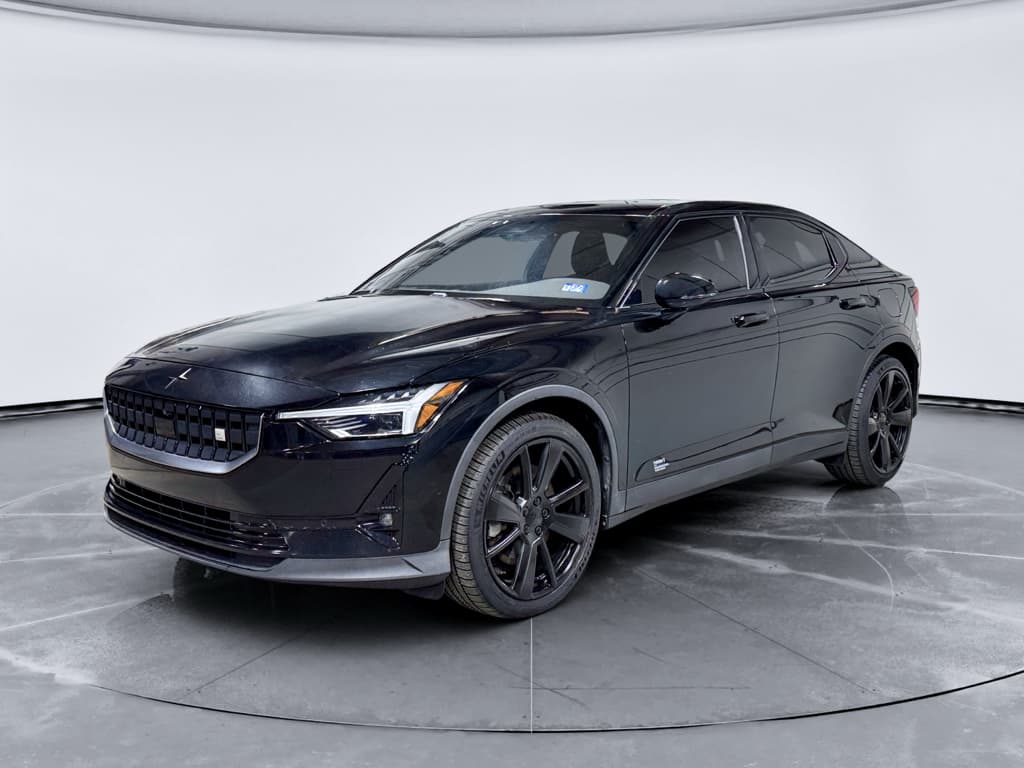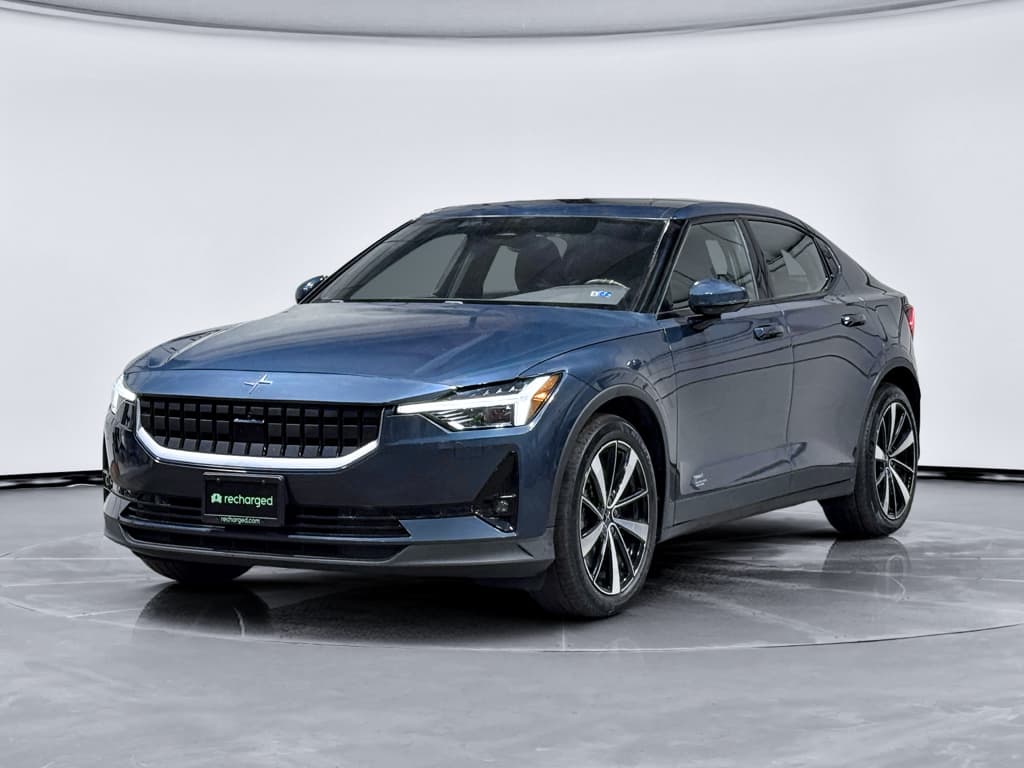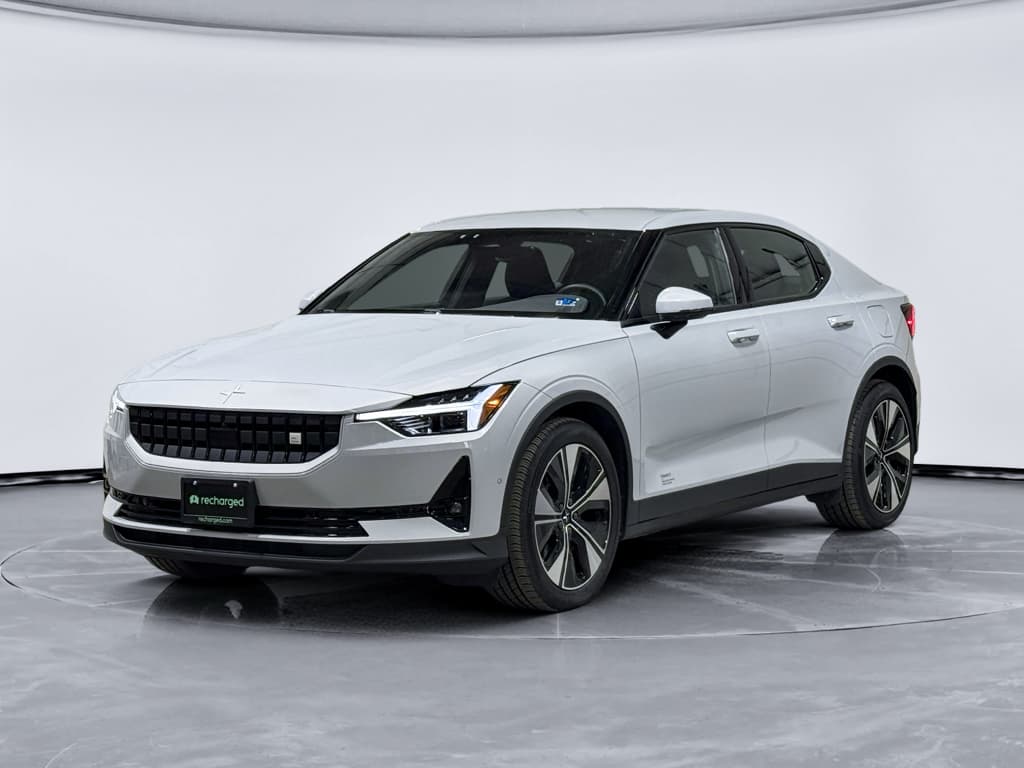
The Polestar 3 is a striking, tech‑forward electric SUV that drives like a premium European performance car. But like most first‑generation EVs, it’s also had its share of early‑run headaches. If you’re already driving one, or considering a new or used Polestar 3, understanding Polestar 3 common problems and fixes will help you spot issues early, avoid downtime and make smarter buying decisions.
Important context
Overview: How the Polestar 3 Is Holding Up
Owner reports and early service data suggest the Polestar 3 is mechanically solid, its dual‑motor powertrain and large battery pack haven’t produced widespread, repeatable failures. Where most owners run into trouble is on the digital side: over‑the‑air (OTA) updates, infotainment apps and connectivity. There have also been software‑driven recalls around camera behavior, plus a smaller number of hardware problems like failed onboard chargers.
Polestar 3 problems: high level snapshot
Check for recalls first
1. Software and Infotainment Glitches
If there’s a single theme in owner feedback, it’s this: the Polestar 3 drives like a six‑figure SUV but sometimes behaves like a beta‑test laptop. OTA updates have improved a lot, but you’ll still see random infotaiment bugs, apps that feel half‑finished, and the occasional failed update.
Typical Polestar 3 software symptoms
Most are annoying, but some can affect daily usability.
Center screen quirks
- Screen flicker switching day/night modes
- Audio apps missing buttons or freezing
- Random reboots of the center display
Connectivity drops
- Intermittent LTE data loss
- Streaming services timing out
- In‑car apps failing to load
App & OTA issues
- Polestar app slow to connect
- OTA update notifications that disappear
- Updates failing and reverting
Quick fixes for minor glitches
- Perform a soft reboot of the center display: in many cases, holding the home button or using the system restart in Settings will clear frozen apps and layout oddities.
- Power‑cycle the vehicle fully: lock the car, walk away with the key/phone, wait 5–10 minutes, then return. This forces more systems to sleep and restart.
- Verify connectivity: if apps are misbehaving, check that your Polestar 3 has a strong cellular or Wi‑Fi connection and that your phone has data service for app‑dependent features.
- Update everything: make sure you’re on the latest approved software version in the car and that the Polestar app on your phone is current. Many early issues (e.g., dim displays, flaky CarPlay reconnection) have been addressed in later builds.
- Reset individual apps: if a single app like YouTube Music or a streaming service is the culprit, log out, clear data (if the option exists), and log back in.
Plan your OTA updates
When a software bug becomes a safety issue
Most glitches are nuisances, but a small subset can cross into safety territory, for example, bugs that affect backup camera visibility, driver‑assist alerts or lighting behavior. If you ever lose camera views, lane‑keeping warnings or important telltales, treat it like a safety defect, not a minor annoyance.
If you suspect a safety‑related software fault
1. Document exactly what happens
Note the speed, weather, what you were doing in the menus and whether any warning messages appeared. Screenshots or phone video help the service center replicate it.
2. Try a safe restart
Park, power the vehicle off fully, let it sit several minutes, then restart. If the issue persists immediately, it’s more likely a deeper software or hardware problem.
3. Check for outstanding updates
In the car’s Software Updates menu, see if a new version is available. If the update references cameras, sensors or driver assistance, install it as soon as it’s convenient.
4. Call your Polestar service center
Provide your VIN and your notes. Ask whether the issue matches any technical service bulletins or campaigns, they may already have a fix ready to apply.
5. Avoid relying on the faulty feature
Until a dealer confirms a repair, assume that feature may not work. For example, reverse slowly and use mirrors if your rear camera view is unreliable.
2. Charging Problems and Onboard Charger Issues
Charging complaints fall into three buckets: slow home AC charging, public chargers that connect but don’t deliver power, and a smaller number of onboard charger failures that sideline the car for weeks while parts arrive. Because the Polestar 3 is heavy and powerful, charging hiccups are especially painful if you rely on home Level 2.
Slow home charging (AC Level 2)
Some owners report the car drawing far less than the expected current at home, think 14 amps instead of the 32–48 amps their wall unit can provide. That can cut overnight charging capacity in half.
- Check your EVSE (wallbox) settings and breaker size.
- Confirm the Polestar’s charge limit in the Settings menu.
- Try a different home or public Level 2 charger to see if behavior changes.
‘Connected but no power’ at public chargers
Others see the car show as connected with 0 kW charge rate, or charging stops after a few minutes while the cable still appears latched.
- Unplug, lock the car, wait a minute, and re‑try another stall.
- Test a different network if possible (e.g., from ChargePoint to Electrify America).
- If it’s repeatable on multiple stations, suspect an onboard charger or charge‑port module issue.
Onboard charger failures
DIY diagnostics for charging issues
- Rule out the outlet or circuit: test another EV or a portable Level 2 charger on the same circuit, or have an electrician confirm voltage and amperage under load.
- Inspect the charge port: look for bent pins, debris or damage in the Polestar 3’s inlet and in the connector from the charging cable. Do not try to bend pins back yourself.
- Check scheduled charging and limits: make sure you haven’t accidentally enabled a charge schedule, low current limit or battery‑saving mode in the car or app.
- Try both AC and DC fast charging: if AC Level 2 doesn’t work but DC fast charging does, that points toward the onboard AC charger rather than the high‑voltage battery itself.
- Capture error messages: take screenshots of any on‑screen codes or messages and note the exact charger brand, station ID and weather conditions for the dealer.
Protect your range and your time
3. Camera and Sensor Quirks (and Recalls)
Like many modern EVs, the Polestar 3 leans heavily on cameras and radar for parking, blind‑spot monitoring and 360‑degree views. At launch, some vehicles were delivered with infotainment software that didn’t always show the rear camera view by default when reversing, defaulting instead to a 360° view, an issue serious enough to trigger a U.S. safety recall and software fix.
Common camera and sensor symptoms
Which one sounds like your Polestar 3?
Backup camera behavior
- Shows 360° view instead of rear camera by default
- Shows ‘camera unavailable’ message intermittently
- Laggy or frozen image in wet or cold weather
Driver‑assist quirks
- False occupant or seat belt reminders
- Overly sensitive hands‑on‑wheel detection
- Lane‑keeping nudges that feel inconsistent
The good news on camera recalls
What you can do at home
- Keep lenses clean: gently wipe the rear camera and side cameras with a microfiber cloth. Road salt and grime can make a healthy system look broken.
- Check settings: in the parking and camera menus, make sure you haven’t disabled default rear‑camera views or adjusted brightness/contrast to extremes.
- Perform a system restart: if cameras go black but sensors still beep, a software restart may restore the feed until a permanent fix is applied.
- Monitor patterns: if the camera feed consistently fails in specific conditions (heavy rain, after long drives, etc.), share that pattern with your service advisor. It helps Polestar trace root causes.
When it’s time for the dealer
If your camera view never appears, shows only error messages, or refuses to behave even after the latest software update, it’s time for professional diagnostics. The dealer can check for service bulletins, verify that the recall software actually installed and test the camera modules and wiring harness. These repairs are typically covered when tied to an official recall or warranty campaign.
4. Digital Key and Lock/Unlock Issues
Polestar’s phone‑as‑a‑key and digital key features are convenient when they work, but they’re also a major source of owner complaints. The most common patterns are intermittent unlock/lock behavior, proximity notifications firing repeatedly overnight, and conflicts between the digital key, key card and traditional fob.
Most frequent symptoms
- Car doesn’t unlock when you approach with your phone in your pocket.
- App shows the car as ‘offline’ or times out repeatedly.
- Walk‑away lock doesn’t always engage.
- Garage‑adjacent bedrooms get spammed with lock/unlock proximity alerts.
First steps to stabilize the system
- Update the Polestar app and your phone’s OS.
- Re‑enable Bluetooth, location services and background refresh for the app.
- Delete and re‑add the digital key in the app following Polestar’s instructions.
- Turn off noisy notifications (like proximity alerts) until behavior improves.
Always keep a physical backup key
When locks, keys and updates collide
Some owners have reported that after certain updates or hardware replacements (such as telematics modules), the key system behaves unpredictably: fobs no longer work passively, walk‑away lock stops working or the car only responds to the app and key card. In those cases, a dealer needs to re‑pair keys and modules to the vehicle. Don’t keep living with a flaky lock system, take it in while the vehicle is under warranty.
5. Comfort, Noise, and Interior Annoyances
Beyond hard failures, many Polestar 3 complaints are about quality‑of‑life: mirrors that forget their positions after updates, radio presets that vanish, HVAC behavior that doesn’t match the settings, or creaks/rattles that don’t feel premium in a luxury‑priced SUV.
Everyday Polestar 3 annoyances
Not deal‑breakers, but worth checking on a test drive.
Mirror & seat memory
After certain updates, some owners see seat or mirror positions reset or fail to save properly to profiles. Re‑saving profiles or having the dealer refresh software usually fixes it.
Audio & radio glitches
Reports include radio sources not loading, audio apps stalling, or having to reset the radio regularly. These are almost always software, not hardware, issues.
HVAC quirks
Occasional reports of inconsistent rear HVAC or climate timers. If vents never blow as expected or zones don’t respond, that’s a service visit, not just a comfort complaint.
Test this on your extended drive
When to See the Dealer vs. Try DIY Fixes
Because the Polestar 3 is a software‑heavy EV, some problems are safe to troubleshoot at home. Others, especially those touching high‑voltage systems or safety features, are strictly dealer territory. Here’s a quick way to decide which lane you’re in.
DIY vs. dealer: where your Polestar 3 problem belongs
Use this to triage your next warning light or weird behavior.
| Symptom | Try DIY First? | Dealer Required? | Notes |
|---|---|---|---|
| Center screen frozen or app misbehaving | Yes | No (unless persistent) | Restart system, check for updates, then seek service if it keeps happening. |
| Slow home charging on Level 2 | Yes | Yes if repeatable | Check EVSE, breaker, and settings; if multiple stations behave the same, call service. |
| No AC charging at all | No | Yes | Onboard charger or high‑voltage fault, don’t attempt DIY fixes. |
| Backup camera never shows image | No | Yes | Safety‑critical; ask about recall software and camera diagnostics. |
| Digital key occasionally flaky | Yes | No/Maybe | Re‑add key and update app; if locks stop responding reliably, see dealer. |
| Persistent warning lights (HV system, brakes, airbags) | No | Yes | Park safely and contact roadside assistance or your dealer. |
When in doubt, err on the side of safety and call a Polestar service center.
Used Polestar 3: What to Check Before You Buy
If you’re exploring a used Polestar 3, you’re getting cutting‑edge tech at a meaningful discount, but also stepping into a vehicle that may have lived through early software bugs and long service stays. A structured inspection goes a long way toward separating a great used EV from a problem child.
Used Polestar 3 inspection checklist
1. Run the VIN for recalls and lemon history
Look up the VIN on NHTSA’s recall site and Polestar’s recall page. In states with lemon laws, see whether the car was ever bought back for chronic issues like charger failures or unresolved electrical problems.
2. Confirm software is fully up to date
In the car’s settings, verify it’s on the latest software and that updates have been installed successfully. Ask for service records showing major updates and any control‑module reflashes.
3. Test charging on AC and DC
Bring a portable Level 2 charger if allowed or use a nearby AC station, then test a DC fast charger. You want consistent charging with no errors or sudden stops on both types.
4. Exercise cameras and driver assists
Shift into Reverse multiple times, confirm the rear camera view appears immediately, and test 360° view, parking sensors, lane‑keeping and adaptive cruise where legal and safe.
5. Stress‑test keys and app
Pair your phone, test digital key behavior, try the physical fob and card, and make sure walk‑away lock works reliably. You don’t want to discover key issues on day one in your driveway.
6. Check battery health and range
Use the in‑car estimates, service records and (if available) a third‑party battery health report to confirm that usable capacity still supports the range you need.
How Recharged can help with used Polestar 3s
FAQ: Polestar 3 Common Problems and Fixes
Frequently asked questions about Polestar 3 problems
Bottom Line: Is the Polestar 3 a Reliable EV?
The Polestar 3 is a compelling electric SUV: sharp to drive, beautifully designed, and equipped with serious hardware. Its weakest link so far is software polish, not motors or batteries. If you understand the most common Polestar 3 problems and fixes, how to handle OTA updates, how to spot charging or camera issues early, and when to involve a dealer, you can dramatically lower your risk of unpleasant surprises.
For current owners, that means keeping your vehicle up to date, documenting odd behaviors and pushing safety‑related problems through your service center promptly. For used‑EV shoppers, it means insisting on documentation, test‑driving with a critical eye and using tools like a Recharged Score Report to verify battery health and uncover hidden issues. Do that homework, and a well‑sorted Polestar 3 can be an excellent long‑range EV rather than a rolling science experiment.