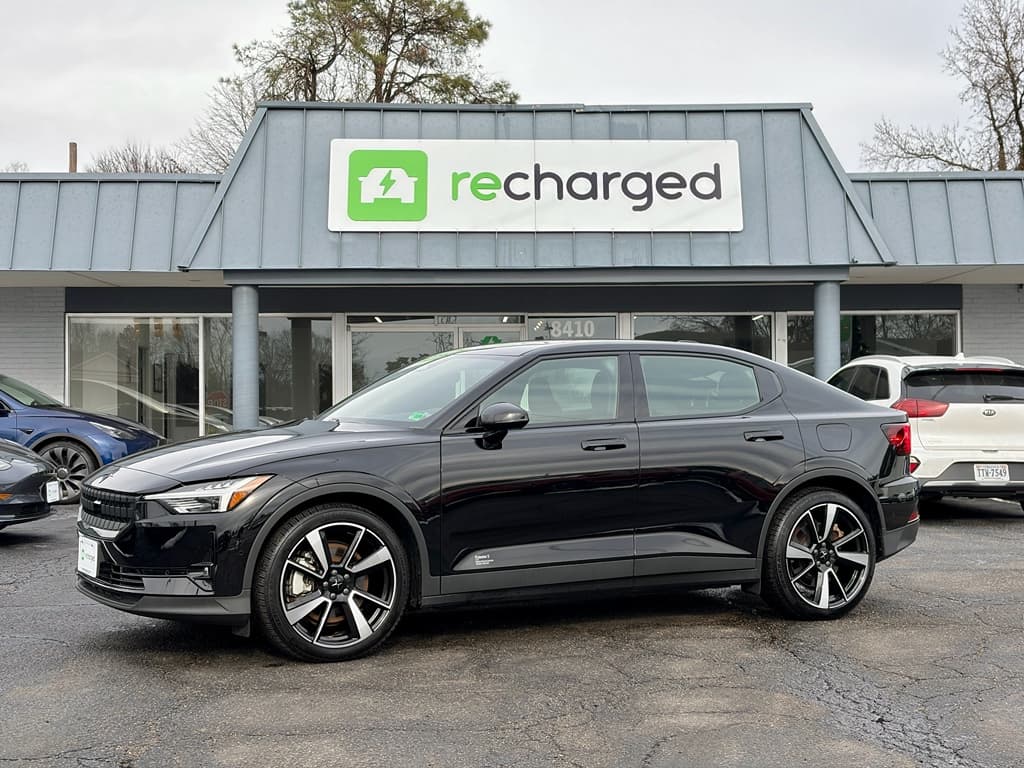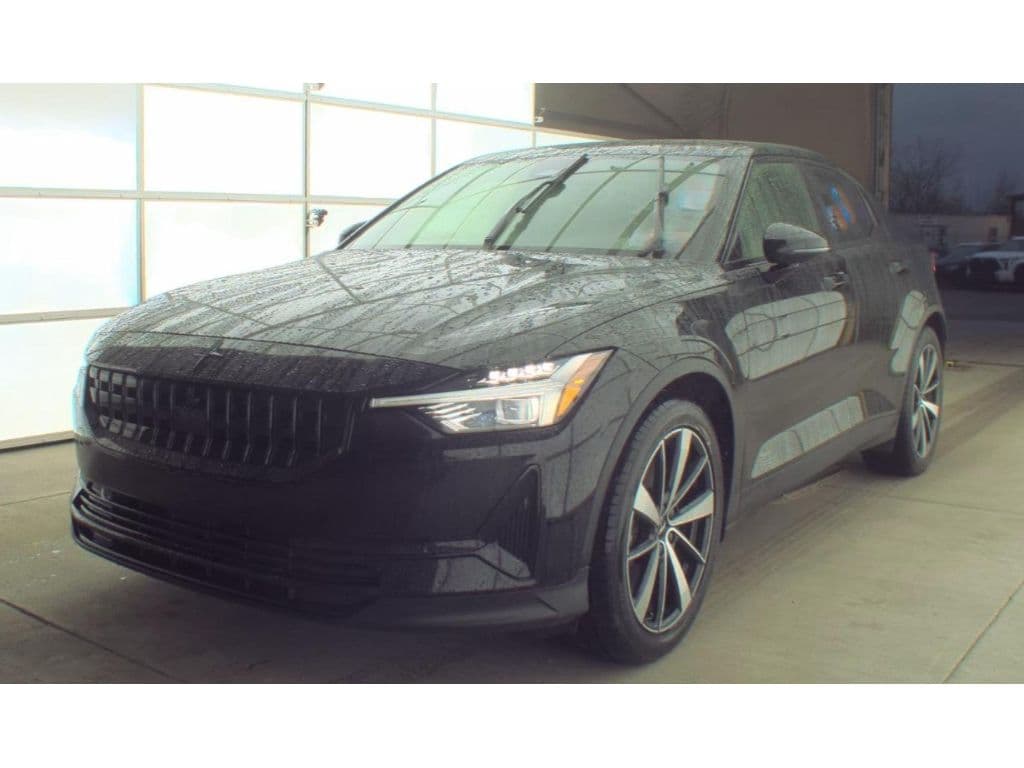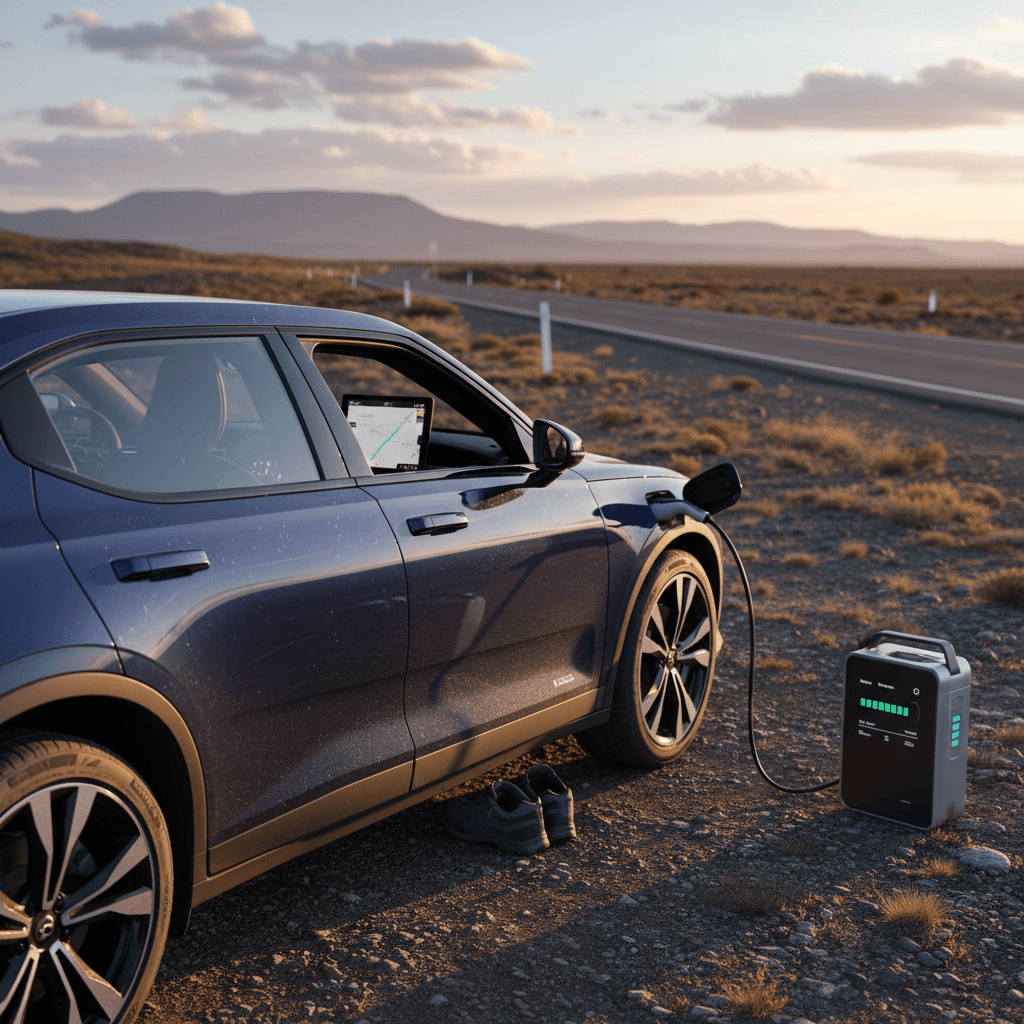
If you own a Polestar 2 or you’re eyeing one on the used market, you’re probably wondering how it really behaves on a long highway slog. The brochure talks in pristine WLTP and EPA numbers; reality is a messy mix of cold weather, 75–80 mph traffic, and chargers that never seem to be where your bladder is. This guide distills practical Polestar 2 long distance driving tips so you can plan confidently, whether you’re crossing a state or a time zone.
About model years & specs
Why the Polestar 2 Makes a Solid Long-Distance EV
Polestar 2 road-trip strengths at a glance
Where this Swedish EV quietly excels when the miles get long
Serious battery & charging hardware
Most Polestar 2 trims use a ~78–82 kWh pack and support up to 150–205 kW DC fast charging, meaning strong highway legs and competitive 10–80% charge times when the battery is warm.
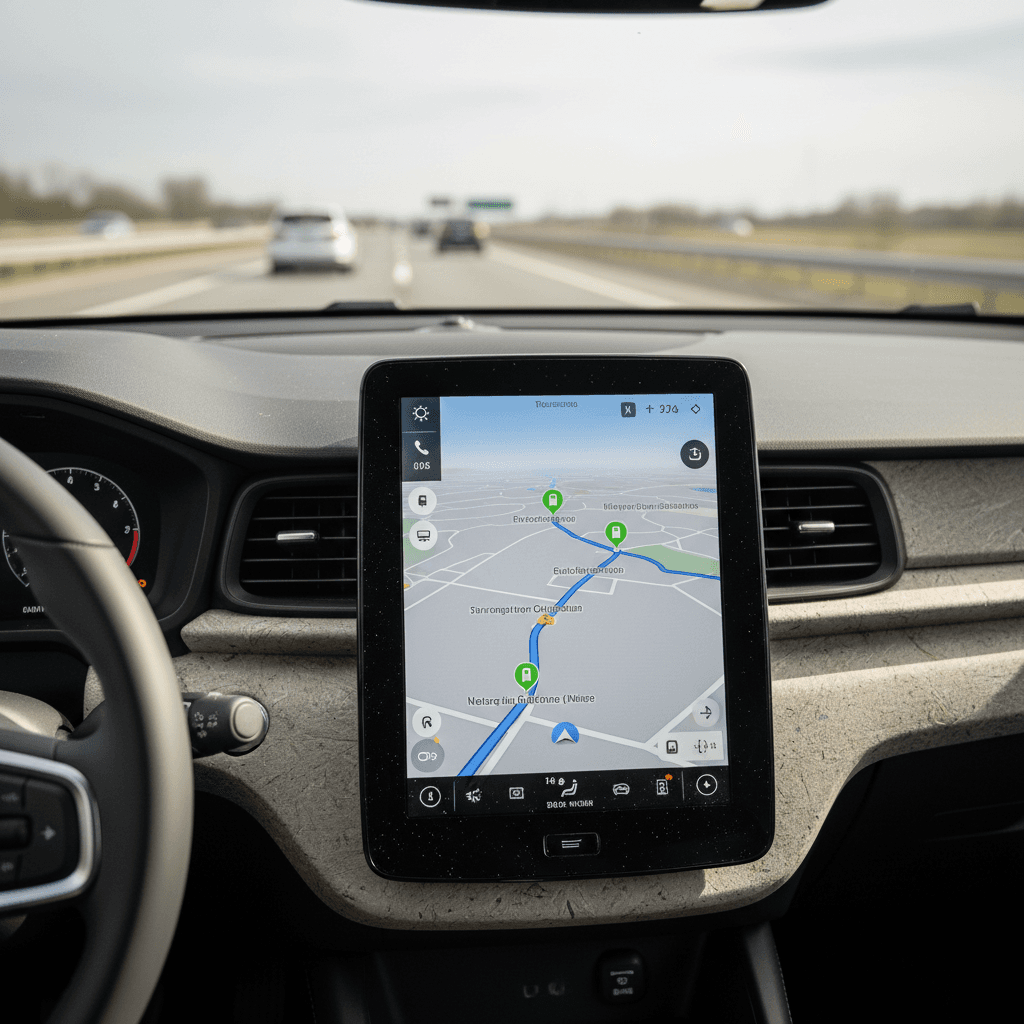
Google-powered navigation
Built‑in Google Maps isn’t just a map app slapped onto a screen. It understands your state of charge, elevation, and speed, and can route you via DC fast chargers automatically.
Calm, stable highway manners
The Polestar 2 is heavy, planted, and quiet. On long days, its stability and one‑pedal driving reduce fatigue, especially in stop‑and‑go around urban areas.
The Polestar 2 isn’t a hyper‑miler like a Tesla Model 3 Long Range, but it hits a sweet spot: enough real‑world range for 2–3 hour stints, brisk DC fast‑charging, predictable behavior, and software that actually helps instead of getting in the way.
Know Your Real-World Polestar 2 Range
Polestar 2 long-distance range benchmarks (high-level)
Forget the number on the window sticker for a moment. For long‑distance driving, what matters is repeatable highway range at your normal cruising speed. A sensible rule of thumb for most Polestar 2 trims in mixed conditions is to plan around 180–230 real‑world highway miles per full charge at 70–75 mph. The more efficient recent single‑motor cars in mild weather can stretch beyond that; dual‑motor Performance Pack cars driven briskly or in winter will land below it.
- If your Polestar 2 is a **single‑motor long‑range** on modest 19" wheels, you’re closer to the top of that range window on calm days.
- If you have a **dual‑motor** or Performance Pack car on 20" or 21" wheels, factor in higher consumption, those wheels and that punchy rear motor aren’t free.
- If you routinely drive 80+ mph, your effective range can fall off a cliff; aerodynamic drag is merciless above U.S. freeway speeds.
Dial in your personal baseline
Smart Charging Strategy for Long Trips
The easiest way to turn an otherwise excellent EV into a tedious travel partner is to charge it like a gas car: arrive nearly empty, sit around to 100%, repeat. High‑voltage packs don’t work that way. The Polestar 2, like most modern EVs, charges fastest in the middle of the battery.
DC fast-charging playbook for the Polestar 2
1. Aim for 10–20% arrival
Try to reach DC fast chargers with roughly 10–20% state of charge. That’s where the car can accept near‑peak power if the battery is warm.
2. Stop charging around 70–80%
Beyond ~80%, the charging curve tapers hard. Unless the next charger is truly sparse, it’s usually faster overall to unplug and drive.
3. Stack more short stops, not fewer long ones
Two 20–25 minute sessions at 10–70% are often quicker door‑to‑door than a single marathon stop from 10–100%.
4. Use “precondition battery” when possible
If your software build supports battery preconditioning, set the DC fast charger as a destination in Google Maps. The car will warm the pack on the way, improving peak charge speed.
5. Don’t chase the mythical max kW
A 205 kW peak looks great in marketing, but you’ll only see it with a warm pack and low state of charge. Focus on total minutes stopped, not the number on the screen.
6. Mix in overnight Level 2
If you’re staying in a hotel or Airbnb with Level 2, arriving nearly empty and leaving full the next morning saves money and cuts DC fast‑charger dependency.
Watch for shared or throttled chargers
Planning Your Route: Apps, Networks, and Tesla Access
A good EV road trip is 50% driving and 50% logistics. The Polestar 2 gives you one big advantage: deeply integrated Google Maps. But you shouldn’t stop there.
Route planning tools that work well with the Polestar 2
Stack these and you drastically reduce unpleasant surprises
Built-in Google Maps
Use it as your primary navigator. Set your final destination and let the car propose charging stops based on state of charge. If it sends you somewhere sketchy, override with your preferred network.
Third-party planners
Apps like A Better Routeplanner (ABRP) and PlugShare let you fine‑tune stops by charger type, network, and amenities. You can model your specific Polestar 2 trim and consumption, then mirror that plan in the car.
Network-specific apps
Install apps for chargers you’ll actually use, Electrify America, ChargePoint, EVgo, and any strong regional players. Create accounts and add payment methods before you leave your driveway.
What about Tesla Superchargers?
Prioritize reliability over headline speed
In practice, a 150 kW site that always works is better than a flaky 350 kW charger. Owner check‑ins and ratings in apps like PlugShare can be more informative than the logo on the pylon.
Think about amenities, not just kilowatts
A 25‑minute stop flies by if there’s a clean restroom, coffee, and a safe place to stretch. Don’t be shy about skipping a lonely charger in favor of one embedded in a busy plaza or travel center.
Driving Techniques That Stretch Your Polestar 2’s Range
You don’t need to crawl in the right lane with the semis to get good range, but the Polestar 2, like every EV, rewards smooth, moderate driving. Think “express train,” not “drag launch.”
- Use **one‑pedal driving** generously in traffic. Regenerative braking recovers energy that friction brakes would just turn into heat.
- On the open freeway, **set a realistic cruising speed**. The difference between 70 mph and 80 mph is often 15–20% range on a bluff‑fronted EV sedan.
- Maintain a **steady following distance** instead of constantly diving into gaps. Every unnecessary stab of the accelerator shows up as range loss half an hour later.
- Choose **Eco or standard drive modes** when you’re tight on range. Sportier modes can sharpen throttle response in a way that encourages wasteful driving, even if they don’t change efficiency directly.
- Keep an eye on the in‑car consumption meter over 10–15 minute intervals. Use it as a game: can you bring the average down a bit without feeling punished?
A realistic highway rhythm
Managing Climate Control, Weather, and Load
Long‑distance driving is where physics comes for its cut. Cold air, headwinds, rain, and roof boxes all show up immediately on your consumption readout. The Polestar 2’s heat pump (if equipped) helps, but it isn’t magic.
Weather & comfort tips that actually move the needle
Small changes here can be worth tens of miles of range
Precondition while plugged in
On cold or hot days, use the app or schedule departure so the cabin and, when supported, the battery reach temperature while you’re still on shore power. You start driving with a warm pack and a comfortable cabin without burning through stored energy.
Respect wind and rain
Headwinds and heavy rain can spike consumption dramatically. If Maps shows brutal conditions, plan an extra stop or trim 5 mph off your cruise. It can be the difference between nail‑biter and non‑event.
Pack smart, avoid roof clutter
Aero is king. A loaded roof box or racks can chop range. If you must use them, factor in a penalty and keep speeds moderate. Whenever possible, load heavier items inside the cabin or trunk.
Beware deep cold at high speed
Charging Times: What to Expect at DC Fast Chargers
Charging times are where expectations and reality tend to part company. Polestar advertises strong numbers, up to roughly 150–205 kW DC and about 28 minutes from 10–80% on the latest long‑range packs under ideal conditions. Real life adds wrinkles: battery temperature, charger quality, and how busy the site is.
Typical DC fast-charging expectations for a Polestar 2
Approximate times from low state of charge on a healthy battery, assuming a capable charger and warm pack.
| State of charge window | Expected time on a good DC fast charger | When to use this range |
|---|---|---|
| 10% → 60% | ~18–25 minutes | Quick top‑up when chargers are dense along your route |
| 10% → 80% | ~25–35 minutes | Standard long‑trip stop that balances time and buffer |
| 20% → 80% | ~20–30 minutes | Common in practice if you’re being conservative between chargers |
| 80% → 100% | ~20–40 minutes | Avoid unless absolutely necessary; charge rate tapers heavily here |
Use these as planning ballparks, not guarantees. Always watch the estimate in the car once you plug in.
Let the car tell you when to leave
Protecting Battery Health on Frequent Road Trips
The Polestar 2’s battery management system is conservative, with buffers at the top and bottom of the pack to protect longevity. You don’t have to treat the car like raw glass. Still, small habits on long drives can pay compounding dividends over years, especially if you’re planning to keep the car or you’re shopping the used market.
- For daily driving, **avoid living at 100%**. Use scheduled charging so the car reaches higher states of charge right before departure, not hours beforehand.
- On trips, **arriving near 10–15% and charging up to ~70–80%** is easier on the pack than repeated deep cycles to the absolute bottom and top.
- Don’t obsess over the occasional 100% charge. It’s sustained high‑voltage storage, like parking full in heat for days, that accelerates aging.
- Whenever possible, **avoid repeated high‑power DC sessions on an ice‑cold pack**. Use preconditioning or start with a slower first stop after a cold soak.
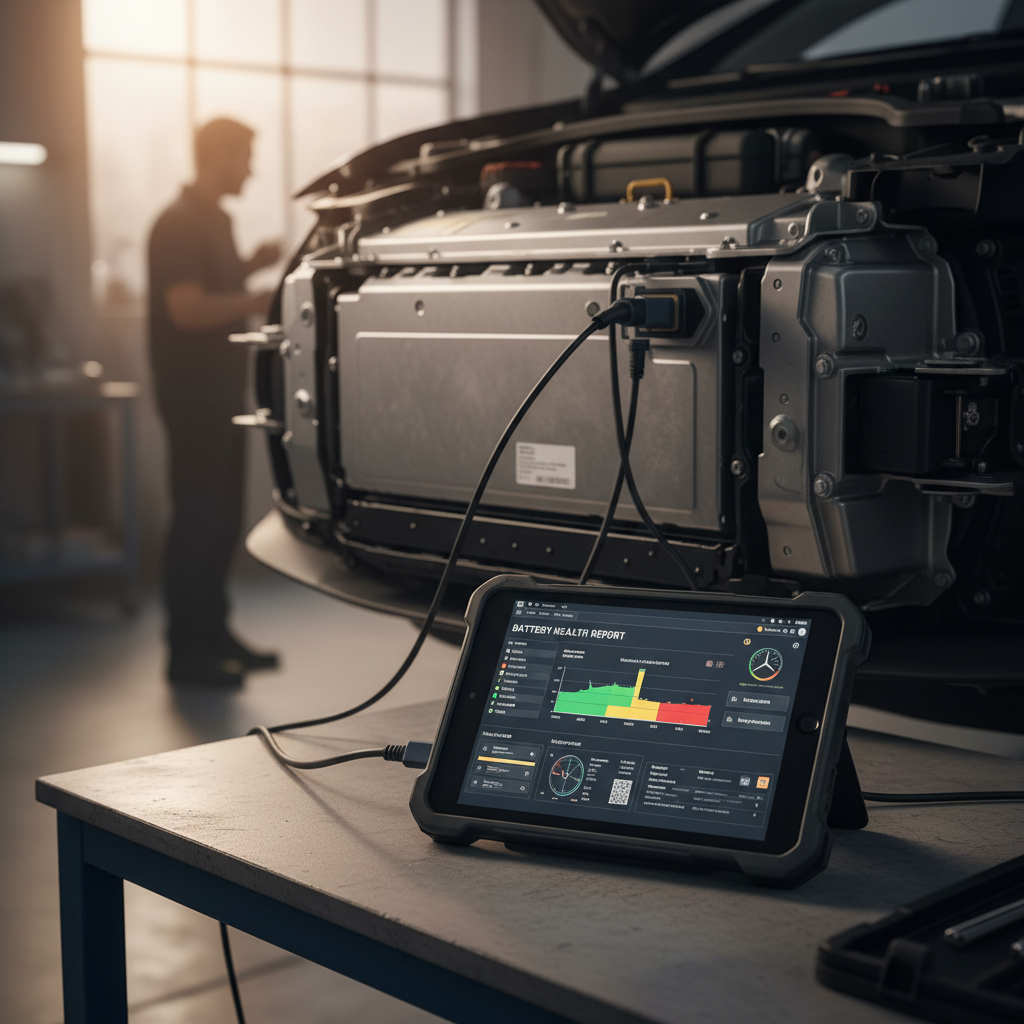
- Pay attention to how range and consumption trend over time. If you’re shopping used, a proper battery health report, like the Recharged Score on every EV at Recharged, tells you far more than a guess based on dash readouts.
Good news on Polestar 2 degradation
Buying a Used Polestar 2 for Road Trips: What to Check
If you’re shopping a used Polestar 2 specifically as a road‑tripper, you’re evaluating more than color and wheels. You’re buying a long‑distance tool: battery health, charging performance, and driver‑assist behavior all matter more at 600 miles per day than they do at 6 miles to the grocery store.
Used Polestar 2 road-trip checklist
Battery health & range history
Look for a quantified battery report rather than anecdotes. Recharged includes a <strong>Recharged Score</strong> with every Polestar 2 we sell, using diagnostics to verify pack health and compare it to similar cars.
DC fast-charging behavior
On a test day, stop by a DC fast charger. Does the car ramp quickly at low state of charge, or does it seem artificially capped? Poor charging can turn every long trip into a slog.
Wheel & tire setup
Big wheels look sharp in photos, but they eat range and comfort. If efficiency and quiet matter more than stance, prioritize cars on 19" or 20" wheels with all‑season tires in good shape.
Software & feature set
Make sure the Google Maps integration, driver assistance, and (if equipped) battery preconditioning are all working. Long‑distance driving is where these software features pay their way.
Charging accessories included
Confirm that the portable EVSE, any adapters, and charging cables are present and in good condition. Replacing them isn’t cheap, and they matter when a hotel offers only a basic outlet.
Previous usage pattern
Ask how the car was used. A Polestar 2 that did occasional long trips but mostly normal commuting with garage parking is ideal. One that lived at 100% state of charge in blazing heat for years is less so.
How Recharged can help
FAQ: Polestar 2 Long-Distance Driving
Frequently asked questions about Polestar 2 road trips
Bottom Line: Is the Polestar 2 Good for Road Trips?
The Polestar 2 is a quietly excellent long‑distance companion if you meet it halfway. It won’t set internet‑forum records for range, but in the real world, 75 mph, Spotify streaming, kids asking for snacks, it threads the needle between speed, comfort, and charging convenience. Treat the battery kindly, build your days around 10–80% charging windows, and use the software tools Polestar and third‑party apps give you, and the car simply gets on with the job. If you’re considering a used Polestar 2 specifically for road trips, a verified battery health report and honest charging performance are worth more than any option package. That’s exactly the kind of transparency Recharged was built to provide.