If you own, or are thinking about buying, a Mercedes EQS, battery health is the single most important factor in how far you can drive and what that car will be worth down the road. The challenge is that Mercedes doesn’t give you a big, obvious "battery health" percentage on the screen, so you have to be a bit smarter about how you check it. This guide walks you step by step through how to check Mercedes EQS battery health, from simple at‑home checks to professional diagnostics suitable for a used‑car purchase.
High‑voltage vs. 12V batteries
Why Mercedes EQS battery health matters
Mercedes EQS battery & warranty at a glance
Healthy EQS battery capacity means predictable range, better resale value, and fewer headaches. A pack that has dropped well below normal capacity will force you to charge more often, make road trips harder, and can become a point of contention if you’re still inside the battery warranty window. If you’re buying used, understanding battery health is the difference between getting a bargain and inheriting someone else’s problem.
What “battery health” really means on an EQS
When owners talk about "battery health," they usually mean the pack’s state of health (SoH), the percentage of its original usable capacity that remains. A brand‑new EQS might effectively be at 100% SoH. Years later, it might be at 90% or 85%, depending on mileage, climate, and how it’s been charged. The tricky part is that Mercedes doesn’t expose that SoH number on your dashboard, so you need to infer health from range, charging behavior, and diagnostics.
- State of charge (SoC) – the percentage you see on the display or Mercedes me app right now (like a fuel gauge).
- State of health (SoH) – an internal estimate of how much usable capacity the pack has left compared with new.
- Degradation – the long‑term loss of capacity, usually measured as a percentage drop from original.
Don’t chase a perfect 100%
Quick at‑home Mercedes EQS battery health check
5‑minute driveway battery health check
1. Start with a full overnight charge
On a Level 2 home charger, set your EQS charge limit to 100% just for this test, and let it sit until charging completes and the car reports 100%.
2. Note the estimated range at 100%
From the driver display or center screen, record the projected range at 100% charge. Compare it to the EPA rating or the number you remember from when the car was new.
3. Check the consumption history
Open the energy or consumption screen in MBUX and look at your average kWh/100 mi (or mi/kWh). Aggressive driving or a lot of highway miles can reduce the displayed range even if the battery is healthy.
4. Repeat at 10–20% SoC
Drive until you’re around 10–20% state of charge. Note the remaining range, then back‑calculate how many miles you drove from 100%. A healthy pack’s real‑world range should still be broadly in line with expectations for your driving style and climate.
5. Look for warning messages
While you’re in the car and in the Mercedes me app, check for any high‑voltage battery warnings, reduced‑power messages, or alerts that suggest the system has detected a fault.
Use the same route for repeat checks
Using the car and Mercedes me app for clues
On‑screen information in your EQS
- State of charge & range: The main battery gauge and range estimate are your most obvious indicators.
- Energy flow & consumption screens: These show recent efficiency, which helps you separate driving style from true battery loss.
- Charging screen: On DC fast chargers, watch how quickly the EQS tapers off charging power, abnormally early tapering can be a hint of pack or thermal issues.
What the Mercedes me app can tell you
- Remote SoC & range: See how much charge and range you have without walking to the car.
- Charging history: Track how often you fast‑charge or charge to 100%, both of which influence long‑term health.
- Service & alerts: Some faults, including high‑voltage system issues, will appear under Service or Notifications in the app.
Limitations of factory data
Range‑based EQS battery health check with a test drive
If you’re serious about evaluating your Mercedes EQS battery, or you’re cross‑shopping a used one, spend an hour doing a simple, controlled range test. It’s not as precise as lab equipment, but it’s realistic and repeatable.
- Pick a familiar loop of at least 40–60 miles with a mix of speeds you normally drive.
- Fully charge to your usual daily limit (often 80%) and reset the trip computer.
- Drive the loop normally, no hypermiling, no drag races.
- At the end, note miles driven, remaining SoC, and average consumption (mi/kWh or kWh/100 mi).
- Compare that result to owner reports or your own earlier data from the same route and season.
Temperature matters more than you think
How to interpret EQS real‑world range
These are rough guidelines; use them in combination with your own driving history and conditions.
| Observed behavior | What it might mean | What to do next |
|---|---|---|
| Range within ~10–15% of new, given your driving style | Battery is behaving normally | Keep good habits; re‑check every 6–12 months. |
| Range down ~20–30% but lots of highway, high speeds, or big wheels | Could be driving/conditions, not just degradation | Repeat test on calmer route; compare summer vs. winter. |
| Range consistently down 30%+ in mild weather vs. new | Potential accelerated capacity loss or hidden pack issue | Schedule a battery diagnostic with a Mercedes dealer or EV specialist. |
| Sudden, big range drop with warning messages | Possible pack fault beyond normal degradation | Stop long trips and have the vehicle inspected under warranty. |
Range is only one data point, combine it with charging behavior and warning messages for a fuller battery‑health picture.
Advanced checks: OBD tools and third‑party reports
For owners who want numbers, there are two main paths beyond what Mercedes shows you: OBD‑based tools and independent diagnostic services like the Recharged Score when you buy a used EQS through Recharged.
Two ways to go deeper on EQS battery health
Use these options when you need more than a rough range estimate.
OBD dongle + app
Some third‑party apps and OBD2 Bluetooth dongles can read data from the EQS, including cell voltages and pack information.
- May reveal internal data the dash doesn’t show.
- Requires compatible hardware and EV‑savvy software.
- Data can be cryptic without experience.
Great for enthusiasts, but not always plug‑and‑play, and not all tools fully support the EQS yet.
Professional EV battery report
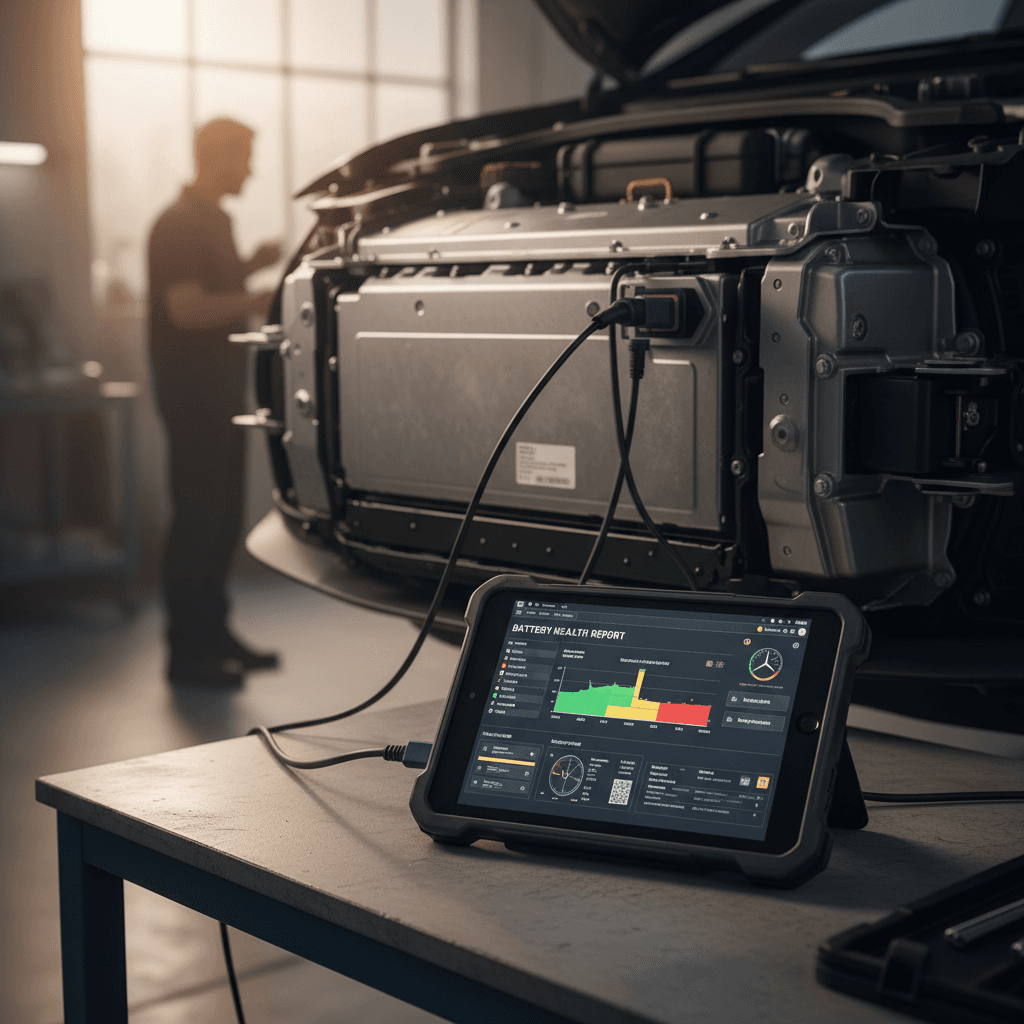
Services like the Recharged Score battery health diagnostics use professional tools to measure usable capacity and pack consistency on a used EQS.
- Gives a clear, buyer‑friendly report.
- Separates normal wear from real problems.
- Ideal when you’re spending luxury‑car money on a used EV.
If you’re buying an EQS through Recharged, this report is included so you don’t have to guess about battery health.
Be careful with unsupported tools

What a Mercedes dealer can check under warranty
If you suspect your EQS battery is degrading faster than it should, and you’re still within the 8‑year high‑voltage battery warranty, it’s worth asking a Mercedes‑Benz dealer for a formal evaluation. The process and tools can vary by dealer, but there are a few common elements.
- Dealers can run factory diagnostic routines that check pack modules, cell balance, and log high‑voltage fault codes.
- They may measure usable capacity using internal tools that aren’t exposed to customers.
- Mercedes typically sets a minimum capacity threshold (often around 70% of original) that triggers warranty action if the pack falls below it during the coverage period.
- If a defect is confirmed, the remedy could be module repair, reconditioning, or pack replacement, depending on the diagnosis and policy at the time.
Come prepared with data
Checking battery health on a used Mercedes EQS
On a used EQS, battery health isn’t just an engineering curiosity, it’s a pricing lever. Two identical‑looking cars can differ by thousands of dollars in value depending on how strong the pack is. Here’s how to approach it if you’re shopping the used market.
Used Mercedes EQS battery health checklist
1. Check the in‑service date and warranty
Confirm when the EQS was first put into service so you know how much of the 8‑year high‑voltage battery warranty remains. This is especially important on early EQS models now moving through the used market.
2. Ask for DC fast‑charging history
Frequent DC fast charging isn’t automatically bad, but a car that’s been supercharged hard every day may show more wear. Some dealers can show charging history; owner records and connected‑services logs can help too.
3. Do a controlled test drive
Replicate the range‑check loop: fully charge, drive a consistent 40–60‑mile route, and compare range and consumption to other EQS owner reports. Watch for sudden power limits or warning messages.
4. Look for software updates and recalls
Make sure major software updates, recalls, and high‑voltage system campaigns have been completed. These can affect how the car manages the battery and reports issues.
5. Get a professional battery health report
For higher‑dollar purchases, it’s smart to have the pack independently evaluated. When you buy through <strong>Recharged</strong>, every used EQS includes a Recharged Score battery health diagnostic, so you see an objective assessment before you commit.
Why buyers like the Recharged Score
Ready to find your next EV?
Browse VehiclesCharging and driving habits that protect EQS battery health
Once you’ve confirmed your EQS battery is in good shape, the next step is keeping it that way. The good news is that the same habits that protect the pack also make day‑to‑day ownership easier.
Everyday habits that keep your EQS battery healthy
Small changes in how you charge and drive can extend useful life.
Stay in the 20–80% band
For daily use, set your charge limit around 70–80% instead of 100%, and avoid regularly running down to single digits.
Use 100% charges mainly for road trips or periodic checks, not every night.
Use DC fast charging strategically
Fast charging on trips is fine, but living on a DC fast charger can stress any EV battery over time.
- Favor Level 2 at home or work.
- On road trips, unplug once you have enough range to reach the next stop.
Mind temperature and storage
Whenever possible, park in a garage or shade and avoid leaving the EQS at 100% SoC for days, especially in hot weather.
The thermal‑management system helps, but good habits still matter.
- Update the EQS software when your dealer or Mercedes notifies you, battery and charging behavior can improve with updates.
- If you store the car for weeks, leave it around 40–60% SoC, not 100% or near empty.
- Use eco or comfort modes when you don’t need full performance; smoother driving is easier on range and heat buildup.
FAQ: Mercedes EQS battery health checks
Common questions about Mercedes EQS battery health
Bottom line: how to stay ahead of EQS battery issues
You don’t need lab‑grade equipment to keep tabs on Mercedes EQS battery health. By combining simple at‑home checks, smart use of your EQS screens and Mercedes me app, and an occasional controlled range test, you can spot the difference between normal aging and a problem worth escalating. If you’re shopping used, add a professional battery report, like the Recharged Score on EQS models sold through Recharged, and you transform a big unknown into a clear, data‑driven decision. Do that, and your EQS will deliver the range, refinement, and ownership confidence you expected when you chose a flagship electric Mercedes in the first place.