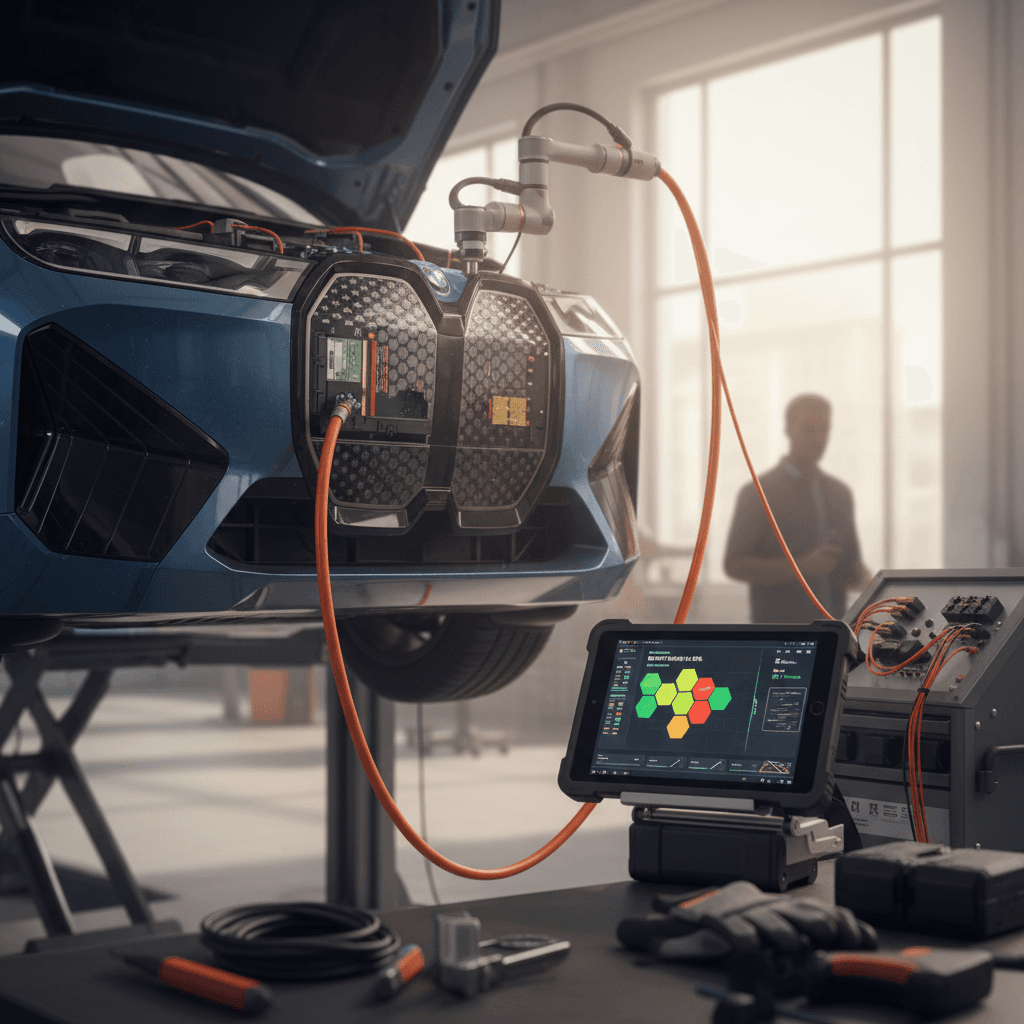
If you own, or are shopping for, a Nissan Ariya, the high‑voltage battery is the single most expensive part of the vehicle. Knowing how to do a proper Nissan Ariya battery health check helps you understand real‑world range, catch problems early, and avoid overpaying for a used Ariya with a tired pack.
Good news for Ariya owners
Why Nissan Ariya battery health matters, especially in 2026
The Ariya is now a firmly used‑market story in the U.S. Nissan has shifted its EV strategy, and while existing Ariyas will continue to be supported with service and warranties, new inventory will thin out over time. That makes battery condition even more important for current owners and for shoppers looking at low‑mileage 2023–2025 models.
- The traction battery can represent 30–40% of the vehicle’s value.
- Degradation directly reduces usable range and fast‑charging performance.
- Battery health heavily influences resale value and lease buy‑out decisions.
- Pack issues can mean extended service visits if modules need replacing.
Don’t confuse 12‑volt issues with traction‑battery health
Quick ways to check Nissan Ariya battery health
You have three practical levels of a Nissan Ariya battery health check, from quick and approximate to highly detailed:
Three levels of Nissan Ariya battery health checks
Start simple, then go deeper if something feels off
1. On‑screen check
Use the driver display’s Battery Health screen to see a bar‑style health indicator. It’s quick, built‑in, and fine for a first look.
2. OBD2 SOH scan
Plug in a Bluetooth OBD2 dongle and use an EV‑aware app to read the pack’s State of Health (SOH) and usable kWh directly from the battery management system.
3. Professional report
Get a structured battery test, like the Recharged Score battery health diagnostics, before you buy or sell. This turns raw data into a clear grade and market‑based valuation.
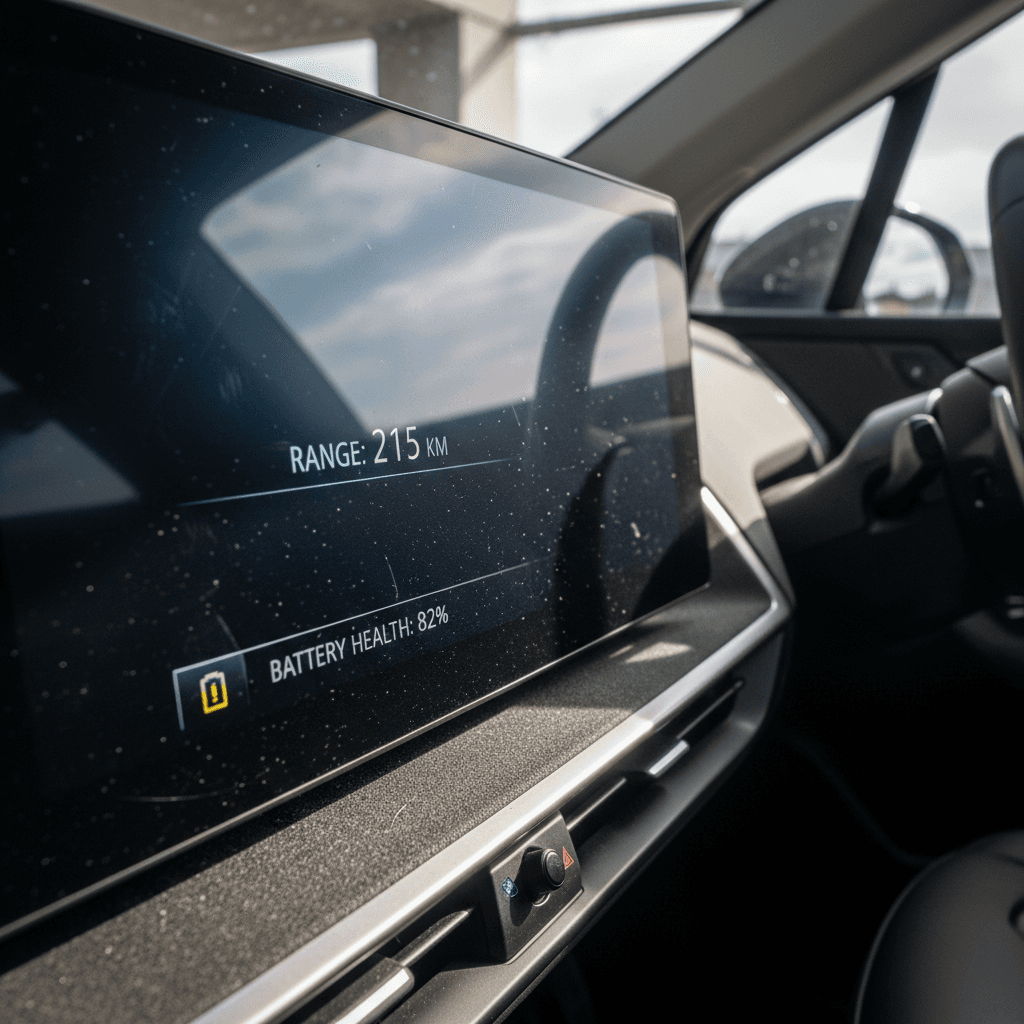
Using the Ariya driver display battery health screen
Nissan quietly gave the Ariya a built‑in battery health indicator that behaves a lot like the LEAF’s historic “capacity bar” display. It’s not as precise as an OBD2 scan, but it’s a great first filter, especially if you’re test‑driving a used Ariya on a dealer lot.
How to open the battery health display on a Nissan Ariya
1. Power the car on safely
Press the Start button with your foot on the brake to boot the full driver display. If you’re sitting in a parked car on a lot, keep the vehicle in Park and engage the parking brake.
2. Use the steering‑wheel arrows
On the left side of the steering wheel, use the <strong>left/right arrows</strong> to cycle through the driver‑information screens until you see the icon that looks like a car in profile.
3. Scroll the “car” screens
Once you’re on the car icon, use the <strong>up/down arrows</strong> to move through the three related pages: tire pressure, charge rate/time, and <strong>Battery Health</strong>.
4. Find the health bar segments
On the Battery Health screen you’ll see a vertical or horizontal bar broken into segments (similar to LEAF capacity bars). A full bar typically represents a nearly new pack.
5. Compare to mileage and age
Check how many segments are lit, then compare to the odometer and model year. A 2024 Ariya with low miles should still be showing all or nearly all segments.
6. Document it
If you’re evaluating a used Ariya, snap a photo of the Battery Health screen and the odometer. It’s helpful leverage when you’re negotiating price or warranty coverage.
Why some owners don’t see the Battery Health option
Checking Ariya battery health with OBD2 and apps
If you want more than a bar graph, an OBD2‑based check is the best DIY way to see how your Ariya’s battery is really doing. This is also what many dealers, independent EV shops, and marketplaces like Recharged lean on to build a professional battery report.
Step‑by‑step: Deeper Nissan Ariya battery health check with OBD2
Use a Bluetooth OBD2 dongle and an EV‑compatible app to read SOH and usable kWh.
| Step | What you do | What you’re looking for |
|---|---|---|
| 1. Choose hardware | Buy a reputable Bluetooth OBD2 dongle that supports EVs and works with your smartphone. | Compatibility with popular EV apps and good owner reviews. |
| 2. Plug into OBD2 port | With the Ariya in Park, locate the OBD2 port under the dash and plug in the dongle firmly. | Solid connection, no warning lights or loose fit. |
| 3. Pair with your phone | Turn the car on, open your chosen app, and pair it with the dongle via Bluetooth. | App shows live data from the car with no connection errors. |
| 4. Select Nissan Ariya profile | In the app, pick Nissan Ariya or a compatible Nissan EV profile so it pulls the right parameters. | Battery‑specific values such as SOH and usable energy become available. |
| 5. Read State of Health (SOH) | Navigate to battery information and find “SOH” or “Traction battery condition.” | A percentage value (100% for a new pack, lower as it ages). |
| 6. Check usable kWh | Look for a field showing remaining or available battery energy in kWh. | A number reasonably close to your pack size minus a small buffer (e.g., low‑80s kWh usable on an 87 kWh pack when healthy). |
| 7. Save or export data | Export a log or screenshot for your records or for a pre‑purchase inspection. | A paper trail you can share with a buyer, seller, or dealer if questions come up. |
Always use a quality OBD2 adapter and follow manufacturer safety guidance when working around high‑voltage EV systems.
Pro move: Combine OBD2 data with a standardized report
What is “normal” battery degradation on a Nissan Ariya?
It’s still early days for long‑term Nissan Ariya degradation data, but owner reports through 2024–2025 point to gradual, predictable loss of capacity rather than dramatic early failures. Think of degradation in two phases: an initial small drop as the pack “settles,” then a slower decline over years.
Nissan Ariya battery health: Rough expectations (not guarantees)
Cold weather can look like degradation
How battery health shows up in your day-to-day range
Most drivers don’t notice capacity loss as a percentage, they feel it as fewer miles between charges or longer time at a DC fast charger. That’s why combining a Nissan Ariya battery health check with real‑world range observations paints the clearest picture.
Signs your Ariya battery is healthy
- Your rated range at 100% is broadly in line with what other owners report for your trim and climate.
- On familiar trips, your percent used per mile is consistent from week to week in similar weather.
- DC fast‑charging speeds are stable once the pack is warm, no unexplained throttling at moderate state of charge.
- You can leave the car parked for days and only lose a small amount of charge to standby use.
Red flags to investigate further
- Range estimates that plummet much faster than expected on moderate‑speed highway drives.
- Needing to stop for DC fast charging on trips your previous EV handled comfortably at the same SOC.
- Big swings in projected range after short drives under similar conditions.
- DC fast chargers topping out at very low kW despite a warm battery and a low state of charge.
Battery warranty, recalls and when to see the dealer
Every Ariya sold new in the U.S. carries a high‑voltage battery warranty that covers defects and excessive capacity loss for a defined number of years and miles. While Nissan has adjusted details over time, Ariya buyers generally see warranty language similar to what LEAF owners get: protection against the battery dropping below about 70% of its original capacity within the coverage window.
When an Ariya battery health issue should go to a dealer
You see repeated “Service EV” or battery warnings
If high‑voltage or EV system alerts stick around after a restart, schedule service. Many issues will end up being the 12‑volt battery, but you want it documented either way.
Range suddenly falls off a cliff
If your usual commute suddenly takes 20–30% more charge in mild weather, have the car scanned. Rapid changes are more suspicious than slow, gradual loss.
OBD2 SOH looks abnormally low
If your scan shows SOH far below what’s typical for the age/mileage, and especially if you’re still under the battery warranty, bring the data and ask for a capacity test.
Charging behavior changes dramatically
Sudden, lasting drops in DC fast‑charge speeds at low SOC, or an inability to charge to expected percentages, deserve a closer look from a dealer or EV specialist.
High‑voltage safety first
Protecting your Ariya battery: 9 practical habits
Good habits won’t magically freeze degradation, but they can keep your Nissan Ariya battery healthier for longer and make your OBD2 readings look a lot less scary over time.
- Avoid sitting at 100% for days, charge to full right before a road trip, not a week ahead.
- For daily driving, aim to keep the battery roughly between 20% and 80% when convenient.
- Use DC fast charging when you need it, but don’t treat it like your primary fuel source.
- Pre‑condition the battery before fast charging in cold weather so it can accept higher power.
- Park in shade or a garage when possible to limit high‑temperature stress on the pack.
- Keep your tires properly inflated, low pressures hurt efficiency and make range anxiety worse.
- Use Eco or gentle drive modes for commuting if you don’t need full power all the time.
- Update vehicle software when Nissan issues EV‑related updates, many target charging, efficiency or battery behavior.
- Check 12‑volt battery health periodically so low‑voltage issues don’t masquerade as pack problems.
How Recharged bakes these habits into a vehicle’s story
Battery health when you’re buying a used Nissan Ariya
Because new U.S. sales are winding down, a growing share of Ariyas will change hands as used vehicles. That’s where battery transparency can make or break the deal. You don’t want to pay “like‑new” money for a pack that’s already lost a big chunk of its life.
Used Nissan Ariya battery health checklist
1. Confirm model year, trim and pack size
Know whether you’re looking at the smaller pack or the 87 kWh version, and whether it’s FWD or e‑4ORCE. Range expectations and degradation profiles differ.
2. Check warranty status
Ask for in‑service date and mileage to see how much battery warranty remains. A car still within the capacity warranty is less risky than one that’s aged out.
3. Run the on‑screen Battery Health check
During the test drive, pull up the Battery Health screen and note how many segments are lit. Anything noticeably below full on a low‑mileage car deserves questions.
4. Request an OBD2‑based SOH report
If you’re serious about the car, ask the seller for a recent SOH reading or bring your own dongle and app, with their permission, to capture it yourself.
5. Compare SOH to price
Ariyas with lower SOH should be priced accordingly. A professional marketplace like <strong>Recharged</strong> uses battery data to anchor fair market pricing for every listing.
6. Look at charging and range history
Ask how the car has been used. Lots of DC fast charging, extreme climates, or prolonged storage at 100% can accelerate wear and should factor into your offer.
Leverage independent data when possible
FAQ: Nissan Ariya battery health check
Frequently asked questions about Nissan Ariya battery health
Bottom line: How to stay ahead of Ariya battery health
A Nissan Ariya battery health check doesn’t have to be mysterious. Start with the built‑in Battery Health display, then step up to OBD2 data if you want hard numbers. Pay attention to how range and charging behave over time, keep an eye on your 12‑volt battery, and lean on your warranty if something changes fast. And if you’re buying or selling, insist on a transparent, data‑driven battery report, whether you assemble it yourself or get it bundled into a Recharged Score Report on a used Ariya listed through Recharged.