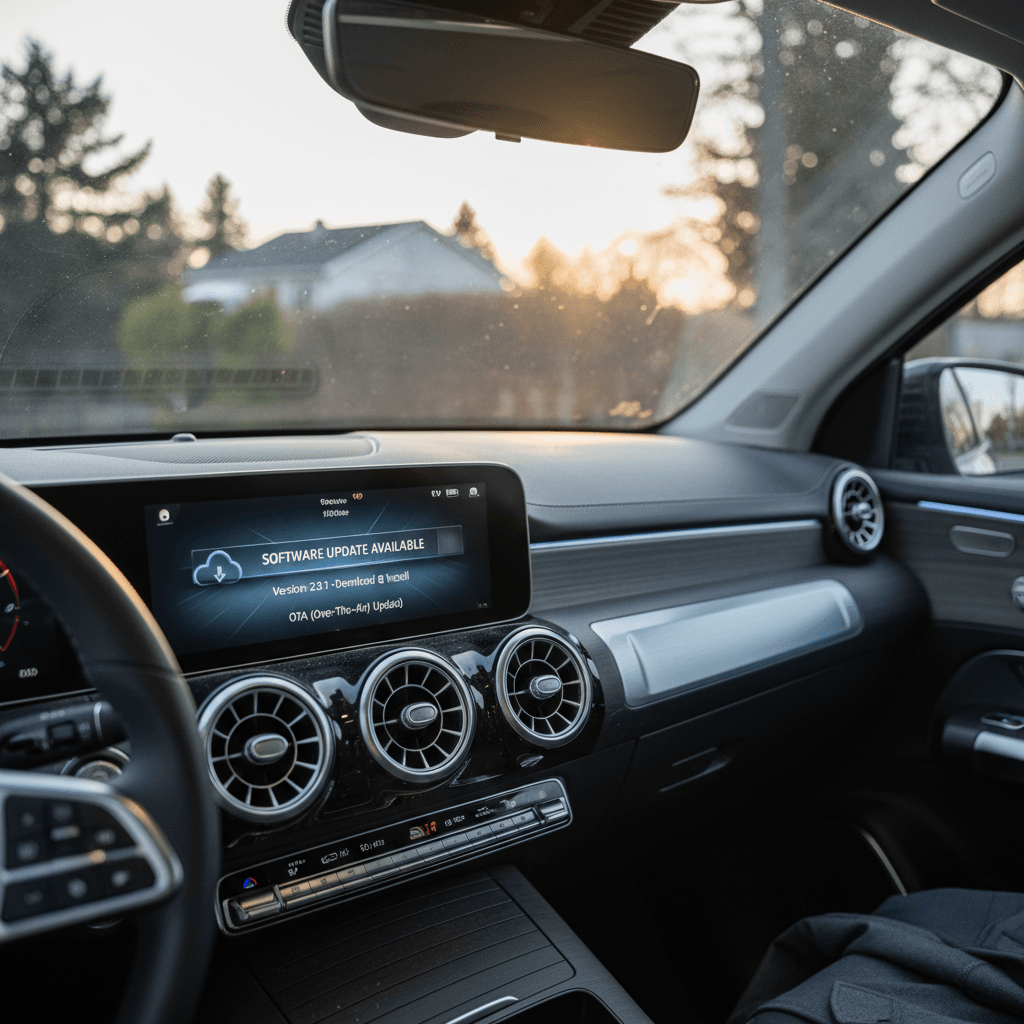
If you drive, or are thinking about buying, a Mercedes EQB, its software story matters almost as much as its battery size. The EQB has lived through infotainment upgrades, over‑the‑air (OTA) feature additions, and multiple battery‑related recalls where software updates and hardware fixes intersected. Understanding the Mercedes EQB software update history helps you know which features you should have today, which recalls to confirm, and what to look for when you shop the used market.
Quick take
Why Mercedes EQB software update history matters
Unlike a traditional gas SUV, a modern EV like the EQB is software‑defined. Infotainment, charging behavior, driver‑assist systems and even how the battery is managed can all be tuned or expanded with updates. That’s good news if you like new features, but it also means software history is now part of the vehicle’s health record, especially for a model that’s already seen multiple fire‑related recalls tied to battery behavior.
Three reasons to care about EQB software updates
Especially important if you’re considering a used EQB
Safety & reliability
Charging & navigation
Resale & value
Tip for shoppers
EQB tech basics: platform, MBUX versions and connectivity
Hardware platform
The EQB is based on the GLB compact SUV platform adapted for electric drive. That means:
- Battery capacities in the mid‑60 kWh to ~70 kWh range depending on trim and market.
- 400‑volt electrical architecture (not the newer 800‑volt hardware Mercedes is rolling into future models).
- Air‑cooled battery pack variants from supplier Farasis, which later became the focus of fire‑risk recalls.
MBUX and connectivity
- MBUX generation: EQB uses the NTG7/Gen20x MBUX family, with later model years gaining the updated "Zero Layer" home screen interface by default.
- Mercedes me connect: Remote access, charging status, route planning and OTA update notifications are all handled via the Mercedes me app.
- Over‑the‑air capability: Infotainment, maps and some vehicle functions can be updated or unlocked via the app and the Mercedes-Benz Store, similar to a smartphone.
You don’t get Tesla‑style weekly builds, but Mercedes has been quietly pushing periodic updates that EQB owners should pay attention to.
Timeline of key Mercedes EQB software and feature updates
Mercedes does not publish a neat, public changelog by model the way some EV makers do, but based on official tech announcements and owner reports, you can loosely track the EQB’s software and feature history across three phases.
High‑level EQB software & feature timeline
Approximate phases of software‑relevant changes for the EQB. Exact timing and feature sets can vary by market and trim.
| Phase | Model years (approx.) | What changed | Why it matters |
|---|---|---|---|
| Launch MBUX & OTA baseline | 2022 | First‑generation EQB software on NTG7/Gen20x MBUX, with OTA support for map updates, basic infotainment fixes and charging tweaks via Mercedes me. | Establishes whether the car can receive remote updates and how often the prior owner actually installed them. |
| Tech refresh & Zero Layer UI | 2024 update | EQB receives an updated front end and makes the 10.25‑inch screen with "Zero Layer" MBUX standard. Wireless Apple CarPlay/Android Auto arrive, plus more built‑in voice features and OTA‑unlockable extras (e.g., additional soundscapes). | Improves day‑to‑day usability and makes it easier for Mercedes to sell and deliver new features over‑the‑air. |
| Wider MBUX OTA waves | 2024–2025 | Broader rollouts of MBUX updates (for example, entertainment and voice‑assistant upgrades in 2.x and 3.x builds) to hundreds of thousands of Mercedes EVs, EQB included when equipped with compatible hardware. | Adds streaming apps, smarter voice control and background improvements in stability, traffic data and navigation behavior. |
Always confirm exact software versions and options on the individual vehicle you own or are considering buying.
MBUX and OTA rollouts across the Mercedes EV lineup
About version numbers
EQB battery recalls and the limits of software fixes
The headline software story for the EQB isn’t a fancy app, it’s safety. Between 2024 and early 2026, Mercedes issued multiple fire‑related recalls for the 2022–2024 EQB 300, EQB 350 and EQB 250+ after several vehicles experienced internal battery failures and thermal events.
- Early recalls: Mercedes initially tried to mitigate risk with a software update that adjusted battery monitoring and, in some cases, limited usable capacity or state of charge.
- Follow‑up incidents: At least two EQBs that had received the software fix still caught fire later, prompting regulators and Mercedes to re‑examine the remedy.
- Third recall campaign (2026): Mercedes concluded that the effectiveness of the software‑only fix couldn’t be guaranteed and moved to physically replace battery packs in thousands of EQBs instead of relying on code changes alone.
Important for current owners
This episode is a good reminder of how to think about EQB software updates: they can help manage risk and improve diagnostics, but when the root problem is hardware, like a defective cell or battery design, only a physical repair or replacement is a complete fix.
What Mercedes EQB over-the-air updates can and can’t do
EQB OTA updates: strengths and limits
Think of OTA as a powerful tool, not magic.
What OTA updates usually can do
- Infotainment improvements: New MBUX layouts, smarter voice commands, online music apps, News/Flash briefings, and sometimes video apps on supported hardware.
- Navigation & maps: Online map updates, better charging‑stop planning, live traffic data and more accurate range estimates.
- Charging behavior tweaks: Refined charging curves, updated communication with some DC fast chargers, and bug fixes for charge‑start/stop logic.
- Digital extras: Unlockable features like additional sound experiences or minor driving‑mode variations via the Mercedes-Benz Store.
What OTA updates generally can’t do
- Change core hardware limits: They can’t convert the EQB’s 400‑volt system into an 800‑volt architecture or radically increase max DC charge rate.
- Fix a defective pack: Software can monitor a weak battery more closely, but it can’t heal bad cells, poor welding or flawed cooling paths.
- Retrofit missing sensors or cameras: If the car wasn’t built with a sensor, OTA can’t add it.
- Guarantee feature parity with newer models: An early EQB won’t suddenly get the same app suite as the newest MMA‑platform EVs, even on the latest software.
Where EQB updates shine
How to check, schedule and verify EQB software updates
Whether you’re an original owner or just picked up a used EQB, you should quickly learn how to see what software you’re running and how to trigger updates. The process is similar across model years, but menus and wording can differ slightly as MBUX evolves.
Step‑by‑step: keeping your EQB up to date
1. Check for updates in the car
From the MBUX screen, go to <strong>Settings → System → Software Update</strong> (wording can vary slightly). Look for available MBUX or vehicle software updates and note the installed version number for your records.
2. Confirm status in the Mercedes me app
Open the Mercedes me app tied to your EQB. Under vehicle details or software/updates, check whether any packages are <strong>available, downloading or waiting for installation</strong>. This is also where some larger OTA campaigns appear first.
3. Read the release notes
Before you hit install, skim the short description of what the update includes. For infotainment updates, you’ll often see references to navigation, online services, voice assistant or stability fixes.
4. Prepare the car for installation
Mercedes updates frequently require a certain <strong>state of charge and conditions</strong>: the car parked, doors closed, sometimes locked, and no charging session in progress. Follow the on‑screen instructions carefully.
5. Schedule the update
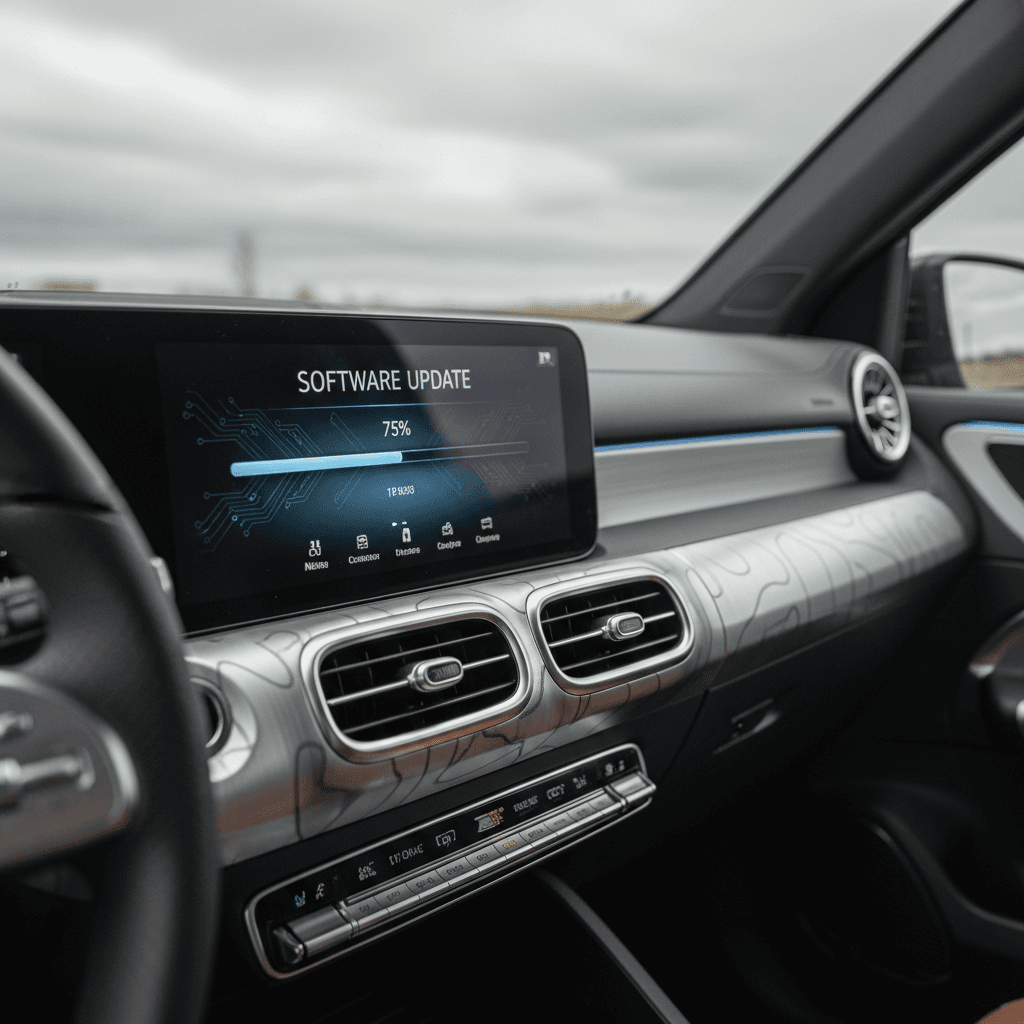
If the EQB offers scheduling, pick a time when you won’t need the vehicle for at least an hour. Some owners report large MBUX updates taking 30–90 minutes, depending on the package and connection.
6. Verify after completion
Once the car restarts, revisit the Software Update menu and confirm that the new version shows as installed. Also test key functions, Bluetooth connection, navigation, charging screens, to ensure everything behaves as expected.
Don’t forget recall work
Troubleshooting stuck or failed EQB updates
If you spend time on owner forums, you’ll see a pattern: some EQB and broader Mercedes EV owners watch MBUX updates stall at 80–90%, fail entirely, or sit for weeks showing "deferred due to technical reasons." That’s not unusual on complex connected cars, but there are ways to respond strategically.
- Wait out brief delays. If the car says an update is preparing or delayed, give it a few drive cycles. Mercedes sometimes pauses OTA waves server‑side without clear messaging in the app.
- Try a full vehicle “cycle.” Shut the EQB down, walk away for at least 10–15 minutes, then unlock and restart. In some cases, this nudges the car to recheck update status.
- Re‑check conditions. Confirm the battery’s state of charge meets the minimum, the car is not charging and all doors are closed/locked if the instructions call for it.
- Use both app and in‑car menus. If the update appears stuck in the Mercedes me app, see whether the car itself will let you download and install, or vice versa.
- Document what you see. Take photos of any error screens, version numbers and timestamps. This helps dealer technicians or Mercedes support understand what’s happening.
- Call support or visit a dealer. If an update has been stuck or failing for more than a week, involve your dealer. They can often install the package via wired connection, clear faults, or confirm that the campaign was withdrawn and replaced by another fix.
When to involve a dealer immediately
Used EQB buyers: software & recall checklist
With Mercedes already signaling the EQB’s phase‑out in favor of its next‑generation compact EVs, the model is drifting firmly into used‑EV territory. That’s where software history and recall status can make or break a deal. Here’s how to approach a used EQB like a pro.
Used EQB software & recall checklist
Confirm recall completion by VIN
Ask the seller for a dealer printout or screenshot showing <strong>all recall campaigns closed</strong>, especially the latest battery‑replacement campaign. In the U.S., you can also run the VIN through the NHTSA recalls tool for a quick cross‑check.
Check MBUX software version in person
From the driver’s seat, open the Software Update or System Information page and note the <strong>current MBUX version</strong>. A very old build can indicate the car has been neglected, or that prior updates failed.
Test connectivity and Mercedes me pairing
Make sure the EQB can connect to the internet through its built‑in modem and that the <strong>Mercedes me</strong> account can pair successfully. If you can’t log in or see the car in the app, OTA updates and some services may not work until the account issues are fixed.
Verify key EV functions after a drive
On a test drive, watch how navigation handles charging stops, how quickly the system boots, and whether any warning lights appear. Slow, glitchy behavior might signal overdue updates or deeper hardware problems.
Ask about update history
Some sellers keep records or screenshots when updates are installed. You’re looking for a pattern: <strong>regular updates and recall visits</strong> are a good sign of careful ownership.
Price in future campaigns
Because of the EQB’s recall history and imminent replacement, assume there may be additional software or hardware campaigns over its lifetime. If you’re buying from a non‑Mercedes dealer, budget time and money for a trip to an authorized store to clean up any outstanding work after purchase.
How Recharged can help with used EQBs
Ready to find your next EV?
Browse VehiclesFor EVs like the EQB, software and battery history are now just as important as mileage and service stamps when you’re assessing value.
Mercedes EQB software update FAQ
Frequently asked questions about EQB software updates
Bottom line: how to use EQB software history to your advantage
The Mercedes EQB’s software update history is a mixed bag: thoughtful infotainment upgrades and expanding OTA capabilities on one side, and a reminder, through its battery recalls, that not every problem can be patched away. If you own an EQB today, your job is to stay current on MBUX and map updates, confirm recall completion, and treat odd update behavior as a reason to ask questions, not something to ignore.
If you’re shopping used, build software and recall status into your checklist the same way you would accident history or mileage. A well‑documented EQB with fresh software and completed battery work can still be a practical, family‑friendly EV, especially when you have tools like the Recharged Score Report, flexible financing, and EV‑savvy support teams to help you compare options and buy with confidence.