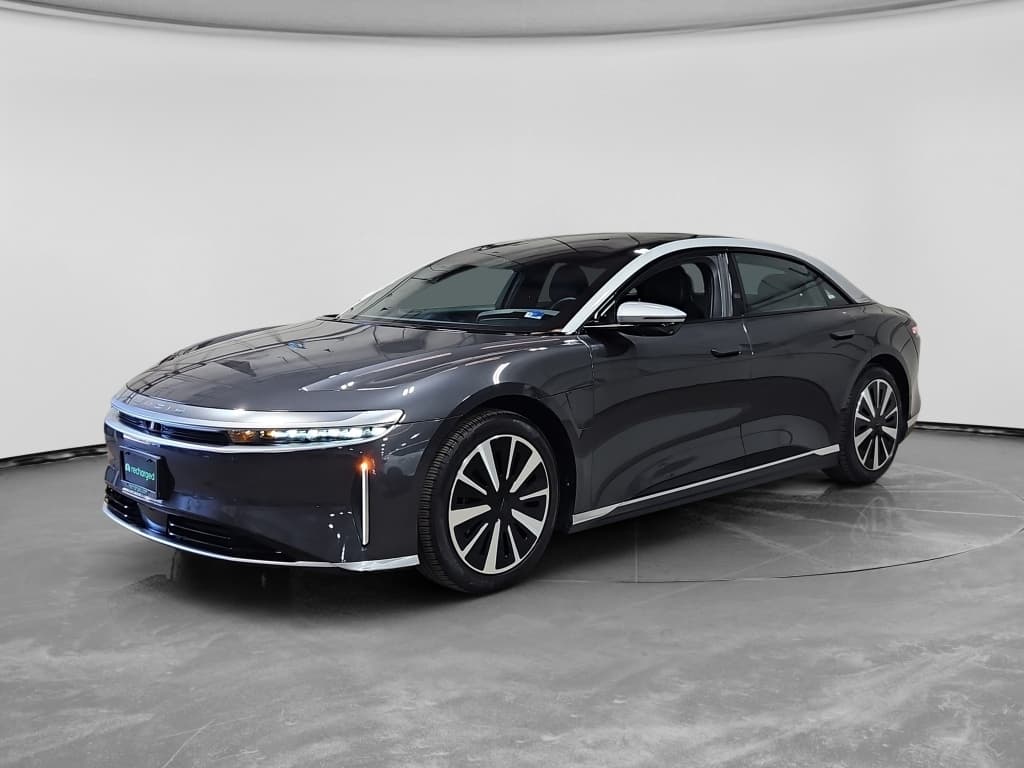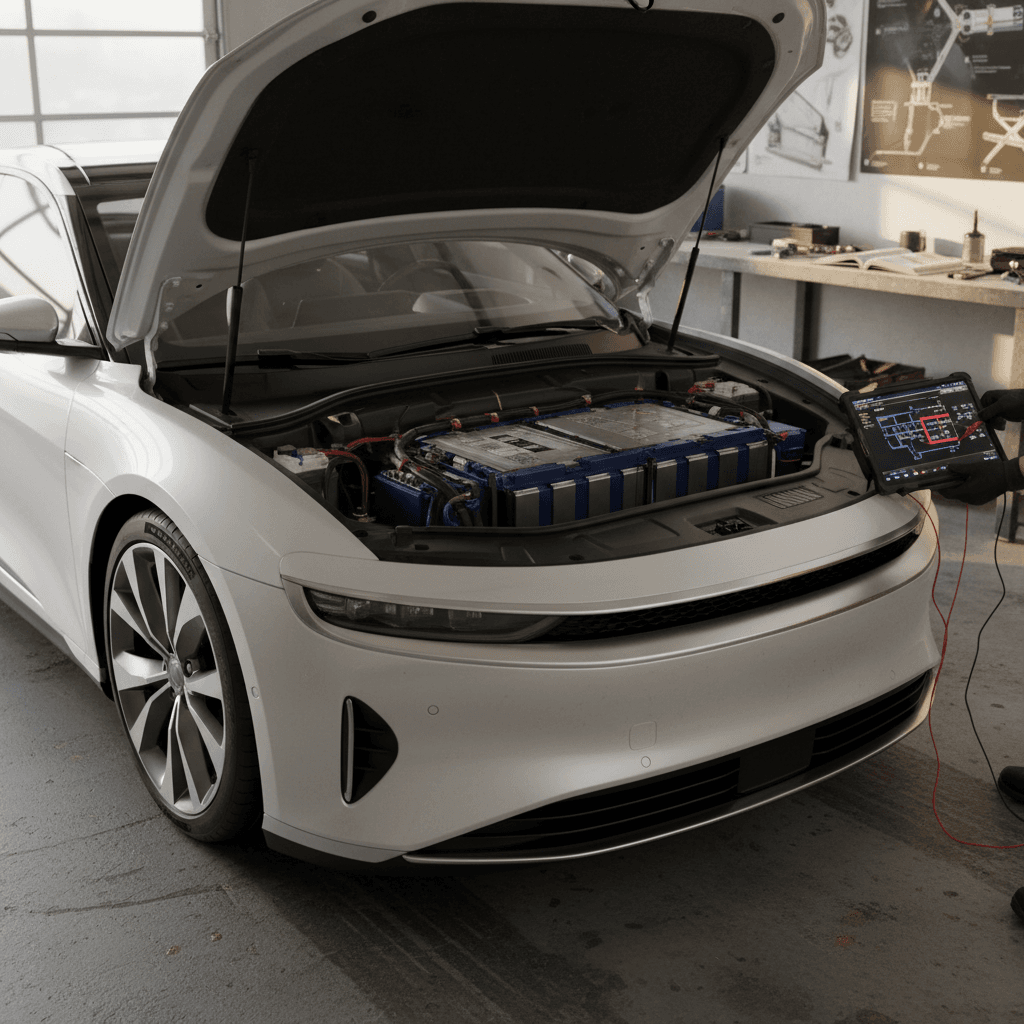
The Lucid Air is one of the most impressive EVs ever sold in the U.S., range that embarrasses Tesla, a cabin like a boutique hotel, and real highway pace. But if you’re shopping for a new or used Lucid Air, you’ve probably heard the other side of the story: early‑brand teething pains, software gremlins, and service that can feel like a long‑distance relationship. This guide breaks down Lucid Air common problems and fixes so you know what’s normal, what’s fixable at home, and what should send you straight to a service center.
How to use this guide
Lucid Air reliability: the big picture
Lucid is a young automaker, and the Air is its first mass‑produced model. That means you’re getting cutting‑edge efficiency and performance in a car that, on paper, rivals or beats Mercedes and Tesla. It also means you’re occasionally beta‑testing the future. Build quality on the big stuff, battery, motors, body structure, has generally been strong, but owners report an above‑average number of software bugs, charging hiccups, and trim or hardware niggles compared with established luxury brands.
Lucid Air ownership: pattern of complaints
If you treat the Air like what it is, a first‑generation halo car from a startup, you’ll be less surprised and better prepared. The key is knowing which problems are just mildly annoying and which are warning lights for deeper trouble.
Most common Lucid Air problems
Top complaint categories from Lucid Air owners
What you’re most likely to run into
1. Charging and port issues
Slow or failed sessions at DC fast chargers, connection errors with some networks, and occasional damage or misalignment in the charge port hardware.
2. Software and infotainment glitches
Frozen center screens, buggy updates, audio dropouts, laggy or blank cameras, and unreliable phone‑as‑key behavior.
3. Doors, frunk, and trim faults
Front trunk (frunk) latches that misalign, sticky charge doors, tight cupholders, and squeaks or rattles in the cabin.
4. Service and logistics headaches
Difficulty scheduling service, long lead times for parts, and a small service‑center network leading to tows and extended downtime.
Important for used‑car shoppers
Charging problems and easy fixes
For most owners, the Lucid Air’s battery and range are a strength. The complaints tend to center not on the pack itself, but on how the car talks to chargers: home Level 2, public DC fast charging, and, more recently, Tesla Superchargers. Let’s walk through the common scenarios and what you can try before you panic.
- Car won’t start a DC fast charge session (connection error or “preparing to charge” forever).
- Level 2 charging is much slower than usual (for example, stuck around 3 kW).
- Mobile charger or wall unit won’t start charging at all.
- Tesla Supercharger access seems inconsistent or fails after a few attempts.
1. DC fast charging connection errors
A recurring Lucid Air complaint is refused or dropped sessions at public DC fast chargers, especially on networks that are finicky in general. You plug in, the car handshakes with the charger, and then you see “connection error” or it times out. Sometimes other EVs at the same station are charging fine, which makes this feel personal.
Quick troubleshooting for DC fast charging
1. Check the basics at the charger
Make sure the charger actually works by watching another car, or trying another stall or location. Some Electrify America and other stalls simply go down without warning.
2. Re‑seat the connector firmly
Lucid’s charge port tolerances are tight. Unplug, inspect for debris or ice, then plug in again with firm pressure until you feel a clean click, and support the cable weight while the session starts.
3. Hard reboot the car
If a quick screen reboot doesn’t help, perform a full vehicle reset per the owner’s manual (or by using the steering‑wheel button combo and brake). This often clears handshaking glitches.
4. Check compatibility in the Lucid app
Use the Lucid mobile app or onboard navigation to confirm the station is listed as compatible with the Lucid Charging Service, especially important when roaming between networks.
5. Call both sides if needed
If the session still fails, contact the charging network’s helpline and Lucid Customer Care. Ask the charger operator to remote‑start a session and log a ticket with Lucid in case the port or software needs inspection.
When it’s a hardware problem
2. Slow home charging or stuck at low power
Another pattern: owners who suddenly find their Lucid Air trickling along at 3 kW on a home or workplace Level 2 charger that used to deliver 9–11 kW. You’re staring at a charge estimate that says “complete in 24 hours,” and realizing your evening plans are now “sitting at home, not charging.”
- Verify the car’s amp limit: In the charging settings, make sure you didn’t accidentally dial the amps down (for example, from 32 A to 8 A). This setting is per location, so check each place you regularly charge.
- Try another EVSE: If you have access to another Level 2 unit or mobile EVSE, test the car there. If the Air charges normally on another unit, your original charger or adapter may be failing.
- Inspect adapters and plugs: Lucid’s mobile charger and NEMA adapters can appear seated but be slightly loose. Unplug and firmly re‑insert the adapter until the final “click,” then reconnect to the car.
- Update software, then re‑test: Some owners see charging behavior improve after an over‑the‑air update, even when release notes don’t mention charging. Install any pending update, reboot the car, and try again.
- Suspect the onboard charger: If slow charging follows the car to every station, you may have a failing onboard AC charger. That’s a warranty‑type repair; document examples and open a service ticket.
3. Lucid mobile charger not working
The included Lucid mobile charger is convenient but not infallible. A classic scenario: the Lucid‑branded box lights are off, the car detects “cable connected” but won’t charge, and another EV charges fine on the same outlet.
Embarrassingly common fix
If reseating the adapter and trying a known‑good outlet doesn’t help, treat the mobile charger itself as suspect. If your Air charges normally on another Level 2 EVSE, ask Lucid to replace the defective unit under warranty.
4. Tesla Supercharger hiccups
As of 2025–2026, Lucid Air access to Tesla Superchargers is rolling out but not yet as “plug‑and‑play” as in Tesla’s own cars. You typically initiate sessions through the Lucid app rather than pure Plug & Charge, and some sites or stalls may still be off limits while the integration matures.
- Always check in‑app: Use the Lucid or Tesla‑powered interface recommended by Lucid for that region rather than assuming any Supercharger will work.
- Use supported adapters only: Stick with Lucid‑approved hardware and avoid sketchy third‑party DC adapters that can damage the car or simply not handshake.
- Have a backup plan: On long trips, don’t rely on a single Supercharger. Have an alternative CCS site in your route plan in case of compatibility issues.
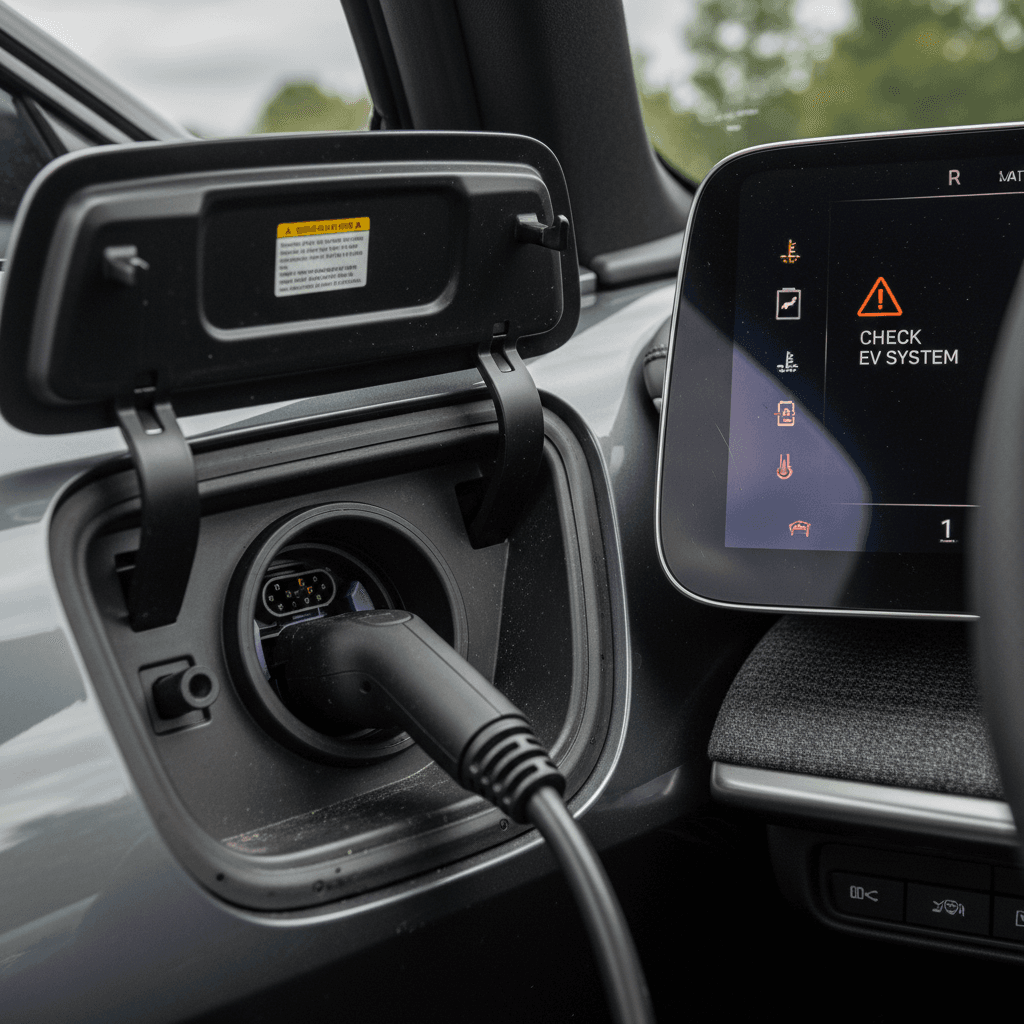
Software and infotainment bugs
If the Lucid Air has an Achilles’ heel, it’s software quality control. Owners praise the hardware, the motors, chassis, and battery, but report a long list of digital misbehaviors: frozen screens, ghost warnings, and audio cutting out like a sullen teenager pulling the plug on conversation.
Common Lucid Air software problems
What owners actually complain about
Frozen or laggy center screen
Infotainment panel stops responding, requires a reboot. Occasionally the lower “Pilot Panel” retracts and won’t return until reset.
Audio drops out
Music, alerts, and even turn‑signal clicks disappear until the next restart or software update.
Phone‑as‑key unreliability
Phone key fails to unlock or start the car, forcing you to use the key card or fob.
Rear camera lag or blank image
Delay or black screen when shifting into reverse, serious enough to trigger a safety recall and OTA fix on some cars.
Update glitches
Software reports a failed update while claiming the car is up to date, requiring a service visit to clear.
Climate control quirks
Seat heaters or climate zones turning on unexpectedly, or fan controls not responding correctly until a reboot.
Owner playbook for software bugs
1. Master the soft reboot
Use the steering‑wheel buttons or in‑menu command to restart the infotainment system. This fixes most frozen screen and audio issues without affecting drive systems.
2. Perform a full vehicle reset
If problems persist, follow the manual for a hard reset (often holding specific steering‑wheel buttons with your foot on the brake). Do this parked, and expect a longer reboot cycle.
3. Keep updates current
Install over‑the‑air updates promptly, even if release notes seem vague. Lucid often bundles multiple bug fixes into each release.
4. Document patterns
If a bug recurs, say, the rear camera lags every morning, capture photos or video with timestamps. This helps service replicate the issue and may fast‑track a fix.
5. Ask about known campaigns
When booking service, specifically ask if your VIN has any open software or hardware campaigns related to cameras, ADAS, or infotainment. These are typically free fixes.
The upside of OTA
Doors, trim, and interior quirks
Physically, the Lucid Air is beautifully constructed, panel gaps and paint are generally excellent. But several small hardware and interior annoyances show up again and again in owner reports. None of these are catastrophic, but they’re worth knowing about, especially on an out‑of‑warranty car.
Typical Lucid Air hardware & trim complaints
What goes wrong, how serious it is, and what to do
| Issue | How it shows up | Severity | Likely fix |
|---|---|---|---|
| Frunk won’t open/close cleanly | Front trunk requires multiple attempts to open; latch error messages | Moderate | Re‑align or replace frunk latch at service |
| Charge door sticky or hard to open | Feels like it’s glued shut, needs more force than expected | Low–Moderate | Lubricate hinges/seals; adjust door alignment if binding |
| Overly tight cupholders | Beverages nearly welded in place, hard to remove | Low | Service can sometimes adjust tension; aftermarket inserts are a cheap workaround |
| Interior squeaks/rattles | Noises from dash or door panels over rough roads | Low | Panel adjustments, felt tape, or fastener tightening at service |
| Exterior mirror or camera misalignment | Mirror or camera housing knocked against garage door, image skewed | Moderate–High | Often requires expensive replacement; consider through insurance if out of warranty |
Most of these are fixable under warranty on newer cars; on a used Air, check that they’ve already been addressed.
Used‑car inspection move
Suspension, brakes, and driving feel complaints
Mechanically, the Lucid Air’s chassis and braking hardware are robust, and catastrophic failures are rare. But a slice of owners report subjective comfort issues: inner‑ear discomfort, dizziness, or headaches after driving, particularly in trims with aggressive tire and wheel packages.
What owners describe
- A sensation of pressure or inner‑ear fullness on certain roads.
- Feeling unusually tired or dizzy after long drives.
- More motion sickness for sensitive passengers than in other vehicles.
These reactions seem to affect a small minority of drivers and may relate more to individual physiology than a defect, but they matter if you’re in that group.
Potential contributors
- Very quiet cabin amplifying low‑frequency road noise and motion.
- Fast steering and strong regen creating unusual motion cues.
- Large wheels with low‑profile tires transmitting more fine vibration.
If you’re sensitive, test‑drive an Air for at least 30–60 minutes on mixed roads before committing.
Is this a “problem” or just personality?
Service and repair experience: what to expect
With any early‑stage luxury EV brand, the car is only half the story. The other half is what happens when something breaks. Here, Lucid’s report card is mixed: some owners rave about concierge‑level treatment, while others describe Kafka‑esque delays and communication breakdowns.
Lucid Air service: pros and cons
Why two owners can have totally different stories
Pros
- Strong factory warranty on battery, drivetrain, and major systems.
- Roadside assistance and arranged tows for immobile cars.
- Mobile service in some regions for minor fixes.
- When you live near a service center, feedback is often excellent.
Cons
- Service centers are sparse; you may be hours away from the nearest shop.
- Parts and body repairs can be expensive and slow due to low production volume.
- Phone and email handoffs between departments sometimes leave owners without clear answers.
- Small issues can park a $100,000 car for days if logistics aren’t smooth.
Plan for downtime, not just dollars
Used Lucid Air buyer’s problem checklist
Shopping used is where the Lucid Air goes from thrilling to strategic. You’re trying to capture the upside, world‑class range and performance, while making sure you don’t inherit someone else’s unfinished bug list. Here’s how to stack the deck in your favor.
9 things to check before you buy a used Lucid Air
1. Confirm software and recall status
Ask the seller for screenshots of the current software version and any recall or campaign letters. On a test drive, verify there are no nagging update or camera warnings.
2. Inspect the charge port and test DC fast charging
Look closely at the port for damage or bent pins. If possible, do a short DC fast‑charge session to confirm the car handshakes properly and ramps up to an appropriate kW rate.
3. Test home‑style AC charging
Bring a trusted Level 2 charger or use the seller’s equipment. Confirm the car pulls the expected power (check the in‑car readout) and doesn’t randomly drop to trickle speeds.
4. Open and close every panel
Cycle doors, frunk, trunk, charge door, and sunroof (if equipped). Watch for hesitations, misalignment, or warnings about latches and closers.
5. Hunt for interior noises
During the test drive, turn the audio off and drive over rough pavement. Listen for rattles from the dash, pillars, or doors that might signal loose trim or poorly secured panels.
6. Drive at highway speeds
Take it to freeway speeds to feel for vibrations, alignment issues, and weird steering sensations. This is also when software‑related ADAS quirks may show themselves.
7. Check tires and wheels carefully
Look for curb rash, bent wheels, and uneven tire wear that could hint at suspension or alignment problems. Replacing 21‑inch performance tires is not cheap.
8. Review service history
Ask for a printout from Lucid service if possible. Multiple visits for the same issue, especially charging or electronics, deserve extra scrutiny.
9. Get an independent EV‑savvy inspection
If you’re spending big money, consider a third‑party inspection by a shop familiar with premium EVs. They can spot collision repairs, water damage, or subtle electrical issues.
How Recharged can help
Ready to find your next EV?
Browse VehiclesDIY vs. service: when to call for help
One of the perks of EVs is that there’s less routine maintenance: no oil changes, spark plugs, or exhaust systems. But with a Lucid Air, many of your headaches, good and bad, live in software and high‑voltage hardware you shouldn’t touch. Here’s how to draw the line.
Reasonable DIY fixes
- Soft and hard reboots of the infotainment system.
- Checking and adjusting charging amp limits per location.
- Cleaning and inspecting the charge port and connectors.
- Lubricating door seals and hinges, where appropriate.
- Replacing wiper blades and cabin filters.
Always follow Lucid’s official guidance and use non‑conductive cleaners around charging hardware.
Call Lucid or a specialist
- Persistent DC or AC charging failures across multiple stations.
- Visible damage to charge port, high‑voltage cables, or underbody.
- Airbag, brake, or high‑voltage system warnings on the dash.
- Rear camera blanks or severe lag even after updates.
- Water leaks into the cabin, trunk, or electronics bay.
High‑voltage systems can be dangerous. When in doubt, do not improvise repairs on an EV.
FAQ: Lucid Air common problems
Frequently asked questions about Lucid Air problems
Bottom line: is the Lucid Air worth the headaches?
The Lucid Air is a moonshot car, built by a company that went straight for the big leagues, Tesla, Mercedes, Porsche, on its first at‑bat. When it’s working as intended, it’s one of the most compelling EVs on the road: outrageous range, fast charging, and a cabin that feels more boutique hotel than automobile. The tradeoff is that you’re living with a complex, software‑heavy flagship from a young brand still smoothing out its service and logistics.
If you value absolute serenity and dealer ubiquity above all, a more conservative luxury EV may suit you better. But if you’re willing to tolerate some bugs, keep software current, and be proactive about service, the Lucid Air can be a brilliant daily companion. And if you’re shopping used, partnering with an EV‑focused marketplace like Recharged, with battery‑health reports, fair pricing, and expert guidance, can turn a high‑stakes bet into a well‑researched decision instead of a leap of faith.