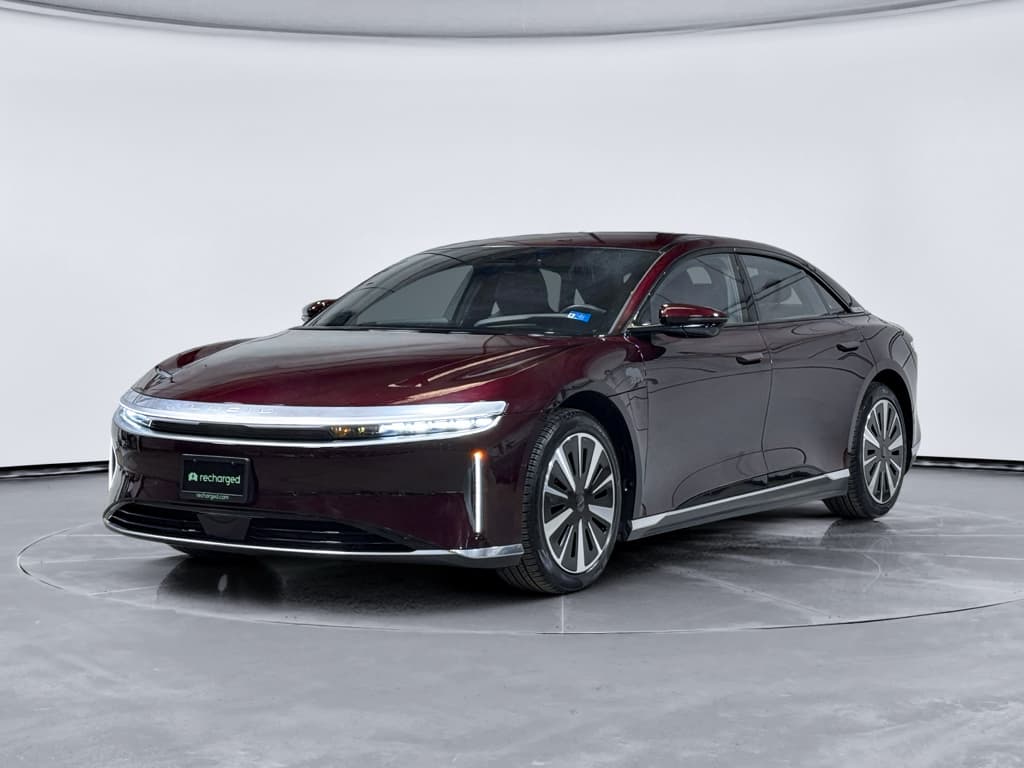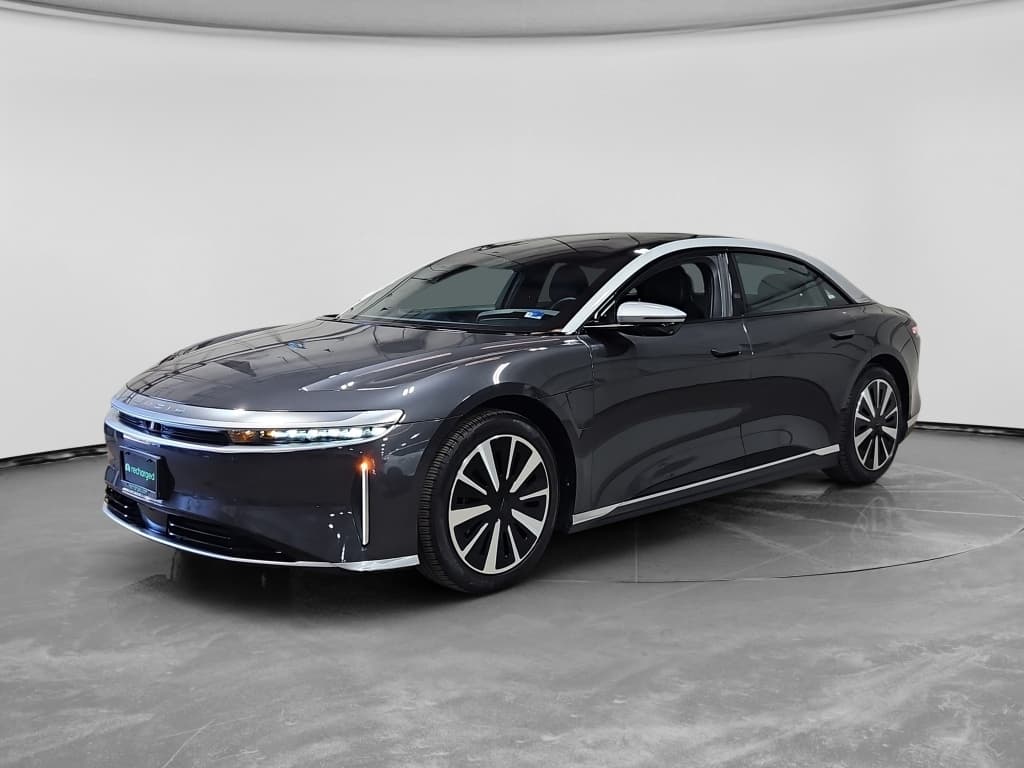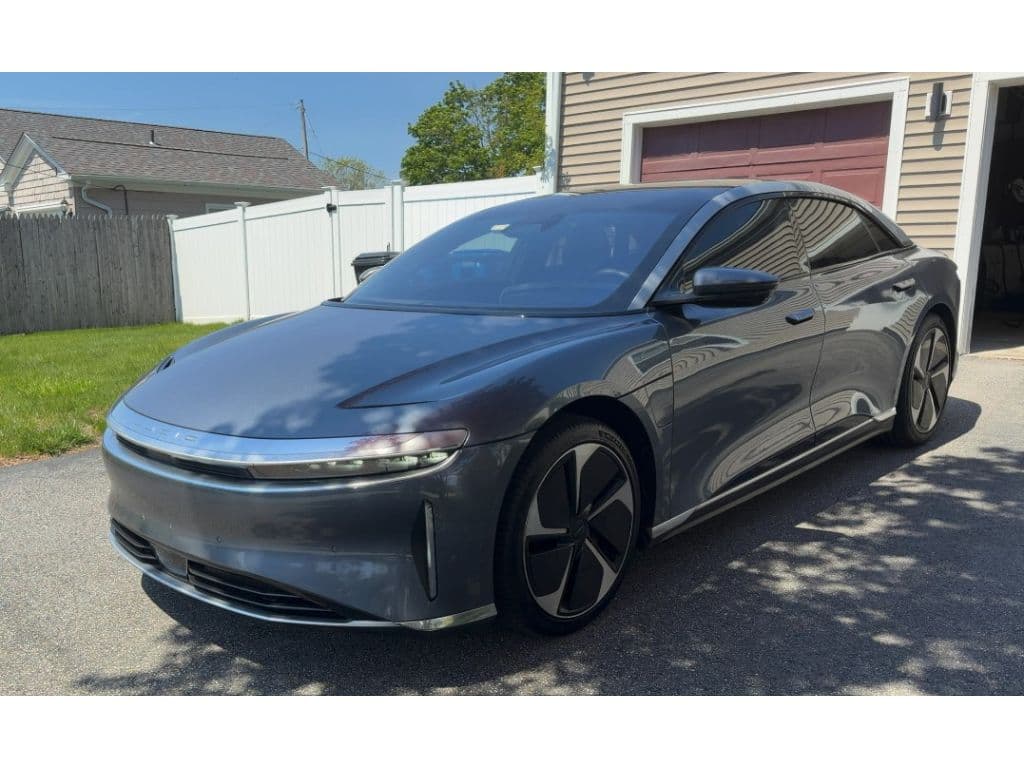
Shopping for a Lucid Air is a little different from shopping for a mainstream EV. You’re looking at one of the longest-range, quickest-charging luxury sedans on the market, with complex software, cutting‑edge 900V hardware, and a young brand behind it. A clear Lucid Air buying checklist helps you separate an amazing deal from a future headache, especially if you’re considering a used car.
Who this checklist is for
Why a Lucid Air buying checklist matters
The Lucid Air is more than just a big battery and a luxury interior. Different trims (Pure, Touring, Grand Touring, Sapphire and older Dream Editions) offer very different performance, range, and equipment. On top of that, early production quirks, fast software updates, and evolving charging support, including access to Tesla Superchargers via an adapter, mean you need to be systematic when you compare cars from different years and mileages.
Lucid Air fast facts to keep in mind
Why details matter
Step 1: Clarify your Lucid Air use case and budget
Start with how you’ll use your Lucid Air
Your use case should drive which trim and options you target.
Daily luxury commuter
If you’re mainly commuting and running errands, prioritize:
- Pure or Touring trims for value
- 19" wheels for maximum range and comfort
- Comfort & Convenience package for heated seats, soft‑close doors, and climate upgrades
High‑mileage highway driver
If you do long highway trips:
- Look for Touring or Grand Touring with the larger battery
- Verify DC fast‑charge history and battery health
- Confirm you have a CCS fast‑charging plan and, optionally, a NACS adapter for Tesla Superchargers
Performance enthusiast
If you care about speed as much as efficiency:
- Cross‑shop Grand Touring, Sapphire, or Dream Editions
- Inspect brakes, tires, and suspension closely
- Confirm track modes and performance options work properly
Once you’ve defined how you’ll use the car, set a firm budget that includes taxes, registration, home charging upgrades, and a cushion for unexpected repairs. With a used Lucid Air, it’s smart to factor in a reserve for out‑of‑warranty items like air suspension, door hardware, or infotainment components.
Step 2: Understand Lucid Air trims, years, and key options
The Lucid Air lineup has evolved quickly since launch. Here’s a simplified snapshot of the main trims you’re likely to see on the used market in the U.S. (exact specs vary slightly by year and wheel choice):
Lucid Air trim comparison (high‑level overview)
Use this to narrow your search before you start calling sellers.
| Trim | Layout | Approx. battery | EPA range (best case) | Power feel | Buyer profile |
|---|---|---|---|---|---|
| Pure | RWD (some AWD later) | ~84–88 kWh | ≈ 400–420 mi | Quick but relaxed | Value‑focused luxury, long‑range commuters |
| Touring | AWD | ~88–92 kWh | ≈ 400–410 mi | Seriously quick | Balance of performance, range, and price |
| Grand Touring | AWD | ~112 kWh | ≈ 500+ mi | Extremely quick | Maximum range and luxury road‑trippers |
| Sapphire / Dream | AWD tri‑motor | ~118 kWh | ≈ 420+ mi | Supercar fast | Enthusiasts and collectors; rare and pricey |
Always confirm exact specs for the specific VIN on Lucid’s site or the original window sticker.
Trim verification tip
Key Lucid Air options to verify
Glass Canopy vs. metal roof
The full‑length Glass Canopy transforms the cabin but can increase heat load and glare. A metal roof can be better if you live in a very hot climate. Decide which you prefer before you shop.
Comfort & Convenience Package
On Pure and Touring, this bundle often adds heated steering wheel, rear seats, soft‑close doors, multi‑zone climate, and sometimes power frunk. Confirm which features are actually present and working.
DreamDrive vs. DreamDrive Pro
Basic DreamDrive includes core driver‑assist features. <strong>DreamDrive Pro</strong> adds extra hardware for more advanced semi‑autonomous capability. Make sure the car truly has Pro if it’s advertised that way, look in the settings menu during your test drive.
Wheel size and tire type
19" wheels generally give the best ride and range; 20" or 21" wheels look great but can reduce range and increase tire costs. Check for mismatched or cheap replacement tires on used cars.
Interior materials and seat options
Lucid offers leather‑free PurLuxe, premium Nappa leather, and various seat configurations including massaging front seats. Inspect for wear, staining, or loose stitching, especially on lighter interiors.
Step 3: Range, battery, and charging checks
Range and charging are the Lucid Air’s party tricks, but they’re only an advantage if the specific car you’re buying still delivers them. This is where your Lucid Air buying checklist should get very specific.
Battery health checklist
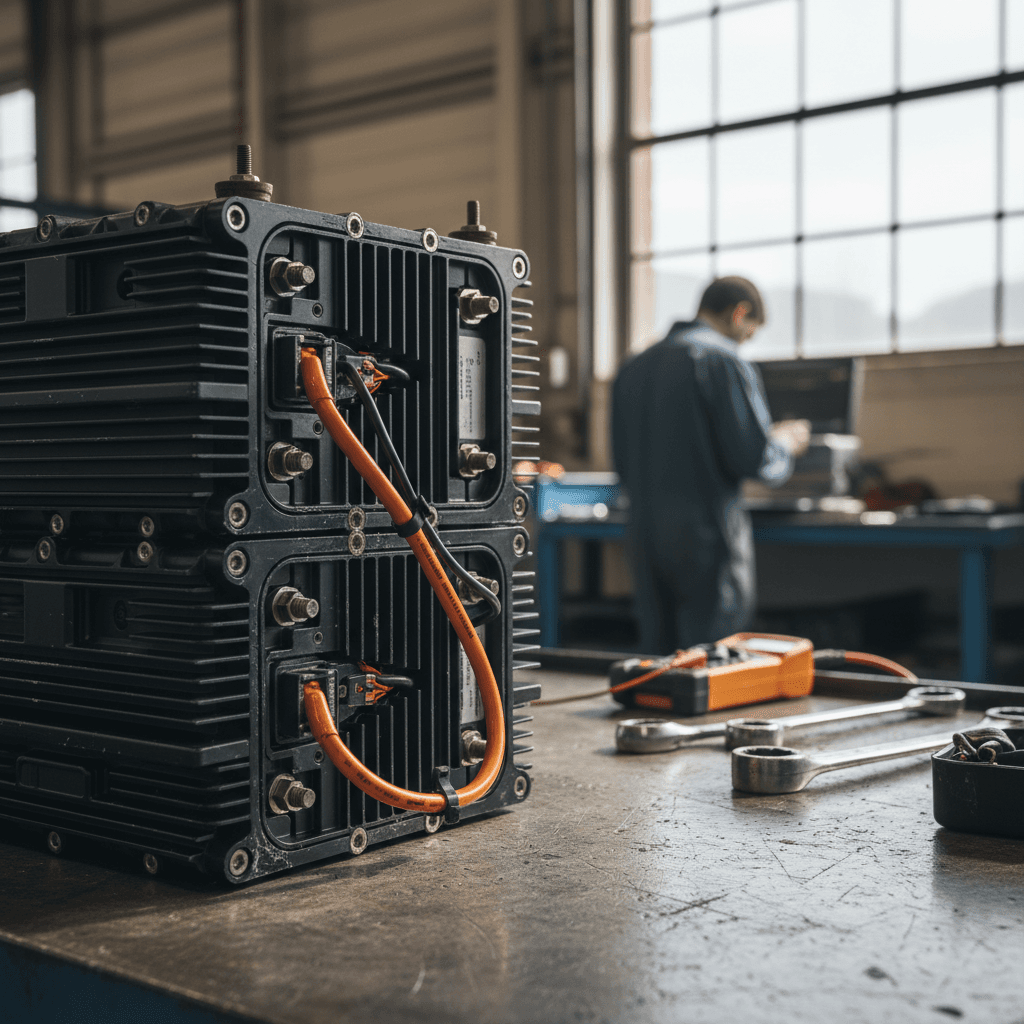
- Ask for recent range numbers: Have the seller share a photo of the car at 100% charge with the estimated range displayed. Compare it to the original EPA figure for that trim and wheel size.
- Check daily charge limits: Many owners set the Air to 70–80% for daily use, which is good. If they regularly charged to 100% and fast‑charged often, ask more questions about usage.
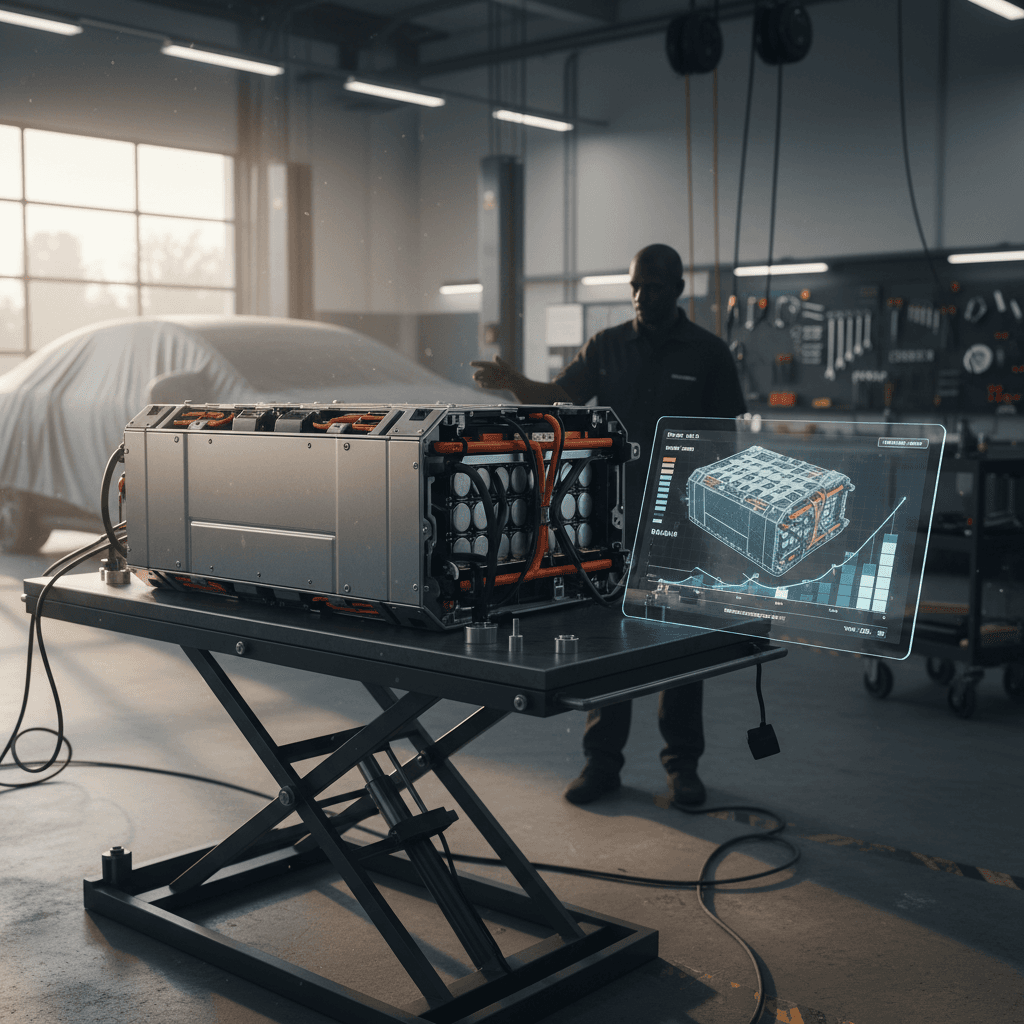
- Look for Lucid service records: Ask specifically whether the high‑voltage battery has ever been serviced, replaced, or software‑limited.
- Use a third‑party battery report: When you buy through Recharged, every vehicle comes with a Recharged Score that includes verified battery health diagnostics, so you’re not guessing about pack condition.
Charging capability checklist
- Confirm CCS fast‑charging: All existing Airs use the CCS1 connector for DC fast charging. Make sure the charge port door operates smoothly and the car recognizes a DC charger in the test drive.
- Ask about DC fast‑charging habits: Lucid’s own guidance recommends relying on AC charging for daily use and reserving DC fast charging for trips. Heavy DC use isn’t automatically bad, but it raises the stakes for a documented battery health check.
- NACS / Tesla Supercharger adapter: Starting in the mid‑2020s, Lucid Air owners gained access to Tesla’s Superchargers via a NACS‑to‑CCS adapter. If the car includes this adapter, inspect it and confirm it’s linked correctly in the car’s software/app.
- Home charging hardware: Ask if a mobile charging kit or wallbox is included. Replacing a lost OEM cable is several hundred dollars; that should factor into your offer.
Watch for suspiciously low range
Step 4: Inspect condition, mileage, and service history
Because the Lucid Air is a premium EV with advanced hardware and software, a small cosmetic issue can sometimes mask a deeper problem. Your Lucid Air buying checklist should push you beyond “it looks clean” into a structured inspection.
- Walk around the car in good daylight and check panel gaps, door alignment, and glass edges, early cars in particular may show minor build‑quality issues that should at least be documented.
- Inspect wheels and tires for curb rash, uneven wear, or budget tire brands that don’t match the car’s performance level.
- Open and close all doors, the frunk, and trunk multiple times. Pay attention to soft‑close behavior, latching, and any grinding or binding noises.
- Sit in every seating position and check seat controls, lumbar support, heating and ventilation (if equipped), plus seat belts and folding mechanisms.
- Verify climate control operation from both front and rear seats. Confirm that vents, rear controls, and sunshades (if equipped) all work.
Service history and mileage checks
Confirm scheduled service and recalls
Ask for a printout of all service from Lucid and any independent shops. Verify that recall or service campaign work has been completed, especially for early production years.
Inspect for collision repairs
Look for overspray, mismatched paint, non‑OEM glass, or frame machine marks underneath. A clean Carfax isn’t a guarantee, use your eyes and, if in doubt, a professional inspection.
Check underbody and suspension
If possible, put the car on a lift and check for scrapes, bent aero panels, or leaks from dampers. The Air sits low, and repeated curb strikes can get expensive.
Evaluate mileage in context
A high‑mileage Lucid Air isn’t automatically bad, highway miles are usually easier on the battery than short trips. Focus on how the car was used, not just the odometer number.
Where Recharged fits in
Step 5: Software, features, and driver-assistance
The Lucid Air’s software stack is powerful, but that also means a lot can be misconfigured, or simply out of date, on a used car. Treat software and driver‑assistance as part of your Lucid Air buying checklist, not an afterthought.
Infotainment and connectivity
- Confirm the car is running recent software. Ask the seller to show the software version and update history in the settings menu.
- Test navigation, including EV‑specific features such as charger routing and battery preconditioning for fast charging.
- Pair your phone via Bluetooth and, if available, test wireless features like media streaming and phone integration.
- Cycle through the main screens (driver display and central screens) to look for lag, frozen tiles, or rebooting issues.
Driver‑assistance systems
- On a safe test‑drive route, verify adaptive cruise control, lane centering, blind‑spot monitoring, and parking cameras.
- Confirm whether the car has DreamDrive or DreamDrive Pro. Pro cars should show additional options in the driver‑assist menus.
- Listen for beeps and alerts that may suggest sensor or calibration issues (for example, persistent front radar blockage warnings).
- Check that all exterior cameras are clean and functional, especially after glass or body repairs.
Don’t ignore warning lights
Step 6: Warranty coverage and total cost of ownership
On a six‑figure luxury EV packed with new technology, warranty status is a major line item. When you’re following a Lucid Air buying checklist, you should know exactly what is and isn’t covered, and for how long, before you negotiate price.
Warranty checklist
- Ask for in‑service date: This starts the factory warranty clock. A car first sold in late 2022 will have different remaining coverage than a 2024 example with similar miles.
- Separate basic vs. battery warranty: Most EVs have a shorter bumper‑to‑bumper term and a longer high‑voltage battery warranty with mileage limits. Confirm both and ask for documentation.
- Check for extended or CPO coverage: Some Lucid Airs may be sold as certified pre‑owned (CPO) through Lucid with extra coverage. Others may carry a third‑party service contract, ask to read the fine print either way.
- Verify transferability: Not all extended warranties transfer automatically when a car is sold privately. Get written confirmation from the provider if you’re relying on that coverage.
Ongoing cost checklist
- Insurance: Get real quotes using the specific VIN. Lucid Air repair costs and parts availability can make premiums higher than a comparable gas sedan.
- Charging: Estimate monthly home charging costs using your kWh rate and mileage, plus any DC fast‑charging you expect on road trips.
- Tires and brakes: High‑performance EV tires and large brake components aren’t cheap. Budget for premium rubber, especially on Sapphire, Grand Touring, or big‑wheel cars.
- Software and connectivity: Make sure you understand which connectivity or driver‑assist features are subscription‑based, and what happens if a previous owner’s plan expires.
Why a verified report helps
Ready to find your next EV?
Browse VehiclesStep 7: Test-drive checklist for a Lucid Air
A Lucid Air should feel like a modern luxury flagship: quiet, composed, and brutally quick when you ask for it. Your test drive is the best chance to confirm that reality matches the spec sheet.
On‑road Lucid Air test‑drive checklist
Start‑up and initial checks
From cold, listen for unusual clunks or creaks as the suspension wakes up. Confirm that the central and driver displays boot quickly and connect to your test profile without errors.
Low‑speed maneuvering
In a parking lot, check steering feel, parking cameras, and parking sensors. Turn the wheel to full lock in both directions and listen for popping or grinding noises from the front end.
Ride quality and noise
On a rough surface, note how the car absorbs bumps. You’re listening for rattles from the dash, seats, or glass roof, and feeling for harsh impacts that might point to bent wheels or worn dampers.
Acceleration and braking
In a safe, straight section, do a few moderate and one full‑throttle pull. The car should track straight with no strange vibrations. Test regenerative braking at different settings and make a few hard stops to gauge brake feel.
Highway behavior
At highway speeds, try adaptive cruise and lane‑keeping where legal. The car should stay centered without ping‑ponging between lane lines. Wind noise around mirrors or the glass roof should be controlled for this segment of the market.
Charging simulation
End the drive near a public charger if possible. Even if you don’t fully charge, plug in briefly to confirm that the port door, locking ring, and charging communication work as expected.
Step 8: Buying a used Lucid Air safely
Buying any used luxury EV adds a layer of risk, and with a relatively new brand like Lucid, it’s even more important to control what you can. Treat this final phase of your Lucid Air buying checklist as a risk‑reduction exercise.
Safer ways to buy a used Lucid Air
Minimize surprises with the right partners and paperwork.
Document verification
- Match the VIN across the title, registration, and the vehicle itself.
- Confirm there are no open liens or branded titles.
- Review recall status using the VIN on Lucid’s or NHTSA’s site.
Independent inspection
- Use a shop or mobile inspector with EV experience.
- Ask them to focus on battery health indicators, suspension, steering, brakes, and evidence of collision repairs.
- Get their findings in writing.
Use an EV‑specialist marketplace
- Buying through an EV‑focused retailer like Recharged gets you battery diagnostics baked in, transparent pricing, and guided financing.
- You can also get an instant offer on your trade‑in and arrange nationwide delivery without visiting a showroom.
Prefer an in‑person look?
Lucid Air buying checklist summary
A Lucid Air can be one of the most rewarding EVs you can own, ultra‑long range, fast charging, a striking design, and a quiet, high‑tech cabin. But those strengths only pay off if the specific car you buy has the right trim, a healthy battery, clean software, and clear warranty coverage. Use this Lucid Air buying checklist to move methodically: clarify your use case and budget, understand trims and options, verify range and charging behavior, inspect condition and service history, verify software and driver‑assist systems, and lock down warranty and total ownership costs before you negotiate.
If you’d rather not manage all of that alone, consider shopping for a used Lucid Air through Recharged. Every vehicle includes a Recharged Score battery health report, fair market pricing, EV‑savvy support from first click to final signature, and options for financing, trade‑in, and home delivery, so you can focus on choosing the right car, not decoding whether it’s a good one.