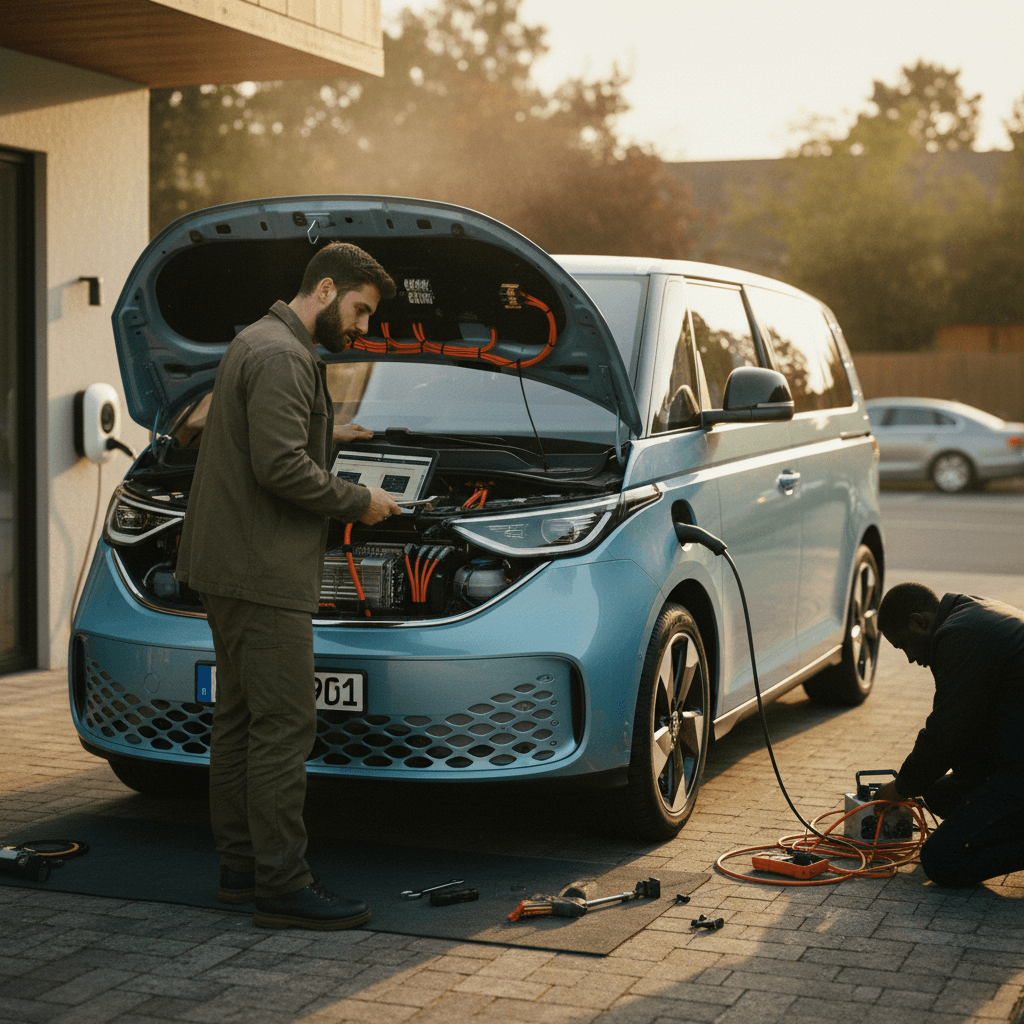
If you’re eyeing a VW ID. Buzz, or already own one, you’ve probably heard mixed things about VW’s electric minivan. The good news: most VW ID. Buzz common problems and fixes are now well understood, and many are software- or warranty-related rather than true mechanical failures. This guide walks you through the most frequent complaints, what usually causes them, and how to fix or avoid them, with special attention for used buyers.
Quick context
Overview: How Reliable Is the VW ID. Buzz So Far?
Because the ID. Buzz is new and shares its MEB platform with other ID models (ID.4, ID.7), hard long‑term data is limited. Early feedback suggests a pattern familiar from those siblings: solid core hardware, but fussy software and charging behavior. Most headaches show up in the first year as owners learn the software and VW issues updates.
Early VW ID. Buzz Reliability Snapshot (Informal Owner Trends)
Tip for used shoppers
1. Software and Infotainment Glitches
Ask ID. Buzz owners what bugs them most, and you’ll hear the same theme: software weirdness. That ranges from occasional freezes to charging schedules that ignore your settings or disappear entirely. Much of this behavior mirrors issues seen in the ID.4 and other MEB-platform EVs.
Common ID. Buzz Software Problems
What happens, why it matters, and simple first fixes
Glitchy charging schedules
Owners report the Buzz suddenly switching from “charge by departure” to “charge immediately,” or forgetting saved home locations and schedules.
Impact: You wake up to a van that’s not charged, or charged at the wrong time, missing off‑peak rates.
Frozen or laggy infotainment
The main screen can lag, drop Apple CarPlay/Android Auto, or require a reboot. It’s usually annoying more than dangerous.
Impact: Lost navigation, climate controls hidden behind slow menus, and frustrated drivers.
Random settings resets
Sounds, driver profiles, or driver‑assist preferences occasionally reset on their own after an update or crash.
Impact: Inconvenience and confusion, especially if you share the van with multiple drivers.
Watch your charge limit
Fast fixes for software annoyances
- Soft reset the infotainment: Hold the volume/power knob or designated reset button until the screen reboots. This clears many one‑off glitches.
- Check app and car versions: Make sure the VW companion app and the car’s software are both up to date. VW quietly patches a lot of ID-family bugs over the air.
- Re‑save charging locations: If the Buzz “forgets” your home, delete any old entries and re‑add home with your preferred departure time and charge limit.
- Avoid dueling schedules: If your wallbox or utility has its own schedule, turn off one scheduler so only the ID. Buzz or the charger, not both, is deciding when to start.
- Factory reset (last resort): Settings → System → Factory settings. This wipes profiles and personalization, but can clear deep software conflicts. Do this only if you’re ready to set everything up again.
When updates help
Ready to find your next EV?
Browse Vehicles2. VW ID. Buzz Charging Problems and Fixes
Most ID. Buzz charging problems boil down to three buckets: home AC charging quirks, DC fast‑charging failures, and communication issues with specific EVSEs. The van’s hardware is capable, but the software that manages charging can be picky about how and where you plug in.
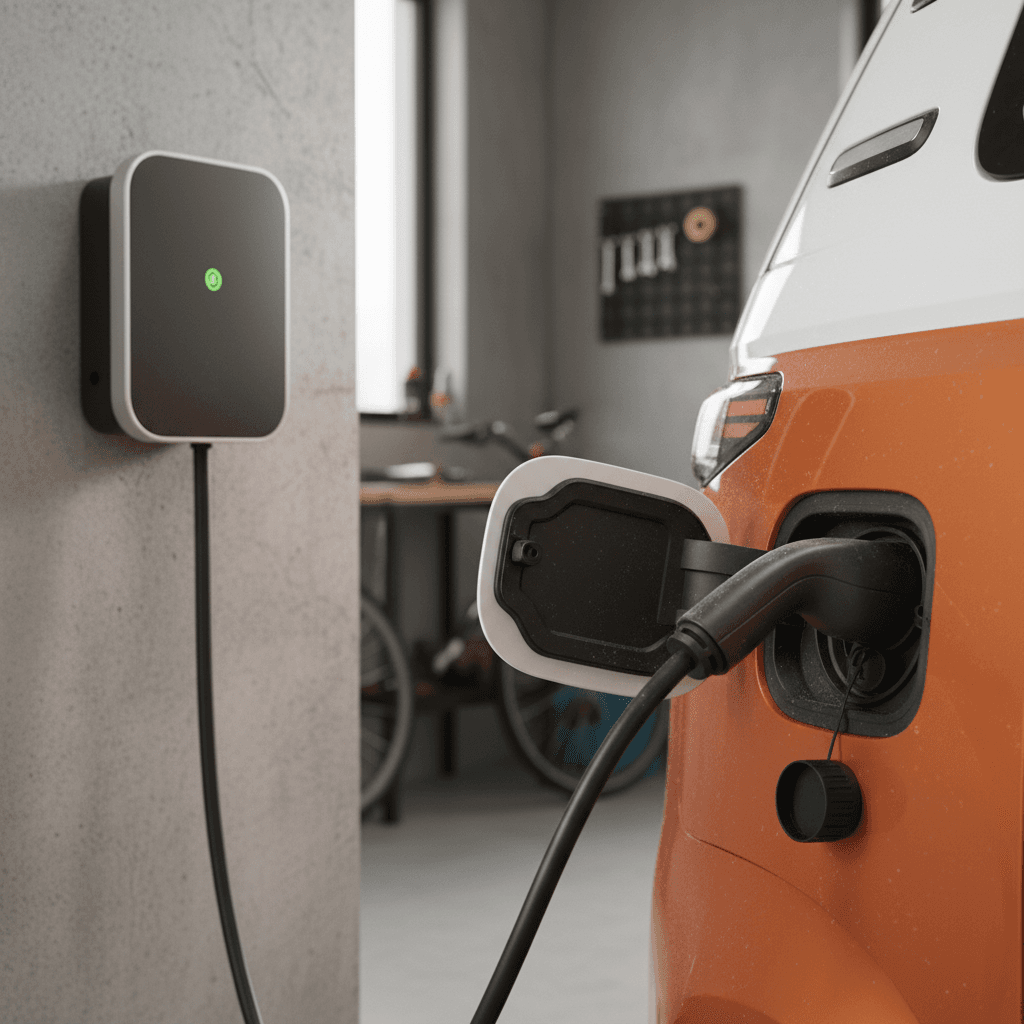
Home Level 2 charging quirks
At home, owners sometimes see the Buzz start charging, then stop after a few percent, or refuse to restart after using the app to pause charging. In other cases, the van simply ignores its own schedule and sits idle all night.
Checklist: Fixing Home Charging Issues
1. Verify the charge limit and schedule
On the center screen, confirm your current charge limit (for example, 80%) and departure time, and make sure the mode is set to “charge by departure” or your equivalent preferred schedule, not “immediate charging.”
2. Check for charger‑side scheduling
If your wallbox or utility app has its own time‑of‑use schedule, disable it temporarily. Let the Buzz control timing alone and see if reliability improves.
3. Try a manual restart
If charging won’t restart from the app, unlock the cable, unplug from the car for 30 seconds, then plug back in and lock again. Many owners report this clears communication errors with simple Level 2 units.
4. Inspect the outlet and plug
For portable units on 14‑50 or 240 V outlets, check for heat discoloration or loose plugs. An overheating outlet can cause the EVSE, not the van, to stop charging intermittently.
5. Test another EV or charger
If possible, test the same charger with another EV, or your Buzz with a different charger. This helps you figure out whether the weak link is the van, the EVSE, or the wiring.
DC fast‑charging failures
A smaller, but painful, subset of owners report that DC fast charging on CCS stations ramps up briefly, then shuts down with warnings like “charging socket not working” or “electrical system not working correctly.” In some documented cases, dealerships have replaced the DC charging module and then the charge port itself before the issue was resolved.
Don’t ignore repeated DC fast‑charge errors
- Before assuming a hardware failure, check that the Buzz’s charge current is set to max in the charging menu.
- Try at least two different fast‑charging networks and power levels (e.g., 150 kW and 350 kW) to rule out a single bad station.
- If the dealer “can’t duplicate” the problem, ask them to accompany you to a nearby public fast charger or provide a written note of the codes they saw when testing.
Compatibility with budget EVSEs
Another recurring theme: the Buzz behaves fine with one brand of wallbox but stumbles with a no‑name or budget Level 2 charger. Symptoms include refusing to restart after an app‑initiated pause, or throwing a red error light at the port even though the charger itself looks “ready.”
If your Buzz hates your charger
3. Battery Health and Real-World Range Concerns
Because all U.S. ID. Buzz vans are still young, there’s no broad pattern of severe battery degradation yet. What owners do report is optimistic range estimates and noticeable swings with weather and speed, which can feel like a problem even when the pack is healthy.
What owners typically see
- Highway range often lands in the 210–230 mile window on U.S. long‑wheelbase models, depending on load and speed.
- Cold weather, headwinds, and fully loaded cabins can pull range into the 180–200 mile band.
- The guess‑o‑meter (range estimator) can jump around after software updates or following several short trips.
Healthy vs. unhealthy behavior
- Healthy: Range changes predictably with speed, temperature, and driving style, but the van still charges to the expected kWh.
- Potential issue: Sudden, persistent loss of 10–20% range with no lifestyle change, or very slow fast‑charging, can point to a battery or thermal‑management concern.
Everyday Habits to Protect Your ID. Buzz Battery
Stay near 20–80% for daily use
Use 100% only before road trips. Even if VW occasionally overrides your limit, keeping day‑to‑day SoC moderate is still the best long‑term strategy.
Avoid repeated 0% arrivals
Running the pack down to “turtle mode” regularly is harder on any EV. Try to plug in around 10–15% instead of 0%.
Precondition while plugged in
In cold or hot weather, pre‑heat or pre‑cool the van while it’s plugged in so the pack and cabin reach temperature without drawing solely from the battery.
Monitor trends over time
Use the onboard energy screens to watch long‑term kWh/100 mi or mi/kWh rather than obsessing over one road trip.
How Recharged looks at battery health
4. Recalls and Known Safety Campaigns
Despite low sales volume, the ID. Buzz has already been through a couple of high‑visibility recalls. The most notable involves the third‑row bench seat and seat‑belt compliance on U.S. vans.
Key Early VW ID. Buzz Recalls (U.S. Focus)
Always run a VIN check with NHTSA or Volkswagen to see the full, current list for a specific van.
| Issue | Model years/build range | Symptoms or risk | Typical dealer fix |
|---|---|---|---|
| Third-row bench too wide | Early 2025 U.S. builds | Seat wide enough for three occupants but only two belts; potential for an unbelted passenger in a crash. | Install fixed trim pieces to narrow usable width; dealers cannot sell affected vans until repaired. |
| Incorrect emergency brake warning color | Overlapping early 2025 production | Dashboard emergency brake alert displayed amber instead of required red, potentially confusing drivers. | Cluster software or component update to correct warning‑light color. |
Recalls are performed free at franchised VW dealers and should be completed before you take delivery of any used ID. Buzz.
Used‑buyer must-do: verify recall status
5. Suspension, Brakes, and Other Wear Items
Mechanically, the ID. Buzz is far closer to a mainstream minivan than an exotic. Still, it’s a heavy EV, and that weight shows up in how quickly some wear items age, especially if the van hauls people and gear daily.
Typical Wear‑Item Complaints on the ID. Buzz
These aren’t unique failures, just areas to watch more closely on a heavy electric van.
Tires
Like most EVs, the Buzz can be hard on tires, especially if driven loaded or with frequent highway miles. Inside shoulder wear appears if alignment is off.
Fix: Rotate on schedule, keep pressures correct, and have alignment checked after pothole hits.
Suspension bushings
Extra curb weight can accelerate wear on control‑arm bushings and sway‑bar links, leading to clunks or looseness.
Fix: Replace worn components; many are shared with other ID models and not exotic.
Brake components
Regenerative braking means pads may last a long time but can also rust from lack of use in wet climates.
Fix: Ask a shop to inspect and clean slides/rotors periodically; do a few firm stops in “less regen” mode now and then.
Pre‑purchase inspection still matters
6. How to Spot These Problems When Shopping Used
If you’re test‑driving a used ID. Buzz, you won’t have months to experience every bug. But you can still smoke out many common issues in a single visit by being deliberate about what you test.
Used VW ID. Buzz Inspection Checklist
Confirm software and recall history
Ask for a printout showing completed software campaigns and recalls. In the menus, check the software version and compare it to VW’s latest bulletins when possible.
Stress‑test the infotainment
Pair your phone, run CarPlay or Android Auto, change drive modes, and switch screens repeatedly. Note any freezes, black screens, or forced reboots.
Test all charging modes
If the seller allows, plug into a Level 2 charger and try starting/stopping sessions from the app. On a long test, visit a DC fast charger to confirm the van charges at reasonable speed without error codes.
Check charging schedules
Set a temporary departure‑time schedule and confirm the Buzz recognizes the current location and shows the correct planned charge window.
Listen and feel on the road
On your drive, pay attention to suspension clunks, alignment pull, or steering vibration, especially at highway speeds. These can signal alignment or suspension wear.
Inspect tires and brakes visually
Look for uneven tire wear, cracking sidewalls, or rusty, deeply grooved brake rotors. These items add up quickly on a heavy EV minivan.
How Recharged simplifies this
7. DIY vs Dealer: When to Get Help
Some ID. Buzz problems are safe to chase at home; others should go straight to a VW service bay. The trick is knowing which is which.
Good DIY or owner‑level fixes
- Resetting and re‑saving charging locations and schedules.
- Soft‑resetting or factory‑resetting the infotainment system.
- Tweaking wallbox settings (max amperage, schedules, firmware updates).
- Rotating tires (if you have the tools) and tracking pressures.
Dealer or specialist territory
- Repeated DC fast‑charging failures across multiple stations.
- Persistent high‑voltage or “electrical system” warning lights.
- Suspension knocks, steering play, or severe brake rust.
- Any open recall work, especially seat/seat‑belt or warning‑light campaigns.
High‑voltage safety reminder
If you’re not near a VW dealer, look for an independent shop that advertises EV experience and has access to OEM‑level scan tools. For Recharged customers, our EV‑specialist team can help you interpret warning lights and decide whether an issue is minor or a deal‑breaker before you move forward on a specific van.
VW ID. Buzz Problems: Frequently Asked Questions
Frequently Asked Questions About VW ID. Buzz Problems
Bottom Line: Is the VW ID. Buzz a Good Long-Term Bet?
Taken together, the VW ID. Buzz’s most common problems are less about catastrophic failures and more about living with a first‑generation software stack. Charging quirks, finicky schedules, and infotainment frustrations can be real, but they’re usually solvable with updates and careful setup. Hardware issues like faulty DC charging modules or alignment‑sensitive tire wear show up in a clear pattern and are fixable when caught early.
If you’re shopping used, focus on three things: recall and software history, verified battery health, and a thorough road test that includes real charging. That’s exactly what Recharged’s Recharged Score Report is designed to surface, so you can enjoy the charm of an electric microbus without inheriting someone else’s headaches. Do that, and the ID. Buzz can be more of what you wanted in the first place, a practical, distinctive EV that feels more like a modern living room on wheels than a science experiment.