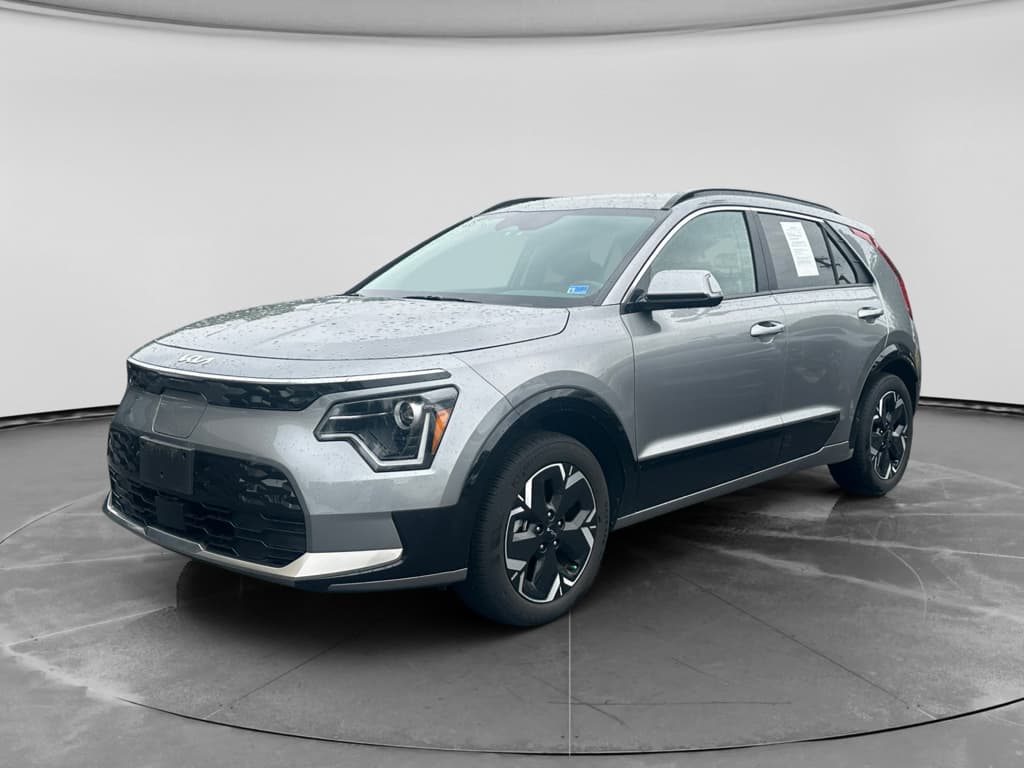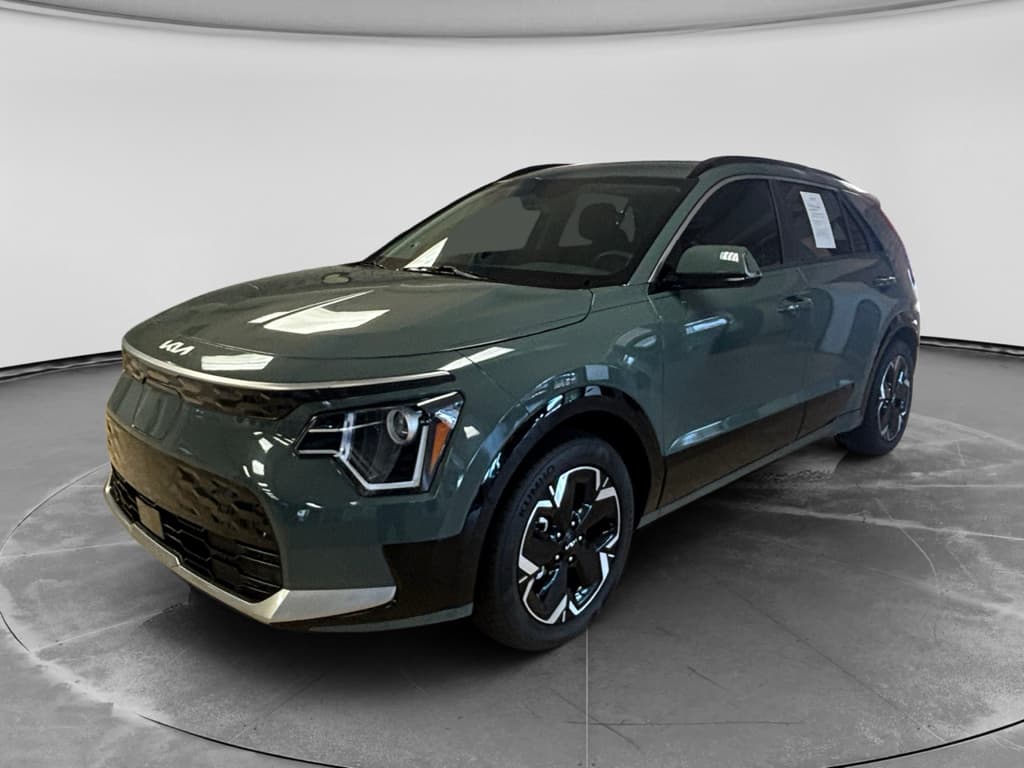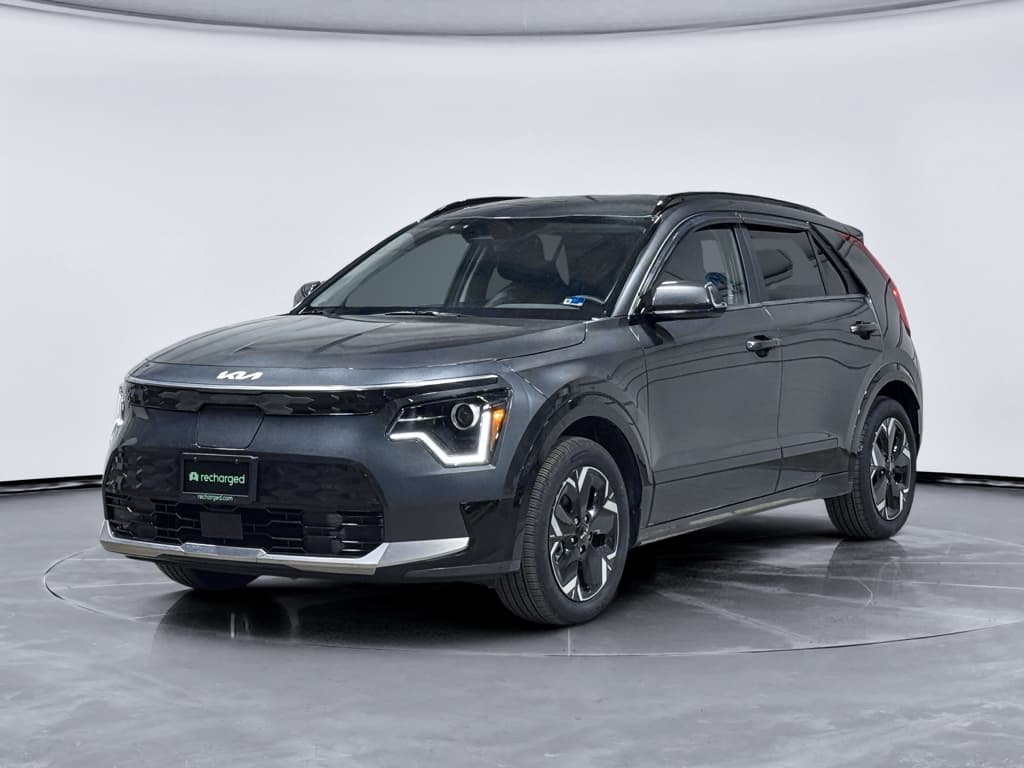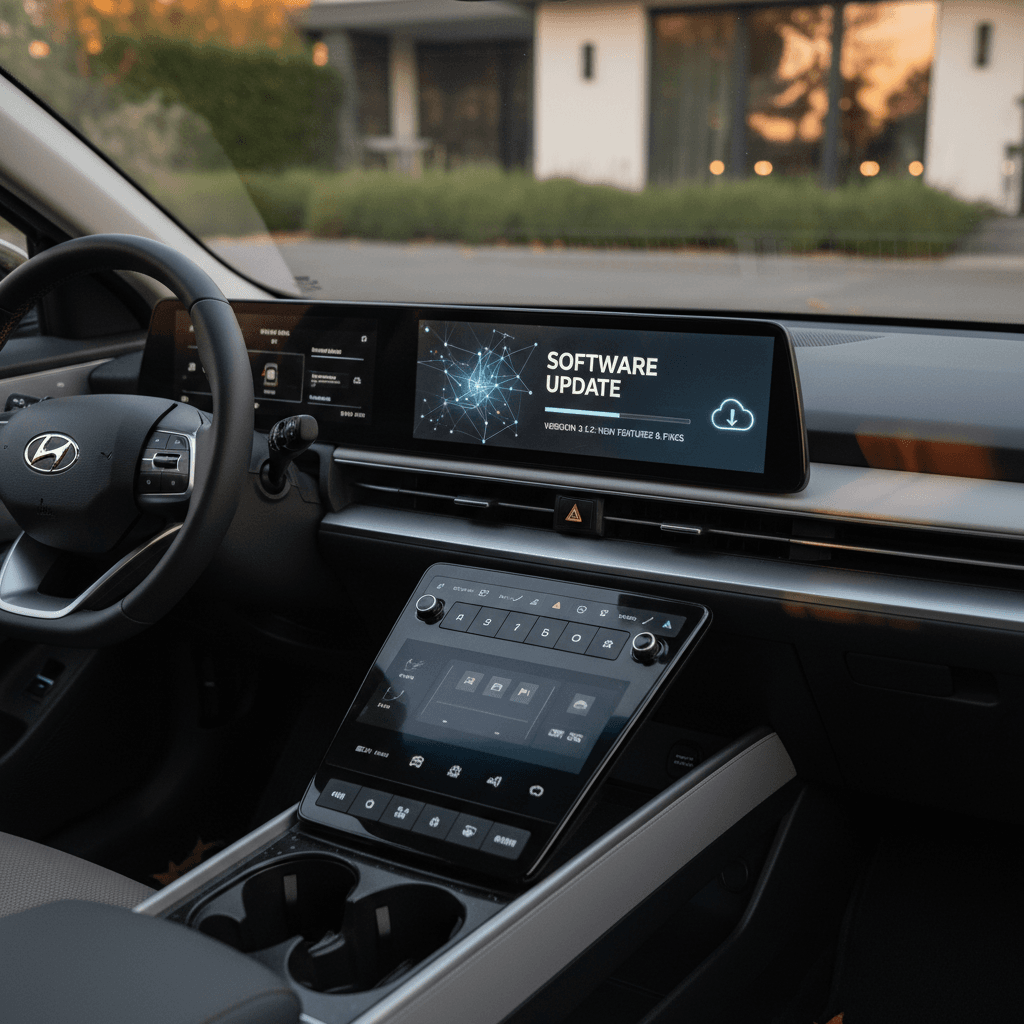
If you own, or are shopping for, a Kia Niro EV, keeping up with software matters almost as much as changing the cabin air filter. The car’s brains run your navigation, driver‑assist features, charging logic, and even some range estimates, and Kia has pushed out a steady stream of updates since the original 2019 Niro EV. This guide walks through the Kia Niro EV software update history, what’s actually changed over the years, and how to safely update your own car.
Quick note on precision
Why Kia Niro EV software updates matter
Four reasons not to ignore Niro EV updates
They’re free performance, safety, and convenience upgrades, if you actually install them.
Better efficiency and range logic
Updates can tweak how the car estimates range and manages HVAC loads, leading to more realistic numbers on the dash and, in some cases, slightly better real‑world efficiency.
Driver‑assist refinements
Lane‑keeping, smart cruise, and collision‑avoidance behavior are software‑tuned. Later updates have tightened steering feel, reduced false alarms, and improved curve handling on many Kia platforms.
Fresher maps and POIs
Navigation updates don’t just add new roads. They improve search results, add EV‑friendly POIs, and in some regions enhance charger listings and routing logic.
Connectivity & OTA groundwork
On newer Niro EVs, early updates laid the foundation for wireless (OTA) updates and better Kia Connect integration, so future fixes arrive with less effort.
Unlike an engine control unit reflash twenty years ago, modern Kia updates are largely owner‑driven: you’ll either download them via Kia’s Navigation Updater tool onto a USB drive, or, on 2023+ cars in some markets, let the Niro pull them down over Wi‑Fi or cellular in the background. Either way, think of these as free generational improvements sprinkled across the life of the car.
Kia Niro EV infotainment platforms in plain English
First‑gen Niro EV (2019–2022, some 2023 carryover)
- Head unit: "Standard Gen5W" navigation on higher trims; smaller non‑nav screens on some base cars.
- Update method: USB download via Kia’s Navigation Updater, dealer update, or, on some late cars, Wi‑Fi in certain regions.
- What’s updated: Map data, infotainment OS, Bluetooth/CarPlay/Android Auto behavior, some instrument‑cluster graphics.
Second‑gen Niro EV (2023+ SG2 platform)
- Head unit: Still based on Gen5W family in North America, but with the dual 10.25‑inch screens and a more modern UI.
- Update method: USB or dealer for everyone; in some markets and trims, wireless (OTA) updates are enabled once the car is on a recent software baseline.
- What’s updated: Everything from navigation and voice recognition to Kia Connect apps, charge‑limit settings, and small UX tweaks (icons, menus, warning chimes).
Why your friend’s Niro doesn’t match yours
Kia Niro EV software update history by model year
Kia doesn’t market every update like a smartphone OS launch, but owners and Kia’s navigation‑update portal give us a clear timeline of how Niro EV software has evolved. Here’s the bird’s‑eye view, focused mainly on infotainment and navigation (the parts you can directly update) with notes on broader vehicle behavior when it’s clearly tied to those updates.
High‑level Kia Niro EV software update history
A simplified look at how updates have rolled out. Exact version codes vary, but this tells you what changed when.
| Model year | Typical head unit | Key update windows | What changed most |
|---|---|---|---|
| 2019 | Early Gen5 navigation | 2019–2020 dealer campaigns; annual map updates | Map freshness, Bluetooth stability, early bug fixes. |
| 2020 | Gen5W navigation | 2021–2022 map/software updates | Better phone integration, CarPlay/Android Auto stability, UI polish. |
| 2021 | Gen5W navigation | 2022 map/software updates | More mature navigation, smoother cluster graphics, small UX changes. |
| 2022 | Gen5W navigation (pre‑redesign) | Late 2022–2023 updates | Incremental tweaks to driver‑assist messages, map and POI refresh. |
| 2023 | Gen5W wide dual‑screen (SG2) | Initial 2023 releases; notable March 2024 build; April 2025 US/Canada update | Refined UI, bug fixes, groundwork for wireless updates, minor feature additions like auto‑window settings in some regions. |
| 2024–2025 | Evolved Gen5W / early ccNC in some markets | 2024–2025 quarterly updates, including large April and October 2025 navigation updates on Kia’s site | More connected features, ongoing UX tweaks, map data and routing logic improvements. |
If you’re buying a used Niro EV, this table helps you ask, "Has this car at least had the big update for its model year?"
About exact version numbers
Major features added in Kia Niro EV updates
What owners actually noticed after Niro EV updates
Not every update is dramatic, but over a few years the car feels noticeably more polished.
Navigation & map improvements
- New and renamed streets, ramps, and exits.
- Better address and POI search.
- Cleaner route guidance and lane graphics.
Phone and media stability
- Fewer Bluetooth audio dropouts.
- Improved wired CarPlay/Android Auto reliability.
- Occasional tweaks to media sort order and resume behavior.
EV‑specific tweaks
- Smoother state‑of‑charge and range estimates.
- Better integration between nav routes and projected range on later cars.
- Charging‑screen UI adjustments.
Kia Connect & OTA groundwork
- Background support for over‑the‑air updates in markets where enabled.
- Improved app connectivity and remote‑feature reliability.
Driver‑assist UX
- Clearer lane‑keeping prompts.
- Occasional changes in warning sounds and timing.
- Menu options for convenience features such as auto‑window closing mentioned in late‑2023/early‑2024 notes for some regions.
Little quality‑of‑life touches
- Reorganized Settings menus.
- More consistent dark/light themes.
- Icon and font tweaks across the cluster and center screen.
How to check your Kia Niro EV software version
Find your current Niro EV software in under a minute
1. Park safely and power on
Park, set the parking brake, and switch the car to "ON" (ready) so the infotainment system is fully booted. Don’t start this process while you’re driving.
2. Open the Setup menu
Tap Setup on the bottom or side of the infotainment screen. On some trims it may be behind an on‑screen gear icon.
3. Go to General settings
Choose General. In older Niro EVs, the next step may be labeled System Info; on newer cars you’ll see Version info/Update.
4. Note software and map versions
Look for separate lines showing Software version and Map version. Often you’ll see a long code plus a date at the end, write that date down.
5. Compare against Kia’s update site
On a laptop or desktop, visit Kia’s official navigation update website, select your region and model year, and check whether there’s a newer package than what your car shows.
6. Keep a photo for your records
Snap a quick photo of the version screen. It’s handy if you ever need to document software history when selling the car, or if a dealer applies an update and you want to verify it.
How to update your Kia Niro EV software (USB, Wi‑Fi, OTA)
Depending on your model year and region, you’ll either use a USB drive with Kia’s Navigation Updater tool, connect the car to Wi‑Fi, or receive true over‑the‑air (OTA) updates. Here’s how to handle each path without bricking anything, or wasting an afternoon.
The golden rule of updating
Method 1: USB update via Navigation Updater
- On your computer, download and install Kia’s official Navigation Updater app for your region.
- Launch the app, select Kia → Niro EV → correct model year, and confirm the infotainment type (often labeled Standard Gen5W or similar).
- Insert a large, blank USB drive (32–64 GB is common, these update files can be huge). Let the app format it if prompted.
- Download the update package to the USB drive. This can take a while, especially for 40–50 GB map and software bundles.
- Once complete, safely eject the USB drive and take it to your Niro EV.
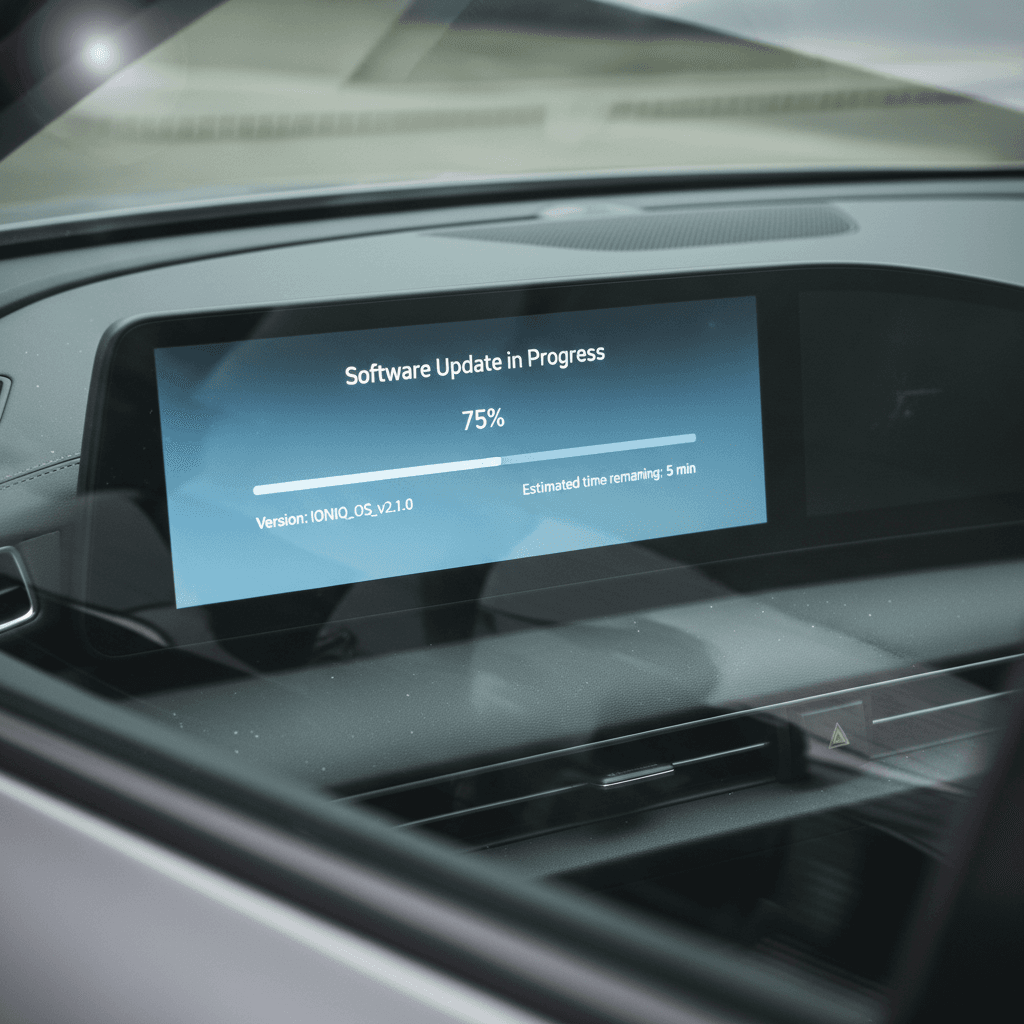
- With the car in Park and powered on, insert the USB into the dedicated data port. Follow on‑screen prompts to start the update and wait, typically 20–45 minutes.
Pro tip: let it run while you do something else
Method 2: Wireless updates via Wi‑Fi
Later‑model Niro EVs with Gen5W wide screens often support wireless updates over home Wi‑Fi once they’re on a recent enough baseline.
- Connect your Niro EV to a trusted Wi‑Fi network under Setup → Wi‑Fi.
- Leave the car powered on for a while; larger update files download in the background. You’ll usually see a download icon or a notification when an update is ready to install.
- Navigate to Setup → General → Version info/Update and follow any prompts to install the update. As with USB, don’t power down until it’s finished.
Why wireless sometimes stops working
Method 3: Over‑the‑air (OTA) updates via Kia Connect
On 2023+ Niro EVs in some markets, true OTA updates piggyback on your Kia Connect subscription. The car downloads new software automatically when it’s on, then prompts you to install it when convenient.
- Make sure Kia Connect is active and the car has cellular data coverage.
- When an OTA package is available, you’ll receive an in‑car notification. Some owners also see it in the Kia Connect app.
- Choose when to install, often immediately, on next start, or at a scheduled time. Plan for the car to be parked and undisturbed for the duration.
- After reboot, check Version info/Update to confirm the new software version and date.
Troubleshooting common Kia Niro EV update problems
Niro EV update annoyances, and how to fix them
You’re not the only one who’s stared at a frozen progress bar.
“Navigation Update downloads are temporarily unavailable”
This usually means Kia has pulled the update from its servers to fix a bug or is in the middle of posting a new package. Wait a few days and try again, or check owner forums to see when it returns.
USB not recognized in the car
Use a name‑brand USB 3.0 stick, let Navigation Updater format it, and plug into the data USB port (often labeled). Avoid using a hub or the rear ports.
Can’t find your exact model in Navigation Updater
If you drive a crossover year (for example, a 2022‑built 2023 Niro), double‑check the VIN and infotainment type. When in doubt, your Kia dealer can confirm which package applies.
Update seems stuck
Updates can sit at the same percentage for several minutes while rewriting different partitions. Unless you see an explicit error, resist the urge to turn the car off. If an error appears, follow the on‑screen instructions and try again with a freshly written USB.
When to let a dealer handle it
What software history means if you’re buying a used Kia Niro EV
For used‑EV shoppers, software history on a Kia Niro EV is a quiet but important clue. A car that’s still running its original 2020 firmware probably hasn’t had much attention; one that’s current on major updates is more likely to have been owned by someone who paid attention to maintenance and recalls.
Questions to ask the seller or dealer
- “When was the last software or navigation update?” Even a rough year helps.
- “Was it updated at a Kia dealer or at home?” Dealer receipts are a nice paper trail.
- “Do you have any screenshots or photos of the version screen?” This can confirm both recency and region‑correct software.
How Recharged handles Niro EV software
Every EV we list comes with a Recharged Score Report that covers battery health, charging performance, and key ownership details. For software‑sensitive models like the Niro EV, we also verify that the infotainment and navigation software are on a current, stable release or clearly note when an update is recommended. That way you’re not inheriting someone else’s overdue to‑do list.
Why software‑aware used shopping pays off
Good news for used‑Niro shoppers
FAQ: Kia Niro EV software updates
Common Kia Niro EV software questions
Bottom line: treat updates like free upgrades
The Kia Niro EV has evolved steadily through software, from early Gen5 navigation tweaks on 2019 models to substantial dual‑screen refinements and wireless‑update support on today’s cars. You don’t need to memorize every version code, but it does pay to check your current software, install the big annual updates, and keep an eye on Kia’s navigation‑update site if your car feels a step behind. And if you’re looking at a used Niro EV, asking about software history is a smart, low‑drama way to gauge how carefully the car’s been cared for.
At Recharged, we build that kind of diligence into every used EV we sell: you get a Recharged Score battery‑health report, transparent pricing, and expert guidance on things like software status, charging behavior, and ownership costs. Whether you buy from us or elsewhere, consider software updates part of your regular Niro EV maintenance, quiet, invisible, and absolutely worth doing.