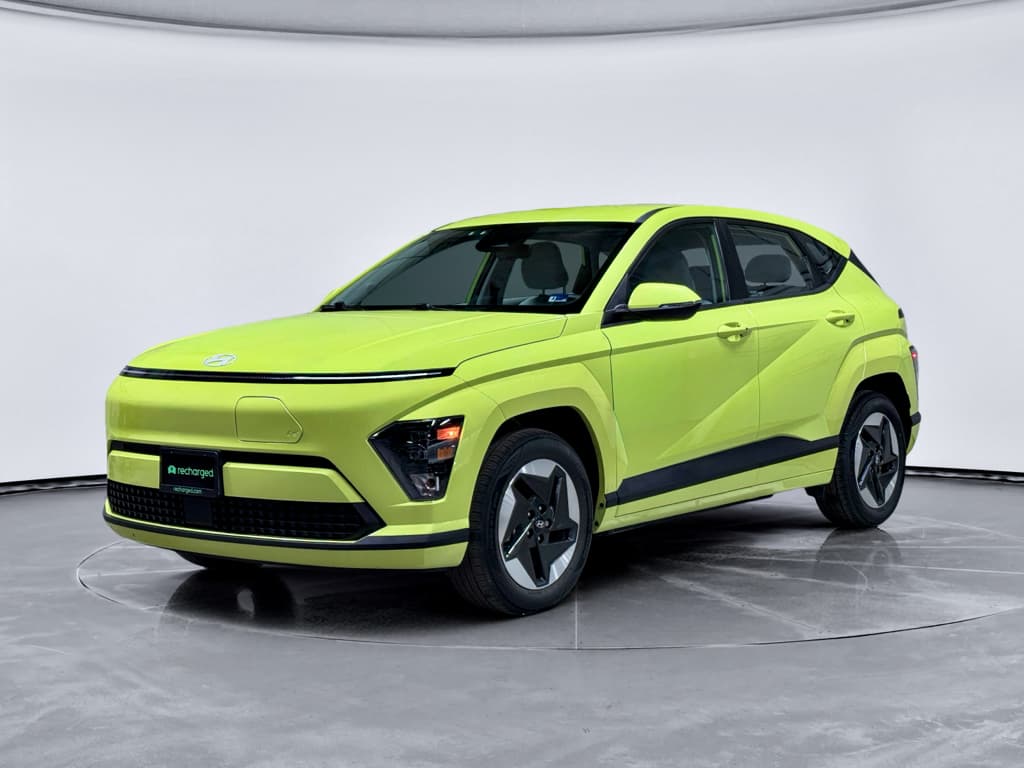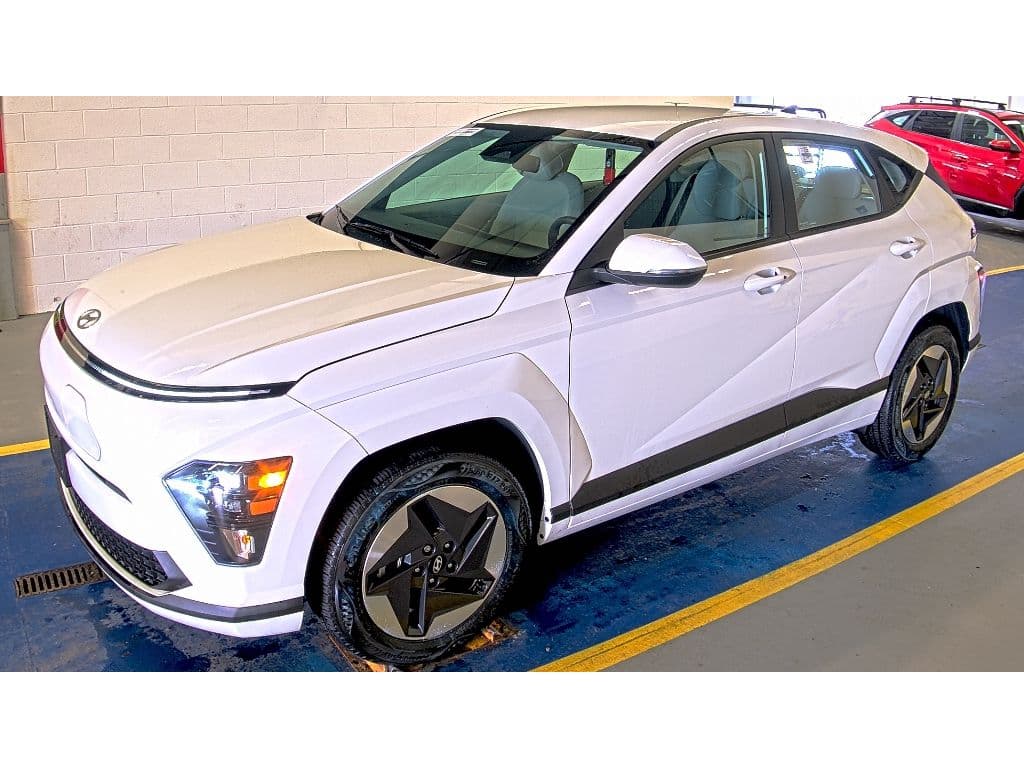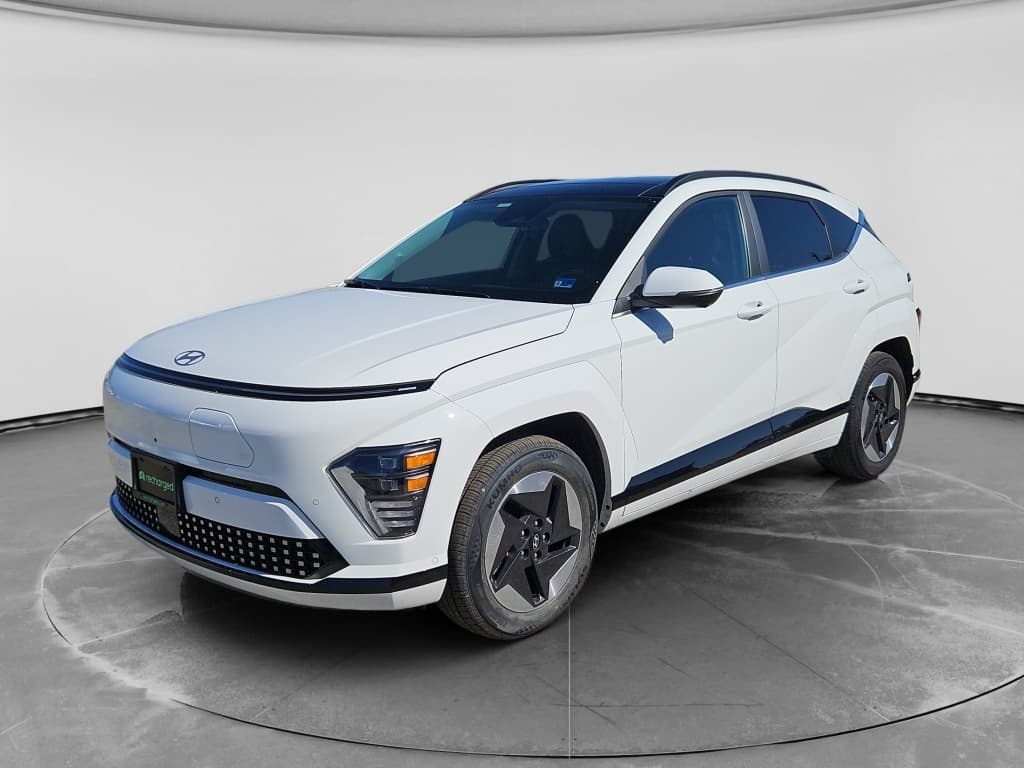
If you own, or are shopping for, a Hyundai Kona Electric, battery health is the single biggest factor behind real-world range, long-term reliability, and resale value. The challenge is that there’s no big “battery health” gauge on the dash. This guide walks you through exactly how to check Hyundai Kona Electric battery health, from quick checks you can do today to deeper diagnostics used by enthusiasts and dealers.
High-voltage vs. 12V battery
Why Hyundai Kona Electric battery health matters
On an EV like the Kona Electric, the traction battery is both the most expensive component and the main determinant of usable range. A healthy pack means you keep getting the EPA‑rated range you bought the car for, while a significantly degraded pack translates into more frequent charging, reduced road‑trip flexibility, and lower resale value.
Hyundai Kona Electric battery & warranty at a glance
Because Hyundai’s high‑voltage battery warranty usually hinges on capacity loss, knowing where your pack stands, especially as the car ages into year 6, 7, or 8, can be the difference between a warranty claim and paying out of pocket. And if you’re buying used, a disciplined battery health check should be as basic as checking accident history.
What “battery health” really means on a Kona Electric
When people talk about EV battery health, they usually mean state of health (SOH): the pack’s usable capacity today as a percentage of its original capacity. A brand‑new 64 kWh Kona pack is 100% by definition. If years later the pack can only store about 51 kWh, its SOH would be roughly 80%.
- SOH (State of Health): Estimate of how much capacity remains versus when new. This is what matters for range and warranty.
- SOC (State of Charge): The familiar percentage you see on the dash or in apps, how full the battery is right now.
- Range estimate: The car’s prediction of remaining miles. It’s influenced by your recent driving style and climate, not just SOH.
- DC fast‑charging behavior: A severely degraded or damaged pack may charge more slowly or throw warnings, but minor degradation usually doesn’t show up here.
BMS estimates aren’t perfect
Quick Hyundai Kona Electric battery health check from the driver’s seat
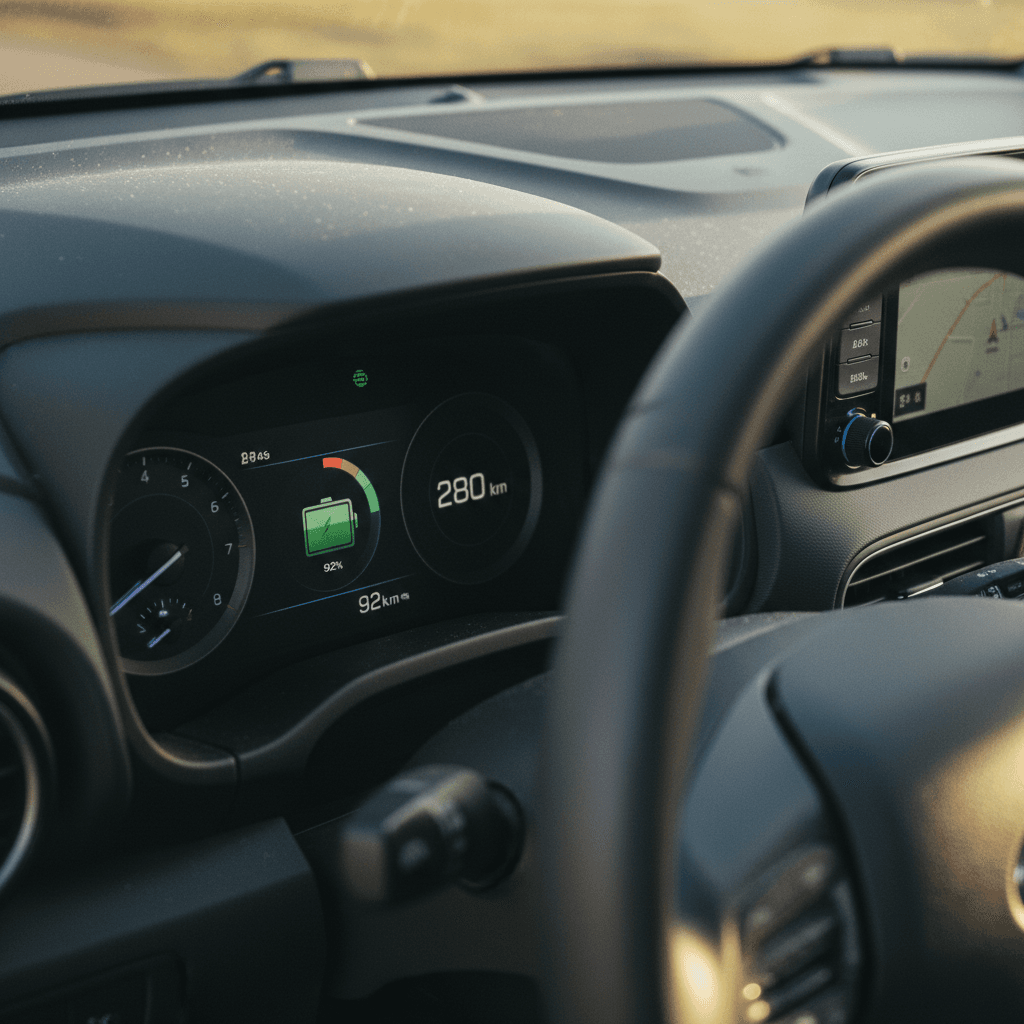
You can learn a surprising amount about your Kona Electric’s battery without any tools, just by watching how range and charging behave over a few days. This won’t give you a precise SOH number, but it’s a great first‑pass health check.
Simple in‑car battery health check
1. Start from a known SOC
Charge the car to a clearly defined level, ideally 100% for a one‑time test, or 80–90% if you want to stay in your usual routine. Note the battery percentage and displayed range right after charging completes.
2. Note the estimated full‑pack range
On the EV screen, look at the projected range at your chosen SOC. Divide the range by the SOC fraction (for example, 220 miles at 80% suggests about 275 miles at 100%). Compare that to the original EPA figure for your battery size.
3. Track miles vs. SOC over a week
Reset a trip meter. Over a few days of mixed driving, record miles driven and how much the SOC drops. If you repeatedly see much lower range than expected under similar conditions, that’s a flag worth investigating.
4. Watch for sudden jumps or drops
Occasional recalibration is normal, but if your SOC or range estimate drops sharply while parked or jumps around during steady driving, have the car scanned for error codes and battery issues.
5. Pay attention to warnings
Any persistent EV system, battery, or limited‑power warnings on the cluster are reasons to book a diagnostic visit with a Hyundai dealer or EV‑specialist shop as soon as possible.
How to check Hyundai Kona Electric battery status with apps
If your Kona Electric is equipped with connected services, Hyundai’s apps make it easier to monitor battery status remotely, schedule charging, and sometimes even run basic diagnostics. This is mostly about convenience and monitoring rather than precise SOH, but it still plays a role in a full health picture.
Kona Electric apps that help you track battery status
Start with Hyundai’s own tools, then add third‑party monitoring if you want more detail.
1. MyHyundai / Bluelink / Bluelink+
Most recent Kona Electrics in the U.S. and many other markets support some version of Hyundai’s connected services.
- Shows current SOC and estimated range.
- Lets you start or stop charging remotely.
- Offers remote vehicle status and basic health reports.
- In some regions, supports EV Battery Monitoring alerts if an abnormal condition is detected.
If you’re not sure which app applies to your car, your dealer or the owner’s portal can confirm based on VIN.
2. Third‑party trip & charging loggers
Apps like A Better Routeplanner, EV‑specific logging tools, or home‑charger apps can build a history of your charging and efficiency.
- Track kWh added vs. SOC change at home.
- Spot long‑term changes in efficiency and usable capacity.
- Combine with odometer readings to estimate degradation over years.
This doesn’t read the pack directly, but clear trends over 20,000–40,000 miles can be revealing.
3. Home charger and utility dashboards
Many Level 2 home chargers and some utilities offer detailed energy reports.
- See how many kWh your Kona pulls for a given SOC increase.
- Compare similar weather and trip patterns year‑over‑year.
- Cross‑check with the car’s own range estimates.
It’s indirect, but if you keep everything else consistent, you can spot shrinking usable capacity over time.
Use screenshots as a baseline
Getting a true state-of-health (SOH) reading with OBD2 tools
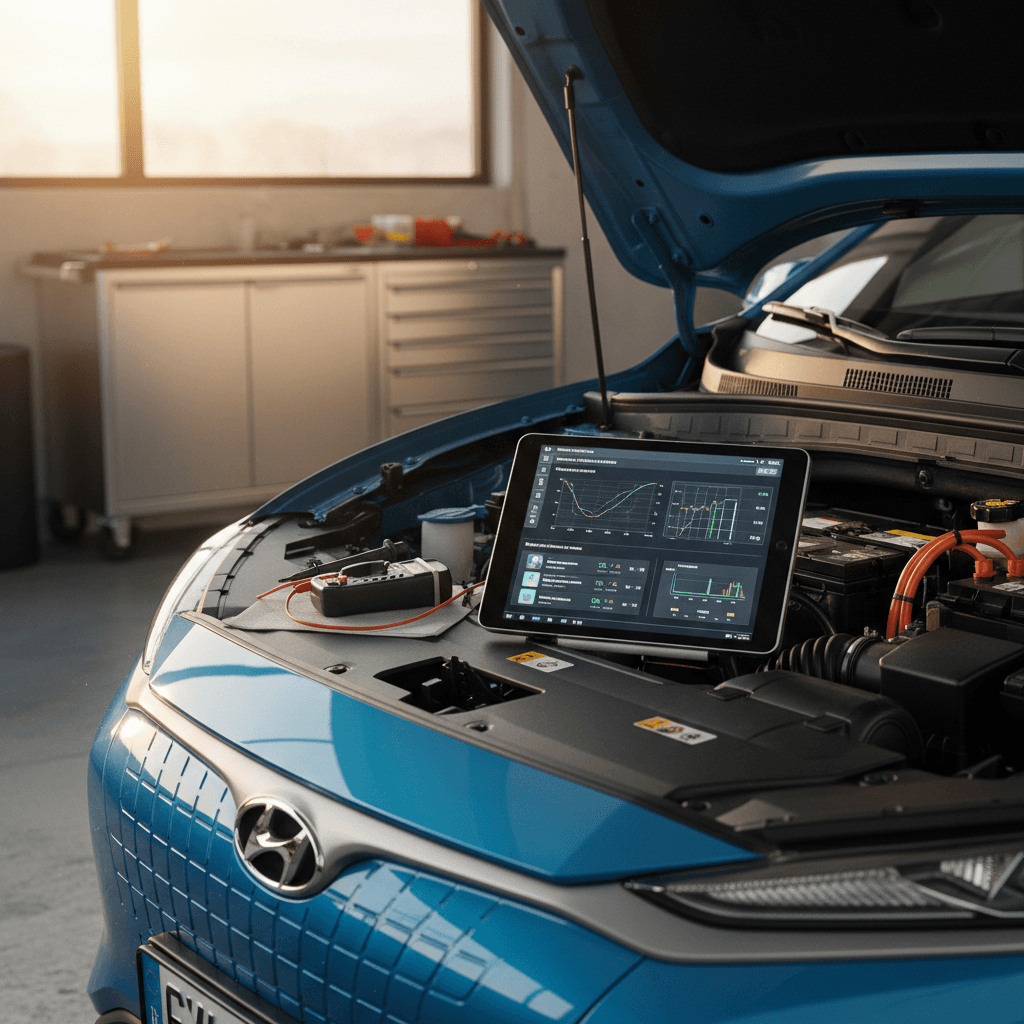
If you want to go deeper, or you’re evaluating a used Kona Electric before buying, an OBD2 scanner with the right app can pull battery SOH, cell voltages, temperature, and DC fast‑charge data straight from the car’s control units. This gets you much closer to how Hyundai itself evaluates the pack.
How to read Kona Electric battery SOH via OBD2
1. Get a compatible OBD2 dongle
Choose a reputable Bluetooth or Wi‑Fi OBD2 adapter known to work well with Hyundai/Kia EVs. Many Kona owners use adapters from brands like Vgate or OBDLink, paired with EV‑aware apps.
2. Install an EV‑aware app
Look for apps that explicitly mention support for Kona Electric / e‑Niro / e‑Soul profiles. These typically expose battery SOH, cell voltages, temperature sensors, and DC‑charging data that generic OBD apps won’t show.
3. Plug in safely
Locate the OBD2 port (usually under the dash above the driver’s footwell), plug in the adapter with the car off, then power the car to ON/READY. Avoid wiggling or unplugging the dongle while the car is awake to prevent communication glitches.
4. Read SOH and pack details
In your app’s EV‑specific dashboard, look for <strong>SOH%</strong>, usable capacity in kWh, minimum/maximum cell voltage, and temperature sensors. Take screenshots of these readings, including odometer and SOC.
5. Interpret carefully
Treat SOH as a guide, not gospel. Some Kona owners report that Hyundai’s internal SOH can be conservative or can jump after software updates or deep cycles. Compare the number with real‑world range and your own driving needs.
Be cautious with cheap OBD dongles
Dealer diagnostics & Hyundai battery warranty thresholds
For the purposes of warranty, the only opinion that ultimately counts is Hyundai’s. Dealers can connect factory diagnostic tools that read the same internal data Hyundai uses for warranty decisions on the Kona Electric’s high‑voltage battery.
What a Hyundai dealer can check
- High‑voltage battery SOH and usable capacity.
- Cell voltage spread and any weak modules.
- Thermal faults or history of overheating.
- DC fast‑charging behavior and error codes.
- Software updates or campaigns affecting the battery.
In many markets, owners can request a written printout or photo of the battery SOH screen as part of a pre‑purchase or periodic inspection.
How the warranty generally works
- Most Kona Electrics carry an 8–10‑year high‑voltage battery warranty up to around 100,000–160,000 miles (or 160,000–200,000 km).
- Documentation often specifies that Hyundai will repair or replace the battery if its capacity falls below around 70% of original within that window.
- The exact terms vary by model year and country, so always confirm against the warranty booklet or a current Hyundai source.
If you suspect your pack is near the threshold, ask the dealer to document SOH and open a warranty case if it qualifies.
Document everything for warranty discussions
Is your Kona Electric battery healthy? Interpreting results
Modern EV packs, including the Kona Electric’s, tend to degrade fastest in the first couple of years, then settle into a slow, mostly linear decline, assuming they’re not abused. Instead of chasing a perfect number, focus on whether the pack’s behavior lines up with its age, mileage, and history.
How to read Kona Electric battery health signals
Use this as a rough framework. Local climate, driving style, and charging habits all matter, so treat these as guidelines, not hard rules.
| Scenario | What you see | Likely health status | What to do |
|---|---|---|---|
| Low mileage, SOH high, range feels normal | OBD2 shows 95–100% SOH at <25,000 miles; you get close to original range. | Pack is behaving like a healthy, lightly‑used battery. | Keep doing what you’re doing. Log a baseline screenshot for future comparison. |
| Moderate mileage, modest SOH drop | At 50,000–70,000 miles, SOH in the mid‑80s and range down 10–15%. | Typical, expected degradation for many real‑world Kona owners. | No action needed unless range no longer fits your life. Adopt good charging habits to slow further loss. |
| SOH under ~75% within warranty window | Dealer or OBD2 reads low‑70s or below; range loss is obvious. | Pack may be approaching Hyundai’s capacity warranty threshold. | Book a dealer visit, request a formal SOH report, and ask about warranty coverage. |
| Fast‑charging issues or warnings | Charging slows dramatically, or you see EV system/battery warnings. | Could indicate cell imbalance, thermal issues, or hardware faults, not just normal aging. | Stop relying on DC fast charging, schedule diagnostics immediately, and avoid long trips until resolved. |
When in doubt, prioritize what you actually experience, usable range and any warnings, over a single SOH percentage.
Healthy vs. unhealthy range loss
Battery-care best practices for Kona Electric owners
Once you’ve checked battery health, the next step is preserving it. Fortunately, Hyundai’s thermal management and conservative tuning give the Kona Electric a good starting point. Your job is to avoid the handful of habits that accelerate degradation.
Habits that keep your Kona Electric battery healthier for longer
You don’t need to baby the car, just avoid long‑term extremes.
Avoid long hot soaks at 100%
Heat and high SOC are a bad combination for any lithium‑ion pack.
- For daily use, set a charge limit around 70–80% unless you need more.
- Only charge to 100% right before a trip, and drive soon after.
- Whenever possible, park in the shade or a garage during heat waves.
Be smart about fast charging
The Kona Electric can fast‑charge frequently, but high‑power DC sessions are still harder on the pack than AC.
- Favor Level 2 at home or work for routine charging.
- Use DC fast charging mainly for trips, not every single day.
- In winter, precondition or drive a bit before fast‑charging so the pack isn’t ice‑cold.
Keep an eye on deep cycles
Occasional low‑SOC runs are fine, but living between 0–5% and 100% every day isn’t ideal.
- Try to stay mostly in the 20–80% band for everyday driving.
- Don’t panic if you occasionally hit low SOC, the car’s BMS protects itself.
Use scheduled charging & climate
Hyundai’s charging and climate timers let you time charging for off‑peak rates and leave home with a warm or cool cabin.
- Schedule charging to finish just before departure, especially when charging to 100%.
- Precondition while plugged in so cabin heating/cooling draws from the outlet, not the battery.
Occasional full cycles can help recalibration
Checking battery health when buying a used Kona Electric
If you’re shopping used, battery health is the difference between a bargain and a money pit. This is exactly why Recharged bakes a battery‑focused Recharged Score Report into every used EV we sell: you shouldn’t have to guess about the most expensive component in the car.
Used Hyundai Kona Electric battery health checklist
1. Confirm battery size and warranty balance
Make sure you know whether the car has the 39.2 kWh or 64 kWh pack, the in‑service date, and how much of the 8–10‑year / ~100,000–160,000‑mile battery warranty is left. Warranty mileage and years are more important than model year alone.
2. Ask for a recent dealer battery report
Request that the seller provide a Hyundai dealer printout showing SOH and any battery‑related codes. If they can’t, consider making a dealer inspection a condition of sale, especially as the car approaches warranty end.
3. Bring an OBD2 tool if possible
If the seller allows it, read SOH, cell balance, and temperature with a Kona‑compatible OBD2 setup. Don’t obsess over a single number, but be wary of anything dramatically below mid‑80s SOH at moderate mileage unless the price reflects it.
4. Test real‑world range
On a decent‑length test drive, reset the trip meter, start around 70–90% SOC, and see how many miles you get for 10–20 percentage points. If the extrapolated 100% range is far below what you’d expect for that pack size, dig deeper.
5. Check charging behavior
If you can, briefly test both Level 2 and DC fast charging. Look for normal charge rates, clear communication with the station, and absence of EV‑system warnings.
6. Lean on independent diagnostics
If you’re not comfortable interpreting SOH or cell data yourself, work with an EV‑specialist shop, or use a seller like <strong>Recharged</strong>, where a third‑party battery health assessment and Recharged Score are part of the purchase process.
How Recharged helps de‑risk used Kona Electric purchases
Ready to find your next EV?
Browse VehiclesHyundai Kona Electric battery health FAQ
Frequently asked questions about Kona Electric battery health
Battery health doesn’t have to be a black box on the Hyundai Kona Electric. By combining simple in‑car checks, connected‑app monitoring, OBD2 tools, and, when needed, dealer diagnostics, you can move from guessing to understanding how much useful life is left in your pack. Whether you’re trying to keep your current Kona happy for the long haul or weighing the purchase of a used one, a structured battery health check turns the car’s biggest unknown into a manageable, measurable variable. And if you’d rather have that work done for you, Recharged’s battery‑centric inspection and Recharged Score Report are designed to bring that level of transparency to every used Kona Electric we sell.