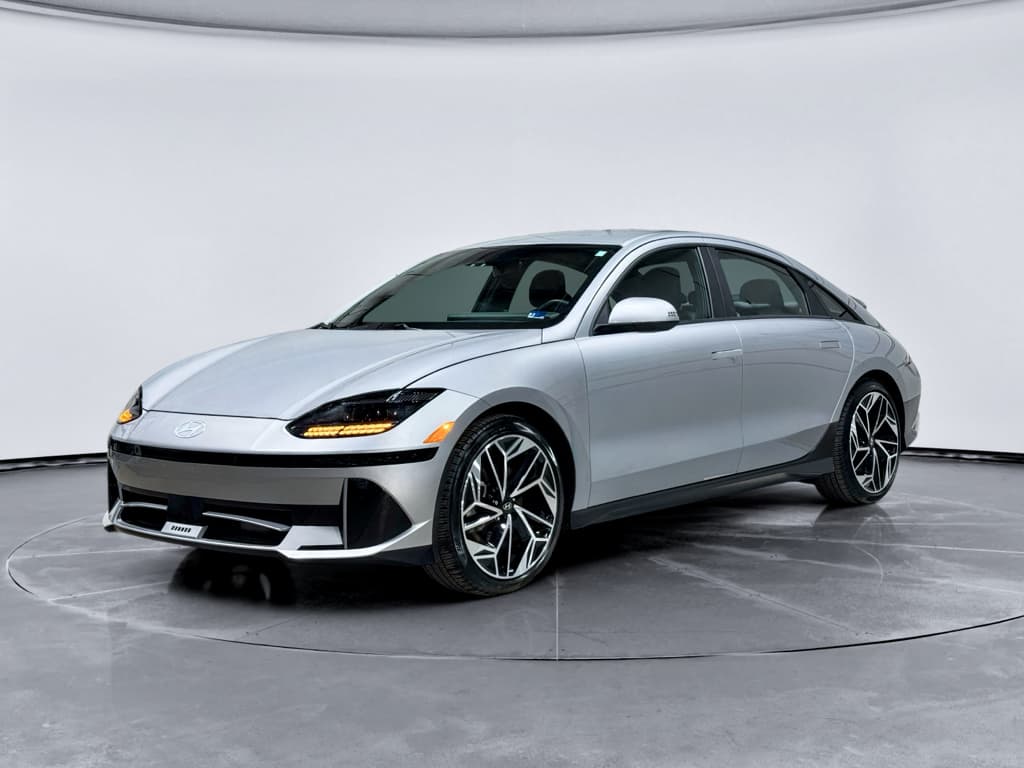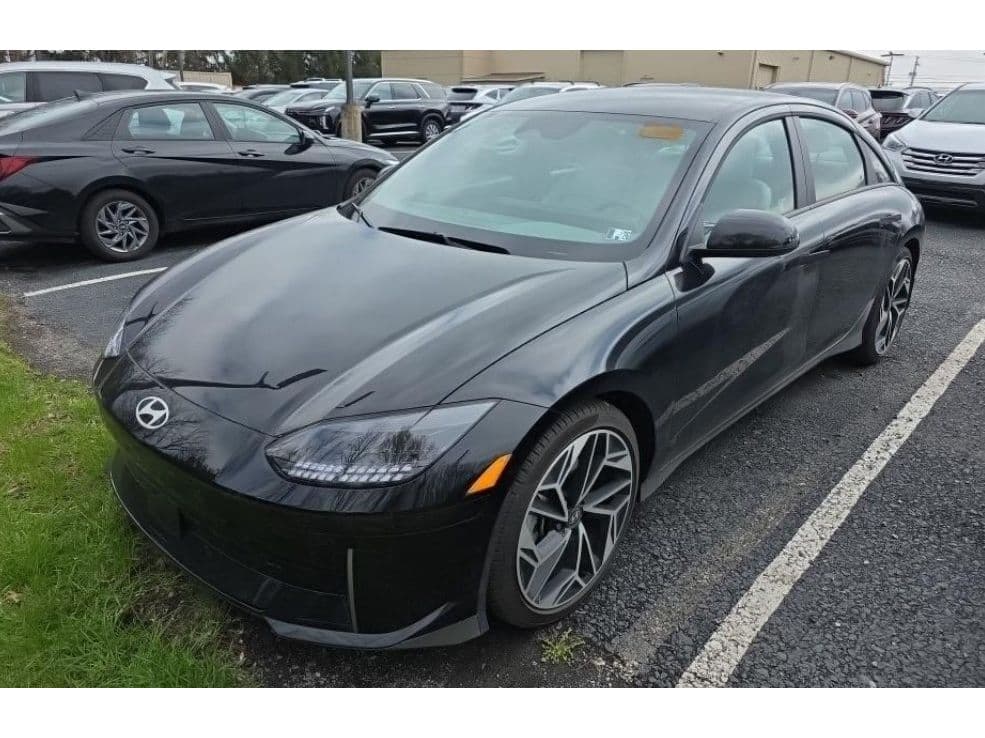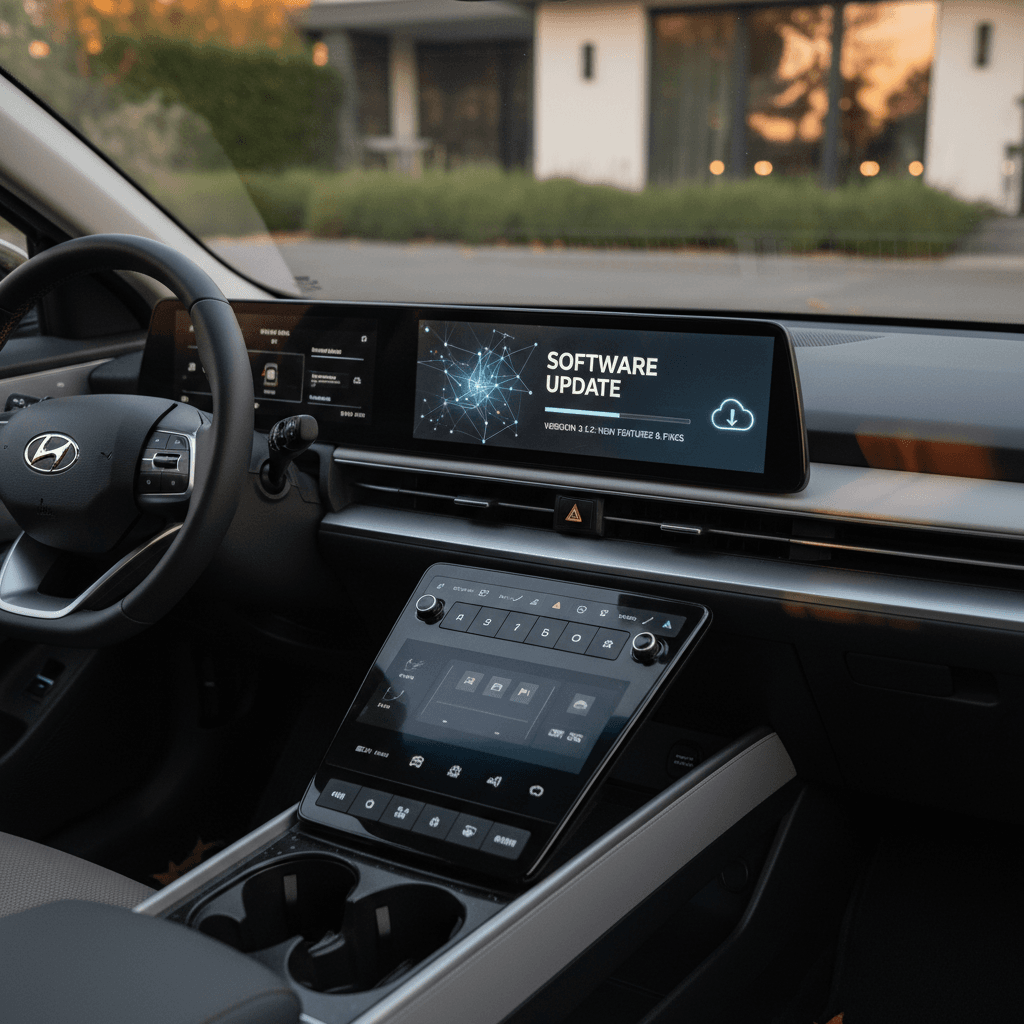
If you drive, or are shopping for, a Hyundai IONIQ 6, its software update history isn’t just trivia. It affects navigation accuracy, battery preconditioning for fast charging, driver-assistance behavior, and even whether connected features like Bluelink feel polished or half-baked. Understanding the Hyundai IONIQ 6 software update history will help you keep your sedan current and spot red flags on a used example.
Quick context
How OTA updates work on the Hyundai IONIQ 6
Hyundai’s newer EVs, including the IONIQ 6, support over-the-air software updates via the Bluelink connected services platform. Once enabled, your car can download and install certain updates without a dealer visit.
- The car connects via its built-in modem (Bluelink) to Hyundai’s servers.
- When a new OTA update is available for your VIN, you see a notification on the infotainment screen and often in the Bluelink app.
- You can usually choose to install immediately (while parked) or schedule the update for later.
- Most core OTA updates install in about 10 minutes; large map data updates can take much longer.
- Some safety- and recall-related updates still require a dealer visit or a USB update.
Owner-friendly detail
IONIQ 6 software update timeline at a glance
Hyundai IONIQ 6 software evolution (high level)
Hyundai does not publish a simple public changelog for each IONIQ 6 software version, but owner reports and Hyundai’s own update tools give us a decent picture of how things have evolved.
Major Hyundai IONIQ 6 software update waves by model year
Key software eras for the Hyundai IONIQ 6
What changed for 2023, 2024, and 2025+ cars
2023 IONIQ 6 (launch software)
What most cars shipped with:
- Firmware and maps with 2022–early 2023 data.
- Connected navigation and routing supported, but early builds could feel rough.
- OTA capability present on paper, but many U.S. owners saw zero OTA updates in 2023.
Many 2023 cars stayed on launch software until owners manually updated via USB or visited a dealer.
Late 2023–2024 update wave
Carried 2023 cars forward & improved 2024 builds:
- Large navigation map/infotainment packages released around October 2023, later reissued in December.
- Improved EV route guidance and charge-stop info in many regions.
- Clarified or added battery preconditioning logic tied to fast-charger routing (varies by market).
Some owners saw these as OTA, others only via USB downloads from Hyundai’s update site.
2024–2025+ refinements
Focus on refinement more than flashy new features:
- Ongoing map refreshes to fix missing new roads and POIs.
- Bug fixes for Bluelink connectivity and infotainment freezes or restarts.
- More consistent OTA behavior on 2024–2025 builds, especially in the U.S.
In 2025, Hyundai briefly paused some Gen5W infotainment updates in North America before resuming with newer bundles.
Regional differences matter
What IONIQ 6 software updates actually change
Not every update is exciting, but several areas are directly relevant to how your IONIQ 6 drives and how easy it is to live with day-to-day.
Core systems touched by IONIQ 6 updates
Where you’re most likely to notice changes
Navigation & connected routing
- Maps & POIs: Updated road layouts, speed limits, and charging stations.
- Connected routing: Better EV trip planning, SOC-at-arrival estimates, and alternative routes.
- Voice & search: Small refinements to recognition and search behavior.
EV-specific behavior
- Battery preconditioning: Logic for warming the pack before DC fast charging may be tuned by updates.
- Range estimates: Tweaks to the guess-o-meter and energy consumption modeling.
- Charging behavior: Occasional fixes for charge-session stability or communication with stations.
Driver assistance & safety
- Lane Keeping & HDA: Refinements to lane centering, curve handling, and alerts.
- Emergency systems: Stability improvements for things like AEB and blind-spot view monitoring.
- Recall-related fixes: Some 12V battery or control-unit recalls are essentially software reflashes.
Infotainment & Bluelink
- System stability: Reducing random reboots, freezes, and lag.
- Bluelink connectivity: Getting the app to sync consistently after outages.
- Quality-of-life tweaks: Small interface changes and bug fixes you may not notice individually.
Why staying updated is worth it
OTA vs USB vs dealer updates on the IONIQ 6
The IONIQ 6 is unusual in that owners commonly encounter three different update paths. Understanding how they fit together will save you headaches.
1. OTA (over-the-air)
- Triggers automatically via Bluelink when Hyundai pushes an update to your VIN.
- Best for smaller firmware tweaks and some map updates.
- Requires an active connected-services subscription and decent cellular coverage.
Good when it works, but many IONIQ 6 owners report long gaps with no OTA activity.
2. USB / “Navigation Updater”
- You download update files from Hyundai’s update site using a PC or Mac.
- Copy them to a large USB drive (20–40 GB free space is common).
- Plug into the car (USB-A port) and follow on-screen prompts.
This is the most reliable way owners have found to jump straight to the latest available package.
3. Dealer-installed updates
- Required for certain recalls, safety campaigns, or when OTA/USB fails.
- Dealer uses Hyundai diagnostic tools to reflash control units.
- Often bundled with scheduled maintenance or recall appointments.
If you’re not comfortable with the USB process, this is also a way to nudge a lagging car to current software.
USB updates are large
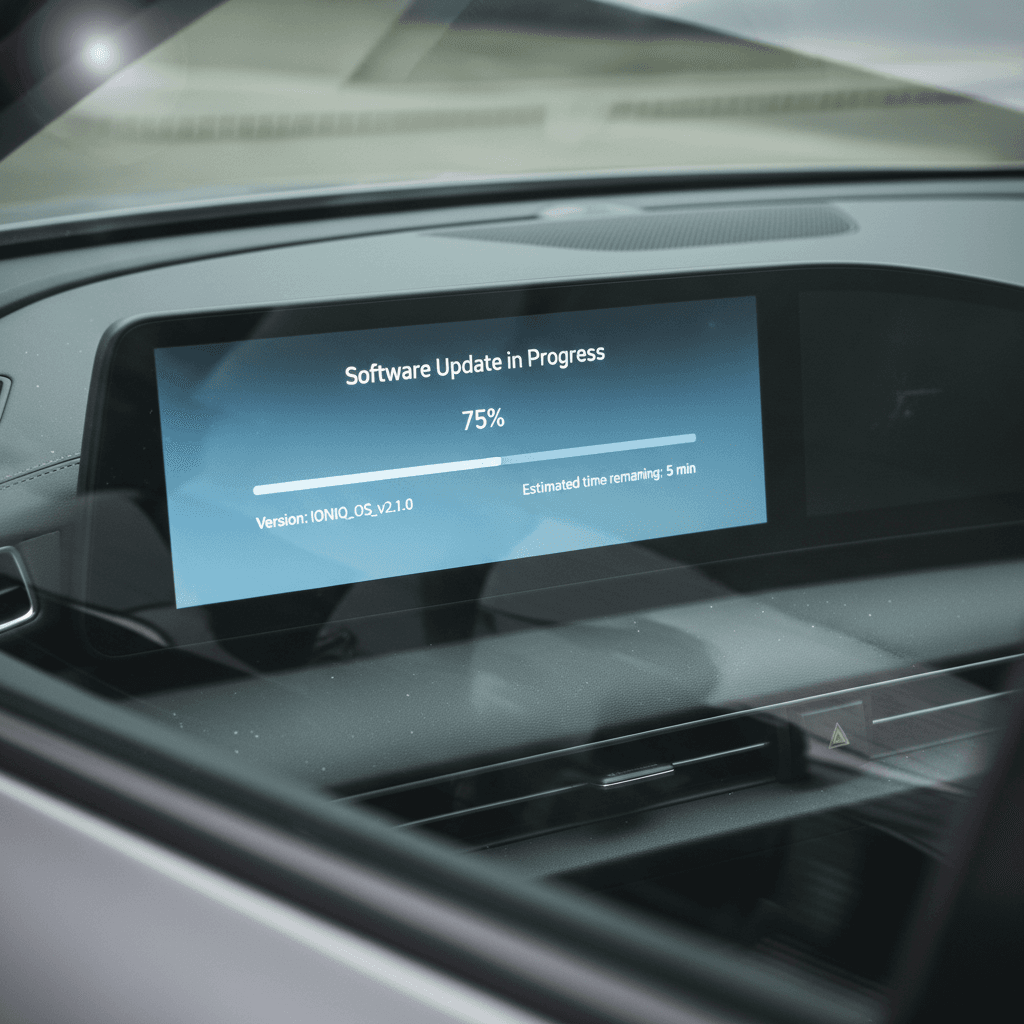
How to check your IONIQ 6 software version
Because Hyundai doesn’t label updates with friendly names like “August 2024 EV update,” you’ll see long version strings in the car and in the Bluelink app. They’re still useful once you know what to look for.
Steps to see your current IONIQ 6 software version
1. Use the infotainment Settings menu
From the main screen, tap <strong>Setup → General → Version</strong> (or a similar path depending on your region). You’ll see lines for software, firmware, and map data with cryptic version numbers.
2. Decode the date embedded in the version
On many IONIQ 6 systems, the final 8 digits in the navigation version correspond to a date in reverse (for example, a string ending in 231218 lines up with a December 18, 2023 build). That’s a quick way to know how stale things are.
3. Cross-check with Hyundai’s update tool
On a computer, download Hyundai’s navigation/infotainment updater and select your vehicle. The tool will show the <strong>latest available package</strong> for your region. If its build date is much newer than what’s in your car, you’re behind.
4. Check the Bluelink app
Once set up, Bluelink can show software status and sometimes the date of the last successful OTA. If you see references to an update from months or years ago, it’s a sign your car hasn’t received anything recent.
5. Confirm with a dealer if in doubt
If the version strings don’t match what you see in Hyundai’s tools, or you suspect a failed update, ask a dealer to check your VIN for open campaigns and current software levels.
Common IONIQ 6 update pain points (and workarounds)
Spend a few minutes in any IONIQ 6 owner forum and you’ll see patterns. The car itself is widely praised; Hyundai’s software execution is more mixed. Here are the complaints that surface most often, and what you can realistically do about them.
Typical IONIQ 6 software-update frustrations
What owners run into and how to respond
“My car never gets OTA updates.”
What’s happening: Many 2023–early 2024 cars went months without OTA activity even though the hardware supported it.
Workaround: Use the official updater and apply the latest package via USB. In some cases, that seems to “wake up” OTA so later updates arrive automatically.
“Connected navigation stopped working or says maps are too old.”
What’s happening: If you skip updates for long enough, the system can warn that connected routing or certain online functions are disabled because map data is out of date.
Workaround: Run a full navigation/infotainment update by USB or at a dealer. This usually restores connected routing and up-to-date road data.
“Bluelink shows stale data or won’t refresh.”
What’s happening: Outages on Hyundai’s servers and software glitches can leave the app stuck days behind the vehicle’s actual status.
Workaround: Log out and back into Bluelink, then perform a soft reset of the infotainment (paperclip reset button). If that fails, ask the dealer to verify your Bluelink enrollment dates and subscriptions in their system.
“Update prompts won’t go away or fail repeatedly.”
What’s happening: Occasionally the car prompts you for an update you’ve already installed by USB, or that fails partway through.
Workaround: Confirm your installed version, then either wait for Hyundai to clean up the OTA campaign or have the dealer reflash to the latest software and clear pending updates.
When to stop troubleshooting and call a dealer
Why software history matters when buying a used IONIQ 6
For used shoppers, the Hyundai IONIQ 6 software update history is one more lever that separates a good car from a headache. Two identically equipped 2023 cars can feel very different depending on whether they’re still on launch firmware or running a 2024–2025 package.
How software status affects a used Hyundai IONIQ 6
Key areas to check before you buy
| Area | What to check | Why it matters for you |
|---|---|---|
| Navigation & maps | Open the map screen and check version and build date; test a few search queries and routes. | Old maps can make trip planning frustrating and hide newer charging locations or road changes. |
| Bluelink & connected features | Verify the Bluelink subscription is active, the app syncs, and commands (lock, start, climate) actually work. | Broken Bluelink can mean delayed OTA updates and a more “offline” ownership experience. |
| Driver assistance behavior | Test Highway Driving Assist, lane centering, and adaptive cruise. Look for erratic lane-keeping or sudden disengagements. | Newer software often refines tuning and fixes bugs that early adopters flagged. |
| Charging behavior | Check that DC fast charging starts reliably and the car shares a realistic SOC-at-arrival estimate when routing to a charger. | Updates can improve how the battery and navigation coordinate before and during a fast-charge session. |
| Recall & campaign status | Ask for a printout of completed recalls/campaigns tied to your VIN, including software-related ones. | Open campaigns may include important control-unit updates you’ll want done quickly after purchase. |
A quick framework you can use during a test drive or remote inspection.
How Recharged handles software on used IONIQ 6s
- Show you the software and navigation version screens.
- Confirm that any open software-related recalls or campaigns have been completed.
- Perform a fresh navigation/infotainment update before delivery if the car is clearly out of date.
FAQ: Hyundai IONIQ 6 software updates
Frequently asked questions about IONIQ 6 software updates
The bottom line on the IONIQ 6 software update history
The Hyundai IONIQ 6 combines standout efficiency and design with a software story that’s still evolving. Early cars launched with ambitious OTA promises, but in practice the update history has been a mix of USB, dealer, and occasional OTA pushes, with noticeable gaps for some owners.
If you already own an IONIQ 6, your best move is to check your current version, run a fresh USB update if you’re clearly behind, and then let OTA handle incremental fixes when they arrive. If you’re shopping used, treat the software update history like you would tire tread or brake wear: a real condition item that affects how the car feels on day one.
Recharged was built around making those details transparent. When you shop a used Hyundai IONIQ 6 with us, you get a Recharged Score battery health report, a clear view of completed recalls and software campaigns, and EV specialists who can walk you through what that means for daily driving, before you ever sign a contract.