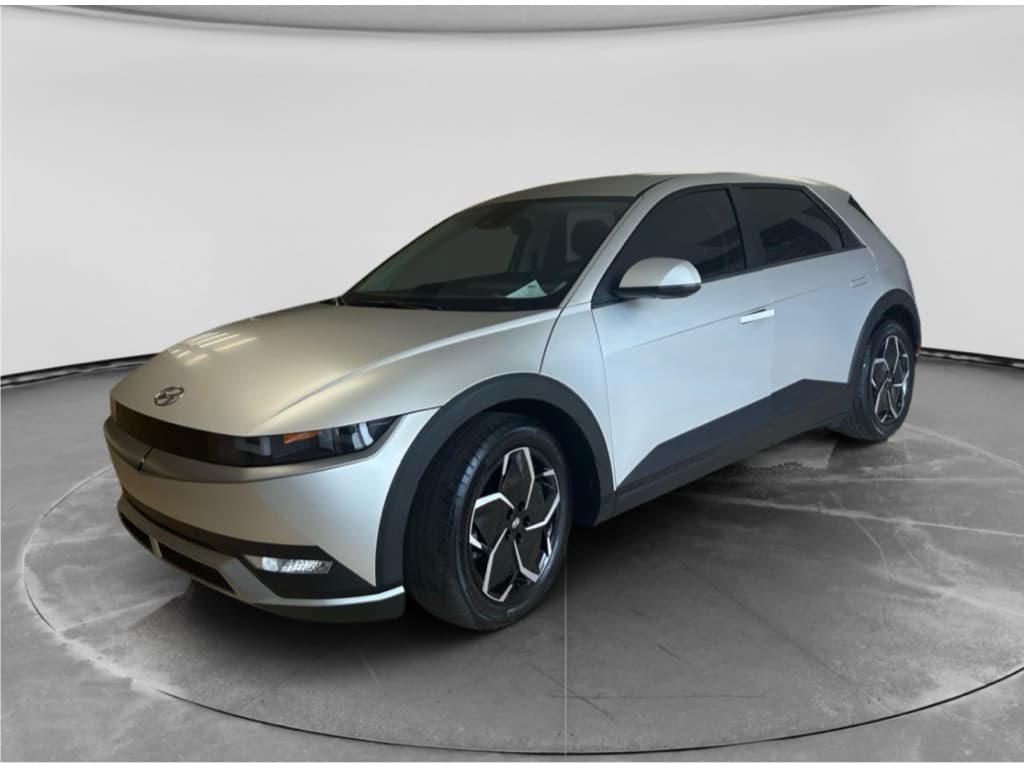
If you own, or are eyeing, a Hyundai Ioniq 5, you already know the battery is the whole ballgame. Range, performance, resale value: they all ride on that big pouch-cell pack under the floor. So how do you actually do a Hyundai Ioniq 5 battery health check, and how worried should you be about degradation?
Good news up front
Why battery health matters on the Ioniq 5
An Ioniq 5 battery in good shape delivers strong DC fast‑charging, consistent 0–60 performance and the kind of real‑world range that makes a road‑trip car feel effortless. As the pack ages, usable capacity shrinks: you’ll see fewer miles at a given state of charge (SOC), and the car may taper charging earlier. That’s normal to a point, but your job is to tell the difference between healthy aging and an actual problem that might be covered under warranty.
Hyundai Ioniq 5 battery at a glance
What “battery health” actually means on an Ioniq 5
State of Charge (SOC)
This is the familiar percentage on your dash: how full the battery is right now. Think of it as the EV version of a fuel‑gauge needle. You change it every time you plug in or drive.
- Displayed as 0–100% on the cluster and infotainment.
- Changes constantly as you use or charge the car.
- Does not tell you anything about long‑term degradation.
State of Health (SOH)
SOH is the deeper, more interesting number: how much capacity the pack still has compared with new. A fresh Ioniq 5 should be near 100% SOH; over time, that number glides down.
- Expressed as a percentage of original usable capacity.
- Changes slowly over years, not days.
- Is what battery warranties are really talking about when they say "70%".
Hyundai doesn’t show SOH on the dash
Quick battery checks inside your Ioniq 5
Let’s start with what you can do in 60 seconds, using nothing but the car itself. These aren’t lab‑grade tests, but they’re great for spotting obvious issues, especially on a test drive or when you’re monitoring a new‑to‑you Ioniq 5.
- With the car “On,” check the main range estimate at your usual SOC. If you normally see ~250 miles at 80% and one day it’s 190 with similar weather and driving, that’s a red flag worth tracking.
- Open the EV menus and confirm your charge limit settings, Hyundai encourages daily charging to around 80–90%. If yours has lived its life pinned at 100%, expect slightly more degradation.
- Look at recent energy consumption (mi/kWh or kWh/100 mi). If you’re consistently in the same efficiency band but range is dropping, that points to a capacity loss rather than a heavier right foot.
- Toggle climate control on and off at a standstill and watch how much the predicted range changes. A huge swing at modest temperatures may indicate the algorithm is compensating for a tired pack or unusual load.
- Pay attention to DC fast‑charge behavior: if a warm battery on a compatible 150+ kW charger stubbornly sits under ~80 kW where it once pulled 200+, that can be a sign of pack or thermal issues.
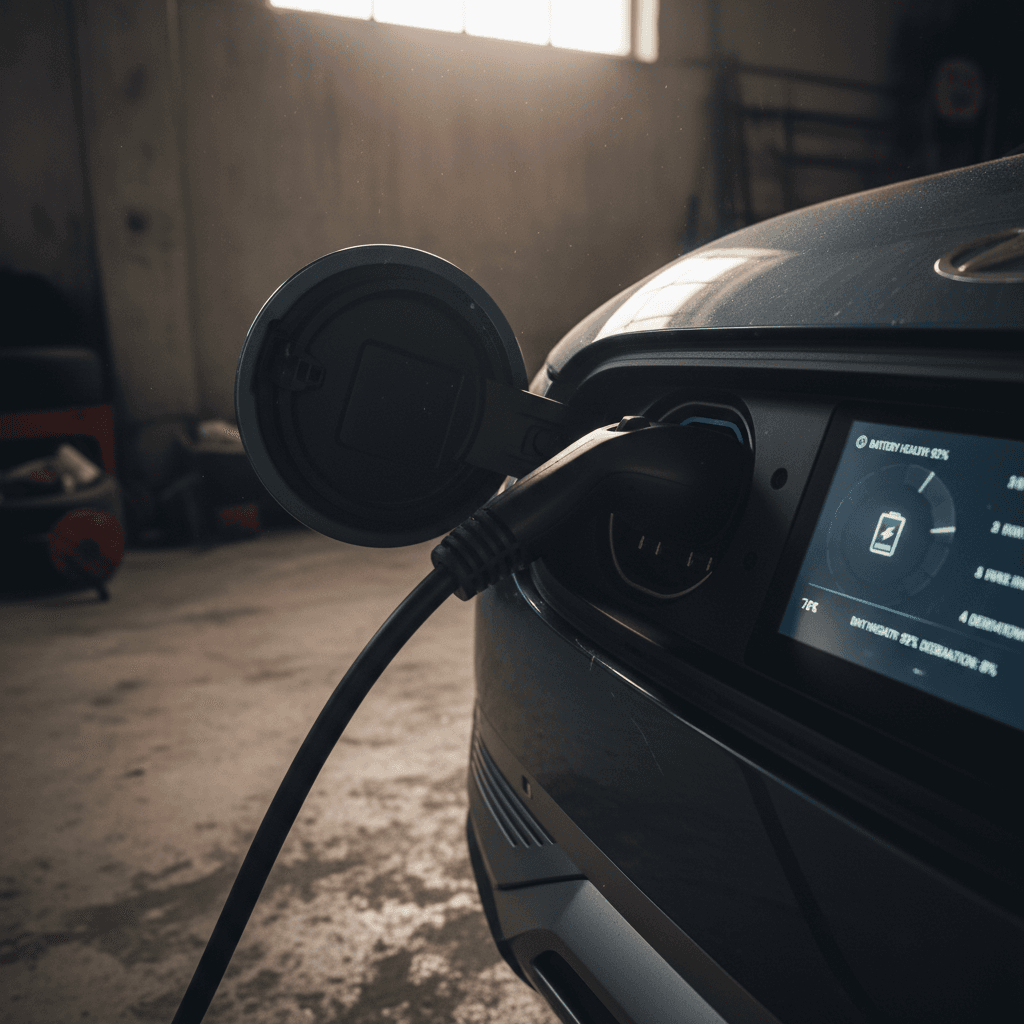
Make a baseline screenshot set
Using Bluelink and real-world range to spot issues
Hyundai’s connected services (MyHyundai with Bluelink in the U.S.) offer basic health summaries and charging history. They won’t hand you a clean SOH percentage, but they’re useful as a trend log and an early‑warning system.
Two easy, low‑tech health signals
If these start drifting in the wrong direction, dig deeper.
Bluelink health reports
Monthly or on‑demand reports can flag EV system faults, charging anomalies, or repeated low‑SOC events. If you’re seeing recurring battery or high‑voltage warnings in the app, don’t ignore them, even if the car still feels fine.
Repeatable commute range
Pick a regular drive, a 30–50 mile commute, for example. Note SOC before and after on days with similar temperature and driving style. Over months and years, that delta is one of the simplest, most honest measures of usable capacity.
Watch for phantom drain from third‑party apps
Getting real SOH data with OBD apps
If you want a more concrete number for your Hyundai Ioniq 5 battery health check, you’ll need to peek behind the curtain. That means an OBD‑II dongle and an app that understands Hyundai’s EV data. This isn’t officially endorsed by Hyundai, but thousands of owners do it, and it’s exactly the kind of thing we look at when evaluating used Ioniq 5s at Recharged.
How to pull Ioniq 5 battery SOH with an OBD app
1. Get a compatible OBD‑II dongle
Choose a well‑reviewed, low‑power Bluetooth or Wi‑Fi adapter known to play nicely with Hyundai/Kia EVs. Avoid the $10 mystery box; cheap hardware can drop connections or mis‑report data.
2. Install a Hyundai‑aware app
Apps like Car Scanner, EVNotify, or community integrations for Home Assistant can read extended Hyundai PIDs. Look specifically for profiles mentioning the Ioniq 5 or E‑GMP platform.
3. Enable the correct vehicle profile
Within the app, select the Hyundai Ioniq 5 profile if available. This tells the software which data blocks to watch for SOH, cell voltages, temperatures and DC charge counters.
4. Charge to a stable SOC
For the cleanest reading, have the car at a moderate, steady SOC, often around 60–80%, after the pack has rested for 30–60 minutes. Extreme hot/cold or rapid charging can skew instantaneous estimates.
5. Read ‘State of Health’ and pack energy
In the live data or battery section, look for fields labeled "Battery SOH" or "Remaining energy." SOH near 100% on a low‑mileage car is normal; high‑mileage examples often land in the low‑ to mid‑90s.
6. Log and compare over time
Don’t panic over a single reading. Save screenshots and export logs a few times per year. You’re looking for the long‑term trend, not a one‑day blip after a hard DC‑fast‑charge session.
A quirk of Hyundai SOH readings
How to do a simple range test at home
If you don’t care about nerding out with PIDs and integration scripts, you can still do an honest, kitchen‑table range test. It’s slower but arguably closer to what matters: how far the car actually goes on a charge.
DIY Ioniq 5 range test: one‑day plan
You’ll need a safe loop, cooperative weather and a few hours.
| Step | What to do | Why it matters |
|---|---|---|
| 1. Pick the day | Choose mild weather (50–75°F / 10–24°C) with low wind. Avoid heavy rain or snow. | Moderate conditions eliminate the biggest environmental wildcards in range. |
| 2. Set a loop | Plan a 20–40 mile route you can repeat: mix of highway and surface streets similar to your normal driving. | Loops smooth out elevation and traffic randomness over multiple passes. |
| 3. Start around 90% SOC | Charge to about 90%, record SOC, odometer, outside temp, tire pressure and passenger/cargo load. | You’re establishing a clear starting line and baseline conditions. |
| 4. Drive normally | Maintain your usual style, keep climate at a comfortable but not extreme setting and avoid ECO/SPORT toggling. | The goal is "typical you," not hypermiling tricks you’ll never repeat. |
| 5. Stop around 20% SOC | When you hit ~20%, record SOC and your trip distance. | This gives you a healthy chunk of usable battery without running uncomfortably low. |
| 6. Extrapolate capacity | If you used 70% of the pack to go 175 miles, that implies 250 miles for the full 100%. Compare that to the car’s EPA rating and what similar drivers report. | A consistent 10–15% shortfall is normal; a 30%+ gap in mild conditions may justify deeper investigation. |
This method doesn’t need special hardware, just discipline and a notepad.
Turn miles into kWh
Ioniq 5 battery health: when to worry (and when to relax)
Probably normal aging
- After 2–3 years, your OBD SOH hovers in the low‑ to mid‑90% range.
- You’ve lost roughly 5–10% of real‑world range compared with year one, mostly in extreme heat or cold.
- DC fast‑charging curves look similar to when the car was newer, aside from seasonal variation.
- No recurring EV system warnings from the dash or Bluelink.
That’s the quiet, boring scenario engineers design for, and what we usually see on well‑cared‑for Ioniq 5s.
Time to investigate
- App‑reported SOH or remaining energy suggests a drop well below 90% within just a couple of years.
- Your DIY range test shows you’re only getting, say, 60–65% of the EPA range in mild conditions at moderate speeds.
- Fast‑charging is dramatically slower than it used to be, even with a warm pack on a known‑good charger.
- You’re seeing repeated high‑voltage system or EV battery warnings, even if they clear themselves.
In these cases, start documenting and talk to a Hyundai dealer, and if you’re shopping used, make it a negotiation point.
Battery warranty coverage on the Hyundai Ioniq 5
Hyundai’s battery warranty is one of the strongest parts of the Ioniq 5 story. In North America, the high‑voltage pack is typically covered for around 10 years or 100,000 miles (8 years in some regions), with a capacity promise of about 70% of original during that period. Exact terms depend on model year and where the car was first sold, so always check the warranty booklet or a current Hyundai document for your VIN.
What the Ioniq 5 battery warranty usually means in practice
Not legal fine print, just the big ideas that matter to owners.
Capacity floor
If your pack’s usable capacity drops below roughly 70% of what it had when new, within the warranty window, Hyundai may repair or replace components to restore it.
Time vs. mileage
The clock starts at original in‑service date, not when you buy used. A 2022 Ioniq 5 first sold in March 2022 typically has coverage until about March 2030, subject to mileage caps and region.
Proof and diagnostics
Hyundai relies on its own diagnostic tools and tests, not your OBD app screenshots. If you suspect an issue, bring documentation of range loss and charging behavior to help the conversation.
Warranty isn’t a performance guarantee
Battery care habits to keep your Ioniq 5 healthy
If you’re going to the trouble of checking battery health, you’re the kind of owner who can nudge the odds in your favor. The Ioniq 5’s chemistry and cooling system are robust, but daily choices still matter over a decade‑plus of use.
Simple habits that pay off over 100,000 miles
1. Live in the middle of the SOC gauge
For everyday use, keep the car between roughly 20–80% SOC when convenient. Occasional 100% charges are fine, but living at the extremes, especially at high temperature, ages lithium‑ion faster.
2. Reserve 100% for trips
Need a full pack for a road trip? Great. Time your 100% charge to finish close to departure so the pack doesn’t sit full and hot for hours.
3. Don’t fear DC fast‑charging, but don’t abuse it
Hyundai engineered the Ioniq 5 for frequent fast‑charging, but it’s still gentler on the pack to use AC charging at home when you’re not in a hurry. Treat DCFC like espresso, not tap water.
4. Keep an eye on tires and alignment
Bad alignment or under‑inflated tires quietly kneecap efficiency. The worse your efficiency, the more energy you burn per mile, which can exaggerate perceived range loss.
5. Protect the car from extremes when possible
You can’t change the weather, but you can choose shade instead of direct summer sun, or a garage instead of a frozen driveway. Thermal stress is a long‑term enemy of battery health.
6. Update software and TSBs
Battery‑management and charging behavior are partly software. Make sure your Ioniq 5 is current on updates and technical service bulletins that may refine how the pack is treated.
How to check battery health on a used Ioniq 5
Shopping for a used Ioniq 5 is where battery health stops being an abstract concept and becomes a line item with dollars attached. A strong pack can turn a good deal into a great one. A weak pack? That’s future hassle you want priced in, or avoided entirely.
Quick checks any buyer can do
- Verify warranty window: Ask for the original in‑service date and confirm how much of the 8–10 year battery coverage remains.
- Scan for warnings: With the seller present, power the car on and look for any EV or battery warnings on the cluster or in the vehicle health section of the app.
- Do a short range sanity check: On a test drive, note SOC before and after a 20–30 mile route in normal conditions. If you burn through 30–40% for that distance at modest speeds, ask why.
Deeper checks for serious shoppers
- Bring an OBD‑II dongle: If the seller agrees, connect an app profile for the Ioniq 5 and read SOH, cell voltages and pack temps.
- Look for abuse patterns: Extremely high DC fast‑charge counts on a low‑mileage car, or repeated deep discharges, are yellow flags even if SOH still looks decent.
- Ask for service history: Any prior high‑voltage work, recalls or unexplained replacements should be on the table and priced accordingly.
How Recharged evaluates Ioniq 5 batteries
Ready to find your next EV?
Browse VehiclesFAQ: Hyundai Ioniq 5 battery health checks
Common questions about Ioniq 5 battery health
EV batteries inspire a special kind of anxiety, especially when they’re wrapped in sharp‑looking sheet metal like the Hyundai Ioniq 5. But with a bit of structure, a simple battery health check routine, a grasp of what SOH really means, and a clear view of your warranty, you can separate normal aging from real problems. And if you’re shopping used, that same playbook helps you tell the difference between an Ioniq 5 that’s just getting started and one that’s already burned through too much of its future. When in doubt, lean on independent diagnostics and transparent reporting, whether that’s your own OBD logs or a Recharged Score from a trusted marketplace.