If you’re looking at a Chevy Bolt EV or EUV, especially on the used market, you’ve probably heard about battery recalls, charging quirks, and the usual internet horror stories. The truth is more balanced: the Bolt is one of the most efficient, affordable EVs you can buy, but like any car, it has patterns of common problems and fixes you should understand before you sign or keep the keys.
At a Glance
Why the Chevy Bolt EV Is Great, And Why Problems Matter
The Chevy Bolt EV (2017–2023) and Bolt EUV (2022–2023) earned a loyal following thanks to their excellent efficiency, compact size, and relatively low prices. For many drivers, a Bolt is the gateway into EV ownership. That’s exactly why knowing the typical trouble spots matters, if you understand what’s normal and what’s a red flag, you can enjoy the low running costs of an EV without surprises.
Chevy Bolt EV Fast Facts
Good News on Recalls
Which Chevy Bolt EV Years Have the Most Problems?
Before we dive into specific Chevy Bolt EV problems and fixes, it helps to know which model years have generated the most concern. In broad strokes, early-build cars saw the brunt of the battery recall, while later cars tend to be more about normal wear and software updates.
Chevy Bolt EV / EUV Model-Year Problem Snapshot
Use this high-level view as a starting point. Individual vehicles can vary widely based on mileage, climate, and maintenance history.
| Model Years | Models | Main Problem Areas | Shopping Takeaway |
|---|---|---|---|
| 2017–2019 | Bolt EV | Battery recall, limited DC fast charge speed, early infotainment glitches | Great value if recall work is completed and battery health is verified. |
| 2020–2021 | Bolt EV | Battery recall, occasional charging and software issues | Stronger pick once recall is handled; inspect for charging and infotainment behavior. |
| 2022 | Bolt EV & EUV | Some vehicles still under recall scope, occasional camera/infotainment issues | Later build quality often better; focus on recall status and electronics checks. |
| 2023 | Bolt EV & EUV | Fewer systemic issues reported, general wear and tear | Often the safest bet if budget allows; still verify software updates and battery data. |
Always check by VIN for exact recall and service history.
Check the VIN Every Time
Battery Recall and Fire Risk: What You Need to Know
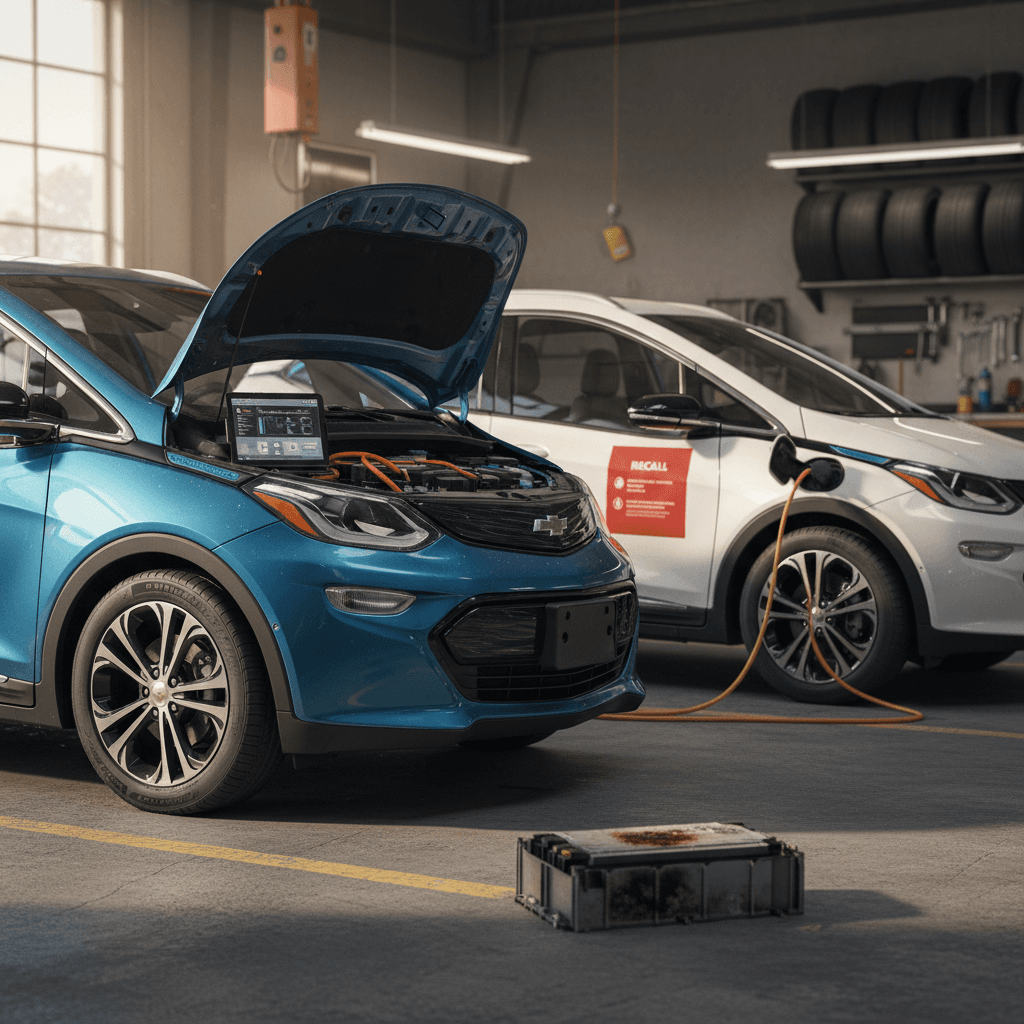
The single biggest headline around Chevy Bolt EV common problems has been the high-voltage battery recall related to potential fire risk. A small number of packs experienced internal defects that could, in rare cases, lead to thermal events, especially when charged to 100% and then left parked.
- Most affected vehicles were 2017–2022 Bolt EV and some early Bolt EUV builds.
- GM’s remedy typically involved replacing all battery modules or the entire pack and installing updated software limits.
- Until repairs were complete, owners were often told to limit charging to about 90% and avoid running the pack near empty.
If Your Bolt EV Hasn’t Had Recall Work
How to Check and Fix Battery Recall Issues
Recall Status: Quick Owner Checklist
1. Look Up the VIN
Go to Chevrolet’s recall lookup site, enter your full VIN, and confirm whether any open campaigns exist. Save a screenshot or PDF for your records.
2. Review Past Service Records
If the car had recall work done, it should show battery module or pack replacement and software updates. Ask for service invoices if you’re buying used.
3. Ask About Charge Limits
If the vehicle is still under interim guidance, you may see limits on max charge level in the infotainment settings. Once the final repair is done, those limits are usually lifted.
4. Confirm With a Dealer
When in doubt, call or visit a Chevrolet dealer. They can print a full recall and warranty history by VIN.
5. Get Independent Battery Health Data
Even after recall work, you’ll want to know real-world battery health. At Recharged, every used Bolt gets a <strong>Recharged Score</strong> with verified capacity so you can see how much range you’re actually buying.
Range Loss and Battery Health Concerns
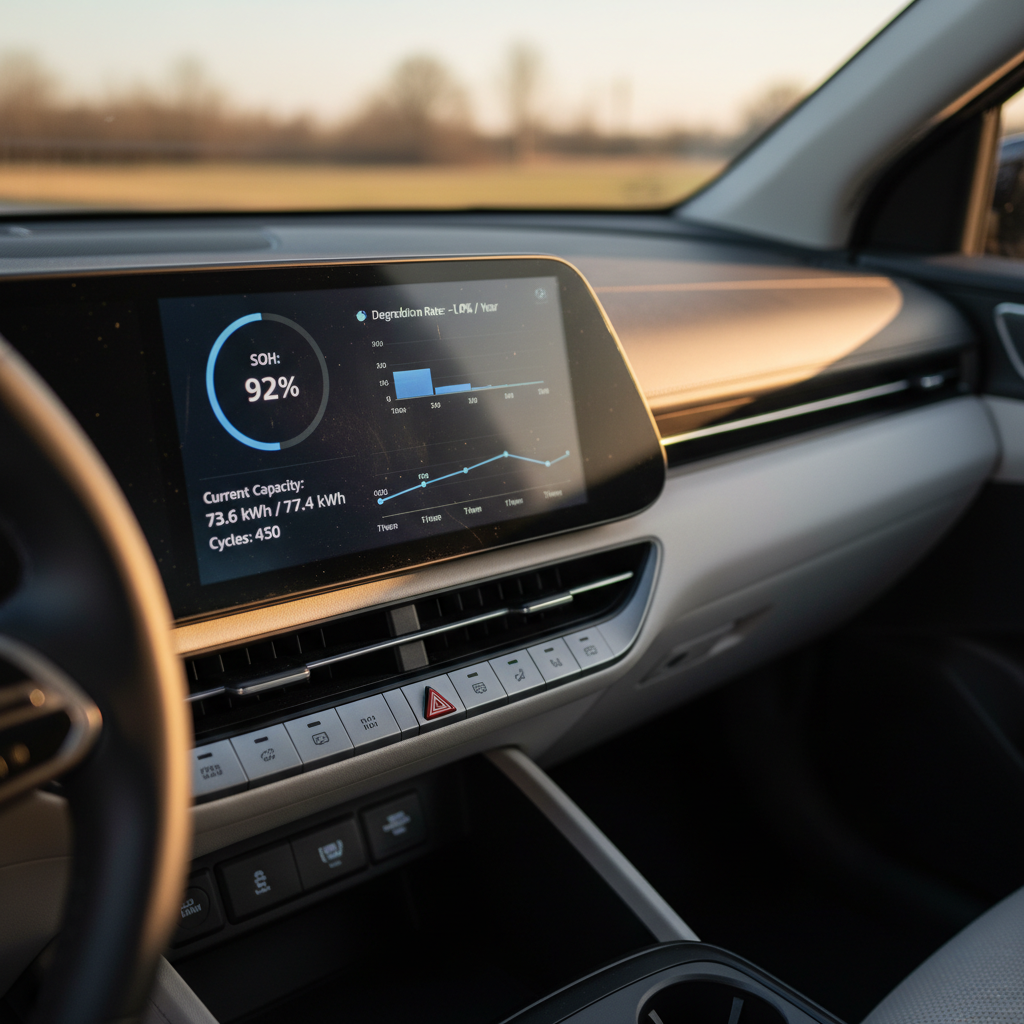
Nearly every EV owner worries about range loss, and Bolt drivers are no different. Over time, you can expect some degradation, often in the single digits over the first few years, plus temporary range swings from weather, driving style, and tire choice.
Common Range Complaints
- Displayed range drops faster than expected on the highway.
- Winter driving slashes range compared to summertime.
- After a few years, the car no longer shows its original EPA range.
What’s Usually Normal
- Some capacity loss over tens of thousands of miles.
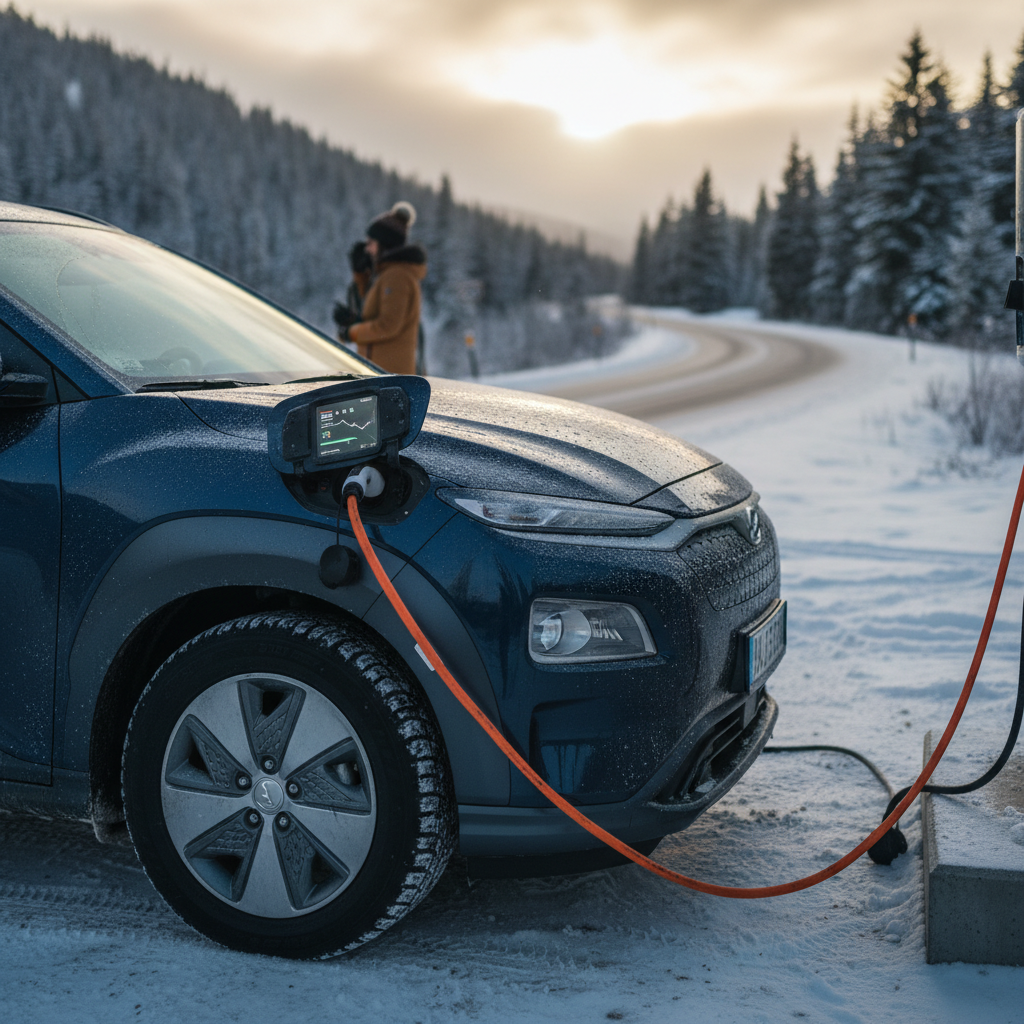
- Noticeably lower range in cold weather until the pack warms up.
- Reduced efficiency at higher speeds or with roof racks and cargo.
Cold Weather Reality
Simple Fixes for Everyday Range Issues
- Keep tires properly inflated; underinflation is a silent range killer.
- Use Eco or gentle driving modes and avoid jackrabbit starts when you’re low on charge.
- Limit high-speed highway runs when possible, EVs are most efficient at moderate speeds.
- Precondition the cabin while plugged in so you’re not burning energy to heat or cool on the road.
- If you suspect abnormal degradation, ask for a detailed battery health report rather than relying on the dash alone. Recharged provides this with every Bolt we sell.
Common Chevy Bolt EV Charging Problems and Fixes
Chevy Bolt drivers commonly report slow charging, failed DC fast charge sessions, or home charging headaches. Many of these issues trace back to communication quirks between the car and station, environmental factors, or home electrical setup rather than a truly “bad” car.
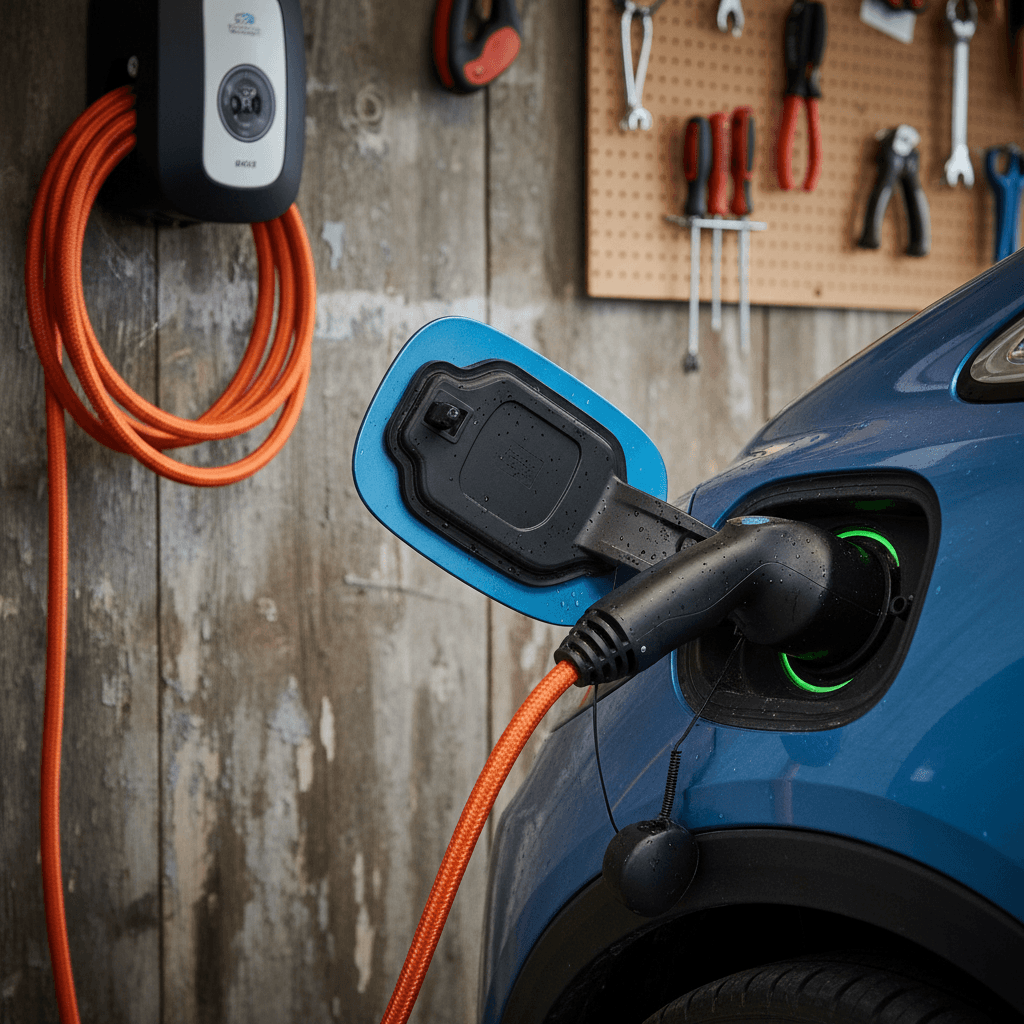
Typical Bolt EV Charging Problems and Practical Fixes
Start with the simple checks before assuming a failed onboard charger.
Won’t Start Charging at Public Station
Often caused by communication errors between the Bolt and the station.
- Unplug, wait 30 seconds, and replug firmly.
- Try another connector or stall.
- Restart the session via the app or payment screen.
Very Slow DC Fast Charging
Bolt EV charging curves are modest by design, but some sessions are slower than they should be.
- Check battery state of charge, speed tapers above ~60–70%.
- Cold battery? Drive 15–20 minutes before fast charging.
- Try a different station brand if one network is consistently slow.
Home Level 2 Not Working Reliably
Home issues typically trace back to wiring, breaker size, or the EVSE (charging unit) itself.
- Verify your circuit is correctly sized and not overloaded.
- Check for GFCI or breaker trips during charging.
- Test with a different Level 2 charger if possible.
Know the Limits of the Bolt’s Onboard Charger
Step-by-Step: Troubleshooting Home Charging Issues
Home Charging: Quick Diagnostic Flow
1. Confirm Outlet and Breaker Rating
If you’re using a NEMA 14‑50 or similar outlet, verify the breaker size and that no other heavy loads share the circuit. A licensed electrician should confirm wiring integrity.
2. Inspect the Charger Cable and Plug
Look for melted plastic, discoloration, or loose connections at the plug or charge port. Stop using any damaged equipment immediately.
3. Try a Different Charger or Outlet
If the Bolt charges fine at public Level 2 stations but not at home, the problem is likely your EVSE or house wiring, not the car.
4. Check for Error Messages
Read any warnings on the Bolt’s dash or the charger’s display. Note error codes or flashing lights before you reset anything.
5. Contact a Dealer or EV Specialist
If problems persist across multiple chargers, schedule a diagnostic. At Recharged’s Experience Center, EV specialists can help you interpret what’s happening and whether it’s a car or infrastructure issue.
Infotainment, Cameras, and Electronics Glitches
Like most modern vehicles, the Chevy Bolt EV bundles a lot of functionality into software. Common complaints include frozen or blank infotainment screens, glitchy Apple CarPlay/Android Auto, backup camera issues, and random warning lights that disappear as quickly as they appeared.
Typical Electronics Problems on the Chevy Bolt EV
Annoying more often than catastrophic, if you know the workarounds.
Infotainment Freezes or Reboots
The center screen may lag, freeze, or restart itself.
- Perform a soft reset using the power/volume knob (press and hold).
- Unpair and re-pair your phone; try a different USB cable.
- Ask the dealer to confirm the latest infotainment software is installed.
Backup Camera or Sensors Misbehaving
You might see a blank screen, delayed image, or inconsistent park assist.
- Clean the rear camera lens and sensors; grime can cause odd behavior.
- Check wiring around the rear hatch for visible damage.
- Persistent failure may require a camera or module replacement under warranty if applicable.
Software Updates Are Your Friend
Brakes, Suspension, and Tire Wear
EVs like the Bolt deliver instant torque and carry hefty battery packs, which can be hard on tires and suspension. The upside is that regenerative braking significantly reduces ordinary brake wear if you use it effectively.
- Inner shoulder tire wear if alignment is off or pressures are low.
- Noisy or clunky suspension over rough pavement as components age.
- Brake rotors developing surface rust if the car sits a lot and regen does most of the work.
Easy Ways to Extend Tire and Brake Life
Comfort, Noise, and Build-Quality Complaints
Not every Chevy Bolt EV complaint is a failure or defect. Some are about noise, ride comfort, and interior feel. Bolt owners sometimes report more road noise than they expected, plastic-heavy interiors, or squeaks and rattles from the hatch area.
Typical Owner Comments
- Road and wind noise at highway speeds.
- Seat comfort, especially on longer trips.
- Rattles from the cargo area or trim pieces.
Low-Cost Improvements
- Upgrading to higher-quality tires that emphasize comfort and noise reduction.
- Adding a seat cushion or lumbar support for long drives.
- Using adhesive felt or foam to quiet known rattle points in the hatch area.
Test-Drive With Your Ears, Not Just Your Hands
Ready to find your next EV?
Browse VehiclesPreventative Maintenance Tips for Bolt Owners
One of the Chevy Bolt EV’s strengths is low maintenance: no oil changes, timing belts, or spark plugs. But “low maintenance” doesn’t mean “no maintenance.” A little attention goes a long way in preventing the kinds of problems that frustrate owners down the road.
Simple Maintenance Habits That Pay Off
Monitor Tire Pressure Monthly
Underinflated tires sap range, wear quickly, and can hurt ride quality. Check pressures when the tires are cold and set them to the label in the driver’s door jamb.
Rotate Tires on Schedule
Front-drive EV hatchbacks like the Bolt tend to eat front tires faster. Regular rotations help even out wear and keep handling consistent.
Use Quality Charging Equipment
Stick with reputable Level 2 chargers and have a licensed electrician verify your circuit. Cheap or miswired equipment is hard on any EV, not just the Bolt.
Keep Software Up to Date
Ask your dealer about periodic software campaigns, not just recalls. Updates can improve charging behavior, range prediction, and infotainment stability.
Protect the Battery in Extreme Heat
Whenever possible, avoid leaving the pack at 100% in blazing heat for days on end. Moderate charge levels and shaded parking support long-term health.
Buying a Used Chevy Bolt EV or EUV: What to Inspect
If you’re shopping used, understanding Chevy Bolt EV common problems and fixes can save you from inheriting someone else’s headache. The goal isn’t to find a “perfect” car; it’s to find a transparent, well-documented one whose issues have already been addressed or are fairly priced in.
Used Chevy Bolt EV / EUV Inspection Priorities
Use this as a quick reference when you’re evaluating a specific vehicle in person or online.
| Area | What to Look For | Why It Matters |
|---|---|---|
| Battery & Range | Verified battery health report, recall documentation, realistic range at your climate and driving style. | Battery is the single most expensive component; you want proof, not guesses. |
| Charging Behavior | Evidence it charges normally on Level 2 and DC fast chargers, no frequent error codes. | Weird charging behavior can be expensive to diagnose and frustrating to live with. |
| Electronics | Infotainment stability, working cameras and sensors, no persistent warning lights. | Electronics issues may indicate deeper wiring or module problems. |
| Tires & Brakes | Even tire wear, plenty of tread, no vibrations or pulling, smooth braking with no grinding. | Uneven wear or brake issues can hint at alignment or suspension concerns. |
| Exterior & Interior | Signs of collision repair, water intrusion, or severe wear and tear inside. | Cosmetic issues can be bargaining chips; structural problems are deal-breakers. |
A trustworthy seller should be able to document how each of these items checks out.
How Recharged Helps With Used Bolts
Chevy Bolt EV Problems: Frequently Asked Questions
Frequently Asked Questions About Chevy Bolt EV Problems
Final Thoughts: Is the Chevy Bolt EV Still a Smart Buy?
When you strip away the headlines, the Chevy Bolt EV and EUV remain some of the most affordable, efficient, and practical electric cars on the road, especially on the used market. The key is going in with your eyes open: understand the battery recall history, know how to spot charging and electronics issues, and factor normal EV wear items into your plans.
If you already own a Bolt, a few simple habits around charging, software updates, and basic maintenance can prevent most common issues from ever appearing. If you’re shopping for one, lean on transparent inspection reports and verified battery health instead of guesses and gut feelings. At Recharged, that’s exactly what the Recharged Score is designed to deliver, so you can enjoy the benefits of EV ownership without losing sleep over the fine print.