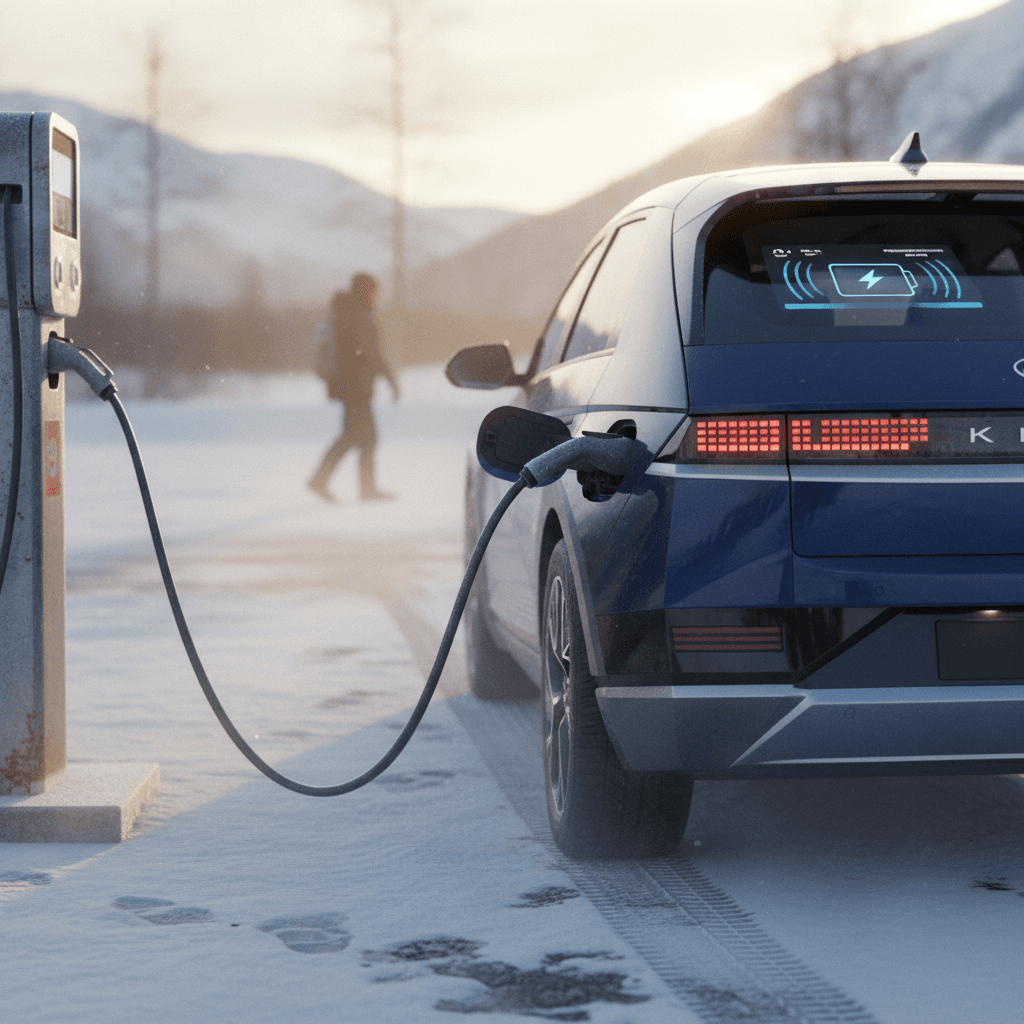
If you fast‑charge your Hyundai Ioniq 5 in cold weather, you’ve probably seen painfully slow speeds on a 150–350 kW charger. Ioniq 5 battery preconditioning is Hyundai’s answer: a way to warm the battery pack before you arrive so you can charge closer to the headline 230 kW peak instead of crawling along at 30–50 kW.
Big picture
What is Ioniq 5 battery preconditioning?
In simple terms, battery preconditioning uses the Ioniq 5’s built‑in battery heater to bring the high‑voltage pack up to a more comfortable temperature before a DC fast‑charging session. Lithium‑ion batteries like the one in your Ioniq 5 are happiest around roughly room temperature. When the pack is cold, the car’s software limits charging power to protect the cells, and your “ultra‑fast” 350 kW charger can feel slower than a Level 2 station.
With preconditioning active, the car automatically heats the battery as you drive toward a selected DC charger in the navigation system. By the time you arrive, typically after 20–30 minutes of driving, the battery is warm enough that the car will allow much higher charging power, often 100+ kW right from plug‑in instead of starting in the 30–60 kW range.
Why battery temperature matters for your Ioniq 5
Which Ioniq 5 models have battery preconditioning?
Hyundai has rolled out battery preconditioning to most Ioniq 5s through a mix of factory software and dealer updates. The exact behavior depends on model year, region, and whether key software campaigns have been completed.
Ioniq 5 battery preconditioning by model year (North America overview)
Always confirm on your own car; software campaigns and naming can vary by dealer and market.
2021–early 2022 builds
Early Ioniq 5s shipped with Winter Mode only. That feature mainly kept the pack from getting too cold, but didn’t actively heat it for fast charging.
Hyundai later released a software update (often referenced by owners as TSB T9Q and similar) that replaced Winter Mode with Battery Conditioning in the EV settings menu on many cars.
Late 2022–2023
Most later builds either left the factory with battery preconditioning available or received it via dealer update. In the EV menu you should see a toggle called Battery Conditioning Mode or similar once the update is done correctly.
If you still only see Winter Mode, it’s worth asking your dealer to confirm your BMS and VCU software are up to date.
2024–2025
Newer Ioniq 5s in North America generally include battery preconditioning as a standard software feature from the factory, integrated with the navigation system.
You may not see the old Winter Mode language at all, Hyundai has mostly shifted terminology to conditioning or simply manages some behavior automatically in the background.
Dealer software campaigns matter
Battery preconditioning vs. Winter Mode in the Ioniq 5
Old "Winter Mode"
- Found on early Ioniq 5s under EV → EV Settings → Winter Mode.
- Designed primarily to prevent the battery from getting too cold, mainly when the vehicle is plugged in and ambient temps are near or below freezing.
- Helps protect performance and reduce degradation, but does little to speed up DC charging when you arrive at a fast charger.
- Only heats the pack to just above freezing, not to the higher temperatures needed for peak fast‑charge speeds.
Modern "Battery Preconditioning"
- Replaces or supplements Winter Mode after specific software updates on many cars.
- Uses the high‑voltage battery heater while you’re driving toward a DC fast charger set in the navigation.
- Aims to bring the pack closer to its ideal fast‑charging window before you plug in, often around typical room‑temperature conditions.
- Can dramatically improve the initial charging power and time spent at fast‑charge stops, especially in cold weather.
Snow mode is different
How to turn on Ioniq 5 battery preconditioning
On Ioniq 5s that support it, preconditioning isn’t something you toggle every single trip. You enable it once in the settings, and then the car automatically decides when to run the heater based on temperature, state of charge, and navigation to a DC charger.
Enable battery preconditioning in your Ioniq 5
1. Start the car and open the EV menu
Press the EV button on the center console or use the main infotainment menu to open the dedicated EV screen.
2. Go to EV Settings
On the EV screen, tap the gear icon (⚙️) or choose Settings → Vehicle → EV, depending on your software version.
3. Look for Battery Conditioning Mode
Scroll the EV settings list for an option labeled Battery Conditioning Mode or similar. On many updated cars, this has replaced Winter Mode entirely.
4. Toggle it on
Check the box or tap the switch so the feature is enabled. In most markets there’s no separate “start preconditioning now” button, the car handles that automatically once this is on.
5. Confirm on the cluster
When preconditioning is actually running (on a cold day, with a DC charger set as destination), you’ll see an icon over the battery graphic, often a coil or snowflake, indicating the heater is active.
Don’t see Battery Conditioning Mode?
Step-by-step: using preconditioning before DC fast charging
Once battery preconditioning is enabled in settings, the key is using the built‑in navigation correctly and giving the car enough time to work. Here’s how to set up a preconditioned fast‑charge stop on a cold day.
Recharged data
Used EV battery health
94%
avg remaining capacity
From Recharged battery inspections, not manufacturer estimates.
- Lowest
- 70%
- Median
- 95%
- Highest
- 100%
- Est. range
- 266 mi avg
- Cell balance pass
- 100%
- Quick charges
- 18 avg
- Slow charges
- 61 avg
Average cell imbalance: 7.8 mV
Based on vehicles Recharged tested as of Jul 23, 2026
Recharged data
Recent EV sold prices
$25,997
median sold price
What buyers actually paid through Recharged, not list price.
- Lowest
- $4,527
- Average
- $28,433
- Highest
- $129,998
Monthly median sold price
Based on Recharged sales in the last 12 months as of Jul 23, 2026
How to precondition your Ioniq 5 battery before a DC fast charger
1. Start with enough charge
Preconditioning usually won’t run at a very low state of charge. Aim to be above roughly 20–25% before you begin your drive to the fast charger so there’s energy available for the heater.
2. Use the car’s navigation, not just a phone
On the Ioniq 5’s main screen, open Navigation → POI → EV Charging Stations. Choose a DC or DC+ station (e.g., Electrify America, EVgo) along your route and set it as the active destination.
3. Drive for at least 20–30 minutes
Battery preconditioning kicks in automatically as you get closer to the charger, but it still needs time. Plan a leg that’s at least 20 minutes, preferably 30+, so the heater can raise the pack temperature.
4. Watch for the battery heater icon
On a cold day, you should see a coil, thermometer, or snowflake icon near the battery graphic in the cluster when preconditioning is active. You may hear a faint hum from pumps or fans.
5. Arrive with a low‑to‑mid state of charge
For the best charging speeds, try to reach the DC station somewhere around 10–30% state of charge. A warm, low‑SOC battery lets the Ioniq 5 ramp up to its fastest charging curve more quickly.
6. Plug in immediately
Once you arrive and the charger is ready, plug in right away. If you sit parked for long with climate off, the battery will start to cool and you’ll lose some of the benefit you just paid to create.
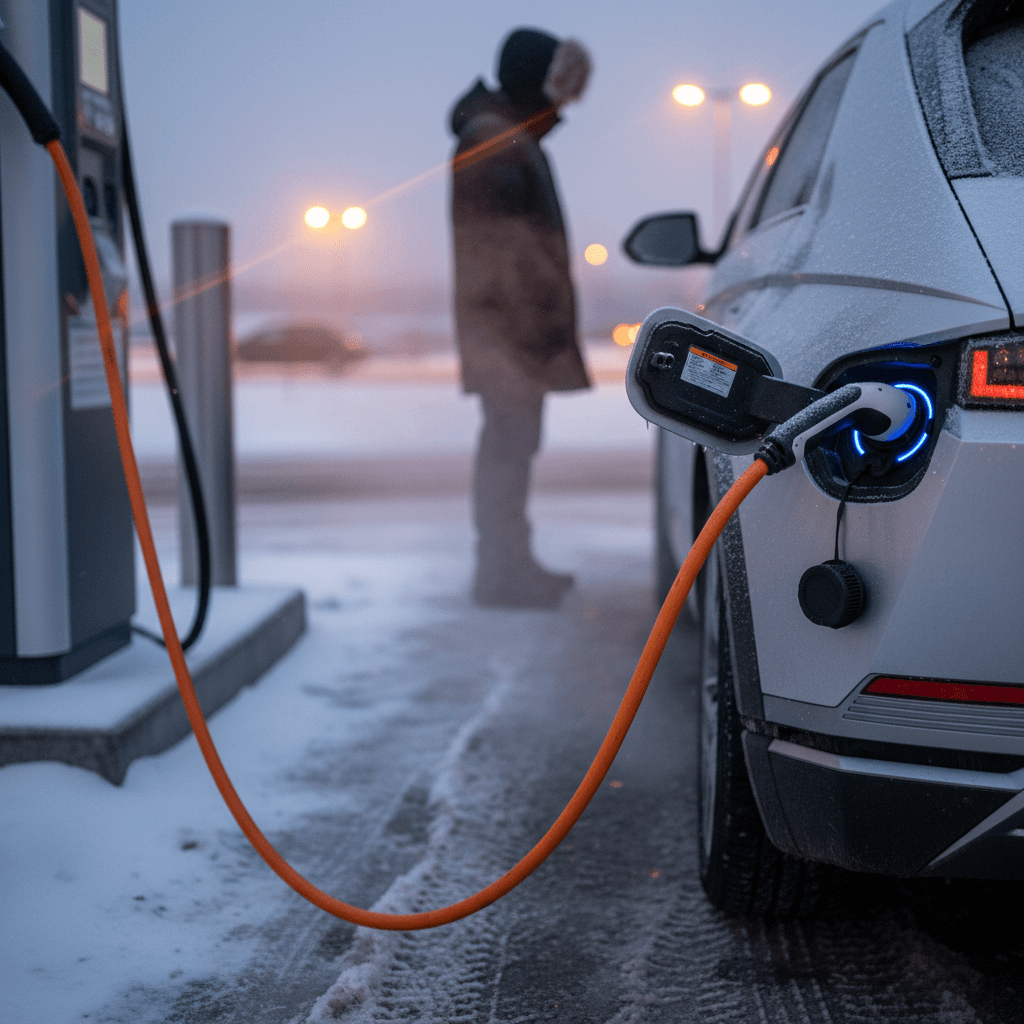
When you should (and shouldn’t) use battery preconditioning
Good vs. bad times to use Ioniq 5 battery preconditioning
Think of preconditioning as a tool for cold‑weather fast charging, not a button to leave running all the time.
Best times to use it
- Temperatures near or below freezing and you’re planning a DC fast‑charging session.
- Road trips with multiple fast‑charge stops in winter or shoulder seasons.
- When you’ve seen very slow DC speeds in the past and want to improve your next stop.
- Anytime you’ll be relying on a single fast‑charge stop to stay on schedule.
Times to skip it
- Mild or hot weather, where the pack will already be in a good temperature range after normal driving.
- Short errands or trips where you don’t plan to fast‑charge at all.
- Arriving at a DC charger with very high state of charge (above ~60–70%), where the Ioniq 5’s charging curve will taper anyway.
- When you’re watching energy use closely and don’t need maximum speed at the charger.
Balance time vs. energy
Common issues and troubleshooting
Owner reports are clear: Ioniq 5 battery preconditioning works, but it’s not always obvious and it isn’t perfect. If you’re struggling to see results, work through the most common issues below.
Typical Ioniq 5 battery preconditioning problems
Use this quick reference if you don’t see the heater icon or your charging speeds remain slow in cold weather.
| Symptom | Likely cause | What to check/do |
|---|---|---|
| No preconditioning icon appears on cold days | Feature not enabled or early software version without conditioning | Confirm the Battery Conditioning toggle is on. If it’s missing, ask your dealer to check for battery‑management/VCU software campaigns. |
| Icon never appears even with toggle on | Navigation not set to a DC fast charger | Make sure you’ve selected a DC (or DC+) station in the car’s own navigation, not just in Apple CarPlay or Android Auto. |
| Icon appears but charging still starts slow | Drive segment too short or pack too cold | Plan at least 20–30 minutes of driving with the charger as destination. In extreme cold, you may need an even longer leg for a meaningful temperature rise. |
| Preconditioning worked once but not on later trips | State of charge or ambient temperatures outside target window | If your battery is already warm from previous driving, or SOC is high, the car may skip heating to save energy and protect the pack. |
| Dealer says update is done but menu still shows Winter Mode only | Software campaign partially applied or on a different branch | Ask the dealer to confirm the BMS and VCU versions against the latest bulletins for your VIN. In some cases, Hyundai has shipped different software branches that retain the Winter label but add conditioning behavior. |
If you’ve checked all of these and still have problems, it’s time to talk to a Hyundai dealer, and to document what you’re seeing.
Document before visiting the dealer
Extra tips to protect your Ioniq 5 battery in winter
Preconditioning is one tool in the kit. Day‑to‑day habits still play a big role in how your Ioniq 5 battery performs and ages, especially if you live in a cold climate.
Winter habits that help your Ioniq 5 battery
Use scheduled charging when possible
Charging overnight on Level 2 and timing it to finish near your departure keeps the pack and cabin warmer without leaning as hard on DC fast charging.
Heat the cabin while plugged in
Pre‑heat the interior from shore power when you can. It reduces the hit to driving range compared with blasting the heater on a cold battery once you’re on the road.
Rely on seat and wheel heaters
Seat and steering‑wheel heaters draw less energy than full cabin heat. They’re an efficient way to stay comfortable while keeping overall consumption down.
Avoid living at 100% state of charge
Charging to 100% is fine before a road trip, but for everyday use aim for a lower daily target (for example 70–80%) to reduce long‑term battery stress.
Limit back‑to‑back DC fast charges
Rapid‑charging repeatedly on a cold day can be hard on the pack. Mix in slower Level 2 sessions when possible, especially once you’ve reached your next stop.
Keep software up to date
Whether it’s preconditioning logic or charging safeguards, Hyundai continues to tweak EV software. Make sure recall and service campaigns are current on your car.
Ioniq 5 battery preconditioning FAQ
Frequently asked questions
Thinking about a used Ioniq 5?
If you’re shopping for a used Ioniq 5, battery preconditioning is one of those details that only shows up once you live with the car. It won’t appear on a window sticker, but it can make a real difference in winter road‑trip convenience and long‑term battery health.
At Recharged, every used EV comes with a Recharged Score battery health report, fair‑market pricing, and help with questions like, “Does this specific Ioniq 5 have the latest charging and preconditioning software?” If you’re comparing early and later model years, or just want a second opinion on a car you’ve found, our EV specialists can help you understand real‑world charging behavior, winter performance, and what to expect from life with an Ioniq 5.
When you’re ready, you can browse vehicles online, get a trade‑in value, line up financing, and arrange delivery, without spending a Saturday bouncing between showrooms. And if an Ioniq 5 isn’t the right fit, we’ll help you find another EV that fast‑charges well in the conditions where you actually drive.