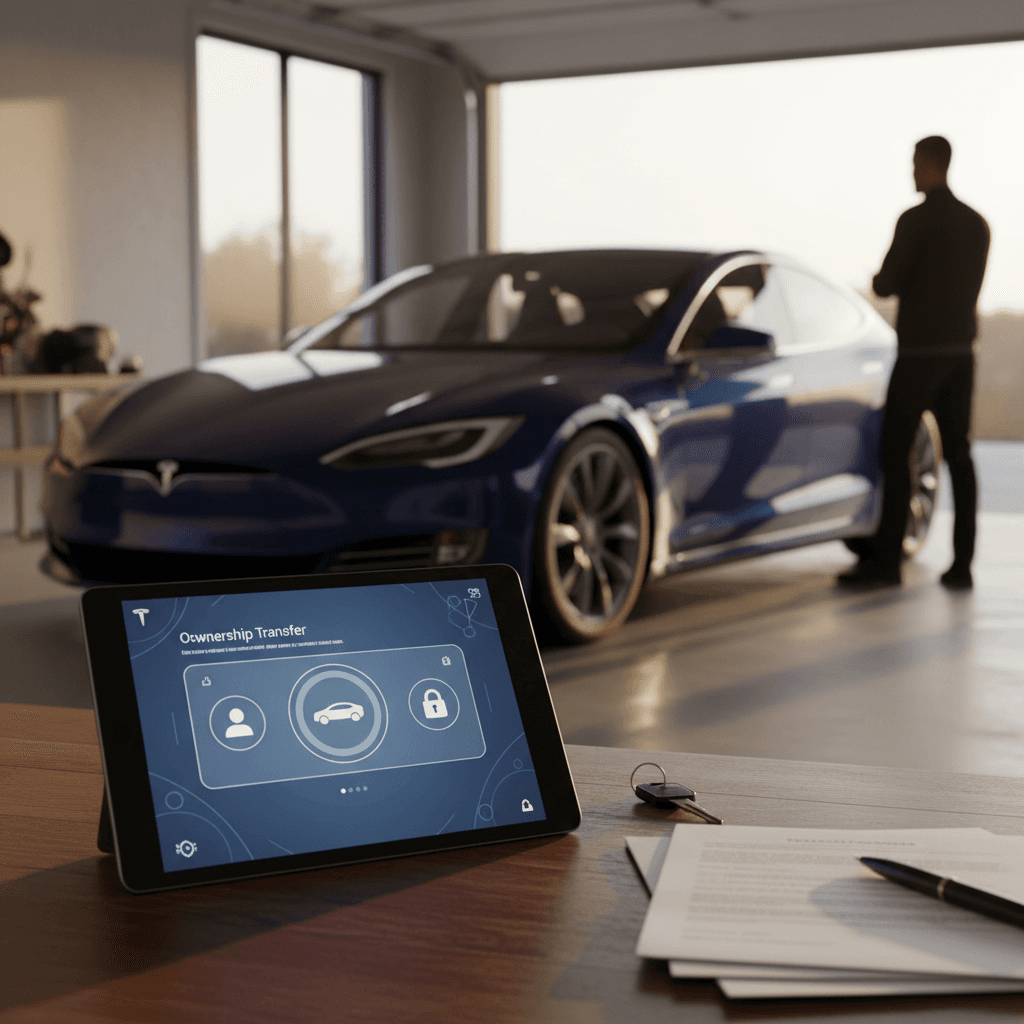
You don’t really **own** a Tesla until it shows up in your Tesla app. That’s where you see battery status, remote climate, Supercharging history, software upgrades, the works. So when you buy or sell a used Tesla, knowing **how to transfer Tesla ownership** correctly is just as important as signing the title at the DMV.
Tesla ownership vs. state title
Why Tesla ownership transfer matters in 2026
Legacy car makers mostly treat software like a radio preset. Tesla treats it like the spine of the car. Features like **Full Self‑Driving (FSD) (Supervised)**, paid connectivity, and Supercharging billing are all tied to **who Tesla thinks owns the vehicle**, not just whose name is on the title.
What can go wrong if you skip a proper transfer
Most horror stories come from rushing the digital side of the sale.
Surprise Supercharging bills
No app access for days
Confusion over software features
Leased or financed cars are different
How Tesla ownership transfer actually works
Tesla’s own manuals describe two main paths: the **seller-initiated transfer in the Tesla app**, and the **buyer-initiated claim** when purchasing from a third party or when the seller doesn’t complete the process.
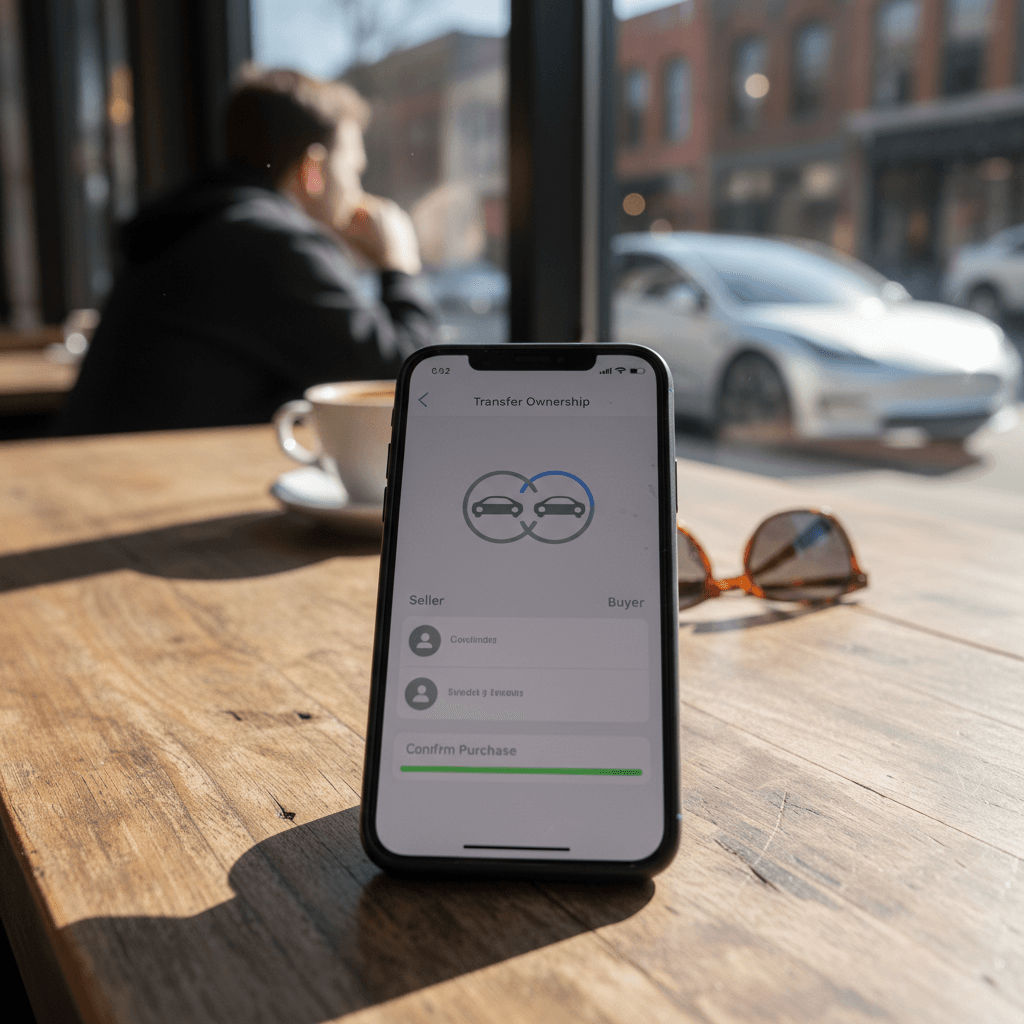
- Seller‑initiated transfer: current owner goes into the Tesla app, selects the vehicle, and uses Remove or Transfer Ownership. The buyer gets an email and accepts the transfer into their Tesla account. For smooth private sales, this is the cleanest route.
- Buyer‑initiated claim: if the seller removed the vehicle or can’t be reached, the buyer opens the Tesla app, taps Add Product, enters the VIN, and uploads an ID plus **proof of ownership** (bill of sale, registration, or title). Tesla reviews and assigns the car to the new owner, typically in a few days.
Where this lives in the app
Typical Tesla ownership transfer timing
Step-by-step: transfer Tesla ownership in the app
Here’s the cleanest scenario: you’re doing a **private sale** and both parties are physically with the car. This is how to transfer Tesla ownership so the app, billing, and car all update as soon as money changes hands.
Seller steps: handing your Tesla to the next owner
1. Confirm account email and buyer’s Tesla account
Make sure the buyer has already created a <strong>Tesla Account</strong> (email + password) and has the Tesla app installed. Verify their email address carefully, this is where the transfer invite goes.
2. Factory reset the car
In the vehicle, go to <strong>Controls → Service → Factory Reset</strong>. This wipes navigation history, saved addresses, garage codes, phone keys, and Spotify/Netflix logins before the new owner takes over.
3. Start the transfer in the Tesla app
Open the Tesla app, tap <strong>My Products → your car → Manage → Remove or Transfer Ownership</strong>. Choose <strong>Transfer</strong>, then enter the buyer’s Tesla account email and follow the prompts.
4. Wait for buyer to accept
The buyer receives an email and sometimes an in‑app notification asking them to accept the vehicle. Don’t leave until they see the car appear in their app.
5. Confirm your account no longer shows the vehicle
Once the buyer accepts, refresh your app. The vehicle should disappear from your account. Your **subscriptions and incentives for that car end at this point**, and you stop getting Supercharging bills.
Buyer steps: claiming full control of your “new” Tesla
1. Create or sign in to your Tesla account
Before you even test drive, install the Tesla app and log in. If you’re new to Tesla, create an account with the **same email** you’ll give the seller for the transfer.
2. Accept the transfer email on the spot
When the seller initiates the transfer, open the email right away, follow the link, and confirm. Within minutes, you should see the car listed under <strong>My Products</strong> in the app.
3. Add your payment method for Supercharging
In the app, add a **credit or debit card** so Supercharging and paid connectivity are billed to you, not the previous owner.
4. Verify software features and subscriptions
Check the app and in‑car screen for items like <strong>FSD (Supervised)</strong> availability, Acceleration Boost, Premium Connectivity, or other upgrades. If something you expected is missing, pause and speak with the seller before finalizing payment.
5. Set up your phone key and preferences
Pair your phone as a key, add any additional drivers, and re‑configure driver profiles, navigation favorites, and charging limits.
Documents you need to transfer ownership
Tesla doesn’t replace your state DMV. You still need to do the usual **title, registration, and tax paperwork** to make the car legally yours. But Tesla will also ask for documentation if you claim a car that isn’t already being transferred directly from another account.
Key documents for a Tesla ownership transfer
You may not need every item in every transaction, but this is what Tesla and your DMV typically look for.
| Scenario | Must‑have documents | Who needs them |
|---|---|---|
| Private sale, same state | Signed title, bill of sale, current registration, photo ID | Buyer & seller (DMV) |
| Seller‑initiated in‑app transfer | Buyer’s Tesla account email, access to the car | Buyer & seller (Tesla app) |
| Buyer claims from third party or unresponsive seller | Photo ID, bill of sale OR registration/title, VIN and photos of the car | Buyer (Tesla manual review) |
| Buying from a dealer | Dealer purchase agreement, temp tag or registration, photo ID | Buyer & dealer (DMV & Tesla) |
| Out‑of‑state purchase | Title from seller’s state, bill of sale, emissions/safety docs if required | Buyer (both DMVs & Tesla) |
Always check your state’s DMV site and Tesla’s official support pages for the latest requirements.
Pro move: keep one digital folder
What happens to FSD, Supercharging and connectivity perks
Here’s where a lot of used‑Tesla deals get fuzzy. Some perks are tied to the **car’s VIN**, others to the **original buyer**, and still others are being phased out entirely in favor of subscriptions. In 2026, you need to pay attention to three main buckets: FSD, Supercharging, and connectivity.
Full Self‑Driving (FSD) (Supervised)
- Older Teslas with purchased FSD generally keep it with the car when it’s sold, unless it was a special promo explicitly tied only to the original owner.
- For a while, Tesla let some owners transfer FSD from an old Tesla to a new one, but that transfer window is scheduled to end March 31, 2026. After that, new buyers will mostly see FSD as a monthly subscription instead of a one‑time purchase.
- If a used Tesla is advertised with FSD, confirm on the in‑car screen under Software → Additional Vehicle Information and in the Tesla app once the car is in your account.
Supercharging & connectivity
- Many early cars with "Free Unlimited Supercharging" keep that perk with the VIN, but Tesla has also sold plans that expire when the original owner sells. Read the original window sticker or listing carefully.
- Supercharging **billing** always follows the active owner in the Tesla app. Once you take ownership, fast‑charging costs hit your payment method, not the previous owner’s.
- Premium Connectivity (satellite maps, streaming, etc.) is increasingly subscription‑based. Some cars include a trial period; after that, expect a monthly fee.
Assume nothing with advertised perks
Seller and buyer tips for smooth private Tesla sales
Private Tesla sales can actually be smoother than selling a gas car, no oil leaks to argue over, no transmission noises. But the digital side can trip people up. A little structure goes a long way.
Best practices for both sides of a Tesla sale
Think of the app and the title as two parallel closings you need to get right.
For sellers
- Settle any loans and confirm you have a **clean title** (or a clear payoff path) before listing.
- Gather service records and a recent **battery health or range report**, this builds trust fast.
- Plan your meeting somewhere with good cell coverage so both of you can use the Tesla app.
- Only start the in‑app transfer once funds are verified (cashier’s check cleared, wire received, etc.).
For buyers
- Ask for the VIN in advance so you can get **insurance quotes** and run history checks.
- Bring your phone, Tesla app installed, and a backup hotspot in case of bad reception.
- Test drive long enough to hit a **Supercharger** if possible, it proves charging works and shows who gets billed.
- Budget for potential missing perks (like FSD or Premium Connectivity) instead of assuming they’ll stay.
Where Recharged fits in
Buying a Tesla from a dealer or marketplace
Franchise dealers and generic used‑car lots are still catching up to how software‑defined cars work. Some will hand you the keys and never think about the Tesla app, leaving you to figure out ownership transfer after you’ve already driven away.
- Before signing, ask the dealer explicitly how they’ll handle the **Tesla account transfer** and how long it usually takes.
- Make sure the purchase agreement lists the **VIN and any promised software features** in writing, not just in a verbal sales pitch.
- If they won’t help with the app, be prepared to use the buyer‑initiated flow: add the car by VIN in your Tesla app and upload your purchase paperwork for Tesla to review.
- Plan for a few days where you may not have full app control. Keep the key card or key fob somewhere you won’t lose it.
Beware of unresolved liens and repossessions
How Recharged handles Tesla ownership transfer for you
Recharged lives in this world every day. When you buy or sell a used Tesla (or any EV) through us, our job is to make the transfer process boring, in the best possible sense.
A smoother path with Recharged
Less time arguing with support, more time actually driving your EV.
Verified battery health
Paperwork & app guidance
Nationwide delivery + support
Ready to find your next EV?
Browse VehiclesCommon ownership transfer issues and how to fix them
Most Tesla ownership transfer headaches fall into a few predictable buckets. Knowing them in advance helps you avoid them, or resolve them quickly if you’re already stuck.
Troubleshooting common Tesla ownership transfer problems
Seller removed the car but never transferred
Use the Tesla app’s <strong>Add Product</strong> option, enter the VIN, and upload your ID plus bill of sale or registration. Expect **3–5 business days** for manual review. You can still drive with the key card while you wait.
Buyer can’t see the transfer email
Have the seller double‑check the email address they entered. Check spam/junk folders. If needed, cancel and re‑start the transfer in the app with a different email you control.
App shows another owner or "access restricted"
This can happen if Tesla still has another account or business listed as owner (common with former leases or fleet vehicles). Open a support ticket through the app or Tesla website with proof of ownership attached and be prepared to wait a few days.
Features missing after transfer
If FSD, Acceleration Boost, or other upgrades vanish after the transfer, compare the **original purchase documents or listing** with what the car currently shows. Many perks were always non‑transferable, painful, but usually not reversible.
Loan or lien still showing
If a lender still reports an open loan, Tesla may block reassignment even if your seller insists it’s paid off. Ask for a **lien release letter** and be ready to send it to Tesla support. This one can take patience.
Be politely persistent with support
FAQ: Tesla ownership transfer
Frequently asked questions about transferring Tesla ownership
Bottom line: make your Tesla transfer boring, in a good way
The Tesla you’re buying or selling is equal parts car and software. Signing the title without fixing the digital side is like handing someone the keys to your house but never changing the smart‑lock code. When you understand **how to transfer Tesla ownership**, in the app, with the right documents, and with realistic expectations about FSD and Supercharging, you avoid surprise bills, missing features, and weeks of support‑ticket purgatory.
If you’d rather not beta‑test this process with your own money, consider finding your next used Tesla through Recharged. With verified battery health, transparent pricing, and hands‑on help with the ownership transfer, you get to skip the drama and just enjoy the car.