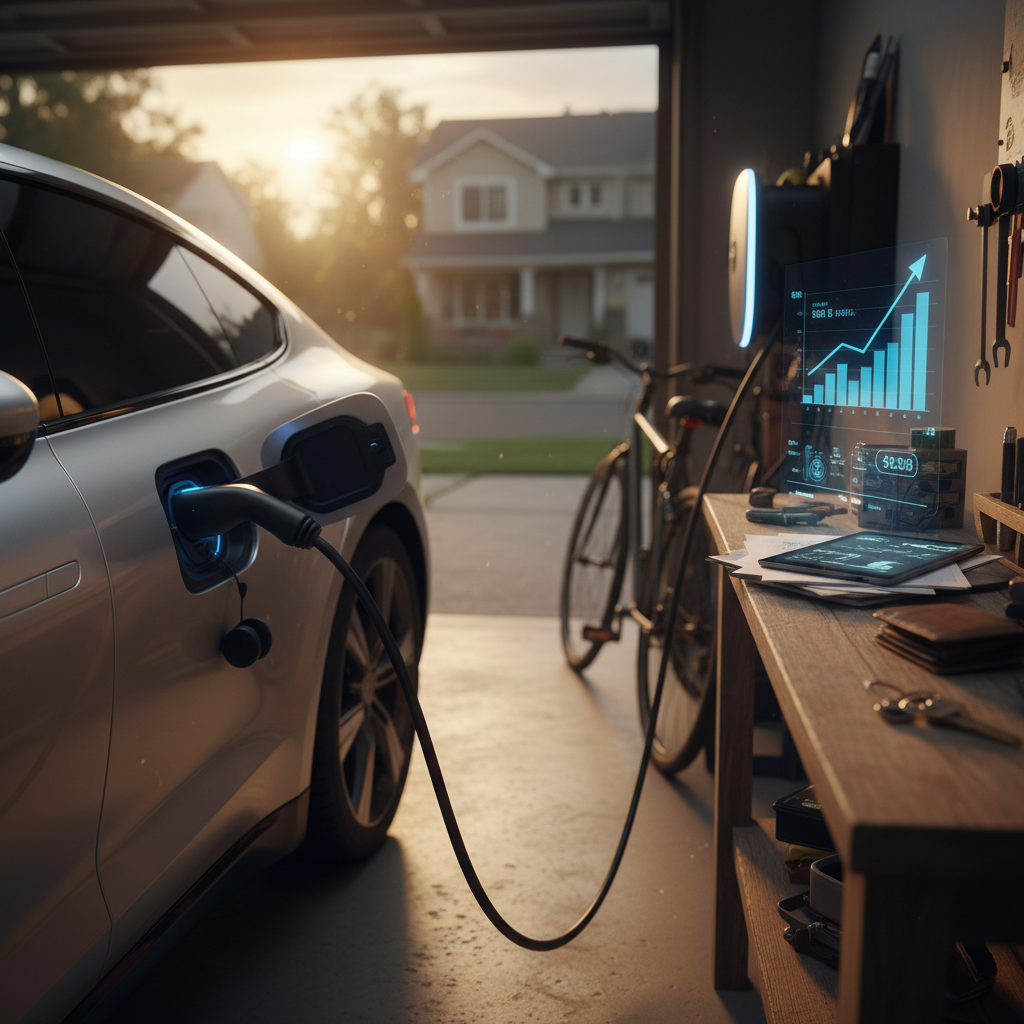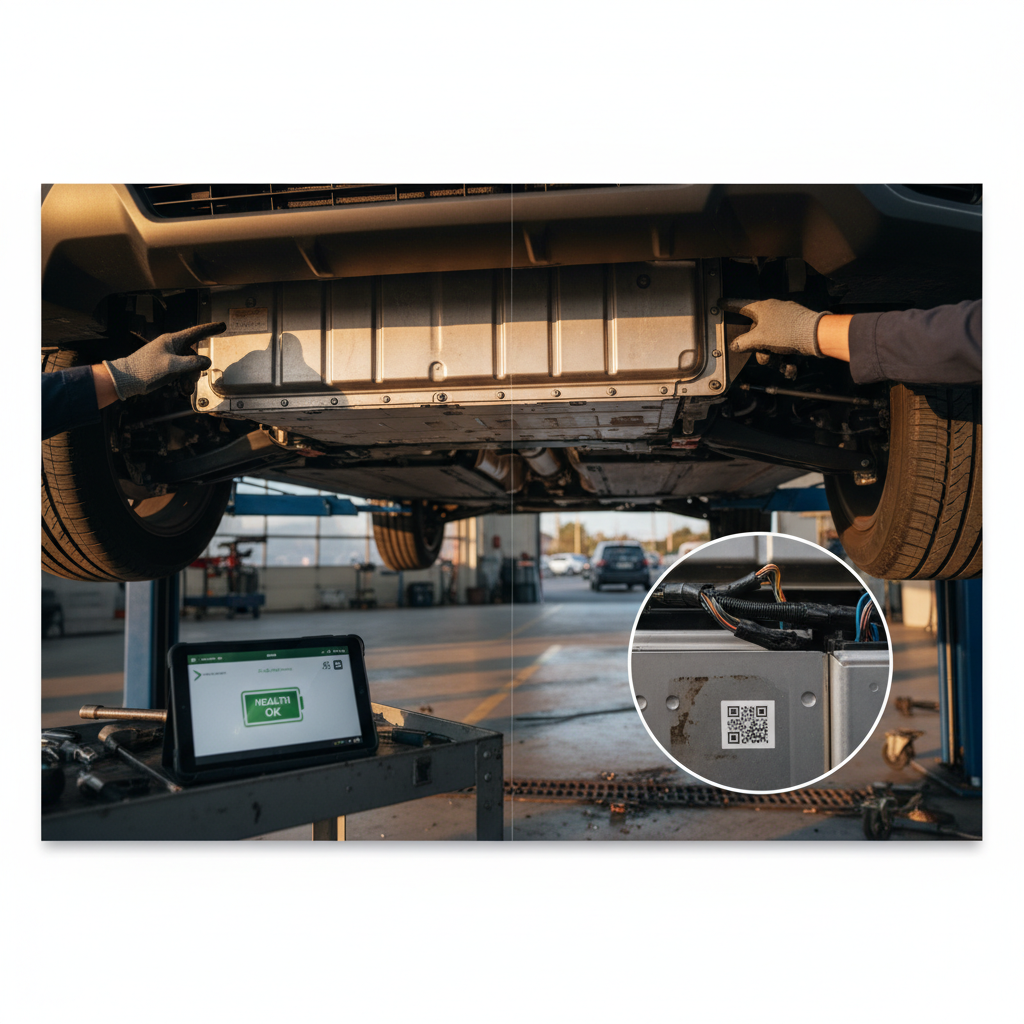
Before you fall in love with a used electric vehicle, you need to know its past. Learning how to check EV VIN history is one of the best ways to avoid buying an electric lemon, especially now that title brands, flood damage, and even battery‑related data can be tied to a single 17‑digit code.
What a VIN actually is
Why EV VIN history matters more than you think
On a gas car, a VIN history check mostly tells you about accidents, title status, and odometer rollbacks. Those things still matter for EVs, but there’s more at stake. Electric cars add a high‑voltage battery pack, complex electronics, and fast‑charging hardware. All of that is vulnerable to flood damage, poor repairs, and hard usage that may not show up in a quick test drive.
What an EV VIN history check can reveal
Think beyond basic accidents and ownership counts
Structural & title risk
- Salvage, rebuilt, flood, lemon law brands
- Severe accident or airbag deployment records
- State‑to‑state title changes (potential title washing)
Usage & wear patterns
- Commercial or rental use
- Frequent auctions or wholesale flips
- Unusual odometer patterns
EV‑specific clues
- Battery‑related repairs or recalls
- Charging system issues
- Emerging VIN‑based battery health scores
EVs hide different risks
Step 1: Find the VIN on an EV
Before you can check EV VIN history, you need the VIN itself. Most electric vehicles follow the same patterns as gas cars, but a few brands (like Tesla) are especially consistent in where they put the number.
- Lower windshield (driver’s side): Look from outside the car at the bottom corner of the windshield. This is the fastest way to grab a VIN without opening the doors.
- Driver’s door jamb: Open the driver’s door and look for the certification label on the pillar. It usually lists the VIN, build date, and tire information.
- Registration and insurance cards: The VIN appears on the title, registration, and your insurance paperwork, handy if you’re shopping long‑distance.
- In‑car menus (for connected EVs): Many EVs list the VIN in the infotainment system under settings → about vehicle.
- Manufacturer apps: Tesla, Rivian and others show the VIN when a car is linked to an owner’s account. This can be helpful if you’re considering a private‑party sale and the seller shares screenshots.
Double‑check for typos
Step 2: Decode the EV VIN (what it can and can’t tell you)
Once you have the VIN, your first move is to decode it. A VIN decoder won’t replace a full history report, but it will confirm you’re looking at the exact EV configuration you think you’re buying, battery size, body style, motor layout, and more.
What an EV VIN decoder usually shows
Use a free VIN decoder to verify core specs before you dig into history reports.
| Data point | What you learn | Why it matters for EVs |
|---|---|---|
| Make, model, year | Confirms the basic identity of the car | Catches mis‑listed or cloned vehicles before you waste time |
| Plant & country | Where the EV was built | Some factories have different option mixes or build quality histories |
| Battery or engine code | Battery capacity and sometimes chemistry | Helps you distinguish between short‑range and long‑range versions |
| Drive type | FWD, RWD, AWD, motor count | Impacts efficiency, performance and sometimes maintenance costs |
| Safety & restraint codes | Airbag and safety equipment | Confirms the car matches the safety spec you expect |
Exact fields vary by brand, but most modern EVs embed this data in the VIN.
Brand‑specific EV VIN decoders
Step 3: Check title brands and odometer in NMVTIS
Next, you want to know if the EV’s title has ever been branded as salvage, rebuilt, flood, junk, or lemon, and whether its mileage story adds up. In the U.S., the National Motor Vehicle Title Information System (NMVTIS) is the backbone for this.
How to use NMVTIS‑powered providers
1. Choose an approved NMVTIS provider
Search for NMVTIS consumer access providers and pick one that clearly supports EVs. You’ll pay a small fee per VIN, but you get direct title brand and odometer data from state DMVs and insurers.
2. Enter the VIN carefully
Paste the VIN you confirmed from the windshield or title. Avoid typing it from memory; a one‑digit error can mask a salvage or flood brand.
3. Review title brands and status
Look for any mention of junk, salvage, rebuilt, flood or lemon law. These “brands” stick with a VIN even if the car is retitled in another state.
4. Compare odometer readings
Make sure mileage readings move upward logically over time. Big jumps or resets can suggest odometer issues or cluster replacements that deserve follow‑up questions.
5. Note state‑to‑state moves
Multiple quick title transfers across states can indicate “title washing” attempts, especially after major floods or total‑loss claims.
Don’t rely on the paper title alone
Step 4: Run an EV‑aware vehicle history report
NMVTIS is the legal backbone, but it’s not very consumer‑friendly. That’s why most shoppers also use commercial vehicle history reports that sit on top of NMVTIS and add data from insurers, auctions, service shops, and sometimes OEMs.
Common VIN history report options for EVs
Layer multiple sources when the car is high‑value or the story is confusing.
Traditional history providers
EV‑specialist data platforms
Marketplaces & auction data
One VIN, several lenses
Step 5: What VIN history can reveal about EV battery health
This is where EVs diverge sharply from gas cars. The traction battery is usually the single most expensive component, and yet traditional VIN history reports rarely tell you its true health. They can, however, give you important context.
What VIN history usually can show
- Battery‑related recalls: Software updates, module replacements, or pack inspections triggered by safety campaigns.
- High‑voltage repairs: Records mentioning inverter, DC fast‑charge hardware, or pack work, signs the car has seen significant electrical service.
- Thermal events or major damage: If a battery issue resulted in a fire or totaled vehicle, it may show up as a salvage or fire brand.
What VIN history usually can’t show (yet)
- State of health (SoH): The true usable capacity of the pack versus new, expressed as a percentage.
- Daily charging habits: Whether previous owners routinely fast‑charged to 100% or left the car at full charge for long periods.
- Real‑world range today: The actual miles you’ll see at highway speeds in your climate.
The industry is closing that gap. Auction platforms and marketplaces are beginning to surface VIN‑specific EV battery scores that estimate remaining range, chemistry, cable presence, and remaining warranty. Those tools use VINs as a key, but they depend on separate battery diagnostics, often via connected‑car data or pack testing hardware.
How Recharged approaches battery health
Step 6: Combine VIN history with a physical EV inspection
A clean EV VIN history is encouraging, but it’s not a guarantee. You still need to see how the car looks, drives, and charges today. Think of VIN data as your background check and the inspection as your in‑person interview.
Quick EV inspection checklist to pair with VIN history
Confirm battery health & range
Check the current estimated range at a given state of charge and compare it to what that model delivered when new. Large gaps warrant more in‑depth testing.
Look for flood or corrosion clues
Inspect under seats, in trunk wells, and around charge ports for rust, silt, or waterlines, even if the VIN history doesn’t show a flood brand.
Test DC fast‑charging
If possible, do a short fast‑charge session. Abnormally low charge rates can hint at battery or thermal‑management limitations.
Check charging hardware
Verify that charge ports, onboard chargers, and included cables or adapters all work. Some reports now note whether an EV is missing its primary cable.
Scan for warning lights & software issues
EV dashboards can hide a lot of information in sub‑menus. Look for battery, charging, or driver‑assist faults, not just a generic check‑engine light.
Compare seller’s story to VIN data
If the seller claims “one owner, no accidents,” but the VIN history shows multiple title transfers or prior damage, that’s a serious trust problem.
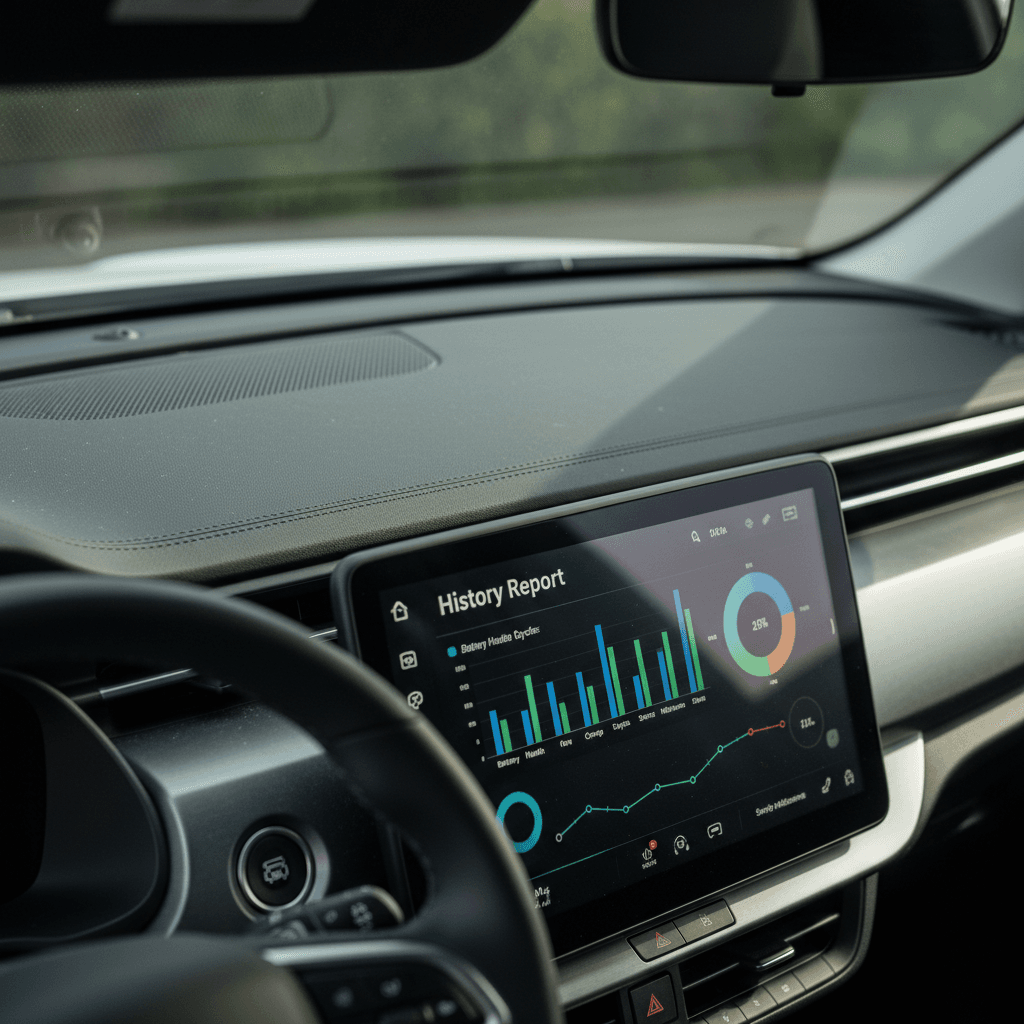
Common EV VIN history red flags to watch for
- Salvage or rebuilt titles on late‑model EVs: A cheap price can hide expensive battery or structural repairs that are hard to see and harder to insure.
- Flood or water‑damage brands: High‑voltage batteries and electronics do not mix well with water. Even if the car drives today, long‑term reliability is a major question mark.
- Multiple auction records in a short time: If an EV keeps bouncing through wholesale lanes, dealers may be passing on a problem child.
- Inconsistent odometer readings: Sudden drops or unexplained jumps suggest cluster swaps or tampering.
- Missing airbag or structural repair details: “Accident reported” with no further clarity should prompt you to request body‑shop invoices or detailed photos.
- Battery‑related recalls with no proof of completion: If a recall involves pack inspections or module replacements, verify that the work was actually done.
Don’t ignore small clues
How Recharged handles EV VIN history and battery checks for you
If you’d rather not become a part‑time VIN detective, one option is to buy from a seller that specializes in used EVs and bakes this work into the process. That’s exactly what Recharged was built for.
What Recharged does with every EV VIN
So you don’t have to stitch data together from five different sites.
Comprehensive VIN & title checks
Recharged Score battery diagnostics
Pricing & support built around EV reality
Ready to find your next EV?
Browse VehiclesYou can shop entirely online, get help from EV specialists instead of generalists, and arrange trade‑in, financing, or nationwide delivery. And if you’re selling, Recharged can give you an instant offer or help you consign your EV with its history and battery story clearly presented to buyers.
EV VIN history FAQs
Frequently asked questions about checking EV VIN history
The bottom line on checking EV VIN history
If you’re shopping for a used electric vehicle, learning how to check EV VIN history is table stakes, but it’s only half the story. Use NMVTIS‑backed reports and VIN decoders to filter out obvious problem cars, then lean on EV‑specific tools and inspections to understand battery health and charging behavior. Whether you do that legwork yourself or let a specialist like Recharged bundle VIN history, diagnostics, and transparent pricing into every listing, the goal is the same: a used EV whose past and battery are as clear as its title.