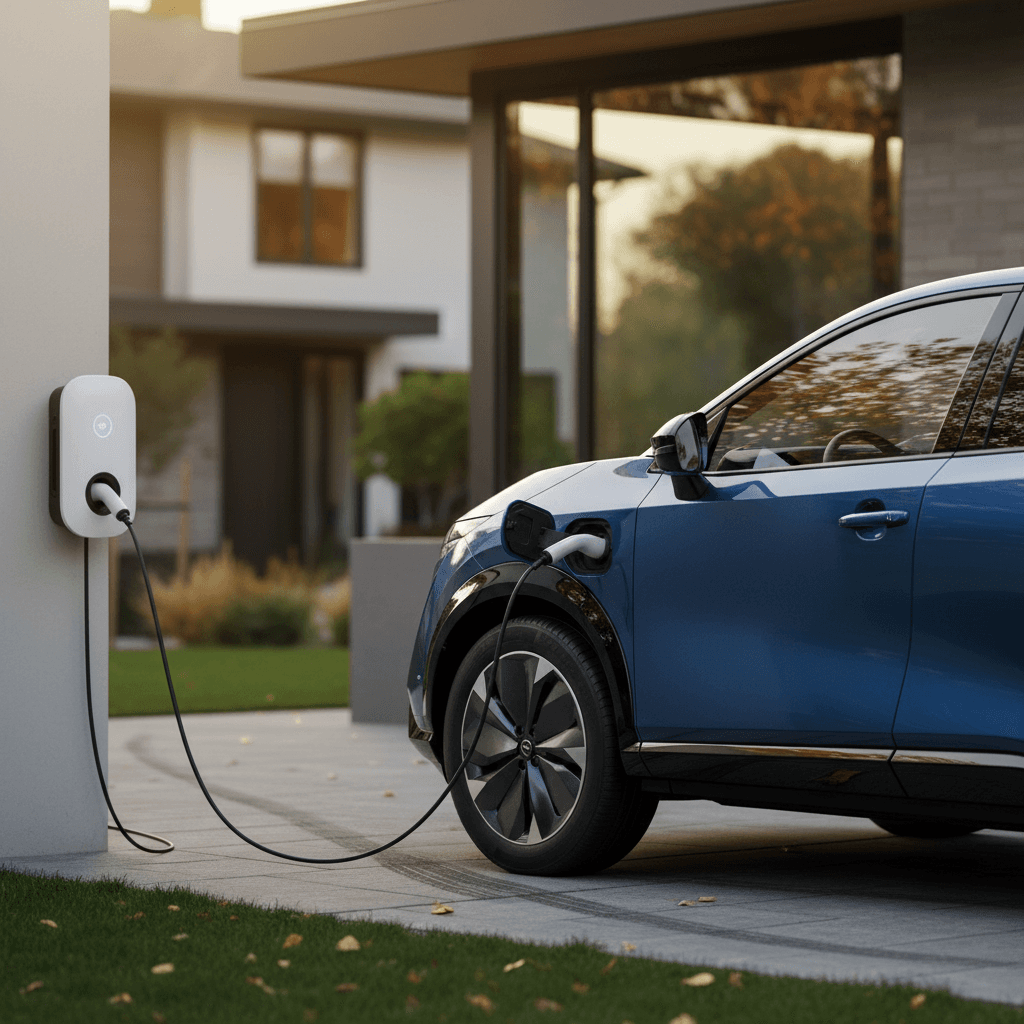
If you’ve just bought a Nissan Ariya or you’re shopping for one, figuring out how to charge your Ariya at home is one of the most important parts of ownership. The good news: with the Ariya’s built‑in 7.2 kW AC charger and the right setup at home, you can refuel overnight just like plugging in your phone.
Quick takeaway
Nissan Ariya home charging basics
- Battery sizes: most U.S. Ariya trims use either a ~63 kWh or ~87–91 kWh usable battery pack.
- Onboard AC charger: up to 7.2 kW on Level 2, which is what limits how fast you can charge at home.
- Home charging levels: Level 1 (120V) with the included cord, or Level 2 (240V) with a wall unit or portable EVSE.
- Connector type: in North America, the Ariya uses the standard J1772 inlet for AC charging; DC fast charging uses CCS or NACS depending on adapter, but that’s for public stations, not home.
Nissan explicitly recommends using “normal charge” (Level 2) as your primary way to recharge at home, and treating DC fast charging as an occasional tool for road trips. Level 2 gives you a full overnight refill without the energy waste or time pressure of relying on fast chargers every day.
Key Nissan Ariya home charging numbers
Level 1 vs Level 2: Which home charging option should you use?
Level 1: 120V “trickle” charging
Every Ariya comes with a portable 120V charging cable you can plug into a standard household outlet. It typically delivers about 1.2–1.4 kW.
- Pros: No installation required, just plug in.
- Cons: Very slow – often 30–80 hours to go from near‑empty to full, depending on battery size.
- Best for: Drivers averaging under 20–25 miles per day, or those waiting on a Level 2 install.
Level 2: 240V “normal” charging
A Level 2 charger uses a 240V circuit (like an electric dryer) and can supply far more power, up to the Ariya’s 7.2 kW limit.
- Pros: Realistic overnight charging, better efficiency, richer app features.
- Cons: Requires a dedicated circuit and usually an electrician.
- Best for: Most Ariya owners, especially if you drive 30–80 miles a day or can’t leave the car plugged in for days.
Rule of thumb
How long does it take to charge a Nissan Ariya at home?
Exact times depend on battery size, your charging level, and how low you run the pack. But you can use these ballpark numbers to plan your daily routine. These assume typical U.S. conditions and the Ariya’s 7.2 kW onboard charger.
Approximate Nissan Ariya home charging times
Realistic 0–100% estimates for common home setups. In practice you’ll usually charge between about 10% and 80–90%, which is faster.
| Setup | Power | Small pack (~63 kWh) | Large pack (~87–91 kWh) | Miles of range per hour* |
|---|---|---|---|---|
| Level 1 (120V, 12A) | ~1.3 kW | 40–50 hrs | 60–80 hrs | 3–4 mi/hr |
| Level 2 (240V, 16A) | ~3.8 kW | 14–18 hrs | 20–24 hrs | 10–15 mi/hr |
| Level 2 (240V, 32A) | ~7.2 kW | 8–9 hrs | 11–13 hrs | 25–30 mi/hr |
Use these numbers as planning tools, not promises, temperatures, driving style, and battery size all matter.
About those numbers
Step‑by‑step: how to charge your Nissan Ariya at home
Plug‑in procedure for safe home charging
1. Park and secure the vehicle
Park your Ariya where your charging cable can easily reach the charge port on the passenger‑side front fender. Put the car in Park and set the parking brake if needed.
2. Open the charge port door
Press the charge‑port button on the dash (or use the exterior release) to open the flap. Make sure the port is clean and dry, no snow, ice, or debris inside the connector.
3. Check your outlet or charger status
If you’re using the portable Level 1 cord, verify the household outlet is on a <strong>dedicated 15A circuit</strong> with no space heaters or other big loads. If you’re using a Level 2 wall unit, confirm it shows ready status (no error lights).
4. Plug the connector into the car
Align the J1772 connector with the Ariya’s inlet and push firmly until you hear and feel it click and lock. Don’t force it, if it doesn’t seat easily, check for obstruction.
5. Verify charging has started
Look for the charging indicator lights near the port and on the instrument cluster. You can also confirm in the NissanConnect / MyNissan app that the vehicle is charging and see the estimated completion time.
6. Let the car manage the rest
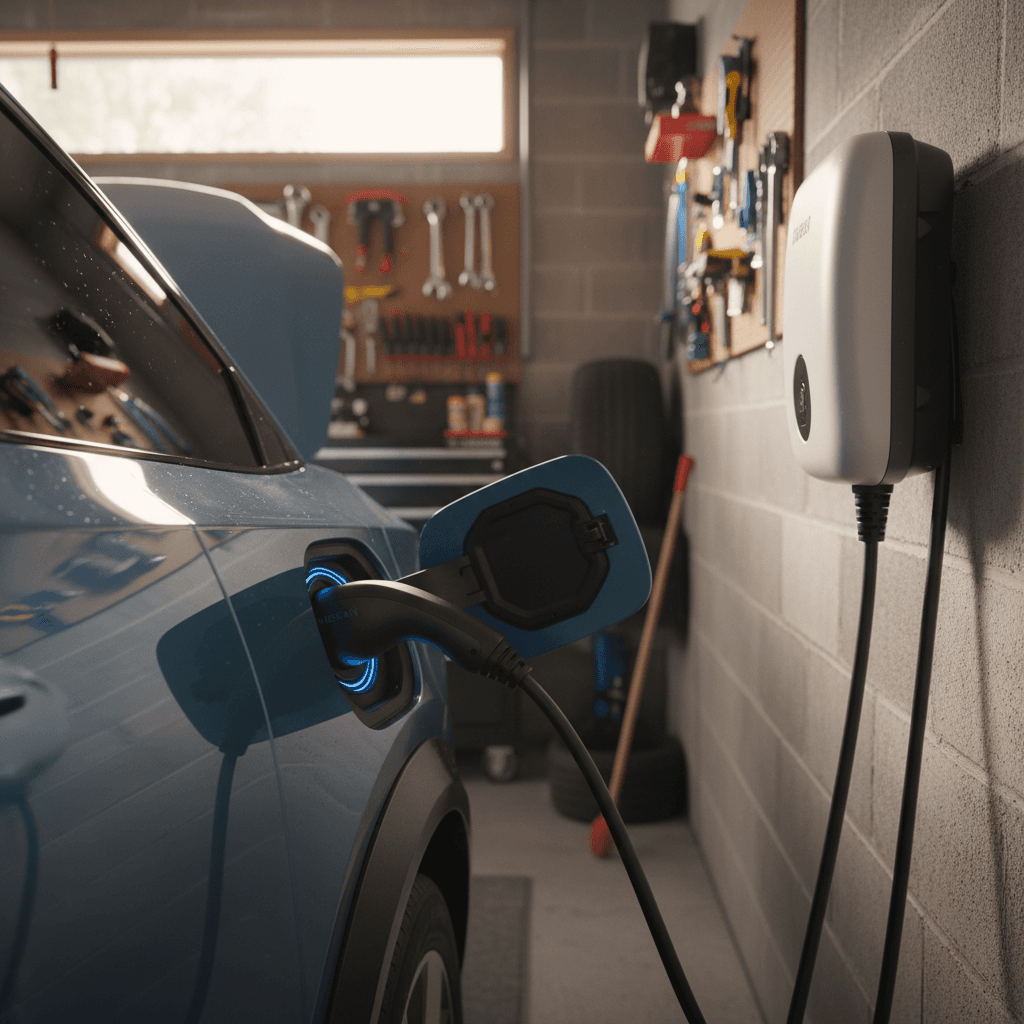
The Ariya automatically handles battery temperature management and charge tapering. When charging is complete (or reaches your charge limit), it stops automatically. Press the button on the connector to release it, close the port door, and you’re ready to drive.
Safety first
Choosing the right home charger size and features for your Ariya
Because the Ariya tops out at 7.2 kW on AC, there’s no benefit to buying a home charger that can deliver dramatically more power unless you’re future‑proofing for a different EV. What matters more is amperage, build quality, and features that fit your lifestyle.
How big should your Ariya home charger be?
Picking the right amperage and features keeps costs reasonable without sacrificing convenience.
32A (most common sweet spot)
A 32A Level 2 charger on a 40A circuit delivers the Ariya’s full 7.2 kW capability in many trims.
- Great fit for overnight 0–100% charging.
- Works well with typical 100–150A home panels.
- Often cheaper to install than higher amp options.
40–48A (future‑proofing)
Chargers rated 40–48A require 50–60A circuits and beefier wiring.
- Doesn’t charge your Ariya faster than 32A today.
- Makes sense if your next EV can accept 9–11 kW AC.
- Expect somewhat higher install costs.
Portable vs wall‑mounted
Some Ariya owners use a portable Level 2 unit that plugs into a 240V outlet; others prefer a hard‑wired wall box.
- Portables are flexible and easy to replace.
- Hard‑wired units can look cleaner and support higher amps.
- Either works fine as long as it’s UL‑listed and properly installed.
Good news for used‑EV shoppers
Ready to find your next EV?
Browse VehiclesElectrical requirements and installation costs
Most of the work (and cost) in “how to charge a Nissan Ariya at home” isn’t the car, it’s your house. Here’s what typically goes into a safe Level 2 setup in a U.S. home.
- Dedicated 240V circuit: Usually 40A for a 32A charger, or 50–60A for higher‑amp units. This means a new double‑pole breaker in your service panel.
- Proper wiring and outlet: For plug‑in units, electricians commonly install NEMA 14‑50 or 6‑50 receptacles in garages or on exterior walls; hard‑wired units connect directly.
- Permits and code compliance: Many jurisdictions require an electrical permit and inspection. A licensed electrician will handle this.
- Typical cost range: For a relatively simple install near the panel, U.S. homeowners often see roughly $300–$800 in labor and materials, with more complex runs or panel upgrades costing extra.
Ask your utility about rebates
What to ask your electrician
- Can my existing panel support a new 40–50A EV circuit?
- Is a plug‑in or hard‑wired charger better for my layout?
- Where should we mount the outlet so the cable comfortably reaches the Ariya’s front‑fender port?
- What permits and inspections are required in my city?
Where Recharged fits in
If you’re buying a used Ariya, Recharged can help you budget realistically:
- Walkthrough of your likely charging needs based on commute and climate.
- Ballpark quotes for typical Level 2 installs.
- Introductions to EV‑savvy installers in select markets, including around our Richmond, VA Experience Center.
Smart charging tips and battery care
Once the hardware is in place, the real efficiency gains come from how you use your Ariya’s charging settings and your utility’s rates. You don’t have to micromanage it, but a few smart habits can save money and reduce battery wear.
Optimize home charging in your Nissan Ariya
Use software and simple habits to make your Level 2 setup work harder for you.
Use scheduled charging
In the Ariya’s settings or the MyNissan app, set a charging schedule to start after off‑peak rates begin, often late at night. You’ll wake up with a full battery and a lower bill.
Avoid living at 100%
For daily driving, many owners set a charge limit around 80–90%. Reserve full 100% charges for longer trips to reduce long‑term battery stress.
Be gentle in extreme temperatures
In very hot or cold weather, keeping the Ariya plugged in lets the battery management system condition the pack while charging, which is better than letting it sit unplugged at low state of charge.
Monitor energy use
Use your charger’s app or the Ariya’s trip computer to watch kWh usage over time. If usage spikes unexpectedly, it might point to a tire, alignment, or driving‑style issue worth addressing.
Don’t defeat built‑in protections
Troubleshooting common Ariya home charging issues
Most Ariya home‑charging problems come down to configuration, outlet quality, or communication between the car and EVSE. Here are some of the most common symptoms and fixes owners report.
Quick checks when home charging misbehaves
Ariya won’t start charging
Confirm the connector is fully seated and locked. Check for error lights on the EVSE and verify any charge schedule isn’t telling the car to wait until later. Try disabling scheduled charging temporarily to see if it starts immediately.
Breaker keeps tripping
This usually means the circuit is overloaded or wired incorrectly. Make sure nothing else is on the same circuit as your Level 1 cord, and have an electrician confirm that Level 2 wiring and breaker sizing match the charger’s settings.
Charging seems much slower than expected
In the Ariya’s EV settings, verify the maximum charge current hasn’t been limited. On smart chargers, double‑check that the unit isn’t set to a reduced amperage (for example, 16A instead of 32A). Remember that cold batteries also charge more slowly.
App shows weird or no data
Log out and back into the MyNissan app, or reinstall if necessary. Make sure the vehicle has a good cellular connection. If your home charger has its own app, compare its kWh and time data to the car’s estimates to get a clearer picture.
Public fast charging vs home Level 2
Frequently asked questions about Nissan Ariya home charging
Nissan Ariya home charging FAQ
The bottom line: dialing in home charging for your Ariya
Charging a Nissan Ariya at home is straightforward once you separate the car’s capabilities from your home’s electrical reality. The Ariya’s 7.2 kW onboard charger pairs beautifully with a 32A Level 2 setup, giving you stress‑free overnight refills and the flexibility to use public fast charging only when you actually need it.
Start by deciding whether Level 1 is enough for your driving pattern; if not, invest in a right‑sized Level 2 charger and a proper 240V circuit. Use scheduled charging, sane charge limits, and the Ariya’s built‑in tools to keep both your electricity bill and your battery stress low. And if you’re still in the shopping phase, remember that buying through Recharged gets you a transparent Recharged Score Report, expert EV guidance, and help thinking through your home‑charging plan before you ever sign the paperwork.