If you’re looking at a used Fisker Ocean, you’re in rare‑air territory: a compelling electric SUV wrapped in the uncertainty of a bankrupt automaker. That combination makes a solid Fisker Ocean buying checklist absolutely essential. The right Ocean could be a bargain; the wrong one could be a very expensive science project.
Context matters
Should you buy a Fisker Ocean right now?
Before we dive into the nuts‑and‑bolts checklist, you need a clear view of the bigger picture. A used Ocean is not like buying a used Tesla Model Y or Hyundai Ioniq 5 from an active automaker. You’re buying an orphaned vehicle from a failed startup, and that changes the risk–reward equation.
Fisker Ocean: high reward, high risk
How to think about this EV before you even schedule a test drive
Why a Fisker Ocean can make sense
- Strong paper specs: competitive range (up to around 360 miles on certain trims) and brisk performance.
- Distinctive design: solar roof on some trims, cool interior touches, lots of curb appeal.
- Depressed prices: bankruptcy and news of recalls have pushed used values down; motivated sellers are common.
Why a Fisker Ocean can be risky
- Company is bankrupt: no traditional factory support and an uncertain future for software updates and parts.
- Documented quality issues: reports of buggy software, door latches, braking feel, and general fit‑and‑finish.
- Resale and financing risk: many lenders and extended‑warranty providers are cautious or uninterested.
When to walk away immediately
Fisker Ocean basics: trims, range, and charging
Your checklist needs to be grounded in what the Ocean was supposed to be from the factory. The main trims you’re likely to see in the U.S. are Sport, Ultra, and Extreme/One. Sport is front‑wheel drive with the shortest range; Ultra and Extreme use dual‑motor all‑wheel drive and larger battery packs aimed at the 350–360‑mile EPA range bracket. Real‑world testing has generally shown less than the headline numbers, especially at highway speeds and in cold weather.
Fisker Ocean trims at a glance
Use this to sanity‑check the seller’s claims about range and equipment.
| Trim | Drivetrain | Approx. EPA Range | Notable Features |
|---|---|---|---|
| Sport | FWD single motor | ~230 miles | Smaller battery, simpler equipment, least expensive |
| Ultra | AWD dual motor | ~350 miles | More power, larger battery, available panoramic roof |
| Extreme / One | AWD dual motor | Up to ~360 miles | Highest spec, solar roof, most driver‑assist features |
Figures are approximate and vary by test cycle and wheel/tire choice; verify specifics by VIN.
Match trim to your real needs
Pre‑screening checklist before you even go see the car
Most bad used‑car experiences start because the buyer falls in love with photos and ignores missing information. With a Fisker Ocean, you want to filter hard before you ever spend time on a test drive.
Step 1: Pre‑screen the Ocean remotely
Ask for the full VIN and build details
Run the VIN through a vehicle history service and an EV‑specific marketplace. Confirm the trim, original MSRP, in‑service date, and any reported accidents or buyback history.
Request software, recall, and service documentation
Ask the seller for screenshots or PDFs showing software version history, recall letters, and dealer or independent shop invoices. You want evidence the car has had needed updates, not just promises.
Clarify title status and how they got the car
Avoid salvage, lemon‑law buybacks, or cars that moved between multiple auction lanes. Ask whether the seller bought directly from Fisker, at auction, or from another owner.
Confirm charging and key equipment
Verify that both keys, the portable charge cable (if originally included), and any accessories are present. Replacing lost items may be costly or difficult on an orphan brand.
Check your own use‑case fit
Make sure the claimed range, cargo space, and driver‑assist features align with your daily life. If you need flawless road‑trip charging and dealer support, another EV might suit you better.
How Recharged helps at this stage
Ready to find your next EV?
Browse VehiclesOn‑site inspection checklist: exterior, interior, drive
If a Fisker Ocean passes your pre‑screen, the real work starts in person. Traditional used‑car checks still matter, but software‑heavy EVs add new twists.
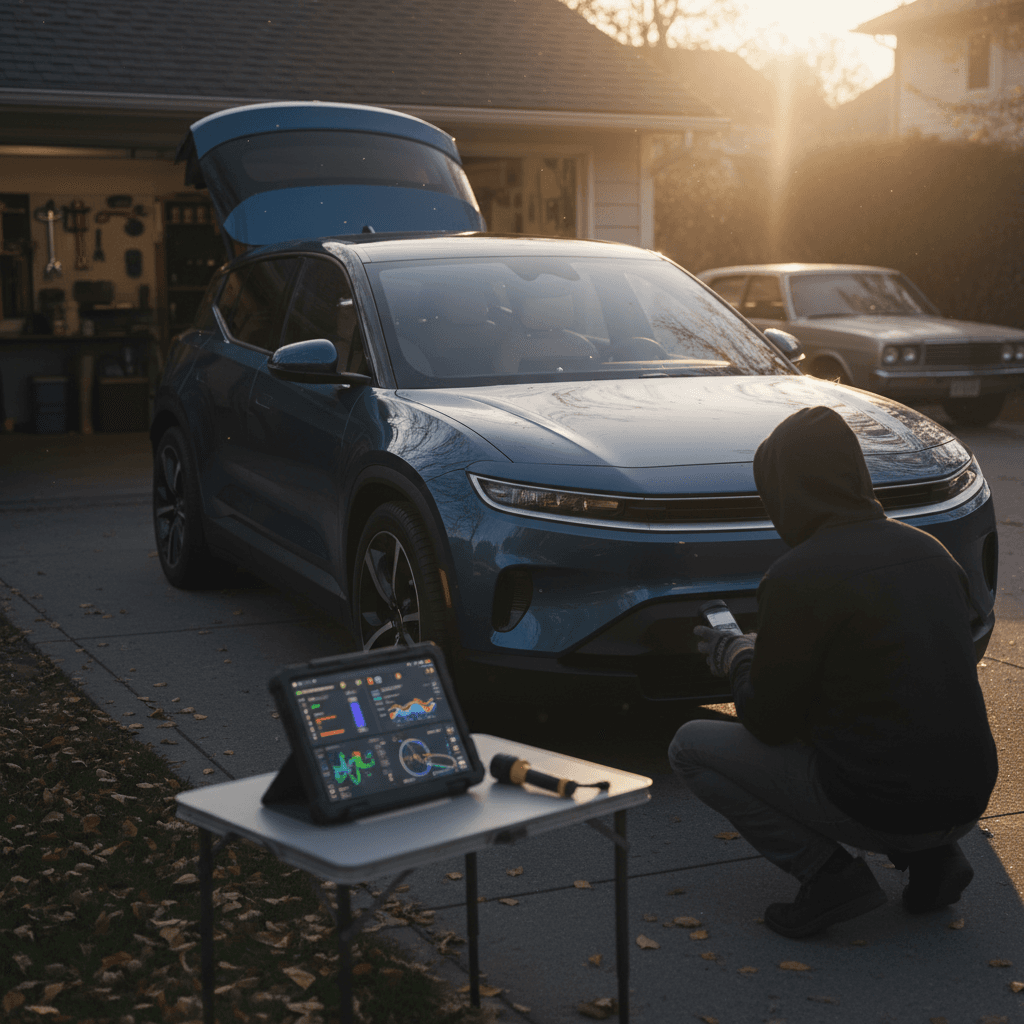
- Bring a flashlight, phone with plenty of battery, and ideally an OBD dongle or EV‑capable scan tool if you have one.
- Plan at least 60–90 minutes with the car, including time on local streets and a stretch of highway.
- Avoid inspecting in heavy rain or after sunset, both can hide cosmetic and functional issues.

Physical inspection focus areas
What to look for on the body, inside, and on the road
Body and exterior
- Check for mismatched paint, panel gaps, and uneven door alignment, signs of crash repair or poor factory fit.
- Inspect headlights, taillights, and all exterior lighting for cracks and condensation.
- Look closely at the roof, including the solar panel on higher trims, for chips, cracks, or water leaks.
Interior and controls
- Cycle every window, lock, seat control, and mirror. Listen for binding or hesitations.
- Test the door handles from inside and out multiple times; there have been complaints about doors not opening reliably.
- Verify that the steering wheel, pedals, and center screen feel securely mounted with no abnormal creaks.
Road test behavior
- At low speeds, listen for clunks, rattles, or grinding from suspension and brakes.
- On a clear road, briefly test full‑throttle acceleration and straight‑line tracking.
- Perform several gentle and firm stops to assess brake feel and any pulsation or pulling.
Red‑flag driving behaviors
Critical software and electronics checks
The Ocean’s software has been at the center of many owner complaints, ranging from laggy screens to more serious issues like unresponsive door latches and inconsistent driver‑assistance behavior. Your buying checklist needs a dedicated pass just for electronics.
Step 2: Software & electronics checklist
Confirm current software version
From the main infotainment menu, locate the software or system‑info screen and note the exact version. Ask the seller when it was last updated and by whom. You want evidence of the latest available update, not a car frozen on an early buggy build.
Stress‑test the center screen
Run navigation, audio, climate, and any apps at once. Swipe quickly between menus. You’re looking for freezes, random reboots, or severe lag. One hiccup over 30–40 minutes isn’t fatal; repeated glitches are a major warning sign.
Check instrument cluster clarity and warnings
Cycle through driving modes and settings while watching for warning lights or error messages. Make sure basic icons, speed, and state‑of‑charge displays are bright and legible, earlier recall campaigns focused on cluster compliance and visibility.
Exercise all driver‑assist features cautiously
On a quiet road, carefully test adaptive cruise, lane‑keeping, and parking aids. They should engage smoothly, track predictably, and disengage cleanly when you override them. Overly aggressive steering corrections or surprise disengagements are not normal.
Verify keyless entry and mobile‑app behavior
Lock and unlock with both key fobs several times. If the seller still has app access, watch how reliably the car responds to remote commands. Inconsistent behavior here often predicts broader electrical gremlins.
Record everything
Battery health and charging checks
Battery health is the beating heart of any used EV purchase. The catch with a low‑volume brand like Fisker is that there’s no established ecosystem of third‑party tools and service departments. That makes careful, structured testing even more important.
Why battery health matters so much on a Fisker Ocean
Step 3: Battery & charging checklist
Check indicated range vs. state of charge
With the car at or near 100% charge, note the displayed range and compare it to what the trim should roughly offer. Significant gaps, say an Extreme showing much less than 300 miles at full, suggest either heavy degradation or uncalibrated software.
Review lifetime efficiency if available
Many EVs show average kWh/100 miles or mi/kWh. A very poor lifetime efficiency number might indicate hard driving, chronic high‑speed use, or a battery that’s struggling to deliver power efficiently.
Test Level 2 charging from low state of charge
If possible, start a session around 20–40% on a known good Level 2 charger. Confirm that charging begins promptly, remains stable for at least 20–30 minutes, and doesn’t trigger error messages on the car or charger.
Observe DC fast‑charging behavior
On a public fast charger, watch whether the car quickly ramps up to a healthy power level and holds it reasonably. You’re less focused on hitting the brochure’s kW peak and more on avoiding sudden drops, charge‑session aborts, or repeated plug‑and‑pray attempts.
Get independent battery health verification
Whenever possible, have a shop or marketplace with EV‑specific tools pull battery metrics. At Recharged, our <strong>Recharged Score</strong> taps into pack data so you’re not guessing about capacity based only on a dashboard estimate.
Don’t rely only on the guess‑o‑meter
Safety, recalls, and legal issues for the Fisker Ocean
Regulators opened several investigations into the Fisker Ocean over complaints about braking performance, unintended vehicle movement, and doors failing to open. Fisker also issued recall campaigns tied to software controlling the powertrain and instrument‑cluster compliance. With the company in bankruptcy, it’s critical to verify what’s been addressed and what hasn’t.
Step 4: Safety, recall, and legal checks
Run the VIN through recall databases
In the U.S., check the National Highway Traffic Safety Administration (NHTSA) website for open recalls. In Canada and Europe, use the relevant national safety agencies. Print or save PDFs of any hits you find.
Ask for recall completion proof
If the seller claims recalls have been performed, insist on documentation: service invoices, recall completion letters, or screenshots from an authorized service portal. A verbal "it’s been taken care of" doesn’t cut it here.
Confirm parking‑brake and creep behavior
On a gentle incline in a safe area, test how the car behaves when you shift into Park or Release the pedal from Drive. You’re looking for any unintended rolling, delayed engagement, or dashboard messages.
Exercise all doors and emergency releases
Open each door from inside and outside multiple times. Locate and test (gently) any emergency mechanical releases the manual describes. A door that works once but fails intermittently is still a safety problem.
Check for lemon‑law or buyback history
Your vehicle‑history report may flag manufacturer buybacks; treat those cars with extreme caution. On a brand with shaky support, you don’t want someone else’s unresolved saga.
Non‑repairable safety defects are a deal‑breaker
Warranty, parts, and service reality check
On paper, the Fisker Ocean launched with a competitive new‑vehicle warranty and a 10‑year battery coverage window. In practice, a bankrupt startup can’t stand behind those promises the way a healthy automaker can. Your checklist needs to treat any remaining factory coverage as a bonus, not a guarantee.
1. Factory warranty status
- Ask the seller for the original purchase contract or window sticker showing the in‑service date.
- Contact any remaining Fisker‑aligned service partners (if they exist in your region) to confirm what, if anything, they will still honor.
- Assume delays and limited goodwill; plan your ownership as if you’re largely on your own.
2. Parts and repair ecosystem
- Call a few independent EV‑focused shops nearby and ask if they’re willing to work on a Fisker Ocean.
- Search owners’ forums and communities to see how long common parts, door modules, screens, trim, are taking to source.
- Budget an extra contingency fund for unforeseen repairs beyond what you’d set aside for a mainstream used EV.
How marketplaces can buffer the risk
Pricing strategy: what is a Fisker Ocean actually worth?
Sticker prices from 2023 and 2024 reviews are almost academic now. In today’s market, a Fisker Ocean is worth whatever a well‑informed used‑EV buyer is willing to risk for the combination of performance, range, and uncertainty. That means your checklist needs a disciplined pricing step, not just "it feels cheap for what it is."
Fisker Ocean pricing framework
Use this thought process rather than any single book value.
| Factor | What to look for | Likely price impact |
|---|---|---|
| Battery health | Independent verification shows strong capacity and stable charging behavior. | Small discount vs. comparable mainstream EVs with similar range. |
| Software and recalls | Latest software, minimal glitches, documented recall completions. | Discount grows smaller; this is as close to "best case" as an Ocean gets. |
| Serviceability | Shops in your area are willing and able to work on the car. | Keeps a deal viable; lack of support should push price down sharply. |
| Accident and title history | Clean title, no major damage, no buyback history. | Normal used‑EV risk; still apply a brand‑risk discount. |
| Ownership story | Single owner, good records, no chronic complaints. | More confidence justifies paying at the upper end of your personal range. |
You’re adjusting from "normal" used‑EV pricing down based on specific risks you find.
Build your own walk‑away number
Fisker Ocean buying checklist summary
A used Fisker Ocean can be a fascinating, high‑value EV for the right buyer, but it’s not a casual purchase. You’re trading the security of a live automaker for more performance, more range, and more question marks. That’s why a structured Fisker Ocean buying checklist is non‑negotiable: pre‑screen the car and the seller, inspect hardware and software with equal rigor, verify recall and legal status, reality‑check warranty and service options, and then price the car as if future support will be limited.
If that sounds like more homework than you want to take on alone, consider shopping through a specialist used‑EV platform like Recharged. Every vehicle on Recharged includes a Recharged Score Report with verified battery health, fair‑market pricing analysis, and expert guidance from first click to delivery. Whether you ultimately choose a Fisker Ocean or a more conventional EV, the goal is the same: a car you’ll be happy to live with long after the novelty wears off.