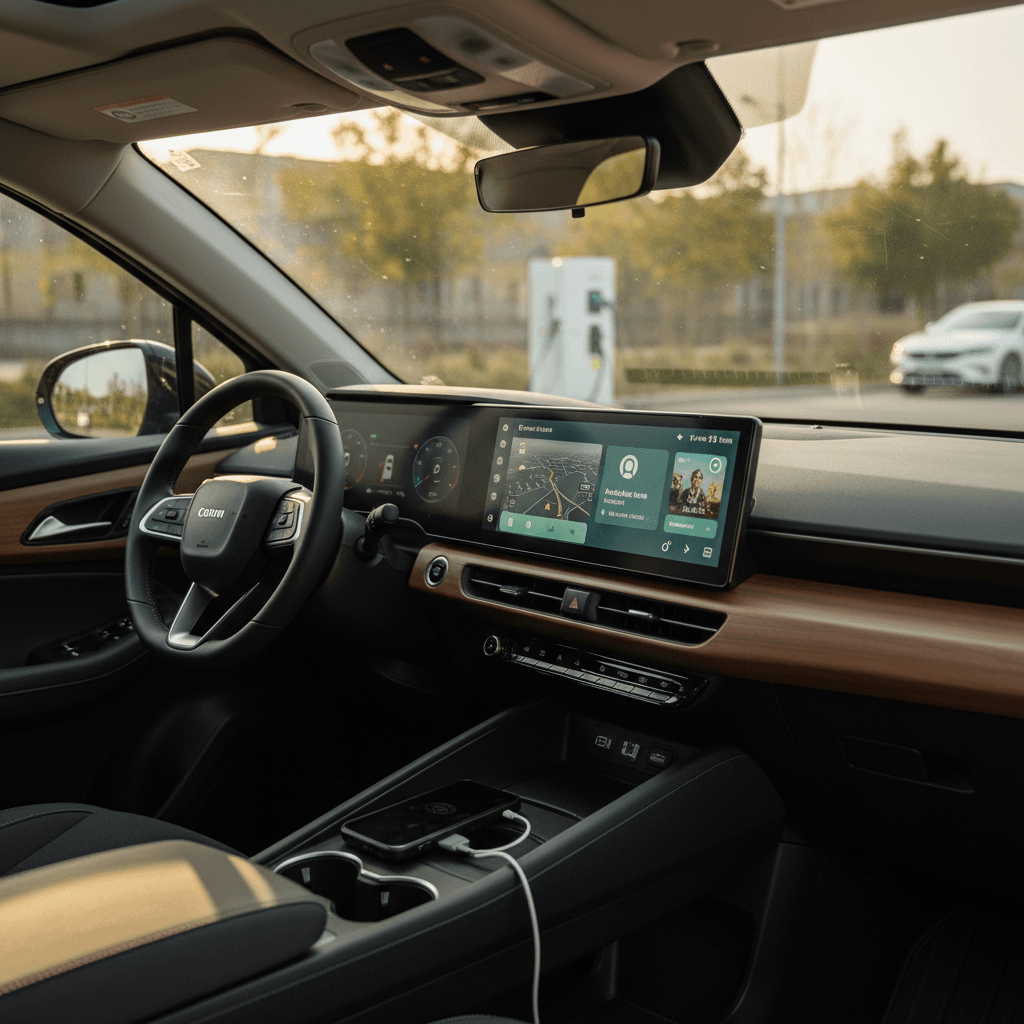
If you live inside Google Maps, Spotify, and WhatsApp, driving an EV without Android Auto can feel like a step backwards. The good news is that most mainstream EVs today still offer Android Auto, often with wireless support, but there are a few high‑profile exceptions and plenty of fine print. This guide walks you through the key EVs with Android Auto, how the experience differs by brand, and what to watch for when you’re shopping the used market.
Quick take
Why EVs with Android Auto matter
EVs lean heavily on software: route planning, charging stops, and live traffic matter more when you’re managing range than when you’re driving a gas car. Android Auto lets you bring your phone’s apps and data into the car’s screen so you aren’t locked into a sometimes-clunky built‑in nav system. That’s especially important if you rely on apps like Google Maps with EV charging overlays, Waze, or PlugShare to find efficient charging stops.
- Consistent interface across different EV brands
- Your apps and logins travel with you when you change cars
- Voice control via Google Assistant for hands‑free messaging and search
- Often better, more up‑to‑date maps than the built‑in nav
- Cheaper than paying for bundled data plans and in‑car subscriptions
Don’t assume every EV has Android Auto
How Android Auto works in EVs
Under the skin, Android Auto works the same in an EV as in any other car: your phone runs the apps, and the vehicle’s screen becomes an external display with input from the car’s controls. Where EVs differ is how tightly Android Auto is integrated into range prediction and charging.
Android Auto in an EV: what’s actually happening
Same core tech as gas cars, but higher stakes for routing and charging
Phone runs the apps
Your Android phone actually runs Maps, music, and messaging. The car just streams the interface to the screen and sends back touch and steering‑wheel inputs.
Car shows the interface
The EV’s touchscreen and instrument cluster display an Android Auto UI that’s optimized for driving: big buttons, limited text, and voice‑first interactions.
Car feeds vehicle data
Some systems share battery state of charge and estimated range with the nav app, so routing can automatically include EV chargers. Others treat Android Auto like a dumb screen mirror.
Pro tip for EV routing
EV brands that support Android Auto
Android Auto support is ultimately a brand‑by‑brand, and often model‑by‑model, decision. Here’s how the landscape looks across major EV players as of early 2026 in the U.S.
EV infotainment: where Android Auto fits in by brand
High‑level overview for major EV brands sold in the U.S. Always confirm trim and model‑year specifics.
| Brand | Android Auto in current EVs? | Wireless availability? | Notable caveats |
|---|---|---|---|
| Tesla | No | N/A | No Android Auto or CarPlay on any Tesla; all software is Tesla‑native. |
| Hyundai / Genesis | Yes on most EVs | Often yes on mid/high trims | Some big-screen nav trims are wired‑only; check exact package. |
| Kia | Yes on most EVs | Common on newer models like EV6 | Lower trims may be wired only; some markets differ. |
| Ford | Yes on Mustang Mach‑E and F‑150 Lightning | Wireless on many trims | Future platform changes could alter support; verify by year. |
| Volkswagen | Yes on ID.4 and ID.7 | Wireless on latest infotainment | Early software versions were buggy; updates have improved things. |
| Toyota / Subaru | Yes on bZ4X and related EVs | Wireless on latest refreshes | Pre‑refresh models may be wired only or require updates. |
| Nissan | Yes on Ariya and new Leaf | Increasingly wireless on upper trims | Base trims can be wired only; infotainment differs by package. |
| GM (Chevy, GMC, Cadillac, Buick) | Being phased out | Limited | Recent Ultium‑based EVs often lack Android Auto entirely; older Bolts had full support. |
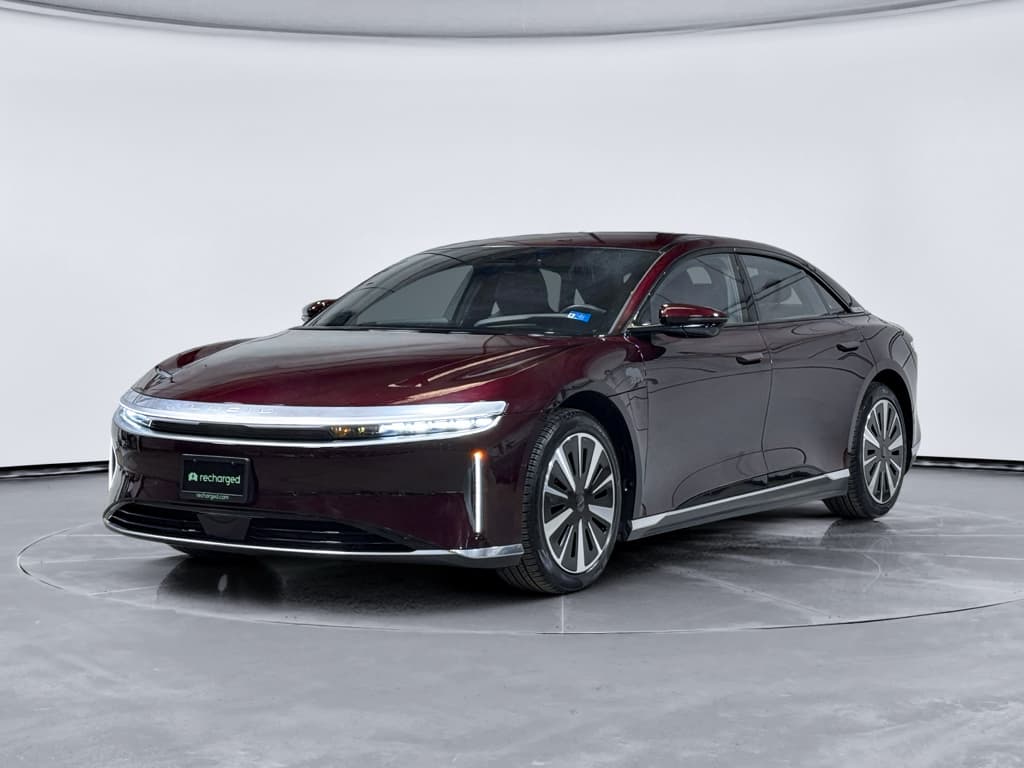
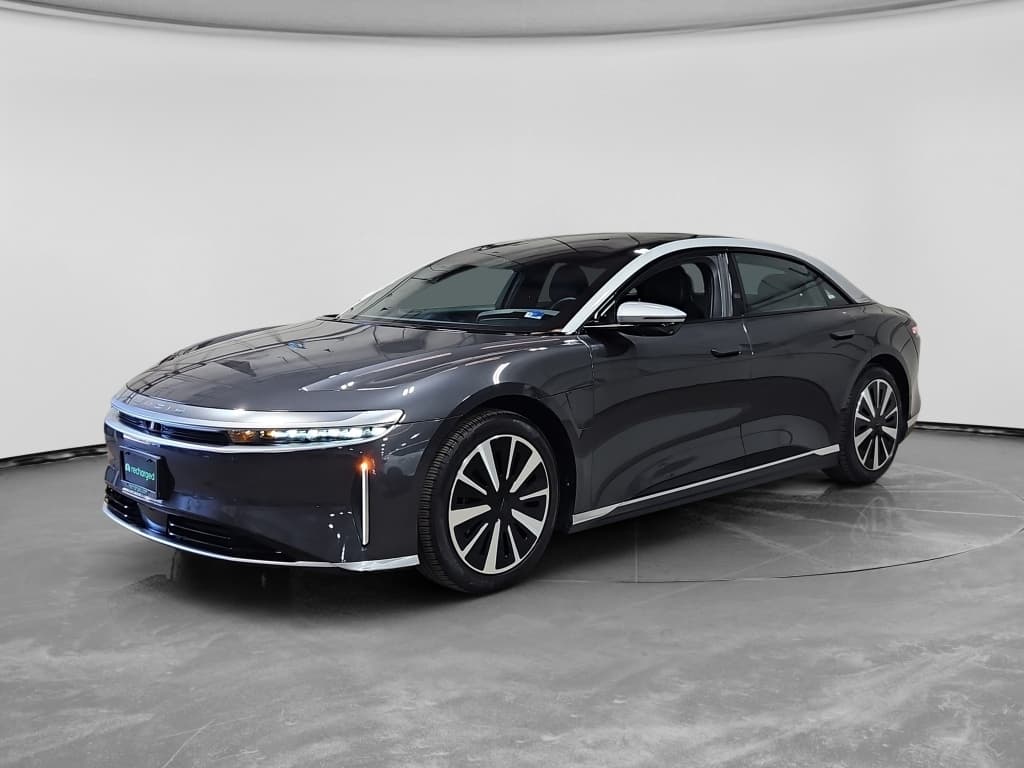
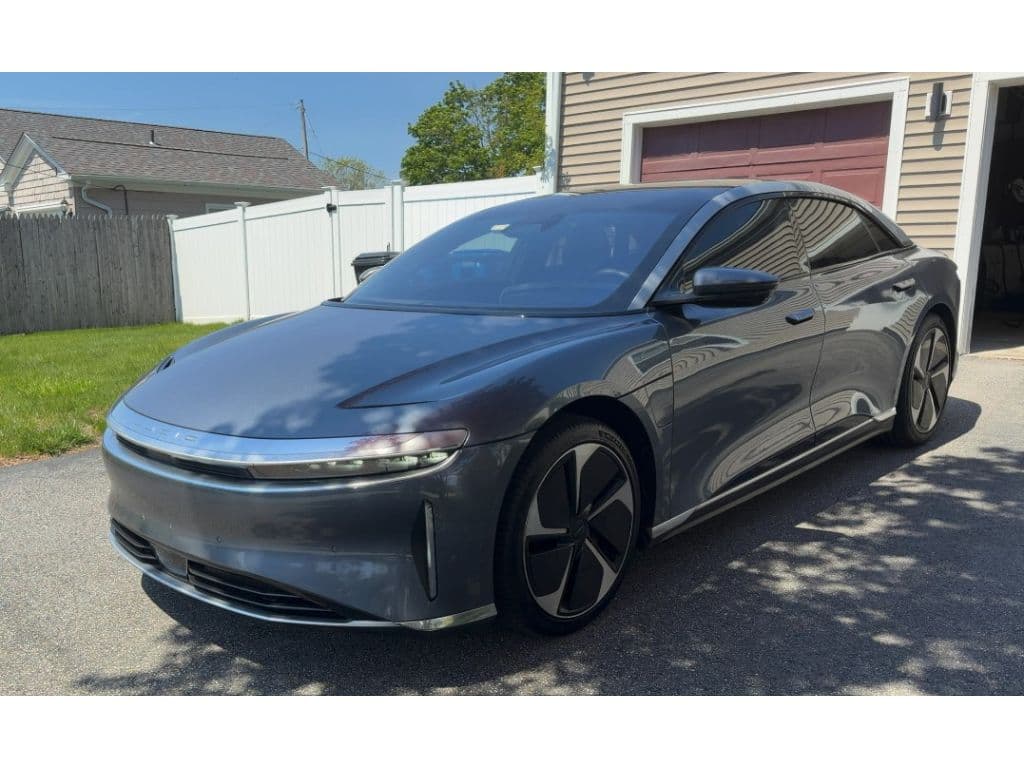
| Lucid | Yes via software update | Wireless and wired on Air | Support arrived via OTA update; Gravity support “soon” depending on software version. |
Policy changes are happening quickly, especially at legacy automakers, so treat this as a starting point, not the last word.
The GM exception
Notable EVs with Android Auto support
Instead of trying to list every single trim, it’s more useful to highlight patterns in some of the most shopped EVs. Think of this as a map: once you know the brand’s philosophy, you can sanity‑check any specific used EV you’re considering.
Quick highlights: Android Auto in popular EVs
Hyundai & Kia: strong Android Auto support
Hyundai’s E‑GMP‑based EVs, think Ioniq 5 and Ioniq 6, and Kia’s EV6 are among the most Android‑friendly electric cars you can buy. Most trims in recent model years offer Android Auto, and many support wireless Android Auto, though a few big‑screen navigation packages still rely on a wired USB connection.
When you’re shopping used, assume it has Android Auto, but verify whether it’s wireless or wired by checking the original window sticker or testing with your own phone during a test drive.
Toyota bZ4X and Subaru Solterra: improving with refreshes
The original Toyota bZ4X and its Subaru twin launched with wired Android Auto and Apple CarPlay. A recent refresh adds a larger 14‑inch touchscreen with wireless Android Auto and CarPlay along with multiple wireless charging pads, particularly in the longer bZ Woodland / Touring variants.
If you’re looking at a used bZ4X or Solterra, check whether it’s the earlier launch spec (likely wired‑only) or the updated model with the bigger screen and wireless support.
Luxury EVs are a mixed bag: some, like Lucid, took a while to support Android Auto at all; others, like Mercedes and BMW, leaned in early with wireless support as part of their high‑end infotainment strategies.
Lucid Air & Gravity
Wired vs wireless Android Auto in EVs
When you hear that an EV “has Android Auto,” the next question should be: wired or wireless? The underlying apps are the same, but the ownership experience can be surprisingly different day‑to‑day.
Should you care about wireless Android Auto?
In an EV, the answer is usually yes, but not at any cost.
Wired Android Auto
- Pros: Most reliable; charges your phone while driving; nearly universal support on Android‑compatible EVs.
- Cons: Extra cable clutter; some phone cubbies are awkwardly placed; you must plug in every trip.
Wireless Android Auto
- Pros: Super convenient for short trips; pairs automatically when you get in; no cable mess.
- Cons: Can be picky about phones and software; drains phone battery quickly unless the car’s wireless pad actually fits and cools your phone.
Heat and wireless charging
Shopping for a used EV with Android Auto
On the used market, Android Auto is easy to overlook compared with battery health and range, but you’ll live with your infotainment system every single day. Here’s a practical checklist to keep you out of trouble when you’re evaluating used EVs.
Used EV infotainment checklist: Android Auto edition
1. Confirm Android Auto support by year and trim
Look up the exact model year and trim on the manufacturer’s site or owner forums. Brands like Hyundai, Kia, Ford, Toyota, and Nissan generally support Android Auto, but early production years or base trims can be exceptions.
2. Test with your own phone
During a test drive, plug in (or pair wirelessly) and actually launch Android Auto. Make sure Maps, music, calls, and messaging work smoothly, and that audio routes through the car as expected.
3. Check wired vs wireless behavior
If the listing mentions wireless Android Auto, verify it. Some cars require a wired connection on higher trims with built‑in navigation, even when lower trims offer wireless mirroring.
4. Inspect USB ports and cables
A flaky USB‑A port can make Android Auto drop constantly. Confirm which ports support data, not just charging, and check for any aftermarket changes that might interfere.
5. Ask about software update history
Some EVs gained Android Auto or wireless support via over‑the‑air updates. Ask the seller or dealer to show the current software version and update history in the infotainment menus.
6. Balance infotainment vs. fundamentals
A great Android Auto implementation is nice, but don’t trade away core EV fundamentals like battery health, range, and charging speed just to get a slightly better screen.
Where Recharged fits in
Ready to find your next EV?
Browse Vehicles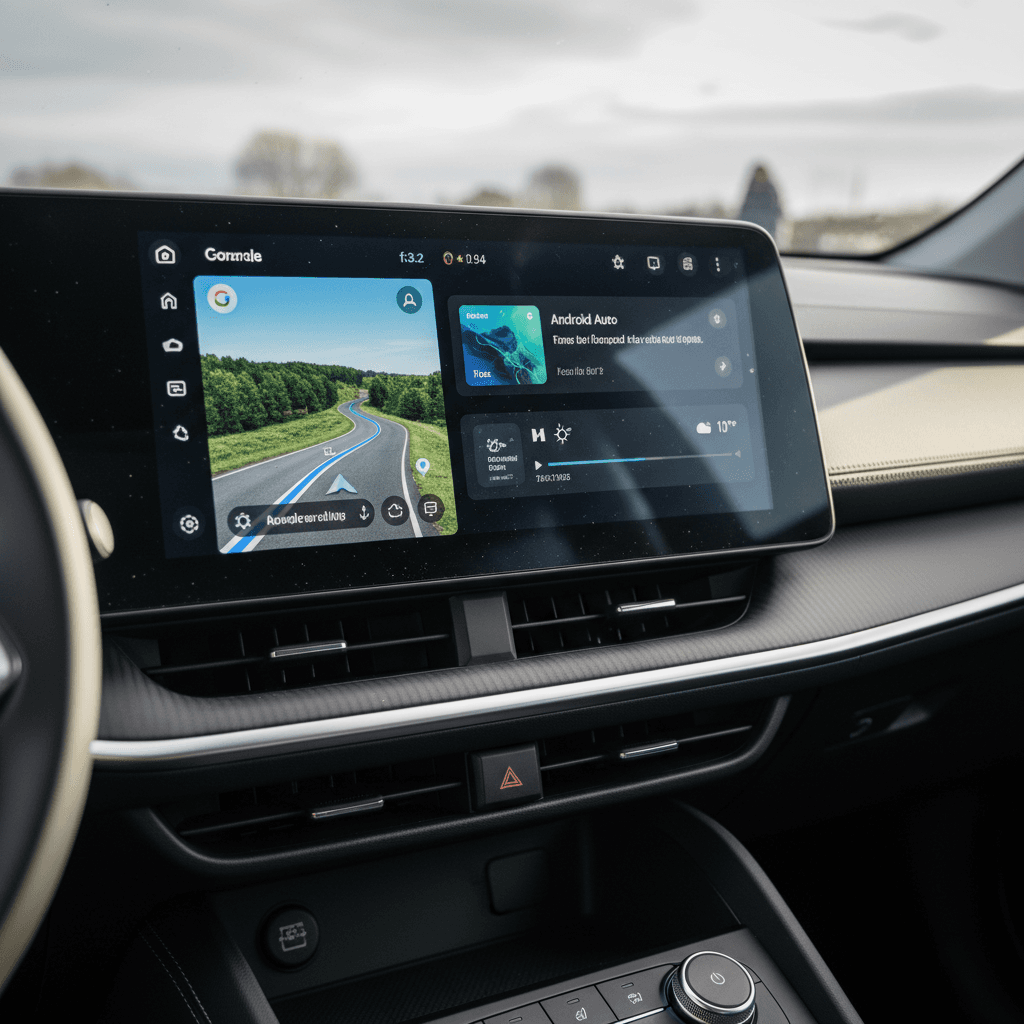
Common Android Auto pain points & workarounds
Even when an EV supports Android Auto on paper, the real‑world experience can vary. Some owners report flawless behavior; others fight random disconnects or audio glitches. Here are the most common issues we see and the practical fixes that usually help.
- Wireless connection flakiness, especially when multiple phones have been paired to the same car
- Audio cutting out when switching between apps or driver‑assist chimes
- Laggy interface on older head units with limited processing power
- Trim‑specific limitations (for example, large‑screen nav trims lacking wireless support while cheaper trims have it)
Simple fixes that solve most issues
How Recharged helps used EV buyers
Infotainment quirks are easy to miss on a quick test drive, especially if you’re also evaluating range, charging, and driving dynamics. Recharged was built to make EV ownership less opaque, and that extends beyond the battery pack.
1. Battery‑first diagnostics
The Recharged Score gives you an objective snapshot of battery health, projected range, and how the pack has aged, information you rarely get from conventional dealers.
2. Feature verification
Our team verifies key features like Android Auto support, DC fast‑charging capability, and driver-assist suites on every vehicle, so you don’t have to guess from marketing copy or partial listings.
3. Expert guidance
Shopping online? Our EV specialists can walk you through the pros and cons of specific infotainment systems, help you compare models, and even suggest alternatives if Android Auto is high on your list.
Digital‑first, but not hands‑off
FAQs about EVs with Android Auto
Frequently asked questions
Bottom line: choosing an EV with Android Auto
Android Auto won’t determine how far your EV drives or how fast it charges, but it does shape every trip you take. For most shoppers, the sweet spot is a mainstream EV from brands like Hyundai, Kia, Ford, VW, Toyota, Nissan, or Lucid that offers reliable Android Auto (ideally wireless) on a recent infotainment platform. Steer clear of assumptions, especially with Teslas and newer GM EVs, and always test your own phone in the car you’re considering.
If you’re shopping used, treat Android Auto as one piece of the puzzle alongside battery health, DC fast‑charging capability, and total cost of ownership. Recharged’s combination of Recharged Score battery diagnostics, transparent pricing, and EV‑specialist support is designed to help you find an EV that checks all of those boxes, not just the ones on the infotainment screen.