When you shop for an electric car today, you’re not just buying a battery and a motor, you’re effectively buying a rolling computer. For many shoppers, electric cars with the best infotainment are more appealing than ones with a few extra miles of range, because the screen, software, and apps shape every drive you take.
Why this matters
Why infotainment matters so much in an electric car
EVs lean harder on software than most gas cars. The infotainment system isn’t just where you pick a playlist; it also controls charging behavior, route planning, driver-assistance features, and over-the-air updates. That’s why tech-focused brands like Tesla, Rivian, Hyundai, and Mercedes treat the screen and interface as a core selling point instead of an afterthought.
- Charging and range planning: smart navigation can route you to the right fast-chargers and precondition the battery on the way.
- Driver assistance: lane centering, adaptive cruise, and blind-spot alerts are usually configured through the main screen.
- Comfort and convenience: climate control, seat settings, ambient lighting, and profiles often live in software menus.
- Ownership updates: many EVs gain new features and bug fixes through over-the-air (OTA) updates delivered via the infotainment system.
Touchscreen overload
What makes an EV infotainment system “the best”?
“Best” depends on what you value, but most shoppers care about four pillars: speed, simplicity, smartphone integration, and smart features. Here’s how to think about each of them before you focus on specific models.
Four pillars of a great EV infotainment system
Use this framework as you compare different electric cars.
Performance & reliability
Look for systems that boot quickly, respond instantly to touches and swipes, and rarely glitch or freeze. Laggy screens become annoying fast, especially in everyday commuting.
Ease of use
Menus should be simple and predictable. Critical items like climate, defrost, and drive modes should be reachable with one or two taps and ideally have some physical controls.
Smartphone integration
For many drivers, wireless Apple CarPlay and Android Auto are non‑negotiable. Others prefer a native system like Tesla’s or Google built‑in that handles maps, music, and voice commands directly.
Connectivity & updates
Modern EVs use 4G/5G data to deliver real-time traffic, streaming, and OTA updates. The best systems add features over time instead of feeling outdated three years after you buy the car.
How much does infotainment matter to EV drivers?
Electric cars with the best infotainment in 2025
Based on recent road tests, owner surveys, and awards through the 2024–2025 model years, several EVs stand out for excellent infotainment. Below is a cross‑section focused on models commonly available in the U.S. as new or used vehicles.
Standout electric cars for infotainment (2025)
These models are frequently praised for fast, intuitive, or richly featured infotainment systems.
| Model | Key infotainment strengths | Smartphone mirroring | Notable tech highlights |
|---|---|---|---|
| Tesla Model 3 / Model Y | Fast, clean UI; integrated trip & charging planner; frequent OTA updates | No native CarPlay/Android Auto | Built‑in streaming apps, games, dashcam & Sentry, excellent EV‑aware navigation |
| Hyundai Ioniq 5 / Ioniq 6 | Simple layout, responsive screens, clear EV data displays | Wired CarPlay/Android Auto (U.S.) | Good mix of physical buttons & touch, strong driver-assist integration |
| Kia EV9 | Flagship dual‑screen layout with crisp graphics, strong connectivity | Wireless CarPlay/Android Auto in some trims | Available head‑up display, user profiles, advanced driver assistance tie‑ins |
| Polestar 2 / Polestar 3 | Runs Android Automotive with Google built‑in; natural voice commands | CarPlay support; Google handles most functions | Native Google Maps with EV routing, Google Assistant/Gemini integration |
| Volvo EX30 | Minimalist yet powerful Google built‑in interface | Wireless CarPlay supported | Vertical screen with smart contextual menus, strong safety and driver aid integration |
| Mercedes EQE / EQS | High‑resolution MBUX with multiple screens and rich graphics | Wireless CarPlay/Android Auto | Robust voice assistant (“Hey Mercedes”), augmented‑reality navigation on some trims |
| Ford Mustang Mach‑E (updated) | Improved SYNC software, large central screen, BlueCruise integration | Wireless CarPlay/Android Auto | 5G connectivity on newer years, hands‑free driving updates via OTA |
| Chevrolet Blazer EV / Equinox EV | Google built‑in with native Maps, Assistant, and app ecosystem | No CarPlay/Android Auto on newest software, but deep Google integration | Good Super Cruise integration on higher trims, crisp mapping and charging info |
Always verify the exact feature set on the trim and model year you’re considering, especially on the used market.
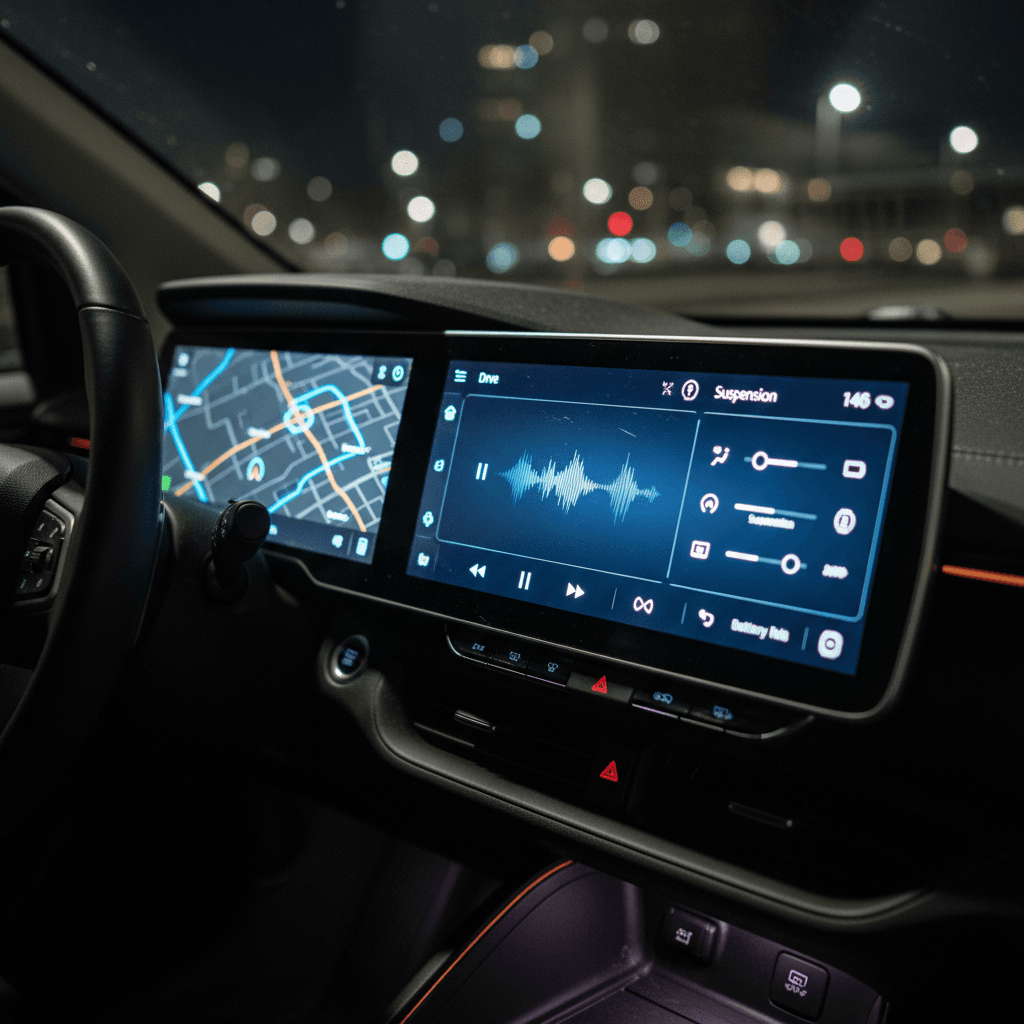
How to use this list
Tesla vs Google built-in vs traditional setups
Tesla’s all-in-one ecosystem
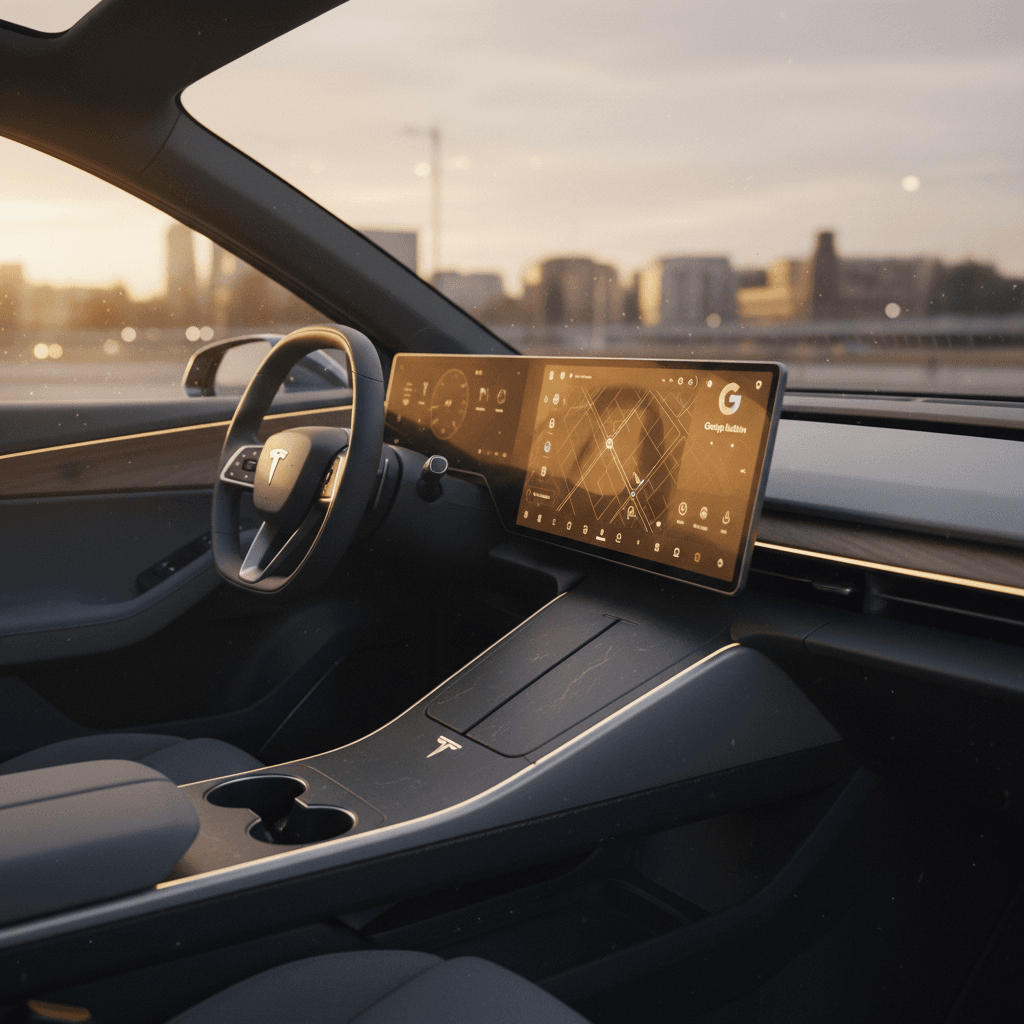
Tesla’s interface is famous for its speed and clean design. Maps, charging, climate, and vehicle settings all live on a single screen with frequent OTA updates that add games, streaming apps, and even new driver-assist features.
- Pros: Lightning‑fast, EV‑first navigation, deep vehicle integration, polished UI.
- Cons: No Apple CarPlay/Android Auto; heavy reliance on touchscreen for basic tasks.
Google built-in (Android Automotive)
Cars like the Polestar 2, Volvo EX30, and several GM EVs use Android Automotive with Google built‑in. That means Google Maps, Assistant/Gemini, and Play Store apps run natively on the car, no phone required.
- Pros: Excellent voice control, strong EV routing via Google Maps, familiar app ecosystem.
- Cons: CarPlay/Android Auto availability varies; long‑term support depends on both automaker and Google.
Traditional plus CarPlay/Android Auto
Brands like Hyundai, Kia, Ford, and Mercedes often pair their own infotainment with Apple CarPlay and Android Auto. Many drivers simply plug in and live inside their phone’s interface.
- Pros: Familiar apps, easy upgrades with new phones, broad compatibility.
- Cons: Split experience between car UI and phone; occasional connection glitches, especially wireless.
A quick word on voice assistants
Infotainment features that actually matter day to day
Automakers love to show off giant screens and flashy graphics, but those aren’t always what make a system great to live with. When you’re comparing electric cars with the best infotainment, focus on whether the basics feel effortless.
Key infotainment features to prioritize
Don’t get distracted by gimmicks, these are the features you’ll use every day.
Climate & seat controls
You should be able to adjust temperature, defrost, and seat heaters with one tap or one knob, not dive three menus deep.
EV-aware navigation
Look for built‑in routing that considers your battery level, weather, and charger availability. Tesla, Google Maps EV routing, and some Hyundai/Kia systems do this well.
Voice control quality
Try real commands during a test drive: “Find a DC fast charger nearby” or “Play my road trip playlist on Spotify.” Good systems understand natural speech.
Connectivity & data plan
Ask whether the car includes a trial data plan and what happens after it ends. Some features require an ongoing subscription.
Processor & responsiveness
Older hardware can feel sluggish even with nice graphics. Swiping between screens should feel like a modern tablet, not a budget phone.
Over-the-air updates
Systems that regularly receive OTA updates tend to age better. They can gain new apps, improve range estimation, and fix bugs without a dealer visit.
Nice-to-have extras
Used EVs and infotainment: what to watch for
If you’re shopping used, as many savvy EV buyers are, the infotainment story can get more complicated. A 2021 model might look almost identical to a 2024 car on the outside, but the screens, processors, and software can be very different inside.
Model-year traps
This is where Recharged’s focus on transparent used EV reports can help. Every vehicle listed includes a Recharged Score Report that covers battery health and key equipment details, so you’re not guessing which screen, software package, or connectivity options you’re getting. Expert EV specialists can also walk you through how that specific car’s infotainment compares to newer models.
Used EV infotainment: questions to ask
Bring this list when you’re evaluating a pre‑owned electric car.
| Question | Why it matters |
|---|---|
| Does this car support Apple CarPlay and Android Auto? Wired or wireless? | Confirms whether you can mirror your phone and how convenient it will be. |
| What software version is it running? | Tells you if the car has the latest features and bug fixes. |
| Are OTA updates still active? Any subscription required? | Some older EVs lose connectivity or require paid plans to keep receiving updates. |
| Have there been complaints about lag or glitches in this model year? | Online owner forums and reviews can reveal recurring issues. |
| Are all driver-assistance features working normally? | Many ADAS features are controlled through the infotainment stack; glitches here can affect safety tech too. |
You can often test most of these items in a few minutes during a test drive.
Checklist: how to test-drive an EV’s infotainment
Hands-on infotainment test during your drive
1. Boot-up and basic responsiveness
When you start the car, note how long it takes for the main screen to become usable. Tap around quickly, does it keep up, or is there lag and stutter?
2. Try real-world navigation
Enter a destination that requires highway driving and stops (ideally including a DC fast charger). Check whether the system suggests charging stops and shows realistic arrival state‑of‑charge.
3. Connect your phone
Pair your phone via Bluetooth and, if available, launch wireless or wired CarPlay/Android Auto. See how long it takes to connect and whether it reconnects automatically when you restart the car.
4. Adjust comfort settings on the move
While driving on a safe, straight stretch, try changing temperature, fan speed, or heated seats. If you need multiple taps and menu dives, that’s a red flag.
5. Test voice commands
Use natural phrases like “Call Alex,” “Navigate to the nearest fast charger,” or “Play jazz on Spotify.” Good systems don’t require exact phrases or staring at the screen.
6. Explore driver-assist menus
Find the settings for lane keeping, adaptive cruise, and any hands‑free features. They should be easy to locate and adjust, with clear explanations, not buried in confusing submenus.
FAQ: EVs with the best infotainment
Frequently asked questions about EV infotainment
Bottom line: choosing the right tech-forward EV
Infotainment used to be an afterthought. In 2025, it’s one of the defining differences between electric cars that feel effortless and ones that frustrate you every time you drive. As you compare models, prioritize speed, simplicity, smartphone integration, and smart EV‑specific features over screen size alone.
If you’re buying new, that might lead you toward a Tesla for its polished, EV‑first software; a Google built‑in car for strong voice control; or a Hyundai, Kia, Ford, or Mercedes that blends solid native software with CarPlay and Android Auto. If you’re shopping used, take the time to test every function yourself and lean on transparent marketplaces like Recharged, where battery health, pricing, and equipment are all clearly documented.
Do that, and you’ll end up with more than just an efficient electric car, you’ll have a rolling digital companion that makes every commute, errand, and road trip easier and more enjoyable for years to come.