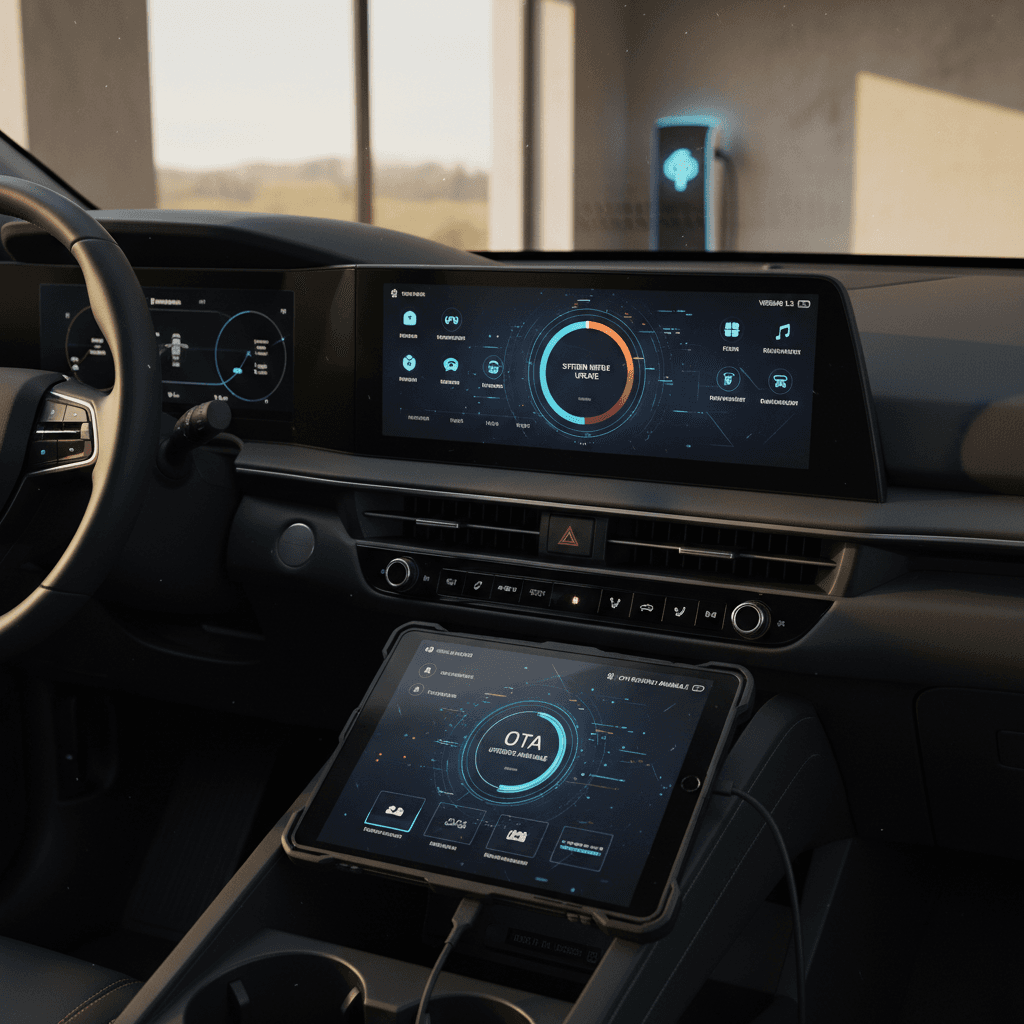
If you own, or are thinking about buying, a Chevy Equinox EV, its software matters just as much as its battery pack. From braking behavior and pedestrian warning sounds to Super Cruise, apps, and over-the-air (OTA) updates, the Chevy Equinox EV software update history tells you a lot about how the vehicle behaves today and what it will be capable of tomorrow.
A software-defined SUV
Why software matters so much on the Equinox EV
On earlier gas SUVs, software mostly ran the radio and a few driver aids. On the Equinox EV, it runs almost everything. The brake controller, steering assist, pedestrian alert sound, lane-centering, Super Cruise, and the Google-based infotainment system all depend on code that can be patched, recalibrated, or even replaced after the vehicle leaves the factory.
What software actually controls on the Equinox EV
Why updates feel constant, and why they matter
Core vehicle behavior
- Brake control & adaptive cruise
- Traction & stability systems
- Pedestrian warning sounds
Driver-assistance features
- Lane-keep assist & lane centering
- Automatic emergency braking
- Super Cruise (where equipped)
Infotainment & apps
- Google built-in navigation
- Streaming apps like Apple Music
- Camera views & vehicle settings
Important for used buyers
Quick timeline of Chevy Equinox EV software updates
Equinox EV software & recall milestones (through early 2026)
GM doesn’t publish a neat public changelog for every Equinox EV software build, so what we know combines official recalls and service bulletins with owner reports. The pattern is clear: early builds needed multiple software fixes, and more recent models lean harder on OTA updates for both safety and convenience features.
Key recalls and dealer-installed software fixes
A recall is the loudest way a software issue shows up in the real world. For the Equinox EV, the big items so far have been tied to braking behavior and pedestrian safety, along with some behind-the-scenes work to prepare vehicles for OTA updates.
Major Equinox EV software-related recalls so far
This focuses on software or calibration issues that required a dealer or OTA update, rather than hardware-only recalls like tires or door latches.
| Issue | Model years affected | Symptoms | Fix type |
|---|---|---|---|
| Adaptive cruise may not brake properly | 2025 Equinox EV (selected trims, mostly without Super Cruise) | With adaptive cruise on, vehicle may not apply hydraulic brakes when traffic slows, relying too much on regen. | Dealer-installed software update to brake control module; some unsold units updated OTA before delivery. |
| Pedestrian warning sound too quiet | 2025 Equinox EV built Aug–Oct 2024 | Pedestrian alert sound at low speeds may be below spec, increasing risk to pedestrians. | Body control module software recalibration, usually at dealership; some unsold vehicles updated OTA. |
| Super Cruise & driver-assistance faults (technical bulletin) | Primarily 2024 Equinox EV | Drivers see messages like “Super Cruise Unavailable” or “Service Driver Assist” and lose most assist features mid-drive. | Engineering-created software fix delivered as a dealer update; in some cases, a prerequisite for future OTA updates. |
Exact eligibility for your Equinox EV depends on build date, trim, and drivetrain. Always run your VIN through Chevrolet or NHTSA before assuming you’re covered.
Don’t ignore safety recalls
Over-the-air (OTA) updates on the Equinox EV
From the outside, GM talked about the Equinox EV as an OTA-ready SUV from day one. In practice, early owners discovered a split reality: some vehicles downloaded multiple OTA updates in the first year, while others needed a dealer visit to "unlock" OTA capability before anything would appear.
How OTA updates are supposed to work
- Your Equinox EV downloads updates in the background over cellular or Wi‑Fi.
- You get a notification in the car and in the myChevrolet app.
- You schedule installation (usually when parked, sometimes overnight).
- The vehicle reboots modules; you may lose access briefly while it updates.
How it’s actually gone for owners
- 2024 models: many report at least one OTA update, often with vague notes like “improves future updates.”
- Some 2024s needed a dealer service bulletin update first before OTAs would appear at all.
- 2025 models: mixed reports, some see OTAs, others show “No updates available” for months despite recalls.
If you’re not seeing OTA updates
Best practices for smooth OTA updates
1. Keep connectivity on
Leave the vehicle’s data connection enabled and, if possible, connect to a trusted Wi‑Fi network in your garage. The car can’t download large updates with no data signal.
2. Don’t wait indefinitely
If your Equinox EV shows “update available” for weeks but fails repeatedly, schedule time with the dealer. Owners have reported updates that only completed after several attempts or a dealer reset.
3. Schedule when you don’t need the car
Some updates take 20–45 minutes and disable driving or key features during installation. Plan for an evening or a block of time when you can leave the SUV parked.
4. Capture your current settings
Take photos of key settings (driver-assist preferences, audio, profiles). A few owners have seen quirks like reset liftgate behavior or Bluetooth issues after an update.
Infotainment and app updates: Apple Music and more
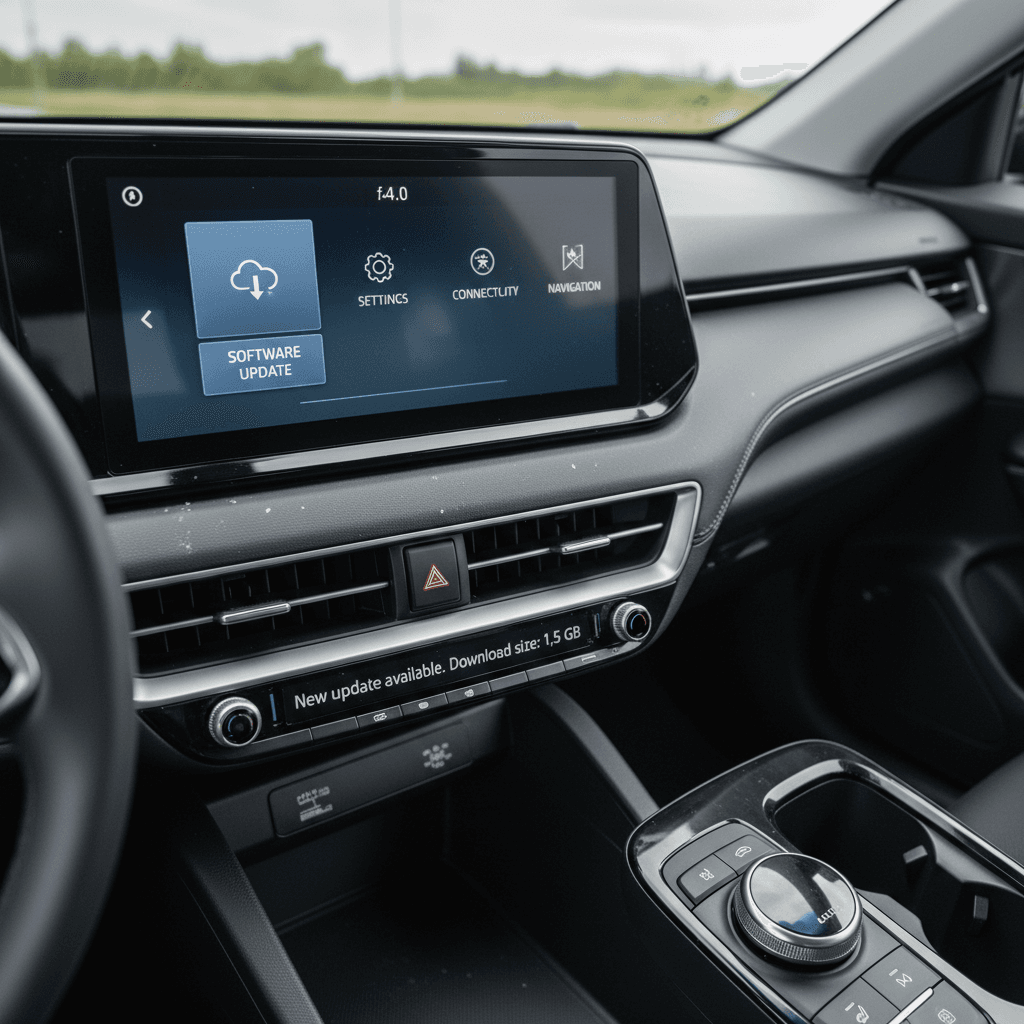
GM’s EVs, including the Equinox EV, dropped Apple CarPlay and Android Auto in favor of a native, Google-based infotainment stack. That wasn’t a popular move, but it does mean the system is designed for frequent in-car app updates instead of relying on your phone’s interface.
How Equinox EV infotainment is evolving via software
From bare-bones apps to richer native services
Native Apple Music
Radio & Bluetooth fixes
Navigation & UI tweaks
No CarPlay, but more native apps
Driver-assistance, Super Cruise, and safety-related updates
This is where software history stops being theoretical and turns into white knuckles. On the Equinox EV, software glitches have temporarily sidelined key driver-assistance features like Super Cruise, adaptive cruise, and automatic emergency braking, exactly the stuff you notice the instant it stops working.
- Early 2024 owners reported losing Emergency Crash Avoidance, adaptive cruise, lane-centering, and Super Cruise all at once, typically with a “Service Driver Assist” or similar message.
- GM acknowledged a software-related Super Cruise issue on 2024 Equinox EVs and worked on a fix rather than replacing hardware modules.
- Later software builds and recalls have focused on ensuring adaptive cruise actually uses hydraulic braking and that Super Cruise behaves consistently after dealer activation and OnStar provisioning.
When Super Cruise is greyed out
How to check your Equinox EV software version
GM doesn’t make it easy to read a plain-English changelog, but you can at least see what software you’re running and whether updates are waiting. The exact menu labels can vary slightly by year and build, but the steps are similar.
Step-by-step: Checking your Equinox EV software
1. Start the vehicle safely
Park, put the vehicle in Park, and keep your foot off the pedals. Make sure you have a few minutes to explore the menus without driving.
2. Open the Settings menu
On the center touchscreen, tap Settings. On some builds this lives under a gear icon on the home screen.
3. Find “System” or “About”
Scroll to a section labeled System, Software, or About. There, you’ll see information like infotainment version and sometimes module versions.
4. Check for updates
Look for a Software Update or Updates tab. You may see a status line (Up to date / Update available) and sometimes the option to search manually.
5. Cross-check with the dealer
Write down any version numbers you see. If you suspect you’re behind, ask a Chevrolet service advisor to compare your versions with the latest for your VIN.
Pro move for used buyers
Best practices: don’t lose warranty coverage
Starting with 2025 and 2026 model years, GM has tied warranty coverage more tightly to keeping your software current. In plain language: if you drag your feet on a required software update and something breaks that the update was meant to prevent, GM may deny coverage for that repair.
How software updates interact with your GM warranty
Not legal advice, always read your official warranty booklet, but this is how GM’s recent policy changes typically play out.
| Scenario | What it usually means | What you should do |
|---|---|---|
| You install OTA updates within ~45 days | You’re following GM’s expectations and keeping coverage for update-related systems. | Accept OTA updates promptly, or schedule dealer time if they fail. |
| You ignore an update that addresses a safety issue | If that system later fails, GM can argue the damage was caused by your skipped update. | Don’t skip safety- or powertrain-related updates, even if you’re nervous about bugs. |
| An update itself causes a problem | GM says damage caused directly by the update remains covered under warranty. | Document the timing: note when you installed the update and when the problem started, then see the dealer quickly. |
Bottom line: treat software updates as part of your regular maintenance, not an optional extra.
Treat updates like oil changes used to be
Shopping used? How Recharged helps with software history
If you’re eyeing a used Equinox EV, you’re already thinking about battery health and range. You should give its software history nearly the same attention, especially on early builds that may have missed key updates or recalls.
What we look at beyond the basics
- Open recalls and outstanding software campaigns tied to your VIN.
- Evidence of major dealer-applied updates, especially for driver-assistance and braking.
- How the infotainment system behaves: lag, missing apps, or crash-prone screens can hint at outdated software.
How the Recharged Score helps
Every EV sold through Recharged comes with a Recharged Score Report, which focuses on verified battery health, charging performance, and fair market pricing. For software-heavy models like the Equinox EV, our EV specialists also walk you through:
- Which software-related recalls apply to that specific SUV.
- What to expect from future OTA updates and subscriptions.
- How its software status fits into overall ownership costs.
Considering a used Equinox EV?
Ready to find your next EV?
Browse VehiclesFAQ: Chevy Equinox EV software updates
Frequently asked questions about Equinox EV software updates
The Chevy Equinox EV is very much a software-defined SUV. Early production brought a few growing pains, especially around driver-assistance and recalls, but GM’s software update history also shows a platform that’s steadily adding capability, from better braking logic to native media apps. If you stay on top of recalls, accept OTA updates in a timely way, and lean on a knowledgeable EV partner when you’re shopping used, the Equinox EV can be a well-sorted, future-friendly electric family hauler rather than a rolling beta test.