If you own, or are shopping for, a Chevy Bolt EV, you’ve probably heard a lot about recalls, battery fire risks, and mysterious dealer flashes. Understanding the Chevy Bolt EV software update history isn’t just trivia; it’s central to battery safety, real-world range, and resale value, especially in the used market.
Quick takeaway
Why Chevy Bolt EV software updates matter
Software isn’t just about apps and pretty graphics on the Bolt’s center screen. On this car, firmware updates have been used to: - Change maximum state-of-charge limits during the battery fire crisis. - Add diagnostic routines that watch for abnormal battery behavior. - Unlock the ability to park indoors again after early safety guidance told owners to park outside. - Fix infotainment bugs like Bluetooth or Android Auto instability. If you’re buying or selling a Bolt, especially a 2017–2020 model, the presence or absence of specific software campaigns can change how safe the car is to live with, and what it’s worth.
Safety first
Bolt EV generations and software systems at a glance
Before diving into the timeline, it helps to split the Bolt story into generations and systems. That makes the software update history a lot easier to navigate.
Bolt EV generations & software context
Different model years, different expectations for updates
2017–2019 Bolt EV
First-gen BEV2 platform cars with LG battery packs built in Korea. Limited OTA capabilities; critical updates handled at dealers. These are the cars most deeply affected by the early battery fire recalls and state-of-charge software caps.
2020–2022 Bolt EV & 2022 Bolt EUV
Refreshed styling and interior, same basic BEV2 underpinnings and battery architecture. Battery recall still applies, but software strategies matured: more refined diagnostics and better integration across modules.
2027 Bolt EV (upcoming)
Rebooted Bolt with new LFP battery, Google Built-In, and full OTA architecture more in line with GM’s Ultium-era vehicles. Software update expectations will be closer to modern EVs, with frequent OTA changes.
Used-market shortcut
Battery recall software updates (2017–2022 Bolt EV/EUV)
The Bolt’s software history is dominated by the battery recall saga. GM and LG eventually traced the fire risk to a rare combination of manufacturing defects in certain cells, but before all suspect modules could be replaced, GM leaned hard on software to manage risk.
Key battery-related software campaigns
A simplified timeline of the major software actions tied to the Bolt battery recalls. Exact campaign IDs vary by VIN; always verify with a Chevy dealer or official recall tools.
| Timeframe | Models affected | Software action | Everyday impact |
|---|---|---|---|
| Late 2020–mid 2021 | 2017–2019 Bolt EV | Initial battery monitoring & charge recommendations | Owners told to limit charge to ~90%, avoid dropping below ~70 miles of range, and park outside away from structures. |
| Mid–late 2021 | 2017–2019 Bolt EV | Refined diagnostics + stricter guidance | Software continued to monitor packs while GM prepared for large-scale module replacement; behavior for owners largely unchanged, but warnings intensified. |
| Nov 2021 onward | 2017–2019 Bolt EV, later extended to 2020–2022 EV and 2022 EUV | Update that automatically capped usable SOC around 80% while allowing indoor parking again | Range dropped further, but cars could be parked and charged indoors, and owners no longer had to manually babysit charge limits. |
| 2022–2023 | 2017–2022 Bolt EV, 2022 EUV | Post-replacement battery software and validation | After receiving new modules, vehicles got updated software tuned for the new pack and updated diagnostics to confirm health. |
Timeline focuses on U.S.-market Bolts built on the BEV2 platform (2017–2022).
Two key points often get lost in the noise: 1. Software was never the permanent fix. The end game was always physical battery module replacement on affected vehicles. 2. Software controlled how much of the pack you could actually use day to day. Those 80–90% caps had real consequences for range and owner satisfaction, especially in cold climates or on highways.
2024–2025: A new software wrinkle
Other key Bolt EV software updates by year
Beyond the headline-grabbing battery recall patches, Bolt owners have seen a slow drip of software changes, mostly via dealers, occasionally over the air. Here’s a high-level overview of what’s surfaced in the field.
What Bolt owners report about software updates
2017–2019: Early firmware, early recalls
For the first few model years, the Bolt EV followed a very traditional GM model: - Vehicle control modules (battery, motor, charging) were flashed at the dealer when needed. - Owners rarely saw obvious feature changes; most updates were invisible calibration tweaks. - By 2020, these cars were in the thick of the battery-fire recall process, adding the charge-limit and monitoring software described earlier.
2020–2022: Refinements, infotainment fixes, and recall fallout
When the refreshed 2022 Bolt EV and new Bolt EUV arrived, GM didn’t radically change the underlying BEV2 architecture. That means software updates still mostly traveled through dealers, but owners also started seeing more: - Infotainment updates (via dealer or OTA): improved Bluetooth stability, Android Auto and Apple CarPlay bug fixes, app catalog tweaks. - Telematics control module (TCP) updates: better connectivity for OnStar, in-car Wi‑Fi, and app integration. - Charge behavior tuning: modest refinements to how the car manages DC fast-charging curves and on-board charging in extreme heat or cold, often bundled into larger service campaigns.
A note on TCP module updates
2023–2024: End of BEV2 production and lingering updates
With BEV2 Bolt production ending in 2023, new feature development essentially stopped. But software updates continued in three main buckets: - Cleanup of remaining recall cases where batteries or diagnostic software still needed to be updated. - Infotainment and app-store maintenance, especially around Google/Apple compatibility. - Telematics tweaks as GM adjusted data and connectivity strategies across its EV lineup.
2026–2027: Next-gen Bolt EV and a new software era
The rebooted 2027 Bolt EV marks a turning point. It keeps the Bolt EUV–style body but moves to an LFP battery pack, much quicker DC fast charging, an 11‑inch-class digital cluster, and Google Built-In with no traditional phone mirroring. Crucially, it’s being engineered with modern OTA software architecture from day one. That means future software history for the new Bolt will look less like infrequent dealer flashes and more like what you see on a Tesla, Hyundai, or Ford EV: frequent, incremental changes to the entire vehicle experience.
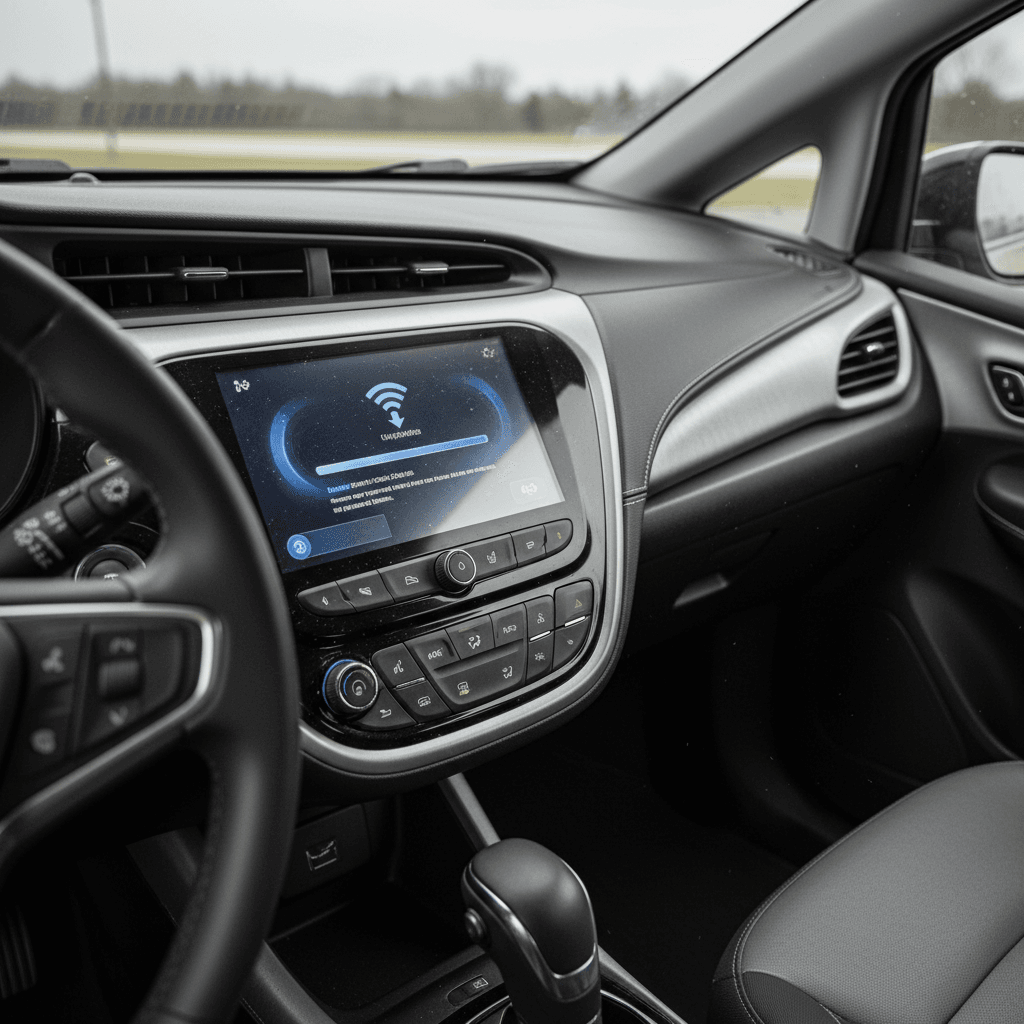
Over-the-air vs dealer updates: how the Bolt handles software
What’s actually OTA on the legacy Bolt?
Compared to next-gen EVs, 2017–2023 Bolts are conservative about OTA. In practice, OTA has been used to:
- Update the infotainment stack (apps, minor UI fixes).
- Patch the telematics control platform for OnStar and Wi‑Fi connectivity.
- Deliver the occasional bug fix that doesn’t touch safety-critical systems.
Owners often go years without seeing an OTA prompt, and some updates quietly download in the background.
What still requires a dealer visit?
Anything that touches core vehicle behavior has historically been handled at dealerships:
- High-voltage battery management and state-of-charge strategies.
- Drive unit and inverter calibrations affecting performance and efficiency.
- Safety recalls and diagnostic routines tied to NHTSA campaigns.
- Updates for ADAS systems like Lane Keep Assist or Forward Collision Alert.
In practice, most Bolt EV owners only receive these updates when the car is already in for recall work, scheduled service, or a specific complaint.
Practical strategy
How to check which software updates your Bolt EV has
Because GM doesn’t publish an easy, consumer-friendly changelog for the Bolt, confirming your software status is a bit of a scavenger hunt. Here’s a structured way to do it.
Steps to verify your Bolt EV software & recall status
1. Run a VIN recall check
Enter your VIN on official recall portals (like NHTSA or Chevrolet’s own recall lookup). You’ll see open, and sometimes completed, campaigns related to your car, including battery and software campaigns.
2. Ask the dealer for a full campaign printout
When you visit a Chevy dealer, ask for a complete list of completed and outstanding campaigns. This will show which software and hardware actions have been applied to your specific vehicle.
3. Check your infotainment version
In the settings menu, note the infotainment software version and map data version (if equipped). If you’re troubleshooting Bluetooth or Android Auto issues, this information helps a service advisor determine whether a newer build is available.
4. Review service invoices
Look back through your paperwork. Dealers typically list software actions with codes like “reprogram HPCM” (hybrid/EV powertrain control module) or “update BECM” (battery energy control module). These breadcrumbs form your car’s software history.
5. Pay attention to charge behavior
If your Bolt stops around 80% or 90% even when you request a full charge, that may reflect recall-era software caps or specific BMS calibrations. Mention this behavior when you talk to the dealer so they can match it against the latest guidance.
6. For used buyers, request records up front
If you’re shopping used, ask the seller for recall letters, battery replacement records, and any documentation of software or module updates. On platforms like Recharged’s Score Report, this kind of information is summarized for you and tied to verified battery health data.
What Bolt EV software history means for used buyers and sellers
Because so many Bolt EVs have lived through major software and hardware campaigns, two otherwise identical cars on paper can behave very differently in the real world. One owner might still be living with conservative charge limits and older monitoring logic, while another drives a car with new battery modules and up-to-date diagnostics.
Why software history changes a used Bolt’s value
Same model, different risk and experience
Battery risk profile
A Bolt that has completed all recall work, including both module replacement and related software, carries a very different risk profile from a car that’s still on interim fixes or missed a campaign.
Real-world range
Software-set charge limits (80% vs 100%) and updated BMS logic can change how much range you can actually use. That matters if you regularly drive long distances or in extreme weather.
Resale and financing
Clean documentation around battery and software work reassures buyers, insurers, and lenders. At Recharged, verified battery health and update status directly feed into a transparent Recharged Score and fair market pricing.
How Recharged helps
Ready to find your next EV?
Browse VehiclesChevy Bolt EV software update FAQ
Frequently asked questions about Bolt EV software updates
Bottom line: making sense of Bolt EV software history
The Chevy Bolt EV’s software update history is inseparable from its recall story. For 2017–2022 cars, software was first a temporary tourniquet, limiting charge and monitoring for risk, before settling into a quieter role managing new packs and refining the driving experience. For owners and used buyers today, the mission is simple: verify that every recall and associated software campaign has been completed, and treat any gaps as serious to‑dos, not minor annoyances.
If you’re evaluating a used Bolt, don’t just skim the window sticker. Dig into the car’s software and recall history the same way you’d look at accident or maintenance records. And if you’d rather not be the one playing detective, consider working with a specialist platform like Recharged, where Recharged Score battery diagnostics, recall status, and pricing transparency are built into every transaction. That way, the Bolt’s complicated software past becomes context, not a mystery you have to solve on your own.