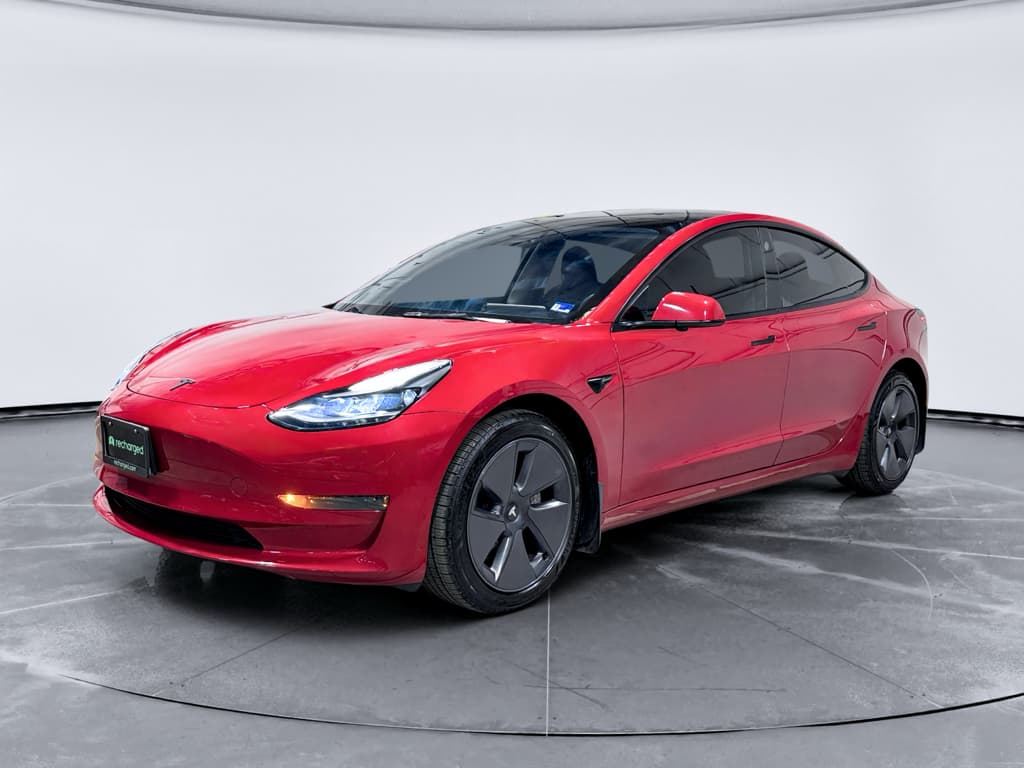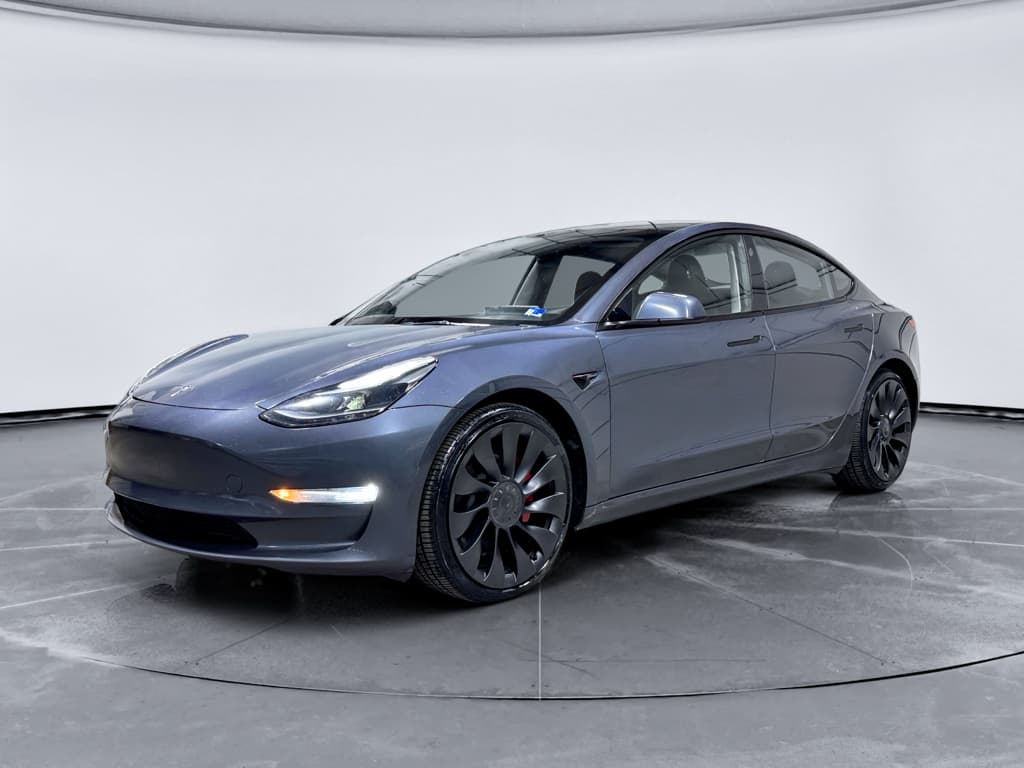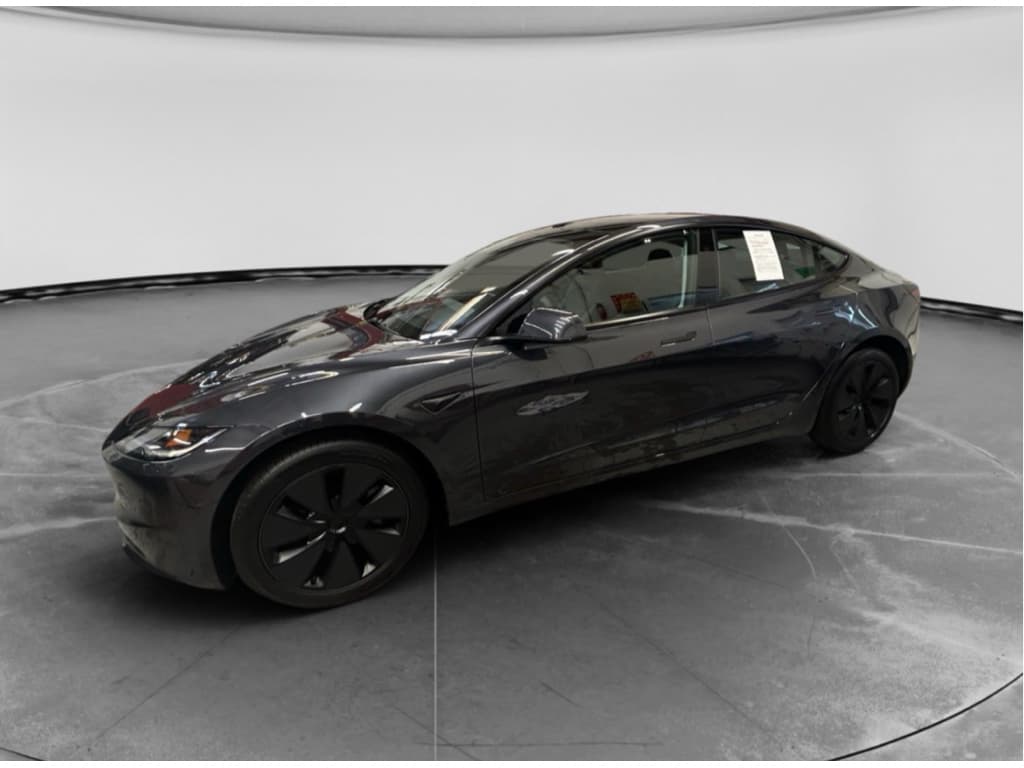
The 2025 Tesla Model 3 “Highland” is smoother, quieter, and more refined than the original car, but it’s still a Tesla, which means you’ll hear strong opinions on both ends of the spectrum. Some owners report 50,000 trouble‑free miles; others are on a first‑name basis with their service advisor. This guide walks through the most common 2025 Tesla Model 3 problems and fixes so you can separate internet drama from real red flags, whether you already own one or you’re hunting for a used example.
Context: Early Data on a New Generation
2025 Model 3 Highland: What’s New (and Why Problems Look Different)
For 2024, Tesla launched the Highland refresh of the Model 3, and the 2025 cars in the U.S. largely continue that hardware with evolving software. The big changes, revised suspension, acoustic glass, simplified interior, and the removal of traditional stalks in favor of on‑screen gear selection, shift the problem profile compared with earlier Model 3s.
Highland Improvements
- Retuned suspension bushings for less noise and harshness.
- More acoustic glass and better door seals to cut wind noise.
- Updated interior with fewer physical controls and new materials.
- Ongoing software updates that can tweak ride, range, and driver‑assist behavior.
New Sources of Complaints
- Glitchier behavior from the new control layout (screen‑based gear selection).
- Fresh rounds of panel alignment and trim‑rattle complaints as factories ramp.
- Reports of drivetrain hums, minor battery pack defects, and sensor/vision quirks.
In other words: some old issues are better, but the Highland era has its own quirks.
Quick Summary: Top 2025 Tesla Model 3 Problems
Most-Reported 2025 Model 3 Problem Areas (Early Owner Reports)
How to Use This Guide
Build Quality, Rattles, and Wind Noise
Historically, build quality has been the Model 3’s Achilles’ heel: inconsistent panel gaps, misaligned trunk lids, and cabin rattles that arrive right on schedule with your first pothole. The 2025 Highland cars are better than the earliest Model 3s, but they’re not Lexus‑tight. Many complaints still center on rattles, squeaks, and intermittent wind noise at highway speed.
- Dash and B‑pillar rattles over rough roads.
- Buzzing from rear shelf or trunk trim.
- Whistling around mirrors or A‑pillars above ~70 mph.
- Creaks from the steering column area during low‑speed maneuvers.
When a Rattle Is More Than Annoying
Common Build-Quality Problems and Typical Fixes
Which issues are normal Tesla quirks, and which should you push Tesla or the seller to address?
Interior Rattles
Likely causes: loose clips, trim panels, wiring behind dash, or seat latches.
Typical fix: Tesla service or a good trim shop can add felt tape or new clips. Often covered under basic warranty on a 2025 car.
On a used car, ask for documentation of prior NVH (noise, vibration, harshness) repairs.
Wind Noise
Likely causes: misaligned doors, glass, or mirror trim; squashed door seals.
Typical fix: Adjusting glass alignment, replacing seals, or re‑bonding trim. Straightforward for Tesla, but can take multiple visits.
During test drive, note where the sound comes from and at what speed.
Paint & Panel Gaps
Likely issues: uneven clear coat, thin paint on edges, slightly uneven panel alignment.
Typical fix: Cosmetic only unless panels rub. Body shop can realign; repainting is costly, so factor it into price negotiations.
Recharged’s inspection process flags significant paint and body repairs in the Recharged Score Report.
Suspension, Tires, and Driveline Noise
Highland‑generation cars received updated suspension bushings intended to reduce impact harshness and noise. In practice, many owners describe the ride as more polished than older cars, but you still hear complaints about clunks over speed bumps, front‑end knocks, and tire roar, especially on the larger wheels. Some 2025 Model 3 AWD owners also report a faint drivetrain hum or whine at steady highway speeds.
Front Control Arm History
Suspension & Driveline Complaints: What They Usually Mean
Use this table to translate the sounds you hear into likely causes and fixes.
| Symptom | When It Happens | Likely Cause | Typical Fix |
|---|---|---|---|
| Solid "clunk" from front end | Speed bumps, driveway entries | Loose sway‑bar end link or worn bushing | Tighten or replace link/bushing; usually a quick job |
| Rhythmic humming that rises with speed | 45–75 mph, more noticeable on certain pavement | Aggressive tire wear or cupped tires | Rotate/replace tires; align suspension; check for worn shocks |
| Light gear whine from rear | Steady highway cruise, especially in AWD | Normal motor/inverter noise in many cases | Monitor; only act if it grows louder or is accompanied by vibration |
| Vibration in steering wheel | At 60–75 mph | Wheel balance or bent rim; occasionally a tire defect | Rebalance wheels; inspect rims and tires for damage |
Always have a qualified technician confirm suspension and drivetrain issues, guessing gets expensive fast.
Shopping Tip: Read the Tires Like a Polygraph
Battery, Charging, and Range Concerns
The Model 3’s battery pack is both its crown jewel and its costliest component. For 2025 cars, outright high‑voltage battery failures are still rare, but they do happen, and a replacement pack can run into the five‑figure range outside warranty. Much more common are charging quirks and mismatched range expectations.
- Sudden drop in displayed range after a software update or cold snap.
- DC fast‑charging speeds that are slower than the advertised peak.
- Public chargers that repeatedly fail to start a session.
- Home charging interruptions from weak Wi‑Fi or flaky breakers.
Normal vs. Not-Normal Degradation
It’s normal for a Tesla battery to lose a small chunk of range, often 3–8%, in the first few years as the pack settles, then decline more slowly. A 2025 Model 3 with modest miles that’s already down 15–20% from its original EPA range deserves a closer look.
Weather, driving style, and DC fast‑charging habits all affect apparent range.
What Tesla Usually Fixes
- Outlier packs with internal faults typically trigger Tesla’s Battery Management System and generate a service alert, these are often replaced under warranty.
- Charging‑port or onboard‑charger issues (e.g., car won’t take AC power reliably) are usually covered during the basic warranty period.
- Software‑related range swings may be resolved by updates and recalibration rather than hardware replacement.
Red-Flag Battery Symptoms
Simple Battery & Charging Checks Before You Buy
1. Compare displayed range to spec
With the battery at 90–100%, compare the displayed range to the original EPA figure for that trim. A modest shortfall is fine; a huge gap on a low‑mileage 2025 car should be explained and documented.
2. Test Level 2 charging
If possible, plug into a 240‑V Level 2 charger and confirm the car ramps up to the expected kW. Watch for error messages or repeated session drops.
3. Review charging history
Ask the seller how often they DC fast‑charge. Occasional road‑trip use is fine; daily Supercharging is harder on the pack and should be reflected in the price.
4. Inspect charge port and cable
Look for bent pins, melted plastic, or heavy corrosion. Damage here can cause intermittent charging issues and isn’t always covered as a defect.
Software Bugs and Driver-Assistance Glitches
Tesla ships software the way Silicon Valley ships apps: fast, often, and occasionally a little half‑baked. Highland‑era Model 3s, including the 2025 cars, rely even more heavily on software for basic functions, gear selection, wipers, and most driver‑assistance features. That makes software bugs and Autopilot/Full Self‑Driving quirks one of the most visible complaint categories.
- Temporary loss or degradation of cruise control or Autopilot after an update until cameras recalibrate.
- Random reboots or freezing of the central screen (MCU), sometimes requiring a steering‑wheel button reset.
- Overly cautious phantom braking or swerving behavior when the vision system misreads traffic.
- Glitches with the on‑screen gear selector where a swipe doesn’t change direction as intended.
MCU and Camera Issues
DIY vs. Service: Fixing Software Problems
Before you panic, try the easy stuff. Then know when to escalate.
Try This First
- Soft reset: hold both scroll wheels on the steering wheel until the screen reboots.
- Check for updates: install pending software updates over strong Wi‑Fi.
- Camera recalibration: in settings, reset Autopilot calibration and drive 20–25 miles.
- Power off: use the service menu to fully power down the car for a few minutes, then restart.
Call Tesla Service When…
- The center screen black‑screens repeatedly or won’t boot.
- Driver‑assist warnings stay lit after calibration.
- The car logs multiple “Driver assistance features unavailable” messages.
- Controls like gear selection or brakes feel inconsistent or unsafe.
On a 2025 car still under warranty, these visits are typically low or no cost, your time is the bigger pain.
Brakes, Corrosion, and Recall Watch
Braking hardware on the 2025 Model 3 is broadly conventional: fixed calipers, ventilated discs, and electronic parking brake. True hardware failures are uncommon, but there have been regional recalls on Highland‑era cars for brake line corrosion in harsher climates, and EVs in general can have sticky calipers if they sit too long because regenerative braking does so much of the work.
Why Recalls Matter on a Used Tesla
Quick Brake & Corrosion Checks
1. Look behind the wheels
With the wheels turned, visually inspect brake lines and calipers. Heavy rust, flaking, or wetness around fittings is a bad sign, especially on a young 2025 car.
2. Feel for pulsation
On the test drive, brake gently from highway speeds. A steering‑wheel shimmy often points to warped rotors or uneven pad deposits.
3. Test the parking brake
On a slight incline, gently engage the parking brake and verify it holds firmly without noises or error messages.
4. Ask for recall history
Have the seller show documentation or pull the car’s VIN in Tesla’s app or on Tesla’s website to confirm there are no open safety recalls.
Water Leaks, Glass, and Weather Sealing
Panoramic glass roofs and frameless doors look spectacular in the configurator; in the real world, they introduce opportunities for leaks and wind noise if assembly isn’t perfect. Some Highland‑era Model 3 owners report moisture in taillights or foggy headlamps, and a smaller number find damp carpet after heavy rain or a high‑pressure car wash.
Common Leak & Glass Issues on 2025 Model 3
Most water‑related problems are fixable, but they can be tedious to chase. Here’s what to look for.
| Issue | Where You See It | Risk Level | Typical Fix |
|---|---|---|---|
| Condensation in headlight or taillight | Fogging inside the lens after rain | Mostly cosmetic at first | Replace lamp assembly; may be covered under warranty |
| Wet carpet in front footwell | After storms or car wash | Mold, corrosion under dash | Reseal windshield/door membranes; dry and clean harnesses |
| Drips from roof area | Above front seats or B‑pillars | Annoying but fixable | Reseal glass, adjust roof trim; may require body shop |
| Whistling at top of windows | Highway speeds, crosswinds | Noise, fatigue on trips | Adjust window frameless glass and replace seals if needed |
Bring a flashlight and don’t be shy about inspecting a car’s nooks and crannies before you buy.
Simple Water Test Before You Buy
Safety & Usability Concerns: Door Handles and Controls
Beyond mechanical problems, the Model 3 generates controversy around usability and safety design: flush door handles that can confuse first‑timers, electronic releases that need power to open, and now, the removal of traditional stalks. These aren’t “problems” in the check‑engine‑light sense, but they matter in an emergency.
- Rear passengers who don’t know how to use the manual door releases.
- First responders unfamiliar with Tesla’s procedures for cutting power and accessing locks.
- Non‑owners borrowing the car and fumbling with gear selection or wiper controls on the screen.
Teach Your Passengers the Manual Overrides
Inspection Checklist: Shopping a Used 2025 Tesla Model 3
If you’re evaluating a used 2025 Model 3, whether from a private seller, Tesla directly, or an online marketplace like Recharged, you want to know whether the car has the common Highland quirks already sorted out or merely ignored. Use this checklist as your road map.
Pre-Purchase Checklist for a 2025 Model 3
1. Exterior & Glass
Inspect panel gaps at doors, trunk, and hood. Look for uneven paint, resprays, cracked glass, or evidence of leaks around the roof and windshield.
2. Interior Noise Scan
During the test drive, turn the audio off and listen over bumps and at 70 mph. Note any rattles, clunks, or whistles and where they originate.
3. Suspension & Steering
Drive over rough pavement and speed bumps at low speed, then cruise on the highway. Feel for clunks, drift, or vibration. The car should track straight with a light grip on the wheel.
4. Brakes
Do several gentle and one firm stop from highway speeds. Listen for grinding or squealing and feel for pulsation in the pedal or steering wheel.
5. Battery & Charging
Check the current software‑reported range at a high state of charge, test Level 2 charging if possible, and ask for any battery or charging‑system service records.
6. Software & Features
Cycle Autopilot, cruise control, climate control, cameras, and the on‑screen shifter. Look for error messages or sluggish responses. Confirm that all keys/cards and app access work.
7. Recalls & Service History
Request a printout or screenshots of completed recalls, warranty repairs, and open service recommendations. Consistent maintenance is more reassuring than a suspiciously blank history.
8. Independent or Third-Party Inspection
For extra peace of mind, consider a specialized EV inspection. Recharged uses its Recharged Score battery and health diagnostics to give buyers transparent data beyond a simple test drive.
How Recharged Helps
Ready to find your next EV?
Browse VehiclesFAQ: 2025 Tesla Model 3 Problems and Fixes
Frequently Asked Questions
Bottom Line: Should 2025 Model 3 Problems Scare You Off?
If you’re looking at a 2025 Tesla Model 3 and feeling whiplash between glowing owner reviews and horror‑story threads, the truth sits squarely in the middle. The Highland‑era car is a mature, efficient, very quick EV with some lingering Tesla eccentricities: build consistency that’s still catching up to the best in class, a software‑first philosophy that occasionally steps on its own toes, and the usual EV caveat that the battery is everything.
Handled correctly, those quirks don’t have to be dealbreakers. A car with clean software behavior, quiet suspension, no evidence of leaks, and a healthy battery can be a fantastic daily driver that still feels futuristic years from now. Use the problems and fixes in this guide as your checklist, insist on documentation, and lean on tools like the Recharged Score Report so you’re buying the specific Model 3 in front of you, not just the idea of one from a slick configurator.