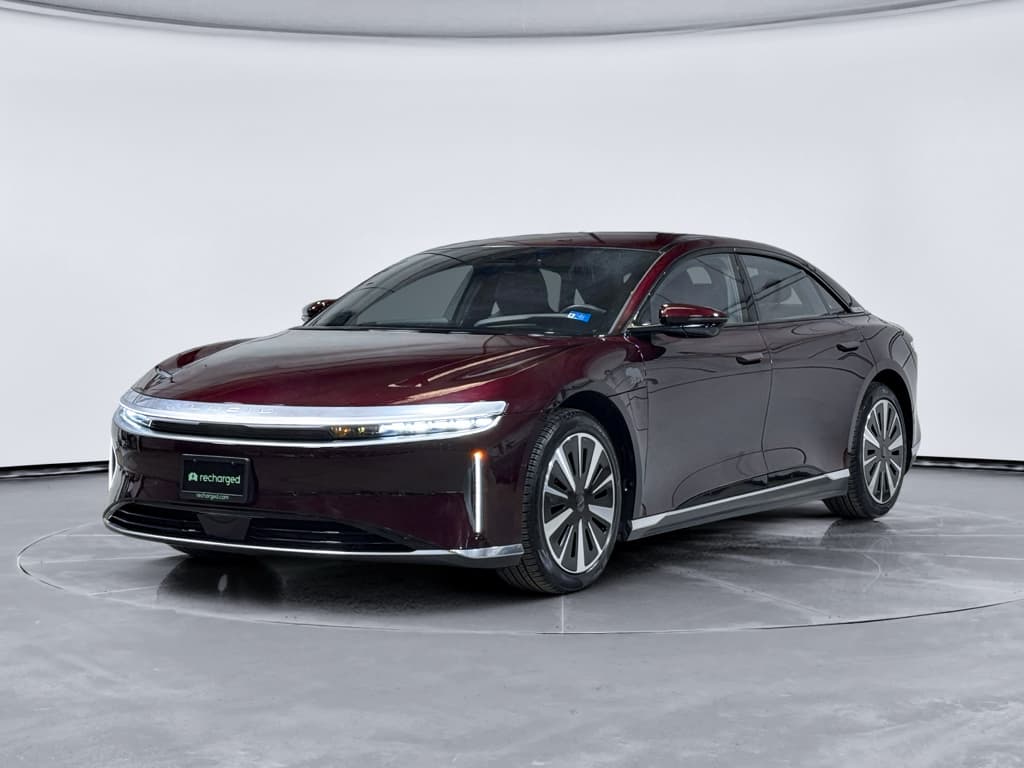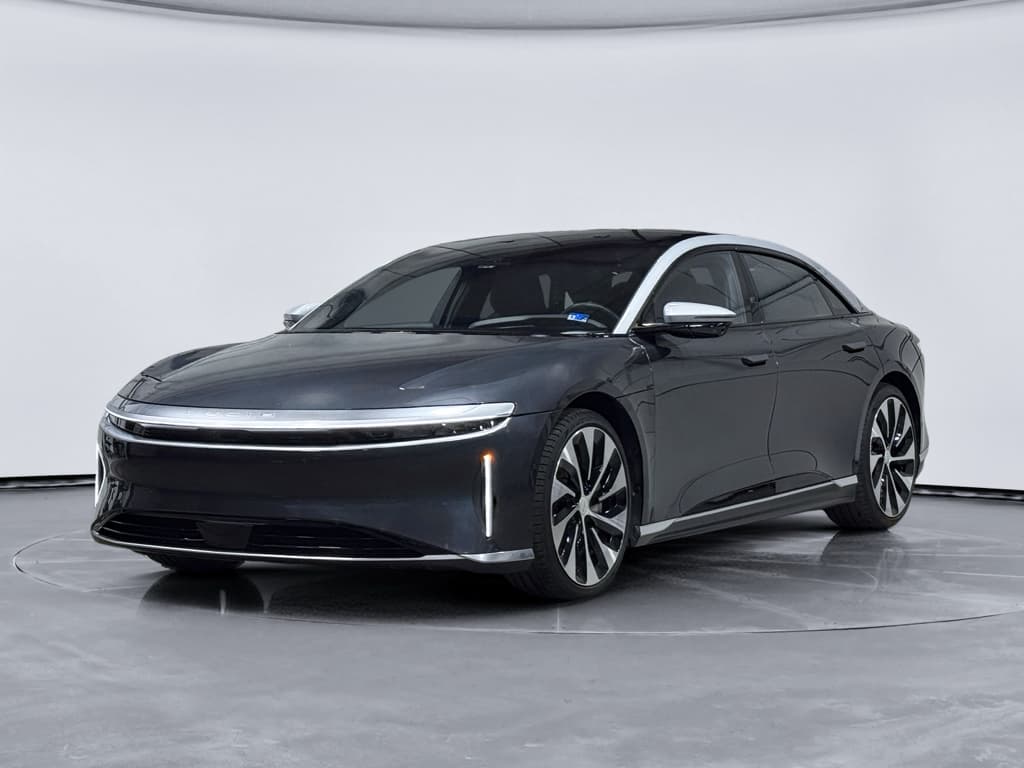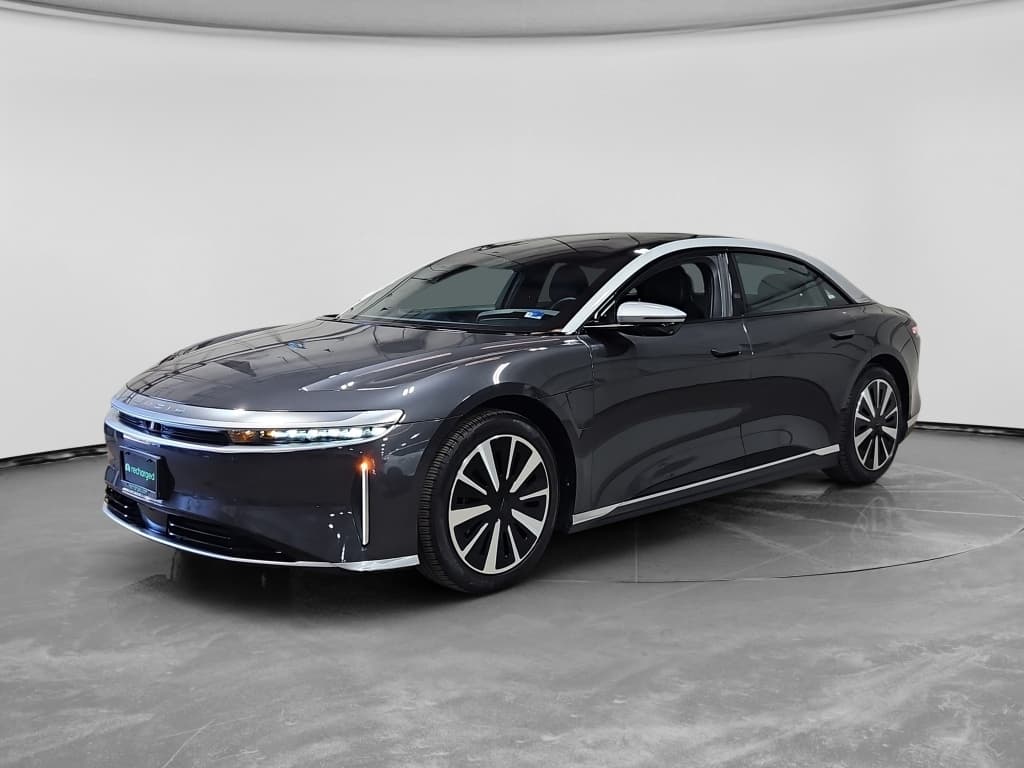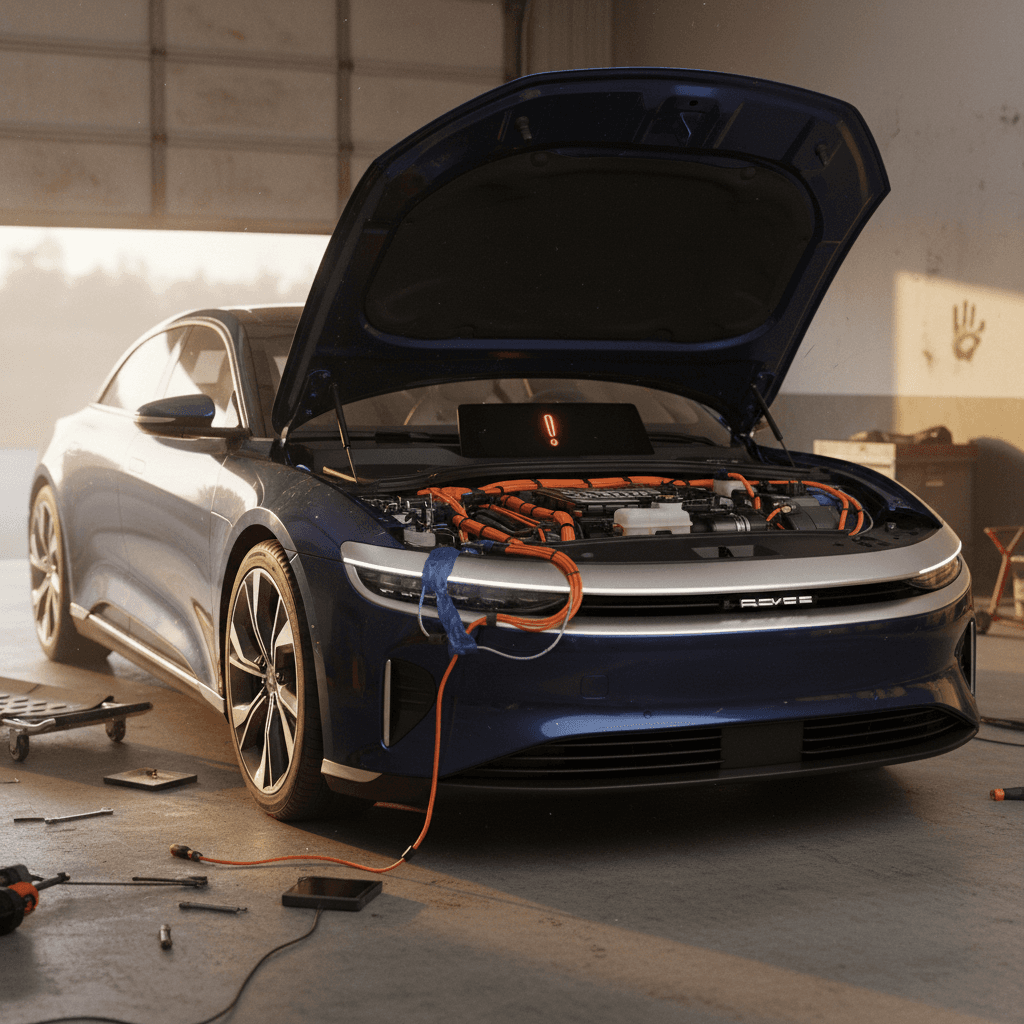
If you’re looking at a 2025 Lucid Air, especially on the used market, you’ve probably heard two very different stories: breathtaking efficiency and performance on one hand, and frustrating software bugs or service headaches on the other. This guide breaks down **2025 Lucid Air problems and fixes** in plain English so you know what’s noise, what’s serious, and what’s manageable with the right expectations.
What this guide covers
2025 Lucid Air reliability: what’s really going wrong
By 2025, Lucid has had a few model years to mature the Air platform. The big picture from owner reports and survey data is consistent: **catastrophic battery or motor failures are relatively rare**, while **software, screens, and quality‑of‑life problems are still too common for a six‑figure luxury EV**. Some owners report trouble‑free 2025 cars; others describe multiple software‑related service visits within the first year.
How 2025 Lucid Air issues tend to cluster
Quick list: biggest 2025 Lucid Air problems
- Frozen or unresponsive lower Pilot Panel and occasional glitches in the main Glass Cockpit display
- Audio dropouts, flaky Bluetooth and Apple CarPlay behavior, and lost chimes or navigation prompts
- Driver‑assistance (DreamDrive / DreamDrive Pro) faults, sudden disengagements, or inconsistent lane‑keeping
- Over‑the‑air (OTA) updates that fail, stall, or temporarily disable features until a reset or service visit
- Charging quirks at some DC fast chargers and occasional bugs with scheduled charging or charge‑port behavior
- Wind noise, trim squeaks, and headliner or seat rattles that don’t fit the price tag
- Isolated issues selecting Drive/Reverse or waking the car from sleep that can require software or hardware work
- Recall‑related items (wiring harness, HVAC/defrost behavior, previous torque monitoring and coolant heater issues on earlier years that may carry into later builds depending on VIN)
How to use this list
Software and screen glitches: most common 2025 Lucid Air issue
Frozen screens and laggy Pilot Panel
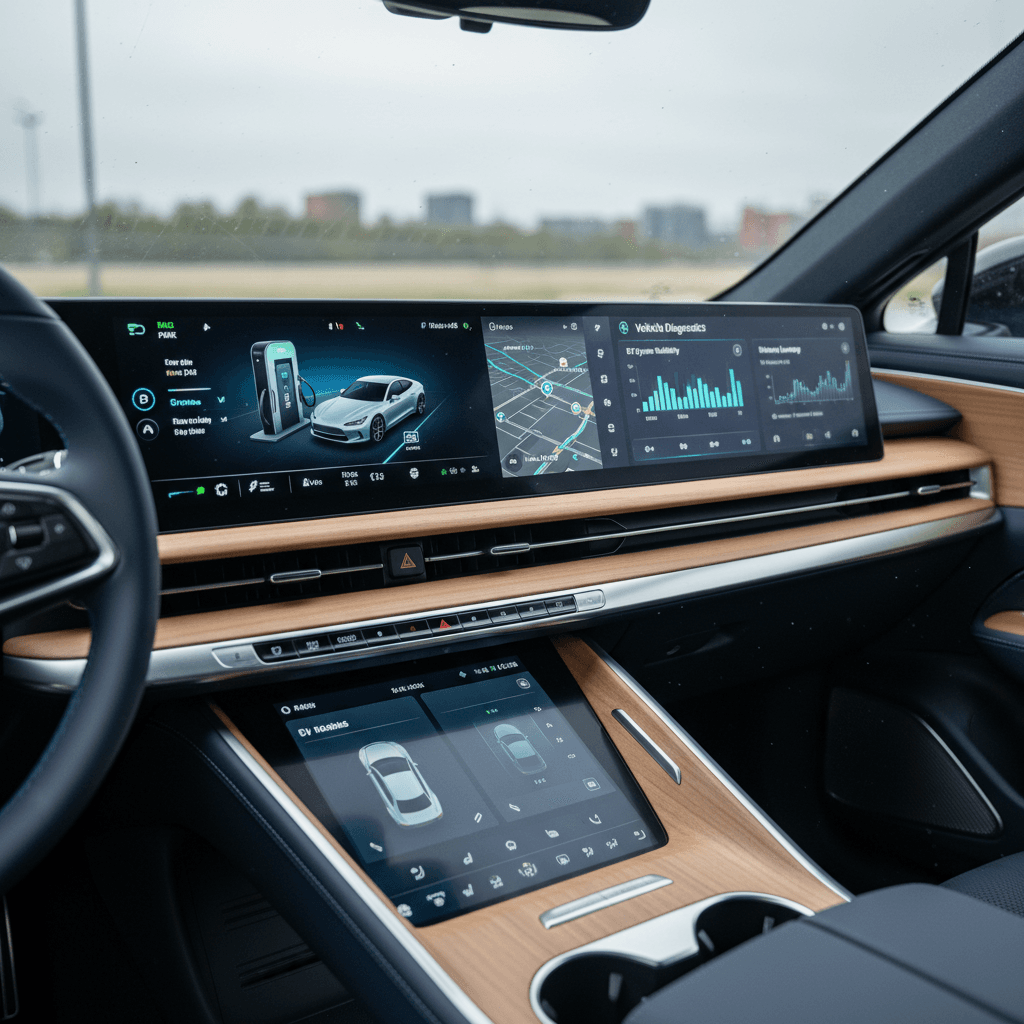
The 2025 Air still leans heavily on software: the **lower Pilot Panel** and upper **Glass Cockpit** handle everything from climate to navigation. Owners of 2025 cars report occasional freezes where the lower screen stops responding, tiles go blank, or the UI lags badly. In most cases the car remains drivable, core functions like steering, brakes, and turn signals use separate control paths, but you can temporarily lose access to HVAC, media controls, or navigation route changes.
- Lower screen becomes unresponsive mid‑drive
- Upper display shows warnings that clear after a reboot
- Climate controls disappear until the system restarts
- Backup camera feed or surround view fails to load occasionally
Why it matters
Short‑term fixes for screen and UI bugs
Quick resets when your Lucid Air screens misbehave
1. Try a soft reset first
Hold the Lucid logo on the main screen or use the on‑screen reset option (if available in your software version). This often clears temporary UI glitches without affecting driveability.
2. Use the “nuclear” reboot if needed
If the screens are frozen, owners commonly use a hard reset combo (brake plus steering‑wheel buttons or similar). Exact steps can change by software version, so confirm in your <strong>Lucid Air owner’s manual</strong> or in‑car help before experimenting.
3. Power cycle and let the car sleep
Lock the car, walk away with all keys, and give it 10–15 minutes to go fully to sleep. Many owners see persistent infotainment bugs clear after a full sleep/wake cycle.
4. Document everything in the app
If you’re seeing repeated failures, open a ticket in the Lucid app with timestamps, photos, or video. When you do need service, detailed logs make it easier for technicians to replicate and Lucid to escalate a software fix.
When a reboot is not enough
Driver-assistance (DreamDrive) problems and fixes
DreamDrive and DreamDrive Pro are a big part of the Air’s value proposition, but 2025 owners still report **inconsistent behavior from lane‑keeping, traffic‑jam assist, and driver‑monitoring features**. The good news: many issues are software‑side and improve with patches. The bad news: you may be living with quirks between updates, and some cars show repeated faults that require hardware diagnosis.
Typical DreamDrive complaints on 2025 Lucid Air
What tends to go wrong, and how serious it is
Inconsistent lane‑keeping
Some owners describe gentle ‘ping‑ponging’ between lane lines or overly conservative behavior on tighter curves.
Fix: Make sure cameras and radar are clean, recalibrate via service if persistent, and treat the system as assist only, not autonomy.
Driver attention nags
False “pay attention” or hands‑off warnings can pop up even when you’re actively steering.
Fix: Adjust seating position, steering‑wheel grip, and camera view. If it’s constant, log dates/times and open a service ticket.
Feature faults & dropouts
“DreamDrive unavailable” messages, adaptive cruise suddenly disengaging, or certain features temporarily disappearing after an update.
Fix: Try a full vehicle sleep cycle, then contact service to confirm your software build and check for open campaigns.
Treat DreamDrive like an advanced cruise control
Charging quirks and over-the-air update headaches
Charging behavior and fast‑charge frustration
Core charging hardware on the Lucid Air is generally solid, but **software bugs around scheduled charging, charge‑port behavior, and public fast‑charging handshakes** still crop up. A minority of 2025 owners report sessions that fail to start on the first try or unexpected stops at certain DC fast‑charging networks.
- Public fast‑charge session fails to initiate until you unplug/re‑plug once or twice
- Scheduled charging doesn’t always respect start/stop windows
- Home AC charging shows intermittent errors despite a healthy wallbox
- Charge‑port door refuses to open via touch, requiring the app or in‑car controls
Practical charging workarounds
Over‑the‑air updates that stall or “brick” the car
Lucid leans hard on over‑the‑air updates to deliver new features and fixes, but that also means your 2025 Air can be temporarily unusable if an update stalls or fails. Owners have reported updates hanging at single‑digit progress for hours, cars that won’t go into Drive after a failed update, and service having to intervene to reload software.
Best practices before installing a Lucid Air software update
1. Update when you don’t need the car
Schedule major updates for overnight or a day when you don’t absolutely need the car within a couple of hours. Avoid “quick update before work” attempts.
2. Ensure strong connectivity and state of charge
Park where the car has solid cellular or Wi‑Fi signal and at a comfortable state of charge (e.g., 40–80%) so it doesn’t need to manage charging mid‑update.
3. Avoid button‑mashing if it appears stuck
If progress pauses, resist power‑cycling repeatedly. Check the Lucid app and owner communication first, some updates appear stuck but complete successfully after a long pause.
4. Call support early if car won’t drive
If the car won’t shift into Drive/Reverse after an update, call Lucid support immediately. Don’t keep experimenting; you want a clear record that the issue started right after the OTA.
Buying used? Ask about software history
Build quality, noises, and comfort complaints
Most 2025 Lucid Air owners rave about the powertrain and efficiency but are less enthusiastic about **traditional luxury touches**. Common threads in owner stories include wind noise at highway speeds, rattles around the headliner or rear deck, and front seats that some drivers can’t quite get comfortable in despite generous adjustment.
Typical 2025 Lucid Air build‑quality complaints
Annoying more than dangerous, but they affect perceived luxury
Wind noise and panel alignment
Some owners report wind hiss near the A‑pillars or mirrors at 70+ mph, and a few mention misaligned panels or minor roof/trim imperfections.
Fix: Have a service center inspect seals, mirror caps, and panel gaps. In many cases, adjustments or replacement trim pieces reduce noise significantly.
Seat squeaks, rattles & comfort
Intermittent seat creaks, lumbar support that won’t stay set, and occasional seat track noises are recurring themes.
Fix: Service can lubricate or replace seat components. For comfort, experiment with cushion tilt and lumbar before assuming the seat “doesn’t work” for you.
Test‑drive tip: chase the noises
Recalls affecting 2024–2025 Lucid Air and how to check yours
Lucid has issued several recalls that touch 2024–2025 Air models. The exact bulletins shift over time, but themes include wiring harness routing, HVAC and defroster behavior, and earlier software logic around torque monitoring and coolant heaters. Some recalls are handled purely by software; others require physical inspection or parts replacement.
Key recall themes for late‑model Lucid Air
Not exhaustive, but a snapshot of the kinds of issues affecting 2024–2025 vehicles. Always check by VIN for the latest status.
| Issue theme | Model years commonly involved | Risk if unresolved | Typical fix |
|---|---|---|---|
| High‑voltage coolant heater / defrost behavior | Earlier 2022–2023, may inform later software | Reduced windshield defogging in cold conditions, visibility issues | Software update plus diagnostic monitoring, hardware replacement if needed |
| Torque monitoring / sudden power loss | Early Air builds, sometimes cross‑referenced for later VINs | Unexpected loss of motive power in rare cases | Powertrain software update and inspection |
| Rear subframe wiring harness routing | 2024–2025 Lucid Air (certain trims/VIN ranges) | Potential chafing leading to electrical faults over time | Inspection and harness repair or replacement with revised routing |
| Camera or visibility related | Multiple model years, depending on VIN | Reduced rear visibility or loss of camera image | Software update, camera replacement, or re‑aim as needed |
Use your VIN on NHTSA’s site and Lucid’s own tools to see which campaigns apply to a specific 2025 Air.
How to check a 2025 Lucid Air for open recalls
DIY fixes vs. when you need Lucid service
Issues you can usually handle yourself
- One‑off infotainment freezes that clear with a soft reset
- Minor Bluetooth or CarPlay pairing glitches (delete and re‑pair devices)
- Occasional public charging hiccups, try another stall or restart the session
- Wind noise that improves after cleaning seals and checking for obvious gaps
If a problem happens once and never returns after a reset or sleep cycle, you probably don’t need to rush into service, but keep mental notes in case it becomes a pattern.
Problems that justify a service appointment
- Repeated failures to shift into Drive/Reverse, even after resets
- DreamDrive or safety features (ABS, airbags, cameras) frequently unavailable
- OTA updates that leave the car inoperable or missing major functions
- Persistent seat, headliner, or suspension noises that keep returning
- Any warning related to high‑voltage battery, coolant, or drivetrain
These are the kinds of issues where documented service visits protect you if you ever need to escalate to buyback or warranty arbitration.
Don’t ignore safety‑critical warnings
What to check on a used 2025 Lucid Air
A 2025 Lucid Air can be a compelling used buy: huge efficiency, cutting‑edge hardware, and heavy early depreciation that works in your favor. But you need to go in with a checklist that reflects where this car is actually vulnerable, mostly software, build quality, and service history rather than catastrophic EV failures.
Used 2025 Lucid Air inspection checklist
1. Software version and update history
From the main screen, verify the current software build and ask for records of major OTAs. You want evidence that prior owners stayed current on required campaigns, not a car that’s been offline for a year.
2. Screen and audio behavior on the test drive
Spend time flipping between apps, changing climate settings, running navigation guidance, and using CarPlay or Android Auto if equipped. Look for freezes, missing audio, or persistent errors.
3. DreamDrive consistency
On a safe divided highway, carefully test adaptive cruise and lane‑keeping. Confirm the system engages consistently, doesn’t throw constant faults, and that you’re comfortable with its behavior.
4. Charging at home and (if possible) public DC
If you can, plug into a home Level 2 charger and a nearby fast charger before you sign. Watch for repeated handshake failures or error codes that could signal deeper issues.
5. Noise, rattles, and build quality
Drive on both smooth pavement and broken surfaces. Listen for wind hiss near mirrors, rattles from the roof or rear shelf, and squeaks from the seats. None of this is unique to Lucid, but you want it noted and priced in.
6. Recalls, warranty, and service footprint
Run the VIN for recalls, ask which campaigns have been done, and verify how far the nearest service center or mobile coverage is from your home. Lucid’s limited footprint makes distance a real ownership factor.
How Recharged can help if you’re eyeing a used Lucid Air
Because the Air is still a relatively low‑volume luxury EV, reliable data is thinner than for a mass‑market Tesla or Hyundai. That’s where a structured evaluation helps. Every EV sold through Recharged includes a Recharged Score Report with verified battery health, fair market pricing analysis, and a check for open safety recalls or obvious software neglect.
Buying a used Lucid Air through Recharged
How we de‑risk a complex, software‑heavy luxury EV
Battery & drivetrain health
We combine diagnostic data and real‑world performance to give you a clear view of pack health and powertrain behavior, not just an on‑screen “100%.”
Software & recall review
Our specialists look at software level, campaign completion, and obvious symptoms of past update problems so you’re not inheriting someone else’s neglect.
Fair pricing & financing
Recharged benchmarks your Lucid Air against the broader EV market, offers financing options, and can take your trade‑in or give you an instant offer, all with a fully digital process and optional delivery.
Ready to find your next EV?
Browse VehiclesWant another set of eyes on a Lucid Air?
2025 Lucid Air problems: FAQ
Frequently asked questions about 2025 Lucid Air problems
Bottom line: should 2025 Lucid Air problems scare you?
If you’re chasing maximum efficiency, a unique luxury driving experience, and you like being on the cutting edge, the 2025 Lucid Air still delivers something few other EVs can match. The trade‑off is living with a younger software stack and a smaller service network than established luxury brands. For some buyers, that’s an acceptable gamble; for others, it’s a deal‑breaker.
The smartest approach is to go in with eyes open: test the screens, driver‑assist, and charging behavior hard during your trial period; verify recalls and software history on any used car; and budget a little extra patience for the inevitable bugs. If you’d rather not do all that homework alone, a used Lucid Air with a Recharged Score Report and EV‑specialist guidance can give you most of the upside with far fewer surprises.