If you own, or are eyeing, a 2024 Tesla Model S, you’re probably hearing mixed stories: incredible performance and tech on one side, frustrating service visits and software bugs on the other. This guide breaks down the most common 2024 Tesla Model S problems and fixes so you know what’s normal, what’s serious, and what to check if you’re shopping used.
How new is “new”?
2024 Tesla Model S reliability at a glance
Reliability snapshot for late‑generation Model S
Most late‑generation Model S sedans, including 2024 cars, are mechanically robust, battery and drive units are among the most durable parts of the vehicle. The tradeoff is that a huge share of problems show up as software glitches, sensor misbehavior, or electronic modules acting up. That’s why you’ll see so many over‑the‑air (OTA) recalls and fixes in the 2024–2025 period.
If you’re shopping used
Major 2024–2025 Model S recalls and what they fix
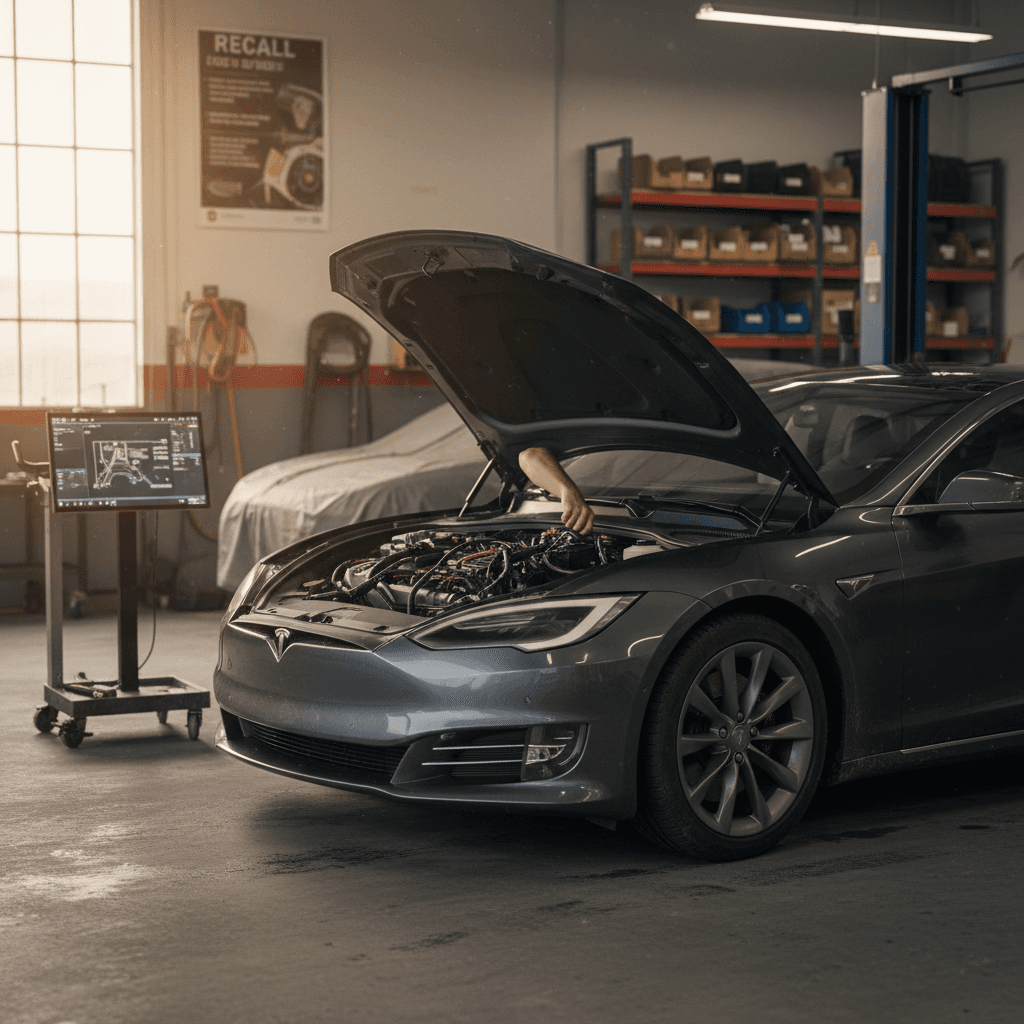
Tesla leans heavily on software, so you’ll notice that many “recalls” for the 2024 Model S are actually OTA updates. You still need to know what they are, because they directly affect safety systems like the rear camera and driver‑assistance features.
Key 2024–2025 Model S recall campaigns
This isn’t a complete list, but it covers the big campaigns affecting 2024 Model S sedans as of early 2026. Always run your VIN on NHTSA or with Tesla to confirm status.
| Issue | Affected years | Typical symptom | Fix type |
|---|---|---|---|
| Rear computer shorting / rear camera loss | 2024–2025 Model S (plus some other Teslas) | Intermittent or missing rear‑view camera image when shifting to Reverse | OTA software update plus, in rare cases, hardware service |
| Driver airbag manufacturing defect (small batch) | Select 2024–2025 Model S & X | Potentially torn driver airbag discovered in assembly checks; no obvious symptom | Service visit for airbag inspection and replacement if needed |
| Pedestrian warning speaker muted | 2016–2024 various Teslas, including some 2024 S | No external warning sound at low speeds | OTA software update to correct gain values |
| Hood/closure detection warning logic | Large fleet recall including Model S in 2024 | Vehicle may not warn properly if hood isn’t fully latched | OTA update to hood‑latch detection logic |
| Autopilot / FSD supervised behavior | 2016–2024 Teslas with Autopilot or FSD | Inconsistent responses in low‑visibility or complex scenarios | Multiple staged OTA updates; NHTSA review is ongoing |
Check your service menu or Tesla app to confirm that all applicable recalls are closed on your car.
Don’t ignore OTA recalls
- Open the Tesla app → Service → “View details” to see outstanding recalls.
- You can also search your VIN on NHTSA’s website to cross‑check.
- If a recall requires physical inspection (like the airbag campaign), schedule a service visit promptly.
Software, infotainment and FSD issues
For many 2024 Model S owners, the most visible problems aren’t mechanical, they’re on the center screen. That’s where glitches, slow boots, and driver‑assistance quirks show up. The upside is that a lot of this is fixable without a wrench.
Common 2024 Model S software‑side complaints
What you might notice in day‑to‑day driving and how to respond.
1. Touchscreen lag or rebooting
Some owners report occasional screen freezes, lag, or random reboots, especially right after a major OTA update.
- Audio pauses or UI stutters.
- Backup camera takes longer to load.
- Navigation temporarily unresponsive.
2. Connectivity & app sync
Cellular glitches can affect map loading, streaming apps, and Summon/scheduled charging controls.
- Blank map tiles in low‑signal areas.
- Delayed Tesla app commands.
- Streaming services failing to authenticate.
3. Autopilot / FSD supervised behavior
As Tesla pushes frequent FSD updates, drivers report inconsistent lane choices, braking, or poor visibility behavior in certain scenarios.
- Phantom slowdowns.
- Hesitation at merges or unprotected turns.
- Extra caution in fog, glare or dust.
Quick owner fixes for software problems
Soft reboot the infotainment system
Hold both steering‑wheel scroll buttons until the screen goes black and the Tesla “T” logo reappears. This clears a surprising number of minor glitches without affecting your settings or mileage.
Power‑cycle the car fully
In Controls → Safety → Power Off, let the car sit undisturbed (doors closed, no pedal presses) for several minutes, then wake it by pressing the brake. This forces a deeper reset of multiple modules.
Check for pending updates on Wi‑Fi
Major updates download more reliably over Wi‑Fi. Park at home, connect to a robust network, and check the Software tab to make sure you aren’t postponing a critical bug‑fix release.
Recalibrate cameras after major updates
If Autopilot or FSD drives strangely after an update, recalibrate the cameras in the Service menu, then drive 20–30 miles on well‑marked roads for the system to relearn lane geometry.
Log issues with detailed feedback
Tap the voice button and say “bug report” with a short description (for example, “phantom braking at mile marker 142 in fog”). Detailed reports help Tesla tune later software revisions.
When to stop using FSD or Autopilot
Suspension, steering and ride-related problems
The 2024 Model S rides on a complex air‑suspension setup, especially in Plaid trims. Owners coming from a Model 3 or Y are often surprised by clunks, pops, or uneven tire wear that show up earlier than expected. Some issues are harmless annoyances; others point to alignment or component problems that can get expensive if ignored.
Common symptoms
- Clunking over speed bumps or driveway entries, often front control‑arm or sway‑bar bushing noise.
- Steering feel changing after a pothole hit, possible alignment shift or damage.
- Uneven tire wear on the inner shoulder, frequent complaint on performance‑oriented Teslas.
- Vehicle sitting unevenly after parking, air‑suspension height sensor or bag leak in severe cases.
Owner‑level checks
- Visually inspect inner tire shoulders with the wheels turned full lock.
- Listen for repeatable suspension clunks at low speed in an empty lot.
- Cycle suspension heights in the Controls menu and confirm the car responds evenly.
- After any curb or pothole strike, schedule an alignment check rather than waiting for strange tire wear.
Protect your suspension investment
Door, handle and interior quirks
Tesla has steadily improved Model S doors and handles, but even 2024 cars aren’t completely drama‑free. Most complaints revolve around misaligned doors, finicky flush handles, and kids struggling to use the manual releases in low‑power scenarios.
Door and interior issues, and what usually fixes them
These are mostly quality‑of‑life annoyances, but don’t ignore real safety concerns.
Misaligned doors or wind noise
Owners sometimes notice doors that sit slightly proud of the body, causing wind noise or water marks in heavy rain.
Typical fix: Tesla service can adjust hinges and latches. In milder cases, owners carefully tweak the rubber seals, but structural alignment should be left to pros.
Handles not presenting or retracting smoothly
Flush handles may fail to extend, stick, or retract slowly, especially after dirt and ice build‑up.
Typical fix: Clean around the handle pockets, apply a light silicone‑safe lubricant, and if the problem persists, schedule service. Don’t pry aggressively, you can damage the mechanism.
Kids struggling with manual releases
In a power loss, rear passengers must use manual door releases. Small children may not reach or understand them.
Owner step: Show older kids where releases are and practice with the car safely parked. For younger children, rear‑side window hammers with belt cutters are a reasonable backup safety accessory.
Practice emergency exits
Charging, battery and range concerns
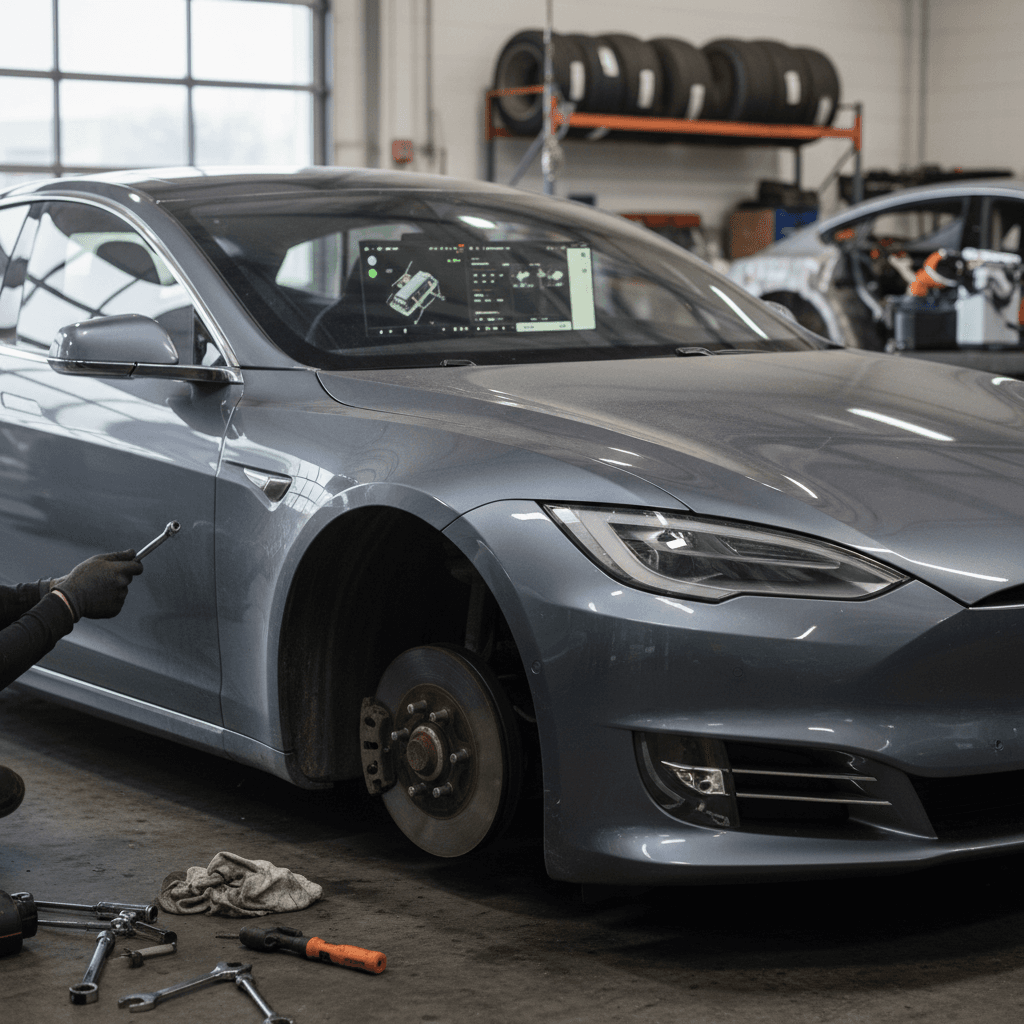
Battery packs in new‑generation Model S sedans have matured, and outright pack failures are rare in 2024 cars. Instead, owners typically report slower‑than‑expected DC fast‑charging, range loss in cold weather, or charge‑port door quirks.
- Slower Supercharging after many high‑speed sessions or repeated fast‑charging on a hot day, thermal management may limit peak rates to protect the pack.
- Noticeable winter range hit from HVAC, seat heaters, and cold‑soaked cells, often 20–30% lower effective range in harsh climates.
- Charge‑port door not closing flush or reporting “door obstructed” when nothing is visible, usually alignment or dirt in the hinge area.
Smart ways to protect battery health and charging performance
Avoid living at 100% state of charge
Plan daily charging around 70–85% for most commutes and only charge to 100% when you actually need maximum highway range. This is one of the easiest ways to preserve long‑term pack health.
Precondition before DC fast‑charging
Use the “Navigate to Supercharger” feature so the car preheats the battery on the way. You’ll arrive with a warmer pack, higher charge rates, and less time stuck at the charger.
Keep software and Navigation data current
Navigation updates help the car manage elevation, weather and charger availability. In turn, that improves its energy predictions and can prevent you from arriving nearly empty in cold weather.
Use the in‑car energy graph
The live energy and trip graphs give you a more honest picture of consumption than the headline EPA range. If you’re consistently above the projected line, check tire pressure and driving speed.
Buying used? Get real battery data.
Build quality, noises and trim complaints
By 2024, Tesla has cleaned up many of the worst early‑Model‑S quality problems, like bubbling instrument clusters and chronic MCU failures, but you can still run into fit‑and‑finish quirks that feel out of place on a car this expensive.
Typical 2024 Model S build-quality complaints
Mostly annoyances, but they can hint at prior damage or rushed repairs.
Panel gaps and trim misalignment
Some owners notice inconsistent gaps between hood, fenders and liftgate, or slightly crooked chrome/black trim pieces.
What to do: A little variance is cosmetic, but large, uneven gaps, especially near the hatch or doors, warrant a careful look for prior accident repairs. On a used car, compare both sides of the vehicle and check for overspray or mismatched paint.
Rattles, buzzes and squeaks
Common sources include seat rails, rear deck trim, and B‑pillar plastic. Some owners also report a faint high‑frequency inverter or fan noise at specific speeds.
What to do: Test on good pavement and then on rough surfaces at 25–40 mph with the audio off. Make notes of where noises seem to come from and list them in a service request or pre‑purchase inspection.
Good news for late‑model shoppers
What to check if you’re buying a used 2024 Model S
A 2024 Model S is still a young car in 2026, but miles add up quickly on road‑trip machines. If you’re considering one on the used market, whether from Tesla directly, a dealer, or a private party, here’s a structured way to separate great cars from problem children.
Used 2024 Model S inspection checklist
1. Verify recall and software status
In the Tesla app or on the center screen, confirm there are no open recalls. Check the Software screen to see that it’s on a recent, stable build, not many versions behind. This reduces your risk of inherited bugs or safety issues.
2. Pull battery health and charging history
Ask the seller for long‑term Wh/mi (or kWh/100 km) data and typical charging habits. At Recharged, we plug into the vehicle to generate an independent Recharged Score that estimates usable capacity and flags abnormal degradation patterns.
3. Inspect wheels, tires and suspension behavior
Look for curb rash on 21‑inch wheels, uneven tire wear, or any vibration at highway speeds. Drive over speed bumps and into angled driveways at low speed while listening for clunks from the front end, these can hint at alignment or bushing issues.
4. Test all doors, handles and windows
Open and close every door from inside and out. Check that handles present reliably and retract smoothly. Make sure window auto‑up and pinch‑protection features work on every pane, including the hatch glass.
5. Check interior electronics and seats
Toggle every seat heater, adjust power seats through their full travel, test steering‑wheel adjustment, and verify that Bluetooth, USB‑C ports, wireless charging pads, and audio balance/fader all behave normally.
6. Look for accident or paint work
In good light, view each body panel at a shallow angle so mismatched paint or waves in the metal are more obvious. Uneven panel gaps at the hatch, hood, or charger door are red flags that deserve a professional frame and alignment check.
Trade‑in or sell before problems grow
When you can fix it yourself vs. calling Tesla service
One upside of EV ownership is that there’s simply less to maintain. But the 2024 Model S still blends high‑voltage hardware and sensitive electronics, so it’s important to know where DIY ends and professional service begins.
Reasonable DIY or local‑shop fixes
- Touchscreen glitches and minor bugs – Soft reboots, power‑cycles and waiting for the next OTA fix are normal.
- Minor trim rattles – Carefully tightening accessible screws, adding felt tape to buzzing plastic, or replacing loose clips.
- Wheel/tire issues – Rotations, seasonal tire swaps, and basic balancing at an EV‑aware tire shop.
- Cabin air filters and wiper blades – Straightforward owner‑level maintenance items.
Call Tesla service or an EV specialist
- Repeated warning lights related to battery, high‑voltage system, or airbags.
- Significant changes in steering effort, persistent pull, or loud suspension clunks.
- Autopilot/FSD behaving dangerously even after resets and recalibrations.
- Structural repairs after a collision, these require precise alignment and calibration of cameras and sensors.
High‑voltage warning
FAQ: 2024 Tesla Model S problems and fixes
Frequently asked questions about 2024 Model S issues
Bottom line: Should you worry about 2024 Model S problems?
Every modern EV has tradeoffs. With the 2024 Tesla Model S, you’re trading an internal‑combustion car’s fluids, belts and exhaust for software updates, sensors and high‑performance suspension hardware. Most issues owners face today are solvable, either by simple resets and updates or by targeted suspension and body adjustments, and major drivetrain failures remain rare this early in the model year’s life.
If you’re shopping used, focus less on horror‑story anecdotes and more on objective data: complete recall history, verifiable battery health, clean alignment and tire wear, and a rattle‑free road test. That’s exactly what Recharged’s Recharged Score Report is designed to deliver, along with nationwide delivery, financing options, and EV‑specialist support that stays with you after the sale. Get those fundamentals right, and a 2024 Model S can be one of the most rewarding, and quickest, daily drivers you’ll ever own.