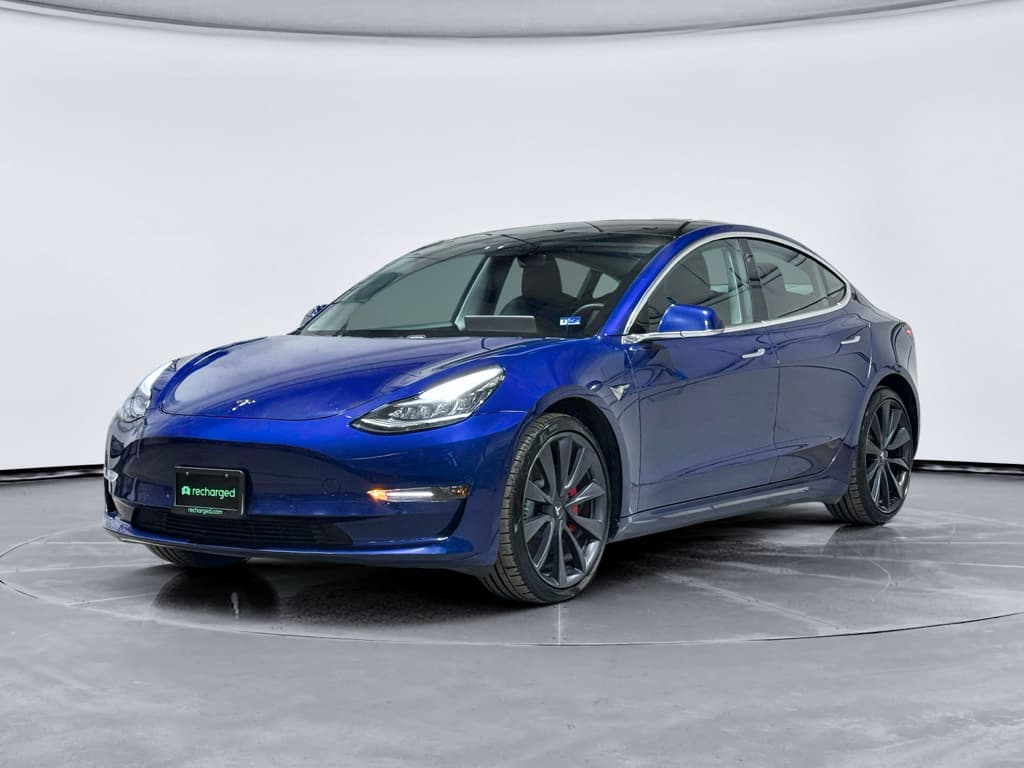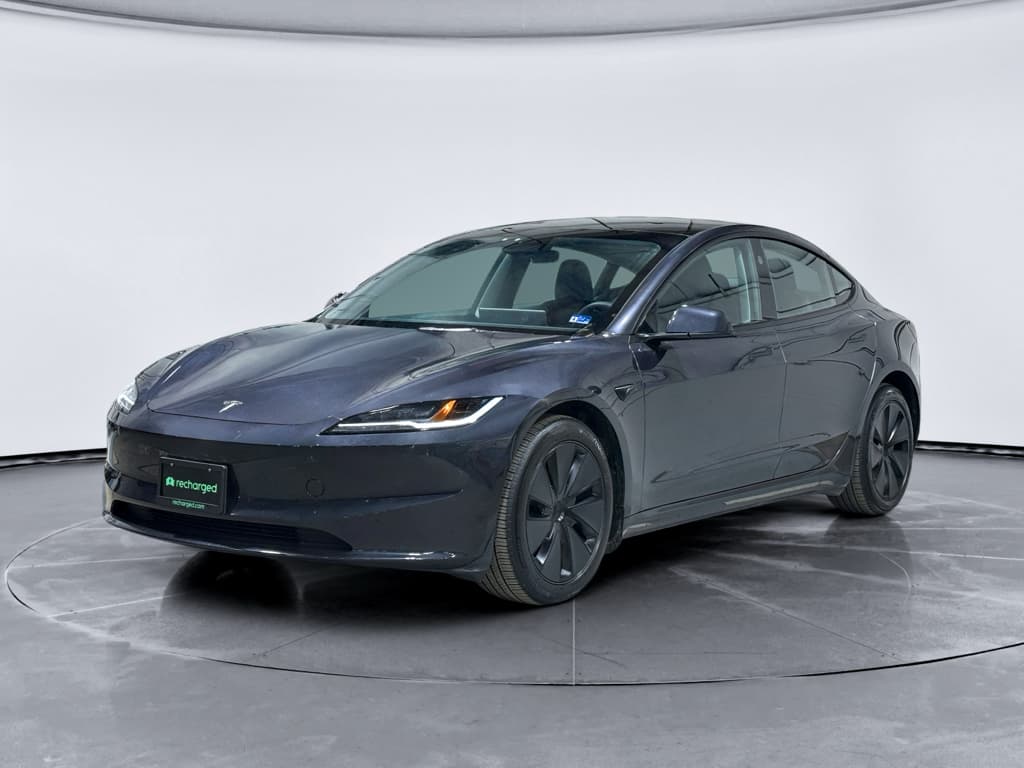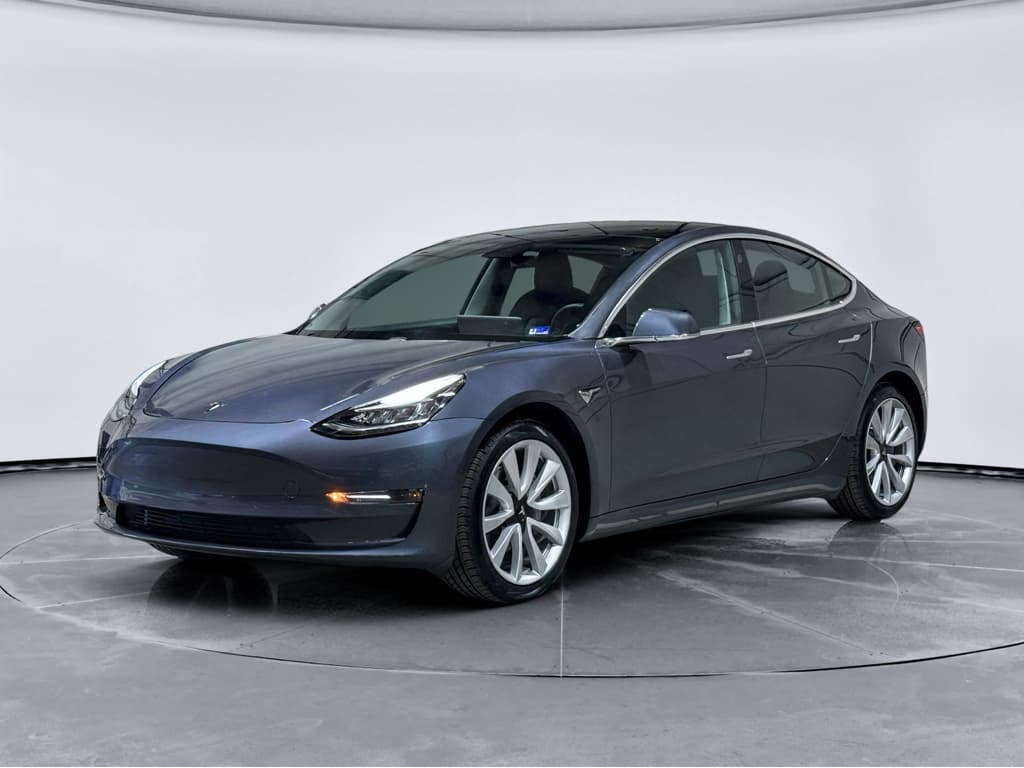
If you’re considering a 2024 Tesla Model 3, especially the refreshed “Highland” version, you’re probably hearing two very different stories. On paper, it’s quieter, more refined, and more efficient than earlier cars. In owner forums, you’ll see threads about panel gaps, software glitches, strange noises, and driver-assistance scares. This guide pulls together the most common 2024 Tesla Model 3 problems and fixes so you can separate internet drama from real issues that matter for your wallet and your safety.
How the 2024 Model 3 is different
2024 Model 3 Highland overview: what changed and why it matters
Key 2024 Model 3 Highland changes
- Reworked front and rear suspension with different bushings and control arms to reduce clunks and improve comfort.
- Extra sound insulation (glass, seals, carpeting) to cut wind and road noise.
- New seats and interior trim, plus a rear screen for passengers.
- Updated electronics (Hardware 4) for driver assistance and cameras.
- Refined steering calibration that feels less twitchy than earlier cars.
What this means for problems
- Some older Model 3 issues, especially noisy front control arms, were explicitly targeted with new parts.
- The new hardware and software stack introduces its own bugs and compatibility issues.
- Quality control remains hit-or-miss: some 2024 owners report flawless cars, others are on their third service visit.
- When you’re buying used, you need to distinguish normal EV quirks from problems that signal a rough build or neglect.
How the 2024 Model 3 stacks up on paper
Quick summary: most common 2024 Model 3 problems
Most reported 2024 Tesla Model 3 problems at a glance
Delivery defects and build-quality flaws
Owners still report panel misalignment, paint defects, loose trim, and inconsistent gaps, especially around doors, trunk, and frunk. These should be documented and fixed under warranty.
Noises, rattles, and creaks
Creaks from the rear suspension, trim buzzes, and wind noise around the mirrors or glass are common complaints and can take multiple service visits to resolve.
Software, infotainment, and camera bugs
Screen freezes, Bluetooth issues, wonky phone-as-key behavior, and camera glitches show up regularly, but many are fixable with resets and updates.
Driver-assistance quirks and FSD concerns
Phantom braking, lane-keeping oddities, and inconsistent FSD behavior are widely discussed. These are under active regulatory scrutiny and are primarily addressed with software updates.
Battery, range, and charging frustrations
Most 2024 packs are healthy, but new owners often worry about range loss in cold weather, slow DC charging on certain stalls, or home-charging setup problems.
Suspension, steering feel, and brake noises
The new steering ratio and suspension tuning feel different from older cars. Some owners report clunks, brake squeal, or vibrations that need service attention.
Build quality, fit and finish: still a Tesla pain point
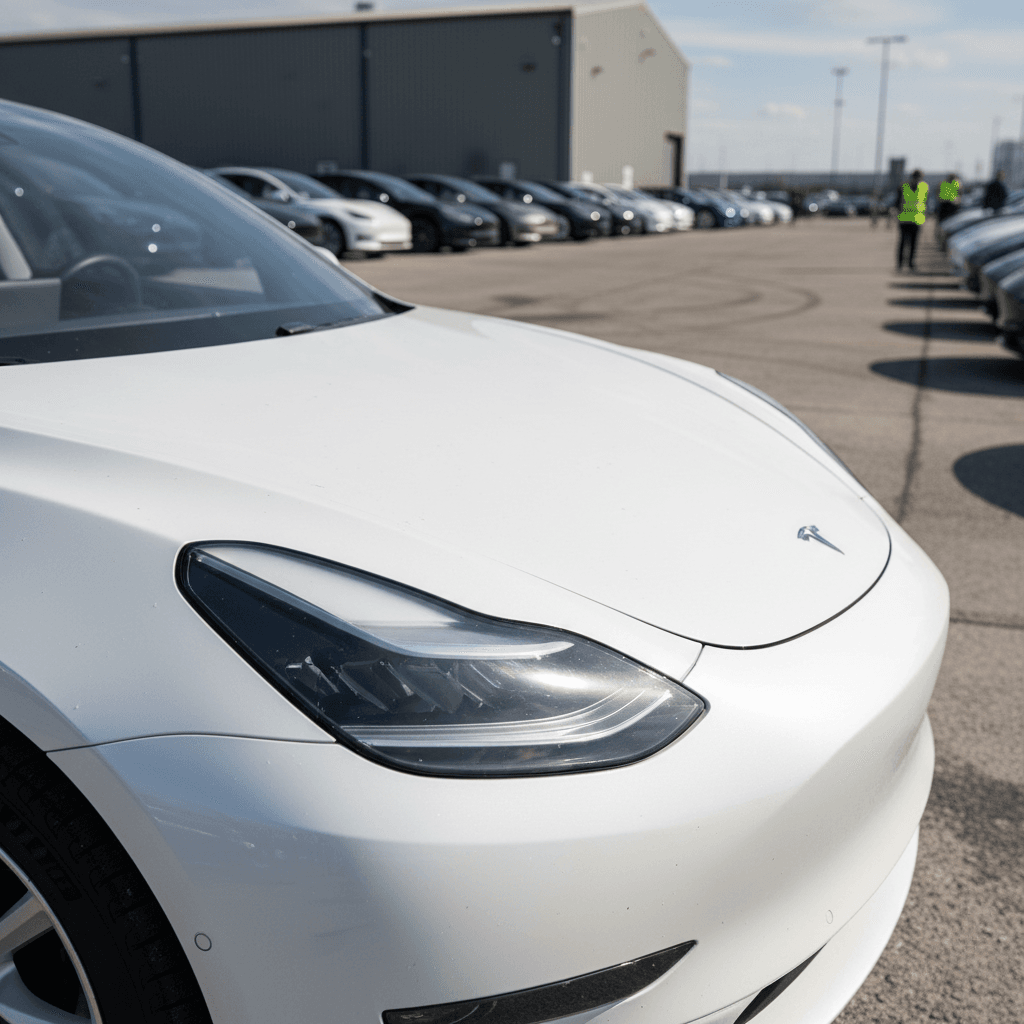
The single most persistent Model 3 complaint, across all years, is inconsistent build quality. The 2024 Highland is better than early cars in many ways, but you still see owners reporting rough paint, misaligned doors and bumpers, and interior trim that isn’t fully seated. That’s annoying on a new car, and it can directly affect wind noise, leaks, and resale value.
- Panel gaps that taper from front to rear or differ side-to-side.
- Rear bumper or trunk lid sitting slightly high or low.
- Weatherstripping not fully pressed in, especially around doors and trunk.
- Paint thinness or rough edges around wheel arches and door jambs.
- Loose interior panels or center console creaks on rough roads.
Simple DIY checks before (or after) you buy
On a used 2024 Model 3, you also want to distinguish factory build issues from accident repairs. Uneven gaps or overspray around one corner of the car could point to a prior collision repair that doesn’t show on Carfax. That’s where a structured inspection, and ideally a third‑party condition report like a Recharged Score, becomes very valuable.
Ride, noise, and rattles: when the quiet EV isn’t
Tesla clearly tried to make the 2024 Model 3 Highland quieter. Owners stepping out of early Model 3s generally notice less wind and road noise, especially at highway speeds. But many 2024 owners still complain about rattles, creaks, and localized noises, usually from the rear suspension or interior trim.
Common 2024 Model 3 noise complaints and likely fixes
Most noises are fixable, it just may take persistence with service.
Rear suspension creaks
A creak or pop from the rear when accelerating, braking, or turning is a recurring 2024 Highland complaint.
Likely causes: bushing movement, control-arm hardware, or spring seats.
Fix: Tesla service can retorque hardware, add lubrication, or replace parts under warranty. Expect to be asked for recordings.
Wind noise at A‑pillars
Whistling or whooshing near the mirrors or top corner of the glass at 60+ mph.
Likely causes: slightly misaligned glass, mirror caps, or door seals.
Fix: Service can adjust glass and seals. Aftermarket seal kits can also help, but try warranty first.
Interior buzzes and rattles
Buzzes from the dash, center console, or door cards over rough pavement.
Likely causes: unseated clips, wiring contacting trim, or plastic‑on‑plastic contact.
Fix: Tesla may add felt tape or foam. Many owners also DIY with felt tape behind suspect panels.
Don’t ignore new noises
Software and infotainment bugs, and how to fix most of them yourself
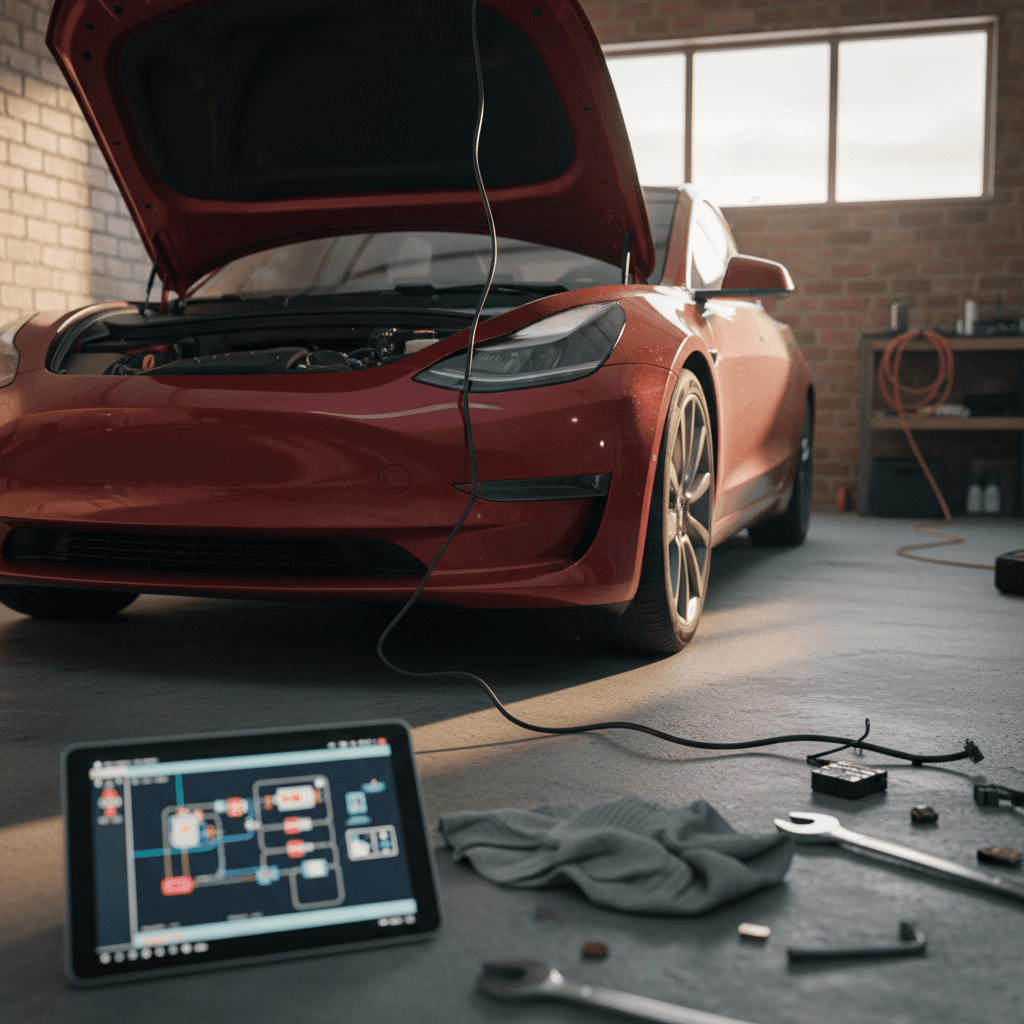
The 2024 Model 3 runs Tesla’s latest software stack with Hardware 4 cameras and computers. That brings sharper visuals and more capability, but also the usual stream of software quirks: screen freezes, Bluetooth oddities, audio dropouts, and phone‑as‑key misbehavior. The good news is that many of these problems are annoying rather than dangerous, and you can fix a surprising number without visiting a service center.
Common 2024 Model 3 software problems and owner-level fixes
Start with these steps before you book a service appointment.
| Problem | Typical Symptom | DIY Fix | When to Escalate |
|---|---|---|---|
| Center screen freeze | Screen becomes unresponsive, but car still drives normally. | Perform a soft reboot: hold both steering‑wheel scroll wheels until the screen goes black and the Tesla logo reappears. | If it happens daily or multiple times a week, document dates and open a service request. |
| Phone as key unreliable | Car won’t unlock or won’t recognize your phone until you open the app. | Toggle Bluetooth off/on, remove and re‑add phone as key, and make sure the Tesla app has background permissions. | If a specific phone repeatedly fails while others work, log an app bug and ask service to review logs. |
| Camera glitches | Blind‑spot or autopilot cameras periodically show black or distorted image. | Clean camera lenses, especially in bad weather; check for wraps or tint blocking cameras. | If a camera is frequently offline, Tesla may replace the camera module or harness under warranty. |
| Audio bugs | Music pauses randomly, balance shifts, or rear speakers cut out. | Reboot infotainment, remove and re‑add streaming services, or clear Bluetooth pairings. | Persistent issues after updates may require Tesla to inspect the audio amp or wiring. |
| Random error messages | Warnings that disappear after a restart (e.g., parking assist, sensors). | Note the exact message, take a photo, then reboot. Check for updates. | Repeated or safety‑related warnings should go to service, even if they clear on restart. |
Always confirm you’re on the latest software version before chasing ghosts, Tesla quietly fixes a lot of bugs in background updates.
Pro tip: live with minor bugs until an update drops
Autopilot & FSD issues: what’s under investigation and what you can do
By 2024, Autopilot and Tesla’s “Full Self‑Driving” (FSD) have been through multiple high‑profile investigations and recalls. Regulators are particularly focused on crashes in poor visibility, unexpected behavior at intersections, and misuse of supervised systems. If you own a 2024 Model 3 with these features, the issues are less about hardware failure and more about how the software behaves in the real world.
- Phantom braking on highways when passing trucks, under overpasses, or in bright sun.
- Inconsistent lane selection or awkward merges with FSD engaged.
- Hesitation or late braking when visibility suddenly drops (fog, heavy rain, dust).
- Misinterpretation of faded lane markings or unusual road layouts.
Treat FSD as advanced cruise control, not a robot chauffeur
From a fixes standpoint, your main tools here are software updates and good habits. Make sure you’re on the latest release; if FSD behaves badly in a specific area, use the in‑car bug report and send timestamps through the app. And if you’re buying a used 2024 Model 3, remember that driver‑assistance behavior doesn’t show up on a Carfax report, it’s something you need to experience on a test drive in your normal routes.
Battery, range, and charging concerns on the 2024 Model 3
The 2024 Model 3’s battery packs are evolutionary, not revolutionary. Real‑world data so far suggests very low early‑life degradation, especially compared with many first‑generation EVs. Most “battery problems” owners report turn out to be range expectations, charging‑network quirks, or cold‑weather behavior, not failing packs.
Typical 2024 Model 3 battery & charging complaints
What’s normal behavior, and what deserves a closer look.
“My range dropped overnight”
It’s common to see the estimated range swing with temperature or after a software update that changes how the car calculates remaining energy.
Fix: Drive a full charge from ~90% down into the teens a few times to let the BMS recalibrate. In cold climates, precondition and expect 20–40% winter range loss as normal.
Slow DC fast charging
Some owners see lower‑than‑expected Supercharger speeds, especially if they plug in with a cold pack or at high state of charge.
Fix: Use built‑in navigation to the Supercharger so the pack preconditions, arrive around 10–30% state of charge, and avoid lingering above 80% on DC fast charge.
Home charging setup confusion
New owners often under‑size home charging (e.g., 120V only) and feel like the car “charges too slowly.”
Fix: Aim for a 240V Level 2 circuit where possible. A 32–48A setup will easily replenish daily commuting overnight.
Hot battery or power limit warnings
Aggressive driving, repeated fast charges, or very hot climates can trigger power or regen limits.
Fix: Give the car time to cool, avoid back‑to‑back DC fast charges, and watch for persistent warnings that might signal a cooling‑system fault.
Good news on 2024 Model 3 battery health
Ready to find your next EV?
Browse VehiclesSuspension, steering, and brakes: what’s new and what can go wrong
Earlier Model 3s were infamous for prematurely noisy front upper control arms and a sometimes harsh ride. The 2024 Highland adopts revised suspension hardware, including forged control arms and different knuckles, and a slower steering ratio. That should reduce some of the sharp impacts and improve durability, but owners still report clunks, vibrations, and brake noises on some cars.
Key 2024 Model 3 chassis issues to watch for
Listen closely on your test drive and over the first few thousand miles.
| Area | What you might notice | Possible cause | Typical fix |
|---|---|---|---|
| Front suspension | Clunk over low‑speed bumps or while turning into driveways. | Loose or improperly torqued suspension hardware, or defective bushing. | Tesla service retorques hardware, replaces control arm or bushing under warranty. |
| Rear suspension | Creak from one corner under accel/decel or hard turns. | Spring or bushing movement; body‑in‑white contact. | Service applies lubrication, adjusts components, or replaces suspect parts. |
| Steering | Steering feels sticky, notchy, or has a dead spot. | Steering rack or alignment issue, or tire wear pattern. | Full alignment, steering rack inspection; rack replacement in rare cases. |
| Brakes | Low‑speed squeal or grinding noise, especially in reverse. | Pad glazing, light surface rust from infrequent friction‑brake use. | Aggressive stops to clean off rust; pad de‑glazing or replacement if persistent. |
Anything that feels like play in the steering or a hard mechanical clunk is a day‑one service ticket, not a “wait and see” item.
Document changes in feel, not just warning lights
2024 Model 3 recalls, warranties, and getting Tesla to fix things
By early 2026, the 2024 Tesla Model 3 has been covered by multiple recalls, mostly addressing software‑controllable behavior rather than physical component failures. The upside of Tesla’s over‑the‑air architecture is that many recalls are fixed via software updates without a service visit. The downside is that serious issues can quietly depend on you installing that update.
- Check your Tesla app and in‑car notifications for outstanding recalls or “service campaigns.”
- Make sure automatic updates are enabled, or at least install security and safety‑related releases promptly.
- If a recall requires physical inspection (e.g., seatbelt anchors, suspension hardware), schedule as soon as you can, it’s usually free and quick.
- For used buyers, verify that prior owners didn’t intentionally defer important safety updates.
Warranty basics for 2024 Model 3 owners
Buying a used 2024 Tesla Model 3: inspection checklist
Because the 2024 Model 3 is still relatively new, most examples you’ll see on the used market will be fresh off lease, early flips, or cars that racked up highway miles quickly. That’s not automatically bad, but you can’t assume “nearly new” means “problem free.” Here’s a structured way to inspect a 2024 Model 3 Highland before you commit.
Used 2024 Model 3 pre‑purchase inspection guide
1. Run a slow exterior and interior walkaround
Look for inconsistent panel gaps, mismatched paint, or overspray that could point to accident repairs. Inside, check that every panel is seated flush, there are no obvious scratches or stains, and all seat adjustments work smoothly.
2. Check glass, seals, and lights
Inspect windshield and roof glass for chips or cracks, and run a finger along door and trunk seals for gaps or tears. Test all exterior lights, including turn signals and brake lights.
3. Test drive on mixed roads
Drive at city and highway speeds, over speed bumps and rough pavement. Listen for creaks, clunks, and rattles; feel for vibrations through the wheel or seat; and note any pulling or wandering that could indicate alignment or suspension issues.
4. Exercise all software and driver aids
On a safe road, engage basic Autopilot, lane‑keeping, and adaptive cruise. Test the cameras (rear, side, and blind‑spot visualizations), parking sensors, Bluetooth audio, phone as key, and every camera‑based feature you plan to rely on.
5. Evaluate battery health and charging behavior
Check the projected range at 100% in the Energy app, and, if possible, review charging history. A third‑party battery‑health check like the Recharged Score can reveal whether the pack is aging normally or showing early degradation.
6. Verify recalls and software status
From the in‑car screen, check for outstanding recalls or updates. A car that hasn’t been updated in a long time may have an owner who ignored issues, and could make your first month of ownership a bug‑fixing marathon.
How Recharged helps de‑risk a used 2024 Model 3
FAQ: 2024 Tesla Model 3 problems and fixes
Frequently asked questions about 2024 Model 3 problems
Bottom line: is the 2024 Model 3 a good bet?
The 2024 Tesla Model 3 Highland is, in many ways, the car the Model 3 was trying to be all along: quieter, more comfortable, and more mature to live with every day. But buying one, especially used, still requires you to look past the spec sheet and pay attention to the real‑world problems and fixes owners are seeing. Build quality can be inconsistent, software remains a moving target, and driver‑assistance features demand respect rather than blind trust.
If you go in with clear eyes, a good inspection checklist, and realistic expectations about EV ownership, a 2024 Model 3 can be an excellent value, particularly as more lease returns hit the used market. Whether you shop privately, at a dealer, or through a digital‑first marketplace like Recharged, prioritize transparent condition reporting and verified battery health. Do that, and you’ll spend a lot more time enjoying the Highland’s strengths and a lot less time chasing down its quirks.