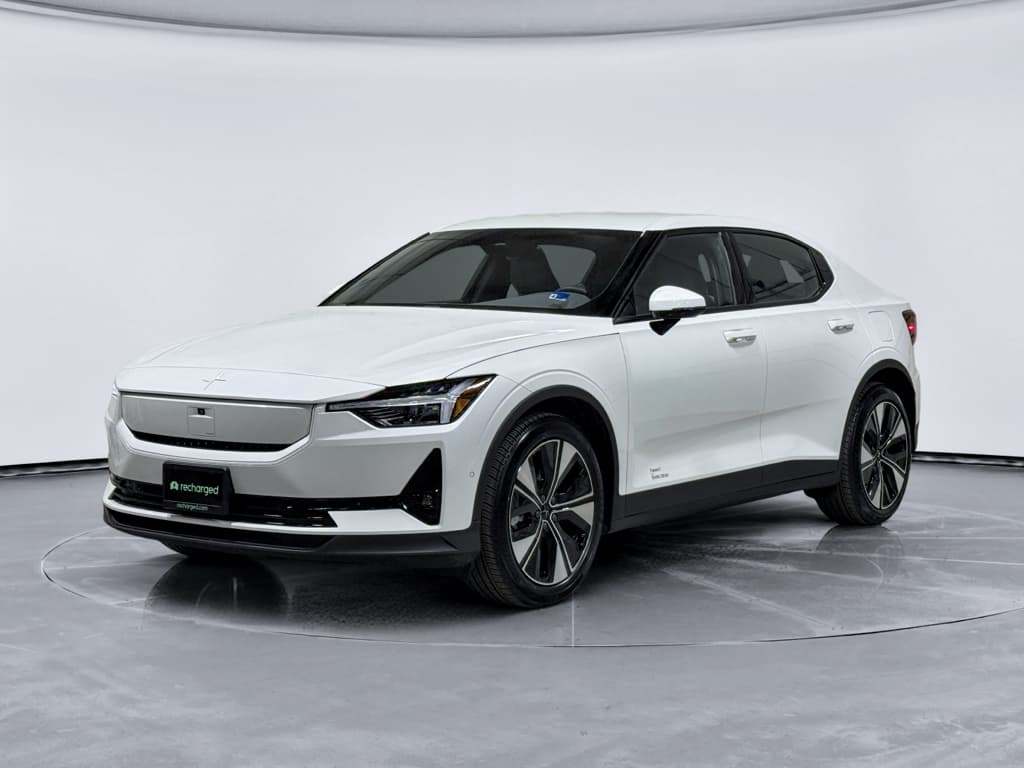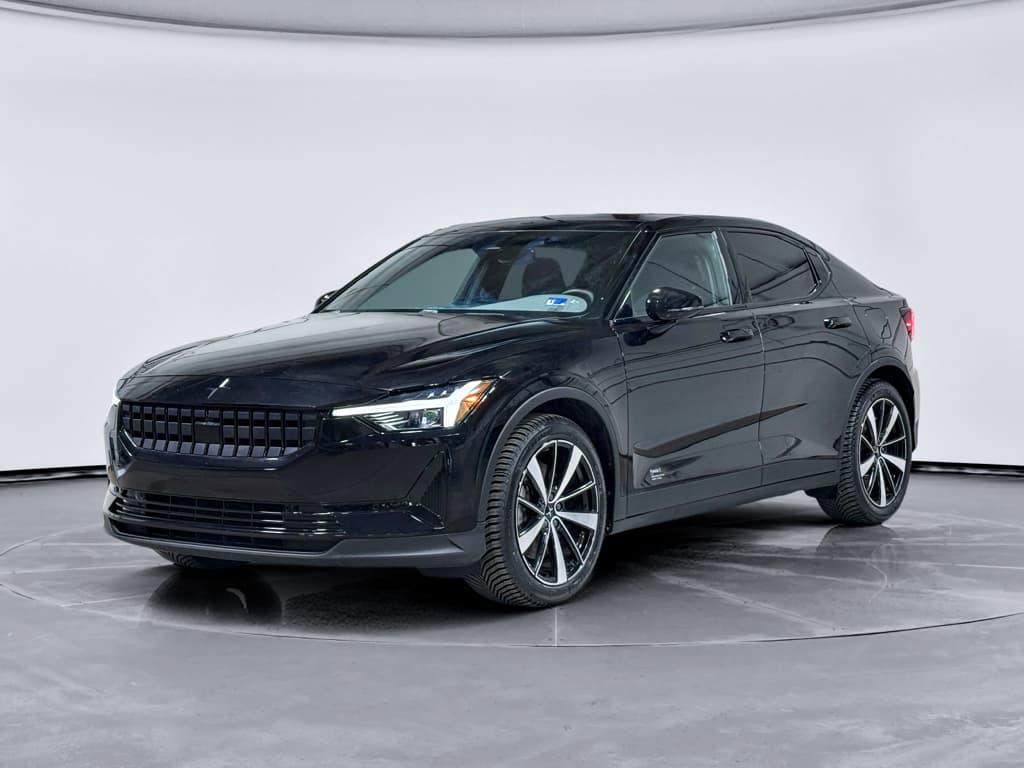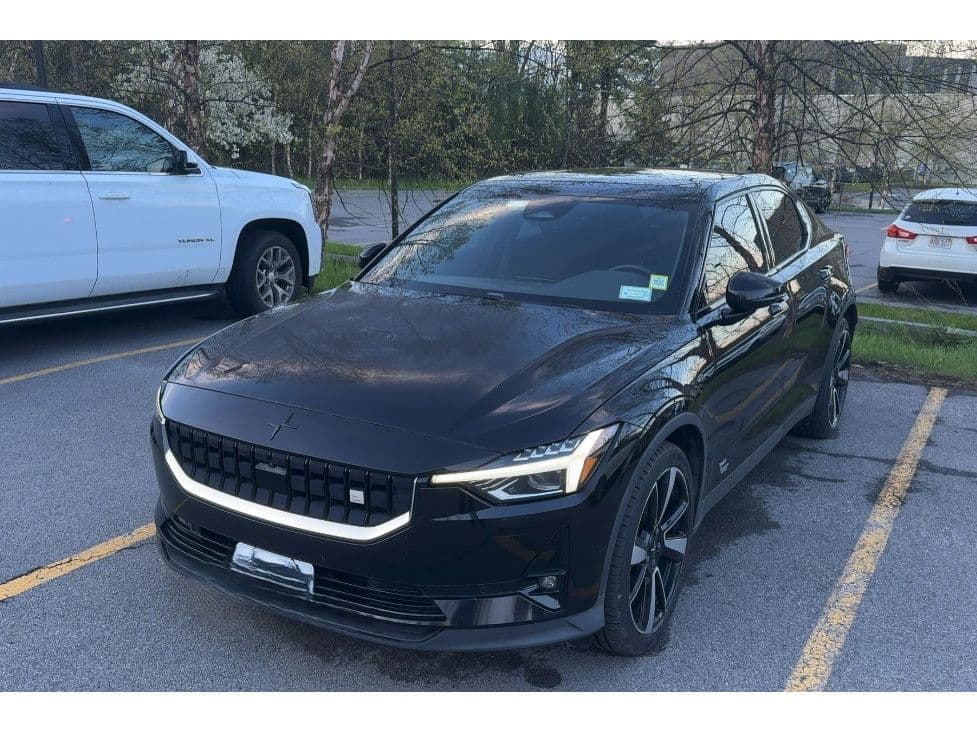
If you’re looking at a sleek Scandinavian alternative to a Model 3, the 2023 Polestar 2 is probably on your shortlist. But before you pull the trigger, especially on a used car, it’s smart to understand the most common 2023 Polestar 2 problems and the fixes that actually work. This guide walks through real‑world owner complaints, what’s been addressed by software, what still needs hardware, and how to shop confidently.
Big picture on 2023 Polestar 2 reliability
Overview: How reliable is the 2023 Polestar 2?
2021–2025 Polestar 2: reliability snapshot
The 2023 model year benefitted from earlier fixes to the Polestar 2, including software updates and improved hardware in some areas. Still, the car remains heavily software‑defined, and that’s where many complaints live: infotainment glitches, connectivity issues, occasional charging or high‑voltage quirks, and a smaller number of mechanical problems like suspension clunks or failed onboard chargers.
The good news: most of these issues are fixable, many under warranty, and later software versions have genuinely improved stability. The bad news: resolving them can require patience, dealer time, and a manufacturer that’s still maturing its support processes. If you’re buying used, you want to separate the well‑sorted cars from the problem children.
Most common 2023 Polestar 2 problems
Top 5 problem areas on the 2023 Polestar 2
Not every car will have these issues, but these are the ones to ask about.
Infotainment & screen
TCAM & connectivity
Charging & range
High‑voltage hardware
Suspension & noises
Build & trim
How to use this guide
Problem 1: Infotainment glitches, black screens and random reboots
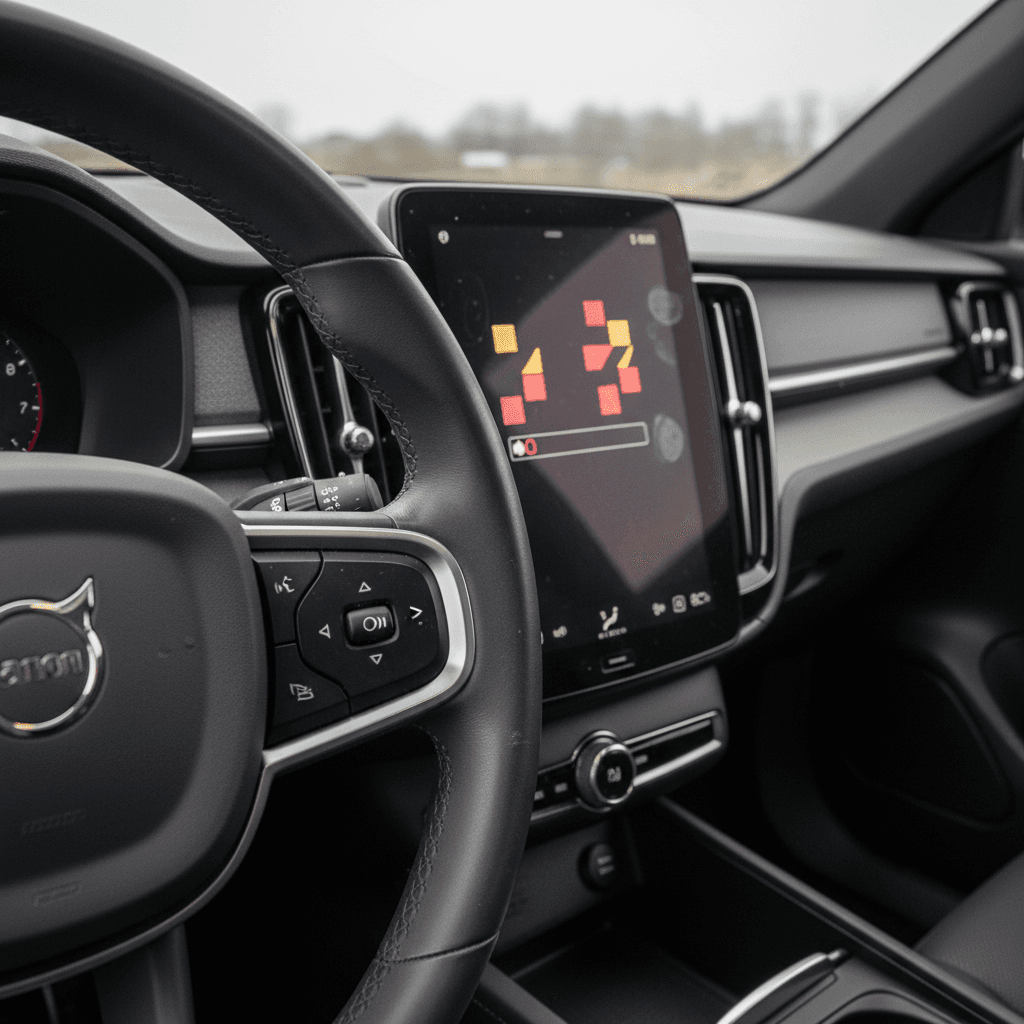
Polestar’s Android Automotive–based infotainment is one of the 2’s selling points. But a lot of 2021–2023 owners, including 2023 models, report the same pattern: the center screen freezes, goes black, randomly reboots, or refuses to launch the backup camera or audio. Sometimes it coincides with a recent over‑the‑air (OTA) update; sometimes it’s been flaky from day one.
- Center screen slow to boot or stays black after startup
- Backup camera doesn’t appear or shows a blank screen when shifting to Reverse
- Random restarts of the head unit while driving
- No audio output until the infotainment is rebooted
- Apps crashing (Maps, Spotify, etc.) or system lagging badly
Why this matters
Quick fixes you can try first
Owner‑level fixes for infotainment issues
1. Perform a soft reboot
Hold the Home button on the center screen until it restarts. This clears many temporary glitches like frozen apps or missing audio.
2. Remove and re‑add problem apps
If a specific app (Spotify, a podcast app, etc.) keeps crashing, clear its data or uninstall/reinstall via Google Play in the car.
3. Disconnect and re‑pair your phone
For Bluetooth or Android Auto/CarPlay weirdness, delete your phone from the car and the car from your phone, then pair again from scratch.
4. Check for pending software updates
In Settings → System → Software, look for available updates. If installs fail repeatedly or OTA disappears, you may need a dealer to manually flash the latest version.
When it’s a hardware or deeper software problem
If soft resets don’t help, or the screen stays black, reboots often, or the backup camera remains unreliable, the issue may lie in the Infotainment Head Unit (IHU), the display hardware, or its software image. Polestar has already issued at least one recall in recent years for head‑unit software faults, and some owners have had the infotainment computer or screen replaced under warranty.
Typical dealership fixes
Problem 2: TCAM connectivity failures and app issues
Behind the scenes, a small module called the TCAM (Telematics and Connectivity Antenna Module) handles LTE data, telematics, SOS functions and your Polestar app connection. When it goes sideways, the car can feel haunted: no live data in the app, no remote preconditioning, SOS warnings, and a phone‑as‑key that works like a flaky roommate’s promise to pay rent "sometime soon."
- Polestar app shows the car as offline or never updates state of charge
- Phone as Key (PaK) works intermittently or strands you with a locked car
- No remote pre‑heat/pre‑cool functions
- SOS or telematics fault messages
- Frequent need to perform a TCAM reset to restore connectivity
Simple TCAM resets owners can try
TCAM troubleshooting at home
1. Perform a TCAM reset
Press and hold the SOS button and the info button in the overhead console simultaneously for about 10–20 seconds until the module resets. This often restores LTE and app connectivity temporarily.
2. Check your app login and region
Log out and back into the Polestar app, making sure you’re using the correct regional version and have accepted permissions for data and remote access.
3. Test with the physical key
If Phone as Key is unreliable, verify that the physical key fob consistently locks/unlocks the car. If the fob works but PaK doesn’t, the issue is likely TCAM/configuration, not the door hardware.
When the TCAM or wiring needs replacement
Some owners report that TCAM resets only help for a day or two, or not at all. In those cases, dealers have replaced the TCAM module or repaired wiring faults. Because the TCAM is safety‑critical, it controls SOS/emergency calls, persistent faults are typically handled under warranty, and they’re worth documenting early, especially if you’re still within the basic 4‑year/50,000‑mile window.
Don’t ignore persistent SOS warnings
Problem 3: Charging problems and range concerns
While most 2023 Polestar 2s charge without drama, a minority of owners report fussy DC fast‑charging sessions, failed starts on public stations, or confusion about displayed range. Earlier model years saw some high‑profile "won’t charge" complaints; by 2023, those had become less common but not extinct.
- DC fast charger connects but won’t start the session, or stops after a few minutes
- Car charges more slowly than expected at DC or Level 2
- Displayed range seems low compared with EPA estimate, even at 100%
- Range estimate drops quickly at highway speeds or in cold weather
- Car refuses a scheduled charge or ignores charging limits until reset
Remember the EV basics
Owner‑level charging fixes
Steps to troubleshoot charging and range
1. Reboot and re‑seat
If a DC fast‑charge session won’t start, unplug, reboot the car’s infotainment, then plug in again. Try a neighboring stall to rule out a station fault.
2. Test multiple networks
Charge on at least two different public networks (for example, Electrify America and a local utility network). If problems only occur on one network, the station may be the culprit.
3. Compare projected vs. actual consumption
Reset a trip meter, drive 50–100 miles at your usual speeds, and note kWh/100 miles. If energy use is reasonable but advertised range seems optimistic, that’s normal; if consumption is extremely high, you may have a mechanical or tire issue.
4. Calibrate the BMS gently
Occasional full charges, say, to 100% before a trip, can help the battery management system refine its estimate of usable capacity. Don’t sit at 100% for hours, but don’t panic if you reach it now and then.
When to suspect hardware issues
If the car routinely refuses to DC fast‑charge where other EVs have no problem, or if AC charging at home behaves erratically across multiple EVSEs, it’s time for a professional diagnosis. There have been isolated cases of failed onboard chargers and even rear axle replacements linked to unusual noises or driveline behavior. For a 2023 car, those should still fall under warranty, but they’re exactly the sort of events you want documented in the service history.
Problem 4: Suspension clunks, creaks and ride quality
Polestar tuned the 2 to feel taut and European, more Autobahn sport‑saloon than soft family crossover. That makes it fun, but it also means you hear and feel more of the suspension’s opinion about the road. Some owners of 2023 cars describe clunks over speed bumps, creaks at low speed, or a generally harsh ride, especially on Performance Pack dampers and 20‑inch wheels.
- Single clunk from front or rear when going over speed bumps or driveway lips
- Creaking or groaning from the suspension at low speeds or when steering at parking‑lot speeds
- Car feels nervous or tramlining on grooved pavement
- Uneven tire wear on one corner, suggesting alignment or bushing issues
What’s normal, what’s not
Likely normal behavior
- Firm ride on rough pavement, especially with 20‑inch wheels.
- Some road noise over coarse asphalt.
- A single muted thump as the suspension compresses over big bumps.
Worth a closer look
- Repeated metallic clunks or knocking from the same corner.
- Creaks when turning the wheel at low speeds.
- Steering that pulls consistently to one side.
- Tires showing cupping or uneven wear inside vs. outside edges.
Most worrying noises trace back to fairly mundane causes: loose fasteners, worn bushings, or misaligned components. A careful dealer should road‑test, inspect suspension hardware, and perform an alignment. If the car has adjustable Öhlins dampers (Performance Pack), make sure someone hasn’t wound them to "track day" stiffness on all four corners.
Problem 5: Build-quality niggles and other complaints
Beyond the headline items, owners mention a familiar scatter of modern‑EV annoyances: minor rattles, wind noise from door seals, occasional water intrusion around a tailgate seal, or trim pieces that don’t quite line up. Individually, these aren’t catastrophic, but they can separate a "great" used car from an "I’m constantly making appointments" car.
- Interior rattles from the dash or cargo area
- Wind noise from one door at highway speeds
- Loose trim pieces or misaligned panels
- Moisture in rear light clusters or around tailgate seal
- Odd tire specs or mismatched brands from previous repairs
Simple driveway checks
Recalls, software updates and when to visit a dealer
Polestar has leaned heavily on over‑the‑air updates to fix bugs and refine the driving experience. For the Polestar 2, those updates have delivered better range estimates, improved Apple CarPlay and Bluetooth behavior, and fixes for some infotainment and camera issues. But OTA’s are not a miracle cure; if your car repeatedly fails to update, or if an update makes things worse, you may be in dealer‑visit territory.
Staying on top of recalls and updates
Use these steps to keep your 2023 Polestar 2 current and safe.
| What to check | Where to check | What you’re looking for |
|---|---|---|
| Open safety recalls | Polestar recall page or NHTSA VIN lookup | Any open campaigns that apply to your VIN, especially infotainment or powertrain related. |
| Software version | In‑car Settings → System → Software | That the car is on a current software branch for 2023–2024 vehicles. |
| Service history | Dealer printout or digital records | Evidence that recall and service campaigns have been completed, not just OTA prompts ignored. |
| Update failures | Owner notes and dealer logs | Pattern of failed OTA installs, suggesting the car needs a manual workshop update. |
Most recall and update work on a 2023 Polestar 2 should be free to the owner.
When an OTA issue becomes a real problem
How to spot these problems on a test drive
Browsing photos of a 2023 Polestar 2 online, everything looks perfect, clean, minimalist, Swedish confidence. The test drive is where you find out whether the software and hardware live up to the design. Use the car’s quirks against it: you want to provoke the common failure modes while you still have the option to walk away.
2023 Polestar 2 test‑drive checklist
1. Start the car repeatedly
From cold and warm, make sure the central screen boots quickly, the camera appears in Reverse, and there are no error messages or black‑screen episodes.
2. Stress the infotainment
Run navigation, streaming audio and phone connectivity at the same time. Switch apps, adjust climate, and watch for lag, freezing or restarts.
3. Test connectivity and app features
Pair your phone, verify Bluetooth stability, and, if possible, add the car to the Polestar app to check for a clean connection and working remote functions.
4. Try AC and DC charging if possible
Even 10–15 minutes at a public DC fast charger can reveal handshake problems. At minimum, confirm the car starts and sustains a session without faulting.
5. Listen over rough roads
Drive over speed bumps and patched pavement at low speeds with the radio off. Note any repetitive clunks, groans or rattles.
6. Check for trouble codes after the drive
When you park, see if any new warnings popped up in the driver display or infotainment notifications. Ask the seller if they’ll allow a pre‑purchase inspection at a Polestar/Volvo dealer.
Getting problems fixed: warranty, costs and realistic expectations
On a 2023 Polestar 2, the majority of serious issues you’re likely to encounter, TCAM failures, infotainment replacements, charging hardware faults, should still be covered under the basic new‑car warranty or separate battery and high‑voltage coverage. That’s the safety net that makes a used premium EV survivable rather than terrifying.
Most common issues usually covered
- Infotainment computer or display replacement.
- TCAM module failures and SOS/On Call faults.
- Onboard charger or DC‑charging hardware defects.
- Premature failures of suspension components and bushings.
What you might pay for yourself
- Out‑of‑warranty trim rattles and minor wind noise fixes.
- Alignment and tire wear not tied to a defect.
- Damage from previous owners (curb rash, cracked wheels, aftermarket wiring).
Document everything
Should you buy a used 2023 Polestar 2?
If you like the way the 2023 Polestar 2 looks, drives, and feels, it can be a genuinely delightful EV: quick, composed and more characterful than some spreadsheet‑perfect rivals. The catch is that you’re buying into a young brand that’s still hardening its software and service ecosystem. That doesn’t mean you should walk away, it means you should discriminate ruthlessly between a well‑maintained, updated example and a neglected one that’s been marinating in warning lights.
How Recharged can help
Ready to find your next EV?
Browse VehiclesViewed in full, the 2023 Polestar 2 isn’t a disaster story, it’s a sophisticated EV with above‑average software drama. If you go in with eyes open, verify that updates and recalls are current, and choose a car with clean history and strong battery health, you can get a stylish, enjoyable electric fastback that still feels fresh in 2026. Take the time to find a good example and hold your standards high; the right 2023 Polestar 2 will reward you every time you press the accelerator.