If you’re researching 2022 Tesla Model X problems and fixes, you’re probably trying to reconcile two truths: on paper, it’s one of the most capable EV SUVs on the road, but its reliability record is mixed. The 2022 refresh improved a lot over early Model X years, yet owners still report recurring issues with doors, suspension, software, and driver-assistance. This guide breaks down the most common 2022 Model X problems, what typically fixes them, and how to shop smarter if you’re considering a used one.
Refreshed, but not trouble‑free
Overview: How Problematic Is the 2022 Model X?
2022 Model X Reliability Snapshot
The 2022 Model X is part of the “refreshed” generation, with the updated interior, horizontal screen, and revised suspension and steering. Compared with early Model X years, you’re less likely to see catastrophic failures, but you’re still dealing with a complex, low‑volume luxury EV. That means more opportunities for fit‑and‑finish defects, sensor gremlins, and software‑related behavior than a typical gas SUV.
- Most common issues are annoyances or drivability problems rather than total failures.
- Battery and drivetrain issues are relatively rare thanks to strong warranty coverage.
- Owner experience depends heavily on build quality of a specific vehicle and local Tesla service capability.
Why a 2022 can still be a smart buy
The Biggest 2022 Tesla Model X Problems
Top 2022 Model X Problem Categories
What owners most often complain about – and how serious it is
1. Falcon Wing door behavior
False obstacle detection, doors stopping mid‑travel, chimes, or alignment issues. Annoying daily and can be a safety concern in tight spaces.
2. Suspension & vibrations
Front‑end clunks over bumps, "shudder" under hard acceleration, or uneven tire wear pointing to half‑shaft or control arm wear.
3. Software, screens & sensors
Center screen glitches, camera feed delays, and sensor misreads leading to parking errors or unexpected driver‑assist behavior.
- Autopilot / Full Self‑Driving (FSD) quirks, including phantom braking and inconsistent lane‑keeping.
- HVAC and heat pump issues in extreme temperatures, occasionally leading to poor cabin heat or defogging.
- Fit‑and‑finish problems like weatherstrips, interior rattles, and trim alignment that require repeat service visits.
Owner experience varies a LOT
Falcon Wing Door Issues and Fixes
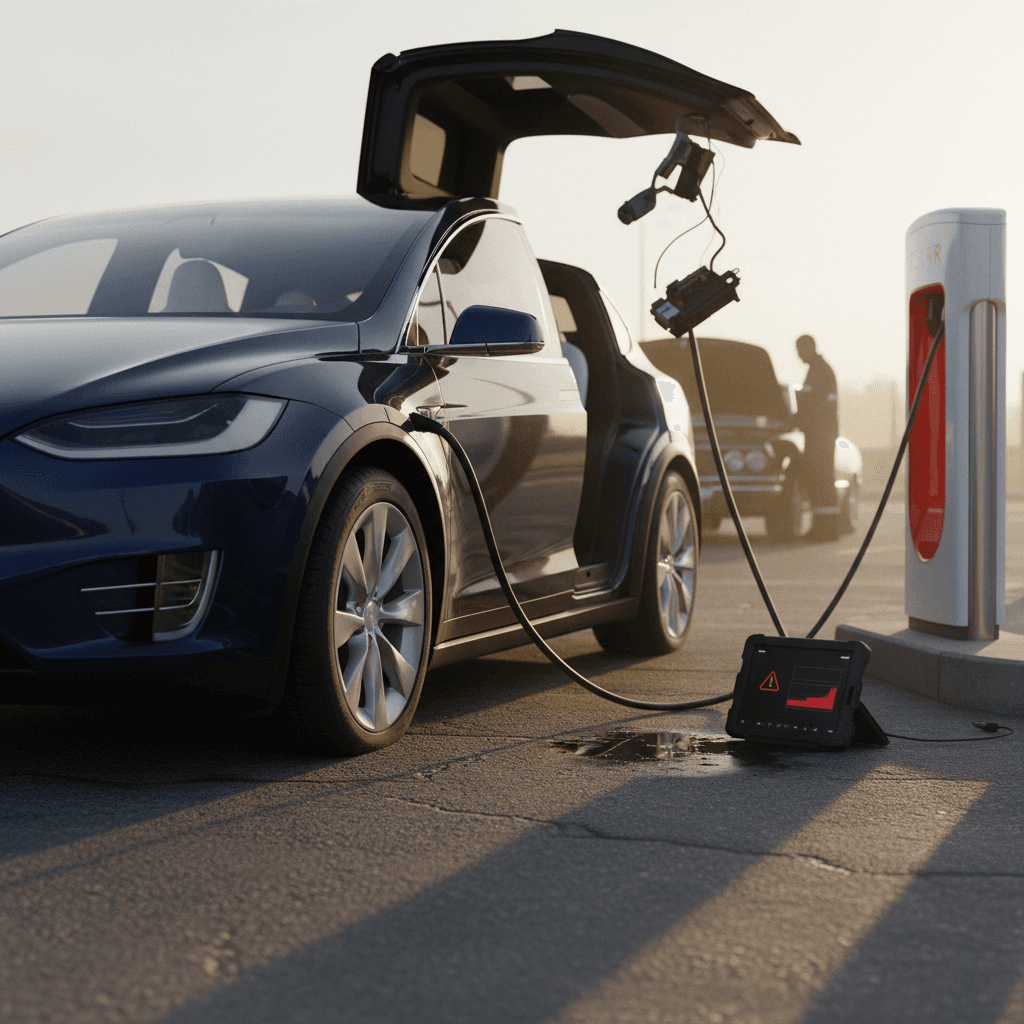
The Model X’s Falcon Wing doors (FWDs) are its signature feature and its longest‑running headache. By 2022, Tesla had improved the hardware and calibration versus early builds, but owners still report doors "seeing ghosts", stopping part‑way, refusing to open fully, or misreading obstacles, especially on one side.
Common 2022 Model X Falcon Wing Door Problems and Fixes
What you’ll notice, likely causes, and typical solutions for FWD issues.
| Symptom | What you notice | Probable cause | Typical fix | Owner cost (ballpark) |
|---|---|---|---|---|
| Stops part‑way when opening | Door opens a foot or two and then beeps/stops with no visible obstacle. | Over‑sensitive or misaligned ultrasonic sensors; outdated calibration. | Re‑calibrate doors, update software; in some cases re‑mount or replace sensor. | Often $0 under warranty; ~$200–$600 if out of warranty and sensor work is needed. |
| One door won’t open fully | Passenger or driver‑side FWD opens lower than the other, kids hit heads on the way in. | Interior sensor reading door panel as an obstacle; hinge position slightly off. | Sensor re‑attachment or replacement, hinge adjustment. | Usually $0–$400; often handled under goodwill if just out of warranty. |
| Random obstruction warnings | Frequent "obstruction detected" messages in clear surroundings or garages. | Sensor seeing reflections, overspray, or interior trim; wiring connection issues. | Clean sensors, remove paint overspray, inspect wiring, update firmware. | $0–$300 depending on whether hardware is involved. |
| Water or wind noise near FWD | Whistling at highway speed or water ingress during heavy rain around door seals. | Door alignment slightly off; weatherstripping compression issues. | Re‑align door, replace or re‑glue weatherstripping. | $200–$800 if out of warranty, depending on parts. |
Most Falcon Wing door issues on 2022 Model X are fixable with calibration or sensor work rather than total door replacement.
Quick driveway checks before you buy
Suspension Noise and Half-Shaft Vibrations
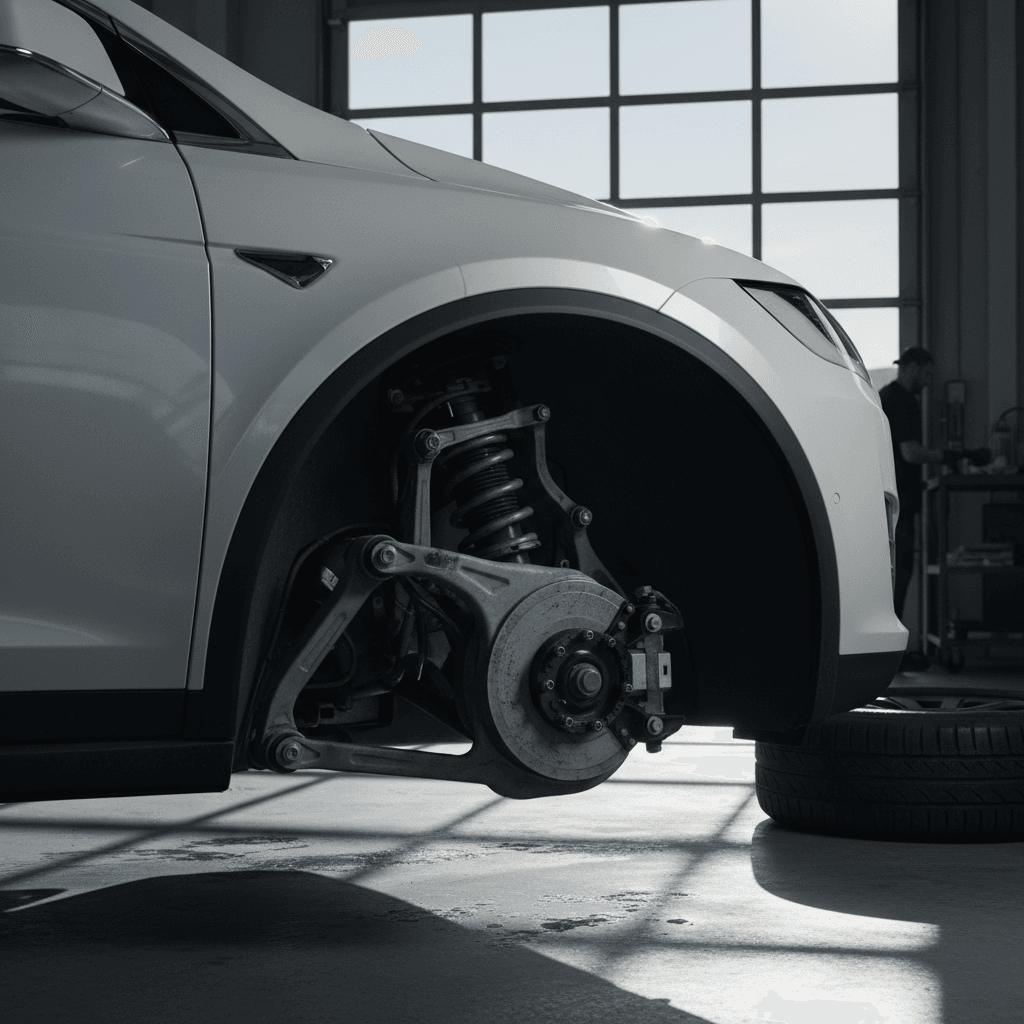
Like earlier Model X years, some 2022s develop front‑end clunks and acceleration "shudder", especially Plaid trims driven hard. The design puts a lot of torque through the front half‑shafts, and combined with the SUV’s weight, wear shows up as vibrations or knocking that owners often notice between 25–60 mph under load.
Typical symptoms
- Shudder or vibration under moderate to hard acceleration, especially in Standard or Low ride height.
- Clunking or knocking over low‑speed bumps or when turning into driveways.
- Uneven front tire wear or frequent alignment corrections.
What usually fixes it
- Updated front half‑shafts and sometimes a revised alignment spec.
- Replacement of front upper control arms or other bushings.
- Air‑suspension calibration and software updates to adjust height behavior.
How serious is the shudder?
Typical 2022 Model X Suspension & Vibration Repair Costs
Approximate out‑of‑warranty costs at independent EV shops or post‑warranty Tesla service.
| Repair | What it addresses | Typical cost range |
|---|---|---|
| Front half‑shaft replacement | Acceleration shudder, vibration under load. | $1,200–$2,500 for both sides, including labor. |
| Front control arm / bushing replacement | Clunks over bumps, wandering alignment, uneven tire wear. | $800–$1,800 depending on parts replaced. |
| Air‑suspension height sensor or calibration | Uneven ride height, harshness, or tilt warnings. | $250–$900 if sensors or valve blocks are needed. |
| Alignment with ride‑height setup | Post‑repair fine‑tuning, pull to one side, steering off‑center. | $150–$300. |
Actual pricing varies by region; battery and drive unit repairs are usually covered by Tesla’s 8‑year warranty.
Software, Screens, and Sensor Glitches
Every modern Tesla is a rolling computer, and the 2022 Model X leans hard on software for nearly every function. That’s powerful, over‑the‑air updates can genuinely fix issues, but it also means bugs. Owners have reported center‑screen reboots, delayed backup camera feeds, weird audio behavior, and parking sensors crying wolf after particular software builds.
- Delayed or frozen camera views when shifting into reverse, especially immediately after Supercharging or preconditioning.
- Random volume spikes, Bluetooth quirks, or media playback that won’t respond for a few seconds.
- Parking sonar “seeing” obstacles that aren’t there, or failing to notice low curbs and posts.
- Occasional blank center display followed by an automatic reboot while driving.
Owner‑level fixes that actually help
DIY Triage for 2022 Model X Software & Screen Problems
1. Note the software version
From the main screen, tap the Tesla “T” or vehicle icon and record the software version. If your car is several builds behind, install pending updates over Wi‑Fi before chasing hardware gremlins.
2. Perform a soft reboot
Hold both steering‑wheel scroll wheels until the screen goes black, then wait for the Tesla logo. This solves many frozen‑screen and slow‑UI complaints without affecting your data.
3. Test cameras and sensors in a safe area
In an empty parking lot, slowly test the backup camera, side cameras, and parking sonar. If issues only appear after long drives or fast charging, it may be thermal or software‑related rather than a dead camera.
4. Check for open service bulletins
Through the Tesla app, schedule service and clearly describe symptoms. Tesla can sometimes see known issues or bulletins for your VIN and push a targeted update instead of bringing the car in.
5. Document everything
Screen‑record from your phone, note timestamps, and keep a log. If problems recur, this documentation helps service diagnose faster and strengthens your case if you’re outside basic warranty but inside goodwill territory.
Autopilot, FSD, and Phantom Braking
Starting in 2021, Tesla removed radar from the Model X and leaned on a camera‑only stack. On the 2022 Model X, that choice shows up as phantom braking for some drivers, sudden, unnecessary slowdowns when Autopilot or traffic‑aware cruise thinks it sees a hazard that isn’t there. While not unique to Tesla, the combination of camera‑only sensing and aggressive following‑distance behavior can make it more noticeable.
- Abrupt speed drops on divided highways when passing big trucks or under certain overpasses.
- Unnecessary braking when the car misinterprets shadows, signs, or side streets as obstacles.
- Lane‑keeping that can feel nervous in poor lane markings or heavy rain/snow.
- Frequent nag prompts to keep hands on the wheel and eyes on the road, especially after major autopilot safety recalls.
Treat Autopilot as advanced cruise control, not self‑driving
Ways to Reduce Phantom Braking and Driver‑Assist Drama
Increase following distance
Use a longer following distance setting on highways. Giving the system more room to react can cut down on harsh, last‑second braking events.
Avoid using it in messy environments
In dense city traffic, complex construction zones, or poor weather, drive manually. The system is more likely to misinterpret the scene.
Keep cameras clean
Regularly wipe the windshield area in front of the front camera and the side‑pillar cameras. Dirty lenses can worsen false positives and lane‑detection errors.
Disable when towing or with bikes
If you add a hitch rack, cargo box, or tow, expect more sensor confusion. Many owners simply disable driver‑assist features in these scenarios.
2022 Model X Recalls You Should Check
Tesla vehicles, including the 2022 Model X, see more frequent recalls than most mainstream brands, largely because Tesla uses software to correct many issues that traditional automakers would leave alone. The upside: you often get a free fix over‑the‑air. The downside: you need to actively track recall history on any used 2022 Model X you’re considering.
Key Recall Themes Affecting 2022 Model X
Examples of recall types that have hit 2022‑era S/X vehicles.
| Recall theme | What it involved | How it was fixed |
|---|---|---|
| Autosteer / Autopilot behavior | Software allowed inadequate driver monitoring or inconsistent lane‑keeping in some conditions. | Over‑the‑air software update modifying Autosteer engagement, warnings, and driver‑attention checks. |
| Airbag / restraint controls | Airbag or seatbelt control logic potentially not meeting FMVSS performance in rare scenarios. | OTA update revising deployment thresholds and diagnostic behavior; occasional hardware inspection. |
| Heat pump / HVAC performance | Poor cabin heat or defrost in very cold weather due to control logic bugs. | OTA update and, in some cases, replacement of heat‑pump components or sensors. |
| Instrument cluster / warning visibility | Warning messages or telltales not displayed as clearly as required in some operating modes. | Display‑logic update via software; no hardware changes required for most owners. |
Always enter the exact VIN at NHTSA.gov or the Tesla app to see the full, up‑to‑date recall list for a specific 2022 Model X.
How to check recall completion on a used 2022 Model X
Typical Repair Costs and Warranty Coverage
On a 2022 Tesla Model X, the most expensive potential failures, battery pack and drive units, are largely covered by Tesla’s 8‑year / 150,000‑mile battery and drive‑unit warranty (for most trims). Where you’re most exposed is suspension, door hardware, interior electronics, and out‑of‑warranty software or sensor work.
Where 2022 Model X Owners Are Protected, and Exposed
Understanding your risk profile helps you price a used X correctly
Stronger protection
- High‑voltage battery and drive units covered for 8 years / up to 150,000 miles (trim‑dependent).
- Corrosion and basic body integrity under standard Tesla coverage.
- Many recalls resolved over‑the‑air without shop visits.
Weaker protection
- Suspension and steering components once basic warranty (4yr/50k) expires.
- Falcon Wing door sensors, hinges, and seals if issues show up late.
- Trim, rattles, and cosmetic issues that become “wear and tear” outside the first years.
If you’re looking at a 2022 Model X in 2026 or later, many examples will be just out of their 4‑year/50,000‑mile basic warranty. That’s why carefully reviewing service records and current suspension/door behavior is crucial. A discounted asking price can make sense if you budget realistically for 1–2 bigger jobs in the first couple of years.
Shopping for a Used 2022 Model X: Checklist
Because the 2022 Model X is so feature‑dense, your pre‑purchase process matters more than with a simpler gas SUV. You’re not just test‑driving; you’re auditioning the software, doors, suspension, and charging behavior of a very complex machine.
Used 2022 Model X Buyer’s Checklist
1. Pull a detailed service history
Look for repeated visits for the same issue, especially Falcon Wing doors, suspension components, or screen/camera replacements. Patterns matter more than any one repair.
2. Inspect doors like a parent would
Open and close the front and Falcon Wing doors from all controls (key, app, interior buttons). Load kids or adults into the rear row and make sure headroom and opening height are acceptable and consistent.
3. Do a structured test drive
On your drive, test: light and hard acceleration (check for shudder), low‑speed bumps (listen for clunks), highway Autopilot (watch for erratic behavior), and firm braking from 50 mph (feel for pulls or vibration).
4. Check tires and alignment
Uneven wear on the inside shoulders of the front tires can hint at alignment or suspension issues. Factor a fresh set of tires and alignment into your budget if they’re near the wear bars.
5. Verify charging behavior
If possible, plug into both AC Level 2 and a DC fast charger. Make sure the car charges at expected speeds and the charge port opens/closes smoothly without errors.
6. Get a battery health snapshot
Compare the displayed 100%‑charge range to original EPA ratings, and consider a third‑party battery health report. Every vehicle on Recharged includes a <strong>Recharged Score Report</strong> with verified battery diagnostics so you’re not guessing.
How Recharged simplifies buying a 2022 Model X
Is the 2022 Model X Worth It?
The 2022 Tesla Model X is a study in trade‑offs. You get one of the few three‑row EVs that can genuinely replace a luxury gas SUV, with blistering performance, strong range, and access to Tesla’s Supercharger network. In return, you accept higher complexity and more potential for nuisance issues than a simpler crossover. If you buy carefully, prioritizing clean service history, solid door and suspension behavior, and strong battery health, the 2022 Model X can be a compelling used EV. If you’re allergic to software quirks or repeat service visits, you may be happier in a simpler EV or a newer, lower‑mileage X with remaining basic warranty.