If you’ve ever sat in a friend’s Kia or Hyundai and watched their iPhone take over the dashboard, it raises a fair question: why does Tesla have no CarPlay when almost every other modern car does? And with Tesla’s screens front and center, the omission feels almost deliberate, because it is.
Quick answer
Tesla & CarPlay in 2026: Where Things Actually Stand
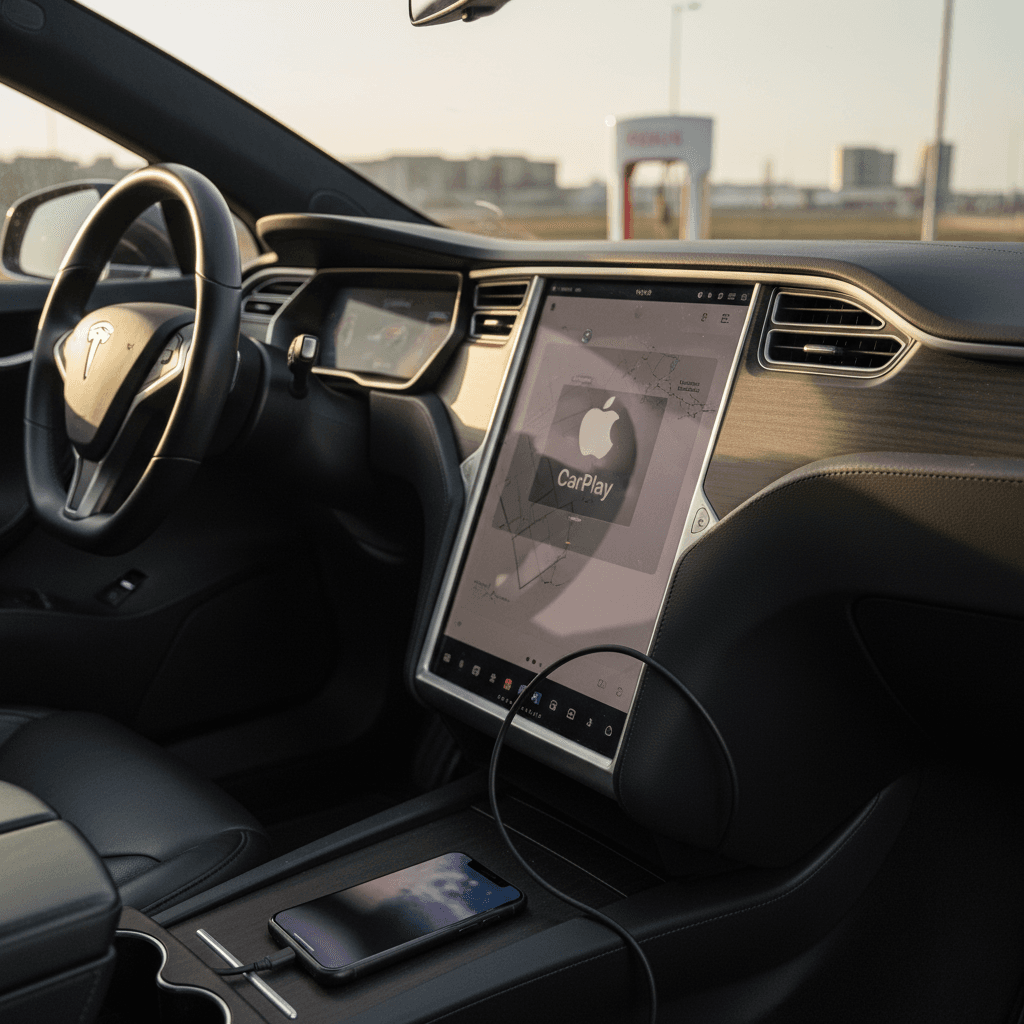
Let’s start by separating rumor from reality. For years, the answer to “does Tesla have Apple CarPlay?” was a simple no. No CarPlay, no Android Auto, no mirroring, just Tesla’s own software. In late 2025, multiple reports confirmed that Tesla had quietly begun testing wireless CarPlay on its vehicles, with plans to surface it in a window inside the existing Tesla interface rather than giving it full-screen control.
- No official CarPlay at delivery.
- CarPlay may arrive later via over‑the‑air (OTA) update, but there is no public date.
- You’ll be relying on Tesla’s software, plus Bluetooth and built‑in apps like Apple Music.
CarPlay, Android Auto & Tesla: The Landscape
Why Tesla Originally Said “No” to CarPlay
To understand why Tesla has no CarPlay, you have to see the car less as hardware and more as a rolling iPad that happens to have four wheels. From day one, Tesla’s strategy has been: own the entire software experience. That’s the opposite of most legacy automakers, who were happy to let Apple and Google handle the in‑car UX.
- Tesla doesn’t buy a turn‑key infotainment system from a supplier, it designs the OS, the UI, and the hardware in‑house.
- Climate control, seat heaters, navigation, games, streaming apps, even wiper settings all live inside Tesla’s own interface.
- CarPlay is designed to take over a big piece of that screen and input logic, which clashes with Tesla’s “single unified UI” philosophy.
Think of Tesla as the iPhone, not the Bluetooth speaker
The Technical Reasons Tesla Has Avoided CarPlay
There’s also a nuts‑and‑bolts side to why Tesla has no CarPlay. Underneath that minimalist interior is a fairly complex Linux‑based system that runs vehicle controls, navigation, voice, media, and driver‑assist features on the same stack. CarPlay isn’t just a pretty set of icons, you have to wire it deeply into the car.
Under the Hood: Why CarPlay Is Awkward in a Tesla
It’s not as simple as “just turn it on.”
1. Deep vehicle access
2. Dual interface problem
3. Autopilot conflict
4. Continuous certification
Distraction is not a small issue
The Business and Data Motives Behind the Decision
Then there’s the less romantic but equally real answer to why Tesla has no CarPlay: money and data. CarPlay routes a lot of high‑value activity, navigation searches, voice commands, media preferences, through Apple’s ecosystem instead of Tesla’s.
Who owns the customer?
When you use CarPlay, you talk to Siri, you search in Apple Maps, and you stream from Apple‑approved apps. That data refines Apple’s products, not Tesla’s. For a brand that sees itself as a software and AI company, that’s hard to swallow.
Who owns the upsell?
Tesla makes recurring revenue from Premium Connectivity, in‑car entertainment, and software options like Autopilot and Full Self‑Driving (Supervised). The more time you spend in CarPlay, the less chance Tesla has to surface its own services, subscriptions, or future app store.
Data isn’t just for ads
Wait, Isn’t Tesla Adding CarPlay Now?
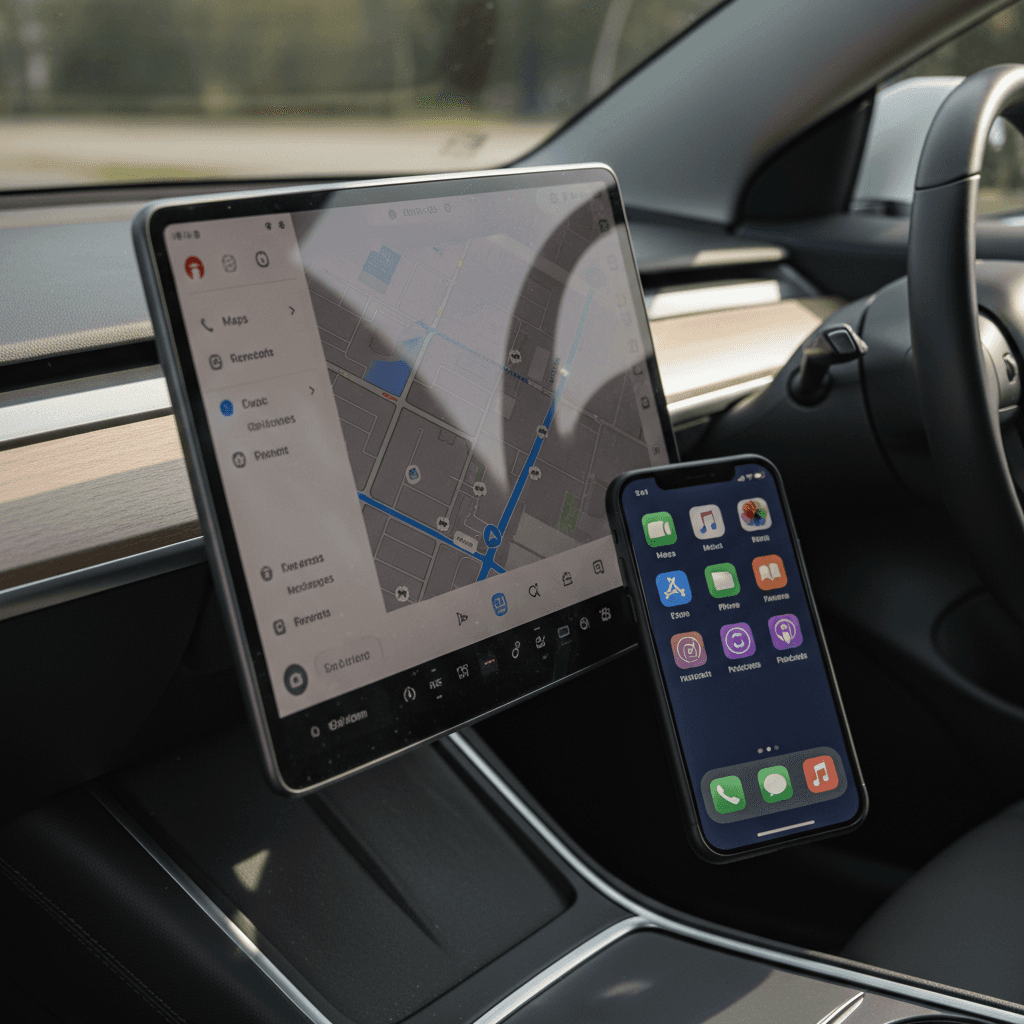
Here’s where the story gets interesting. After years of stonewalling, Tesla began quietly testing wireless Apple CarPlay in 2025. The reported plan: CarPlay would run inside a window on the main screen, never taking full‑screen control the way it does in a VW or a Volvo. That’s Tesla’s compromise between “we hear you” and “we’re still in charge here.”
Those tests hit snags. Engineers reportedly found that when Autopilot or other driver‑assist features were active, Tesla’s navigation and Apple Maps could get out of sync. If you’ve ever been in a car where the built‑in nav says one thing and your phone says another, you know how confusing that can be. Multiply that by a car that can steer itself on the highway and you see the problem.
What this means if you’re shopping now
How Tesla CarPlay Will Likely Work (Very Different From Other Cars)
Assuming Tesla does ship CarPlay, don’t expect the same experience you’d get in a Subaru or BMW. Tesla’s priority will be preserving its own visualizations and controls, then layering CarPlay in as a guest, not a host.
CarPlay in a Typical Car vs. CarPlay in a Tesla (Projected)
What you’re used to now vs. what Tesla is likely to deliver.
| Feature | Typical CarPlay Car | Projected Tesla CarPlay |
|---|---|---|
| Screen control | CarPlay often runs full‑screen | CarPlay lives in a window inside Tesla UI |
| Nav priority | Apple Maps or Google Maps front and center | Tesla Maps and Autopilot info stay dominant |
| Instrument cluster | CarPlay data can show in cluster on some cars | Tesla cluster (where present) will stay Tesla‑only |
| Voice assistant | “Hey Siri” handles in‑car tasks | Tesla voice commands + Siri for CarPlay apps only |
| Software updates | CarPlay changes slowly with iOS releases | Tesla pushes frequent OTA updates around CarPlay window |
CarPlay will probably be a tenant in Tesla’s house, not the landlord.
Living With a Tesla Without CarPlay: What It’s Actually Like
On paper, the lack of CarPlay sounds like a deal‑breaker. In practice, many Tesla owners stop missing it after a few weeks because the native experience covers 80–90% of what people use CarPlay for.
Tesla’s Built‑In Features That Replace Most CarPlay Tasks
You may not love the icon set, but the capabilities are there.
Navigation
Media & Podcasts
Voice & Phone
Where Tesla is genuinely better
Workarounds to Get CarPlay‑Like Features in a Tesla
If you’re still wondering why Tesla has no CarPlay and you absolutely want those icons on the big screen, there are unofficial ways to get close. They’re clever, a bit nerdy, and come with fine print.
Popular (Unofficial) Ways Drivers Mimic CarPlay in Teslas
Browser‑based CarPlay bridges
Some devices and apps run a lightweight CarPlay instance on a phone or dongle, then stream it to Tesla’s web browser. You get a CarPlay‑like interface constrained to a browser window. Downsides: setup complexity, lag, and no official support from Tesla or Apple.
Raspberry Pi DIY projects
Tech‑savvy owners have built CarPlay boxes using Raspberry Pi computers. They connect via Wi‑Fi and present CarPlay through the Tesla browser. It’s impressive, but requires tinkering and can break when Tesla updates its browser engine.
Phone‑as‑primary display
The simplest workaround is psychological: mount your iPhone near eye level and treat that as your main CarPlay screen, while using the Tesla display for maps and vehicle data. Not as elegant, but cheap, legal, and unaffected by software updates.
Aftermarket instrument clusters
On some models, third‑party clusters behind the steering wheel can display navigation prompts and media info coming from your phone. These aren’t true CarPlay, but they bring back the familiar “second screen” experience many drivers miss.
A word of caution on hacks
Should Lack of CarPlay Stop You From Buying a Tesla?
This is the real question behind all the Google searches about why Tesla has no CarPlay. For some drivers, CarPlay isn’t a feature; it’s a security blanket. For others, the bigger question is: how good is the overall EV experience?
When CarPlay is non‑negotiable
- You rely heavily on iMessage, Siri, and Apple Maps for your daily commute.
- You drive multiple vehicles and want the same interface everywhere.
- You regularly use third‑party apps (Waze, Audible, Overcast) that work best in CarPlay.
If that’s you, consider shopping other EVs that support CarPlay out of the box, and keep an eye on Tesla’s progress from the sidelines.
When Tesla still makes sense
- You prioritize charging infrastructure, range and software updates over phone mirroring.
- You’re comfortable learning a new interface if the overall experience is strong.
- You like the idea that CarPlay might arrive later via OTA, but don’t need it on day one.
In this camp, the lack of CarPlay is an annoyance, not a deal‑breaker, especially on the used market, where you’re getting a lot of EV for the money.
How Recharged fits into this decision
FAQ: Tesla and Apple CarPlay
Frequently Asked Questions About Tesla & CarPlay
Bottom Line: Tesla, CarPlay, and Shopping Smart
So, why does Tesla have no CarPlay? Because for most of the last decade, Tesla believed it could, and should, do better by owning the entire in‑car experience. Technically and philosophically, CarPlay was a rival, not a feature. Only recently has buyer demand grown loud enough that Tesla is testing a carefully constrained version of CarPlay on its own terms.
If you’re shopping for your next EV, treat CarPlay as one item on a longer checklist that includes battery health, charging access, range, warranty and total cost of ownership. A well‑priced used Tesla with a strong battery and world‑class charging can easily outweigh the lack of CarPlay for many drivers.
And if you want help sorting through that trade‑off, Recharged is built for exactly this moment in the EV story. Every vehicle on the platform comes with a Recharged Score battery health diagnostic, transparent pricing, and EV‑specialist support, so whether you go Tesla, CarPlay, or both someday, you’re making the smartest move for your real life, not just your home screen.