In modern EVs, **software is as important as hardware**, and the Volvo C40 Recharge is Exhibit A. Understanding the Volvo C40 Recharge software update history isn’t trivia; it tells you how the car **drives, charges, routes, and even brakes** today, especially if you’re shopping used or wondering whether to install that pending update.
Quick take
Why C40 Recharge software updates matter
The C40 Recharge is less a static product and more a rolling **software platform on four tires**. The core car, battery pack, motors, structure, doesn’t change after you leave the showroom. But software updates can quietly alter how the car: - Delivers **regen and friction braking** - Manages **battery preconditioning** before DC fast charging - Calculates **range and arrival state of charge** - Talks to the **Volvo Cars app** - Handles **driver‑assist and camera systems** That’s why the model’s software history matters to three different groups: - **Current owners**, trying to decide whether to install the next OTA - **Prospective used‑EV buyers**, evaluating a 2022–2024 C40 Recharge or the closely related EC40 - **Safety‑conscious drivers**, watching Volvo’s recalls and braking updates with a raised eyebrow
Volvo C40 Recharge at a glance
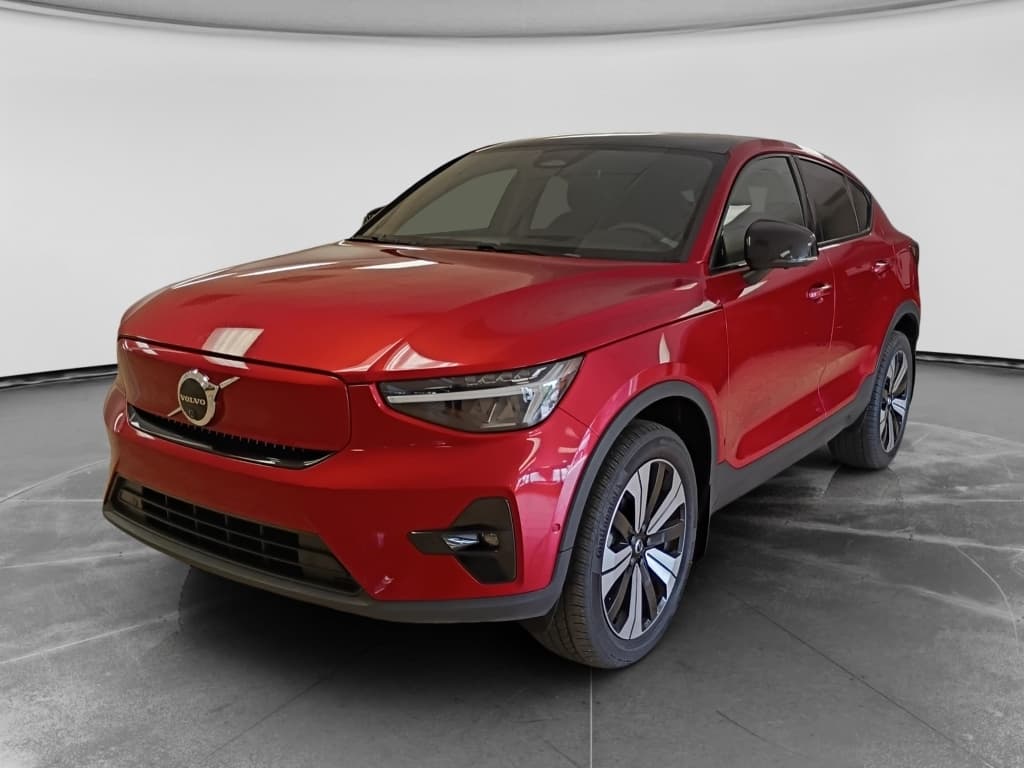
C40 Recharge / EC40 quick facts
Underneath the changing badges, the C40 Recharge and EC40 share the same **Google built‑in infotainment**, centralized compute, and OTA‑capable architecture. That makes their software story effectively one continuous arc, important when you’re decoding version numbers like **3.3.16** or **3.7.0** on a used example.
Timeline: Volvo C40 Recharge software update history
Volvo doesn’t market its software roadmap as loudly as some rivals, but if you piece together official release notes and owner reports, a pattern emerges. Here’s a high‑level timeline of the C40 Recharge software history up through late 2025:
C40 Recharge software timeline (high level)
Representative software milestones for C40 Recharge / EC40. Exact timing and availability vary by market, model year, and options.
| Era / version family | Approx. timing | How it arrived | What it mainly did |
|---|---|---|---|
| Early 1.x–2.x builds | 2021–early 2022 | Factory + dealer | Initial launch software, early Google built‑in quirks, basic OTA foundations. |
| 3.0–3.2 | Mid–late 2022 | OTA + dealer | Stability fixes, Google apps updates, navigation refinement, bug squashing. |
| 3.3.16 | 2023 | Wide OTA | Became the long‑lived baseline on many 2022–2023 cars; mixed owner feedback on lag and UI performance. |
| 3.4.x | Late 2023–early 2024 | Mostly dealer | Workshop‑favored updates that tried to tackle lag and bring back small UX elements like ETA displays. |
| 3.5.14–3.5.24 | Spring 2025 | Workshop + selective OTA | Brake‑pedal feel tweaks, lane‑keep and tyre‑pressure logic improvements, parking camera updates on some MY24–25 cars. |
| 3.6.4 | Mid‑2025 | Initially OTA, then often dealer | Important safety and stability fixes; rollout behavior varied by market and VIN. |
| 3.7.0 | Late summer 2025 | OTA + dealer | Incremental improvements and bug fixes; some owners report changes in regen feel and infotainment behavior. |
Think of these as eras rather than perfectly synchronized global dates.
Version numbers aren’t everything
Major Volvo C40 Recharge software versions explained
You’ll see C40 owners trading war stories about being “stuck on 3.3.16” or finally getting “3.7 OTA.” Here’s what those shorthand references usually imply in the real world.
Key C40 Recharge / EC40 software families
What owners typically experience with each major branch
3.3.x era
Who: Many 2022–2023 C40 Recharge owners.
- Long‑lived baseline; often the last widely available OTA for a while.
- Some owners report laggy center display and slow nav responses.
- Generally stable basics, charging, core functions, but not especially polished.
3.4.x branch
Who: Early adopters and dealer‑serviced cars.
- Frequently installed in workshops first, then partially pulled back from OTA.
- Tried to restore or refine UI pieces (like on‑screen ETA).
- Mixed feedback: cosmetic wins but sometimes even more lag.
3.5.x–3.7.x
Who: MY24–25 C40 / EC40 and updated earlier cars.
- More focus on safety behavior and camera systems.
- Brake‑pedal feel adjustments, lane‑keep and road‑sign logic tweaks.
- Subtle changes to regen, one‑pedal drive, and app connectivity.
How to read Volvo version numbers
OTA vs dealer updates: how C40 Recharge software actually arrives
On paper, the C40 Recharge can receive **4–6 OTA updates a year**. In reality, Volvo sometimes releases an update, then quietly restricts it to dealers if it misbehaves. That’s how you end up with owners on forums complaining that they’re still on 3.3.16 while someone else is already on 3.6.4.
Over‑the‑air (OTA) updates
- Downloaded via the car’s data connection; you’ll see a notification in the center display and often in the Volvo Cars app.
- Installation typically takes up to 60–90 minutes. The car must be parked, locked, and can’t be driven during that window.
- Best used when you can leave the car undisturbed, overnight or during work hours.
- Great for incremental improvements, map data, and non‑critical fixes.
Workshop / dealer updates
- Installed when your car is in for service, recalls, or complaints.
- Volvo sometimes marks builds as "workshop only" after OTA rollouts prove finicky.
- Critical safety fixes (like certain braking updates) are often pushed this way first.
- Downside: requires a visit and sometimes a fee if not tied to recall or warranty.
Don’t assume “no update available” means you’re current
Braking recall and safety updates: what owners must know
In June 2025, Volvo issued a **braking‑related recall** covering several EVs and plug‑in hybrids, including certain **2023 C40 Recharge and 2025 EC40** models. The issue: under specific conditions, extended use of regenerative braking could lead to a loss of conventional braking if the software didn’t hand off correctly from regen to the friction brakes.
- The fix was a **software update**, delivered OTA to many cars, and via dealers to others.
- Owners who hadn’t installed the update received a **"Do Not Drive" style warning** until the patch was applied.
- Guidance included temporarily avoiding one‑pedal drive or B‑mode until the software was updated.
If you’re shopping used, this recall is non‑negotiable
How to check your C40 Recharge software version
Steps to see what your C40 is running
1. Use the center display
From the main screen, go to <strong>Settings → System → Software</strong> (wording may vary slightly). You’ll see a string like <strong>"Software version 3.6.4"</strong> along with release notes if they’re still cached.
2. Open the Volvo Cars app
On many cars, you can also find recent or pending updates under <strong>Vehicle → Software updates</strong>. This is where OTA releases are advertised and where you can read high‑level notes before installing.
3. Compare to Volvo’s online release notes
Volvo publishes C40 Recharge software release notes on its support site. They list current versions, dates, and whether an update is OTA‑capable or workshop‑only. Use this to see whether your car is a generation or two behind.
4. Call or message a Volvo service advisor
For safety‑related updates, a dealer can check your VIN for <strong>open software campaigns or recalls</strong>. This is especially important if you’re buying used and don’t fully trust the car’s service history.
What if the number looks ancient?
Software updates and real‑world range, charging, and UX
Unlike a traditional car, the way a C40 Recharge feels on a Monday can literally be different from how it felt on Sunday morning, because the software underneath your right foot changed overnight. Here’s where owners most often notice the impact.
Where C40 software updates tend to matter most
Not every update touches all of these, but these are the usual suspects.
Regen & braking feel
Small lines of code can mean big changes in how one‑pedal drive feels, how the pedal firms up at low speed, and how quickly friction brakes join the party.
Charging & preconditioning
Updates can refine when and how the pack is preconditioned for fast charging, improve charge‑curve stability, or fix bugs with public charging handshakes.
Range & routing
Navigation updates can improve arrival SoC predictions, suggest better charging stops, or reduce bizarre routing behavior that plagued some early builds.
Infotainment lag
Owners regularly report that some versions feel smoother while others introduce UI stutter and app crashes. Volvo’s been gradually chiseling away at lag.
Battery longevity
Battery health is mostly hardware and chemistry, but smarter thermal and charging logic can smooth degradation over the long run.
App connectivity
Software updates frequently touch the link between the car and the Volvo Cars app, everything from remote climate reliability to basic status updates.
Where Recharged fits in
Ready to find your next EV?
Browse VehiclesUsed C40 Recharge or EC40: what to check before you buy
The C40 Recharge was born into the **software‑defined car era**, which means a used example is only as good as the updates it’s received and the way it’s been driven. Here’s a structured way to evaluate one.
Used Volvo C40 Recharge / EC40 buyer checklist
Confirm recall and safety campaigns
Ask for documentation that the **braking‑related software recall** and any other open campaigns have been completed. Your Volvo dealer can verify by VIN; Recharged verifies this information as part of its intake process.
Note current software version
From the center display, note whether the car is on a **3.5, 3.6, or 3.7‑series build**. Being one small step behind isn’t fatal; being several generations back can be a negotiation point and a reason to schedule an update.
Road‑test for braking and regen feel
On a quiet road, test <strong>one‑pedal drive and normal braking</strong> from various speeds. You’re looking for consistency, not grabby or fading pedal feel, and a regen profile that feels predictable.
Evaluate infotainment responsiveness
With the car warmed up, stress‑test the center screen: maps, Spotify, phone integration. If it’s constantly freezing or rebooting, you may be on a problematic build, or facing a hardware issue.
Check app connection and remote functions
Pair your phone and confirm that the Volvo Cars app <strong>updates status, locks/unlocks, and starts climate</strong> reliably. Chronic failures may be a software or telematics issue worth addressing pre‑sale.
Review charging behavior
If possible, plug into a Level 2 and (ideally) a DC fast charger. Watch for weird handshake errors, charge‑rate drops, or the car refusing sessions, sometimes fixed by newer software, sometimes by hardware.
Get an independent battery and systems check
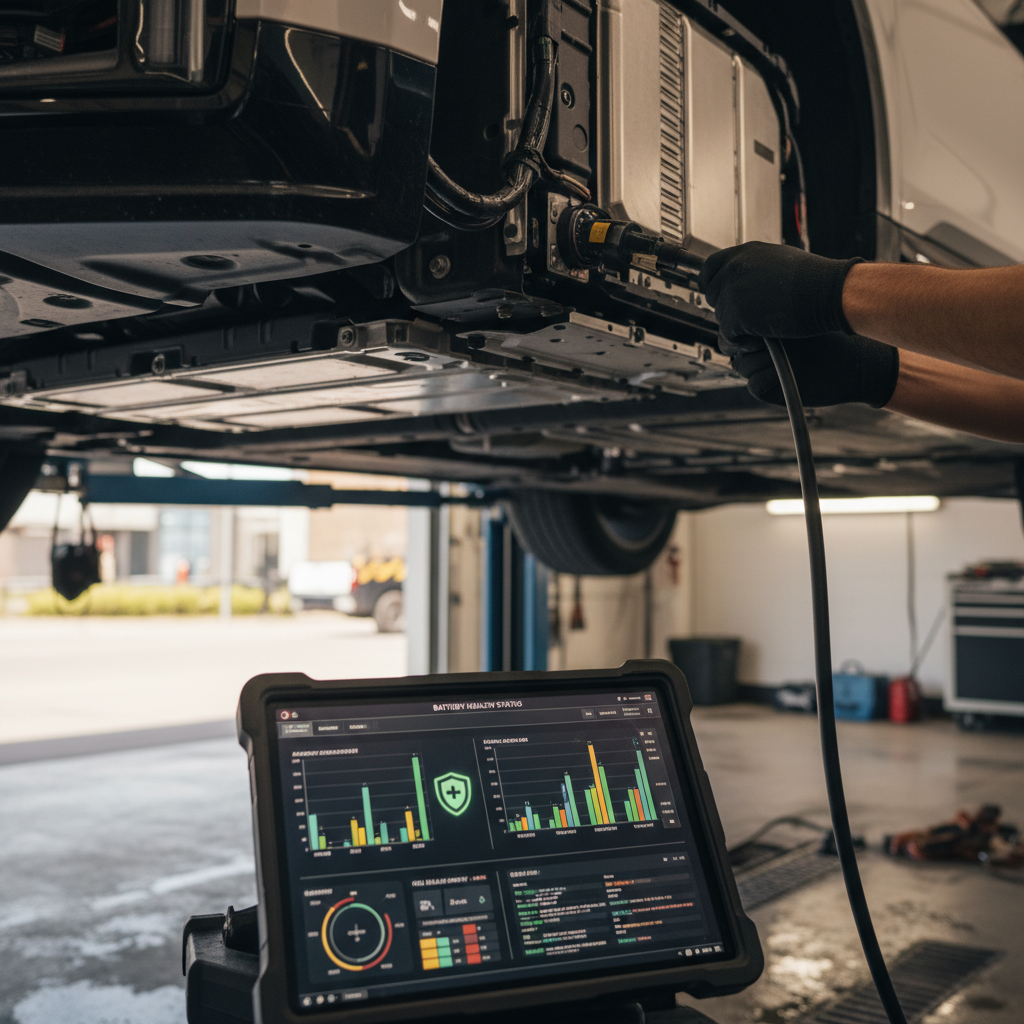
With a used EV, the battery is the big-ticket item. A <strong>Recharged Score battery health report</strong> and full digital inspection can give you hard numbers instead of guesses, and surface issues a quick test drive may miss.
How Recharged vets used C40s
FAQ: Volvo C40 Recharge software updates
Frequently asked questions
Bottom line: how to stay ahead of C40 Recharge updates
The Volvo C40 Recharge lives in that fascinating gray zone between car and device. Its **software update history** isn’t background noise; it’s the changelog for how your EV behaves today and how safe it will be tomorrow. Keep an eye on version numbers, don’t ignore safety‑related campaigns, and use both the Volvo Cars app and your dealer as reality checks when the car insists it’s “up to date.”
If you’re stepping into the used market, especially with a C40 Recharge or EC40 that’s already seen a few software generations come and go, bring data to the test drive. A transparent **battery‑health report, software status, and expert guidance**, the kind Recharged builds into every vehicle we list, turn a mysterious string like 3.6.4 into a known quantity rather than a leap of faith.