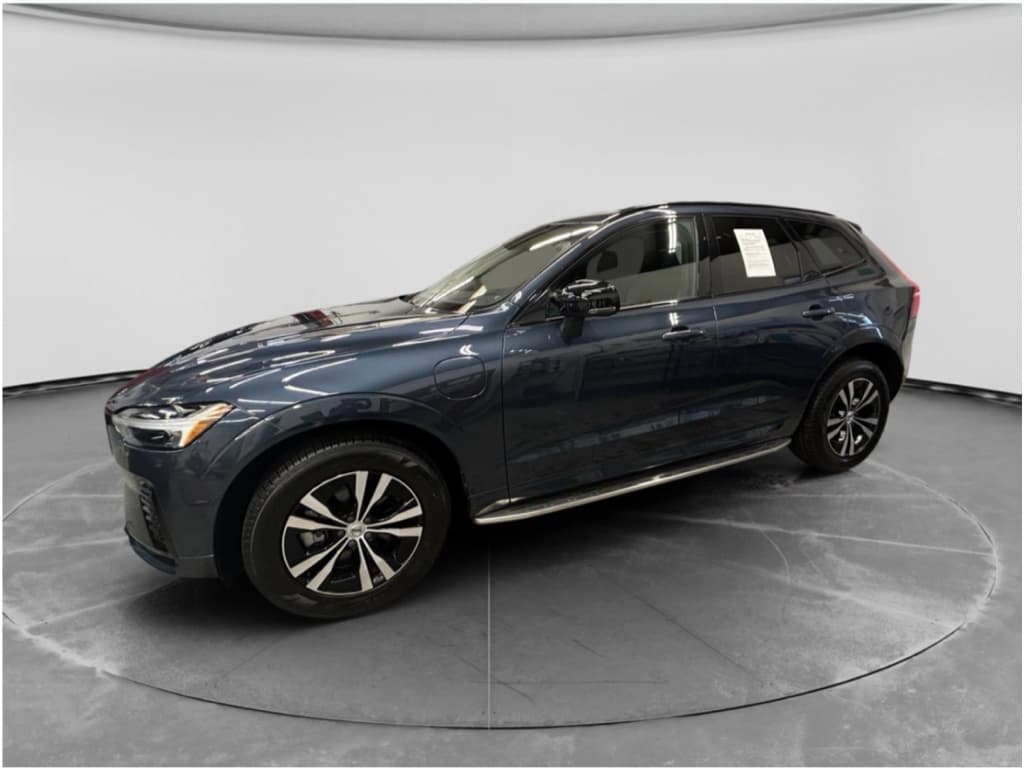
The Volvo C40 Recharge is one of those EVs that sneaks up on you. It’s handsome, quiet, quick, and feels every inch like a modern Volvo. But if you’re shopping for a new or used C40 (or its renamed twin, the EC40), you also want to know the common problems and fixes before you sign anything, or plug in at home.
Quick note on names
Overview: Volvo C40 Recharge reliability in the real world
On paper, the Volvo C40 Recharge is a fairly simple EV: dual motors, a big battery, and a shared platform with the XC40 Recharge. In practice, the pattern we see is this: solid hardware, fussy software. Most owner complaints center on charging bugs, infotainment glitches, and a few important recalls, rather than catastrophic battery failures or motors giving up the ghost.
C40 Recharge issues at a glance
The good news: most of these issues are well-documented and fixable, often under warranty or via over‑the‑air software updates. The trick is knowing what to look for, what’s normal, and what’s a deal-breaker, especially with a used C40.
Platform and model years: what actually matters
Shared DNA with XC40 Recharge
The C40 Recharge shares its basic platform, battery, motors, and Google-based infotainment with the XC40 Recharge. That means many "C40 problems" you read about are really platform-wide issues, and fixes from one apply to the other.
- Similar dual‑motor AWD setup
- Similar high-voltage battery architecture
- Same Google-based infotainment system
Model years & naming
- 2022–2024 C40 Recharge: Original coupe-SUV body with dual-motor AWD and ongoing software evolution.
- 2025 pause: C40 name briefly shelved in some markets.
- 2026+ EC40: Updated name, broadly similar hardware; always check the exact spec and software version.
When shopping used, don’t obsess over the badge. Pay more attention to software update history, recall completion, and charging behavior.

Problem 1: Charging errors and charge-port issues
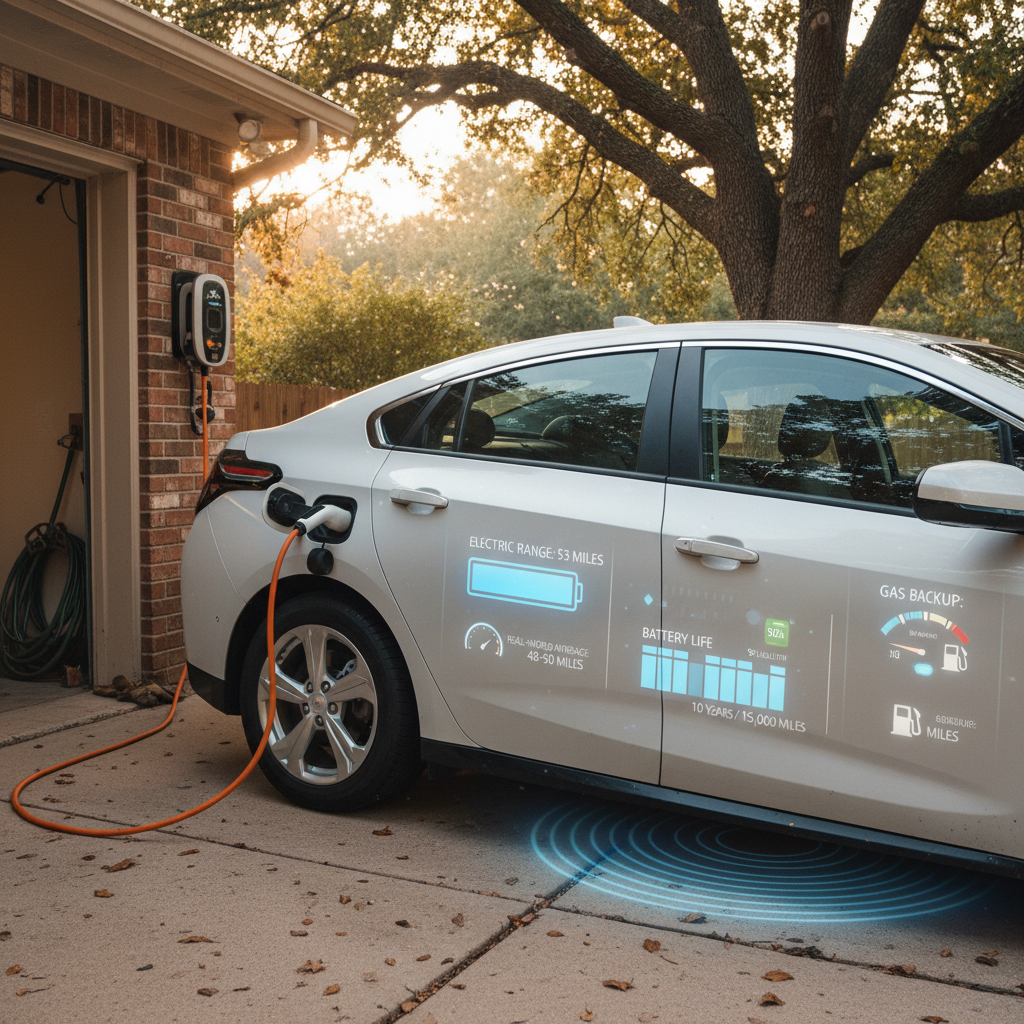
If there’s one C40 Recharge complaint that shows up again and again, it’s some version of “Error charging” or the charge-port ring flashing red, usually when you need power the most. Owners have seen this at home on Level 2 wallboxes and on DC fast chargers from big networks.
Common C40 charging symptoms
What drivers actually see at the plug
Red charge-port light
The ring around the C40’s charge port turns red and the dash shows an "Error charging" or "Charging stopped" message shortly after plugging in.
Works here, not there
The car charges fine on one home or public station but refuses to start a session, or drops out early, at another.
Fails at low state of charge
Some owners report errors more often when plugging in near empty (below 10%) or when cables are under tension or misaligned.
Likely causes
- Dust or contamination in the charge-port pins, especially if you live on unpaved or salty roads.
- Connector not fully supported or seated, heavy DC fast-charger cables can pull slightly downward and confuse the latch or proximity sensor.
- Software bugs in the charging-control module or incompatibility with a particular charger’s firmware.
- A failing onboard charger or charge-port lock (less common, but real).
Home fixes you can try
Step-by-step: what to try before calling a dealer
1. Power-cycle the session
Unplug the cable from the car and charger. Lock the C40 and wait a full 2–3 minutes. Then unlock, firmly re‑insert the connector (supporting the weight of the cable) and start a new session.
2. Gently clean the charge port
With the car off and unplugged, inspect the port for dust or debris. Use a soft, dry cloth and no liquids or metal tools. If you live on a gravel road or in a dusty climate, make this part of your routine.
3. Try another charger and cable
Move to a different charging station, or a different connector on the same unit. If the C40 charges happily somewhere else, you may be dealing with a station-side fault or compatibility glitch.
4. Soft-reset the infotainment & communications
Hold the infotainment home button for about 20–30 seconds to restart the system. Some owners also trigger a communications reset with the max-defrost button. Then retry the charge.
5. Inspect the cable & adapter
If you’re using a portable Level 2 or an adapter, make sure no pins look burned or bent. Try a different cable if you can borrow one from a friend or public charger.
When it’s time for the dealer
Long‑term fixes and prevention
- Keep the charge port clean and capped when not in use.
- Avoid putting strain on the connector; support heavy fast-charge cables while plugging in.
- Keep the car’s software current, charging logic often improves with each major update.
- If you find a particular network that’s consistently flaky with your Volvo, favor other providers for road trips.
Problem 2: Brake software recalls and one-pedal driving
In 2025, Volvo and U.S. safety regulators highlighted a serious brake-control software defect affecting several Volvo EVs and plug‑in hybrids, including certain C40 and EC40 models. Under rare but specific conditions, coasting downhill in one‑pedal mode for an extended time, the system could lose braking function until the pedal was pressed hard or the software recovered.
This is a true safety recall
How to check your C40 for open recalls
- Locate your VIN at the base of the windshield or in your registration documents.
- Visit Volvo’s recall information page or the NHTSA recall lookup tool.
- Enter your VIN and confirm whether any open safety recalls are listed.
- If there’s an open brake-related recall, contact a Volvo retailer immediately to schedule the free software fix. Many cars can receive the remedy via over‑the‑air update.
Used‑car shopping tip
Living with one‑pedal drive after the fix
Once the recall remedy is installed, you should be able to use one‑pedal driving normally again. As with any EV, though, remember that heavy braking performance ultimately comes from the friction brakes, not just regen. On a long, steep downhill, it’s smart to occasionally use the pedal and keep your friction brakes awake and ready.
Problem 3: Infotainment bugs, restarts, and audio glitches
Volvo’s Google-based infotainment system is powerful, but it hasn’t exactly lived a bug‑free life. On C40 and XC40 Recharge twins alike, owners talk about random restarts, navigation crashes, cameras temporarily unavailable, or a total loss of sound until the system is reset.
Typical C40 infotainment issues
Annoying more than dangerous, but worth understanding
Random reboots
Screen goes black, Volvo logo appears, system restarts while you’re driving, often when navigation is active.
No audio at all
Music, alerts, and even turn signals go silent. A hard reset or, in some cases, an audio module replacement fixes it.
Cameras "temporarily unavailable"
360° camera and parking views disappear, often coming back after the car is parked and locked for a while.
Quick fixes from the driver’s seat
Simple resets that solve most glitches
1. Soft reset the center screen
Hold the home button on the center display for 20–30 seconds until the screen goes black and reboots. This often restores sound and clears minor software hiccups.
2. Let the car fully sleep
Park, lock the car, walk away with the key, and give it 15–20 minutes. Many camera and sensor issues clear once the network has a chance to shut down and restart.
3. Re‑pair your phone
If Android Auto or Bluetooth is misbehaving, delete the phone from the car and the car from your phone, then pair again from scratch.
4. Check for pending software updates
In the settings menu, look for available updates. Volvo frequently uses OTA releases to squash infotainment bugs and improve stability.
When the hardware might be at fault
Problem 4: Range realism and fast-charging performance
On paper, the C40 Recharge looks competitive on range and DC fast-charging speed. In the real world, early dual‑motor versions are better thought of as sub‑300‑mile EVs with a healthy appetite for energy, especially at highway speeds and in cold climates.
Range expectations
- Expect realistic highway range to sit below the official EPA number, particularly in winter or at 75+ mph.
- Heated seats and wheel are energy-efficient ways to stay comfortable; heavy use of cabin heat can shave noticeable range.
- Over time, all lithium-ion packs lose some capacity. What matters is measured battery health, not rumors.
Fast-charging behavior
- The C40 can charge quickly when the pack is warm, but charge curves taper earlier than some newer rivals.
- Arriving at a DC fast charger with a cold battery, say, after a short winter drive, will slow things down dramatically.
- Preconditioning the battery before a fast-charge stop (if supported in your software version) helps the car reach higher speeds sooner.
How to protect range and battery health
Problem 5: Interior wear and EV-specific maintenance
Because the C40 Recharge skips leather and leans into modern textiles and vegan-friendly materials, it shows wear a bit differently from an old‑school Volvo wagon. Mechanically, there’s less to service than a gas car, but the things that remain, tires, brakes, suspension, can take a beating from instant torque and higher curb weight.
What tends to wear on a C40 Recharge
And how to stay ahead of it
Seat fabrics & bolsters
Frequent in‑and‑out movement can crease or scuff bolsters. Dark fabrics hide it better but still deserve a close look on a used car.
Tires
Heavy EV + strong acceleration = fast tire wear, especially on the rear and outer shoulders. Replacements on 19–20 inch wheels aren’t cheap.
Suspension & bushings
Poor roads plus weight can age bushings and struts early. Listen for clunks over bumps and rattles from the rear.
Good news on routine service
Pre‑purchase checklist for a used C40 Recharge
If you’re looking at a used Volvo C40 Recharge, you’re not just buying an attractive coupe‑SUV. You’re inheriting whatever habits the previous owner had, and whatever software or hardware fixes they did (or didn’t) bother with. Here’s a practical checklist you can use on any test drive or inspection.
Used C40 Recharge buyer’s checklist
1. Verify recall and software status
Use the VIN to check for open recalls and ask for service records showing completed campaigns, especially brake‑control updates. Confirm that the car is on a recent software version and that OTA updates are enabled.
2. Test AC and DC charging
If possible, plug into a Level 2 charger during your visit and watch for any "Error charging" messages. On a pre‑purchase inspection or Recharged vehicle, we also confirm fast‑charging behavior at a public DC station.
3. Drive long enough to stress the software
Take at least a 20–30 minute drive. Use built‑in navigation, switch camera views, pair your phone, and play audio. Watch for random reboots, frozen screens, or missing sound.
4. Inspect tires and brakes closely
Uneven tire wear, mismatched brands, or badly worn rears can hint at hard use or poor alignment. Check brake rotors for scoring or rust ridges, EVs can hide under‑used, sticky brakes behind smooth one‑pedal driving.
5. Check the interior with the lights on
Look at fabrics, door cards, and steering wheel under bright light. You’re looking for water marks, odors, pet damage, or heavy wear that photos might gloss over.
6. Ask for battery health documentation
On a Recharged car, the Recharged Score report includes a verified battery health assessment so you’re not guessing about long‑term capacity. If you’re buying elsewhere, ask what the seller can provide beyond "it seems fine."
When to walk away: red flags on a used C40
Most C40 Recharge quirks are manageable. But there are a few patterns that should make you slow down, or walk away entirely, unless the price and documentation are extraordinarily compelling.
C40 Recharge red flags to take seriously
Issues that go beyond normal wear and tear
| Area | Red flag | Why it matters |
|---|---|---|
| Recalls & software | Open brake-related recall with no scheduled fix | You don’t gamble with brakes; this should be resolved before you drive away. |
| Charging | Repeated "Error charging" messages on different stations | Could indicate a deeper hardware fault that’s expensive and inconvenient to chase. |
| Battery | No record of software updates or battery care | Suggests the car may have been neglected; you’ll want a professional health check. |
| Interior & body | Water damage, mold smell, or non‑disclosed accident repairs | Hidden structural or electrical issues can haunt you later. |
| Seller behavior | Reluctance to share service records or allow an independent inspection | If a seller won’t let the car be checked, assume there’s a reason. |
One or two minor quirks can be normal. Multiple red flags together mean you should be extra cautious.
How Recharged helps with used C40 Recharge shopping
If you love the idea of a C40 Recharge but don’t love hunting for hidden problems, this is where a specialist used‑EV retailer changes the experience. At Recharged, every car goes through a process tailored specifically to electric vehicles rather than generic used‑car checklists.
What you get with a Recharged C40 or EC40
EV‑specific checks, transparent history, and guided support
Verified battery health
Each vehicle includes a Recharged Score report with a deep look at battery health, charging history indicators, and range expectations, so you’re not buying blind.
Recall & software review
We verify open recalls are addressed, confirm recent software versions, and test key functions like charging, one‑pedal drive, cameras, and infotainment.
EV‑specialist guidance
From financing and trade‑ins to nationwide delivery and our Richmond, VA Experience Center, you get experts who live and breathe EVs, not just someone reading a script.
Ready to find your next EV?
Browse VehiclesYou can browse and buy entirely online, get an instant offer or consignment help for your current vehicle, and have a used C40 Recharge delivered to your driveway with the same kind of transparency you’d expect when ordering anything else in your life online, finally.
Volvo C40 Recharge problems: FAQ
Frequently asked questions about Volvo C40 Recharge problems
Bottom line: Is the Volvo C40 Recharge worth it used?
If you’re after a stylish, comfortable compact EV with a strong safety ethos and a calm Scandinavian vibe, the Volvo C40 Recharge (and its EC40 twin) absolutely belongs on your short list. Its most common problems, charging quirks, infotainment bugs, and a critical but well‑publicized brake software recall, are all issues you can plan for, check, and in most cases fix.
The key is to treat software and charging behavior as seriously as you would a timing belt or transmission on a gas car. That means verifying recall completion, insisting on a real‑world charging test, and getting a trustworthy battery health report instead of taking range claims on faith. Do that, and a used C40 Recharge can be a deeply satisfying EV, especially if you let an EV‑focused retailer like Recharged shoulder the hard work of sorting the great examples from the so‑so ones.