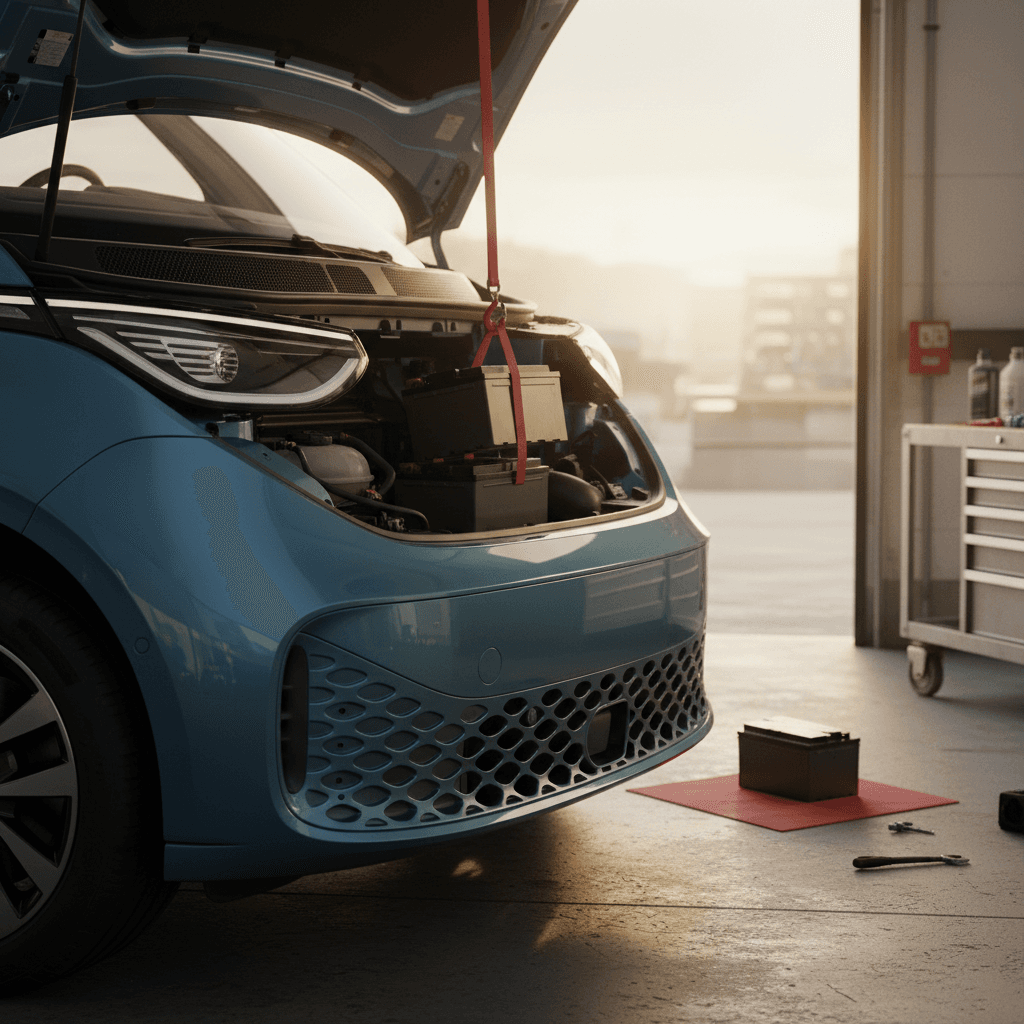
If your Volkswagen ID. Buzz refuses to “wake up,” shows a 12V warning, or strands you with a dead dashboard, there’s a good chance the culprit isn’t the big high‑voltage pack at all, it’s the humble 12V battery. Understanding how Volkswagen ID. Buzz 12V battery replacement works can save you a tow bill, protect your warranty, and help you shop smarter if you’re considering a used ID. Buzz.
Quick takeaway
Why the ID. Buzz 12V battery matters
Every EV still relies on a traditional 12‑volt battery to power control modules, locks, lights, and safety systems. In the ID. Buzz, the big high‑voltage battery can’t even connect to the rest of the van until the 12V side wakes everything up. If the 12V battery is weak or dead, your ID. Buzz can appear completely bricked, even when the high‑voltage pack is nicely charged.
High‑voltage battery (77+ kWh)
- Powers the drive motor and traction system.
- Feeds the DC‑DC converter that recharges the 12V system.
- Has complex cooling and safety monitoring.
12V battery (low‑voltage)
- Powers computers, relays, steering lock, lighting, and infotainment.
- Must be healthy for the van to unlock, boot up and shift to Drive.
- Usually a small AGM or EFB battery under the driver’s seat in the ID. Buzz.
Important safety note
Common 12V battery symptoms in the ID. Buzz
Owners of ID. family vehicles (ID.3, ID.4 and ID. Buzz) have reported a similar pattern when the 12V battery is on its way out: the van behaves like a computer with a flaky power supply. Here’s what you might see before it quits altogether.
- Random “12 volt system error” or “Electrical system fault” messages on the cluster
- ID. Buzz app loses connection or can’t wake the van from sleep reliably
- The van unlocks slowly or not at all, even though the key fob battery is fresh
- Screen flicker, infotainment rebooting, or lots of warning lights at once
- The vehicle won’t go into Ready/Drive even though the traction battery shows a good state of charge
- Needing a jump pack to get the vehicle to boot, then everything seems fine, for a while
A simple first check
Where is the ID. Buzz 12V battery located?
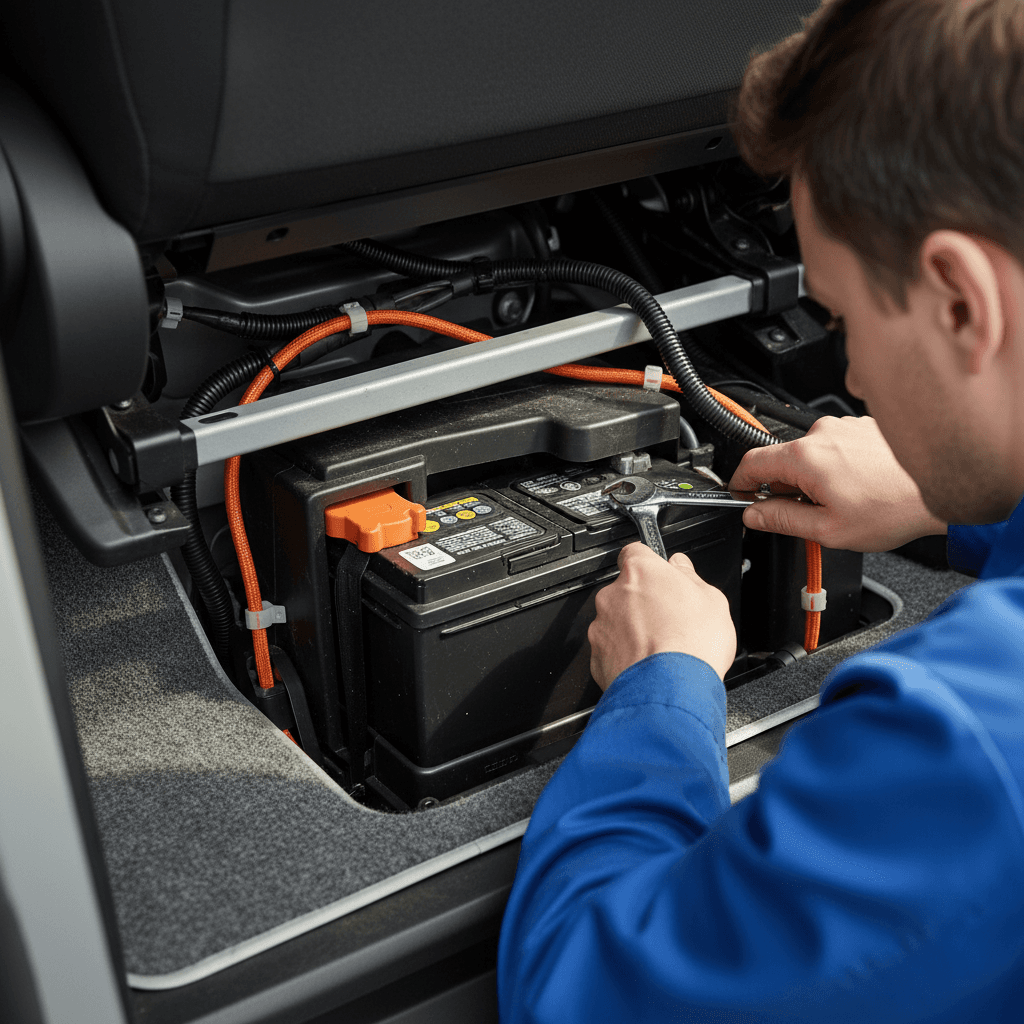
On most ID. Buzz passenger and Cargo models, the primary 12V battery is mounted inside the cabin under the driver’s seat. That’s different from traditional vans that tuck the battery under the hood or in the rear corner.
Finding the 12V battery in your ID. Buzz
Always confirm layout in your exact model year and region
1. Slide the driver’s seat
2. Remove trim or cover
3. Access the battery
Can you replace the ID. Buzz 12V battery yourself?
Mechanically, removing a 12V battery is straightforward: loosen the terminals, remove the hold‑down, swap the unit. On the ID. Buzz, the challenge isn’t just physical access, it’s the software side. The 12V battery is integrated with the energy management system, and Volkswagen expects it to be “registered” or coded after replacement so the charging strategy and diagnostics stay accurate.
DIY‑friendly parts of the job
- Physically accessing the battery under the seat.
- Disconnecting the negative terminal first, then positive.
- Swapping and tightening the hold‑down bracket.
- Cleaning terminals and ensuring solid connections.
Dealer or specialist recommended
- Battery registration/BMS reset so the car knows the new battery’s specs and age.
- Clearing stored DTCs and verifying charging behavior.
- Checking for software updates or campaigns related to 12V health.
- Maintaining warranty coverage on newer Buzz models.
Why this isn’t a casual first‑time DIY job
Step‑by‑step: ID. Buzz 12V battery replacement overview
Volkswagen publishes detailed service procedures and even a U.S. “hotfix” bulletin specifically for ID. Buzz 12V battery replacement. We’ll walk through a simplified version here so you understand what your technician (or you, if you’re experienced) is doing. This is an overview, not a substitute for the official repair manual.
High‑level 12V battery replacement steps
1. Prepare the van safely
Park on a flat surface, select Park, engage the parking brake, and switch off all consumers. Remove the key and wait a few minutes for modules to go to sleep before disconnecting anything.
2. Maintain memory power (optional)
Some technicians connect an external support battery through approved jump points so modules don’t lose learned values. This isn’t mandatory but can prevent radio presets and window pinch‑protection from resetting.
3. Access the battery under the seat
Move the driver’s seat to its service position and remove the plastic access cover. Take care with wiring under the seat, there may be airbag and seat sensor harnesses nearby.
4. Disconnect the battery safely
Always disconnect the <strong>negative terminal first</strong> to reduce the risk of short circuits, then the positive. Remove the hold‑down bracket and carefully lift the battery out. It’s heavier than it looks in that tight space.
5. Install and secure the new battery
Place the correct spec replacement battery into the tray, reinstall the hold‑down, then connect the <strong>positive terminal first</strong>, followed by the negative. Ensure both clamps are tight and the battery is stable.
6. Register the new battery in software
Using VW’s diagnostic system (or compatible third‑party tools where available), enter the new battery type, capacity, and serial/part number. Clear any energy‑management faults and verify that charging voltage and sleep behavior look normal.
What a good shop will do
Battery registration and software resets
The piece that surprises a lot of new EV owners is that the ID. Buzz doesn’t just “see” a new battery and automatically adjust. Instead, the energy‑management system expects a particular battery technology and capacity profile. Registering the new battery tells the car it can charge more aggressively again and resets various wear calculations.
- Prevents under‑ or over‑charging the new battery.
- Improves the accuracy of 12V health diagnostics and warnings.
- Reduces the likelihood of odd sleep/wake behavior after replacement.
- Helps VW or a future shop see that the battery was replaced and when.
Enthusiast route: OBDeleven, VCDS, etc.
What type of 12V battery does the ID. Buzz use?
Volkswagen has used various 12V suppliers and exact part numbers across ID‑series vehicles, and they may change over time or by region. Earlier ID models often used a relatively small AGM‑type battery, and many European owners report VW upgrading them under warranty to higher‑capacity units.
Typical ID. Buzz 12V battery characteristics
Always confirm the correct spec by VIN with a VW dealer or official parts catalog.
| Parameter | Typical range / notes |
|---|---|
| Technology | AGM or EFB low‑maintenance 12V battery |
| Nominal voltage | 12 V |
| Capacity | Around 50–60 Ah on many ID‑series vehicles |
| Cold‑cranking amps (CCA) | Varies by supplier; match OEM spec or better |
| Form factor | Compact automotive case designed to fit under‑seat tray |
| Ventilation | Some batteries use a vent tube; make sure the replacement supports it if required |
These are general guidelines, not a substitute for your exact parts listing.
Don’t size it by guesswork
Cost to replace the ID. Buzz 12V battery
Because the ID. Buzz is still a relatively new and specialized EV, you should expect 12V replacement to cost more than a traditional minivan’s battery swap, especially at a main dealer. While exact pricing varies by market, here’s what many owners can expect in North America.
Typical ID. Buzz 12V replacement cost ranges
Warranty considerations
How to extend the life of your ID. Buzz 12V battery
Given how critical the 12V system is to ID. Buzz drivability, a few simple habits can add years to the battery’s life and reduce the chance of unpleasant surprises.
Practical tips to protect your 12V battery
Drive or charge regularly
Frequent short trips or letting the van sit for weeks can stress the 12V system. Either drive the Buzz regularly or keep it plugged in so the DC‑DC converter can top off the 12V when needed.
Avoid camping off the 12V system
Running coolers, inverters, or interior lights for hours from the 12V outlets while parked can drain the small battery quickly. Use purpose‑built power stations or AC hookups for heavy loads where possible.
Check for software updates
Volkswagen has refined 12V charging logic on various ID models through over‑the‑air and dealer‑installed software updates. When you’re in for service, ask the advisor to confirm your Buzz is on the latest software for its control modules.
Watch for early warning signs
If you see occasional 12V warnings, intermittent app connection, or strange wake behavior, don’t ignore it. Catching a weak battery early often means a simple swap instead of a no‑start and tow.
Use energy‑management features
Some ID models include settings to let the high‑voltage battery support the 12V system during remote HVAC or long parked periods. Review your manual or quick‑start guide and enable these where appropriate.
Used ID. Buzz buyers: what to watch for
If you’re considering a used Volkswagen ID. Buzz, the condition of both the high‑voltage pack and the 12V battery should be on your checklist. A van that’s already had its 12V battery replaced and coded correctly is often a better bet than one still on the original unit that’s three or four years old.
12V battery checks when shopping used
Questions that separate a casual glance from a smart inspection
Ask for battery and service history
Watch how the van wakes up
How Recharged helps used ID. Buzz shoppers
Ready to find your next EV?
Browse VehiclesFAQ: Volkswagen ID. Buzz 12V battery replacement
Frequently asked questions about ID. Buzz 12V batteries
Bottom line on ID. Buzz 12V battery replacement
The 12V battery in your Volkswagen ID. Buzz is a small component with an outsized impact: when it’s healthy, the van just works; when it’s not, the whole vehicle can seem dead. Because it lives under the driver’s seat and talks constantly with the Buzz’s computers, treating 12V battery replacement as a professional service job, with proper testing, registration, and documentation, is usually the smartest move.
If you’re already an ID. Buzz owner, pay attention to early warning signs, keep software up to date, and budget for a 12V replacement around the three‑to‑five‑year mark. If you’re shopping for a used Buzz, make sure 12V health is part of the inspection and ask for service records. And if you’d rather not navigate all of this alone, Recharged can help you find a used ID. Buzz with transparent battery health, fair pricing, and EV‑savvy support from search to delivery.