If you own or are shopping for a Toyota bZ4X, understanding its software update history is just as important as knowing the battery size or range rating. Early cars had well-publicized limitations around cold-weather fast charging and missing EV-focused features, and Toyota has been quietly improving things model year by model year. This guide walks you through what changed, when it changed, and what you should confirm on any new or used bZ4X you’re considering.
Why bZ4X software history matters
Toyota bZ4X software update overview
Toyota launched the bZ4X for the 2023 model year with a modern infotainment system, a data communication module (DCM) for connectivity, and the promise of over-the-air (OTA) updates. In practice, most core vehicle software changes, things that affect charging, instrument-cluster displays, and control units, have required a dealer visit, while only limited functions (such as navigation-related services) have been delivered via the cloud.
High-level Toyota bZ4X software story (2022–2026)
Unlike Tesla, which ships dozens of OTA updates per year, bZ4X owners have seen a handful of infotainment / connected services changes delivered over the air, plus a small number of ECU flashes at the dealership. That makes it important to know the timeline and to verify that any car you own, or are thinking about buying, has been brought up to date.
Does the Toyota bZ4X get over-the-air (OTA) updates?
What updates are truly OTA?
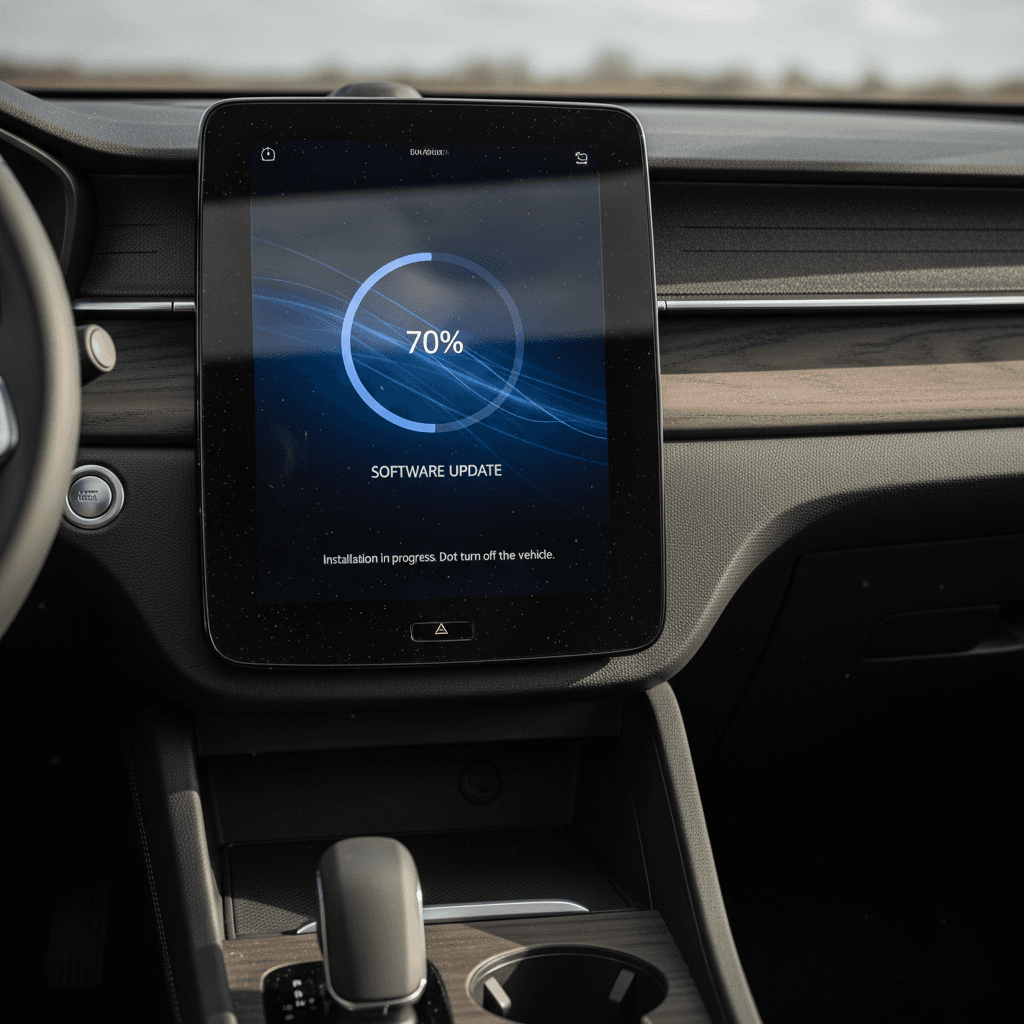
The bZ4X is equipped with a data communication module that lets Toyota push some updates and features remotely. In the real world, OTA has mostly meant:
- Updates to cloud-based navigation and BEV route planning
- Changes to connected services and subscription-based features
- Minor tweaks or bug fixes in the multimedia system
Owners in many regions report few (if any) noticeable OTA software version changes beyond what’s tied to navigation and connected services.
What still requires a dealer visit?
As of early 2026, most of the impactful changes have required dealer-installed software rather than self-service OTA:
- Powertrain and battery management system (BMS) updates
- Cold-weather fast-charging and thermal-management fixes
- ECU flashes that add or change instrument cluster displays (such as state-of-charge %)
- Updates tied to recalls or technical service bulletins (TSBs)
In short, the bZ4X’s OTA capabilities exist but are narrow; you can’t count on them to transform the driving or charging experience the way Tesla updates often do.
Don’t assume your bZ4X is fully up to date
Toyota bZ4X software update history by model year
Toyota doesn’t publish a single public "changelog" for bZ4X software, but combining manufacturer announcements, press material, and owner reports gives us a practical history. Think of this as a real-world update timeline rather than a list of internal version numbers.
Major bZ4X software-related milestones
From the 2022 launch through the 2026 refresh
2022 – Launch & early limits
What happened:
- bZ4X launches globally as a 2023 model.
- Modern infotainment with cloud-based navigation and voice assistant.
- DC fast charging in cold temperatures is heavily restricted; many owners discover they effectively can’t fast-charge below freezing.
- Data communication hardware is present, but OTA use is minimal.
2023–2024 – Cold-weather charging fix
What changed:
- Toyota updates the battery thermal-management system, adding hardware like a water-to-water heat exchanger and revising control software.
- Result: shorter DC fast-charging times in cold weather on updated cars.
- In many markets, this appears as a running change for 2024MY, not a retroactive fix for every 2023 car.
2024–2025 – BEV navigation update
What changed:
- Connected "BEV navigation" features roll out, automatically planning routes that include recommended charging stops based on state of charge and remaining range.
- Toyota confirms that this function is delivered over the air through the car’s data communication module for many existing bZ4X units, particularly in Europe.
- This is the first clearly documented feature-level OTA enhancement for current owners.
2025 – Faster home charging & pre-conditioning
What changed (primarily Europe-first):
- Announcement of a lifecycle update with an available 22 kW AC onboard charger (versus 6.6–11 kW previously, depending on market).
- Standard battery pre-conditioning to optimize pack temperature for DC fast charging, software logic that coordinates with navigation and charging stops.
- Updated drive units and efficiency tweaks that require new control software.
Many of these changes debut on the refreshed car rather than being pushed to all earlier vehicles.
2025–2026 – Power & interface refresh
What changed:
- Refreshed bZ4X (often branded as simply "bZ" in early 2026 previews) gets more powerful motors in some trims, with revised software for e-axle control and traction management.
- Improved noise, vibration, and ride comfort via suspension and control tuning.
- Reworked interior with a 14-inch multimedia screen and updated UI.
- Battery pre-conditioning and BEV routing become baked into the standard experience instead of being bolt-ons.
Ongoing – Incremental tweaks & campaigns
What continues:
- Dealer-installed updates for specific issues (for example, resets of charge limits, instrument-cluster display changes, and occasional drivability improvements).
- Cloud-side infotainment and map updates via Toyota’s connected-services platform.
- Warranty and service campaigns on ancillary systems (like the 12V electrical system), which may include updated software logic even if they’re not advertised as "software updates".
Model year ≠ software version
Key charging & battery software changes
Most bZ4X owners are less interested in cosmetic tweaks and more concerned with how the car charges and preserves battery health. Here’s how the software side has evolved in those areas.
bZ4X charging-related software & feature evolution
How Toyota has tweaked charging behavior and battery management since launch
| Model years / update | What changed | How delivered | What to check on your car |
|---|---|---|---|
| 2023 launch | Conservative DC fast-charging behavior, especially <32°F (0°C); no active pre-conditioning for charging. | Baseline factory software only. | If you live in a cold climate, test DC fast charging in winter and ask a dealer if any thermal-management campaigns apply. |
| 2024 updates | Revised battery thermal-management system with additional hardware (heat exchanger, valve) and updated control logic for faster DC charging in cold weather. | Primarily hardware + software running change for newer builds; not universally OTA. | If you own an early car, ask a dealer to check whether your VIN has the updated hardware and latest BMS calibration. |
| 2024–2025 BEV navigation | Route planning that selects charging stations automatically based on current state of charge and projected consumption. | Via connected services and OTA configuration changes using the DCM. | Confirm that BEV routing is enabled in the navigation settings and that your data subscription is active. |
| 2025 lifecycle update | Standard battery pre-conditioning that warms or cools the pack ahead of DC fast charging, especially when driving to a charger in the navigation system. | Ships with refreshed models; may be partially configurable by later OTA tweaks. | In the navigation menu, look for options mentioning battery or fast-charging preparation; test it by setting a DC fast charger as your destination. |
| Ongoing BMS/ECU flashes | Minor tweaks to charge limits, state-of-charge displays, and battery protection logic. | Dealer-installed ECU updates, often tied to service campaigns. | During service, ask if there are any open software updates related to charging or the high-voltage battery. |
Exact availability can vary by region and production date; verify specifics for any given VIN.
Cold-weather charging is where updates matter most
Infotainment, navigation & driver-assistance updates
From day one, the bZ4X shipped with Toyota’s latest multimedia platform: a big central touchscreen, a "Hey Toyota" voice assistant, and wireless Apple CarPlay and Android Auto on most trims. Software updates in this area have focused less on flashy new features and more on refinement.
- Navigation & BEV routing: The most meaningful software addition has been BEV-specific route planning that suggests charging stops based on state of charge and expected consumption, and in some markets, coordinates with battery pre-conditioning.
- UI & responsiveness tweaks: Over time, Toyota has subtly improved system responsiveness, menus, and voice recognition. These changes tend to arrive quietly via map and connected-services updates rather than splashy version announcements.
- Larger screen on refreshed models: The lifecycle update swaps the earlier 12.3-inch screen for a 14-inch multimedia display in many trims, along with revised on-screen layouts. That’s more of a hardware change, but it ships with updated infotainment software and a more mature overall interface.
- Driver-assistance integration: Updates have also tightened the integration between navigation data and systems like lane-centering or adaptive cruise, especially where map data can better predict curves, speed changes, or off-ramps. Again, these are incremental improvements, not dramatic feature drops.
Good news for used buyers
Known issues, recalls & dealer-only flashes
Every new platform has teething issues, and the bZ4X is no exception. While the highest-profile early problem involved wheel hub bolts (a hardware recall), several other concerns have had a software component.
Common bZ4X issues with software angles
1. Cold-weather DC fast charging
Early cars struggled, or simply refused, to fast charge below freezing. Toyota’s response combined hardware (better heat exchanger) and revised software to warm the pack more effectively. If you own an early-build car and live in a cold climate, confirm whether your VIN has been updated.
2. Instrument cluster information
Some owners wanted clearer state-of-charge (SoC) information, including a percentage display rather than just bars. In certain markets and model years, this has been addressed with instrument-cluster software changes installed by a dealer.
3. Charge-limit quirks
A subset of owners report the car limiting itself to 80% charge until an ECU flash, often described by dealers as a "charge limit reset". These resets are done in the service bay, not over the air.
4. 12V system and "dead car" reports
There have been documented cases where the bZ4X’s 12V battery discharges unexpectedly, leaving the car unresponsive. While not always framed as a software issue, updated control logic for charging and sleep behavior may be part of some repairs or campaigns.
5. Infotainment bugs
Like any modern system, the bZ4X multimedia unit has seen occasional freezes or Bluetooth issues. These are usually addressed through silent software revisions and map/infotainment data updates over the air.
Always tie complaints to a VIN
How to check your bZ4X for software updates
Because Toyota splits updates between the cloud and the dealer network, you need to check in two different ways: from inside the car and through Toyota’s service system.
In the car: infotainment & connected services
- Open the Settings or General menu on the touchscreen.
- Look for an item like Software Update, System Information or Connected Services.
- Confirm that your data subscription is active; BEV routing and some online services won’t work without it.
- Check whether map data and navigation show options for EV routing or charging station suggestions, if not, ask your dealer whether those features are supported on your build and region.
Remember, multimedia updates here won’t change core charging behavior or drive-unit control.
At the dealer: core vehicle software & campaigns
- Ask a Toyota dealer for a printout of completed campaigns and TSBs for your VIN.
- Specifically inquire about updates related to:
- Battery thermal management or DC fast charging
- Instrument-cluster software and SoC display
- Charge-limit or BMS-related ECU flashes
- Any recalls involving software for the braking, steering, or traction systems
- Schedule time for the dealer to update all applicable control modules. These flashes often require the car to be on a charger and connected to Toyota’s service laptop for an hour or more.
Most of this work is covered under warranty or recall if the campaign is open.
Bring documentation when you shop used
What this software history means if you’re buying used
For used-vehicle shoppers, the Toyota bZ4X’s software story is a double-edged sword. On one hand, later updates have genuinely improved cold-weather charging, navigation, and the overall driving experience. On the other, Toyota’s reliance on dealer-installed ECU flashes means not every car on the market will have those improvements, even if it could.
Used bZ4X buyer checklist: software & charging
Questions to ask before you buy
Ask for the campaign history
Request a printout or screenshot of all completed recalls, service campaigns, and TSBs for the VIN. Pay special attention to anything referencing:
- Battery thermal management
- Charging performance or charge limits
- Instrument-cluster or BMS updates
Test DC fast charging in the real world
If possible, take the car to a DC fast charger, ideally in cooler weather, and observe:
- Whether it accepts a standard 100–150 kW session without repeatedly throttling
- How quickly it ramps up from low state of charge
- Whether pre-conditioning is available and working on refreshed models
Confirm connected services status
Go into the infotainment menus and verify:
- That connected services are active (or what it costs to renew)
- BEV navigation options are present if advertised
- Software or map update dates are reasonably recent
Review high-voltage & 12V health
Ask for any battery health reports and documentation of 12V battery replacements. A healthy pack and properly functioning 12V system are essential for reliable software behavior and avoiding "dead car" episodes.
How Recharged helps you evaluate a bZ4X
Ready to find your next EV?
Browse VehiclesIf you’re weighing a used bZ4X against other EVs, Hyundai Ioniq 5, VW ID.4, Ford Mustang Mach-E, or others, remember to compare not just specs on paper, but how each brand handles software updates. Some rival models offer more robust OTA support, while Toyota pairs very conservative battery management with a strong long-term battery warranty.
The bottom line: a well-sorted, updated bZ4X can be a comfortable, efficient electric SUV, especially after Toyota’s 2024–2026 improvements. But software isn’t automatically current just because the car looks new. Whether you already own one or you’re shopping used, take the time to verify its software and service history so you get the charging performance, range, and features you’re expecting.