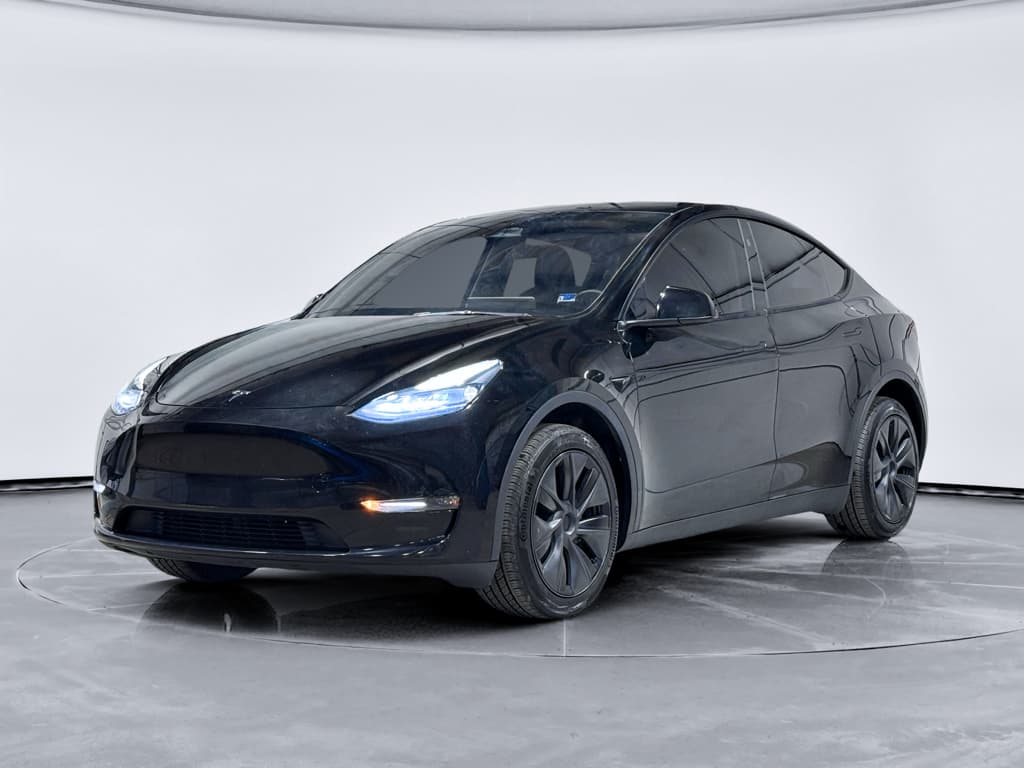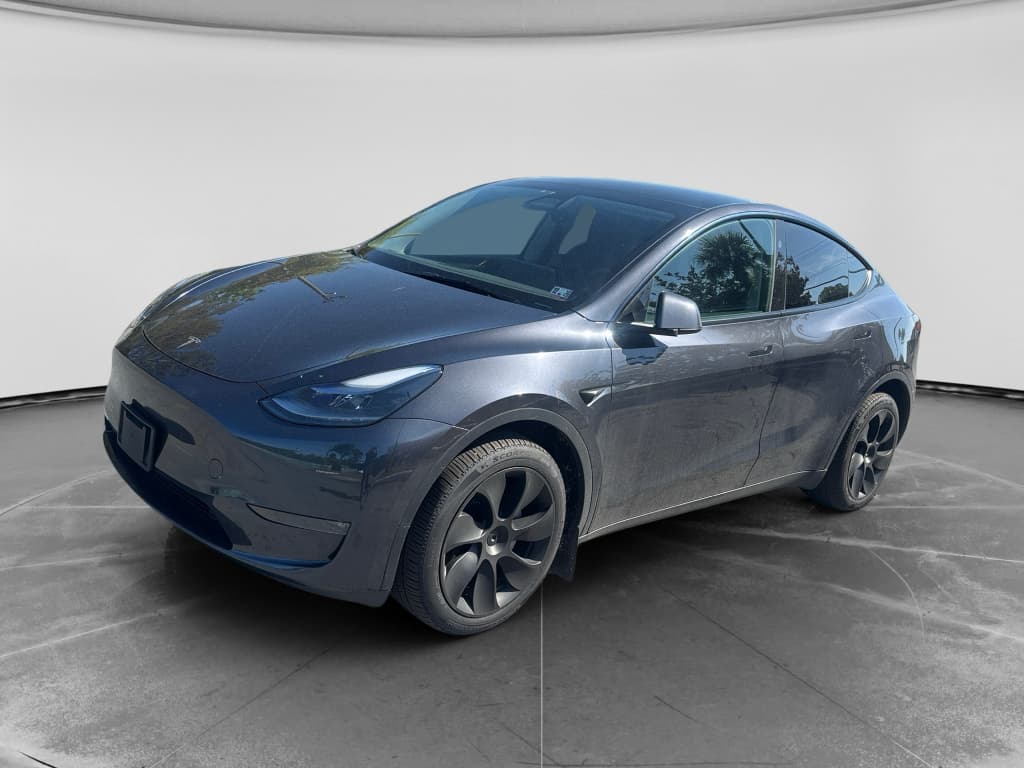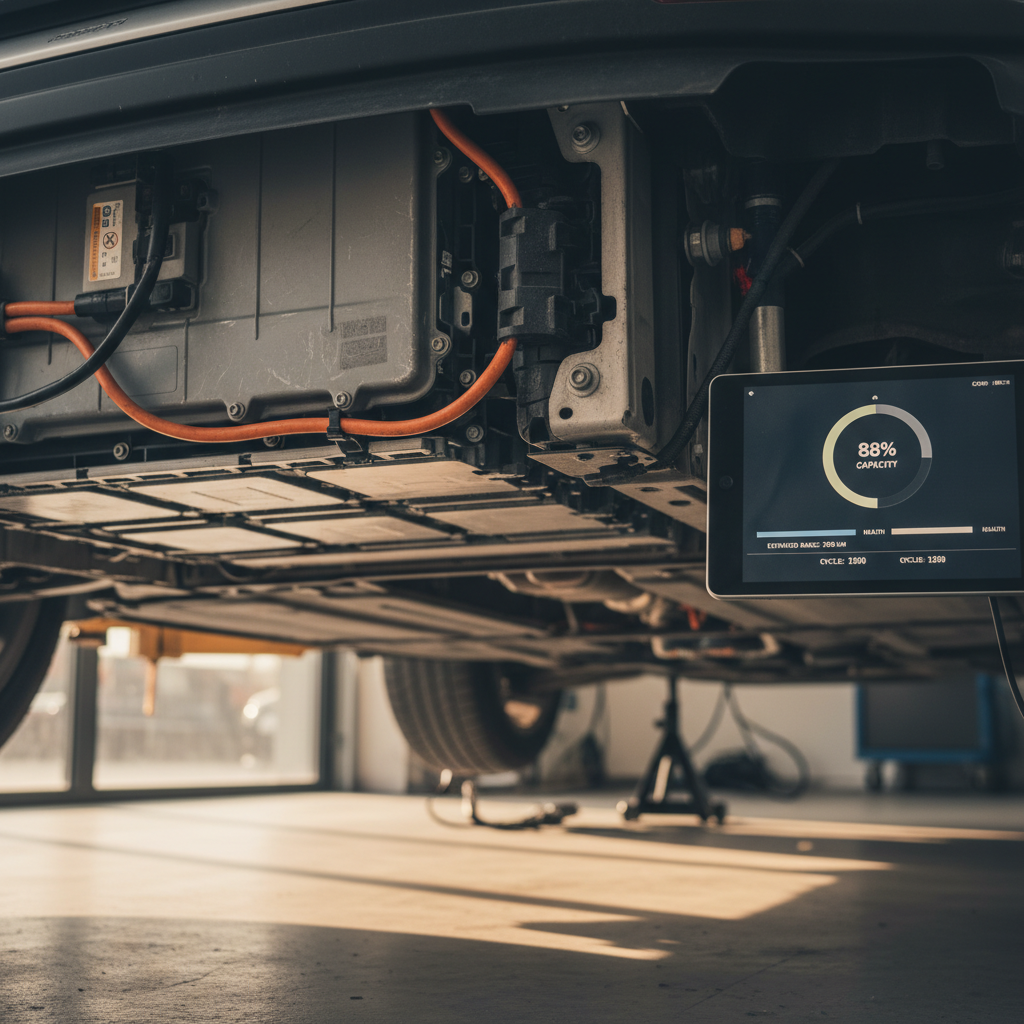
If you’re researching Tesla Model Y common problems and fixes, you’re not alone. The Model Y is one of the best‑selling EVs in the world, but it also attracts more than its share of complaints, especially around build quality, suspension, electronics and Autopilot behavior. The upside: most of these issues are manageable if you know what to look for and how to respond.
Big Picture on Model Y Reliability
Overview: How Reliable Is the Tesla Model Y?
Two truths can be valid at once. On one hand, owner review scores for recent Model Y years in the U.S. are mostly positive, with many drivers praising performance and day‑to‑day reliability. On the other, Germany’s 2026 TÜV inspection report ranked the Model Y dead last for two‑ to three‑year‑old vehicles, with a defect rate north of 17% in early inspections, driven by brake, suspension and build-quality issues rather than catastrophic failures.
That mix tells you how to think about this car: the electric motor and battery pack tend to be solid; the “traditional car stuff”, chassis, trim, seals, paint, interior hardware, needs more attention. This guide focuses on those high‑frequency problem areas, along with realistic DIY checks, simple fixes, and when you should push for warranty service or walk away from a used example.
Tesla Model Y Problems in Context
Most Common Tesla Model Y Problems at a Glance
Top Tesla Model Y Problem Areas
What owners complain about most, plus how serious each issue usually is
Suspension & Brakes
Symptoms: clunks over bumps, uneven tire wear, vibration when braking, early rotor corrosion.
Risk level: Medium–high. Can affect safety and tire/brake costs if ignored.
Build Quality & Leaks
Symptoms: misaligned hatch, panel gaps, water in trunk, paint chips, loose trim.
Risk level: Low–medium. Mostly cosmetic, but leaks can damage electronics or interior.
Rattles & Wind Noise
Symptoms: rear seat rattles, hatch creaks, wind whistle from mirrors or glass.
Risk level: Low. Annoying, but usually fixable with adjustment or inexpensive materials.
Electronics & Charging
Symptoms: touchscreen reboots, camera glitches, home charging errors, TPMS warnings.
Risk level: Medium. Often software‑related; a few cases require hardware replacement.
Autopilot Phantom Braking
Symptoms: sudden braking on Autopilot for no obvious reason, especially on two‑lane roads.
Risk level: Medium. Can be startling and potentially unsafe if traffic is close behind.
Battery, Heat Pump & Range
Symptoms: reduced range over time, poor cold‑weather performance, no heat in winter.
Risk level: Medium. True battery failures are rare; heat‑pump issues can be expensive out of warranty.
1. Suspension Clunks, Vibration and Brake Wear
Suspension and brake problems are among the most consequential Tesla Model Y issues highlighted by European inspection data and owner complaints. High curb weight, strong acceleration and relatively firm factory tuning all put extra load on bushings, links and brake components.
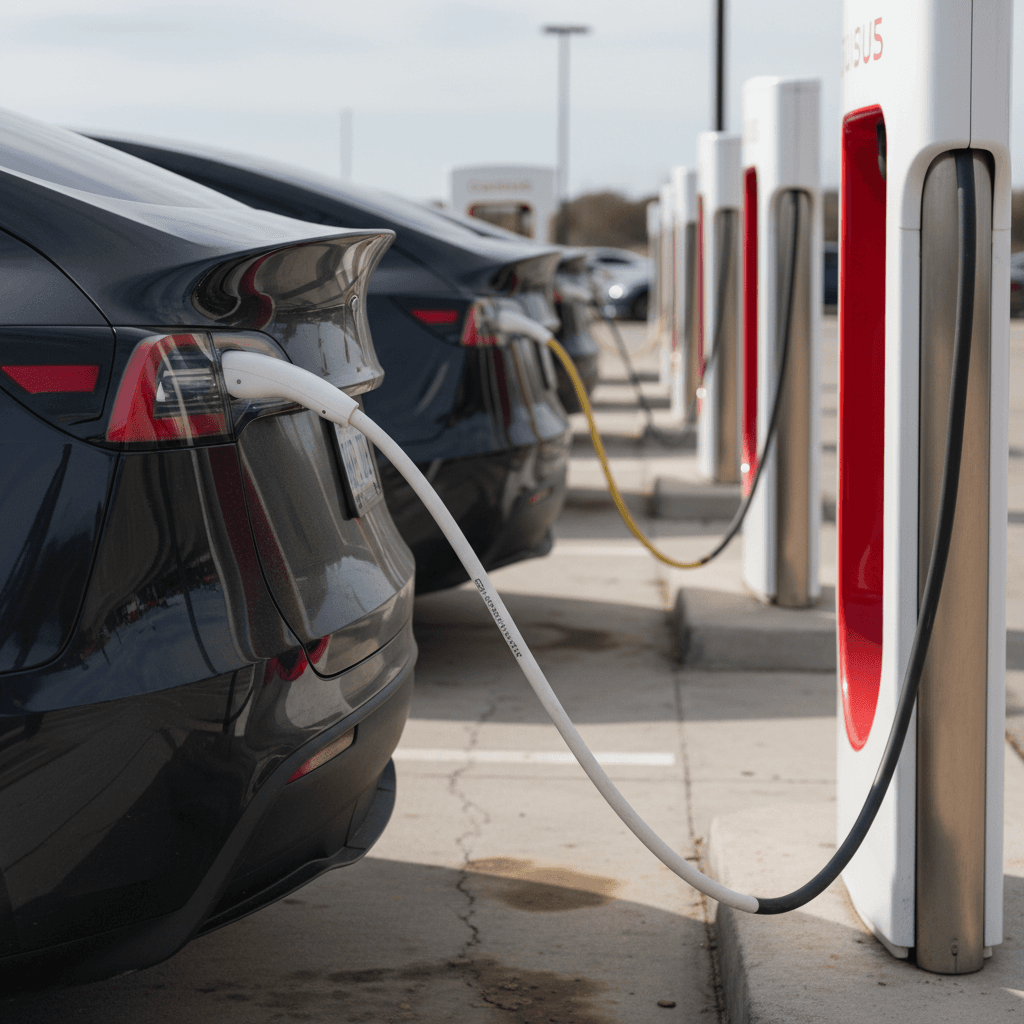
- Common symptoms: front or rear clunks over bumps or driveways; knocking when turning at low speed; steering that feels loose or wanders; vibration through the pedal or steering wheel when braking from highway speeds.
- Likely causes: prematurely worn control‑arm bushings, loose suspension bolts, worn sway‑bar links, early rotor rust or uneven pad deposits from infrequent hard braking.
- Model years most affected: early build years (2020–2022) show more reports, but even newer cars can develop issues on rough roads.
Don’t Ignore Suspension Noises
DIY Checks and Simple Fixes
1. Perform a Low-Speed "Parking Lot" Test
On the test drive, turn the steering wheel full left and right at 5–10 mph in an empty lot. Listen for pops, clunks or grinding. Any sharp metallic noise is a red flag that warrants a professional inspection.
2. Brake From Highway Speed
Safely brake firmly from ~60 mph to 10–15 mph on a straight, empty road. Vibration in the steering wheel or pedal suggests warped or rusty rotors. Mild vibration may be fixed with resurfacing; severe cases need new rotors and pads.
3. Inspect Tire Wear Patterns
Uneven shoulder wear or feathering on Model Y tires can point to alignment or suspension issues. Since Tesla alignments are not cheap, factor a full four‑wheel alignment into your budget on any used purchase that shows abnormal wear.
4. Listen Over Sharp Bumps
Drive slowly over speed bumps or into a driveway at an angle. Solid “thuds” from the suspension are normal; repetitive clunks or rattles often indicate worn sway‑bar links, loose fasteners or strut top mounts that need attention.
5. Use the Tesla App for Service History
If you’re evaluating a used Model Y, ask the seller to share service records from the Tesla app. Look for repeated visits related to “clunk,” “knock,” “suspension” or “alignment”, these can hint at chronic issues.
Good News on Parts
2. Build Quality: Panel Gaps, Water Leaks and Paint
Early Model Ys became infamous for misaligned panels and inconsistent paint. Tesla has improved fit and finish in later years, but issues still surface, especially around the big rear hatch, glass roof and bumper edges. In wet or cold climates, these aren’t just aesthetic problems; water leaks and trapped moisture can create longer‑term headaches.
- Rear hatch alignment: uneven gaps where the hatch meets the roof glass or taillights can lead to paint rubbing, difficulty latching, water entry and the car thinking the hatch is open.
- Weather seals and glass: wind noise from the A‑pillars, mirrors or glass roof; occasional reports of water in the trunk or under the hatch floor after heavy rain.
- Paint and underbody: thin paint on rocker panels and wheel arches can chip easily on gravel roads, exposing metal and creating long‑term corrosion risk in snowy regions.
How to Inspect Exterior Fit
- Walk around the car at a slight angle and compare gaps between doors, fenders and hatch on the left vs. right side.
- Look for doors that are slightly proud (sticking out) or sunk in relative to the body.
- Check that the trunk opens and closes smoothly without scraping the bumper or taillights.
Simple Fixes & When to Worry
- Minor misalignment often can be adjusted by a Tesla Service Center under warranty.
- Paint chips at wheel arches can be treated with touch‑up and clear film to prevent rust.
- Water in the trunk, moldy smells or repeated hatch sensor errors are signs to push for repairs, or walk away from a used car that hasn’t been fixed properly.
How Recharged Helps on Used Teslas
Ready to find your next EV?
Browse Vehicles3. Interior Rattles and Wind Noise
If there’s one thing many Model Y owners agree on, it’s that the cabin is not the quietest in its class. Between the large hatch opening, folding rear seats and frameless windows, there are plenty of places for squeaks, buzzes and whistles to develop over time.
- Rear seat latch rattle: metal‑on‑metal contact at the rear seat latch can cause a constant ticking sound over bumps. Owners frequently quiet it by adding felt tape or a small piece of electrical tape to the striker.
- Hatch and cargo area creaks: plastic trim around the hatch and cargo floor can creak as the body flexes. Re‑seating panels or adding thin felt between contact points is a common DIY fix.
- Wind noise: misaligned door glass or worn seals can produce a noticeable whistle at highway speeds, usually near the A‑pillars or mirrors.
Quick Rattle Diagnosis on a Test Drive
1. Fold Rear Seats Up and Down
While parked, fold the rear seatbacks down, then up until they latch. Push lightly on the top of each seatback while listening for click‑click noises, it often reveals loose latches that will rattle on the road.
2. Drive on a Rough Surface
At 20–30 mph, drive on a coarse or patched road with the audio system off. Note whether the noise seems to come from the dash, doors, roof or cargo area. Localizing the source makes dealership or DIY fixes much easier.
3. Check Door Seals and Glass
Inspect the rubber seals around doors and windows for pinches, tears or spots where the glass doesn’t sit evenly when closed. Small adjustments at a Tesla Service Center can reduce both wind noise and water ingress.
4. Bring Soft Felt Tape
If you’re serious about a specific used Model Y, a small roll of automotive felt tape can temporarily quiet a suspected rattle point, confirming it’s just trim rather than a structural issue. Permanent fixes should still be done properly.
EVs Highlight Noises ICE Cars Hide
4. Electronics, Touchscreen Freezes and Charging Glitches
The Model Y’s minimalist cockpit revolves around a single center touchscreen and over‑the‑air software updates. That’s convenient when everything works, and painful when it doesn’t. Complaints range from brief infotainment reboots to rear‑camera failures and home charging refusing to start.
- Touchscreen resets or going blank: temporary black screens or random reboots are usually software‑related. A hard reset (holding both steering‑wheel scroll buttons until the screen restarts) often clears minor glitches.
- Camera and sensor issues: intermittent rear‑camera image loss or parking sensor errors have triggered both recalls and service bulletins. These can be software, wiring or hardware related.
- Home charging problems: some owners report the car refusing to charge at certain Level 2 stations or throwing charge‑port errors. Sometimes it’s a communication issue with the EVSE; other times it’s a defective charge‑port door or onboard charger module.
- TPMS and warning lights: recent software recalls have involved tire pressure monitoring and warning light font sizes being out of spec, typically fixed via over‑the‑air (OTA) updates.
First Line of Defense: Soft and Hard Resets
Electronics Problems: Quick Triage Guide
Use this table to decide whether you can self‑resolve an issue or should head straight to service.
| Symptom | Likely Severity | Try This First | When to See Service |
|---|---|---|---|
| Screen freezes or reboots | Low–medium | Perform hard reset; install pending software update; power cycle car in Service menu. | Reboots daily or while driving; loss of critical info (speed, gear) persists. |
| Rear camera intermittently black | Medium | Check for dirt on camera; reboot screen; confirm latest software. | Camera often fails, especially in bad weather; NHTSA recall or service bulletin applies. |
| Won’t start home charging | Low–medium | Try different outlet or EVSE; check breaker; reboot car and charger; reduce charge current setting. | Car charges nowhere; consistent charge‑port errors; visible damage to port or cable. |
| TPMS or warning light oddities | Low | Check tire pressures cold; update software; reset TPMS if recently rotated tires. | Warning lights don’t meet recall guidance; repeated TPMS failures after service. |
When in doubt, document issues with photos/video and log them in the Tesla app, especially if your warranty clock is ticking.
5. Autopilot Phantom Braking and Safety Alerts
Tesla’s driver‑assist systems are a major selling point for the Model Y, but they also generate some of the most emotionally charged complaints. A recurring theme is phantom braking, sudden deceleration on Autopilot for no obvious reason, often triggered by shadows, overpasses or oncoming trucks on undivided highways.
- Phantom braking: abrupt, unexpected braking when traffic is light and no obstacle is visible. This is more common on two‑lane roads with oncoming traffic and complex scenery.
- Lane‑keep alerts: aggressive steering corrections or constant chimes if lane markers are faded or the road is poorly maintained.
- Forward collision warnings: useful when legitimate, but some owners experience frequent false alarms in heavy traffic or on twisty roads.
Treat Autopilot as Driver Assist, Not Autonomy
Reducing Autopilot Headaches
1. Prefer Divided Highways
Autopilot behaves best on fully divided highways with clear lane markings. On two‑lane rural roads, phantom braking is more frequent and human supervision needs to be especially sharp.
2. Set Following Distance Conservatively
Use a longer following distance setting when traffic allows. This gives you more time to respond if the car brakes unexpectedly and reduces the odds of someone rear‑ending you.
3. Keep Cameras and Sensors Clean
Dirty cameras, snow or road salt can confuse the vision system. Wipe lenses regularly in winter or during long road trips, and scrape snow/ice away from sensors.
4. Report Problem Segments
If Autopilot misbehaves in the same spot repeatedly, submit a bug report via voice command and note the time. That data helps Tesla refine mapping and algorithms, and gives you a record if you later discuss concerns with service.
6. Battery Health, Heat Pump Issues and Real-World Range
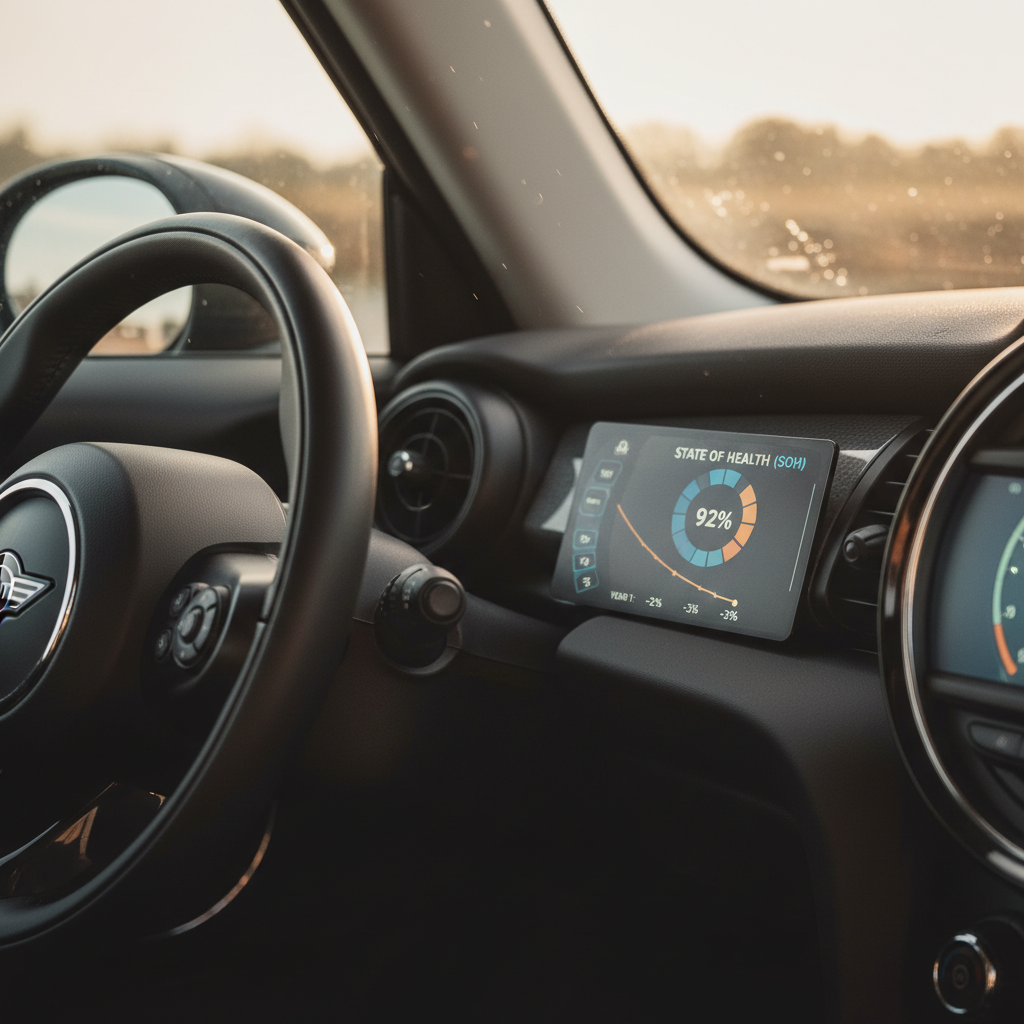
With any EV, the big nightmare scenario is a dead or rapidly degrading battery. The reassuring news for Model Y owners is that, in aggregate, the high‑voltage pack has proven relatively robust, with many early cars still retaining a healthy share of their original capacity. What owners feel day to day is usually normal range variation, compounded by climate, driving style and HVAC usage, not catastrophic degradation.
- Typical degradation: most Model Ys lose a noticeable chunk of range in the first 1–2 years, then the curve flattens. A 5–10% drop from the original rating by mid‑life is common for modern EVs.
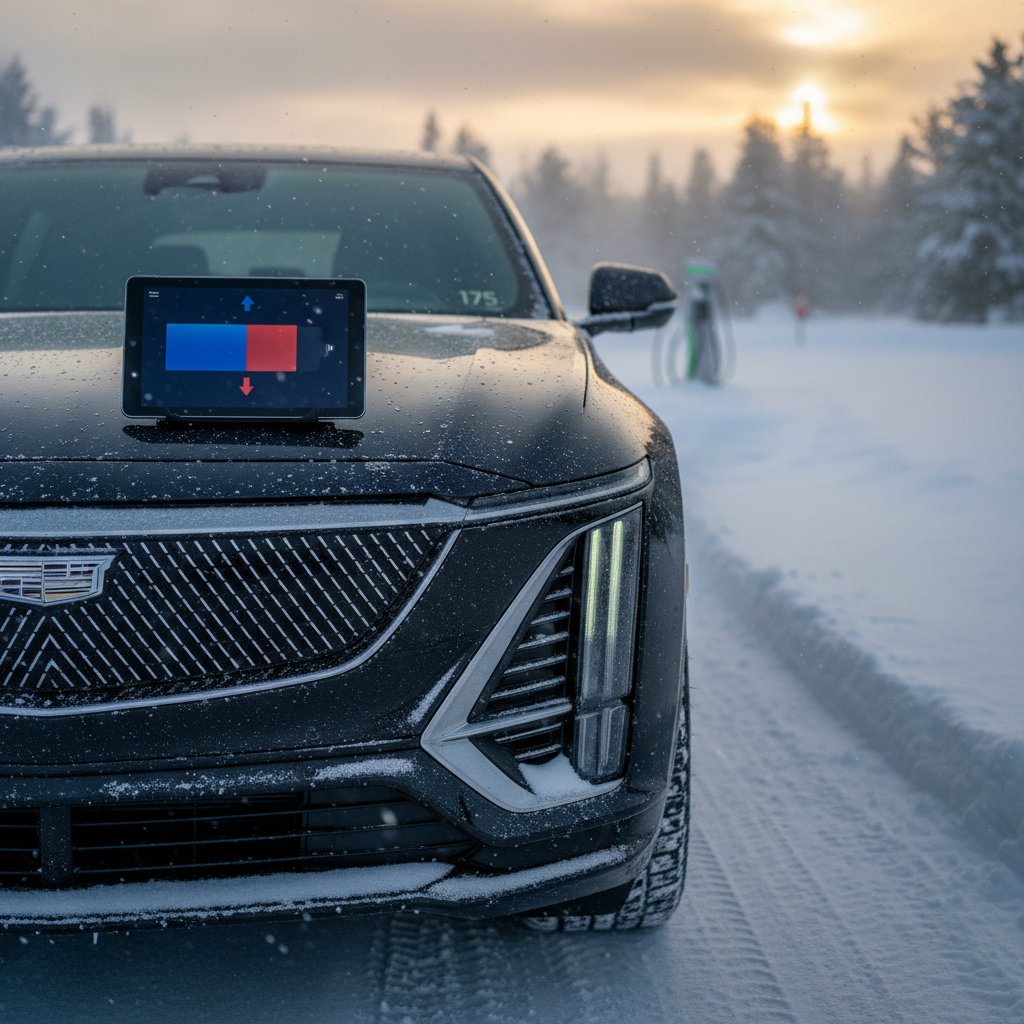
- Cold‑weather impact: range can drop 30% or more in harsh winters due to battery chemistry and cabin heating. Pre‑conditioning while plugged in helps a lot.
- Heat pump issues: some Model Ys have experienced heat pump or valve failures, leading to slow cabin warm‑up or no heat in winter. These are often covered under warranty but can be expensive repairs later.
How to Check Battery Health on a Test Drive
Battery and Range: Good Habits That Prevent Problems
Simple daily choices that prolong pack life and avoid scary range surprises
Charge Mostly Between 20–80%
Frequent fast charging to 100% isn’t great for any lithium‑ion pack. For daily driving, keep your Model Y around 20–80% when possible, reserving full charges for trips.
Precondition in Winter
Use the app to warm the cabin and battery while plugged in. That preserves range, improves regen and reduces strain on the heat pump.
Watch Your Speed
Above ~70 mph, aerodynamic drag becomes brutal. Simply dropping 5–10 mph on the highway can add dozens of miles of range and reduce how often you need DC fast charging.
What Recharged’s Battery Report Tells You
7. Recalls, Over-the-Air Fixes and When to Visit Service
One unique aspect of Tesla ownership is how many issues are addressed via over‑the‑air software updates instead of traditional dealer visits. Recent recalls have involved everything from warning‑light font sizes to tire‑pressure‑monitor behavior and camera reliability, often fixed without owners setting foot in a service center.
- Software‑only recalls: things like user‑interface compliance, warning‑light displays and some driver‑assist behaviors are updated automatically in the background or with owner approval.
- Hardware recalls: seat‑back welds, hood‑latch behavior or camera circuit boards occasionally require in‑person service and part replacement.
- Regional variation: enforcement is often stricter in Europe, which is why TÜV data highlights defects sooner than some other markets.
Always Run the VIN
When You Should Stop Troubleshooting and Book Service
1. Persistent Safety-Critical Warnings
Brake, steering or high‑voltage battery warnings are not DIY territory. Capture the message, safely park and contact Tesla or an EV‑qualified shop immediately.
2. Recurrent Power Loss or Stalling
Any sudden loss of propulsion, even if it recovers, warrants a professional diagnosis. Recent recalls have addressed specific components that can cause this kind of failure.
3. Water Intrusion
Standing water in the trunk, footwells or under the cargo floor can damage wiring and modules. Don’t just dry it out, find and fix the source under warranty if possible.
4. No Cabin Heat in Winter
Heat‑pump or coolant‑valve problems can leave you with no heat and a rapidly fogging windshield. This is both a comfort and safety issue that calls for service.
Used Tesla Model Y Inspection Checklist
If you’re shopping used, you don’t have to be a Tesla engineer to avoid a problem car. You just need a structured inspection and a willingness to walk away if too many red flags pop up.
15-Minute Pre-Purchase Inspection
1. Exterior Walkaround
Check for mismatched paint, uneven panel gaps, cracked glass and signs of repainting. Focus on bumpers, hatch edges and rocker panels, these are common damage and corrosion points.
2. Tires and Wheels
Look for uneven wear, deep curb rash on the wheels and cheap replacement tires. These can hint at hard use, poor alignments or suspension issues.
3. Interior Check
Test every seat adjustment, window, door handle and latch. Listen for obvious squeaks closing doors and pressing on trim; inspect carpets and underfloor storage for moisture.
4. Electronics and Infotainment
Cycle through the touchscreen menus, test all cameras, Bluetooth, climate controls and driver‑assist features. Note any glitches, lag or warning messages.
5. Short Test Drive
On mixed roads, evaluate steering feel, straight‑line tracking, brake response, ride quality and noise. Any clunks, vibration or strong pulls under braking should trigger a deeper inspection.
6. Charging Test (If Possible)
Even 5–10 minutes on a nearby Level 2 charger can reveal charge‑port quirks or communication issues. Confirm the car begins charging promptly and reports expected power.
Leverage Professional Help
FAQ: Tesla Model Y Common Problems and Ownership
Frequently Asked Questions
Should You Be Worried, and Should You Buy One Used?
Taken together, the Tesla Model Y’s common problems and fixes paint a nuanced picture. If you’re hoping for a bulletproof, appliance‑like crossover that never squeaks, rattles or needs a suspension bushing before 100,000 miles, this probably isn’t your car. If you’re drawn to the performance, charging ecosystem and software experience and you’re willing to stay on top of maintenance and trim quirks, the Model Y can still be an immensely satisfying EV.
The key is to approach ownership, or a used purchase, with clear eyes. Pay serious attention to suspension and brakes, scrutinize build quality and leaks, evaluate interior noise, and treat Autopilot as a driver‑assist tool rather than magic. When you buy through a specialist like Recharged, you’re also getting battery health diagnostics, fair‑market pricing and EV‑savvy support that help you enjoy the Model Y’s strengths while minimizing its weaknesses.