If you’re eyeing a Tesla Model X, especially on the used market, you’ve probably heard stories about falcon‑wing doors, air‑suspension repairs, and tricky software glitches. The truth is more nuanced: the Model X is a complex, high-tech SUV, and understanding Tesla Model X common problems and fixes is the difference between a great ownership experience and expensive surprises.
What this guide covers
Tesla Model X reliability at a glance
Big-picture Model X reliability factors
The Model X sits in a weird spot: it’s both a family SUV and a rolling tech demo. That combination means you get standout performance and a huge interior, but also more moving parts and complex electronics than the average SUV. Reliability varies heavily by model year, how the vehicle was driven, and how often it’s seen service. If you’re shopping used, that complexity makes a thorough pre‑purchase inspection and battery health check essential. That’s why every used EV at Recharged comes with a Recharged Score Report, including verified battery diagnostics, so you’re not guessing about the most expensive component on the vehicle.
Major systems to watch on a Model X
The 6 systems most likely to cause headaches
Focus here when you test‑drive or inspect a used Model X.
Falcon Wing & front doors
Air suspension & tires
High-voltage battery & charging
HVAC & heat pump
MCU & software
12V system & misc. electrics
Model year matters
Falcon Wing door problems and fixes
The Model X’s Falcon Wing rear doors are engineering showpieces, but they’re also the source of many owner complaints, especially on earlier model years. Common issues include doors that don’t close flush, squeaks and rattles, false obstacle detections that keep doors from opening fully, and water leaks around the seals.
Common Falcon Wing door issues and likely fixes
Use this as a quick reference when test‑driving or evaluating a used Model X.
| Symptom | Likely Cause | Fix | Severity | Cost Range* |
|---|---|---|---|---|
| Door stops mid‑open or refuses to open fully | Mis‑calibrated ultrasonic sensors or mis‑aligned hinges | Sensor recalibration and/or minor alignment adjustment | Low–Medium | $150–$600 |
| Water dripping from top of door in rain or car wash | Aged or compressed rubber seals, poor alignment | Replace or reseat weatherstripping; adjust door | Medium | $300–$900 |
| Loud creaks, pops, or rattles when door moves | Dry hinges or failing gas struts | Lubrication or replacement of struts/hinge hardware | Medium | $250–$1,200 |
| Doors not closing flush with body | Latch or hinge misalignment | Service‑center alignment procedure | Medium | $300–$800 |
| Door inoperative, error message on screen | Control module or wiring fault | Module diagnostics and replacement if needed | High | $800–$2,000+ |
Severity and cost assume work outside Tesla warranty; actual pricing varies by region and shop.
Why door alignment matters
On a test drive, open and close each Falcon Wing door several times in different spots, on level ground and on a slight incline if you can. Listen for odd noises, watch for hesitation or jerky movement, and check for visible leaks or water stains around the upper trim. Re‑calibration and lubrication are relatively minor jobs; structural or control‑module failures are not.
Suspension, tires, and ride-related issues
The Model X is heavy, especially in higher‑battery, performance, and 6/7‑seat configurations. Add 20–22‑inch wheels and you have a recipe for fast tire wear and extra suspension stress. Common complaints include clunks over bumps, uneven tire wear, and air‑suspension height errors.
Typical suspension problems
- Front control arm wear: Can cause clunks or loose steering feel; often shows up first on higher‑mileage or rough‑road vehicles.
- Air‑suspension leaks or compressor noise: Vehicle may sit unevenly overnight or raise slowly.
- Shock/strut wear: Bouncy ride, nose‑diving when braking, or harsh impacts over potholes.
What you can do about it
- On the test drive: Drive over speed bumps and rough pavement at low speed, listening for clunks or squeaks and feeling for instability.
- Visual inspection: Check tire tread depth across the whole width. Feathered or inner‑edge wear suggests alignment or worn components.
- Service records: Look for prior control arm, air‑suspension, and alignment work; repeated visits may signal a problem car.
Budget for big-ticket suspension repairs
Battery health, range loss, and charging issues
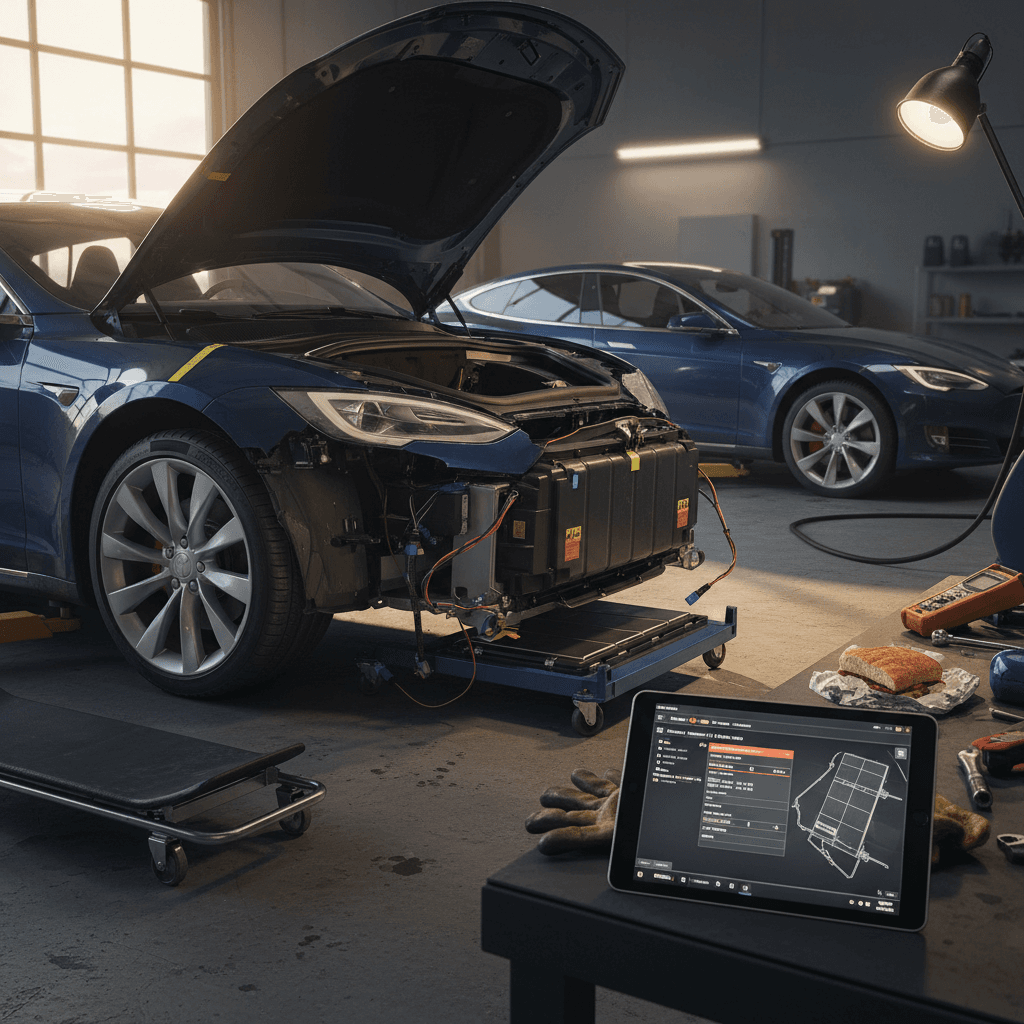
Unlike many ICE repairs, battery and charging problems can be rare but extremely expensive. Most Model X packs hold up well if they’re not abused, but you should still expect some range loss with age and mileage, along with occasional onboard‑charger or charge‑port issues.
- Gradual range loss (for example, a 90D that originally delivered ~257 miles EPA might show 220–235 miles at 100% after years of use).
- Slower DC fast‑charging on long road trips compared with new cars, especially after repeated high‑SOC fast‑charging.
- Occasional charge‑port latch issues or errors connecting to certain public chargers.
- On rare occasions, high‑voltage battery or drive‑unit failures, typically covered under Tesla’s 8‑year battery/drive‑unit warranty if within terms.
How Recharged handles battery uncertainty
Quick battery-health and charging checklist
1. Check displayed range at 80–100%
Ask the seller for a screenshot at 80–100% charge. Compare that to the original EPA‑rated range for that configuration to estimate degradation.
2. Review DC fast‑charging behavior
On a test drive, use a DC fast charger if possible. Watch how quickly the car ramps up and whether it holds reasonable speeds at mid‑state of charge.
3. Inspect charge port and cables
Look for damage, discoloration, or looseness around the charge port. Ensure the port opens smoothly and locks the connector properly.
4. Ask about warranty status
Confirm the in‑service date and whether the battery and drive unit are still within Tesla’s 8‑year coverage window for that model year.
5. Scan dash for warnings
Before and after driving, look for persistent battery, charging, or drivetrain warnings on the main display.
6. Get third‑party diagnostics
If you’re serious about a particular Model X, consider a professional EV inspection and battery diagnostic, Recharged includes this as part of our buying experience.
HVAC, heated features, and interior quirks
Comfort issues don’t always strand you, but they can be frustrating, especially in extreme climates. Model X owners have reported weak cabin heat or AC, noisy fans, and failures of heated seats, steering wheels, or defrosters over time.
Common interior and HVAC complaints
Most are fixable but worth checking before you buy.
Weak heating in winter
Noisy or inconsistent airflow
Inoperative heated seats or wheel
Easy HVAC checks anyone can do
Software, sensors, and Autopilot quirks
Every modern Tesla leans heavily on software. That’s both a strength and a weakness: bugs can be patched over‑the‑air, but you may see quirks after updates or when sensors age. Typical complaints include sudden Autopilot disengagements, lane‑keeping that feels inconsistent on poorly marked roads, or nagging warnings from cameras and ultrasonic sensors.
Common software and sensor issues on Model X
Not all software oddities are deal‑breakers, but persistent warnings can be time‑consuming to resolve.
| Issue | What you’ll notice | Probable cause | Owner-level fix? | Shop-level fix? |
|---|---|---|---|---|
| Random screen reboots or laggy UI | Center screen restarts while driving or feels slow | Older MCU hardware, software bugs, or 12V battery weakness | Sometimes, update software, reboot car | MCU replacement or deeper electrical diagnostics |
| Autopilot unavailable or limited | Messages like “Autopilot temporarily unavailable” or disabled features | Dirty/blocked cameras, extreme weather, or sensor faults | Often, clean cameras, ensure windshield is clear | Sensor/camera replacement and calibration |
| Phantom obstacle detections | Car brakes or alerts when nothing obvious is ahead | Sensor reflections, poor road markings, or soft‑ware tuning | Not reliably | Sensor replacement, alignment, and software review |
| Persistent sensor error message | Warning icons that don’t clear after restarts | Failed ultrasonic sensor, radar, camera, etc. | No | Replace faulty hardware and recalibrate |
Most software‑only issues are resolved via updates; hardware sensor failures require parts and calibration.
Don’t accept dashboard warning lights as “normal”
Repair costs, warranty coverage, and when to walk away
A key challenge with the Model X is that minor problems can be cheap and simple, while major ones get pricey fast. A door‑seal fix or sensor replacement may be a few hundred dollars; a battery, MCU, or air‑suspension replacement can run into five‑figure territory at a Tesla service center.
- Still under factory warranty: Many late‑model used Xs may retain some basic and battery/drive‑unit coverage, confirm in writing via Tesla or service history.
- Out of basic warranty, in battery warranty: Great from a drivetrain perspective, but you’re exposed on suspension, doors, HVAC, and tech features.
- Fully out of warranty: You’ll want a strong inspection, an emergency fund, or a discounted price that reflects risk.
How to tilt the odds in your favor
Ready to find your next EV?
Browse VehiclesChecklist: Inspecting a used Tesla Model X
On-the-ground checklist for your test drive
1. Exterior and doors
Inspect panel gaps around the Falcon Wing and front doors. Open/close each multiple times, checking for smooth, quiet motion and proper sealing. Look for water stains or rust near door edges.
2. Suspension and tires
Check tread depth and look for uneven wear. During the drive, listen for clunks or squeaks and pay attention to how the car feels over bumps and at highway speeds.
3. Battery and charging
Review the displayed rated range at high state of charge, ask about fast‑charging behavior, and inspect the charge port for damage. If possible, plug into a Level 2 or DC fast charger during your visit.
4. HVAC and interior features
Test A/C and heat from a cold start, cycle fan speeds, and try every heated seat, steering wheel heater, window, and powered seat adjustment. Note any delays, noises, or dead zones.
5. Software and driver‑assist
Verify that Autopilot (if equipped) enables correctly, that the screen is responsive, and that there are no persistent sensor or system warnings. Confirm all cameras show clean images.
6. History and documentation
Ask for service records, prior repair invoices, and any extended coverage documentation. Confirm title status and check for accidents or structural repairs through history reports.
Frequently asked questions about Tesla Model X problems
Tesla Model X problems and fixes: FAQ
Is a used Tesla Model X still worth it?
A Tesla Model X can be an incredible vehicle: quick, spacious, and loaded with tech. It can also be unforgiving if you buy the wrong example or ignore early warning signs. By understanding Tesla Model X common problems and fixes, from Falcon Wing door quirks to suspension wear, battery health, and software behaviour, you put yourself in a much stronger position as a buyer or current owner.
If you’re shopping used, prioritize clean history, solid service records, calm and consistent door/suspension behaviour, and verified battery diagnostics. That’s exactly the lens Recharged uses when evaluating vehicles for our marketplace. Every Model X we sell comes with a Recharged Score Report, transparent pricing, and EV‑specialist support so you can focus on enjoying the car instead of worrying about what might go wrong.